Tired of staring at dry tutorials and dense textbooks? The journey to mastering code can feel like an endless grind, but what if you could turn it into an adventure? Welcome to the world of programming learning games, where syntax becomes strategy and debugging is part of the quest. This isn't just about making learning 'fun'; it's about leveraging interactive environments to build real-world skills more effectively.
Games provide instant feedback, present complex problems as achievable challenges, and create a powerful sense of accomplishment that keeps you motivated. They solve the core problem of learner burnout by replacing rote memorization with active problem-solving. This guide is designed to help you find the perfect game for your specific goals and skill level.
We've compiled and analyzed the top platforms that transform the steep learning curve of programming into an exciting gameplay loop. Each entry includes a breakdown of its target audience, key features, practical applications, and direct links with screenshots to help you start playing immediately. Whether you're a beginner taking your first steps into Python, an experienced developer sharpening your algorithm skills, or an educator seeking engaging classroom tools, this list has a resource tailored for you. Let's dive in.
1. Vibe Coding Academy – AI-Driven Development Platform
Vibe Coding Academy stands as a premier choice in the realm of programming learning games, offering a sophisticated, AI-driven platform that uniquely merges creative expression with technical skill development. It carves out a distinct niche by enabling learners to concentrate on high-level problem-solving and algorithmic thinking, while its intelligent AI handles the more tedious aspects of syntax and boilerplate code. This approach transforms learning from a purely technical exercise into an engaging and intuitive journey.
The platform's strength lies in its gamified, interactive tutorials that are designed not just to teach, but to inspire. Rather than simply completing code challenges, users build visually interesting and functionally creative projects, making abstract concepts tangible. This methodology is particularly effective for visual learners and creative individuals who may find traditional, text-heavy coding education unappealing.
Key Strengths and Use Cases
- AI-Assisted Development: Vibe Coding Academy excels by integrating an AI partner that functions similarly to advanced tools like GitHub Copilot. This allows beginners to build functional applications without getting bogged down by syntax errors, fostering a sense of accomplishment early on. For a deeper understanding of how such tools are reshaping development, you can explore AI coding assistants further.
- Creative Project Focus: The platform is ideal for users interested in digital art, interactive media, or game design. The projects are geared towards producing aesthetic and interactive outcomes, making it a powerful tool for artists and designers looking to expand into coding.
- Bridging Skill Gaps: Experienced developers can use the platform to rapidly prototype creative ideas or explore new artistic approaches to software development, breaking free from conventional coding patterns.
Platform Considerations
| Feature | Assessment |
|---|---|
| User Experience | The interface is clean, modern, and highly intuitive. The gamified elements and visual feedback create a positive and motivating learning environment. |
| Learning Curve | Gentle for beginners, as the AI abstracts away much of the initial complexity. However, this may pose a challenge for those wanting deep syntactic mastery from day one. |
| Community & Support | As part of the Vibecoding VIP ecosystem, users gain access to a supportive community and a rich directory of resources focused on the intersection of art and code. |
| Access | The platform is web-based, ensuring easy access without complex setup procedures. Enrollment details and pricing tiers are available directly on the website. |
Practical Tip: To maximize learning, periodically attempt to replicate a project or a feature without heavy reliance on the AI assistant. This will help reinforce your understanding of the underlying code structure and syntax, balancing creative freedom with foundational knowledge.
2. CodeCombat
CodeCombat transforms learning to code into an epic role-playing game (RPG). Instead of just reading tutorials, you write real Python or JavaScript to command your hero through dungeons, collect gems, and defeat ogres. This hands-on approach makes it one of the most engaging programming learning games for beginners, especially for younger learners aged 9 and up.
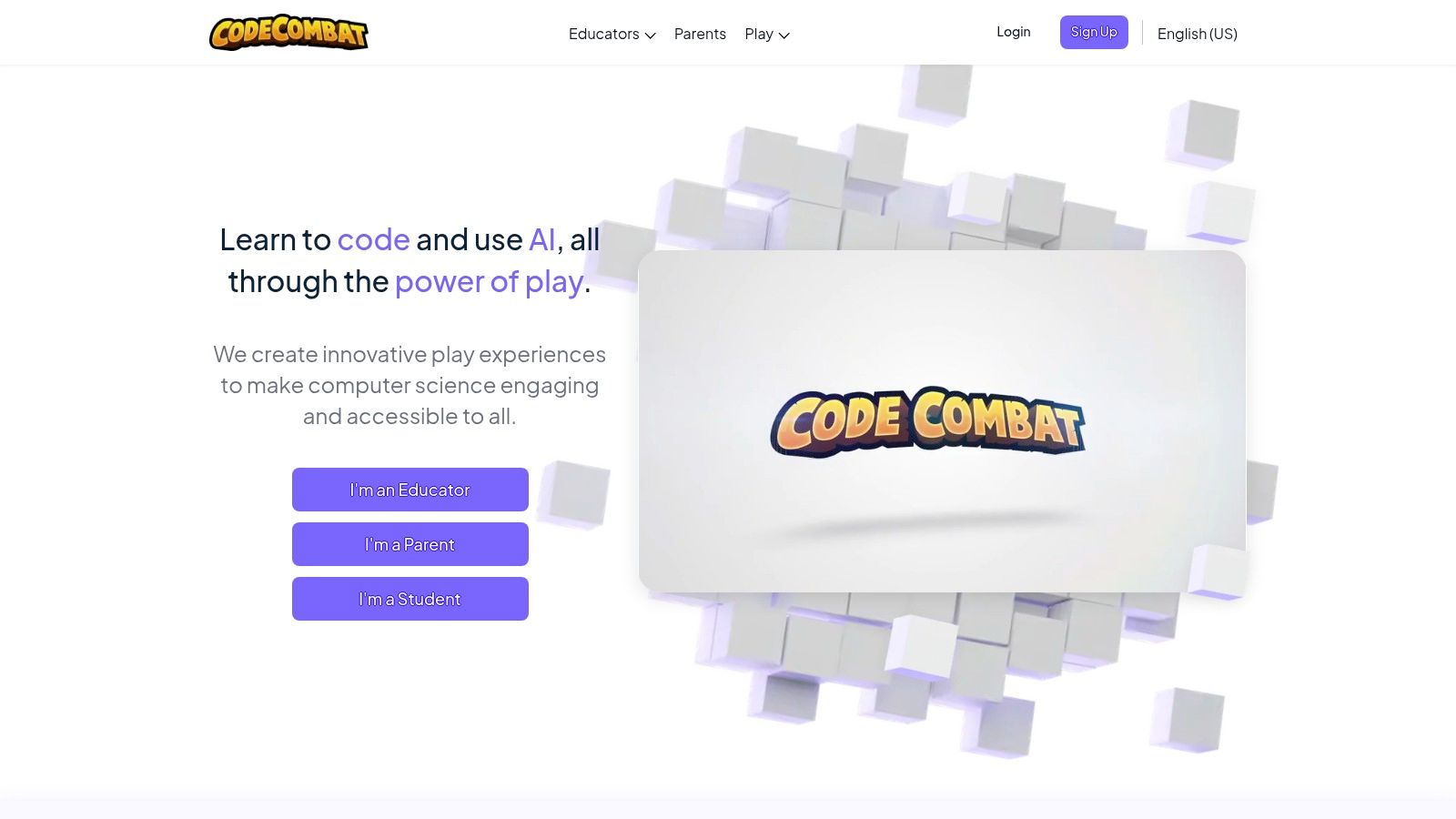
The platform provides a structured curriculum that introduces core programming concepts like loops, variables, and functions in a gamified context. You receive instant visual feedback as your character executes your code, making it easy to spot and fix errors. While the initial levels are free, unlocking the full game and more advanced content requires a monthly subscription. The game’s real-time editor and clear objectives provide a smooth learning curve, making it a standout choice for those just starting their coding journey. You can learn more about practical applications from these CodeCombat examples.
Key Features & Assessment
- Languages: Python, JavaScript
- Target Audience: Absolute beginners and intermediate learners (ages 9+)
- Cost: Freemium model; core levels are free, but advanced content requires a subscription.
- Pros: Highly engaging RPG format, excellent for visual learners, provides real-time code execution and feedback.
- Cons: The gamified approach may feel too simplistic for advanced programmers, and the paywall can limit progress.
Website: https://codecombat.com/
3. CodinGame
CodinGame offers a dynamic environment where programmers can sharpen their skills by solving complex challenges presented as games. Rather than following a linear path, you choose from a wide array of puzzles and multiplayer battles, applying your coding knowledge to control game elements. This makes it one of the best programming learning games for those who already have some foundational knowledge and want to apply it in competitive, real-world scenarios.
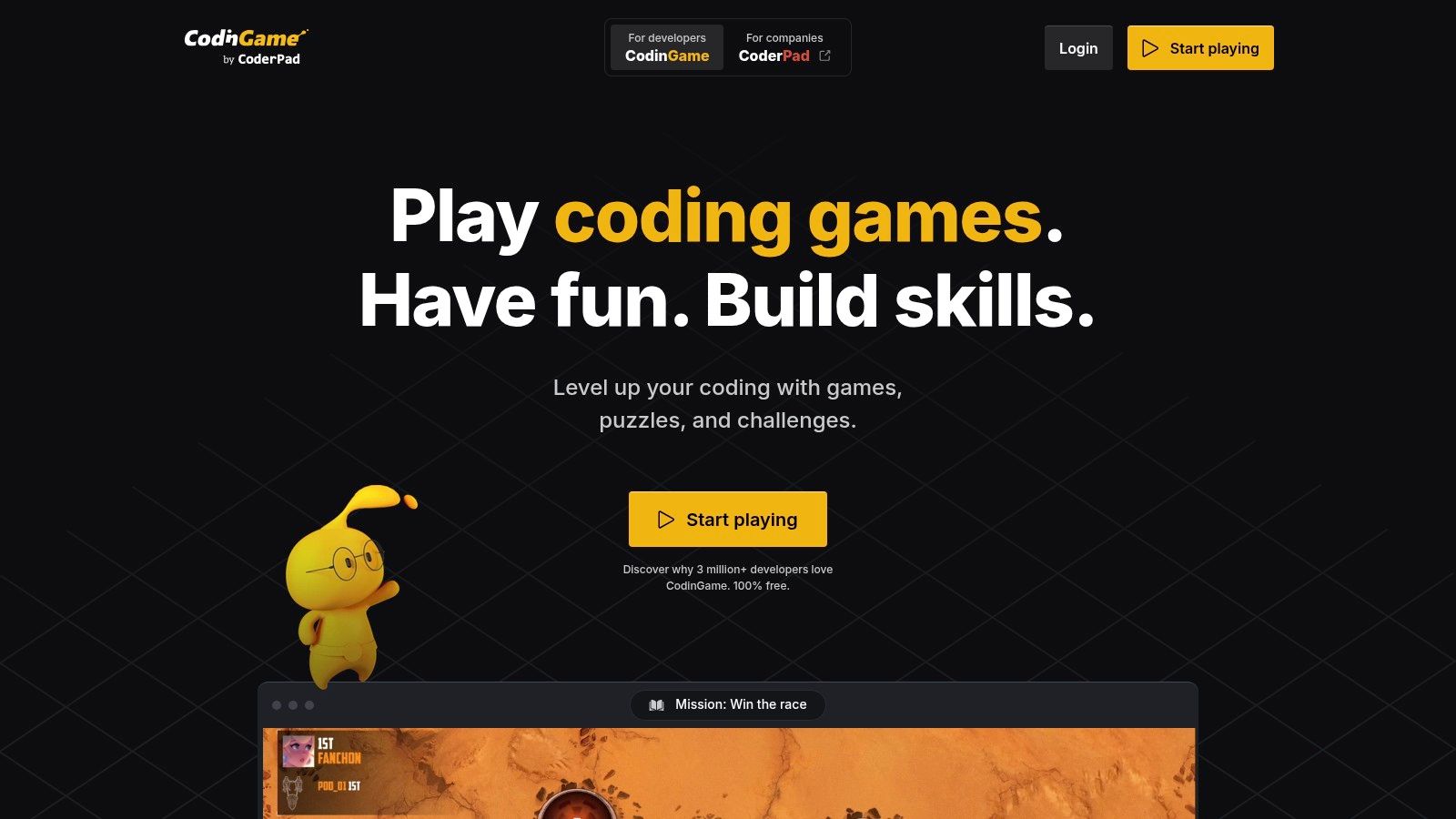
With support for over 25 languages, CodinGame attracts a diverse community of developers, from intermediate learners to seasoned professionals. The platform's strength lies in its competitive multiplayer games and community-driven challenges, which provide a practical test of problem-solving abilities. While it offers immense value for free, its lack of structured, beginner-friendly tutorials means absolute newcomers might find the learning curve steep. It is an excellent platform for preparing for technical interviews or simply enjoying coding as a competitive sport.
Key Features & Assessment
- Languages: Supports 25+ languages including C++, Java, Python, and JavaScript.
- Target Audience: Intermediate to advanced developers.
- Cost: Completely free access to all challenges and games.
- Pros: Vast language support, highly engaging competitive multiplayer environment, and provides opportunities to connect with potential employers.
- Cons: Challenges can be too difficult for absolute beginners, and it offers limited guided learning paths compared to other platforms.
Website: https://www.codingame.com/
4. Codewars
Codewars offers a unique martial arts-themed environment where developers hone their skills by completing coding challenges called "kata." Instead of a linear game, it's a community-driven platform where you solve problems to earn ranks and honor. This makes it one of the most practical programming learning games for those who want to improve their problem-solving abilities in a competitive, yet collaborative, setting with a massive variety of real-world challenges.
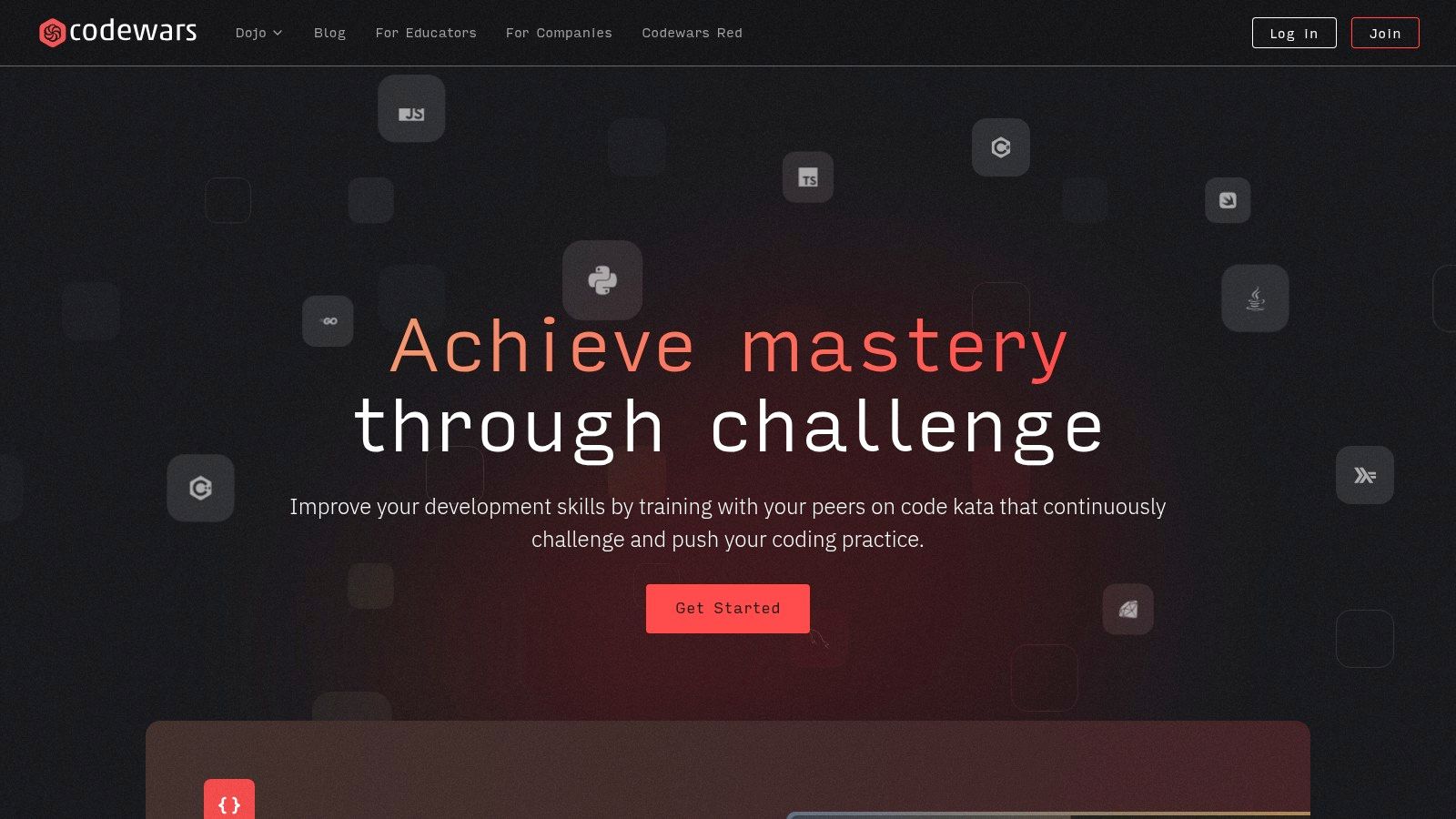
The platform stands out by supporting an extensive list of programming languages, allowing you to practice in your preferred tech stack. After solving a kata, you gain access to a feed of solutions from other users, which is invaluable for learning different approaches and more efficient coding techniques. While it's completely free, its unstructured nature means it's best suited for those who already have a basic grasp of programming fundamentals. If you want to configure a powerful local coding environment, you can integrate Codewars with tools like VS Code.
Key Features & Assessment
- Languages: Supports over 55 languages, including Python, JavaScript, Ruby, C++, Java, and more.
- Target Audience: Intermediate to advanced developers; motivated beginners with foundational knowledge.
- Cost: Completely free.
- Pros: Extensive language support, vast library of community-created challenges, ability to compare solutions with other users.
- Cons: Lacks a structured curriculum for absolute beginners, some challenges can be poorly explained or ambiguous.
Website: https://www.codewars.com/
5. CheckiO
CheckiO offers a unique, community-driven approach to mastering Python and TypeScript through problem-solving. Instead of traditional lessons, you navigate a map of "islands," where each island represents a different set of coding challenges. This platform stands out by encouraging you to not only solve puzzles but also to review, discuss, and learn from the solutions submitted by others. This peer-review system transforms it from a simple game into a collaborative learning hub.
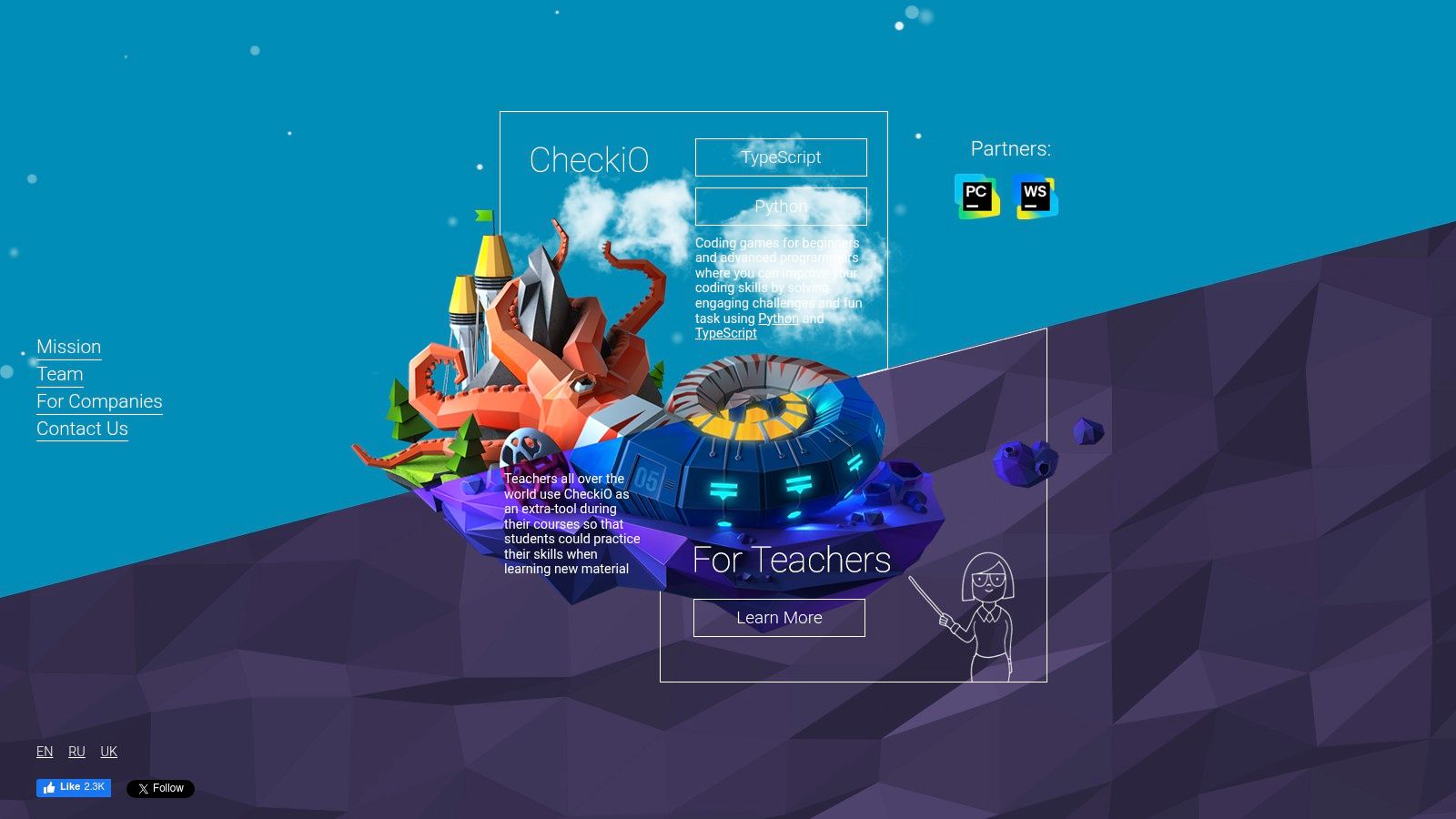
The platform is one of the best programming learning games for those who already grasp the fundamentals and want to improve their code's elegance and efficiency. After solving a mission, you gain access to a library of other users' solutions, which often reveal more Pythonic or sophisticated approaches to the same problem. This focus on code quality and community feedback makes it an invaluable resource for intermediate learners aiming to write more professional, idiomatic code. The core experience is entirely free, making it highly accessible.
Key Features & Assessment
- Languages: Python, TypeScript
- Target Audience: Intermediate learners, developers looking to refine their skills.
- Cost: Free; all core challenges and community features are available without a subscription.
- Pros: Strong focus on community and peer-reviewed solutions, excellent for improving code quality, completely free to use.
- Cons: Limited to only two languages, and the difficulty of some challenges may be daunting for absolute beginners.
Website: https://checkio.org/
6. Flexbox Froggy
Flexbox Froggy is a charming and highly effective game designed to teach the fundamentals of CSS Flexbox. In this simple yet powerful game, your goal is to help Froggy and his friends get to their lily pads by writing CSS code. This focused approach makes it one of the best programming learning games for web developers looking to master this specific, and often tricky, layout model.
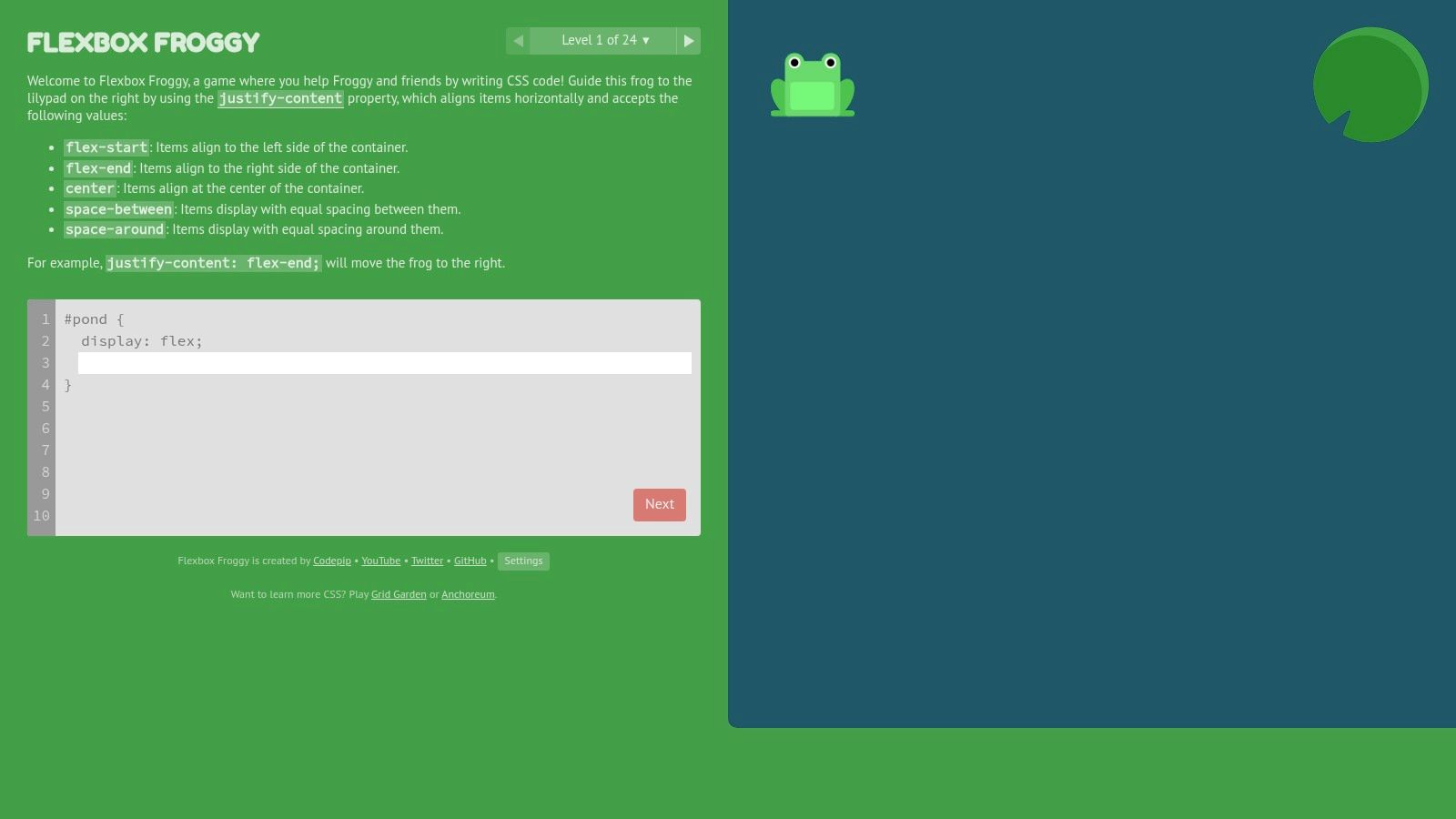
The platform features 24 progressively challenging levels, each introducing a new Flexbox property like justify-content, align-items, or flex-direction. As you write your code, the frogs on the screen move in real-time, providing instant visual feedback that reinforces the concepts. Its simplicity is its greatest strength; there are no sign-ups or fees required, allowing you to jump right in. While it won't teach you all of CSS, it excels at making one of its most essential components feel intuitive and easy to grasp.
Key Features & Assessment
- Languages: CSS (Flexbox)
- Target Audience: Beginner to intermediate web developers looking to master Flexbox.
- Cost: Completely free.
- Pros: Highly focused and effective for learning a single concept, free and instantly accessible, great for visual learners.
- Cons: Scope is limited only to CSS Flexbox, and it may be too basic for experienced front-end developers.
Website: https://flexboxfroggy.com/
7. CSS Diner
CSS Diner serves up a unique and focused challenge by teaching the intricacies of CSS selectors. Instead of broad lessons, this highly specific game tasks you with selecting animated items on a dinner table using the correct CSS syntax. This specialized approach makes it one of the most effective programming learning games for mastering a fundamental, yet often tricky, aspect of web development.
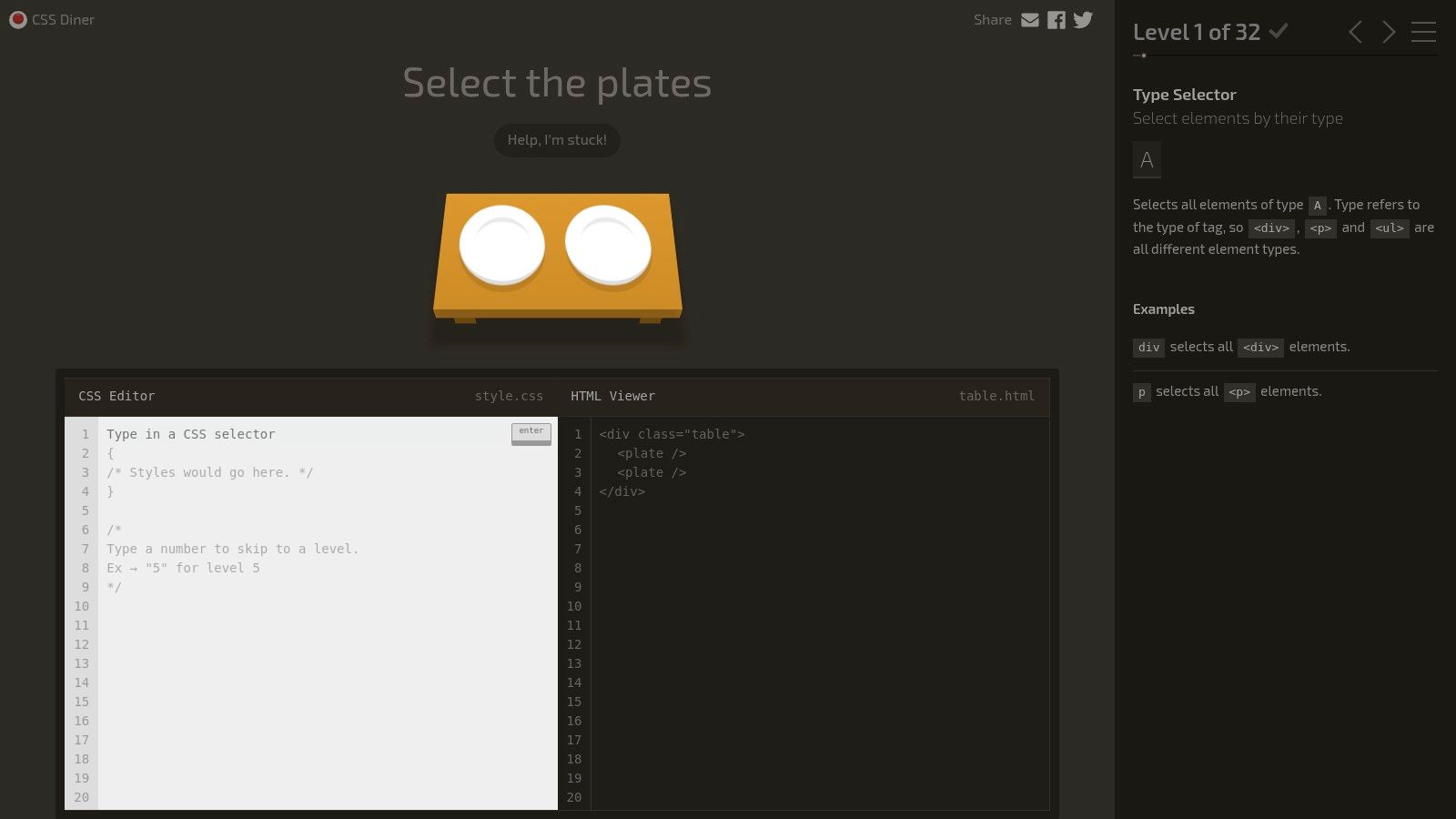
The platform features 32 levels that progressively introduce more complex selectors, from basic element types to advanced pseudo-classes. Its interactive nature provides instant visual feedback; the items you correctly select will wiggle, confirming your solution. CSS Diner is entirely free and browser-based, making it an incredibly accessible tool for front-end beginners or developers needing a quick refresher. The single-purpose design is its greatest strength, offering a fun, no-frills way to solidify your understanding of how to target elements precisely.
Key Features & Assessment
- Languages: CSS (Selectors)
- Target Audience: Front-end development beginners, developers needing a CSS refresher.
- Cost: Completely free.
- Pros: Highly focused on a single important skill, engaging interactive format, free and instantly accessible online with no sign-up.
- Cons: Scope is limited only to CSS selectors and does not cover other properties like layout or styling; too basic for experienced front-end developers.
Website: https://flukeout.github.io/
8. Robocode
Robocode is a classic programming game where you code the AI of a robot battle tank in Java or .NET and watch it fight against other robots. Instead of following a set curriculum, Robocode provides a sandbox environment where the goal is to outsmart opponents through superior logic, movement, and targeting. This makes it one of the most compelling programming learning games for those who already have a grasp on the basics of Java or .NET and want to apply their knowledge in a competitive, hands-on setting.
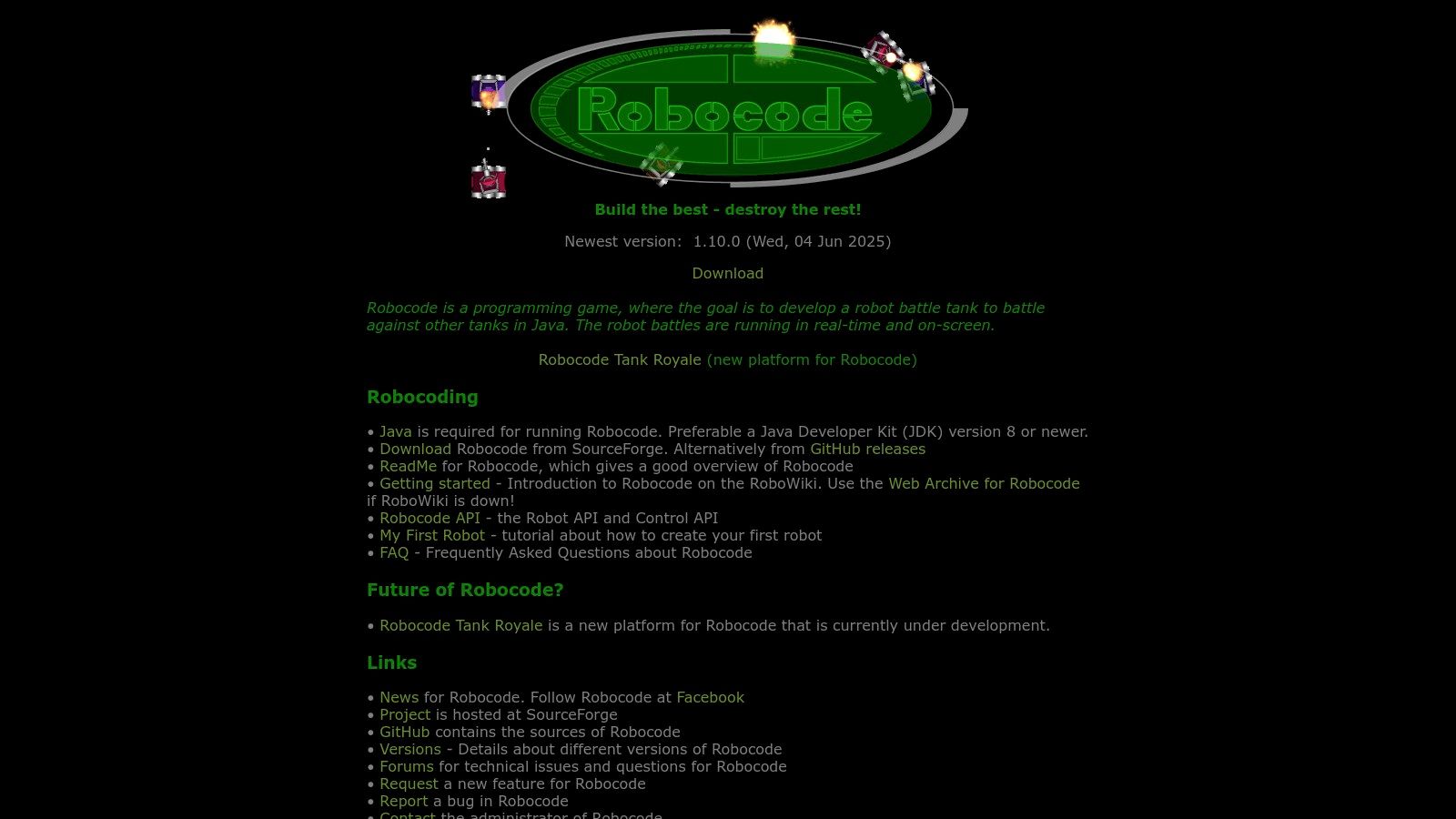
The game’s depth comes from developing sophisticated algorithms for your tank’s behavior. You use the provided APIs to control movement, scan for enemies, and fire your cannon. Success depends on refining your strategies through iterative coding and testing, making it an excellent platform for honing problem-solving and algorithmic thinking. Its open-source nature means it is completely free, and a dedicated community offers plenty of existing robots to study and compete against. Robocode is less a guided tutorial and more a pure test of your programming skills.
Key Features & Assessment
- Languages: Java, .NET
- Target Audience: Intermediate programmers with existing Java or .NET knowledge.
- Cost: Completely free and open-source.
- Pros: Encourages deep learning through competition, free and open-source, active and supportive community.
- Cons: Requires prior knowledge of a supported language, and the initial setup can be complex for absolute beginners.
Website: https://robocode.sourceforge.io/
9. Human Resource Machine
Human Resource Machine offers a witty and unconventional take on learning computational logic. In this puzzle game, you play as an office worker who must automate tasks by creating command sequences for your little avatar. It abstracts away complex syntax and instead focuses on teaching the core principles of assembly language and algorithm design, making it one of the more unique programming learning games available.

The game presents a series of increasingly difficult challenges that require you to build efficient "programs" to process items moving along conveyor belts. This framework brilliantly teaches concepts like loops, memory management, and conditional logic in a tangible, visual way. While it doesn't teach a specific programming language, its strength lies in building the foundational problem-solving mindset essential for any developer. The game is a one-time purchase and is available across multiple platforms, including PC, mobile, and Nintendo Switch.
Key Features & Assessment
- Languages: Teaches abstract programming logic, similar to assembly language.
- Target Audience: Absolute beginners and anyone looking to strengthen their logical thinking.
- Cost: One-time purchase (price varies by platform).
- Pros: Humorous and engaging narrative, excellent for building fundamental problem-solving skills, available on many devices.
- Cons: Does not teach actual coding syntax, and its abstract nature might not appeal to those seeking practical language skills.
Website: https://tomorrowcorporation.com/humanresourcemachine
10. Swift Playgrounds
Swift Playgrounds is a revolutionary iPad and Mac app from Apple that makes learning to code feel like solving a puzzle. It introduces the powerful Swift language, used by professional developers to build world-class apps, through a vibrant, interactive 3D world. You guide a character named Byte by writing real Swift code to solve puzzles and complete challenges, offering a direct and engaging way to grasp fundamental concepts. This makes it one of the best programming learning games for anyone curious about app development.
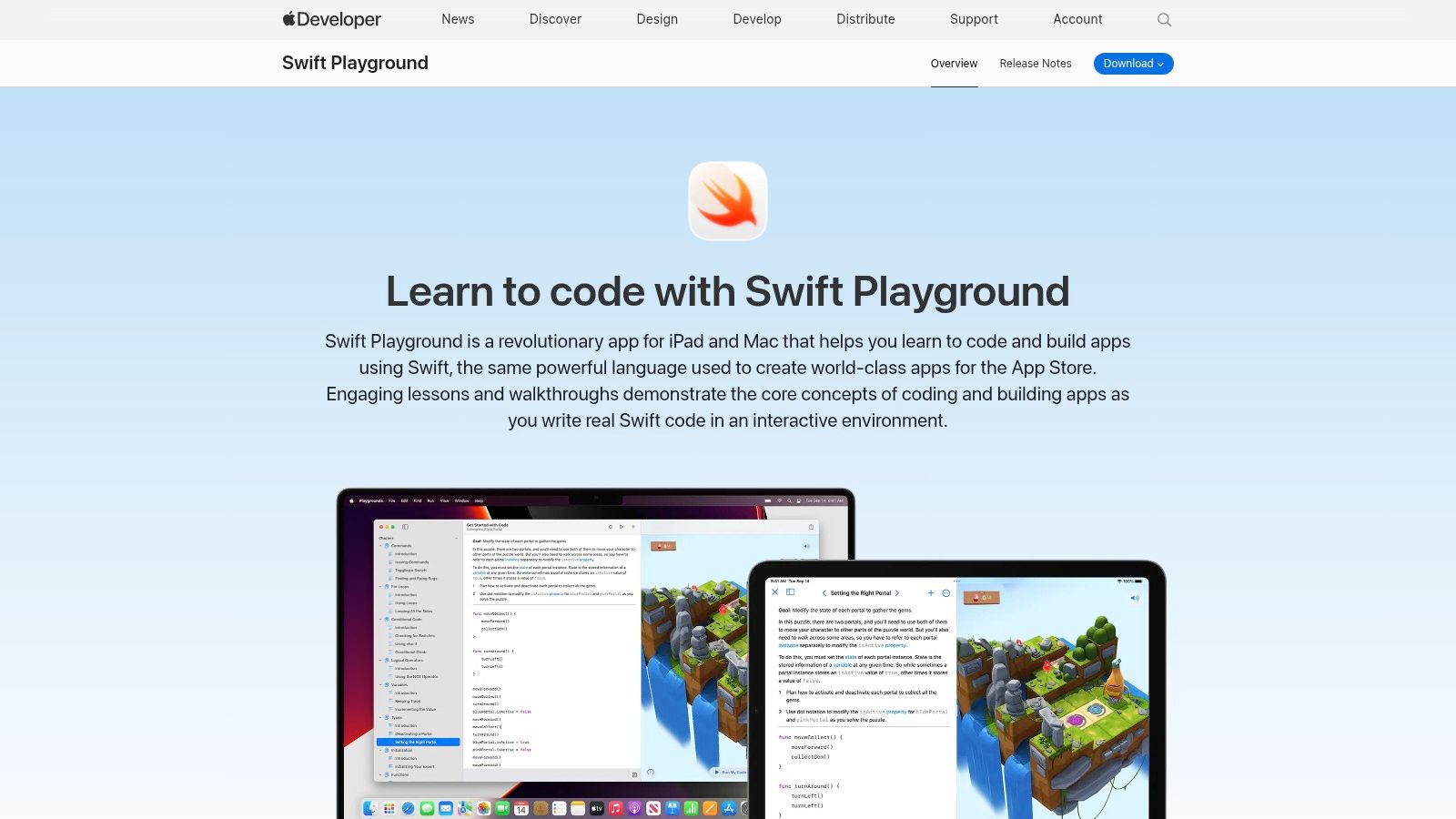
The platform stands out by seamlessly connecting virtual lessons to the physical world. It integrates with hardware like LEGO MINDSTORMS and Sphero robots, allowing you to see your code control real-world objects. The lessons are designed for absolute beginners with no coding knowledge required, making it accessible to a wide audience. As you advance, you can even move on to building real iOS apps directly within the Playground environment, providing a smooth transition from learning to creating.
Key Features & Assessment
- Languages: Swift
- Target Audience: Absolute beginners, especially those interested in iOS/macOS app development.
- Cost: Completely free on the App Store.
- Pros: Highly polished and engaging interface, connects coding to real-world hardware, provides a direct path to professional app development.
- Cons: Limited to Apple devices (iPad/Mac) and focuses exclusively on the Swift language, which may not be ideal for learners interested in web or game development on other platforms.
Website: https://developer.apple.com/swift-playgrounds/
11. CodeMonkey
CodeMonkey introduces coding concepts to children and absolute beginners through a series of fun, game-based challenges. The core experience involves writing code to help a monkey catch bananas, making it one of the most accessible programming learning games for a younger audience. Players learn real programming languages, starting with CoffeeScript, a simpler language that compiles into JavaScript, before moving on to Python.
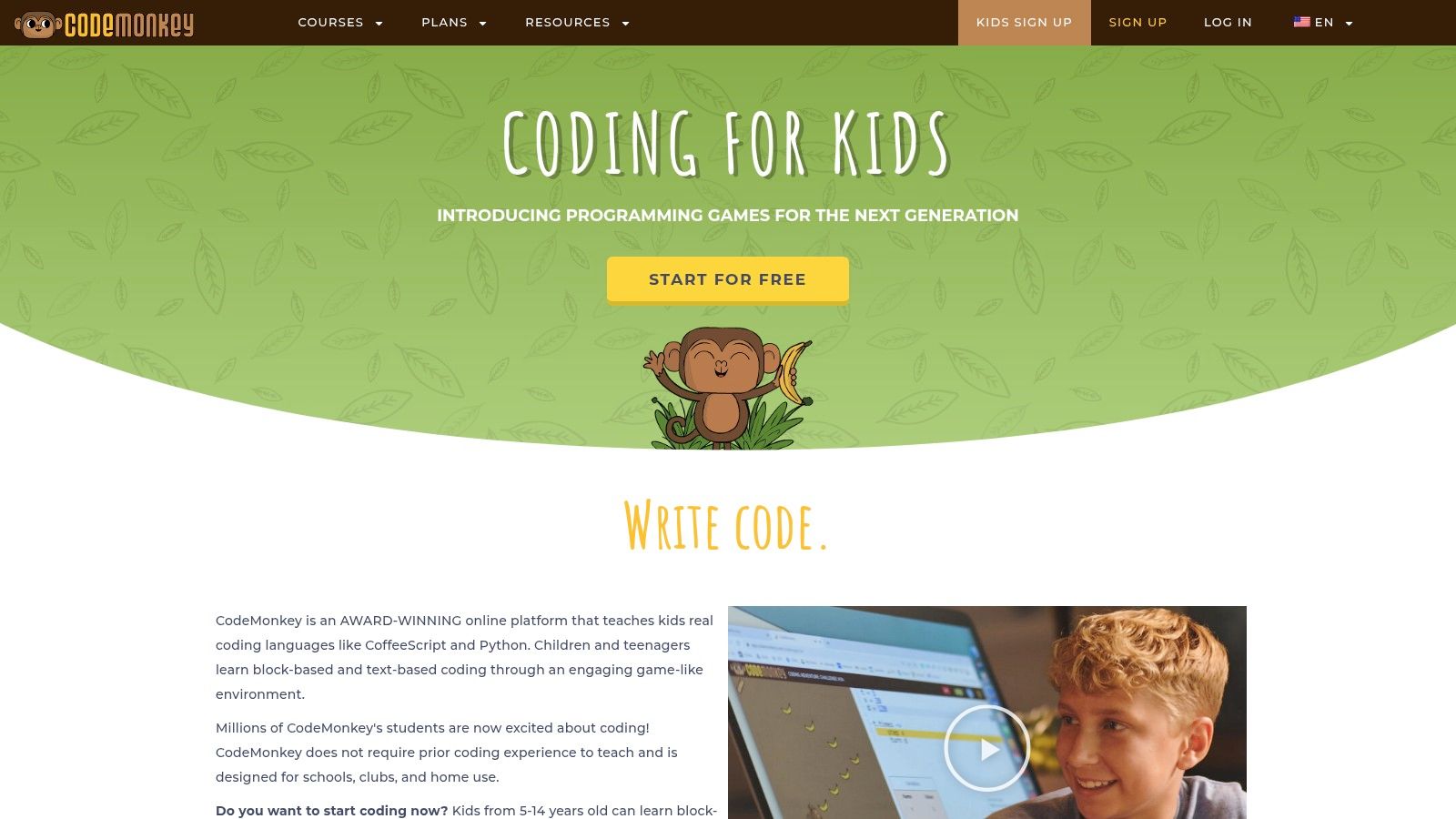
The platform is heavily structured for educational environments, offering detailed lesson plans and classroom management tools for teachers. The progression is linear, guiding learners from basic commands to more complex concepts like loops and functions in a step-by-step manner. While a free trial offers a taste of the platform, full access to all courses and features requires a subscription. CodeMonkey’s charm lies in its simplicity and direct application of code to achieve a clear, visual goal, which is perfect for building foundational confidence in new coders.
Key Features & Assessment
- Languages: CoffeeScript, Python
- Target Audience: Children and absolute beginners (ages 8+)
- Cost: Freemium model; limited free trial with full access via paid subscription plans.
- Pros: Highly engaging for young learners, strong educational framework with teacher resources, and a gentle learning curve.
- Cons: Primarily focused on a younger age group, and the main content is locked behind a paywall.
Website: https://www.codemonkey.com/
12. Tynker
Tynker is a comprehensive educational platform designed to introduce coding to children through a variety of interactive stories, puzzles, and creative projects. It uses a visual block-based approach that smoothly transitions learners to text-based languages like Python and JavaScript. This focus on structured progression makes it one of the most effective programming learning games for building foundational skills in a fun, accessible way.
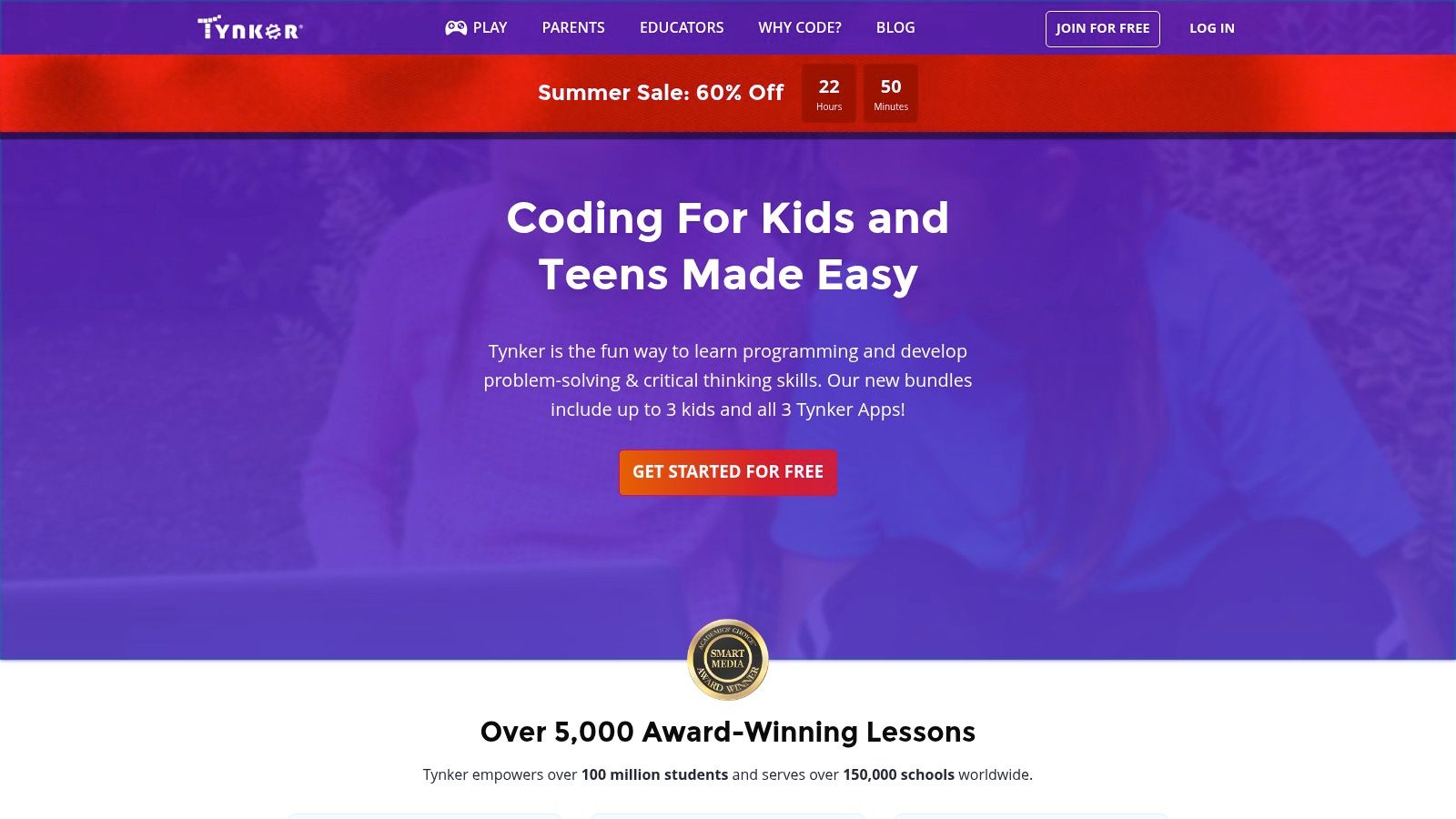
The platform offers a vast library of self-paced courses, including specialized tracks for game design, Minecraft modding, and app development. Tynker stands out with its robust resources for parents and educators, providing dashboards to track progress and manage learning paths. While many introductory projects are free, unlocking the full curriculum and advanced features requires a paid subscription. Its multi-platform availability ensures that learning can continue on a computer, tablet, or mobile device, making it a flexible choice for young, aspiring coders.
Key Features & Assessment
- Languages: Block-based, transitioning to Python, JavaScript, and HTML/CSS
- Target Audience: Young beginners (ages 5-14)
- Cost: Freemium; limited free content with full access requiring a subscription plan.
- Pros: Excellent for young learners, strong pathway from visual blocks to real code, extensive project library and educator resources.
- Cons: Subscription is necessary for deep learning, and content may feel too elementary for teenagers or older beginners.
Website: https://www.tynker.com/
Programming Learning Games Comparison Matrix
| Platform | Core Features/Characteristics | User Experience / Quality ★ | Value Proposition 💰 | Target Audience 👥 | Unique Selling Points ✨ |
|---|---|---|---|---|---|
| Vibe Coding Academy | AI-driven, gamified tutorials & problem-solving | ★★★★☆ | 💰 Moderate (AI-powered, niche) | Beginners & experienced coders | AI-focus, creative coding, Vibecoding VIP ecosystem 🏆 |
| CodeCombat | Multi-language, RPG gameplay, structured curriculum | ★★★★☆ | 💰 Free core + subscription | Ages 9+, beginners to intermediate | RPG-style coding game, real-time feedback |
| CodinGame | 25+ languages, challenges, multiplayer competitions | ★★★★☆ | 💰 Free | Beginners to advanced devs | Wide language support, competitive multiplayer ✨ |
| Codewars | Community challenges, ranking system | ★★★★☆ | 💰 Free | Beginners to advanced coders | Gamified "kata" challenges, active community |
| CheckiO | Python/TypeScript challenges, mission-based | ★★★★ | 💰 Free | Python/TS learners | Focused languages, peer solution sharing |
| Flexbox Froggy | CSS Flexbox game, 24 levels | ★★★★ | 💰 Free | Beginners learning CSS | Visual, simple CSS Flexbox teaching |
| CSS Diner | CSS selectors, 32 levels | ★★★★ | 💰 Free | Beginners learning CSS | Interactive CSS selector practice |
| Robocode | Java/.NET robot coding battles | ★★★★ | 💰 Free | Java/.NET intermediate users | Coding combat game, APIs for customization |
| Human Resource Machine | Programming logic puzzles | ★★★★ | 💰 Paid | Beginners & casual learners | Office-themed logic game, engaging story |
| Swift Playgrounds | Swift language, interactive puzzles, hardware support | ★★★★☆ | 💰 Free | iPad users, beginners | Apple ecosystem integration, hardware interaction |
| CodeMonkey | CoffeeScript/Python, age-specific, teacher resources | ★★★★ | 💰 Subscription + free trial | Children & beginners | Real language focus, school-friendly |
| Tynker | Block to real code, courses & projects, multi-platform | ★★★★ | 💰 Subscription | Kids & educators | Age-tailored content, broad platform support |
Press Start on Your Coding Journey
Learning to code no longer means staring exclusively at a text editor and command line. As we've explored, the world of programming learning games has transformed this educational journey into an engaging, interactive, and genuinely fun experience. From the competitive arenas of CodinGame and Codewars to the focused, puzzle-based challenges of Flexbox Froggy and Human Resource Machine, there is a game designed to match every learning style, skill level, and technological interest.
The true power of these platforms lies in their ability to contextualize abstract concepts. Instead of just learning what a for loop is, you use one to command your hero in CodeCombat or to optimize an army of bots in Robocode. This hands-on application solidifies understanding in a way that passive reading never could. You are not just memorizing syntax; you are actively problem-solving and seeing the immediate, tangible results of your code.
Choosing Your First Quest
The most critical step you can take now is to simply begin. Don't fall into the trap of analysis paralysis. The best programming learning games are the ones you will actually play. To help you decide, consider these starting points based on your goals:
- For Absolute Beginners: If you are new to coding, start with a game that offers extensive guidance and a gentle learning curve. Tynker, CodeMonkey, or Apple's Swift Playgrounds are excellent choices that build foundational logic skills without overwhelming you.
- For Aspiring Web Developers: To master the essentials of front-end development, there's no better practice than Flexbox Froggy for CSS layout and CSS Diner for understanding selectors. They provide targeted, memorable practice.
- For Experienced Developers Seeking a Challenge: If you already know the fundamentals and want to sharpen your algorithmic thinking and language proficiency, jump into the competitive communities of Codewars or CodinGame. These platforms will push your problem-solving abilities to their limits.
- For a Modern, AI-Powered Approach: For learners who want to bridge the gap between gamified learning and real-world application, a platform like Vibe Coding Academy offers a unique advantage. It integrates the engaging nature of coding challenges with AI-driven tools that reflect modern development workflows, preparing you for the future of the industry.
Final Boss: Consistency
Ultimately, the most significant factor in your success will be consistency. The beauty of programming learning games is that they make this consistency easier to achieve. Dedicating just 20-30 minutes a day to solving a few challenges on CheckiO or advancing to the next level in a game feels far more achievable than committing to hours of dense textbook reading.
Your coding journey is an adventure, and like any great quest, it will have its challenges, its breakthroughs, and its rewards. The tools we've covered are your map, your sword, and your shield. So pick a game that excites you, press start, and begin writing the first lines of your own developer story. The next level awaits.