Embarking on a coding journey can feel like learning a new spoken language; the first one you choose can significantly shape your understanding and future path. Selecting the best coding languages for beginners isn't about finding a single "perfect" option, but about discovering the one that aligns with your personal goals. Are you passionate about building beautiful websites, analyzing complex data, developing the next hit mobile game, or automating repetitive tasks? The right language acts as a key, unlocking the specific field you're most excited to explore.
This guide is designed to cut through the noise and provide a clear, actionable roadmap. We will explore several beginner-friendly languages, detailing what makes each one a strong contender. For every language, we will break down its core strengths, common real-world applications, potential drawbacks, and a curated list of top-tier learning platforms to get you started immediately. We'll look at structured courses on Coursera and Codecademy, project-based curricula like The Odin Project, and accessible resources from freeCodeCamp and Khan Academy. Our goal is to equip you with the insights needed to make an informed choice and begin writing your first lines of code with confidence.
1. freeCodeCamp
For aspiring developers seeking a comprehensive, project-driven learning path without the financial burden, freeCodeCamp is an unparalleled resource. It’s a non-profit organization that offers an extensive, self-paced curriculum entirely for free, making it one of the most accessible platforms for learning the best coding languages for beginners. The platform’s core philosophy is learning by doing, a methodology that is incredibly effective for solidifying new programming concepts.
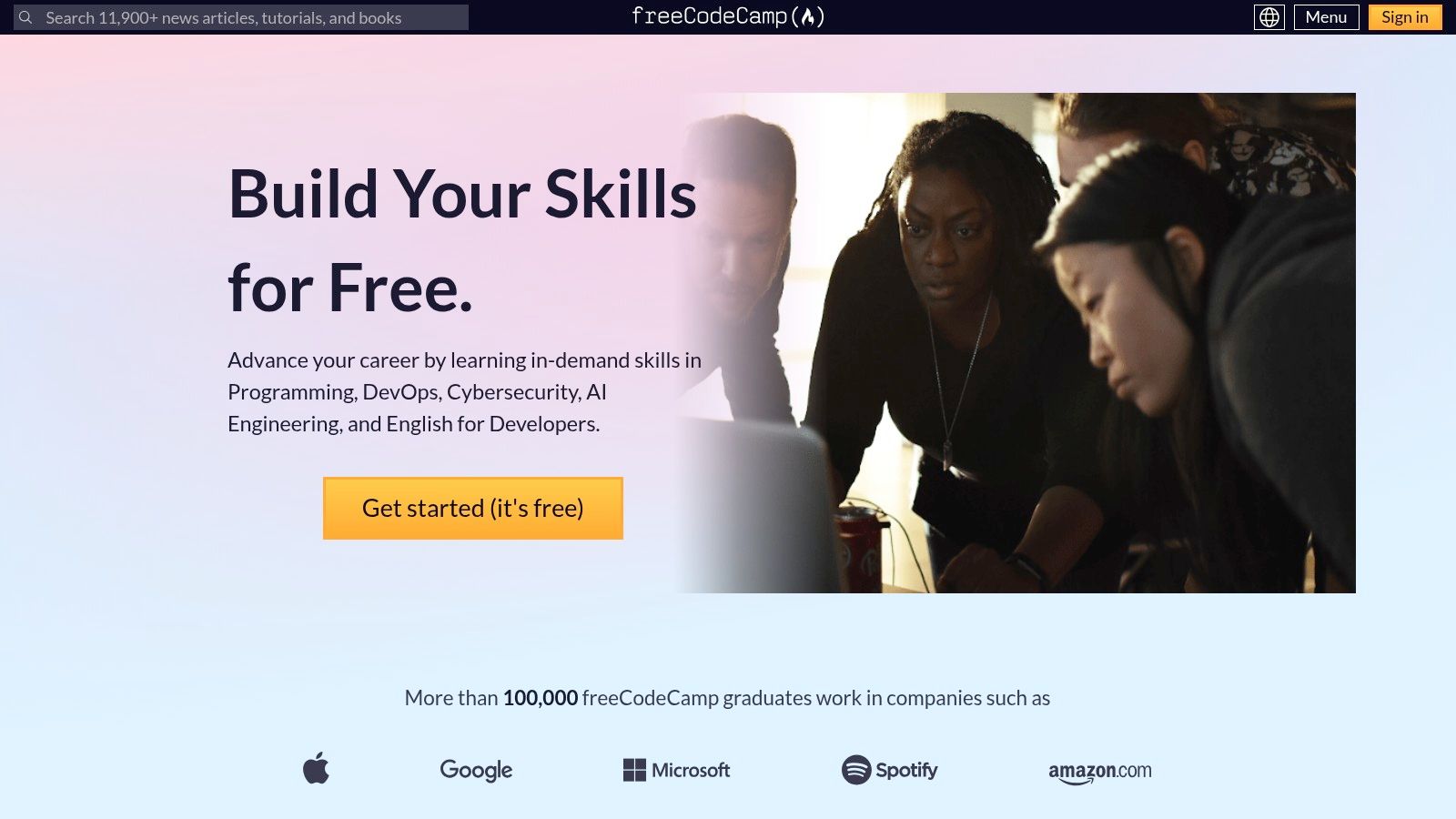
The curriculum is structured around earning certifications. For instance, the "Responsive Web Design" certification will guide you through HTML and CSS, while the "JavaScript Algorithms and Data Structures" certification dives deep into one of the most fundamental languages of the web. What sets freeCodeCamp apart is its insistence on building a portfolio. After learning the concepts through interactive exercises in a built-in code editor, you are tasked with building five real-world projects to earn each certification. This hands-on experience is invaluable for job hunting.
Key Features and User Experience
The user interface is straightforward and distraction-free, focusing entirely on the learning material. The platform's greatest strength lies in its supportive community. If you get stuck, the integrated forums are filled with learners and experienced developers who are eager to help you debug your code or understand a difficult concept.
Practical Tip: Don't just complete the projects to meet the minimum requirements. Try to personalize them by adding unique features or styling. This demonstrates creativity and deeper understanding to potential employers when you showcase your portfolio.
Platform Breakdown
| Feature | Details |
|---|---|
| Pricing & Access | Completely free. All courses, projects, and certifications are available without any cost or paywalls. |
| Content Focus | Web development (HTML, CSS, JavaScript, React), back-end development (Node.js), and data science (Python). |
| Learning Structure | Interactive coding challenges followed by mandatory, real-world portfolio projects for each certification. |
| Unique Offering | Earn recognized certifications by building a strong portfolio of projects, a key differentiator for job seekers. |
| Community & Support | Highly active forums, local study groups, and a massive online community for peer-to-peer support. |
While the self-paced nature requires discipline and you won't get personalized, one-on-one mentorship, the sheer volume and quality of free content make it an essential starting point for any beginner.
Website: https://www.freecodecamp.org/
2. W3Schools
For beginners who value a straightforward, reference-style approach to learning, W3Schools serves as an indispensable online encyclopedia. It's renowned for its concise tutorials and an extensive library covering nearly every aspect of web development, from foundational languages to server-side technologies. This makes it an excellent resource for quickly looking up syntax or understanding core concepts of the best coding languages for beginners.
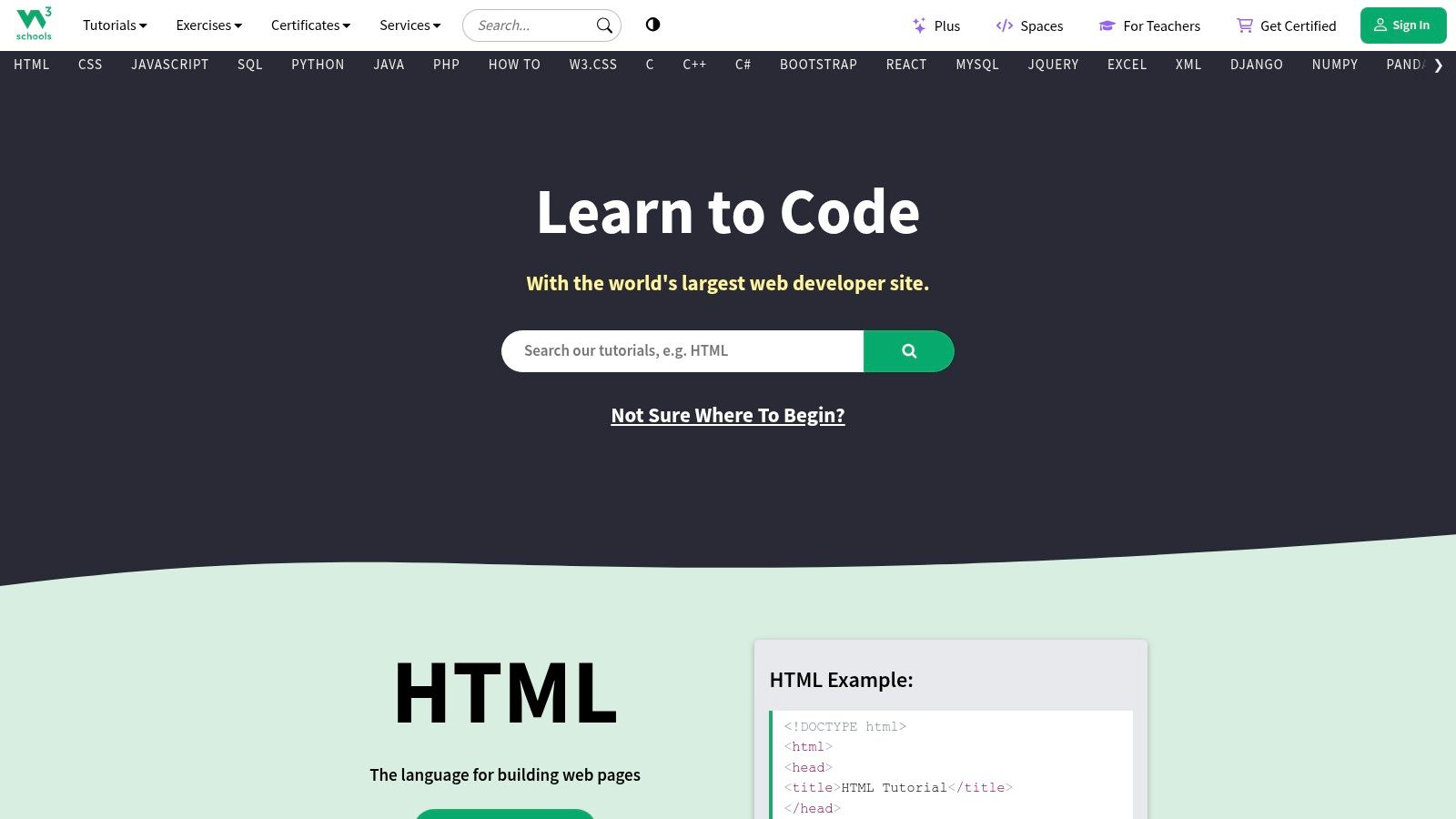
The platform excels with its "Try It Yourself" editor, an interactive feature that accompanies almost every code example. This allows you to immediately experiment with HTML, CSS, JavaScript, Python, or SQL code directly in your browser, see the output, and modify it to test your understanding. While it may not offer the guided, project-based curriculum of other platforms, its strength lies in providing quick, accurate, and easy-to-digest information, which is perfect for supplementing more structured learning or for getting immediate answers to specific coding questions.
Key Features and User Experience
W3Schools offers a clean, no-frills user interface where navigation is simple and information is easy to find. The content is broken down into small, logical chapters, making it easy to learn at your own pace without feeling overwhelmed. The inclusion of quizzes and exercises at the end of sections helps reinforce learning and test your knowledge before moving on. This bite-sized learning model is highly effective for absolute beginners.
Practical Tip: Use W3Schools as your go-to digital reference book. When you encounter a new HTML tag or CSS property in another course or project, look it up on W3Schools to see a simple explanation and a live example. This habit will accelerate your learning significantly.
Platform Breakdown
| Feature | Details |
|---|---|
| Pricing & Access | Mostly free. All tutorials, references, and the "Try It Yourself" editor are free and require no sign-up. Optional paid certifications are available. |
| Content Focus | Core web technologies (HTML, CSS, JavaScript), back-end languages (PHP, Python, SQL), and other frameworks. |
| Learning Structure | Reference-style tutorials with concise explanations, code examples, and an interactive "Try It Yourself" editor. |
| Unique Offering | An incredibly fast and easy-to-use "Try It Yourself" editor for immediate hands-on practice without any setup. |
| Community & Support | While it lacks a central forum, its content is so widely used that solutions to common questions are easily found online. |
Although it lacks the depth for advanced topics and some examples can be overly simplistic, W3Schools is an unmatched starting point for its clarity and accessibility. You can discover more resources like W3Schools to supplement your coding journey.
Website: https://www.w3schools.com/
3. Codecademy
For learners who thrive on immediate feedback and an interactive environment, Codecademy is a premier destination. It champions a hands-on methodology where you write code directly in the browser from the very first lesson, receiving instant validation or correction. This "learn by doing" approach removes the initial friction of setting up a local development environment, making it incredibly accessible for those just starting with the best coding languages for beginners.
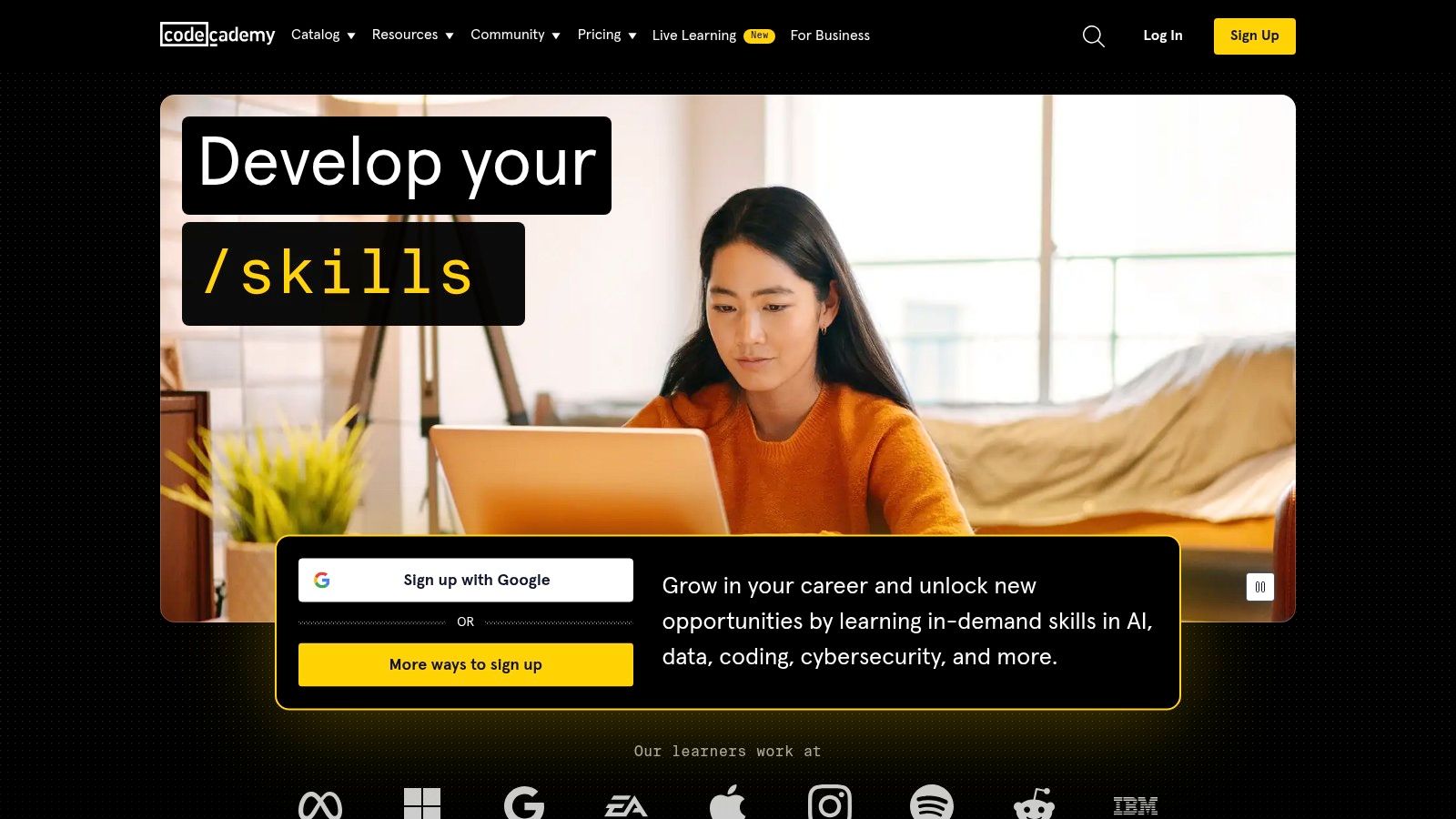
The platform offers a vast catalog of courses, from Python and JavaScript to SQL and Swift. Its real strength lies in its structured "Career Paths" and "Skill Paths," which bundle courses and projects together to prepare you for specific roles like "Front-End Engineer" or "Data Scientist." This guided curriculum helps eliminate the guesswork of what to learn next. After completing interactive exercises, you’ll apply your knowledge through quizzes and small projects, reinforcing concepts effectively. You can see various examples of Codecademy projects to understand what's possible.
Key Features and User Experience
Codecademy’s interface is clean and split into three panels: instructions, a code editor, and a live browser preview or console output. This setup creates a seamless feedback loop that is highly motivating for new coders. The free tier offers a good taste of the experience, but the real value is in the Pro subscription, which unlocks portfolio-worthy projects, career path content, and in-depth quizzes.
Practical Tip: Use the platform’s "cheatsheets" as a quick reference when you are working on projects. They are concise summaries of key syntax and concepts for a given language, which helps you build the habit of looking up documentation instead of just searching for an answer.
Platform Breakdown
| Feature | Details |
|---|---|
| Pricing & Access | A freemium model. Basic courses are free, but a Pro subscription is required for full access to paths, projects, and career services. |
| Content Focus | Broad focus including web development, data science, computer science, machine learning, and mobile development. |
| Learning Structure | Interactive, in-browser lessons with instant feedback, supplemented by quizzes, articles, and real-world projects. |
| Unique Offering | Guided "Career Paths" and "Skill Paths" that provide a clear, structured roadmap for achieving specific professional goals. |
| Community & Support | Active community forums and a dedicated Discord server for Pro members to get help and collaborate with peers. |
While the most valuable content is behind a paywall, the interactive nature of its free lessons makes Codecademy an excellent platform to discover which programming language truly clicks for you before committing financially.
Website: https://www.codecademy.com/
4. Coursera
For learners who value academic rigor and want to learn from instructors at world-class universities and companies, Coursera offers an unparalleled educational experience. It partners with institutions like Stanford, Google, and IBM to deliver courses that provide a strong theoretical foundation in computer science. This makes it an excellent platform for anyone looking to learn the best coding languages for beginners with a university-level curriculum from the comfort of their home.
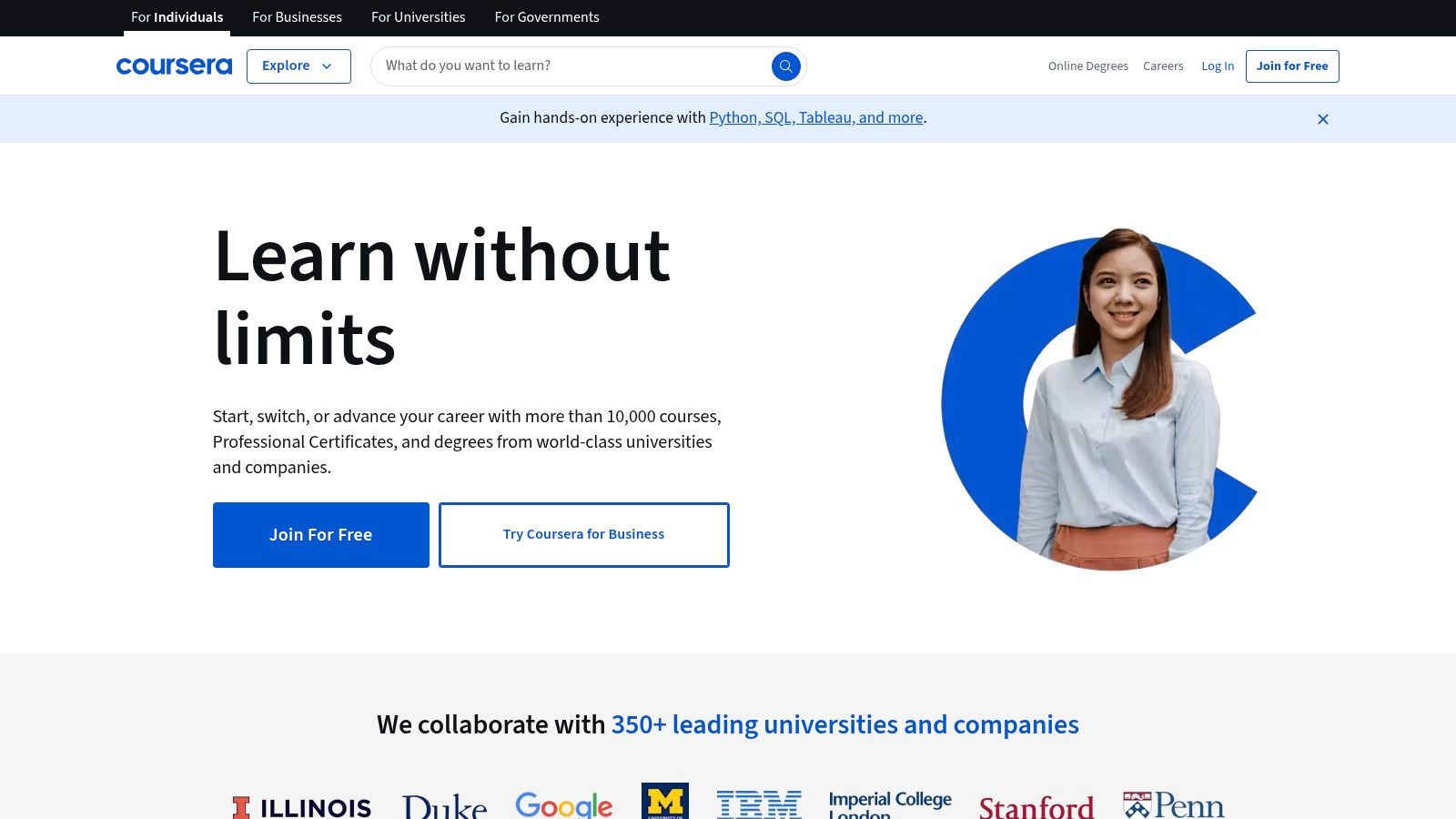
Coursera's structure is built around individual courses, Specializations (a series of related courses), and full Professional Certificates designed to get you job-ready. For instance, you can take "Programming for Everybody (Getting Started with Python)" from the University of Michigan or Google's "IT Support Professional Certificate" which covers a wide range of foundational tech skills. The blend of video lectures, reading materials, quizzes, and peer-reviewed assignments creates a well-rounded and structured learning environment.
Key Features and User Experience
The platform’s interface is clean and professional, guiding you through a structured weekly syllabus. What distinguishes Coursera is the quality of its instructors and the depth of its content. While many courses can be audited for free, paying for a course unlocks graded assignments and a shareable certificate upon completion, which adds significant value to a resume or LinkedIn profile.
Practical Tip: Many individual Coursera courses can be "audited" for free, giving you access to all video lectures and reading materials. Use this feature to sample a course or Specialization before committing financially to the full certificate track.
Platform Breakdown
| Feature | Details |
|---|---|
| Pricing & Access | Freemium model. Audit most courses for free. Paid options unlock certificates and graded assignments. |
| Content Focus | Broad, with strong offerings in Python, Java, C++, data science, machine learning, and web development. |
| Learning Structure | University-style courses with video lectures, quizzes, and peer-graded assignments. |
| Unique Offering | Official certificates from top-tier universities and industry leaders like Google, IBM, and Meta. |
| Community & Support | Course-specific forums for discussion with peers and teaching assistants. Financial aid is available. |
While the cost for certification can be a barrier for some, Coursera's financial aid program and the ability to audit courses make it highly accessible. It’s an ideal choice for beginners who thrive in a structured, academic-style environment.
Website: https://www.coursera.org/
5. Udemy
For learners who prefer a marketplace approach to education, Udemy offers a massive library of courses covering virtually every programming topic imaginable. Unlike structured platforms, Udemy allows you to pick and choose individual courses created by independent experts. This makes it an incredibly flexible resource for learning the best coding languages for beginners, as you can select a course that perfectly matches your learning style, budget, and specific goals, from a quick crash course to a comprehensive deep dive.
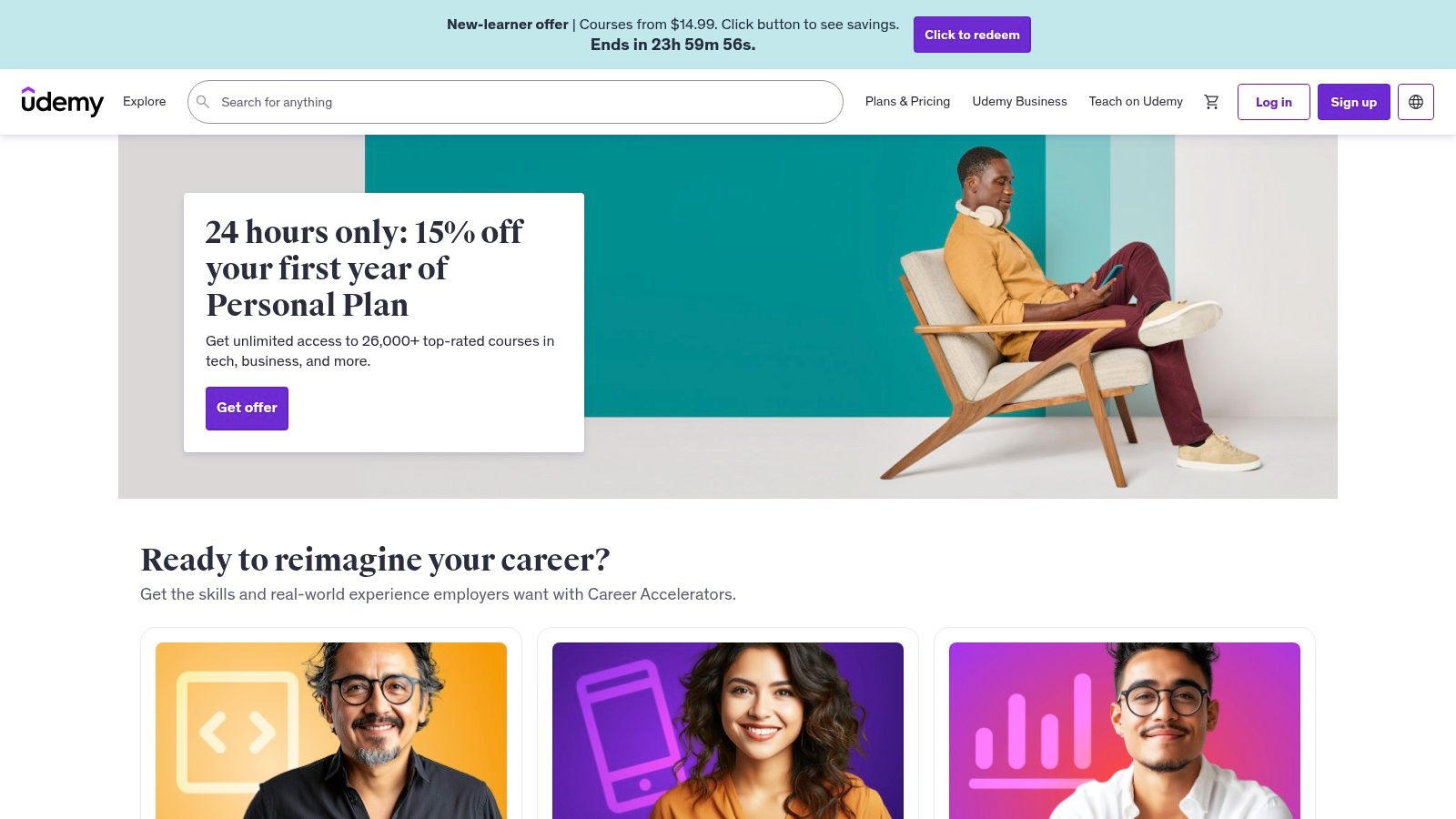
Udemy’s strength lies in its sheer volume and variety. You can find highly-rated, project-based courses on Python, JavaScript, Java, and more, often taught by industry professionals. Courses typically consist of on-demand video lectures, articles, and downloadable resources. Once you purchase a course, you get lifetime access, allowing you to revisit concepts or brush up on skills whenever you need to. This a la carte model empowers you to build a personalized learning path tailored to your interests. Many instructors also teach you how to set up your development environment, and some even provide guides on essential tools. You can explore more about setting up VS Code here.
Key Features and User Experience
The platform is easy to navigate, with powerful search and filter functions to help you find the right course. User reviews, instructor ratings, and detailed course previews are crucial for vetting quality. While direct instructor interaction can be limited, many courses feature active Q&A sections where instructors and teaching assistants answer student questions.
Practical Tip: Never pay full price. Udemy runs frequent and significant sales, often dropping prices by 90% or more. Add courses you're interested in to your wishlist and wait for a promotion to get incredible value for your money.
Platform Breakdown
| Feature | Details |
|---|---|
| Pricing & Access | Pay-per-course model. Prices vary, but frequent sales make most courses highly affordable. Lifetime access on purchase. |
| Content Focus | Extremely broad. Covers everything from web and mobile development to data science, game development, and more. |
| Learning Structure | Varies by course but is typically video-lecture-based, often with quizzes, coding exercises, and projects. |
| Unique Offering | An enormous marketplace of courses from different instructors, allowing you to find a perfect fit for your learning style. |
| Community & Support | Course-specific Q&A forums and direct messaging with instructors (response times may vary). |
While the quality can be inconsistent due to the open marketplace model, a little research into reviews and instructor credentials will lead you to some of the best-produced educational content online, making it a powerful resource for any motivated beginner.
Website: https://www.udemy.com/
6. Khan Academy
Known primarily for its excellence in math and science education, Khan Academy extends its high-quality, non-profit teaching model to the world of programming. It provides a welcoming and encouraging environment for absolute beginners, including younger learners, to explore the best coding languages for beginners. The platform excels at breaking down complex topics into simple, digestible "talk-throughs," where an expert narrates their thought process as they code, making abstract concepts feel tangible and understandable.
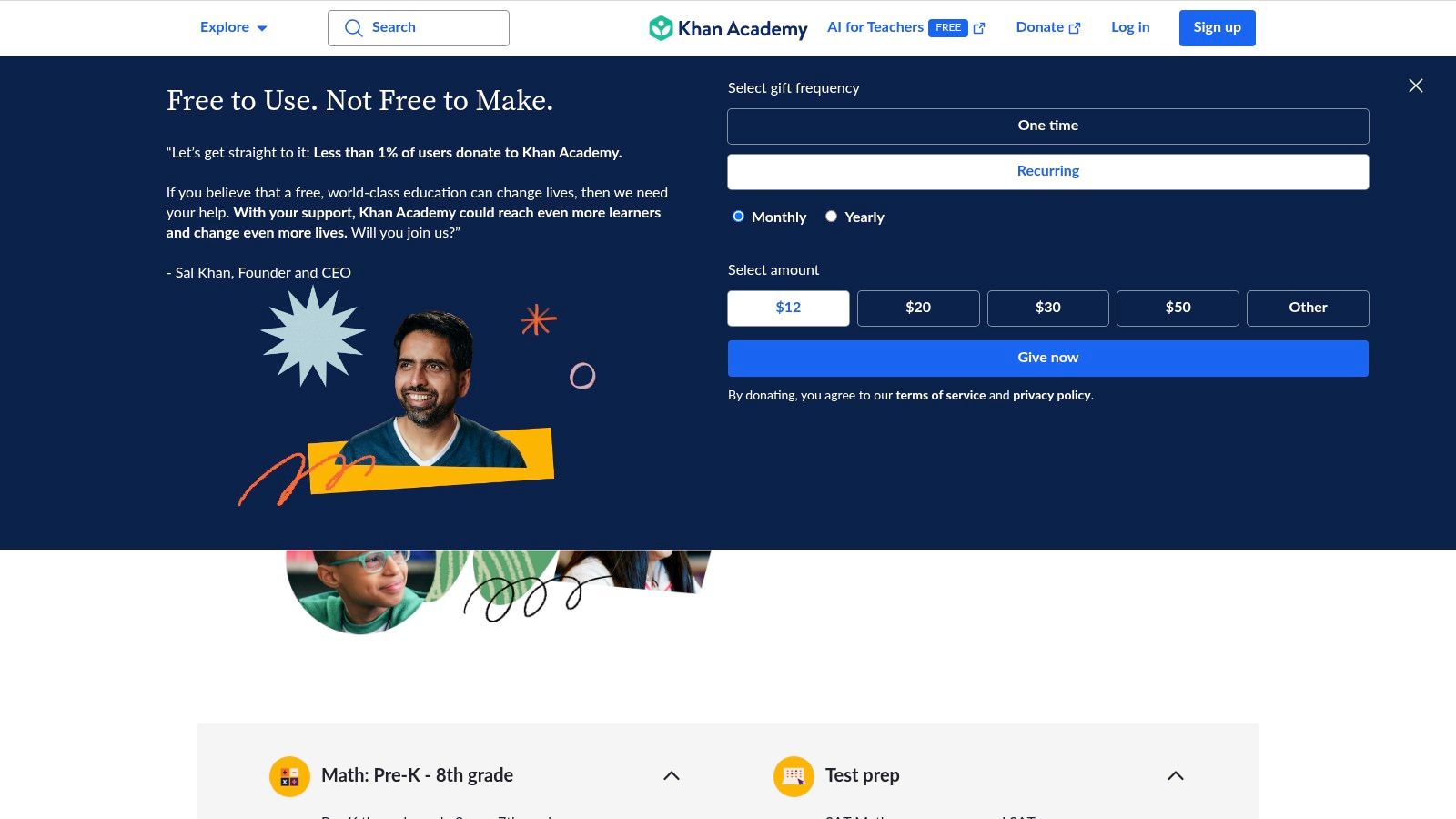
Khan Academy's computer programming curriculum focuses on foundational web technologies and creative coding. You can start with courses on HTML, CSS, and JavaScript to build web pages, or dive into SQL for database fundamentals. A unique aspect is its focus on the ProcessingJS library, a JavaScript framework that allows you to create drawings, animations, and interactive visualizations. This creative approach keeps learners engaged by producing immediate, visual results, which is highly motivating when starting out.
Key Features and User Experience
The platform’s interface is clean, user-friendly, and designed to foster learning without intimidation. Lessons feature a split-screen view with explanations on one side and an interactive code editor on the other, providing immediate feedback. The progress tracking system and personalized dashboard help you monitor your journey and stay on track, making it a well-structured and supportive learning space.
Practical Tip: Embrace the "spin-off" feature on projects. After completing a project, create a "spin-off" version to experiment freely. This lets you play with the code and add your own creative twists without fear of breaking the original lesson, accelerating your learning through exploration.
Platform Breakdown
| Feature | Details |
|---|---|
| Pricing & Access | Completely free. As a non-profit, Khan Academy offers all its courses and resources without any cost. |
| Content Focus | Foundational web development (HTML/CSS, JavaScript), database querying (SQL), and creative coding (ProcessingJS). |
| Learning Structure | Interactive "talk-throughs," coding challenges with instant feedback, and creative, project-based assignments. |
| Unique Offering | A strong emphasis on creative and visual coding, making it exceptionally engaging for artistic and younger learners. |
| Community & Support | Users can ask questions on each lesson, and a community of learners and mentors provides answers and feedback on projects. |
While Khan Academy may not have the depth to guide you to a senior developer role on its own, its accessible and encouraging introduction to programming is second to none. It’s an ideal, risk-free starting point for anyone curious about coding.
Website: https://www.khanacademy.org/
7. The Odin Project
For learners who want a rigorous, open-source path to becoming a full-stack developer, The Odin Project provides a free and meticulously curated curriculum. It is designed to take you from a complete novice to a job-ready professional by teaching you not just how to code, but how to think like a developer. It stands out by demanding that you build everything from your own development environment, which is a critical skill, and focuses on the best coding languages for beginners in the context of real-world web applications.
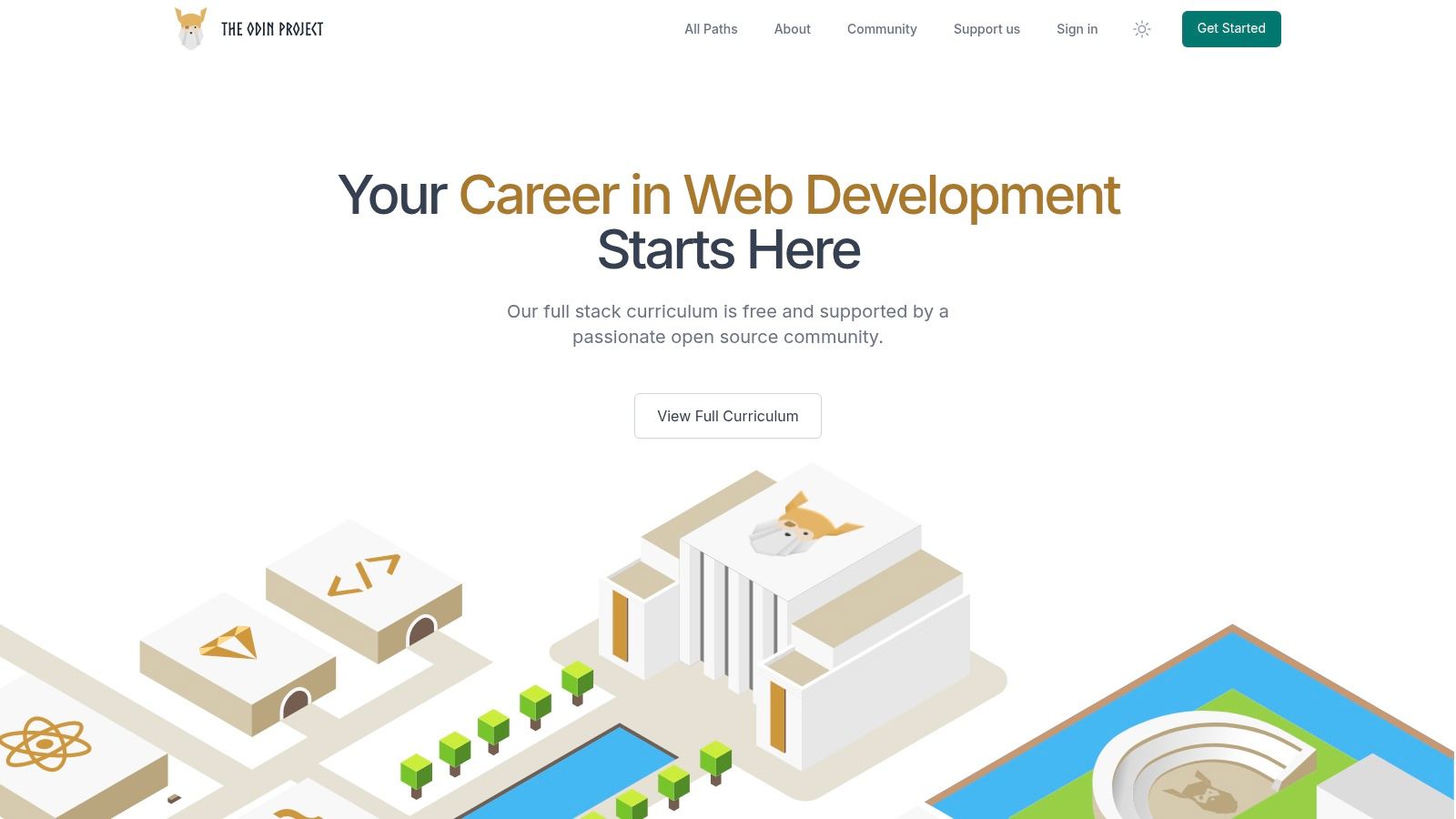
The Odin Project's curriculum is not just a collection of tutorials; it's a project-based roadmap. You will learn foundational languages like HTML, CSS, and JavaScript before moving into more advanced concepts like back-end development with Node.js or Ruby on Rails. The platform’s philosophy is to teach you how to fish, rather than just giving you a fish. It accomplishes this by linking out to the best existing resources on the web for a given topic and then challenging you with a project that requires you to apply what you’ve learned independently.
Key Features and User Experience
The user experience is text-based and straightforward, guiding you step-by-step through modules and lessons. There is no built-in code editor; you are expected to set up and use a professional development environment on your own computer, which is an invaluable practical experience. The platform's strength is its dedicated and highly active community on Discord, where students and alumni collaborate, troubleshoot, and support one another through the challenging curriculum.
Practical Tip: Embrace the "learn by doing" philosophy fully. When a project seems daunting, break it down into the smallest possible steps. The Odin Project is designed to push you, so lean on the Discord community for support when you get stuck, but always try to solve the problem on your own first.
Platform Breakdown
| Feature | Details |
|---|---|
| Pricing & Access | Completely free. The entire curriculum and all linked resources are available without any cost. |
| Content Focus | Full-stack web development with two paths: JavaScript (Node.js) and Ruby (Ruby on Rails). |
| Learning Structure | A curated path of readings and tutorials from around the web, followed by hands-on, portfolio-worthy projects. |
| Unique Offering | Teaches you how to build your own development environment from scratch, a critical skill for all developers. |
| Community & Support | Extremely active and supportive Discord server for collaboration, project feedback, and motivation. |
While the self-driven nature requires immense discipline and the lack of a hand-holding environment can be challenging, The Odin Project offers one of the most comprehensive and practical free educations in web development available today.
Website: https://www.theodinproject.com/
7 Platforms Coding Language Comparison
| Platform | Implementation Complexity 🔄 | Resource Requirements ⚡ | Expected Outcomes 📊 | Ideal Use Cases 💡 | Key Advantages ⭐ |
|---|---|---|---|---|---|
| freeCodeCamp | Moderate 🔄🔄 | Low ⚡⚡ | Strong portfolio with practical projects 📊📊 | Self-paced learners seeking hands-on projects 💡 | Completely free, project-based, active community ⭐⭐ |
| W3Schools | Low 🔄 | Low ⚡⚡⚡ | Basic knowledge of web fundamentals 📊 | Beginners learning web basics and quick references 💡 | Easy tutorials, interactive editor, no registration ⭐ |
| Codecademy | Moderate 🔄🔄 | Medium ⚡⚡ | Skill tracks with interactive feedback 📊📊 | Learners wanting guided, interactive coding paths 💡 | Real-time feedback, structured career paths ⭐⭐ |
| Coursera | High 🔄🔄🔄 | Medium to High ⚡ | University-level knowledge and certifications 📊📊 | Deep learning, formal education, certificates 💡 | High-quality content from top institutions ⭐⭐⭐ |
| Udemy | Low to Moderate 🔄 | Low to Medium ⚡ | Varied outcomes depending on course 📊 | Flexible, affordable courses for diverse learners 💡 | Large course selection, lifetime access, affordable ⭐ |
| Khan Academy | Low 🔄 | Low ⚡⚡ | Foundational programming skills 📊 | Beginners and younger learners seeking free quality 💡 | Free, interactive, user-friendly, progress tracking ⭐ |
| The Odin Project | Moderate to High 🔄🔄🔄 | Low ⚡⚡ | Full-stack development skills and portfolio 📊📊 | Self-motivated learners targeting full web dev path 💡 | Free, comprehensive full-stack, project focus, strong community ⭐⭐ |
Your Next Step: From Choosing a Language to Writing Your First Line of Code
You've explored a comprehensive landscape of learning platforms, each offering a unique pathway into the world of programming. We've navigated from the community-driven, project-based curriculum of freeCodeCamp to the structured, academic courses on Coursera, and the hands-on, interactive lessons of Codecademy. The key takeaway is clear: there is no single "best" way to learn to code, only the best way for you.
The most critical decision isn't about finding a flawless platform but about choosing one that aligns with your personal learning style and professional goals. This initial choice is your launchpad, not a life sentence. The journey to becoming a proficient developer is a marathon, not a sprint, and it often involves using multiple resources over time.
How to Choose Your Starting Point
Making a decision can feel overwhelming, so let's distill the process into actionable steps. Consider these factors to select the right platform and embark on your coding journey with confidence.
- If you thrive on structure and certification: Platforms like Coursera and Udemy are excellent choices. They offer university-backed or expert-led courses that often conclude with a shareable certificate, perfect for showcasing on a LinkedIn profile or resume.
- If you learn best by doing: Codecademy, with its interactive editor, and The Odin Project, with its robust project-based curriculum, are built for you. These platforms minimize theory and maximize practical application, letting you write real code from day one.
- If you're on a tight budget: freeCodeCamp, W3Schools, Khan Academy, and The Odin Project are your go-to options. They provide high-quality, comprehensive educational content entirely for free, proving that financial barriers don't have to stop your ambition.
- If you need a quick reference and clear documentation: W3Schools is an indispensable tool. While you might use another platform for your core learning, you'll likely return to W3Schools time and again for its clear, concise explanations and "try it yourself" examples.
Your First Actionable Steps
Information without action is just trivia. The true learning begins when you write your first line of code. Here’s your immediate plan to get started.
- Commit to One Platform: Review the options and pick one. Don't get stuck in "analysis paralysis." Choose the one that feels most exciting to you right now.
- Dedicate Time: Block out just 30-60 minutes in your calendar for your first session. Consistency is far more important than intensity, especially in the beginning.
- Start the First Module: Log in and complete the very first lesson or "Hello, World!" exercise. This small victory builds momentum and demystifies the process.
Ultimately, the best coding languages for beginners are those you can learn effectively and apply to projects that excite you. The platforms we've discussed are merely the vehicles; your curiosity and persistence are the fuel. Your journey from aspiring coder to proficient developer starts not with a grand plan, but with a single, deliberate step. Choose your tool, write that first line of code, and welcome to the incredibly creative and rewarding world of programming.