Getting Started
Finding the right animation software is the first critical step toward bringing your creative ideas to life, but professional-grade tools often come with a prohibitive price tag. This guide solves that problem by providing a detailed breakdown of the best free 2D animation software available today. Whether you're an aspiring animator, a student exploring digital art, a hobbyist creating for fun, or even a professional developer looking to integrate simple animations into your projects, a powerful, no-cost solution exists for your needs.
This article moves beyond simple feature lists. We will dive deep into twelve of the most capable and popular free tools, offering a comprehensive analysis of each one. You will find practical insights into their core functionalities, from traditional frame-by-frame drawing and vector-based rigging to advanced features like bone systems and bitmap painting. We'll explore the real-world usability of each platform, outlining specific use cases to help you match the software to your project goals.
Our reviews include honest assessments of each program's limitations, system requirements, and the learning curve you can expect. We will compare tools like the industry-tested OpenToonz, the beginner-friendly Pencil2D, and the surprisingly powerful 2D capabilities within Blender’s Grease Pencil. By the end of this resource, you will have a clear understanding of which software aligns with your skill level and creative ambitions, enabling you to select the perfect tool and start animating without spending a dime.
1. OpenToonz
Topping our list of the best free 2D animation software is OpenToonz, a powerful, professional-grade, and open-source tool with a serious industry pedigree. Originally developed for and customized by the legendary Studio Ghibli (known for films like Spirited Away), its codebase was made available to the public, giving independent creators access to a feature set typically reserved for high-end commercial applications. This software is not for the faint of heart; its power comes with a significant learning curve, but the payoff is immense for those willing to invest the time.
Key Features & Use Cases
OpenToonz excels in both traditional (scan-and-paint) and digital animation workflows. Its GTS scanning tool is specifically designed for efficiently scanning and cleaning up hand-drawn animation sequences. For digital artists, the vector and raster drawing tools provide a flexible creation environment. One of its standout features is the advanced effects SDK, which allows for complex compositing and visual effects, such as particle systems and lighting, directly within the software. This makes it ideal for ambitious short films or series that require a polished, cinematic look without needing to switch to a separate compositing program.
Pros and Cons
| Pros | Cons |
|---|---|
| Professional, studio-level features at zero cost. | Steep learning curve, especially for beginners. |
| Highly customizable with plugins and scripts. | User interface can feel dated and less intuitive. |
| Strong support for traditional scan-and-paint workflow. | Can be resource-intensive on older systems. |
Who It's For
OpenToonz is best suited for serious animators, small studios, and students who want to learn on industry-standard software without the financial barrier. If you plan to create full-scale animated projects and need robust tools for dynamic lighting, special effects, and detailed character animation, OpenToonz is an unparalleled free option. However, absolute beginners might find tools like Krita or Pencil2D more approachable for their first projects.
Website: OpenToonz Official Site
2. Pencil2D
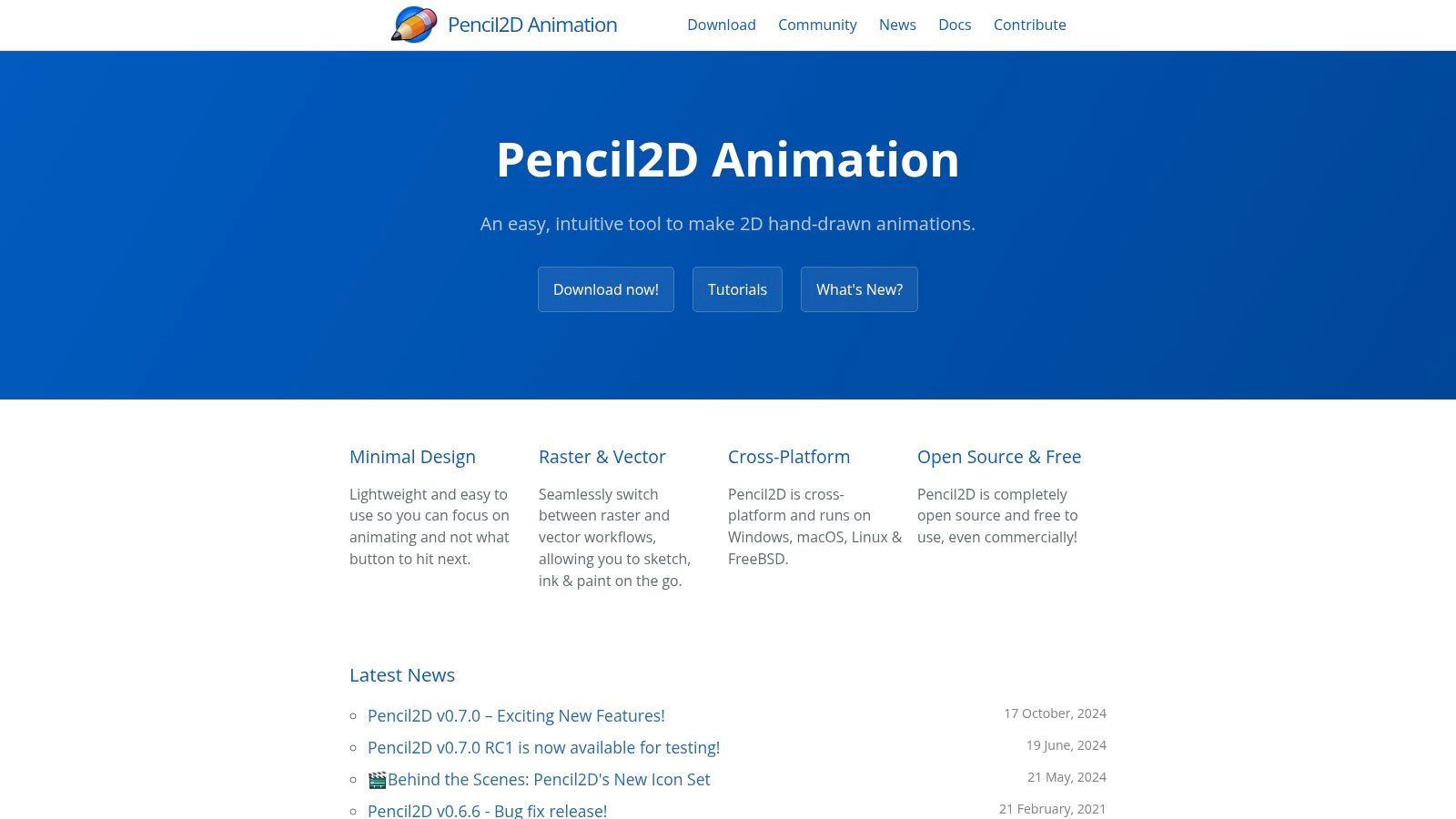
For those taking their first steps into the world of 2D animation, Pencil2D is a fantastic starting point. This lightweight and open-source software is designed with one core principle in mind: simplicity. It focuses on traditional, hand-drawn animation techniques, stripping away the complex features of more advanced programs to offer a clean, intuitive workspace. This minimalist approach makes it one of the most accessible pieces of free 2D animation software, allowing newcomers to focus on the fundamentals of animation rather than getting lost in a complicated user interface.
Key Features & Use Cases
Pencil2D is built for frame-by-frame animation. Its primary strength lies in its easy-to-use timeline and effective onion skinning, which lets you see previous and subsequent frames to create smooth motion. The software supports both raster (bitmap) and vector layers, giving you flexibility in how you create your artwork. It’s perfect for creating simple animated shorts, practice exercises like bouncing balls or walk cycles, and storyboarding or creating animatics. Because it is so lightweight and cross-platform (Windows, macOS, Linux), it's an excellent choice for educational settings or artists who need a simple tool for quick creative bursts.
Pros and Cons
| Pros | Cons |
|---|---|
| Extremely user-friendly and intuitive interface. | Lacks advanced features like tweening or bones. |
| Lightweight and runs well on older hardware. | No built-in shape tools for geometric drawing. |
| Strong focus on traditional frame-by-frame workflow. | May be too simplistic for complex projects. |
Who It's For
Pencil2D is tailor-made for beginners, hobbyists, and students. If you are new to animation and want to learn the core principles without being overwhelmed, this is the ideal tool to start with. It's also a great scratchpad for experienced animators who want to quickly sketch out an idea. However, if your project requires complex character rigs, automated in-betweening, or advanced visual effects, you will quickly hit the limits of Pencil2D and should consider a more robust tool like OpenToonz.
Website: Pencil2D Official Site
3. Krita
While primarily celebrated as a top-tier digital painting program, Krita has evolved into a formidable contender for the best free 2D animation software. It beautifully merges the worlds of illustration and animation, offering a seamless workflow for artists who want to bring their detailed paintings to life. This unique positioning makes it a favorite for creating painterly, hand-drawn animations where texture and brushwork are central to the aesthetic. Rather than being a pure animation suite, it's an artist's studio with powerful animation tools built right in.
Key Features & Use Cases
Krita's strength lies in its frame-by-frame raster animation capabilities. Its intuitive animation docker, timeline, and onion skinning controls make the process straightforward, even for those new to animation. The biggest draw is its legendary brush engine, featuring over 100 professional-quality, fully customizable brushes. This allows for unparalleled artistic expression, perfect for creating animated sequences with rich, organic textures. Artists can also import audio to sync sound with their visuals. The workflow is ideal for creating short animated loops, expressive character animations, and storyboards that require a strong illustrative style, a process which some users parallel to the design flow found when exploring tools on vibecoding.vip.
Pros and Cons
| Pros | Cons |
|---|---|
| World-class brush engine for painterly animation. | Limited vector animation capabilities. |
| Seamless integration between painting and animation tools. | Performance can slow down on complex, high-resolution projects. |
| Highly customizable UI and extensive learning resources. | Primarily focused on frame-by-frame, lacking advanced tweening. |
Who It's For
Krita is the perfect choice for illustrators, comic book artists, and painters looking to venture into 2D animation. If your style is heavily dependent on detailed brushwork and you prefer a traditional, hand-drawn animation process, Krita provides an unmatched environment. It's also an excellent starting point for beginners who want to learn the fundamentals of frame-by-frame animation within a familiar and powerful digital art program. However, animators needing complex vector tools or automated in-betweening might find it limiting for large-scale productions.
Website: Krita Official Site
4. Synfig Studio
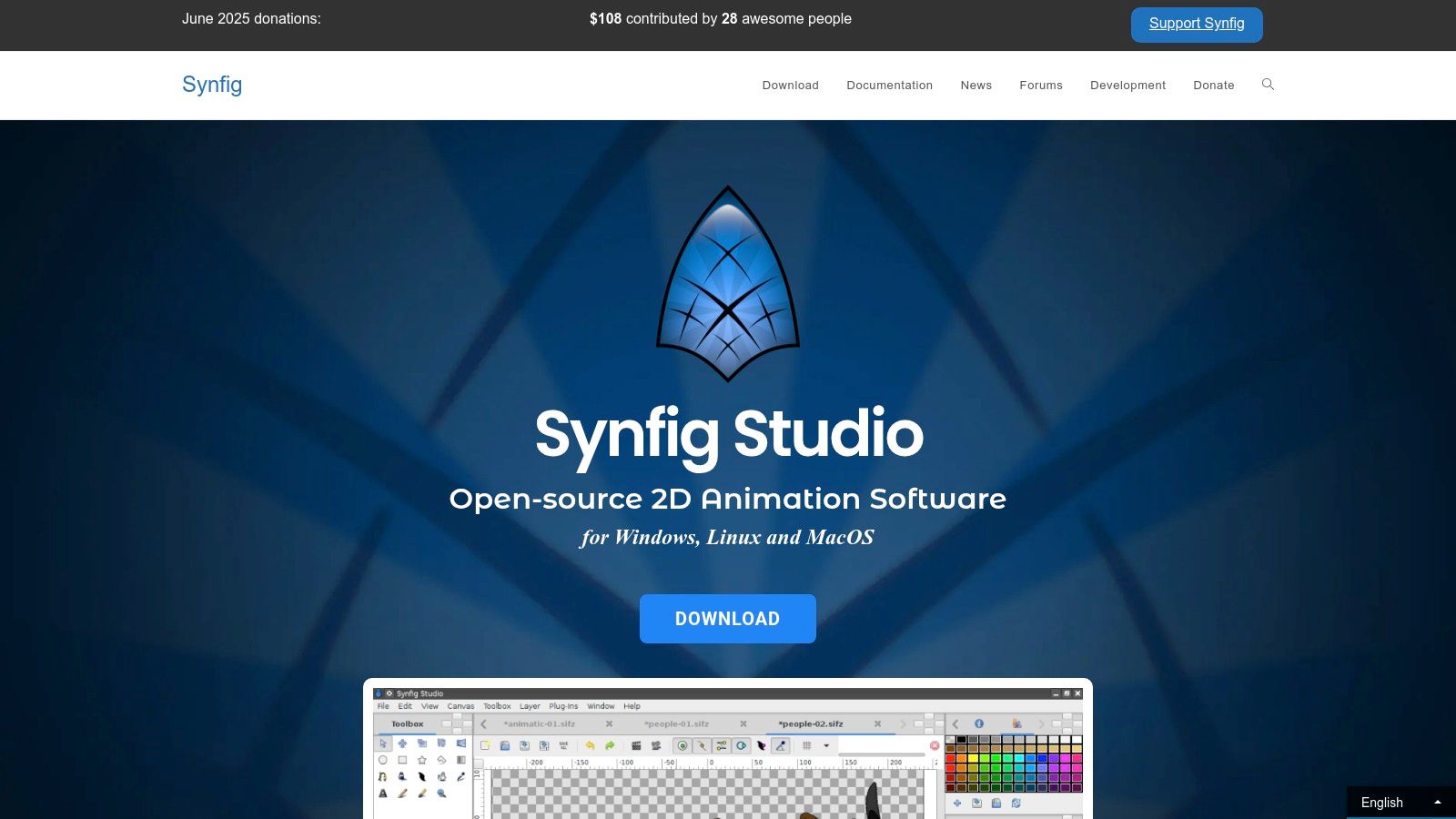
Synfig Studio carves out a unique space in our list of the best free 2D animation software by focusing entirely on vector-based animation. This powerful, open-source tool is designed to produce film-quality animation with fewer resources by eliminating the need for frame-by-frame drawing. Instead of manually creating each individual frame, animators define key positions, and Synfig automatically calculates the smooth in-between frames, a process known as tweening. This makes it a highly efficient choice for creating fluid motion graphics and character animations.
Key Features & Use Cases
The core strength of Synfig lies in its advanced vector tweening, which allows for smooth, scalable animations without resolution loss. Its sophisticated bone system provides a robust framework for rigging and animating complex characters, making it suitable for creating anything from simple puppets to elaborate character performances. With over 50 different layer types, including gradients, filters, distortions, and transformations, users can create complex artwork and effects directly within the program. This makes it ideal for producing motion graphics, explainer videos, and animated web content where clean lines and smooth transitions are paramount.
Pros and Cons
| Pros | Cons |
|---|---|
| Powerful vector tweening automates in-betweening. | Steep learning curve due to advanced features. |
| Advanced bone system for character rigging. | Occasional stability issues have been reported by users. |
| Active development and a helpful community. | Workflow can feel less intuitive than frame-by-frame tools. |
Who It's For
Synfig Studio is best suited for animators who prefer a vector-based, tween-centric workflow over traditional frame-by-frame animation. It's a great choice for technical artists, motion graphics designers, and solo creators looking to produce high-quality animations efficiently. While its advanced features might present a challenge for absolute beginners, those willing to learn its system will find a powerful tool capable of producing professional-level results without any cost.
Website: Synfig Studio Official Site
5. Blender (Grease Pencil)
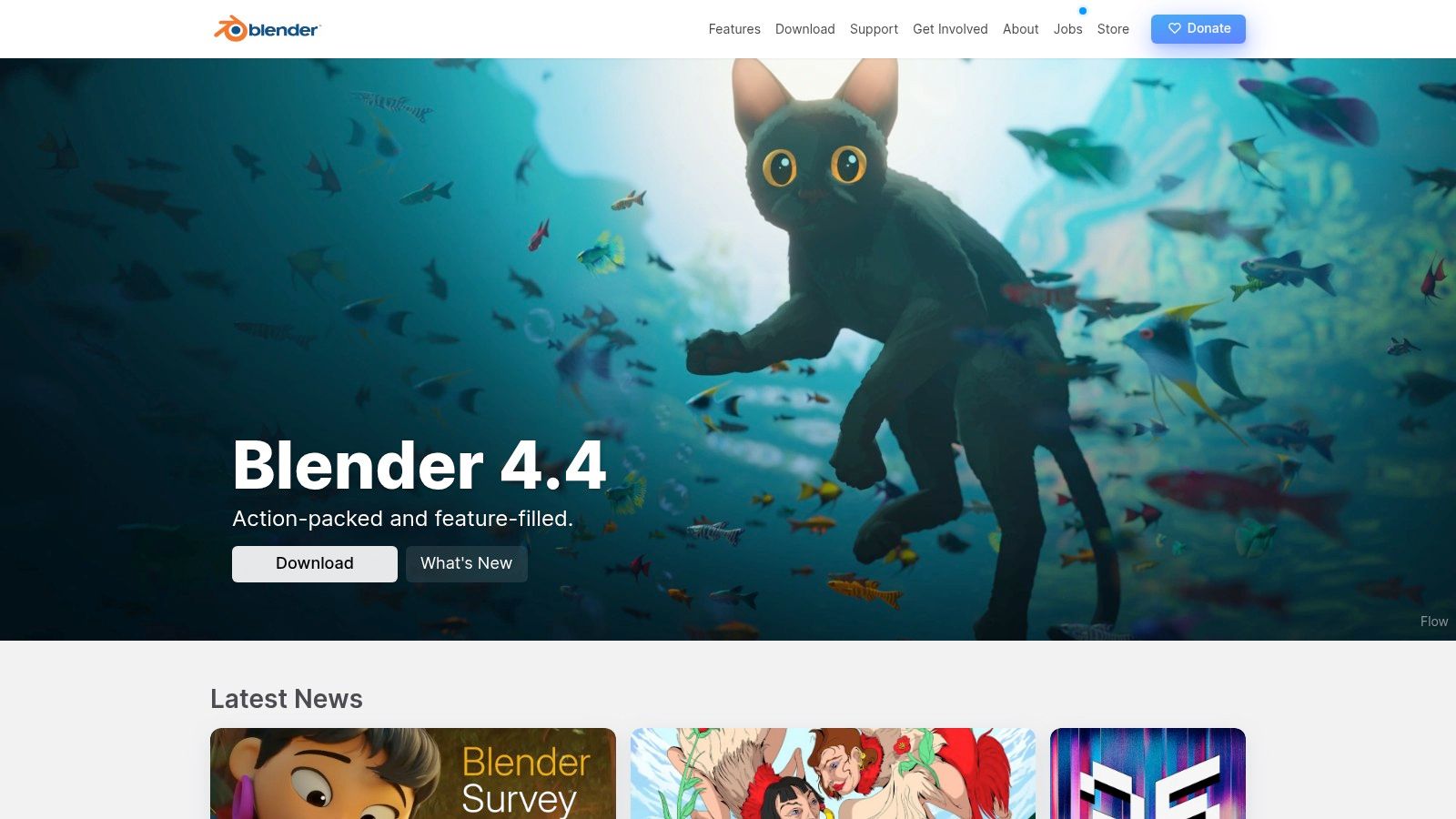
While Blender is world-famous as a 3D modeling and animation suite, its integrated Grease Pencil object has transformed it into one of the most powerful and versatile free 2D animation software options available. This is not just a secondary feature; it's a full-fledged 2D drawing and animation environment that lives directly within Blender's 3D viewport. This unique approach allows for an unparalleled fusion of 2D and 3D workflows, giving artists the ability to create hybrid animations that were previously incredibly complex to produce.
Key Features & Use Cases
Grease Pencil's core strength lies in its ability to treat 2D strokes as native objects in 3D space. This means you can draw a 2D character and then move a 3D camera around it, add 3D lighting that affects your 2D drawings, or combine hand-drawn elements with complex 3D backgrounds. The toolset supports both vector and raster drawing, along with advanced layering, masking, and a robust modifier and visual effects system. It's perfect for animators who want to create dynamic storyboards, motion comics, or full animated productions that blend the charm of 2D with the depth and dynamism of 3D. Artists interested in the technical side of animation can explore its capabilities further, similar to how developers use tools to create fluid web animations with Framer Motion.
Pros and Cons
| Pros | Cons |
|---|---|
| Unmatched integration of 2D and 3D workflows. | Overwhelming interface for those only needing 2D tools. |
| Massive community support and learning resources. | Can be resource-intensive, requiring a capable GPU. |
| Constantly evolving with frequent, major updates. | Steep learning curve, as you must grasp 3D navigation. |
Who It's For
Blender with Grease Pencil is ideal for experimental animators, technical artists, and small studios looking to push creative boundaries by mixing 2D and 3D. If your project involves complex camera movements, dynamic lighting on 2D characters, or integrating hand-drawn effects into 3D scenes, Blender is in a class of its own. However, if your goal is purely traditional, frame-by-frame 2D animation without any 3D elements, the complexity of Blender's interface might be more of a hindrance than a help.
Website: Blender Official Site
6. TupiTube
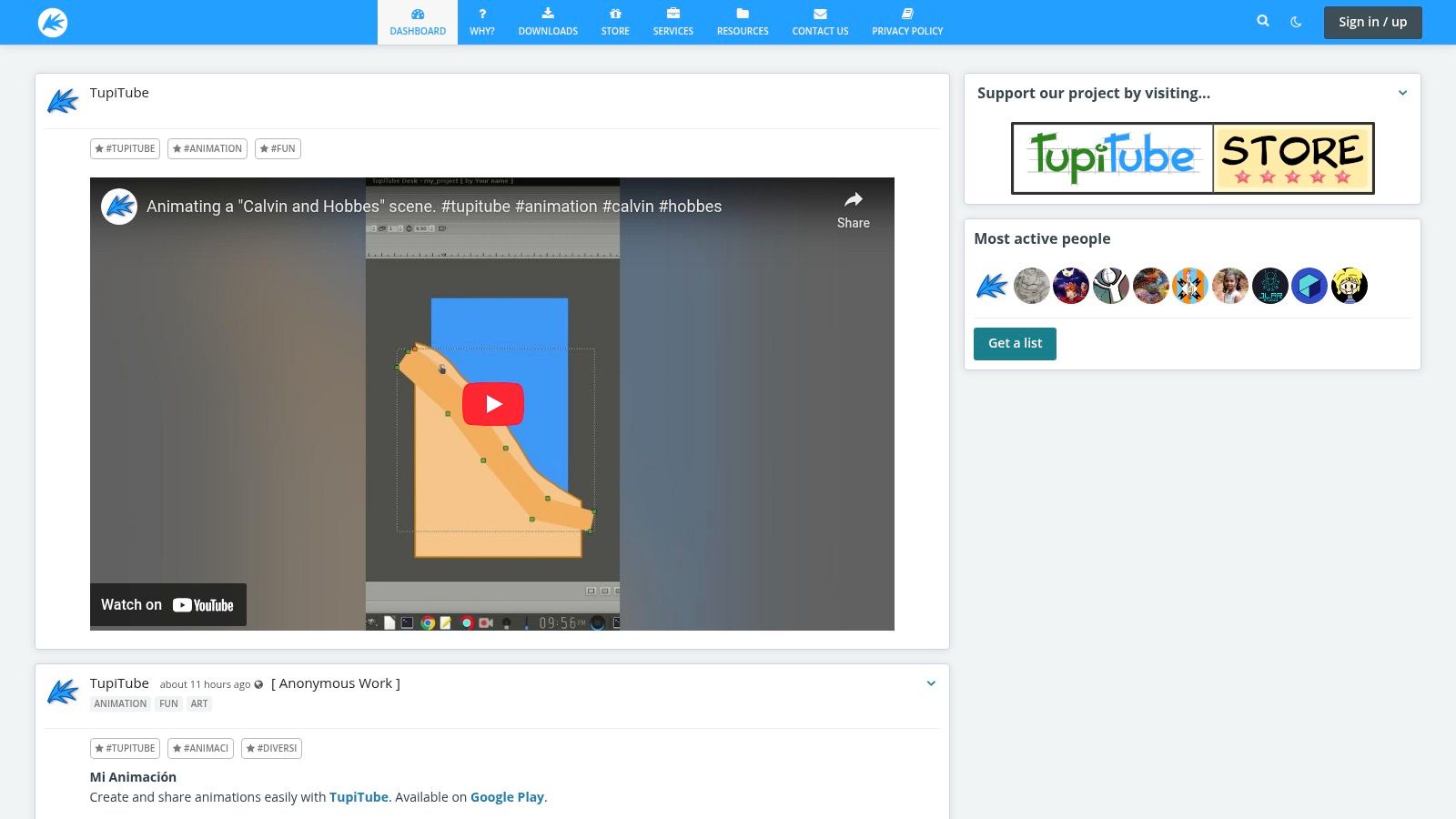
Next on our list is TupiTube, an open-source 2D animation tool designed with accessibility and education at its core. It strips away the overwhelming complexity found in professional-grade software to provide a focused, encouraging environment for children, students, and absolute beginners. Its primary goal is to make animation fun and approachable, serving as an excellent entry point into the world of digital storytelling without any financial investment. The interface is deliberately simple, prioritizing ease of use over an expansive, and often intimidating, feature set.
Key Features & Use Cases
TupiTube focuses on the fundamentals of frame-by-frame animation. It offers basic vector illustration tools that are perfect for creating simple characters and backgrounds. Users can draw directly in the program and then manipulate their drawings across a timeline to create motion. It also supports importing raster images, allowing young artists to animate their own hand-drawn pictures or photos. Its most common use case is in educational settings or for a child's first animation project, where the objective is learning core principles like timing and spacing rather than producing a polished, commercial-quality piece.
Pros and Cons
| Pros | Cons |
|---|---|
| Extremely user-friendly and ideal for beginners. | Lacks advanced features for professional work. |
| Lightweight software that runs well on older hardware. | Can experience occasional bugs or stability issues. |
| Active community and development focus on education. | The simplified UI may feel too basic for some users. |
Who It's For
TupiTube is the perfect choice for educators looking to introduce animation concepts in the classroom, parents wanting a creative digital tool for their children, and hobbyists taking their very first steps in animation. Its simplicity is its greatest strength, making it one of the best free 2D animation software options for learning the basics without frustration. Anyone seeking a gentle introduction before graduating to more complex tools like OpenToonz will find TupiTube to be an ideal starting point. While not a tool for complex projects, those interested in how animation principles translate to other digital mediums can explore related creative tools.
Website: TupiTube Official Site
7. Aseprite
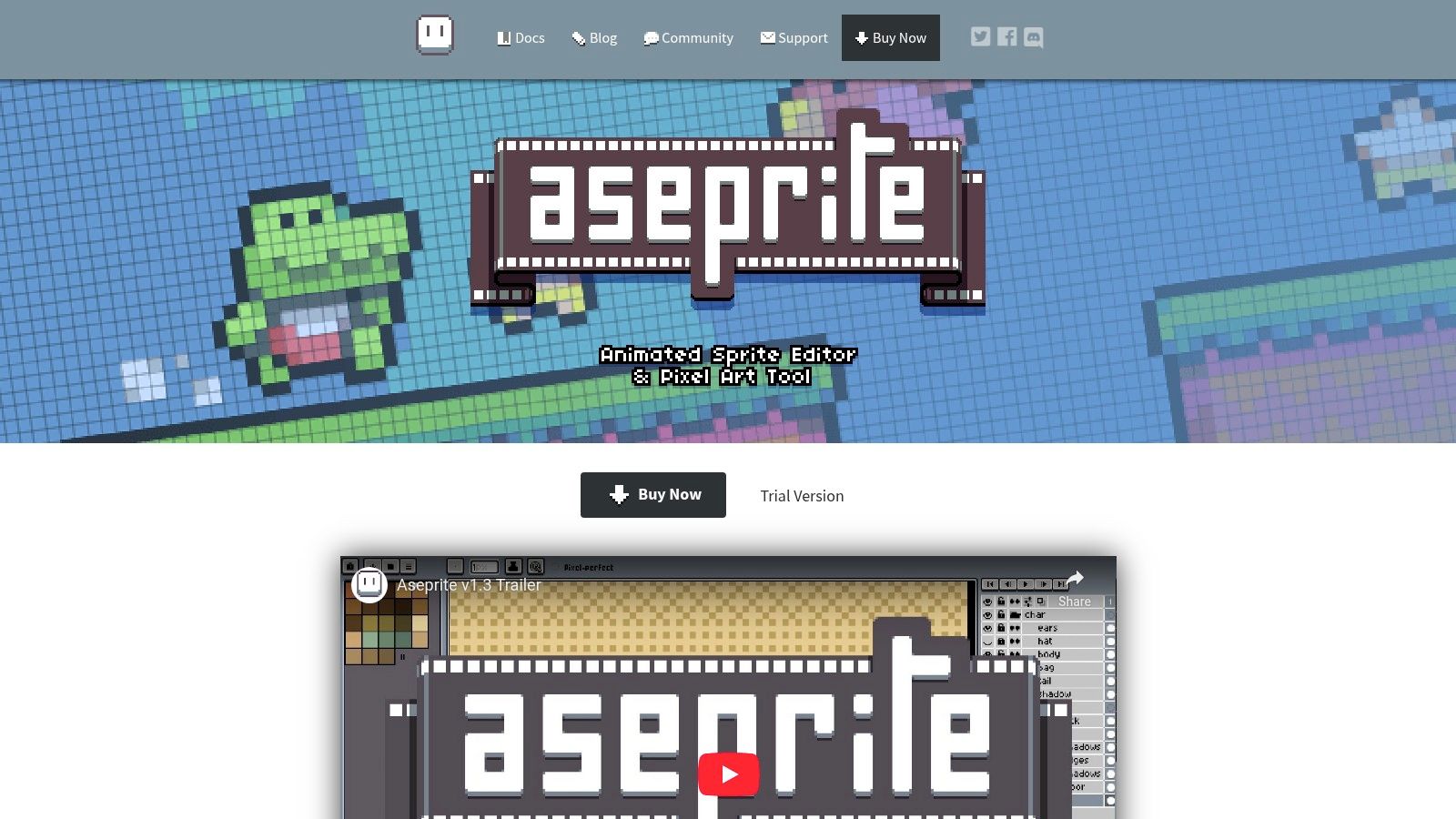
While many tools on this list aim for a broad range of animation styles, Aseprite carves out a powerful niche as a dedicated tool for pixel art and retro-style game animation. It is beloved by indie game developers and hobbyists for its focused, streamlined workflow. Although Aseprite has a one-time cost, it can be compiled and used for free if you build it from its source code, which is available on GitHub. This unique approach makes it an accessible, if slightly more technical, choice for those looking for some of the best free 2D animation software tailored to pixel art.
Key Features & Use Cases
Aseprite is built from the ground up for creating animated sprites. Its feature set is a pixel artist's dream, including robust layer and frame management, precise color palette control with shading modes, and essential onion skinning. One of its most powerful features for game developers is its tilemap and tileset support, allowing artists to design entire level layouts and repeating backgrounds directly within the program. The inclusion of a command-line interface and Lua scripting support also allows for automation of repetitive tasks, like exporting sprite sheets in specific formats, making it an incredibly efficient tool for game development pipelines.
Pros and Cons
| Pros | Cons |
|---|---|
| Highly specialized and intuitive for pixel art. | Limited to pixel art; not for other animation styles. |
| Excellent tools for game assets like sprites and tilesets. | Compiling from source for the free version can be a hurdle. |
| Active community and consistent, meaningful updates. | Lacks vector tools and advanced compositing features. |
Who It's For
Aseprite is the go-to software for indie game developers, pixel artists, and anyone creating assets for a retro-style project. If your primary goal is to create character sprites, enemy animations, or environmental tiles for a 2D game, there is arguably no better tool. Its focused nature makes it less suitable for cinematic or vector-based animation, where programs like OpenToonz or Synfig Studio would be a better fit. However, for the specific craft of pixel animation, Aseprite is an unmatched and highly recommended resource.
Website: Aseprite Official Site
8. Animaker
Shifting from traditional animation software to a cloud-based platform, Animaker is a powerful tool designed for speed and accessibility. It's built for creating animated explainer videos, infographics, and presentations with minimal technical expertise. Instead of a blank canvas, Animaker provides a drag-and-drop environment loaded with templates and a vast asset library, making it one of the best free 2D animation software options for marketers, educators, and business professionals who need to produce quality content quickly. It democratizes animation, allowing users without a background in art or animation to create engaging videos.
Key Features & Use Cases
Animaker's core strength lies in its enormous library of pre-built assets. Users have access to millions of stock photos and videos, thousands of templates, and a huge collection of animated characters, props, and backgrounds. Key features include a character builder for custom avatars, auto lip-sync, and smart move functions for complex animations with a single click. This makes it ideal for creating corporate training videos, social media ads, or educational content. The platform also supports 2.5D animation, adding a sense of depth that makes visuals pop without the complexity of true 3D.
Pros and Cons
| Pros | Cons |
|---|---|
| Extremely user-friendly with a drag-and-drop interface. | Free version includes a prominent watermark on exports. |
| No software installation required; fully browser-based. | Limited character and asset customization compared to desktop software. |
| Massive library of templates and assets speeds up creation. | Heavily template-driven, which can restrict creative freedom. |
Who It's For
Animaker is perfect for non-animators, such as marketers, entrepreneurs, HR professionals, and educators, who need to create professional-looking animated videos without a steep learning curve. If your goal is to produce explainer videos or animated presentations for business or educational purposes quickly and efficiently, Animaker is an excellent choice. However, creative artists and professional animators seeking full control over every frame and custom character design will likely find its template-based system too restrictive.
Website: Animaker Official Site
9. Powtoon
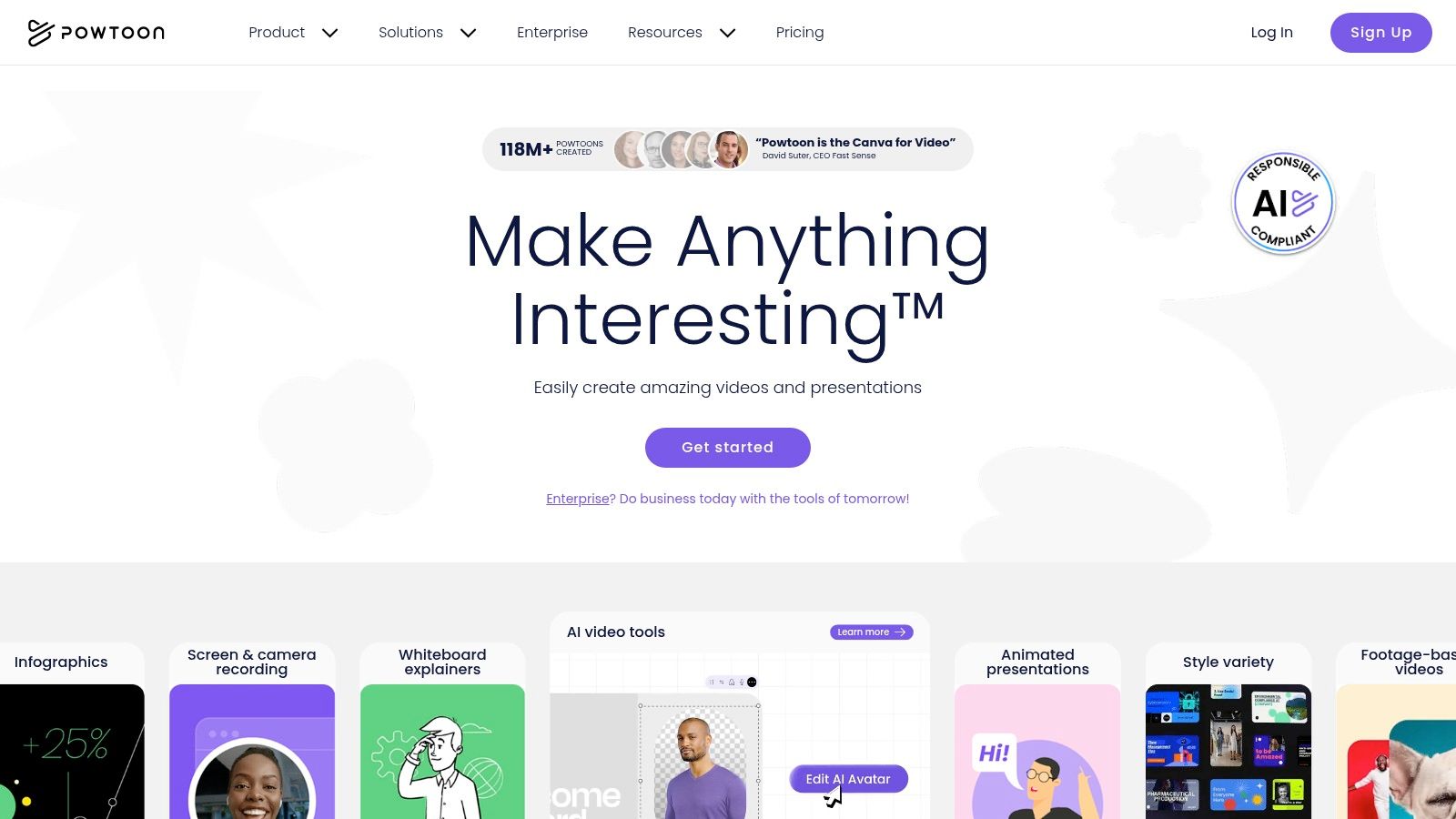
Shifting from traditional animation to the world of marketing and presentations, Powtoon secures its spot as a specialized tool for creating engaging animated videos with minimal effort. It's an online, template-driven platform designed specifically for explainer videos, business presentations, and educational content. Rather than offering a blank canvas for frame-by-frame animation, Powtoon provides a structured environment where users can quickly assemble professional-looking scenes. This focus on speed and ease of use makes it a unique entry in the realm of free 2D animation software, catering to a different audience than tools like OpenToonz or Krita.
Key Features & Use Cases
Powtoon’s core strength lies in its vast library of pre-made assets and its intuitive drag-and-drop interface. Users can choose from numerous templates tailored for specific goals, like a marketing pitch or a classroom lesson, and then customize them with stock characters, props, and backgrounds. The platform simplifies the animation process to selecting an object and choosing an entrance or exit effect. It also includes built-in support for adding voice-overs and background music directly to your timeline. This makes it exceptionally useful for marketers needing to create a quick social media ad, educators developing an animated lesson, or professionals wanting to animate a slide deck.
Pros and Cons
| Pros | Cons |
|---|---|
| Extremely easy to use with no animation experience. | Free version includes a prominent Powtoon watermark. |
| Large library of templates, characters, and assets. | Limited creative freedom compared to traditional software. |
| Cloud-based, accessible from any browser. | Export options and quality are restricted on the free plan. |
Who It's For
Powtoon is the ideal solution for non-animators, such as marketers, business professionals, educators, and entrepreneurs, who need to produce high-quality animated videos quickly. If your goal is to create an explainer video, a dynamic presentation, or internal training material without a steep learning curve, Powtoon is an excellent choice. However, creative artists or aspiring character animators seeking full control over their work will find its template-based system too restrictive and should look at more traditional animation programs.
Website: Powtoon Official Site
10. FlipaClip
For animators on the move, FlipaClip brings the art of frame-by-frame creation directly to your smartphone or tablet. This mobile-first application has carved out a significant niche by making 2D animation accessible to everyone, everywhere. It simplifies the core principles of animation, such as onion skinning and timeline management, into an intuitive, touch-based interface. While it doesn't have the complexity of desktop programs, its focus on core functionality makes it a surprisingly powerful tool for sketching ideas, creating animatics, or producing charming short animations without being tied to a desk.
Key Features & Use Cases
FlipaClip is built around a streamlined, frame-by-frame workflow. Its key features include a multi-layered timeline, pressure-sensitive drawing tools that mimic real pens and brushes, and a robust onion skinning tool to see previous and next frames. The ability to import and sync audio makes it great for creating short lip-synced videos or music video animatics. Its primary use case is for quick, spontaneous creation. Animators often use it to storyboard sequences while traveling or to quickly capture an idea for a character's movement. The direct-to-social-media export feature also makes it a favorite among content creators on platforms like TikTok and YouTube.
Pros and Cons
| Pros | Cons |
|---|---|
| Extremely accessible and easy for beginners to learn. | The free version includes watermarks and advertisements. |
| Portable; allows you to create animations anywhere. | Lacks advanced features like bone rigging or complex effects. |
| Active and supportive user community. | Can be challenging to manage very long or complex projects. |
Who It's For
FlipaClip is the perfect entry point for absolute beginners, hobbyists, and students curious about the fundamentals of 2D animation. It’s also an invaluable pocket tool for professional animators who want a digital sketchbook for testing ideas on the go. If your goal is to create short, fun animations for social media or to learn the basics of frame-by-frame without a significant commitment, FlipaClip is an outstanding choice. Those seeking to produce professional-grade series may find its mobile-centric toolkit limiting.
Website: FlipaClip Official Site
11. Stykz
For those who want to dive into the core principles of animation without the complexity of advanced drawing tools, Stykz offers a focused and highly accessible experience. As its name suggests, this free 2D animation software is dedicated entirely to creating stick figure animations. It’s a multi-platform, frame-by-frame animation program that serves as a spiritual successor to the once-popular Pivot Stickfigure Animator, providing a simple yet surprisingly robust environment for bringing basic characters to life. Its minimalist approach makes it an excellent starting point for learning timing, spacing, and posing.
Key Features & Use Cases
Stykz is built around a straightforward, frame-based workflow. The core feature is its intuitive figure manipulation; you click and drag nodes (or "joints") to pose your character, capture the frame, and move to the next. Onion skinning is built-in, allowing you to see previous and subsequent frames to create smooth motion. Users aren't limited to a single character; you can add multiple figures to a scene, create your own stick figure designs from scratch, and set static backgrounds. This makes it perfect for educational settings, where students can learn animation fundamentals, or for hobbyists looking to quickly prototype an action sequence or create viral-style stick figure fight scenes.
Pros and Cons
| Pros | Cons |
|---|---|
| Extremely easy to learn and use, perfect for all ages. | Strictly limited to stick figure style animation. |
| Excellent for teaching core animation principles. | Lacks advanced drawing or effects tools. |
| Runs as a simple standalone application on multiple OSs. | User interface is functional but very basic. |
Who It's For
Stykz is the ideal tool for absolute beginners, children, educators, and anyone who wants to experiment with animation concepts without being bogged down by complex software. If your goal is to create a classic stick figure battle, a funny short, or simply to understand how frame-by-frame animation works, Stykz is an outstanding choice. Animators seeking to create more visually detailed or professional work will quickly outgrow it and should look at tools like Krita or Pencil2D instead.
Website: Stykz Official Site
12. Animation Desk
Animation Desk offers a wonderfully accessible entry point into the world of frame-by-frame animation, designed with a mobile-first philosophy. This app successfully bridges the gap between tablets and desktops, providing a consistent, user-friendly environment for creating charming, hand-drawn animations. It shines as a digital sketchbook for animators on the go, allowing you to capture ideas and develop storyboards or short clips wherever inspiration strikes. While it may not have the industrial-strength power of some desktop-only solutions, its intuitive design makes it a top contender.
Key Features & Use Cases
The core of Animation Desk is its straightforward frame-by-frame workflow, complete with essential features like onion skinning, multiple layers, and a versatile set of brushes. This makes it perfect for animatics, practice exercises, and creating animated GIFs for social media. You can easily import audio to sync with your visuals, a key feature for producing short narrative pieces. Its ability to export projects as Photoshop layers (PSD) or PDF storyboards makes it a valuable tool for pre-production, allowing you to move your initial concepts into more advanced software for final polishing.
Pros and Cons
| Pros | Cons |
|---|---|
| Very user-friendly and great for beginners. | Free version exports videos with a watermark. |
| Excellent cross-platform support (iOS, Android, Windows). | Advanced features require a premium subscription. |
| Strong toolset for creating animatics and storyboards. | Limited vector tools compared to other software. |
Who It's For
Animation Desk is ideal for beginners, students, and hobbyists looking for an easy-to-learn tool to start animating immediately. It's particularly powerful for artists who primarily work on tablets like an iPad or Android device and want a portable animation studio. If your goal is to create short, expressive hand-drawn animations, animatics, or social media content without a steep learning curve, Animation Desk is an excellent choice. Professionals might use it for storyboarding before moving to a more robust program.
Website: Animation Desk Official Site
Top 12 Free 2D Animation Software Comparison
| Software | Core Features ✨ | User Experience ★★★★☆ | Value Proposition 💰 | Target Audience 👥 | Unique Selling Points 🏆 |
|---|---|---|---|---|---|
| OpenToonz | Vector & raster tools, scripting, motion track | Professional-grade, steep learning curve | Free, highly customizable | Pros & advanced users | Used by Studio Ghibli, robust effects |
| Pencil2D | Raster & vector, onion skinning, simple timeline | User-friendly, intuitive | Free, lightweight | Beginners, education | Minimalist UI, cross-platform |
| Krita | Painting + animation, audio sync, brushes | Highly customizable, some performance lag | Free, strong community support | Illustrators & animators | Extensive brushes, painting-anim synergy |
| Synfig Studio | Vector tweening, bone rigging, 50+ layer types | Powerful but steep learning curve | Free, reduces manual animation effort | Beginners to advanced | Advanced rigging & HDRI support |
| Blender (Grease Pencil) | 2D in 3D space, rigging, rendering engines | Versatile but complex interface | Free, broad 2D/3D use | 2D/3D animators & artists | Combines 2D & 3D in one tool |
| TupiTube | Vector tools, frame-by-frame, multi-format export | Simple, beginner-friendly | Free, fast and lightweight | Young animators, beginners | Basic animation with active dev community |
| Aseprite | Pixel art focus, tilemap, Lua scripting | Intuitive for pixel artists | Paid (~$20), worth for pixel art | Pixel artists & game devs | Specialized pixel animation tools |
| Animaker | Drag-drop, templates, 2D/2.5D, audio features | Web-based, beginner-friendly | Freemium, watermark in free version | Marketers, educators | No install, easy video/explainer creation |
| Powtoon | Drag-drop, templates, collaboration | Easy for presentations | Freemium, watermark in free version | Business & educators | Team collaboration & social platform export |
| FlipaClip | Mobile frame-by-frame, layers, pressure support | Portable, beginner-friendly | Freemium, ads & watermarks free version | Mobile animators & hobbyists | Mobile-first frame animation tool |
| Stykz | Stick figure, onion skin, multi-format export | Simple, standalone app | Free | Beginners, education | No install, stick figure specialization |
| Animation Desk | Frame-by-frame, brushes, layers, audio support | Beginner-friendly, multi-platform | Freemium, watermark + subscription | Beginners & hobbyists | Cross-platform, hand-drawn focus |
Final Thoughts
Navigating the vibrant landscape of 2D animation no longer requires a significant financial investment. As we have explored, the ecosystem of best free 2D animation software is richer and more diverse than ever, offering powerful, professional-grade tools to creators at every skill level. From hobbyists sketching their first character to seasoned animators developing a complex series, there is a zero-cost solution ready to bring your vision to life. The key takeaway is that the "best" tool is not a universal title but a personal one, defined entirely by your specific project goals, technical skills, and creative workflow.
Recapping Your Options: From Professional Suites to Mobile Studios
Our journey covered a wide spectrum of powerful applications. We saw how tools like OpenToonz and Blender's Grease Pencil provide studio-level functionality, offering deep, complex systems for those willing to invest time in mastering their steep learning curves. These are ideal for ambitious projects requiring node-based compositing, advanced rigging, and a seamless 2D/3D pipeline.
For those prioritizing traditional, frame-by-frame animation, Pencil2D and Krita stand out. Pencil2D offers a refreshingly simple, minimalist interface perfect for beginners, while Krita provides a robust digital painting engine that makes it a favorite among illustrators transitioning into animation. Similarly, Aseprite (free if compiled from source) delivers an unparalleled workflow for pixel art and retro game development.
If your focus is on vector-based animation and avoiding the tediousness of drawing every frame, Synfig Studio presents a compelling, albeit challenging, alternative with its bone system and automatic tweening. For beginners, educators, and children, TupiTube and FlipaClip offer accessible, intuitive interfaces that lower the barrier to entry, making animation fun and achievable on desktops and mobile devices.
Finally, for non-animators needing quick, polished results for presentations or marketing, browser-based platforms like Animaker and Powtoon provide template-driven solutions. And for pure, simple fun with stick figures, Stykz remains a classic, educational choice.
How to Choose the Right Free Animation Software for You
Selecting your ideal tool from this list can feel overwhelming. To make the right choice, move beyond feature lists and focus on your personal and project-specific needs.
- Define Your Primary Goal: Are you creating a narrative short film, a YouTube explainer video, a game asset, or just learning the basics? A narrative film might demand OpenToonz, while a game asset points directly to Aseprite or Krita.
- Assess Your Current Skill Level: Be honest about your technical comfort. If you are a complete beginner, starting with Pencil2D or FlipaClip will build your confidence. If you are a developer or technical artist, the node-based systems in Blender or Synfig Studio may feel more intuitive.
- Consider Your Hardware: Check the system requirements. Blender's Grease Pencil can be resource-intensive, while Pencil2D or Stykz will run smoothly on much older machines. Don't forget mobile-first options like FlipaClip if you primarily work on a tablet.
- Evaluate the Community and Learning Resources: A tool with a steep learning curve like OpenToonz becomes far more manageable thanks to its active user community and wealth of tutorials. A smaller or less-supported tool might leave you stranded when you encounter a problem.
Your Next Steps on the Animation Journey
Your exploration doesn't end here. The most critical step is to download and experiment. Choose two or three tools from our list that seem like the best fit for your goals. Spend a few hours with each one. Follow a beginner tutorial, create a simple bouncing ball animation, and get a feel for the workflow. One tool will inevitably "click" with your way of thinking more than the others.
The world of free 2D animation software is a testament to the power of open-source collaboration and the universal desire to create. The barriers have been removed, the tools are in your hands, and a global community is ready to support you. Now is the perfect time to stop reading and start animating. Choose your tool, embrace the learning process, and begin telling your story, one frame at a time.