Ready to bring your game idea to life without spending a dime? Choosing the right creation tool is the first, and most crucial, step in your development journey. The market is filled with options, each with a unique workflow, feature set, and learning curve. Finding the perfect fit can be the difference between a passion project that flourishes and one that stalls out.
This guide provides a comprehensive breakdown of the best free game making software available today. We move beyond simple descriptions to offer an in-depth analysis of each platform, focusing on practical applications and honest limitations. Whether you are a complete beginner looking to build your first 2D platformer or an experienced developer prototyping a complex 3D world, this resource is designed to help you make an informed decision.
Each entry includes a detailed look at its core features, ideal user profile, and specific use-case scenarios. You will also find direct download links and screenshots to give you a clear preview of the environment. Our goal is to cut through the noise and equip you with the essential information needed to select the software that best aligns with your skills, project scope, and creative vision. Let's find your perfect engine.
1. Godot Engine
Godot Engine stands out as a premier choice for best free game making software due to its powerful, open-source nature and a unique node-based scene architecture. This system allows developers to build games by composing and nesting simple scenes, making complex projects more manageable and intuitive to structure. Unlike engines that lock you into a specific workflow, Godot offers flexibility for both 2D and 3D development, catering to everyone from solo indie developers to small studio teams.
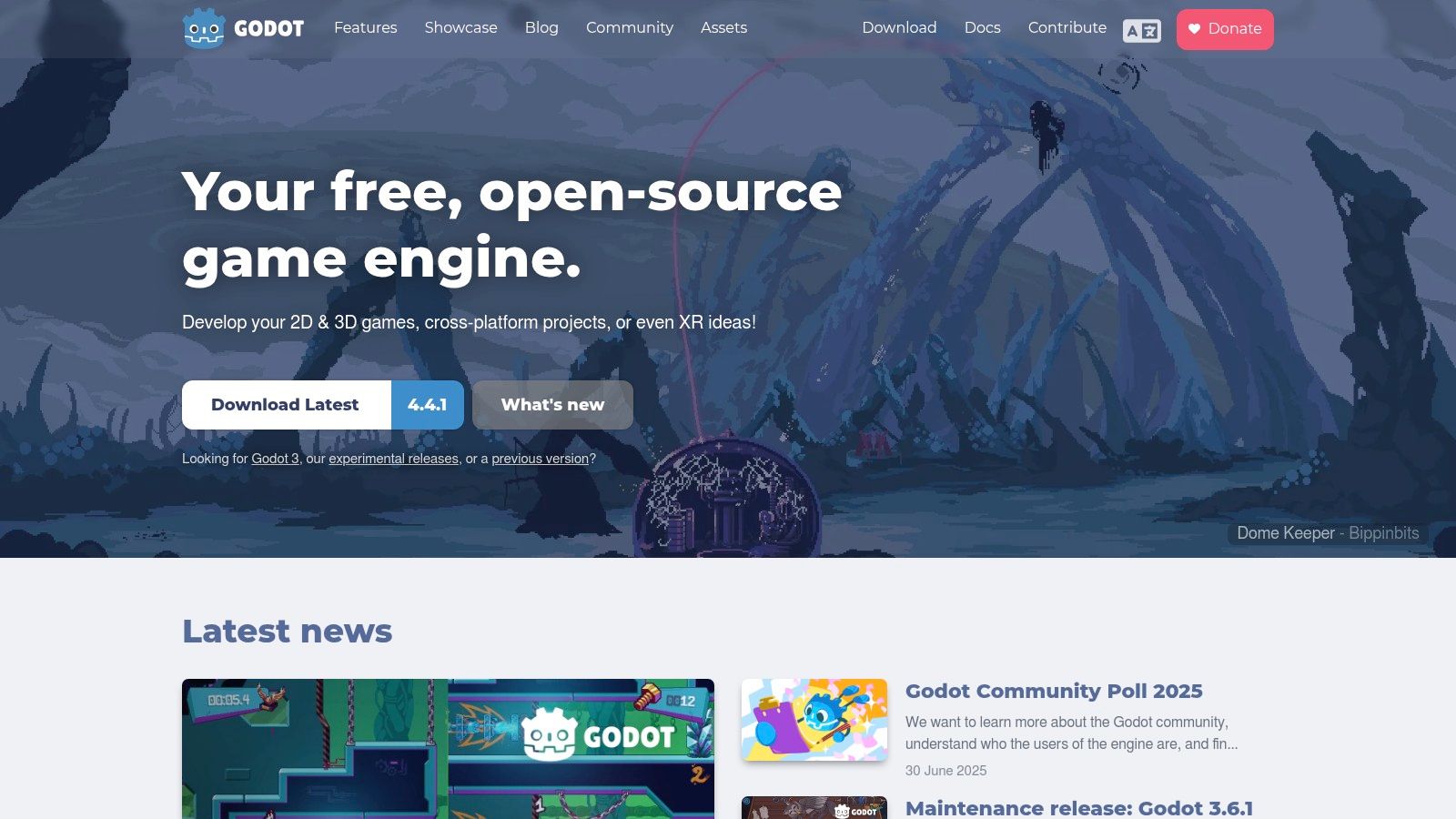
Its primary scripting language, GDScript, is Python-like and designed for ease of use, accelerating development time significantly. However, it also supports more traditional languages like C# and C++, giving experienced programmers the performance they need. This multi-language support is a key differentiator, accommodating a wide range of coding preferences and project requirements.
Key Features & Use Cases
- Ideal for 2D & 2.5D Games: While capable in 3D, Godot truly shines in 2D development with a dedicated 2D engine, pixel-perfect coordinates, and specialized nodes. It's perfect for creating platformers, RPGs, and puzzle games.
- Rapid Prototyping: The intuitive scene system and easy-to-learn GDScript make it an excellent tool for quickly building and testing game ideas.
- Cross-Platform Exports: With one-click deployment, you can export your game to Windows, macOS, Linux, Android, iOS, and even Web (HTML5) and VR platforms.
Pros and Cons
| Pros | Cons |
|---|---|
| Completely Free: No royalties or hidden fees, ever. The MIT license grants full ownership. | Smaller Asset Marketplace: The official AssetLib is growing but less extensive than Unity's or Unreal's. |
| Active Community: A passionate and helpful community provides excellent support through forums and Discord. | Advanced 3D is a Challenge: While improving, it can be more difficult to achieve high-fidelity 3D results compared to competitors. |
| Lightweight & Fast: The engine itself is a small download and runs quickly, even on older hardware. | Steeper Learning Curve for Complex Systems: Building highly complex, large-scale games may require deeper engine knowledge. |
Practical Tip: Start by mastering Godot's node and scene system with a simple 2D project. Understanding how signals and groups work is fundamental to unlocking the engine’s true power for more complex game logic later on.
Get Started with Godot Engine: https://godotengine.org/
2. GDevelop
GDevelop carves out its niche as one of the best free game making software options by prioritizing accessibility and ease of use. It is a completely open-source, cross-platform game creator designed for individuals with no programming experience. Its core strength lies in a powerful event-based visual scripting system, which allows creators to build game logic by linking conditions and actions, effectively replacing complex code with intuitive flowcharts. This approach significantly lowers the barrier to entry, making it an ideal starting point for beginners, students, and artists who want to bring their game ideas to life without a steep learning curve.
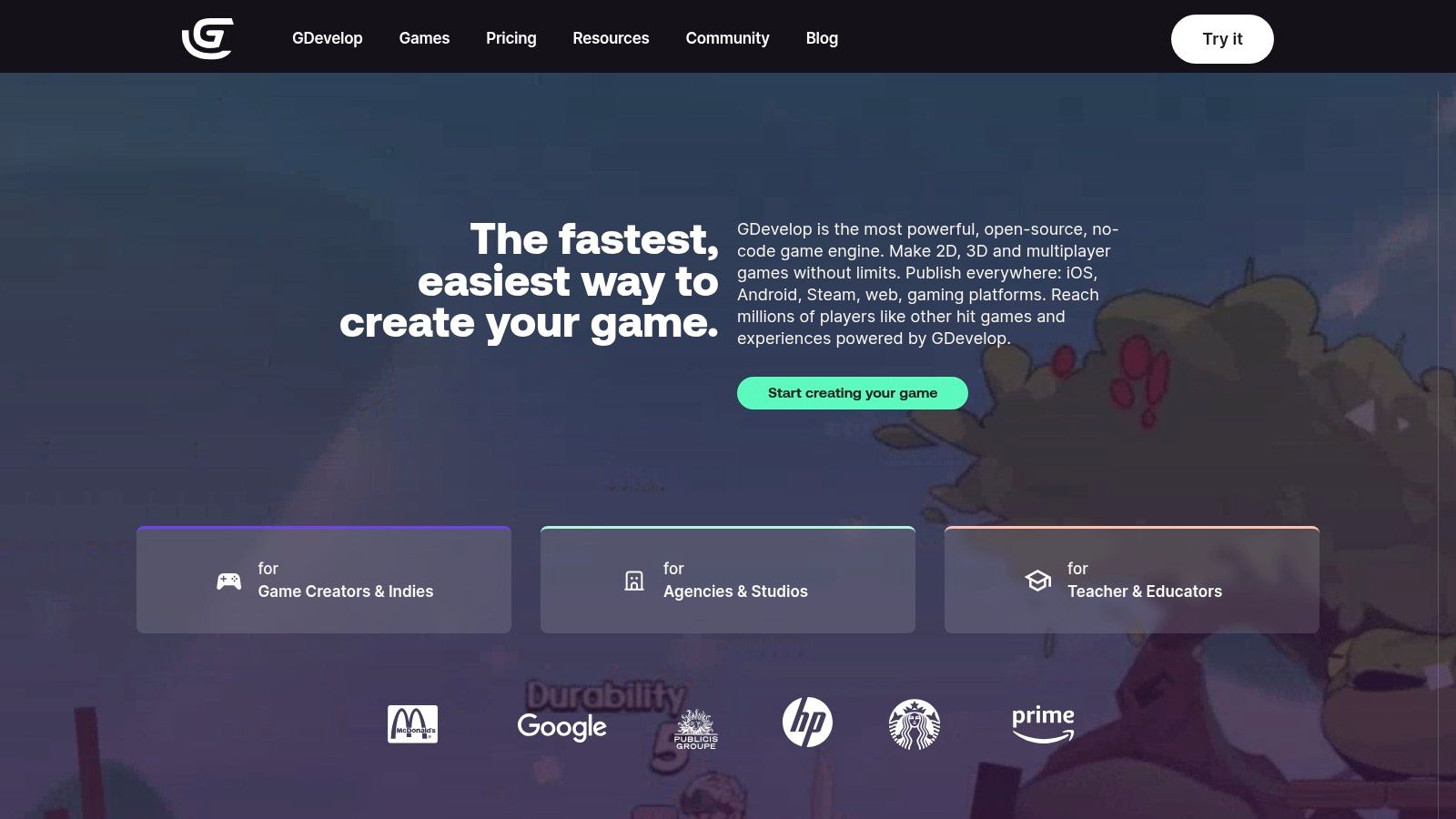
The entire system is designed to be visual and immediate. You can see the results of your logic changes instantly, fostering a rapid, iterative development process. While primarily focused on 2D, GDevelop continues to expand its feature set, offering a streamlined experience for anyone eager to create and publish games quickly across multiple platforms.
Key Features & Use Cases
- No-Code Game Creation: The event-based system is perfect for non-programmers. It's ideal for making puzzle games, visual novels, and 2D platformers where logic can be visually mapped out.
- Educational Tool: Its simple interface makes it a fantastic resource for teaching the fundamentals of game logic and design in classrooms or workshops.
- One-Click Publishing: Export your project effortlessly to Windows, macOS, Linux, Android, and Web (HTML5), allowing you to share your game with a wide audience.
Pros and Cons
| Pros | Cons |
|---|---|
| Extremely Beginner-Friendly: The no-code interface is one of the easiest to learn. | Limited 3D Capabilities: While basic 3D is supported, it lacks the depth of specialized 3D engines. |
| Active Community & Docs: Extensive documentation, tutorials, and a helpful community provide great support. | Performance Bottlenecks: Very complex games with thousands of objects may face performance issues. |
| Built-in Asset Store: Access a library of free and paid assets directly within the editor to get started quickly. | Less Flexible for Pro Coders: The visual system, while great for beginners, can feel restrictive for experienced programmers. |
Practical Tip: Use GDevelop's "Behaviors" feature extensively. These are pre-packaged logic blocks (like Platformer Character or Draggable Object) that can be attached to game objects to add complex functionality instantly, saving you from building it from scratch.
Get Started with GDevelop: https://gdevelop.io/
3. Unity
Unity has long been a dominant force in the game development world, solidifying its place as one of the best free game making software options available. It is a powerful, all-in-one engine that provides a robust environment for creating both 2D and 3D games. Its component-based architecture allows developers to attach various scripts and properties to game objects, offering a flexible and scalable workflow suitable for projects ranging from simple mobile games to complex AAA-level experiences.
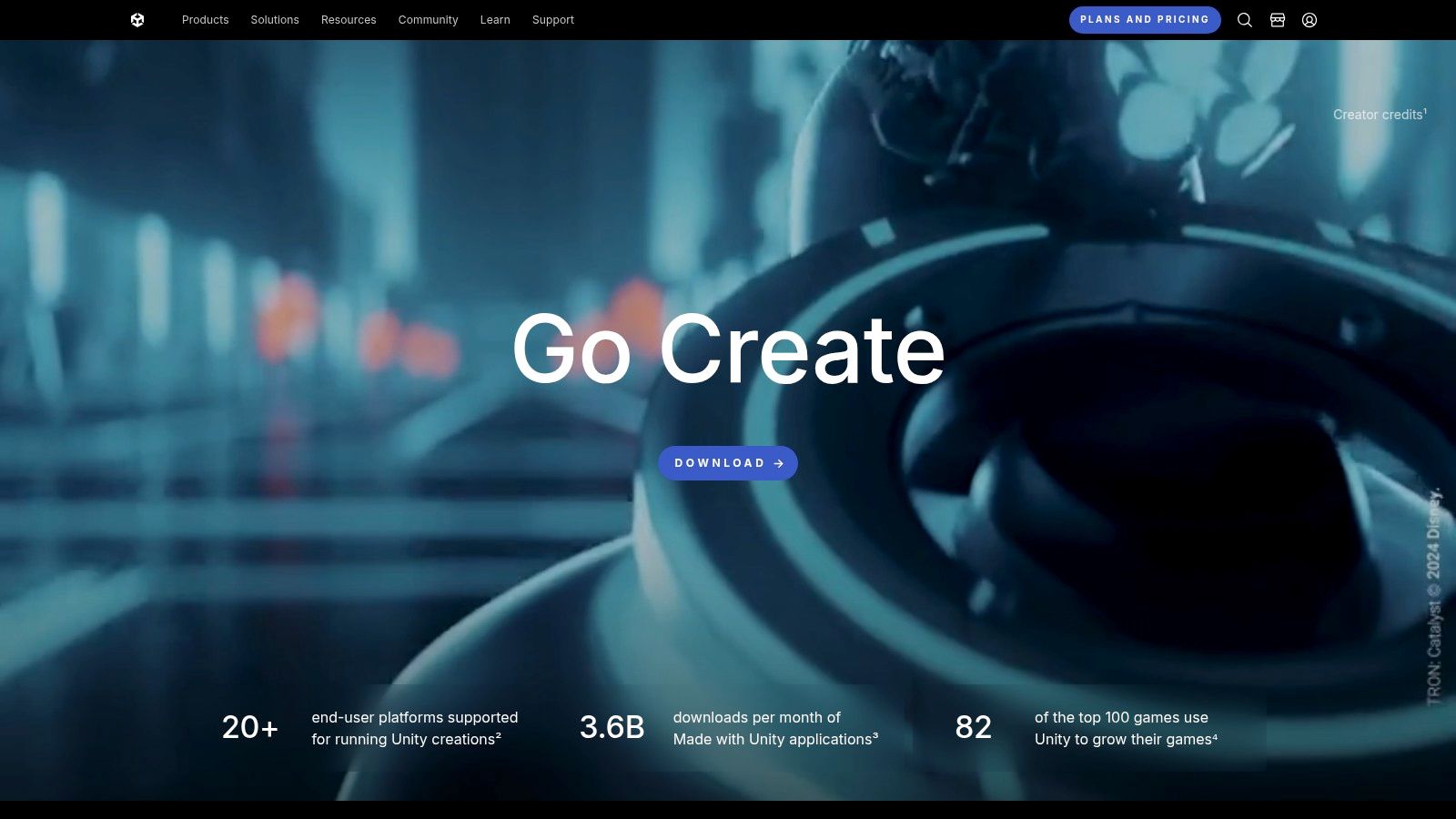
The engine's primary scripting language is C#, a versatile and powerful language widely used in professional software development. This provides a strong foundation for building intricate game mechanics and systems. Unity's free Personal plan is incredibly generous, providing access to the core engine and all publishing platforms, making it highly accessible for beginners and indie developers just starting out. You can even enhance your C# coding environment with external tools for a better workflow.
Key Features & Use Cases
- Extensive Platform Support: Unity's major strength is its ability to deploy games to over 25 different platforms, including Windows, macOS, iOS, Android, major consoles (PlayStation, Xbox, Nintendo Switch), and VR/AR devices.
- Massive Asset Store: The Unity Asset Store is an enormous marketplace filled with free and paid 3D models, tools, scripts, and art, significantly speeding up development time.
- Ideal for Mobile and 3D Games: It is the industry standard for mobile game development and is exceptionally capable of producing high-quality 3D visuals and performance.
Pros and Cons
| Pros | Cons |
|---|---|
| Vast Community & Resources: An immense amount of tutorials, documentation, and community support is available online. | Steeper Learning Curve: The sheer number of features can be overwhelming for absolute beginners compared to simpler tools. |
| Flexible and Scalable: Suitable for hobbyist projects, indie hits, and large-scale professional productions. | Subscription for Advanced Features: The free plan has revenue caps, and some advanced services require a paid subscription. |
| Regular Performance Updates: Unity continuously releases updates focused on optimizing performance and graphics capabilities. | Engine Can Be Heavy: The editor can be resource-intensive, requiring a more powerful computer for smooth operation. |
Practical Tip: Leverage the Unity Asset Store from the beginning. Don't feel you have to create every single asset yourself. Using free or paid assets for prototyping can help you focus on mastering C# scripting and core game logic first.
Get Started with Unity: https://unity.com/
4. Unreal Engine
Unreal Engine is the industry-leading powerhouse behind many of the world's most visually stunning AAA games, making it a top-tier choice for best free game making software. Its reputation is built on delivering cutting-edge, photorealistic graphics and a comprehensive suite of advanced tools right out of the box. The engine’s core strength lies in its Blueprint visual scripting system, which empowers creators to build complex game mechanics and logic without writing a single line of code.
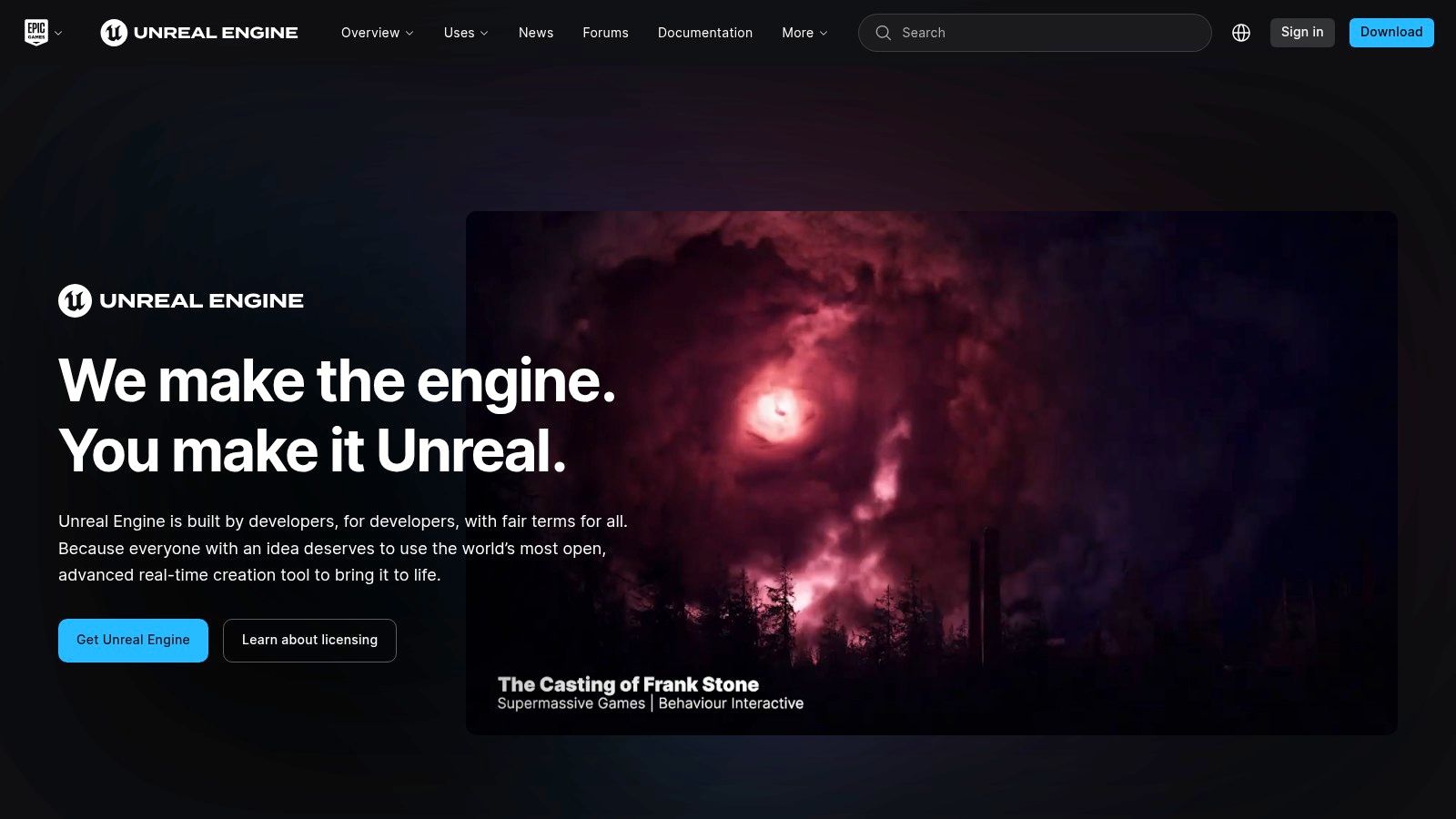
This visual approach, combined with traditional C++ programming for performance-critical tasks, offers unparalleled flexibility. Unreal Engine is free to use for development, with a royalty model that only applies after your game earns its first $1 million in gross revenue. While its visual capabilities are impressive, those interested in a more code-centric approach to 3D graphics might also want to learn more about other powerful 3D tools.
Key Features & Use Cases
- High-Fidelity 3D Games: The engine excels at creating visually spectacular 3D experiences, from first-person shooters to vast open-world RPGs. It's the go-to for projects demanding cinematic quality.
- Architectural & Film Visualization: Beyond games, Unreal is a standard for real-time architectural walkthroughs, virtual production, and film pre-visualization due to its rendering power.
- No-Code to Pro-Code Scalability: Start with Blueprints to prototype and build full games, then transition to or integrate C++ for fine-tuned control and performance optimization as your skills grow.
Pros and Cons
| Pros | Cons |
|---|---|
| Industry-Standard Graphics: Unmatched real-time rendering capabilities for photorealistic results. | High System Requirements: Requires a powerful PC to run smoothly, especially for complex projects. |
| Extensive Learning Resources: Epic Games provides a massive library of free tutorials, courses, and documentation. | Steeper Learning Curve: The engine's sheer number of features can be overwhelming for absolute beginners. |
| Vibrant Marketplace: A huge marketplace with high-quality assets, many of which are given away for free each month. | Complex for Simple 2D: Can be overkill and less intuitive for creating simple 2D games compared to specialized engines. |
Practical Tip: Leverage the Quixel Megascans library, which is free for all Unreal Engine users. It provides thousands of photorealistic, production-ready assets that can dramatically elevate the visual quality of your projects with minimal effort.
Get Started with Unreal Engine: https://www.unrealengine.com/
5. Construct 3
Construct 3 positions itself as one of the best free game making software options for those who want to create 2D games without writing a single line of code. Its entire platform runs directly in your web browser, eliminating the need for any installation and making it incredibly accessible. The core of Construct is its powerful event sheet system, which uses logic-based blocks that you can drag and drop to build complex game mechanics, from character movement to enemy AI.
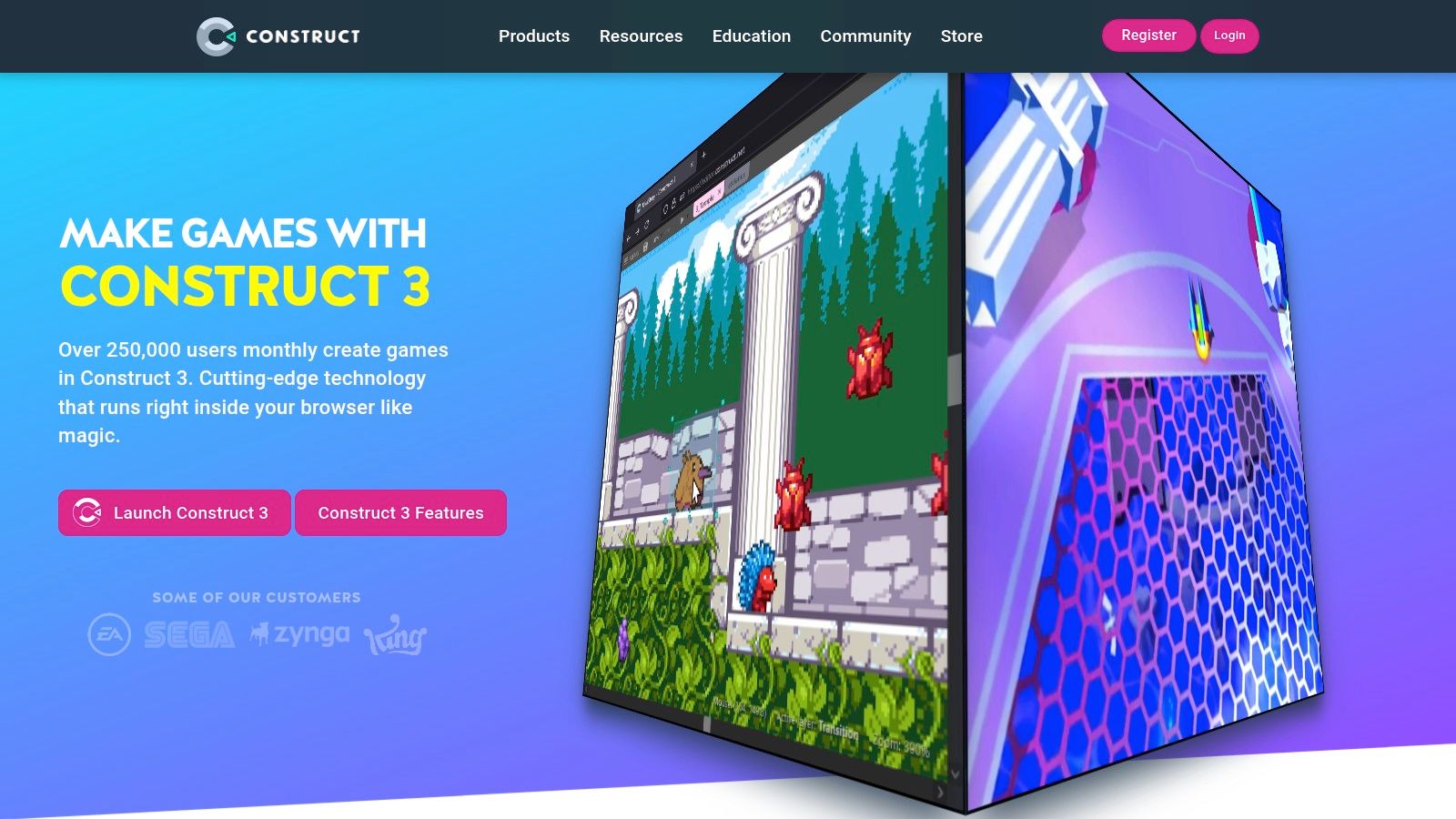
This visual scripting approach is what sets it apart, allowing artists, designers, and complete beginners to bring their ideas to life. While the free version has limitations, it is more than capable for learning the fundamentals and creating small games. For those who need more power, a subscription unlocks the full feature set.
Key Features & Use Cases
- No-Code Game Development: Perfect for educators, students, and hobbyists who want to learn game logic without the steep learning curve of programming languages.
- Rapid Prototyping for 2D: The drag-and-drop interface and built-in behaviors make it exceptionally fast for creating prototypes for game jams or testing new concepts for platformers, shooters, and puzzle games.
- Browser-Based Convenience: Work on your project from any computer with a web browser. Your work is saved to the cloud, offering great flexibility.
Pros and Cons
| Pros | Cons |
|---|---|
| Extremely Easy to Learn: The visual event system is intuitive and well-documented. | Subscription Required for Full Access: The free version has event, layer, and export limits. |
| No Installation Needed: Runs entirely in a modern web browser like Chrome. | Limited to 2D: It is not designed for creating 3D games. |
| Excellent Performance: Games export as lightweight HTML5, running smoothly on most devices. | Less Control Than Code: Advanced developers may find the block system restrictive compared to traditional coding. |
Practical Tip: Make extensive use of the pre-made "Behaviors" for common game objects. For example, adding the "Platform" behavior to a sprite instantly gives it platformer physics, saving you hours of setup and letting you focus on level design.
Get Started with Construct 3: https://www.construct.net/
6. Stencyl
Stencyl carves out its niche as one of the best free game making software options by prioritizing accessibility and visual-first design. It utilizes a drag-and-drop interface inspired by the MIT Scratch project, allowing creators to build game logic by snapping together pre-made code blocks. This approach completely removes the need for traditional coding, making it a perfect starting point for artists, designers, and absolute beginners who want to bring their 2D game ideas to life.

The platform is designed to streamline the creation process from start to finish. Its intuitive toolset includes a Scene Designer for building worlds and an Actor Editor for creating characters and objects. While the free version is robust, it's important to note that it only allows for publishing to web (HTML5), with paid plans required to unlock desktop and mobile exports.
Key Features & Use Cases
- Ideal for No-Code Game Creation: Perfect for educators, students, and hobbyists who want to learn game logic fundamentals without writing a single line of code.
- Great for Puzzle and Platformer Games: The block-based system excels at creating logic for classic 2D genres like side-scrolling platformers, top-down puzzlers, and arcade-style games.
- Extensive Learning Resources: Stencyl provides a large library of tutorials, a comprehensive "Stencylpedia" for documentation, and an active community forum for support.
Pros and Cons
| Pros | Cons |
|---|---|
| Extremely Beginner-Friendly: The visual scripting system is one of the easiest to learn for newcomers. | Publishing is Limited on Free Tier: You must upgrade to a paid plan to export for desktop or mobile. |
| Active Community: A helpful and established community provides great support and shares resources. | Less Flexible for Complex Games: Experienced developers may find the block system restrictive for highly complex or unique mechanics. |
| Cross-Platform Toolkit: Design once and publish to multiple platforms (though most require a subscription). | Can feel less powerful than code-first engines: Lacks the raw performance and customization of engines like Godot or Unity. |
Practical Tip: Fully explore the StencylForge marketplace. It’s a repository of free-to-use game assets, code blocks (behaviors), and entire game kits shared by the community that can significantly speed up your first project.
Get Started with Stencyl: http://www.stencyl.com/
7. GameSalad
GameSalad establishes its place as one of the best free game making software options for beginners by prioritizing a completely visual, drag-and-drop workflow. It is designed from the ground up to empower non-programmers, educators, and students to bring game ideas to life without writing a single line of code. The platform’s core is a behavior-based logic system where you can assign pre-built rules and actions to objects, making it incredibly intuitive to create game mechanics.
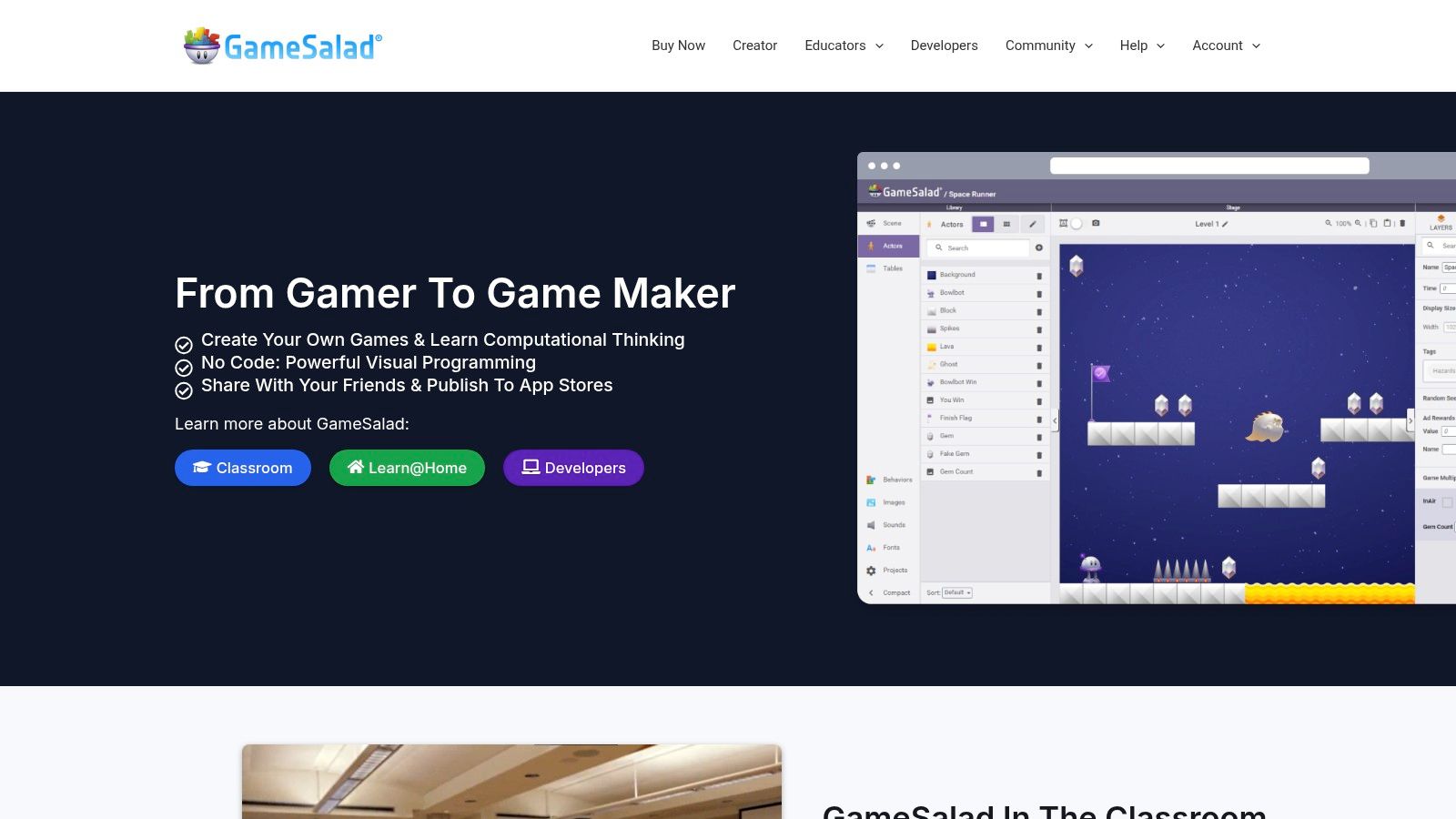
This approach makes GameSalad an excellent educational tool and a fast-prototyping environment. Instead of dealing with syntax and complex APIs, creators focus entirely on design and logic. The engine's simplicity allows for the rapid development of 2D games, which can then be tested directly within its robust previewer before being published to major platforms.
Key Features & Use Cases
- No-Code Game Development: Perfect for artists, designers, and complete beginners who want to make games without programming. Its visual interface is ideal for creating puzzle games, simple arcade titles, and educational apps.
- Educational Powerhouse: Widely used in schools to teach game design principles, logic, and problem-solving in an engaging, interactive way.
- Multi-Platform Publishing: The Pro version allows you to easily publish your creations to the App Store, Google Play, and for the Web (HTML5).
Pros and Cons
| Pros | Cons |
|---|---|
| Extremely User-Friendly: The drag-and-drop interface is one of the easiest to learn for absolute beginners. | Limited Free Version: The free plan has significant restrictions, with a subscription required for full features and publishing options. |
| Strong Educational Focus: Comes with extensive tutorials, curriculum materials, and a supportive community. | Less Flexible for Complex Games: The behavior-based system can become limiting for creating deep, complex game mechanics. |
| Rapid Idea Testing: Build and test a functional game prototype in hours, not weeks. | Performance Constraints: Not optimized for graphically intensive or large-scale projects. |
Practical Tip: Use GameSalad to participate in game jams. Its speed and simplicity are a major advantage when you have only 48 or 72 hours to create a complete game from scratch, allowing you to focus on a core, fun mechanic.
Get Started with GameSalad: https://gamesalad.com/
8. Defold
Defold secures its spot as a top-tier choice for best free game making software by prioritizing a streamlined, fast, and completely free development workflow. It is a source-available engine perfect for creating high-performance 2D games and lightweight 3D projects. Defold's core philosophy centers on a component-based architecture and Lua scripting, which combine to offer an accessible yet powerful environment for developers of all skill levels. Its lightweight nature ensures that projects run efficiently across a multitude of platforms.
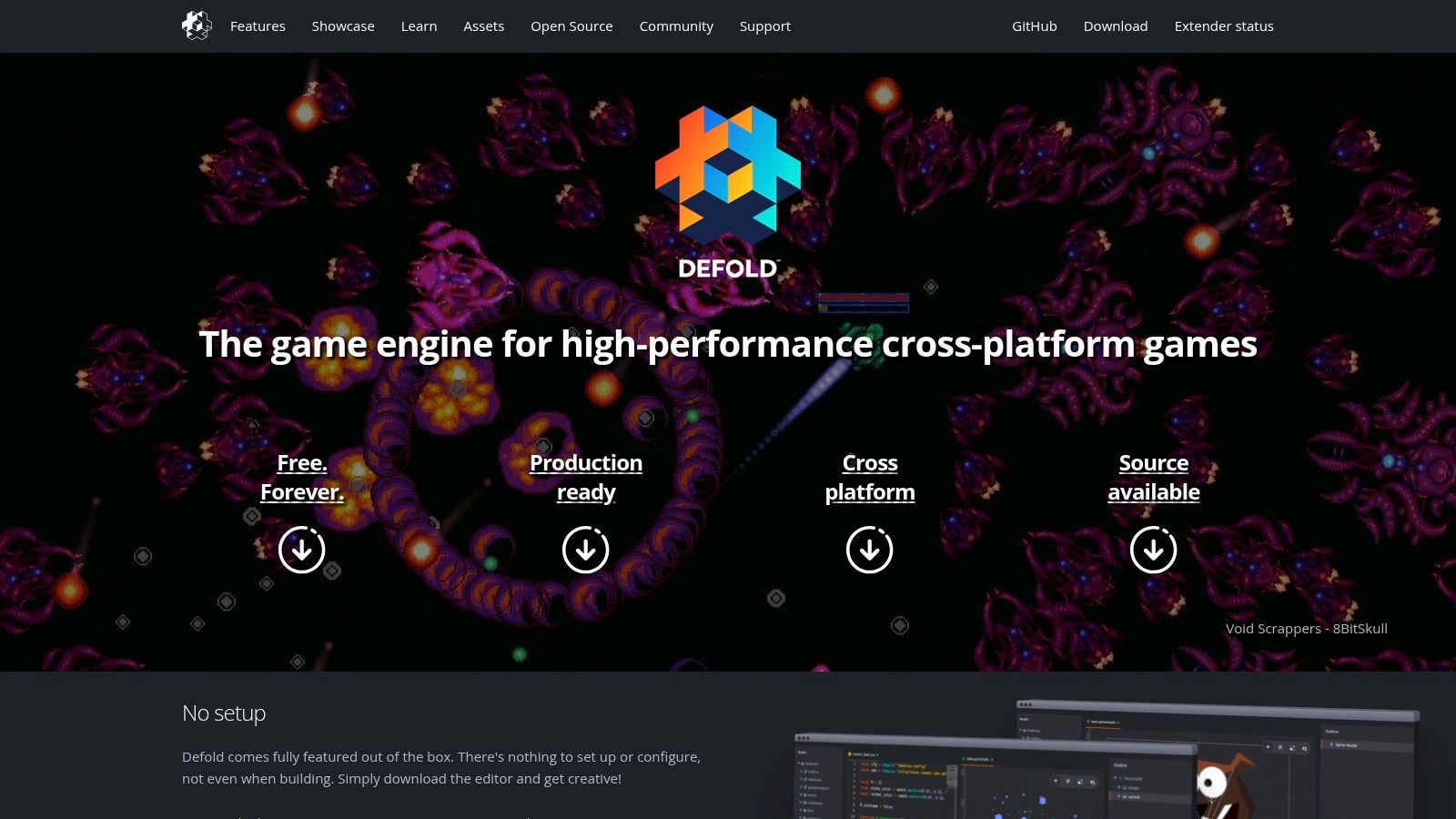
The engine is particularly known for its exceptional performance on mobile and web platforms, making it a go-to for developers targeting those markets. Scripting is handled with Lua, a language praised for its simplicity and ease of integration, but the engine also allows for native extensions in C++ and other languages for more complex, performance-critical tasks. This flexibility makes Defold a robust tool for commercial-quality games without any financial barriers.
Key Features & Use Cases
- Optimized for Mobile and Web: Defold is engineered for small build sizes and fast execution, making it ideal for mobile games, instant games, and web-based (HTML5) projects.
- Live Game Updates: The engine's "hot reload" feature is a standout, allowing developers to push updates and changes to a running game on a device without rebuilding the entire project.
- Cross-Platform Publishing: Easily deploy your game to mobile (iOS, Android), desktop (Windows, macOS, Linux), web, and even consoles like the Nintendo Switch.
Pros and Cons
| Pros | Cons |
|---|---|
| Truly Free: No licensing fees, royalties, or hidden costs. You keep 100% of your revenue. | Smaller Community: While very active, the user base is smaller than that of giants like Unity or Godot. |
| Excellent Performance: Designed for efficiency, resulting in small and fast game builds. | Limited Third-Party Tools: Fewer pre-made assets and integrations are available compared to larger engines. |
| Great Documentation: The official documentation and tutorials are extensive, clear, and well-maintained. | 3D Capabilities are Basic: Primarily a 2D engine; creating complex 3D games can be challenging. |
Practical Tip: Embrace Defold's component-based structure from the start. Build reusable game objects and scripts to accelerate development. Use the excellent built-in profiler to identify and fix performance bottlenecks early, especially when targeting mobile devices.
Get Started with Defold: https://defold.com/
9. RPG Maker
RPG Maker has carved out a dedicated niche in the game development world, earning its spot as one of the best free game making software options for a specific genre. It is designed from the ground up to streamline the creation of traditional 2D role-playing games. The platform excels by removing the need for complex programming, instead offering an intuitive, event-based system where users can script character interactions, cutscenes, and quest logic through simple menus.
While newer versions of RPG Maker are premium, older versions like RPG Maker 2003 are legally available for free, and modern iterations offer extensive free trials. This access point makes it a phenomenal tool for storytellers and designers who want to create a classic JRPG-style game without a coding background. Its focus on a single genre is its greatest strength, providing a wealth of pre-made assets and systems tailored specifically for RPG mechanics.
Key Features & Use Cases
- No-Code RPG Creation: The engine is built around a visual map editor and an event system. This is perfect for creating story-driven RPGs with classic mechanics like turn-based battles, inventory management, and dialogue trees.
- Massive Asset Library: Comes packed with character sprites, tilesets for world-building, music, and sound effects, allowing you to build a complete game right out of the box.
- Strong Community & Plugin Support: A long-standing, passionate community creates and shares custom scripts, plugins, and resources that can extend the engine’s capabilities far beyond its default settings.
Pros and Cons
| Pros | Cons |
|---|---|
| Extremely Beginner-Friendly: No programming knowledge is required to create a full game. | Very Limited for Non-RPG Games: Trying to create a platformer or shooter is difficult and counter-intuitive. |
| Fast Development Cycle: The specialized toolset allows for rapid creation of maps, characters, and quests. | Free Versions are Older: The most powerful, modern versions require a purchase, though free trials are available. |
| Active and Supportive Community: Abundant tutorials, forums, and user-made assets are readily available. | Potential for "Cookie-Cutter" Look: Games can look similar without significant custom asset creation. |
Practical Tip: Lean into RPG Maker's strengths. Focus on crafting a compelling narrative and unique world design. Experiment with the event system to create complex and engaging quests, as this is where the engine's no-code power truly shines.
Get Started with RPG Maker: https://www.rpgmakerweb.com/
10. Cocos2d-x
For developers with a C++ background, Cocos2d-x stands out as a powerful piece of best free game making software built for performance. It’s a mature, open-source framework rather than a full-featured engine, giving programmers low-level control over their projects. This focus on code and performance makes it a favorite for creating highly optimized 2D games that run smoothly across a vast array of devices, from mobile to desktop.
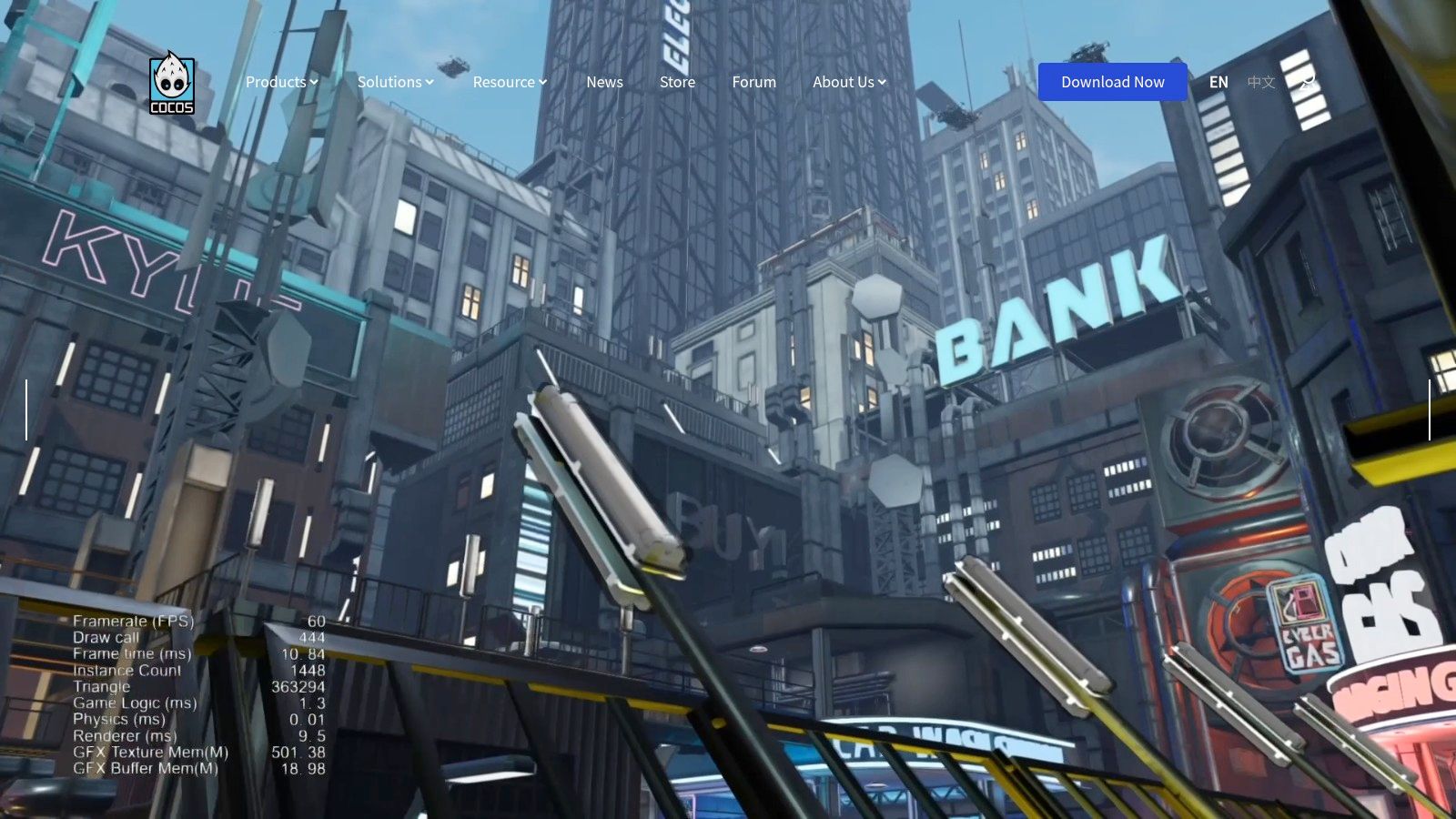
Unlike visual-scripting-heavy tools, Cocos2d-x is a code-first environment. It provides a robust set of features including a scene graph, sprites, actions, and physics integration. This makes it an excellent choice for developers who want to manage every aspect of their game's architecture and avoid the overhead that can come with more generalized game engines.
Key Features & Use Cases
- High-Performance 2D Games: Its lightweight C++ core is optimized for speed, making it ideal for action games, side-scrollers, and other projects where performance is critical.
- True Cross-Platform Development: Write your code once in C++ and deploy it natively on iOS, Android, Windows, and macOS without significant changes.
- Extensive Feature Set: Comes with built-in support for physics (Box2D and Chipmunk), particle systems, tilemaps, skeletal animations, and audio.
Pros and Cons
| Pros | Cons |
|---|---|
| Completely Free: The MIT license ensures no royalties or fees, with full source code access. | Requires C++ Knowledge: The framework is not suitable for non-programmers or those unfamiliar with C++. |
| Excellent Performance: Games are fast and lightweight, running well even on older mobile hardware. | Steeper Learning Curve: Lacks a visual editor by default, demanding a deeper understanding of coding principles. |
| Active Community: Benefits from extensive documentation and a large, established community of developers. | Primarily 2D Focused: While 3D is possible, the framework is fundamentally designed and optimized for 2D development. |
Practical Tip: Before starting, ensure your C++ and development environment setup (like Visual Studio or Xcode) is solid. Leverage the extensive official tests and sample projects included with the framework; they are invaluable resources for understanding how to implement specific features.
Get Started with Cocos2d-x: https://www.cocos.com/en/
11. Twine
Twine secures its spot as one of the best free game making software options by focusing exclusively on interactive, nonlinear storytelling. It empowers writers, designers, and developers to create intricate text-based games and interactive fiction without needing to write a single line of code. The platform uses a unique visual "story map" where each passage of text is a node, allowing you to visually connect choices and plot branches in a highly intuitive way.
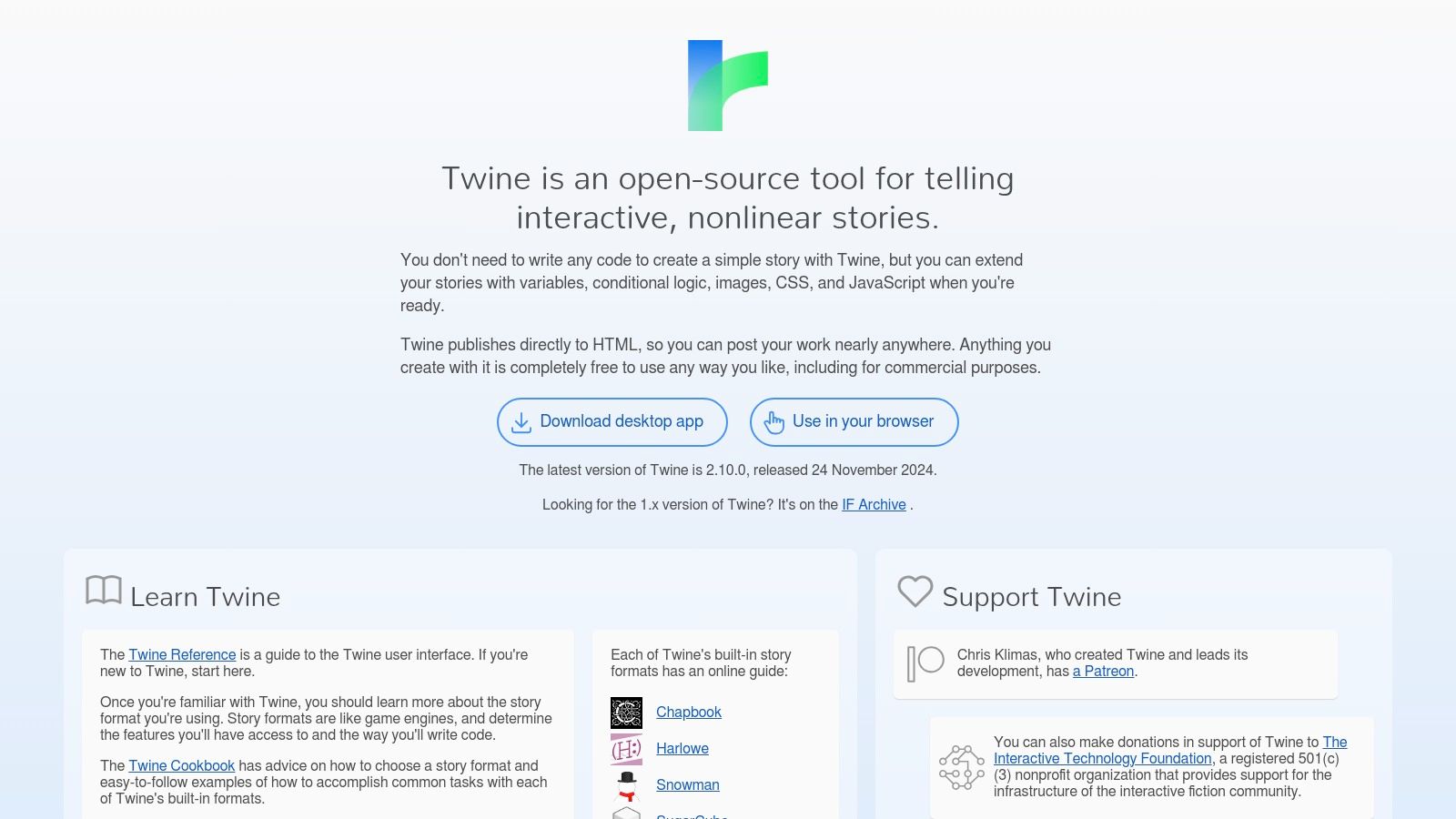
While its core strength is accessibility for non-programmers, Twine offers surprising depth. Through different story formats like Harlowe (default) or SugarCube, you can incorporate variables, conditional logic, and even custom CSS and JavaScript. This scalability makes it perfect for both simple choose-your-own-adventure stories and complex games with inventory systems and dynamic narratives.
Key Features & Use Cases
- Interactive Fiction & Visual Novels: Twine is the go-to tool for creating branching narratives, dialogue systems, and text-centric adventure games where the story is the core mechanic.
- Educational Tools & Prototyping: Its simplicity makes it ideal for educators teaching narrative structure or for game designers quickly prototyping complex dialogue trees before implementing them in a larger engine.
- Web-Based Accessibility: Games are exported as a single HTML file, making them incredibly easy to share, embed on websites, or upload to platforms like itch.io without any hassle.
Pros and Cons
| Pros | Cons |
|---|---|
| Extremely Beginner-Friendly: The visual editor makes it one of the easiest game-making tools to learn. | Text-Based Only: It is not designed for creating graphics-intensive or action-oriented games. |
| Completely Free & Open Source: No fees, no royalties. Your creations are entirely your own. | Limited Built-in Asset Management: Handling images or audio requires manual HTML/CSS work. |
| Active & Supportive Community: Extensive documentation, tutorials, and a helpful community are available. | Advanced Features Require Scripting: Complex mechanics necessitate learning a story format's specific syntax. |
Practical Tip: Start with the default Harlowe story format to learn the basics of linking passages and using simple variables. Once comfortable, explore the SugarCube format for more advanced scripting capabilities, which are essential for creating game-like systems such as health or inventory.
Get Started with Twine: https://twinery.org/
12. Aseprite
While not a full game engine, Aseprite is an indispensable part of many a developer's toolkit and deserves its place as one of the best free game making software components. It is a dedicated pixel art and animation tool that excels at creating the high-quality sprites and tilesets essential for retro-style games. Its workflow is laser-focused on the needs of a pixel artist, providing an intuitive environment to bring 2D characters and worlds to life.
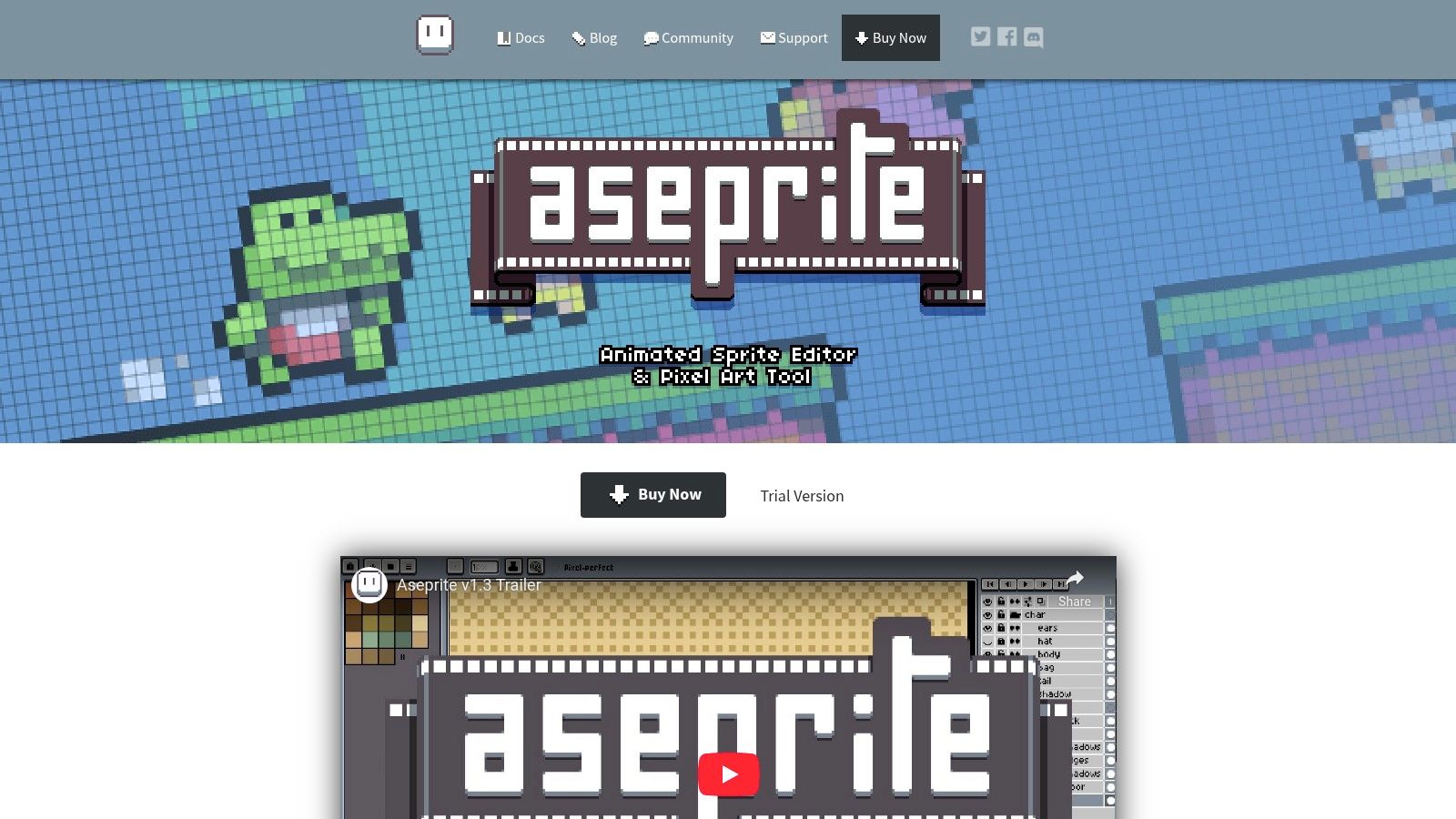
Aseprite is often used alongside other design software, and you can learn more about its role in the creative pipeline. What makes it special is its timeline-based animation system, which allows for precise control over every frame. Features like onion skinning, layer management, and a suite of pixel-perfect tools make it the go-to choice for creating polished, professional-grade pixel art assets for any game engine.
Key Features & Use Cases
- Creating Animated Sprites: Ideal for crafting character walk cycles, attack animations, and environmental effects with a powerful frame-based timeline.
- Designing Tilesets: The tiling mode makes it easy to create seamless tiles for building vibrant 2D game worlds, from platformer levels to RPG maps.
- Polishing Game Assets: Use advanced features like palette control, blend modes, and pixel-perfect transformations to refine your artwork.
Pros and Cons
| Pros | Cons |
|---|---|
| Industry-Standard for Pixel Art: Widely adopted with a user-friendly interface tailored specifically to pixel art creation. | Not Free (But Compilable): Requires a one-time purchase, though you can legally compile the source code for free if you have the technical skill. |
| Powerful Animation Tools: The timeline, layers, and onion skinning provide robust control over sprite animation. | Specialized Tool: Strictly for 2D pixel art and animation; cannot be used for 3D modeling or game logic. |
| Active Development: Receives regular updates with new features and improvements from a dedicated developer. | Niche Focus: Not a comprehensive game engine, but rather a supplementary art creation tool. |
Practical Tip: When animating, make heavy use of the "Tags" feature in the timeline. This allows you to name and organize different animations (e.g., "idle," "run," "jump") within a single file, making it much easier to export and implement them in your game engine.
Get Started with Aseprite: https://www.aseprite.org/
Top 12 Free Game Making Software Comparison
| Tool | Core Features ✨ | User Experience ★★★★☆ | Value Proposition 💰 | Target Audience 👥 | Unique Selling Points 🏆 |
|---|---|---|---|---|---|
| Godot Engine | Multi-language, 2D/3D, cross-platform | Active community, regular updates | Free (MIT license) 💰 | Beginners to pros | Custom GDScript, free & open-source |
| GDevelop | No-code visual scripting, 2D/3D support | Beginner-friendly, extensive docs | Free & paid assets available 💰 | Beginners, non-programmers | Event-based no-code system |
| Unity | Extensive asset store, C# scripting, cross-plat. | Large community, scalable | Free + paid plans 💰 | All skill levels | 25+ platform export, professional-grade |
| Unreal Engine | Blueprint visual scripting, photorealistic 3D | AAA-level quality, extensive resources | Free with royalties | Professionals, AAA devs | Photorealistic rendering, Blueprint system |
| Construct 3 | Drag-and-drop, web-based, multi-platform export | Browser-based, active tutorials | Free limited; subscription required 💰 | Beginners, educators | No-install browser access |
| Stencyl | Visual scripting blocks, multi-platform publish | Supportive community, tutorials | Free limited; paid plans for exports 💰 | Beginners, educators | Scratch-inspired drag-and-drop |
| GameSalad | Behavior-based logic, multi-platform | Easy for beginners | Free limited; subscription required 💰 | Novices, educators | Educational focus, simple drag & drop |
| Defold | Lua scripting, visual editor, multi-platform | Active community, regular updates | Completely free, no royalties 💰 | Indie developers, hobbyists | No royalties, source-available |
| RPG Maker | Visual map & event scripting, RPG-focused | Easy to use, active plugin community | Paid with free trials 💰 | RPG creators, beginners | Specialized RPG toolset |
| Cocos2d-x | Lightweight C++ framework, physics & animation | Requires C++ knowledge | Free (MIT license) 💰 | Intermediate to advanced devs | High-performance, open-source |
| Twine | Visual story mapping, text-based games | Beginner-friendly, no code needed | Free and open-source 💰 | Interactive fiction writers | Interactive stories, HTML export |
| Aseprite | Pixel art & animation tools, multi-format support | User-friendly, focused on pixel art | Paid software 💰 | Pixel artists, animators | Specialized pixel-perfect tools |
Final Thoughts
Embarking on your game development journey is an exhilarating prospect, and as we've explored, the financial barrier to entry has never been lower. The landscape of best free game making software is richer and more diverse than ever before, offering powerful, professional-grade tools without a hefty price tag. From the all-in-one powerhouses like Godot and Unity to specialized narrative creators like Twine, there is a perfect starting point for every aspiring creator, regardless of their technical background or artistic vision.
The key takeaway from our deep dive is that there is no single "best" engine for everyone. The ideal choice is deeply personal and depends entirely on your goals, skills, and the specific type of game you want to create.
How to Choose Your Perfect Starting Point
Making a decision can feel overwhelming. To cut through the noise, focus on these core questions to guide your selection:
- What is your primary goal? Are you aiming to build a commercial indie hit, create a quick prototype for a game jam, learn coding fundamentals, or simply tell a compelling interactive story? A tool like Unreal Engine suits ambitious 3D projects, while GDevelop is perfect for rapid, no-code prototyping.
- What are your existing skills? If you are a seasoned programmer comfortable with C++, Unreal or Cocos2d-x will feel like a natural fit. If you're an artist or designer with zero coding experience, visual scripting tools like Construct 3 or Stencyl provide a much gentler on-ramp.
- What kind of game are you making? Your genre heavily influences your choice. Building a classic, top-down JRPG? RPG Maker is purpose-built for that. Crafting a complex, branching narrative? Twine is unparalleled. For a physics-based 2D platformer, Defold or Godot are excellent contenders.
Your Actionable Next Steps
Information is only useful when acted upon. Don't get stuck in "analysis paralysis," endlessly comparing feature lists. The most crucial step is to start creating.
- Pick Two Contenders: Based on your answers above, select the two tools that seem most aligned with your project.
- Attempt the Same Small Project: Follow a beginner tutorial for each engine to build the same simple concept, like making a character move across the screen and jump. This direct comparison is the fastest way to understand which workflow and interface clicks with you.
- Engage with the Community: Join the Discord server, subreddit, or official forum for your chosen engine. The strength and helpfulness of a community can be just as important as the software's features, especially when you encounter inevitable roadblocks.
The journey of a thousand games begins with a single line of code, or in many cases, a single drag-and-drop action. The tools are here, they are free, and they are more than capable of bringing your unique vision to life. The only remaining ingredient is your creativity and dedication. Now, go make something amazing.