Level Up Your Teamwork With Collaborative Coding
Coding is no longer a solitary activity. Creating innovative software, engaging web experiences, or groundbreaking digital art frequently involves a team effort. But how can you effectively combine the talents of multiple individuals into a single, coherent codebase? The answer lies in collaborative coding tools.
These platforms are changing how software is developed, websites are built, and digital art is created, allowing teams to work together smoothly no matter their location. They address key challenges like version control, real-time editing conflicts, code review bottlenecks, and the general difficulties of merging different contributions. This shift empowers developers, designers, artists, students, and hobbyists to share knowledge, iterate faster, and ultimately, deliver higher-quality projects.
Selecting the right collaborative coding tool depends on several factors. Consider your team size, the complexity of your projects, the preferred programming languages and frameworks, and your budget. A good tool will offer robust version control, real-time co-editing features, integrated communication (like chat and commenting), and seamless integration with your existing workflow.
Pricing models vary widely. Some tools have free tiers for individuals or small teams, while others offer enterprise-level options with advanced features and support. Technical aspects, like cloud versus self-hosting and the availability of particular integrations, are also important.
Exploring Collaborative Coding Tools
In this article, we'll explore ten excellent collaborative coding tools that meet various needs and skill levels. Whether you're a beginner coder, an experienced developer, a digital artist pushing boundaries, or a student working on a group project, you'll discover the ideal platform to improve your teamwork and unlock the true potential of collaborative coding.
1. GitHub

GitHub is a cornerstone of modern software development. It serves as a central hub for millions of open-source and private projects. This web-based platform combines the power of Git version control with robust collaboration features, making it an essential tool for anyone working with code. Whether you're a seasoned professional, a digital artist exploring code, or a student just starting out, GitHub provides a structured environment to manage, share, and contribute to projects.
One of GitHub's key strengths lies in its collaborative tools. Pull requests allow developers to propose changes to a codebase and receive feedback through inline comments and formal code reviews. Integrated issue tracking and project boards help teams organize tasks, track bugs, and effectively manage the entire development process.
For automating workflows, GitHub Actions provides CI/CD capabilities. This enables automated testing, building, and deployment directly within the platform. Beyond code management, GitHub offers Wikis and documentation tools to centralize project information. With GitHub Codespaces, developers can access cloud-based development environments, simplifying setup and enabling collaboration from anywhere.
GitHub’s distributed version control system, using Git, offers significant flexibility and control over code. Tracking changes, creating branches, and merging code become seamless processes. This allows multiple contributors to work concurrently without overwriting each other’s contributions. The platform's large community and ecosystem also provide access to a vast library of open-source projects, valuable learning resources, and a network of potential collaborators. Educators and students can use GitHub for collaborative learning, showcasing student portfolios, and contributing to real-world projects.
While GitHub is free for public repositories and basic features, premium features like private repositories and advanced team management tools require a paid subscription. These plans start at $4/month. The learning curve for Git can be initially challenging for beginners, and the platform's extensive feature set might feel overwhelming for simpler projects. However, for projects of any significant size or complexity, the advantages of version control, robust collaboration, and community support typically outweigh these initial hurdles. You might be interested in: Our guide on GitHub Copilot.
Features:
- Pull requests and code review tools
- Issue tracking and project boards
- GitHub Actions for CI/CD automation
- Wikis and documentation tools
- GitHub Codespaces for cloud development environments
Pros:
- Massive community and ecosystem
- Excellent integration with other developer tools
- Free for public repositories and basic features
- Sophisticated version control with Git
Cons:
- Premium features require paid plans
- Learning curve for Git newcomers
- Can be overwhelming for simple projects
Website: https://github.com
2. Visual Studio Live Share
Visual Studio Live Share from Microsoft is a powerful tool for real-time collaborative coding. It goes beyond simple screen sharing by allowing developers to share their entire development environment within both Visual Studio and VS Code. This means multiple team members can simultaneously edit code, debug, and even share terminal access, all within their own personalized editor instances. This facilitates fluid and efficient pair programming, interactive code reviews, and remote debugging sessions.
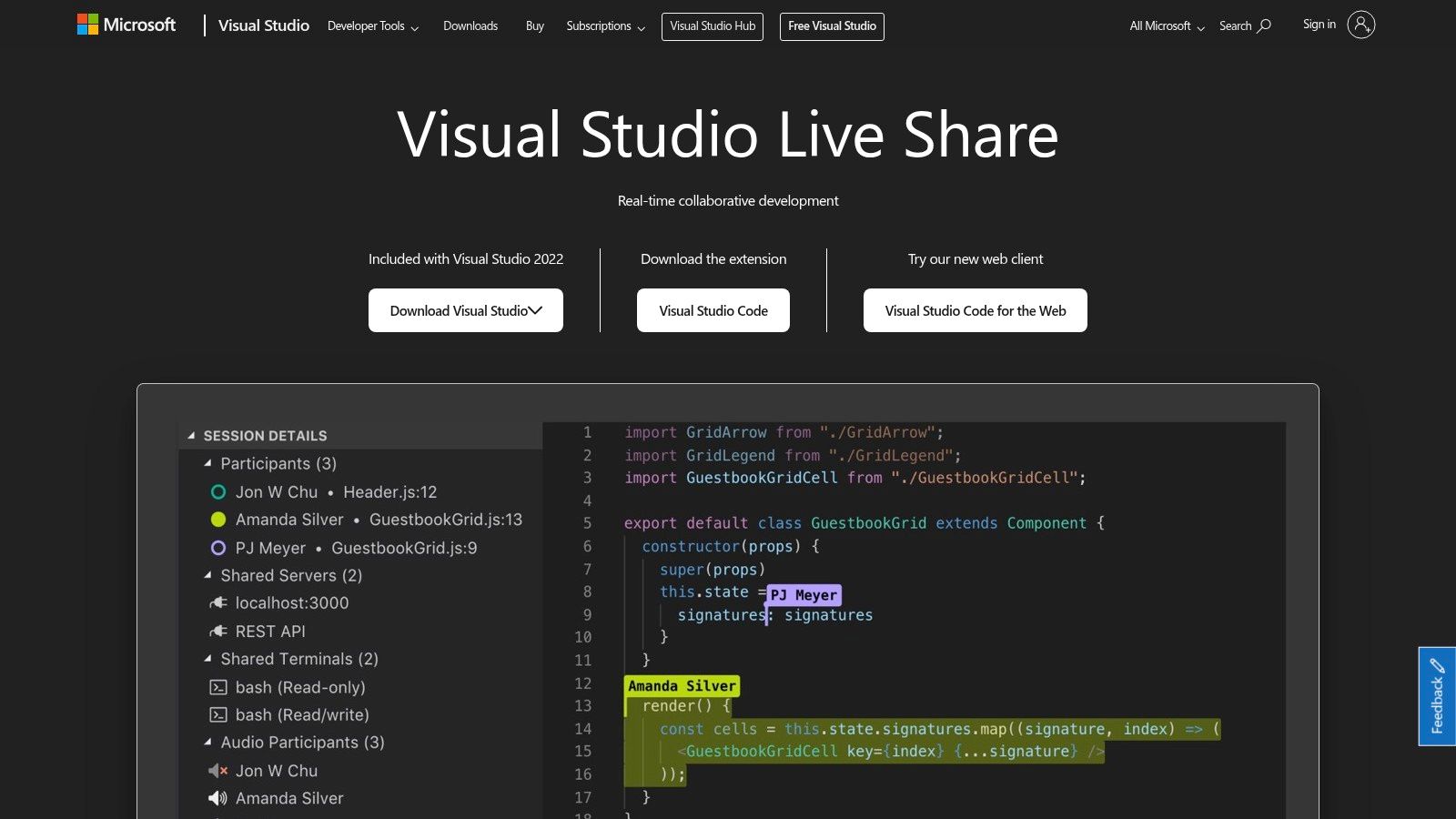
This tool is particularly useful in a variety of scenarios. For example, when a team is troubleshooting a complex bug, Live Share allows multiple developers to inspect the code, step through the debugger, and identify the issue together, significantly reducing debugging time.
During code reviews, reviewers can actively make suggestions and edits within the shared session, making the review process more interactive and productive. Live Share also benefits educational settings by facilitating collaborative learning and providing real-time feedback between instructors and students.
Key Features of Visual Studio Live Share
Visual Studio Live Share offers a range of features that make it a valuable collaboration tool:
- Real-Time Collaborative Editing: Multiple developers can work on the same codebase simultaneously, seeing each other's changes in real time.
- Co-Debugging Capabilities: Team members can debug together, stepping through the code, inspecting variables, and identifying issues collaboratively.
- Terminal Sharing: Share access to a terminal instance for joint execution of commands and scripts.
- Server and Port Sharing: Simplify web application testing and debugging by sharing local servers and ports.
- Audio Calls Integration: Integrated audio calls streamline communication during collaborative sessions.
Pros and Cons of Visual Studio Live Share
Like any tool, Visual Studio Live Share has its advantages and disadvantages.
Pros:
- Cross-Platform Compatibility: Seamlessly works across VS Code and Visual Studio.
- Simplified Setup: Eliminates the need for repository cloning or complex environment setup for collaborators.
- Free to Use: Provides robust collaborative features at no cost.
- Independent Navigation: Each participant can navigate the codebase independently, focusing on their specific tasks while still collaborating.
Cons:
- Reliance on Internet Connection: A stable internet connection is essential for a smooth experience.
- Initial Setup Complexity: First-time users may encounter some initial setup challenges.
- Occasional Synchronization Issues: Although generally reliable, occasional synchronization problems can occur.
You might be interested in: Our guide on Cursor.
Visual Studio Live Share is a valuable tool because of its robust features, cross-platform compatibility, and ease of use. It streamlines collaborative coding workflows, making it an invaluable asset for teams of all sizes. By addressing the challenges of remote collaboration, it empowers developers to work together effectively, regardless of location. Download and explore Visual Studio Live Share at https://visualstudio.microsoft.com/services/live-share/.
3. GitLab
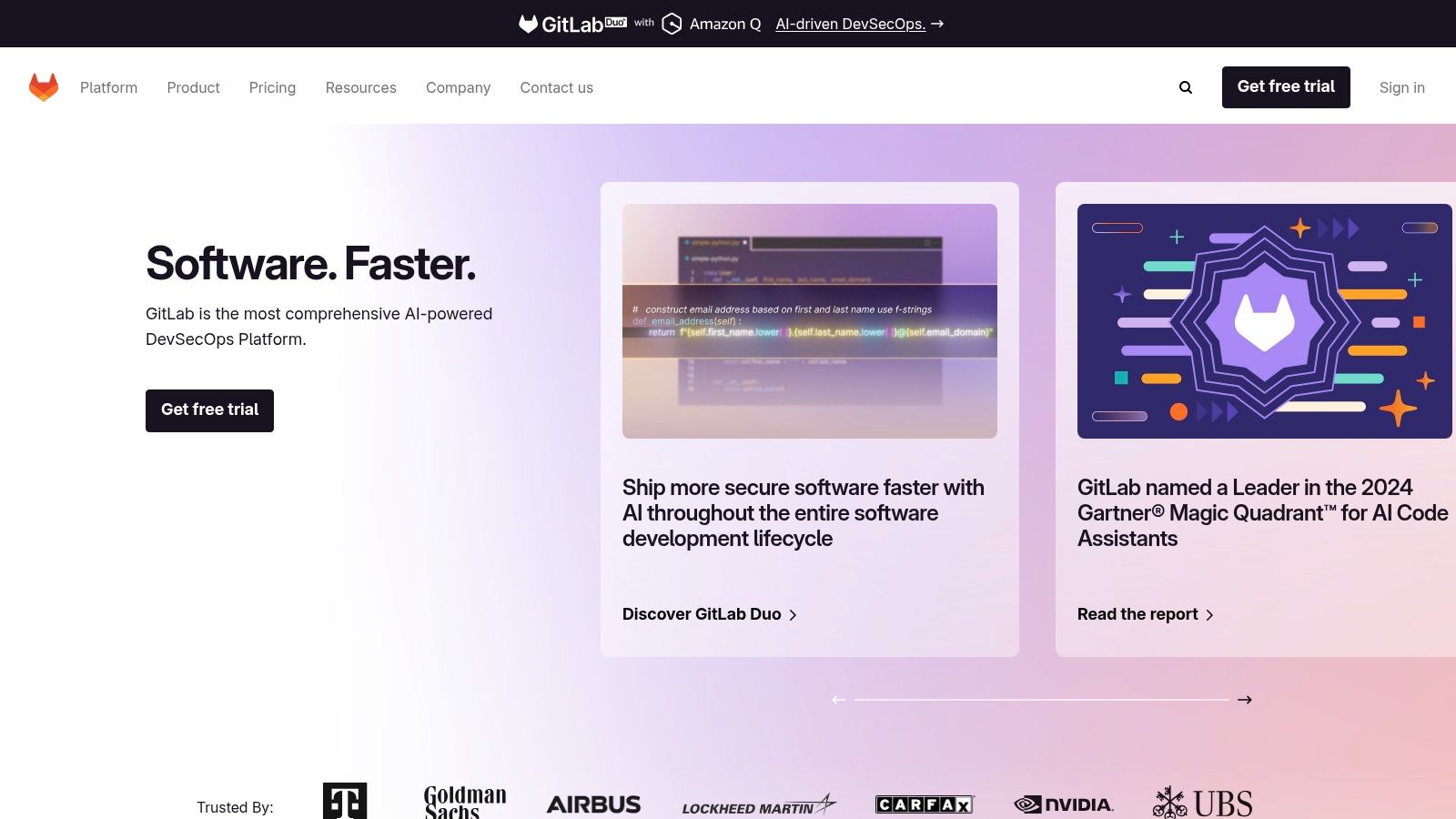
GitLab stands out as a comprehensive, all-in-one DevOps platform. Unlike tools that concentrate solely on version control or CI/CD, GitLab offers a complete set of tools for managing the entire software development lifecycle. This includes everything from initial planning and coding to testing, deployment, and monitoring. This makes it a compelling option for teams of all sizes, from individual developers to large enterprises.
GitLab excels in its ability to streamline workflows. Picture this: you push your code, and GitLab automatically runs your tests, builds your application, and deploys it to your environment – all within a single platform. This integrated approach eliminates the need for multiple tools and minimizes context switching, freeing developers to focus on writing code.
Key Features and Benefits
-
Built-in CI/CD Pipelines: Automate your build, test, and deployment processes with GitLab's powerful and customizable CI/CD pipelines. This feature significantly reduces manual effort and enables continuous integration and delivery.
-
Complete DevOps Platform: Manage every stage of your software development lifecycle within GitLab. From issue tracking and code review to a container registry and security scanning, this unified approach fosters collaboration and boosts efficiency.
-
Self-Hosting Option: For organizations with specific security or compliance requirements, GitLab offers the flexibility of self-hosting. This allows for complete control over your data and environment.
-
Container Registry: Build, store, and deploy containerized applications seamlessly using GitLab's integrated container registry. This simplifies container management and streamlines your deployment workflows.
-
Security Scanning Tools: Identify and address security vulnerabilities early on in the development process with GitLab's built-in security scanning. This proactive approach helps you deliver secure software.
Pros
- All-in-one solution for the entire development lifecycle
- Robust security features, including integrated security scanning
- Flexible deployment options (cloud-based or self-hosted)
- Comprehensive documentation and active community support
Cons
- Can be resource-intensive when self-hosted, potentially requiring significant server resources for optimal performance.
- Paid plans begin at $19/user/month for premium features. These include advanced CI/CD capabilities, code quality analysis, and more robust security testing. While the free tier provides a substantial set of features, certain advanced functionalities are exclusive to paid tiers.
- The interface, while comprehensive, can sometimes feel complex, especially for new users.
Comparison with Similar Tools
GitHub primarily focuses on version control and offers CI/CD through integrations like GitHub Actions. GitLab, in contrast, offers a more tightly integrated and complete DevOps platform out of the box. Bitbucket, another popular version control solution, also provides Git repositories and CI/CD but lacks the extensive features of GitLab.
Implementation/Setup Tips
- Begin with a free account to explore the platform and its features.
- Utilize GitLab's comprehensive documentation and tutorials for setting up CI/CD pipelines and other features.
- If self-hosting, ensure your server meets the recommended system requirements.
Website: https://gitlab.com
GitLab is a powerful tool that enables teams to adopt DevOps practices and streamline their software development lifecycle. Its all-in-one nature and robust features make it a valuable asset for everyone involved in software development, from individual programmers to large development teams.
4. Repl.it
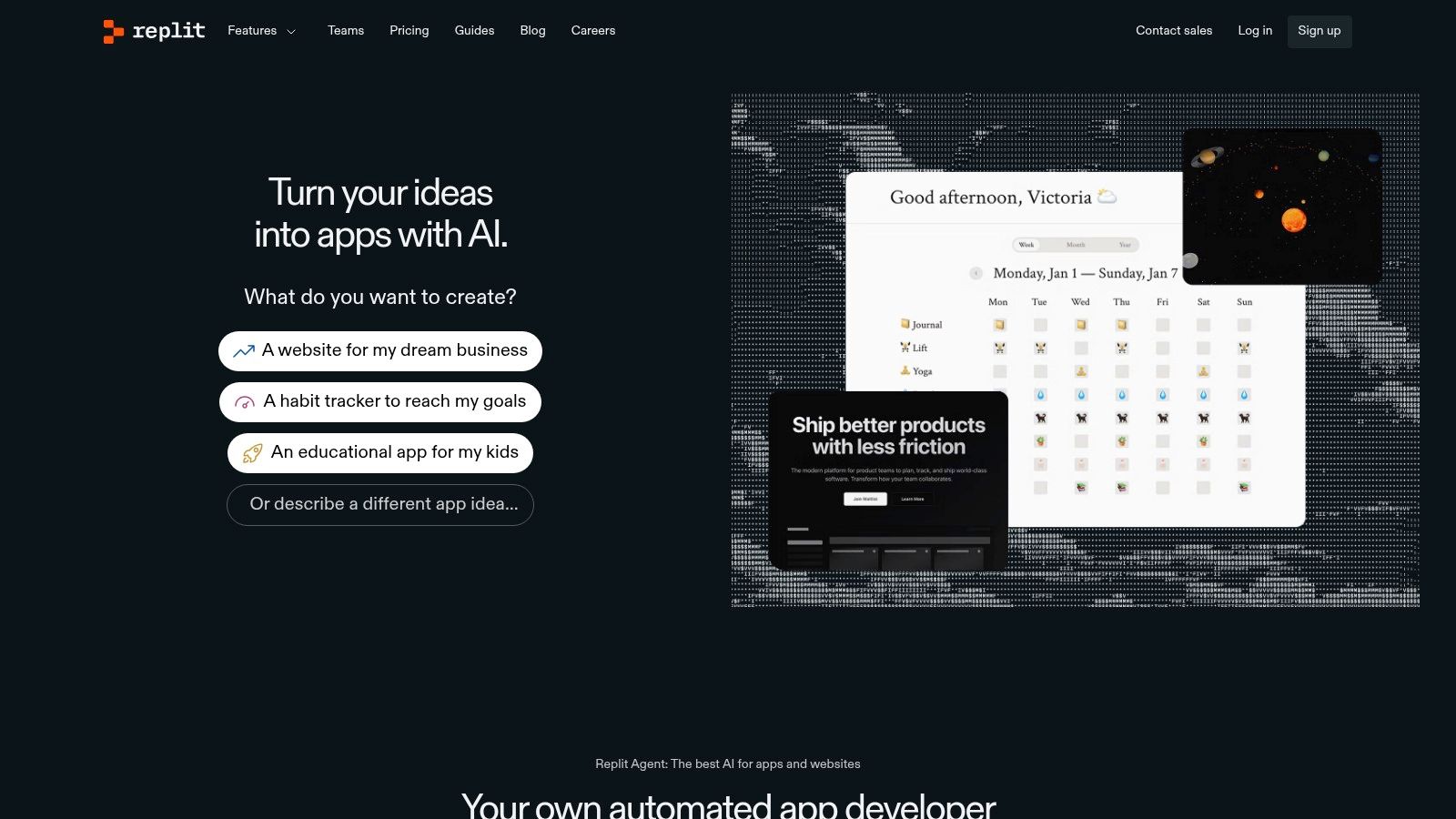
Repl.it is a versatile, browser-based coding platform suitable for both novice and seasoned programmers. Supporting over 50 programming languages, it eliminates the need for complex local development environments. This accessibility makes Repl.it ideal for various applications, from quick prototypes and educational exercises to collaborative coding and even small deployments.
Imagine collaborating on a Python project with a teammate. Repl.it lets you both access the same coding environment instantly, irrespective of your operating systems. You can code in real-time, seeing each other's changes as they occur—like a shared document for code. This real-time collaboration significantly simplifies pair programming and debugging, promoting a more interactive and productive workflow. Repl.it's broad language support extends beyond Python to include JavaScript, Java, C++, Go, and many more.
Repl.it also simplifies the deployment process. You can host and deploy your applications directly from your browser, bypassing complex server configurations. It is a particularly effective platform for educators, enabling students to experiment with various languages and collaborate on coding assignments without the headaches of local installations. This ease of use makes Repl.it a great entry point for beginners starting their coding journey. For enhanced coding productivity within Repl.it and other IDEs, you might be interested in: Our guide on TabNine.
While the free tier offers substantial resources for basic use and experimentation, including real-time collaboration, more resource-intensive projects might necessitate a subscription. This unlocks increased computational power and storage. The "Hacker" plan, starting at $7/month, provides private Repls, boosted resources, and unlimited always-on containers.
Features:
- Real-time Collaborative Code Editing
- Multiplayer Coding Environment
- Support for 50+ Programming Languages
- Built-in Hosting and Deployment
- Integration with GitHub
Pros:
- No Setup Required – Works in Browser
- Great for Teaching and Learning
- Free Tier Available for Basic Use
- Instant Sharing via Links
Cons:
- Limited Resources in Free Tier
- Less Suitable for Large-Scale Production Applications
- Premium Features Require a Subscription ($7/month for Individuals)
Website: https://replit.com
5. CodeSandbox: Your Browser-Based Web Development Playground
CodeSandbox is a powerful, browser-based development platform specifically designed for building web applications. It’s especially well-suited for working with popular front-end frameworks like React, Vue, and Angular, providing a smooth experience for setting up development environments. Forget tedious local configurations! This makes CodeSandbox a great choice for both seasoned developers looking to prototype quickly and beginners just starting their coding journey.
One of CodeSandbox's most impressive features is its robust real-time collaboration functionality. Imagine seamlessly pair programming with a colleague, conducting live code reviews, or even hosting a workshop where participants can code along simultaneously—all within the same browser window. This live collaboration significantly improves workflows and creates a more interactive learning and development experience.
CodeSandbox also offers a rich library of pre-built templates for popular frameworks and libraries. This allows you to kickstart your projects quickly, skipping the initial setup hurdles and getting right to the coding. Seamless GitHub integration provides version control and simplified sharing. The live preview feature offers instant feedback as you build, making development incredibly efficient. Sharing your work is as easy as sending a project URL.
Features at a Glance
- Real-time collaboration: Edit code simultaneously with other team members.
- Templates for popular frameworks: Start projects quickly with pre-configured setups.
- GitHub integration: Manage your code effectively with version control and easy sharing.
- Live preview of applications: See your changes reflected in real time as you code.
- Shareable project URLs: Distribute your work effortlessly.
Pros
- Specialized for web development frameworks: Tailored for React, Vue, Angular, and other web technologies.
- Excellent user experience and interface: Intuitive design makes it easy to navigate and use.
- Free tier for basic usage: Get started without any upfront cost.
- No local setup required: Develop entirely within your browser.
Cons
- Limited to web technologies: Not suitable for projects beyond web development (e.g., native mobile apps).
- Team features require a Pro plan ($9/month/user): Real-time collaboration requires a paid subscription.
- Performance depends on internet connection: A stable internet connection is essential for a smooth experience.
Implementation Tips
- Explore the extensive library of community-created sandboxes for inspiration and learning.
- Use the built-in templates to speed up project setup.
- Take advantage of the real-time collaboration features for pair programming and code reviews.
Comparison With Similar Tools
While tools like CodePen and JSFiddle offer similar functionality for front-end development, CodeSandbox stands out with its focus on complete project environments, robust real-time collaboration, and deep integration with popular frameworks.
CodeSandbox caters to a broad audience, from aspiring coders and seasoned software developers to digital artists exploring creative coding, educators leading online workshops, and entrepreneurs rapidly prototyping their ideas. Its ease of use, powerful features, and collaborative capabilities make it a valuable resource for anyone involved in web development. Visit the official website (https://codesandbox.io) to explore its features and create your first sandbox.
6. Bitbucket
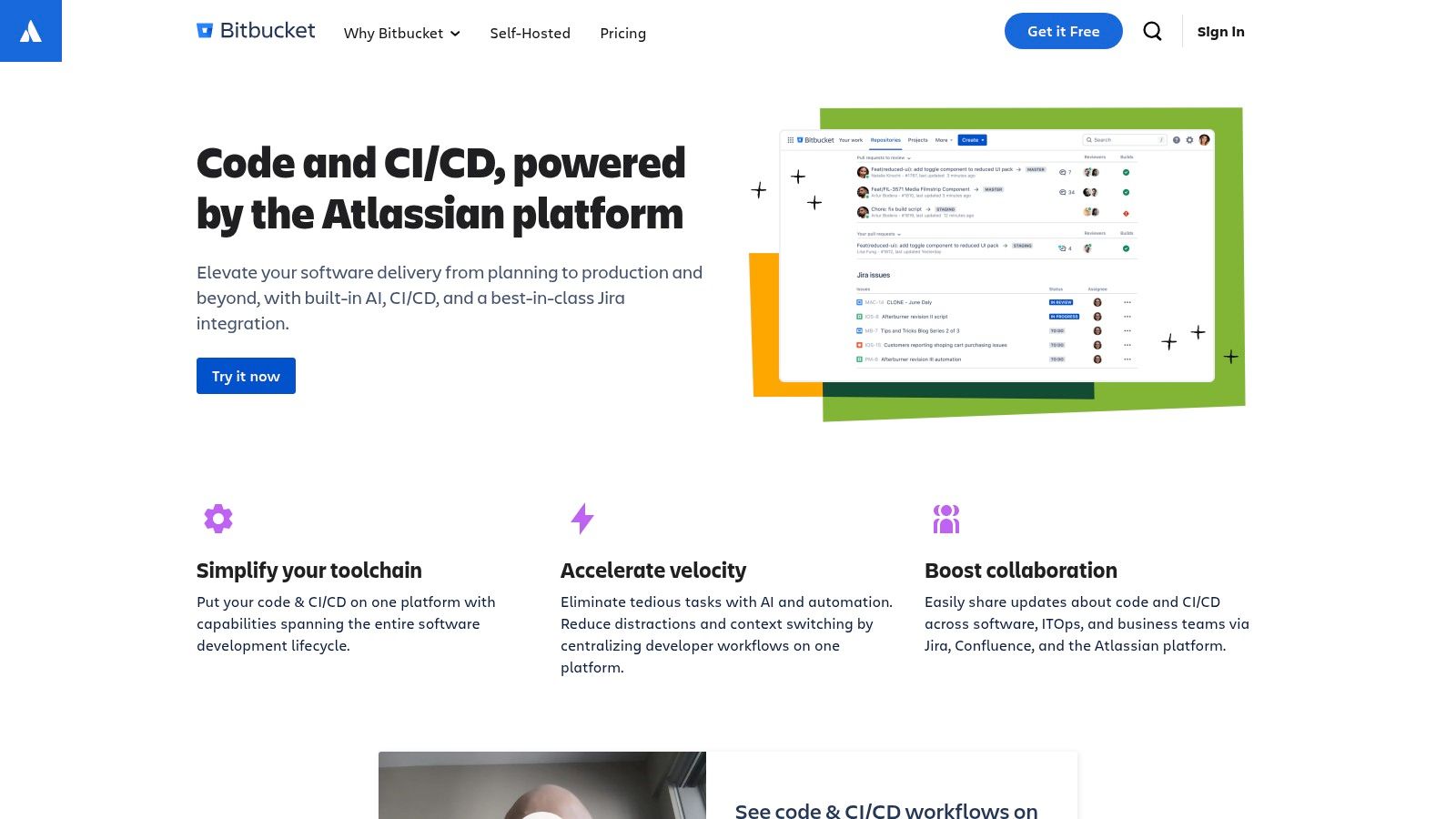
Bitbucket is Atlassian's Git and Mercurial repository management solution designed with professional teams in mind. Its close integration with other Atlassian tools, such as Jira and Confluence, makes it a compelling choice, particularly for teams already working within the Atlassian ecosystem. For teams looking for a unified platform to manage projects, track issues, and collaborate on code, Bitbucket provides a powerful and efficient workflow.
Bitbucket offers all the essential collaborative features you'd expect from a modern version control system. Features like pull requests and code reviews help teams work together effectively and maintain high code quality. Built-in CI/CD pipelines through Bitbucket Pipelines automate testing and deployment processes. Furthermore, granular permission management allows for controlled and secure access to your codebase.
Key Features and Benefits
-
Git and Mercurial Support: While Git is the dominant version control system, Bitbucket’s support for both Git and Mercurial accommodates a wider range of team preferences and project requirements.
-
Jira Integration: Link code commits directly with Jira issues for effective tracking and streamlined workflows. This integration is particularly helpful for managing bugs, features, and other development tasks.
-
Atlassian Suite Integration: Bitbucket connects with the broader Atlassian suite, including Confluence for documentation and Trello for project management, creating a central hub for all your development needs.
-
Built-in CI/CD (Bitbucket Pipelines): Automate your build, test, and deploy processes directly within Bitbucket. This streamlines the development lifecycle and enables faster releases.
-
Code Review Tools: Integrated code review tools promote best practices, improve code quality, and facilitate knowledge sharing among team members.
-
Granular Permissions Management: Maintain control over access to your repositories with fine-grained permissions, safeguarding your code and ensuring its integrity.
Pros
-
Seamless Jira Integration: This is a significant advantage for teams already using Jira.
-
Free for Small Teams: Bitbucket offers free private repositories for up to 5 users, making it a cost-effective option for small projects and startups.
-
Cloud and Self-Hosted Options: Choose the deployment option that best aligns with your specific needs and security requirements.
-
Enterprise-Grade Security Features: Bitbucket provides robust security measures, including IP whitelisting and two-factor authentication, essential for protecting your codebase.
Cons
-
Smaller Community Compared to GitHub: While Bitbucket has an active community, it's smaller than GitHub's, potentially resulting in fewer readily available resources and third-party integrations.
-
Pricing: The standard plan starts at $3/user/month, which can become expensive for larger teams.
-
Learning Curve: Some features, particularly the CI/CD pipelines, may have a steeper learning curve compared to other platforms.
Pricing
Bitbucket is free for up to 5 users. The standard plan begins at $3/user/month. Premium plans offer additional features and build minutes. See Bitbucket pricing for complete details.
Implementation/Setup Tips
-
Start with the Free Plan: Explore the available features and assess whether they meet your requirements before upgrading to a paid plan.
-
Integrate with Jira Early: If your team uses Jira, connecting it to Bitbucket from the beginning will maximize the benefits of the integration.
-
Explore Bitbucket Pipelines Tutorials: Leverage online resources to learn how to effectively use the CI/CD capabilities.
Comparison with Similar Tools
Bitbucket is often compared to GitHub and GitLab. All three platforms provide Git repository hosting and core version control features. However, Bitbucket stands out with its tight integration with the Atlassian suite. GitHub boasts a larger community and hosts a vast number of open-source projects, while GitLab is recognized for its comprehensive DevOps features. The best platform for your team will depend on your specific requirements and existing tools.
Website: Bitbucket
Bitbucket is a solid choice for teams seeking a comprehensive, integrated platform for code management, particularly those already using other Atlassian tools. Its powerful features, including built-in CI/CD and seamless Jira integration, make it a valuable asset for optimizing development workflows and improving team collaboration.
7. CodePen
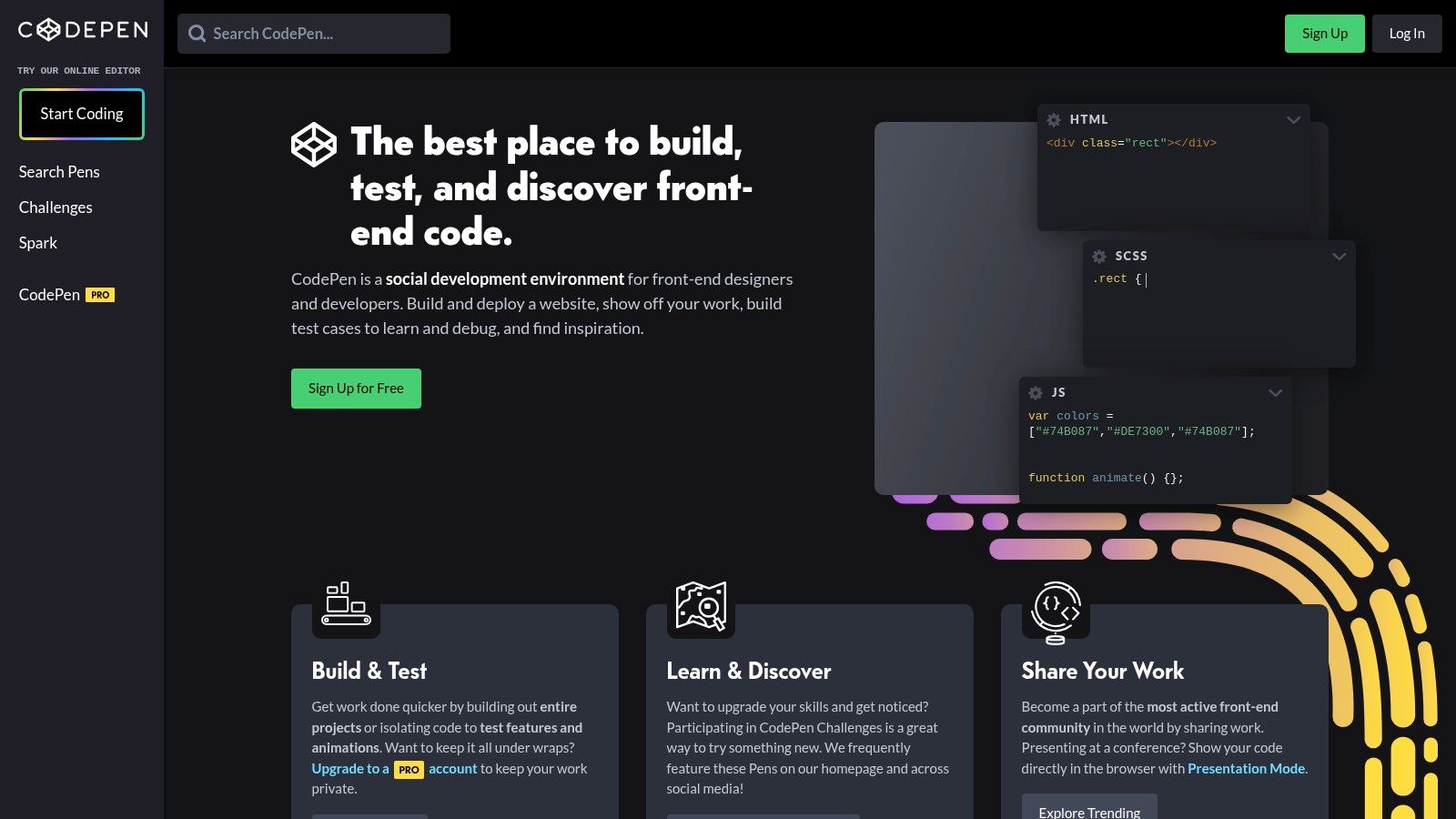
CodePen is a valuable tool for front-end development, offering a space for experimentation and collaboration. Think of it as a social platform specifically designed for sharing and refining front-end code, perfect for anyone working with HTML, CSS, and JavaScript, from experienced professionals to beginners.
One of CodePen's strengths is its instant visual feedback. As you write code, you see the results immediately. This real-time feature is particularly helpful for several key tasks.
Rapid Prototyping and Experimentation
Quickly test design concepts and see how different code combinations work without needing a full development environment. This makes CodePen a great place to experiment, especially for learning new techniques like CSS animations. The platform also boasts a huge library of public "Pens" (code snippets) offering plentiful inspiration.
Sharing, Collaboration, and Teaching
CodePen facilitates showcasing your work and getting community feedback. The Collab Mode feature (part of the Pro plan) allows real-time collaboration with other developers. Educators can use Professor Mode for live coding demonstrations, and students can practice and share assignments.
CodePen also supports CSS preprocessors (like Sass and Less) and JavaScript preprocessors (like Babel and TypeScript), enhancing the front-end workflow. Hosting assets directly on CodePen further simplifies sharing.
Features and Benefits
Here's a breakdown of what CodePen offers:
- Real-time collaboration (Pro)
- Instant preview of HTML, CSS, and JavaScript
- Social sharing and code discovery
- Asset hosting
- Professor Mode for teaching
- Built-in preprocessors
Pros:
- Ideal for front-end experimentation and prototyping
- Active community and numerous examples
- Easy sharing of code snippets
- Built-in preprocessing
Cons:
- Collaboration requires a $12/month Pro plan
- Limited to front-end technologies
- Not ideal for complex, multi-file projects
Comparing CodePen with Other Tools
While JSFiddle and CodeSandbox provide comparable features, CodePen’s social aspect and large community set it apart. It focuses less on full application development and more on rapid prototyping, sharing, and learning.
Getting Started with CodePen
Getting started is incredibly straightforward. Visit CodePen, create a free account, and begin creating Pens or exploring the vast library of existing ones. The Pro plan is worth considering if real-time collaboration is crucial to your process. CodePen empowers developers and designers of all skill levels to embrace the iterative nature of front-end development. Its user-friendly interface, collaborative tools, and active community make it a valuable resource for web professionals.
8. Glitch
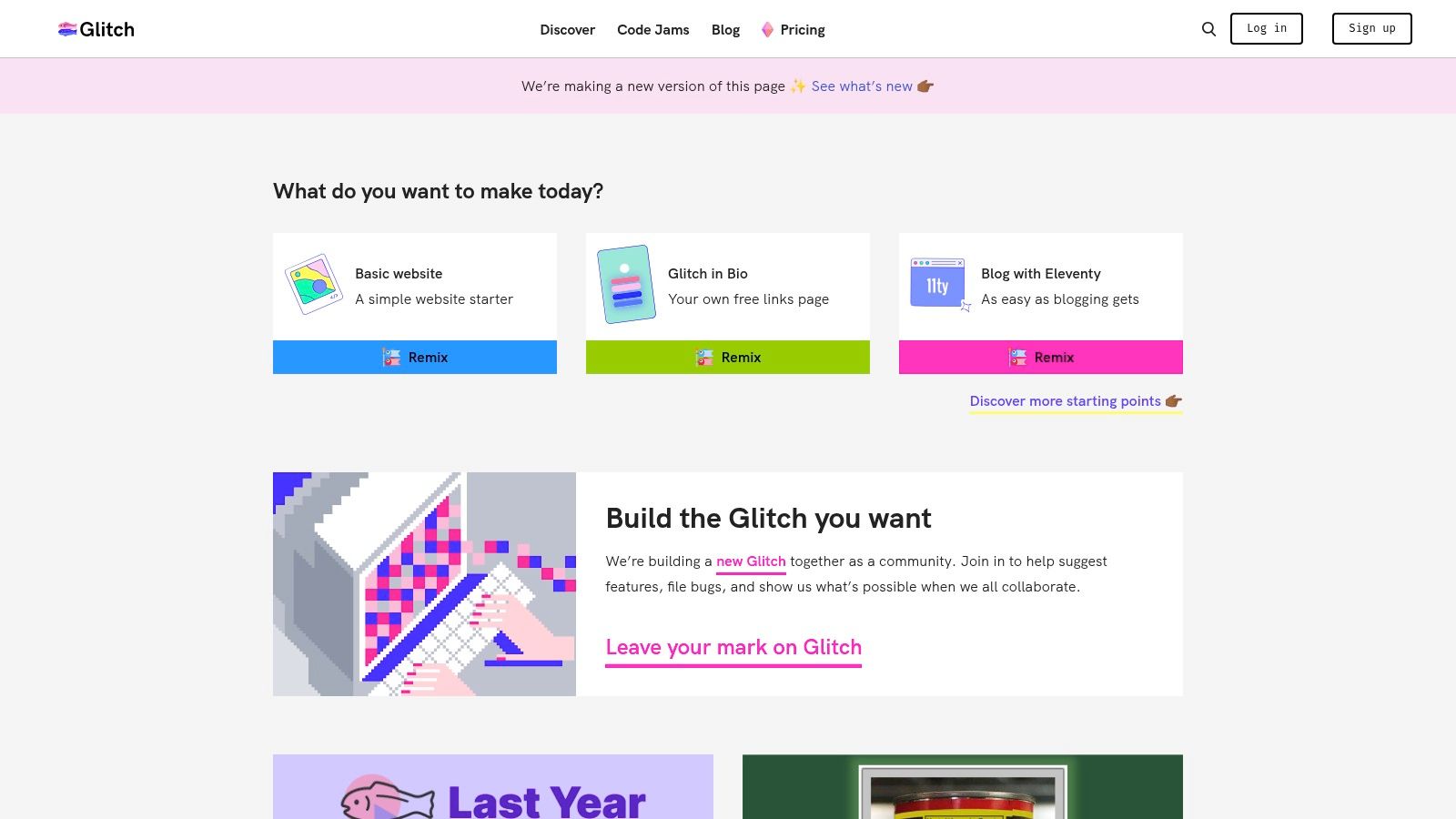
Glitch is a collaborative coding platform designed to be accessible and enjoyable, catering to both beginners and seasoned developers. It offers a full-stack development environment right in your browser, simplifying the process of building and deploying web applications. Glitch's unique remixable project structure encourages a vibrant community and facilitates learning. Users can clone and modify existing projects, making it a valuable resource for educators, students, and anyone looking to rapidly prototype and share ideas.
Practical Applications and Use Cases
-
Rapid Prototyping: Glitch's instant deployment feature is ideal for quickly bringing ideas to life. Whether you're mocking up a landing page or a simple web app, Glitch offers a streamlined environment for experimentation.
-
Learning Web Development: The platform's beginner-friendly interface and numerous examples make it an effective learning tool. New developers can readily explore and experiment without complex setup procedures.
-
Collaborative Projects: Real-time collaborative editing allows multiple developers to work concurrently on the same codebase, promoting efficient teamwork and rapid iteration. This feature is particularly valuable for hackathons and small team projects.
-
Creative Coding and Art Projects: Glitch supports both front-end and back-end development, enabling artists and creative technologists to develop interactive installations, generative art projects, and other web-based creative endeavors.
-
Building and Sharing Bots: Its always-on capabilities (available with the paid Boost plan) and easy integration with various APIs make Glitch a popular platform for building bots for services like Discord and Slack.
Features and Benefits
-
Real-time Collaborative Code Editing: Work with others on projects, seeing changes reflected instantly.
-
Automatic Hosting and Deployment: Glitch manages servers and deployment pipelines, simplifying the process for developers.
-
Full-stack Development Environment: Build both front-end and back-end components within a single platform.
-
Community-based Remixing of Projects: Learn from other developers and adapt existing projects to suit your specific needs.
-
Asset Hosting and Database Support: Glitch integrates asset hosting and database options for streamlined development workflows.
Pros and Cons
Here's a breakdown of the advantages and disadvantages of using Glitch:
| Pros | Cons |
|---|---|
| Great for beginners and educational use | Projects go to sleep after inactivity on the free tier |
| Instant deployment and sharing | Limited computational resources on the free tier |
| Generous free tier | Premium features require the Boost plan ($10/month) |
| Supportive community |
Pricing and Technical Requirements
Glitch offers a free tier, and the Boost plan is available for $10/month, unlocking premium features. Only a web browser and an internet connection are required to get started.
Comparison with Similar Tools
While platforms like CodeSandbox and Repl.it provide comparable functionalities, Glitch differentiates itself through its emphasis on community, its remix culture, and its user-friendly approach, especially for those new to coding.
Getting Started with Glitch
Getting started with Glitch is simple. Visit Glitch, sign up, and choose a project to remix or start from scratch.
Glitch's accessible and collaborative coding environment distinguishes it from other platforms. Its focus on simplicity and community makes it a versatile tool for a broad range of users, from novice coders to experienced professionals. Whether you're prototyping an idea, learning web development, or collaborating on a project, Glitch provides an engaging and efficient platform for your coding endeavors.
9. Floobits: Cross-Editor Collaborative Coding
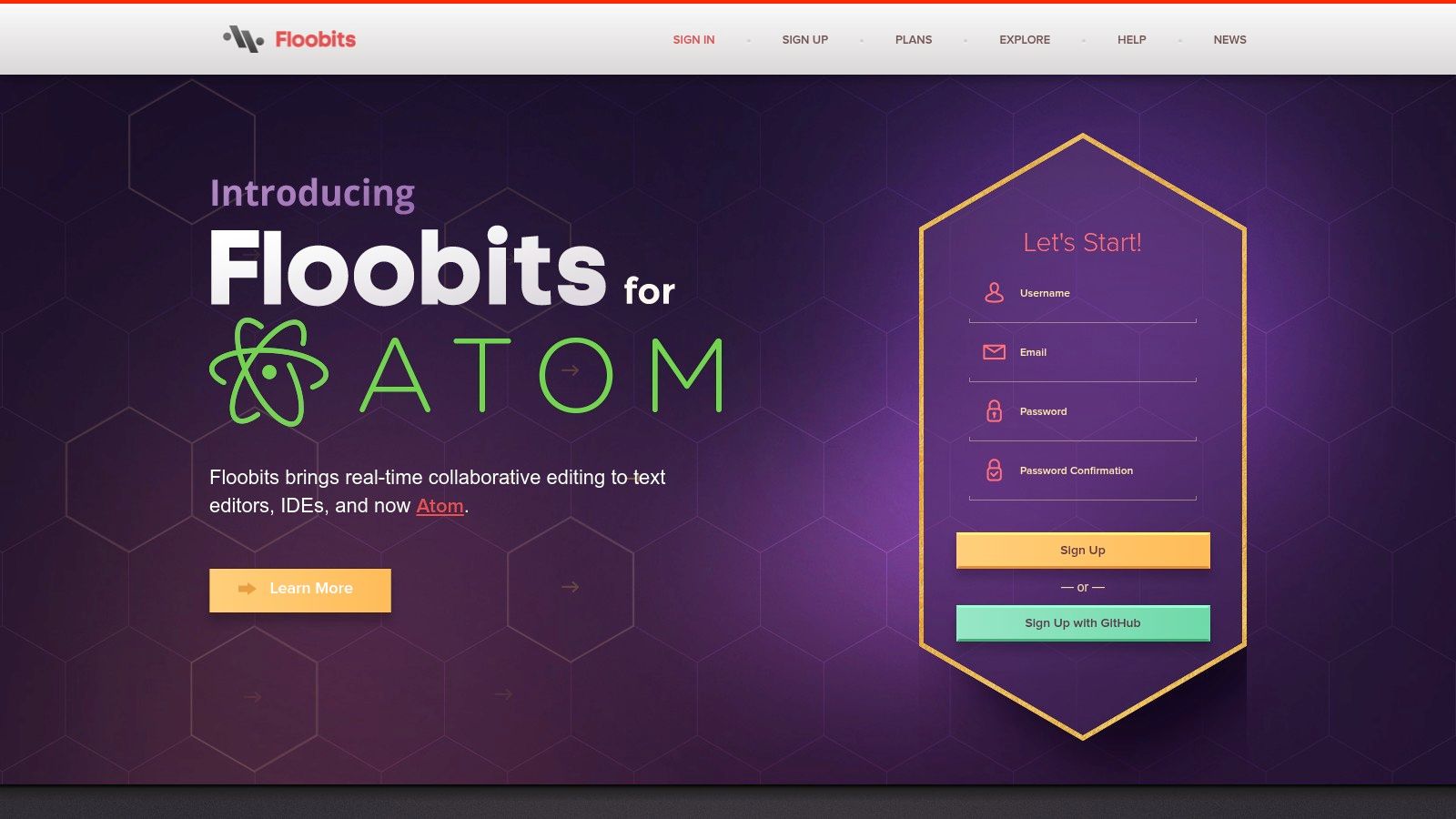
Floobits addresses a key challenge in collaborative coding: editor compatibility. Unlike tools that restrict you to a specific IDE or web-based editor, Floobits allows developers to collaborate using their preferred environments. Whether your team prefers Sublime Text, IntelliJ IDEA, Neovim, or Atom, Floobits creates a flexible and inclusive coding experience.
This cross-editor compatibility is invaluable for diverse teams. Imagine a front-end developer using Sublime Text, a back-end developer using IntelliJ IDEA, and a DevOps engineer using Neovim. Floobits enables them to work together on the same codebase simultaneously, minimizing friction and context switching.
Floobits goes beyond real-time editing with features like integrated voice chat and terminal sharing. This makes it ideal for remote pair programming and debugging. Sharing your terminal allows teammates to observe command-line operations, providing insights and facilitating knowledge transfer.
Features and Benefits
- Cross-editor collaboration: Works with a range of popular IDEs.
- Real-time code editing: See changes as teammates type.
- Terminal sharing: Share your terminal session with others.
- Video and voice chat: Built-in communication tools.
- Flexible permissions system: Control workspace access and user roles.
- Public and private workspaces: Host public or secure private code.
- Tight editor integration: Interact with Floobits from your editor.
Pros
- Respects existing workflows: Developers can use their preferred editors.
- Ideal for diverse teams: Eliminates tooling conflicts.
- Supports public and private projects: Caters to various use cases.
- Powerful terminal integration: Enhances collaborative debugging.
Cons
- Cost: Private workspaces require a paid subscription (starting at $15/month).
- Setup complexity: Integrating with some editors can be involved.
- Smaller community: Fewer resources and community support compared to alternatives.
Implementation and Setup Tips
Setting up Floobits involves installing the editor plugin and creating an account. The Floobits website offers detailed instructions. While setup might be slightly more complex than browser-based solutions, the benefit of using your preferred IDE often outweighs the initial effort.
Comparison with Similar Tools
Tools like Visual Studio Code's Live Share and CodeSandbox offer collaboration features. However, Floobits excels in broad editor support. Live Share focuses primarily on Visual Studio Code, while CodeSandbox targets web development in a browser. If cross-editor compatibility is crucial, Floobits stands out.
Floobits empowers teams prioritizing flexibility and existing workflows. While the paid subscription for private workspaces is a factor, the benefits of cross-editor compatibility and features like terminal sharing make it a valuable investment for seamless and productive collaborative coding.
10. AWS Cloud9
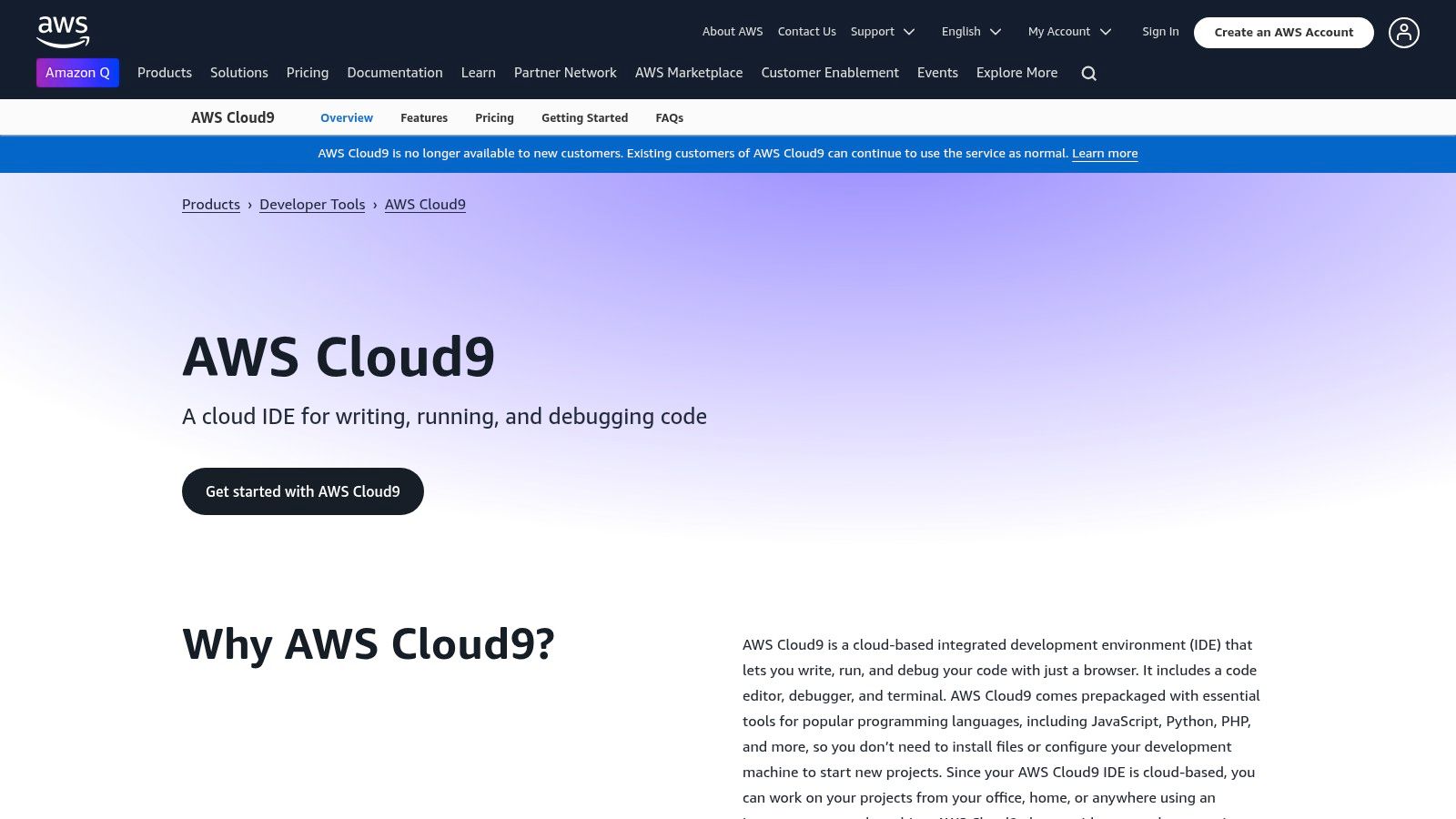
AWS Cloud9 is a powerful cloud-based IDE. It's especially well-suited for cloud-native development and teams already working within the AWS ecosystem. Cloud9 removes the hassle of setting up local development environments and offers a consistent workspace accessible from anywhere with an internet connection. This makes it a great choice for distributed teams, educational purposes, and rapid prototyping.
Imagine creating a fully configured development environment in mere minutes, complete with pre-installed libraries and instant access to AWS services like Lambda, EC2, and S3. That's the power of Cloud9. Whether you're building a serverless application, debugging a complex microservice architecture, or working on a machine learning project, Cloud9 simplifies the entire development process.
Key Features and Benefits
-
Browser-Based IDE with Real-time Collaboration: Cloud9 allows multiple developers to work together on the same codebase at the same time. Features like shared code editing, debugging sessions, and a shared terminal promote real-time collaboration and speed up development cycles.
-
Built-in Terminal with Sudo Privileges: The integrated terminal provides complete control over the development environment. You have sudo privileges, allowing you to install packages and configure services as needed.
-
Direct AWS Service Integration: Interact seamlessly with other AWS services directly within the IDE. This streamlines tasks such as deploying code to Lambda, managing EC2 instances, and working with databases.
-
Code Completion and Debugging Tools: Cloud9 offers intelligent code completion, robust debugging capabilities, and support for multiple programming languages, boosting overall developer productivity.
-
Support for Multiple Programming Languages: Cloud9 supports a wide range of programming languages, from Python and JavaScript to C++ and Go, accommodating diverse project needs.
Practical Applications
-
Serverless Development: Build, test, and deploy serverless applications directly to AWS Lambda and API Gateway with ease.
-
DevOps and Infrastructure as Code: Manage your infrastructure and automate deployments using tools like AWS CloudFormation and Terraform directly within the Cloud9 environment.
-
Machine Learning: Train and deploy machine learning models using pre-configured environments and access to AWS SageMaker.
-
Real-time Collaborative Coding: Work on code together with your team in real-time, making it perfect for pair programming and remote collaboration.
Pros
-
Deep integration with AWS services: Seamlessly access and manage your AWS resources.
-
No local setup required: Start coding instantly in your browser.
-
Secure cloud-based development environment: Your code and development environment are securely hosted in the AWS cloud.
-
Pay only for compute resources used: Benefit from flexible pricing based on the underlying EC2 instance usage.
Cons
-
Requires AWS account and knowledge: Some familiarity with AWS services is helpful.
-
Costs can accumulate based on underlying EC2 usage: Monitor your instance type and usage time to manage costs effectively.
-
Less intuitive for non-AWS workloads: While supporting multiple languages, Cloud9’s strengths are best utilized within the AWS ecosystem.
Pricing and Technical Requirements
Cloud9 itself is free to use. You only pay for the underlying compute and storage resources consumed, primarily the EC2 instance hosting your development environment. AWS offers a variety of EC2 instance types with different pricing tiers. You will need an AWS account to use Cloud9.
Comparison with Similar Tools
Cloud9 is often compared to other cloud IDEs like CodeSandbox, Repl.it, and Gitpod. While these platforms offer similar browser-based coding experiences, Cloud9 stands out with its deep AWS integration and features specifically designed for cloud-native development.
Implementation/Setup Tips
-
Choose an EC2 instance type that matches your project’s resource needs.
-
Configure your environment with the necessary SDKs, libraries, and tools.
-
Utilize the AWS CLI integrated within the terminal to manage your AWS services.
-
Explore the collaborative features for efficient real-time coding with your team.
Website: https://aws.amazon.com/cloud9/
Collaborative Coding Tools: Feature Comparison
| Platform | Core Features ✨ | User Experience ★ | Unique Selling Points 🏆 | Target Audience 👥 | Price 💰 |
|---|---|---|---|---|---|
| GitHub | Pull requests, CI/CD, Issue tracking | Extensive community, robust integrations | Largest ecosystem | Developers of all levels | Free (public) / Starter from $4/month |
| Visual Studio Live Share | Real-time collaboration, co-debugging | Smooth, independent navigation | Session sharing without repo cloning | VS Code & Visual Studio users | Free |
| GitLab | End-to-end DevOps, built-in CI/CD pipelines | Comprehensive, secure | All-in-one platform for the DevOps lifecycle | Enterprise and tech teams | Free / Premium from $19/user/month |
| Repl.it | Browser IDE, multiplayer code editing | Instant setup, user-friendly | No local installation; supports 50+ languages | Educators and learners | Free / Subscription at $7/month |
| CodeSandbox | Cloud IDE for web frameworks, live preview | Intuitive, fast interface | Optimized for React, Vue & Angular | Web developers | Free / Pro plan at $9/month per user |
| Bitbucket | Git hosting, CI/CD via Pipelines, permissions control | Integrated with Atlassian tools | Seamless Jira & Confluence integration | Professional development teams | Free for small teams; from $3/user/month |
| CodePen | Front-end playground, instant HTML/CSS/JS preview | Excellent for prototyping | Social sharing and discovery of code examples | Front-end designers and experimenters | Free; Pro mode at $12/month |
| Glitch | Full-stack browser IDE, auto hosting & remixable apps | Beginner-friendly, instant share | Accessible, fun, and community-driven | Beginners and educators | Free; Boost plan at $10/month |
| Floobits | Cross-editor collaboration, real-time editing, terminal sharing | Versatile with multiple IDEs | Editor-agnostic collaboration | Diverse remote teams | Paid starting at $15/month |
| AWS Cloud9 | Cloud-based IDE, real-time collaboration, AWS integration | Secure and scalable | Deep integration with AWS services | Cloud developers and DevOps teams | Pay-as-you-use (cost varies) |
Choosing the Right Collaborative Coding Tools for Your Team
Selecting the ideal collaborative coding tool requires careful consideration of your team's unique needs and available resources. With a range of options available, such as GitHub, Visual Studio Live Share, GitLab, Repl.it, CodeSandbox, Bitbucket, CodePen, Glitch, Floobits, and AWS Cloud9, making the right choice can significantly impact productivity, code quality, and the overall development process.
One key factor is the nature of your project and team. For large, complex projects demanding robust version control and issue tracking, platforms like GitHub, GitLab, and Bitbucket are excellent choices. Their comprehensive features support efficient code management and collaboration for distributed teams. Smaller teams or those engaged in simpler projects may find the lightweight, browser-based environments of CodeSandbox, Repl.it, CodePen, or Glitch more suitable. These platforms often offer free tiers or generous free plans, making them attractive for hobbyists, students, or those experimenting with new technologies.
Real-time collaboration features, such as those offered by Visual Studio Live Share and Floobits, can be invaluable for teams that value pair programming and live debugging. Consider your team's preferred Integrated Development Environments (IDEs) and ensure seamless integration with the collaborative coding tool. For example, Visual Studio Live Share integrates seamlessly with Visual Studio and VS Code, making it a natural fit for teams already using these IDEs.
Budget and resource constraints also influence the decision. While many tools offer free tiers, their features and limitations vary. Carefully examine the pricing structure and consider long-term costs associated with potential team and project growth. For enterprise-level projects with significant security and compliance needs, platforms like GitHub Enterprise or GitLab Ultimate might be necessary investments.
Key Considerations When Choosing a Tool
-
Integration with Existing Tools: Ensure the platform integrates smoothly with your project management software, CI/CD pipelines, and other development tools. This minimizes context switching and streamlines development. Compatibility with your preferred programming languages and frameworks is also essential.
-
Key Takeaways: Choosing the right tool requires careful evaluation. Here’s a summary of key considerations:
- Project Scope: Align the tool’s capabilities with your project’s complexity.
- Team Size and Communication: Factor in real-time collaboration needs and team communication preferences.
- IDE Integration: Choose tools that integrate smoothly with your existing development environment.
- Budget and Resources: Evaluate pricing structures and resource limitations.
- Integration and Compatibility: Ensure compatibility with your current tools and technology stack.
Choosing the right collaborative coding tool is an investment in your team's success. Carefully consider your requirements, evaluate available options, and prioritize seamless integration with your existing workflow. This empowers your team to collaborate effectively, produce high-quality code, and efficiently achieve project goals. Don't forget to leverage free trials and free tiers to thoroughly test a tool's suitability for your team.