Why Creating Art With Code Is Changing Everything
The art world is buzzing, and it's not just the usual gallery chatter. There's a new kind of creative energy in the air, powered by algorithms and code. Think of it as a digital renaissance, where traditional artists are learning Python, programmers are channeling their inner Michelangelo, and galleries are showcasing algorithmic masterpieces alongside classic works. This isn't a fleeting trend; it's a fundamental shift in how we create and experience art.
What started as experimental computer graphics has blossomed into a recognized art form, captivating audiences and collectors. Code-based art has moved from the fringes to the forefront, attracting serious attention and even more serious investment. It's a movement that raises some pretty profound questions about the very nature of creativity.
One of the most intriguing aspects is this unexpected dance between randomness and mathematics. Artists are using algorithms and code to explore ideas that would be impossible to achieve through traditional methods. Imagine the difference: a painter meticulously controls each brushstroke, while a coder can introduce controlled chaos, letting algorithms generate surprising shapes and patterns.
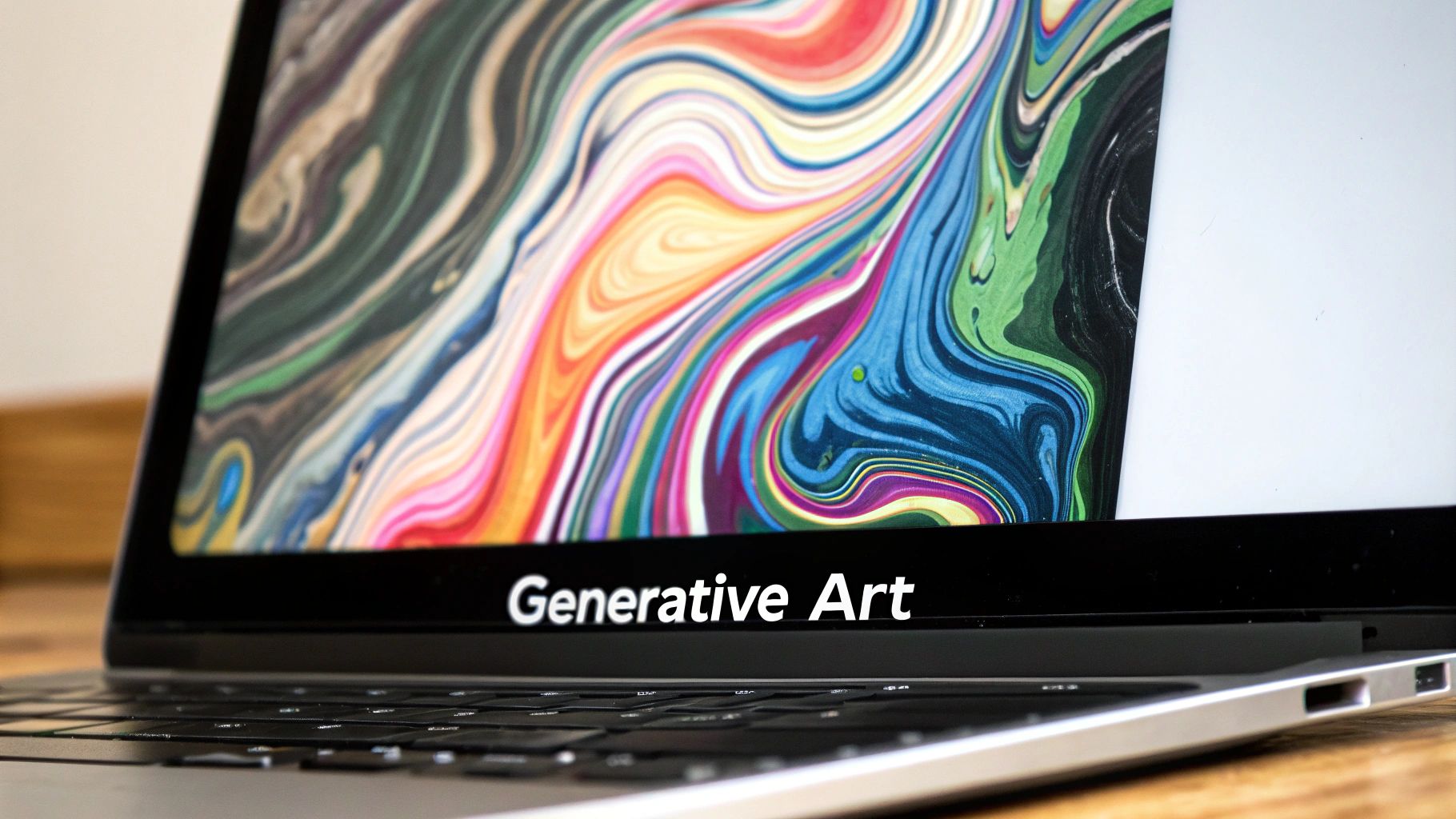
This brings us to generative art, where algorithms, often powered by randomness, become key players in the creative process. The image below, from the Wikipedia page on Generative Art, gives you a peek into the diverse range of styles and techniques involved. It shows how code can create intricate patterns, organic-looking forms, and even abstract visualizations of data. It’s not just about pretty pictures; it's about exploring creativity and the evolving relationship between humans and machines.
Generative art creates a dynamic interplay between the artist's vision and the algorithm's output, pushing the boundaries of traditional art forms. This fusion of human creativity and computational power is a major force in the growth of the digital art market. In fact, the use of generative AI in art is exploding. In 2024, the market was valued at $0.43 billion, and projections for 2025 put it at $0.62 billion, representing a 42.4% compound annual growth rate. For more on this, check out this insightful article: Discover more insights into generative AI art market growth here.
The Philosophical Questions Behind Algorithmic Art
Creating art with code opens a whole new can of worms, philosophically speaking. What does authorship even mean when your algorithm generates something completely unexpected? How do artists navigate the balance between control and serendipity in this new creative landscape? Where do we draw the line between human guidance and machine autonomy?
These aren't just abstract questions for academics; they're shaping real conversations within the art world and challenging our traditional ideas about artistic creation. They force us to rethink the artist's role, the definition of art itself, and the implications of machines participating in creative processes. It's an exciting time to be witnessing this convergence of technology and artistic expression. The future of art is being written, line by line, algorithm by algorithm.
Choosing Your Creative Coding Arsenal
So, you're itching to create art with code. Awesome! The sheer range of possibilities is exhilarating, but picking the right tools can feel a bit like staring at a wall of paint in an art store – exciting, yet slightly paralyzing. Trust me, I've been there. After chatting with a bunch of code artists, a few favorites consistently rise to the top, each with its own sweet spot.
Processing: Your Beginner-Friendly Gateway
If you're just starting out, Processing is a fantastic launchpad. It’s specifically designed for visual exploration, and the syntax is refreshingly straightforward. This means you can get straight to the fun part – creating stunning visuals – without getting tangled in complicated code. Seriously, you can whip up something beautiful in your very first session, which is a great confidence booster. Check out the Processing website; it's clean, clear, and packed with resources.
This screenshot shows how Processing prioritizes accessibility and visualization. It's all about making it easy to play with code and see the results instantly, which encourages experimentation and a playful approach to creative coding.
p5.js: Bringing Your Art to the Web
Once you've got a handle on Processing, p5.js is a natural progression. It takes that same beginner-friendly vibe and brings it to the web. Suddenly, your creations can live online as interactive animations, responsive designs, even web-based art installations. It's a brilliant way to share your art with the world and explore the possibilities of web-based creativity.
Python: The Data Artist's Secret Weapon
If you’re drawn to the intersection of art and data, Python is your new best friend. Libraries like matplotlib and seaborn give you the power to transform raw data into visually captivating stories. This is where art meets data science, allowing you to create pieces that are both aesthetically pleasing and insightful. Python’s flexibility is perfect for digging into complex datasets and building interactive visualizations.
To help you compare these awesome tools, I’ve put together a table summarizing their strengths and weaknesses:
Creative Coding Tools: The Real Comparison
Honest assessment of popular programming languages and frameworks for creating art with code, based on real artist experiences and community feedback.
| Tool/Language | Learning Curve | Best Creative Use | Community Support | Getting Started Resources |
|---|---|---|---|---|
| Processing | Beginner-friendly | Introduction to creative coding, static and animated 2D graphics | Large and active, excellent documentation | Processing.org, numerous online tutorials |
| p5.js | Easy to learn, builds on Processing concepts | Web-based art, interactive animations, generative art | Strong and growing community, good documentation | p5js.org, online tutorials, coding communities |
| Python | Steeper learning curve | Data visualization, generative art, complex simulations | Huge community, extensive libraries | Numerous online courses, documentation, communities dedicated to data science and creative coding |
| openFrameworks | More challenging | Complex installations, generative 3D graphics, interactive art | Active community, good documentation | openFrameworks.cc, forums, online tutorials |
| TouchDesigner | Steep learning curve | Real-time interactive art, live performances, visual effects | Dedicated community, workshops | Derivative.ca (official website), online communities, workshops |
This table gives you a quick overview of each tool's strengths, making it easier to decide which one best suits your artistic goals and technical comfort level.
Leveling Up Your Toolkit
As your skills grow, you might want to check out some more advanced tools. TouchDesigner is amazing for real-time interactive art and live performances, while openFrameworks is a great option for complex installations or generative 3D graphics. These tools offer specialized features for specific creative applications. The learning curve is a bit steeper, but the creative potential is enormous. For a more detailed look at various tools, check out this comprehensive guide: Check out our guide on tools for vibe coding.
Ultimately, choosing your creative coding "arsenal" is about finding tools that click with your artistic vision and technical abilities. Each tool has its own vibrant community, providing support, tutorials, and inspiration. Don't be afraid to experiment, try different tools, and see what works best for you. The most important thing is to just start creating and have fun with it!
Building Your First Generative Masterpiece
Let's dive into creating some art! We'll kick things off with a geometric pattern generator – a project that can produce surprisingly elegant results. The real goal here isn't to robotically follow steps, but to grasp the creative process behind the code. Think of it this way: how can a mathematical function create organic-looking curves? How can we use just the right amount of randomness to make things visually interesting without creating chaos?
This hands-on project will introduce you to generative thinking. You'll start to see how repetition, variation, and a touch of controlled chaos become your artistic tools. We'll tackle those common frustrations that often trip up beginners and explore the subtle techniques that elevate code art from simple experiments to captivating visuals. By the end, you'll have a finished piece and the core concepts to create endless variations.
This screenshot shows the p5.js online editor. I love its simple interface and the immediate visual feedback you get. This instant gratification makes experimenting with code so much easier, especially if you're a visual learner. Seeing your code come to life right away really speeds up the learning process.
Embracing the Power of p5.js
For this project, we're using p5.js, a JavaScript library specifically designed for creative coding. It's beginner-friendly, visually oriented, and perfect for web-based projects. P5.js lets you sketch out ideas quickly and easily share them online. Plus, it’s based on Processing, inheriting its accessible syntax and powerful features. If you're looking for inspiration, checking out some practical coding examples can be really helpful: See practical coding examples on vibecoding.vip.
Crafting Geometric Patterns
Our first project will focus on generating geometric patterns. We'll use basic shapes like circles, squares, and triangles, arranging them in repeating patterns. The real magic happens when we introduce variations. Imagine a grid of circles, all identical in size. Now, imagine subtly changing the size of each circle based on a mathematical function. Suddenly, that simple grid transforms into a dynamic, interesting pattern.
Adding Randomness and Variation
Randomness is a powerful tool in generative art. By introducing controlled randomness into our code, we can break free from rigid repetition and create more organic-looking variations. We could, for example, randomly shift the position or color of each shape. Too much randomness, though, can create visual noise. The trick is finding that sweet spot – just enough variation to make it intriguing, but not so much that it overwhelms the composition. Interestingly, the generative AI market, including these tools for creating art with code, is predicted to reach $66.89 billion globally by 2025, with continuous growth expected through 2031. You can find more insights into the generative AI market growth here.
From Amateur to Masterpiece
A lot of beginners fall into the trap of just copying code. True mastery, however, comes from understanding the why behind the what. Why does this function produce this specific effect? What will happen if I adjust this parameter? This inquisitive approach, combined with consistent experimentation, is what distinguishes amateur code art from truly captivating pieces. It's that process of questioning, tweaking, and refining that leads to those "aha!" moments, where your code creates something truly unique and beautiful. This active exploration, driven by curiosity, is key to unlocking the true power and artistry of coding. It helps you develop your own style and create works that reflect your artistic vision. You'll begin to see that creating art with code is an ongoing journey of exploration, not a fixed destination.
Turning Data Into Visual Stories
This is where coding art gets really interesting: taking ordinary data and turning it into visual stories. We're not talking about dull spreadsheets here. This is about finding the hidden beauty in data, transforming numbers into art. Think of it like sculpting – you begin with raw material and, through a creative process, refine it into something beautiful. Artists are using all sorts of data, from weather patterns to social media activity, finding unexpected beauty in the most surprising places.
This screenshot shows the Kaggle datasets page, a goldmine of publicly available data. The variety is incredible – everything from Netflix movie data to global air quality stats. This readily available information becomes the raw material for data artists. It shows just how accessible diverse datasets are for anyone wanting to create art with code, opening doors to explore all sorts of themes and data structures.
Finding the Right Data
So, how do you find the right dataset? It's all about finding a balance between what’s statistically interesting and what has visual potential. Some datasets are naturally suited for visual storytelling, while others might need a little more creative tweaking. For example, geographical data can easily become a beautiful map, while numerical data might work better as abstract patterns or interactive charts. And, honestly, finding data that speaks to you personally can add a whole other level of meaning to your artwork.
Speaking of finding the right data, I've put together a table of some artist-friendly resources that I've found particularly helpful. This isn't an exhaustive list, but it's a great starting point. It includes a few real artist examples to give you a sense of what’s possible.
Artist-Friendly Data Sources That Actually Work
| Data Source | What You'll Find | Access Requirements | Creative Possibilities | Real Artist Examples |
|---|---|---|---|---|
| Kaggle | Diverse public datasets on various topics | Free account (often) | Data visualization, machine learning-driven art | Many examples showcased on Kaggle itself |
| Google Dataset Search | Search engine for datasets across the web | Varies based on source | Broad range of data-driven art projects | Explore the search results to discover examples |
| OpenWeatherMap API | Real-time weather data | API key | Weather-influenced art, generative landscapes | Personal projects using weather to create dynamic color palettes |
| Twitter API | Social media data, trends, conversations | API key, developer account | Sentiment analysis visualizations, social network maps | Artists visualizing hashtag trends and public opinion |
| City of |
Local government data (e.g., transportation, demographics) | Usually public access | City-specific data visualizations, urban planning insights | Local artists creating interactive maps of city data |
This table is just a glimpse into the world of available data. As you start exploring, you'll discover even more niche resources and APIs. Don't be afraid to experiment!
From Raw Data to Artistic Expression
There are a few key steps to this process. First, find your data. Resources like Kaggle, government websites, and APIs are excellent places to start. Then comes cleaning and prepping the data. This is where you fix errors, deal with missing values, and get the data into a format your code can understand. It might not be the most glamorous part, but it’s essential for good data visualization. Finally, choose a visualization method that best reflects your artistic vision and the story the data is trying to tell.
Balancing Accuracy and Artistry
There's a fine line between representing data accurately and taking artistic liberties. While it's important to keep the data's integrity, you can still interpret it. You might emphasize certain patterns for emotional impact or use color and shape to highlight specific aspects. The choices you make shape the narrative and how people interact with the information. It’s this balance that makes data art both visually compelling and informatively powerful.
The Power of Interactive Data Art
Interactive data art takes things even further, making the viewer an active participant. Imagine a data visualization that responds to user input or live data feeds. This dynamic element adds a new dimension to the experience, making it more engaging and personal. It also opens doors for collaboration, allowing the viewer to become part of the artwork itself. Creating art with code and data is a powerful way to blend artistic expression with meaningful storytelling. It’s about finding the narrative within the numbers, transforming raw information into something visually captivating. By exploring different data sources and adding interactive elements, you can create art that engages, educates, and inspires.
Making Your Art Come Alive With Interaction
Static images are cool and all, but they're just the first step when you're creating art with code. The real magic happens when you bring in interaction. Think about how the best artists create pieces that respond to the viewer, react to the environment, and even change over time. That's where code really shines, blurring the lines between art, technology, and the actual experience of the art itself.
This dynamic interplay can take a lot of different forms. Maybe you use sensors that react to movement, triggering changes in light, sound, or visuals. Imagine an installation where just by walking closer, the viewer changes how the artwork behaves. Pretty neat, right?
Or you could pull real-time data from somewhere like Twitter, turning the constant chatter of online conversations into a dynamic visual representation. Even something as simple as designing interfaces that let viewers play with your algorithms can become a form of artistic collaboration.
Meaningful Interaction Design
The important thing is to create meaningful interactions, not just random movements. Think about how user input can actually enhance the artistic message and create a deeper connection with the piece. It's not about making things move just for the sake of it; it's about using interactivity to make the experience richer and more engaging.
Want to see what I mean? OpenProcessing is a fantastic resource for exploring code-based art.
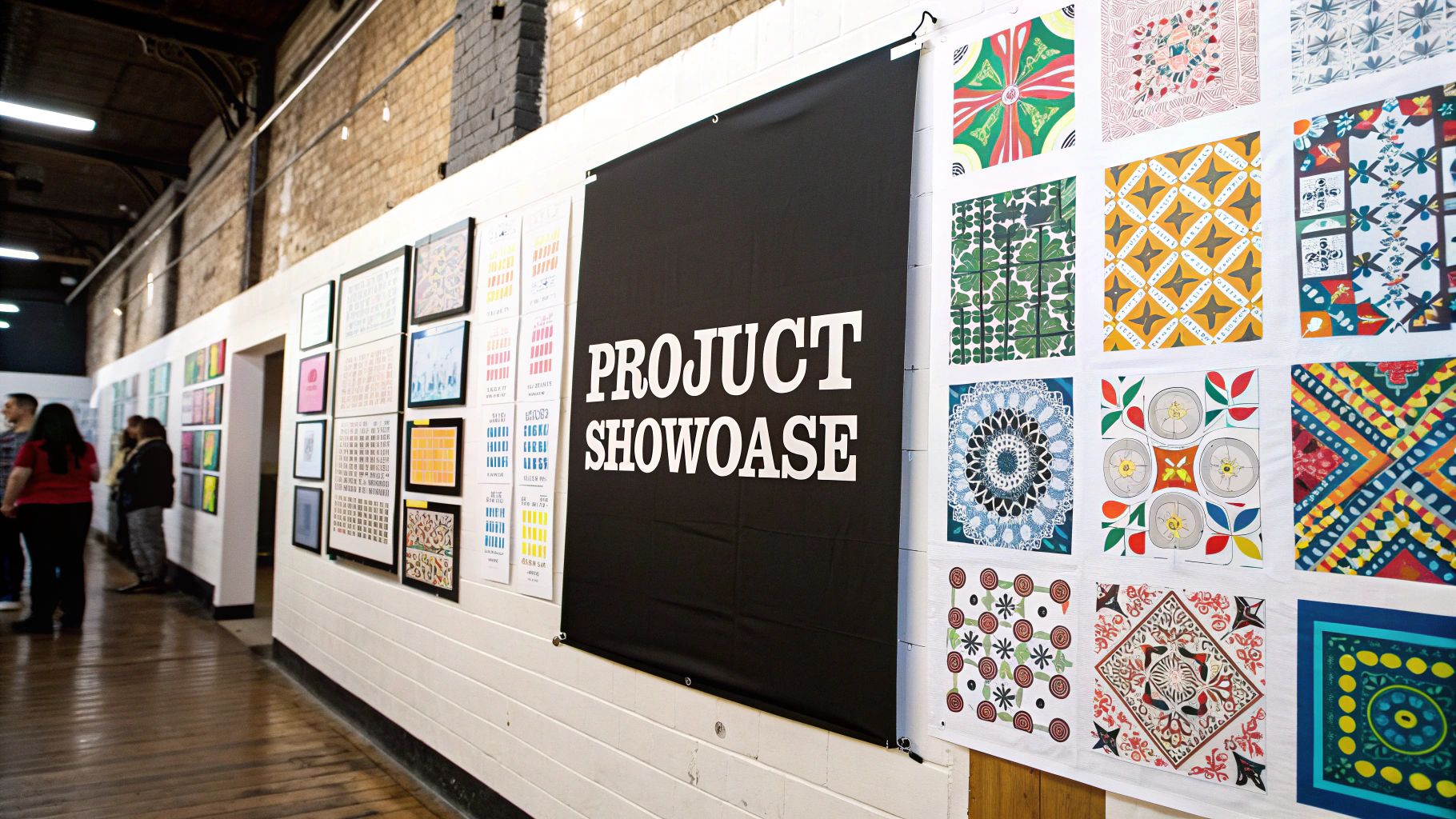
This screenshot gives you a taste of the kinds of interactive sketches you can find on OpenProcessing. There's everything from generative patterns that respond to mouse movements to simulations of natural phenomena that evolve over time. It’s a great example of how code can create art that’s not just visually appealing, but also dynamic and participatory.
Expanding Your Artistic Palette
Working through practical examples helps you think beyond the static canvas. Time, input, and even things like the weather become part of your artistic toolkit. Imagine an artwork that changes with the time of day or reacts to the rain. Code lets you incorporate these elements in ways traditional art just can't. If you're hungry for more, you might be interested in exploring additional coding resources to support your learning.
The Technical Challenges of Interactive Art
Creating robust interactive art does come with its own set of technical challenges. Your code needs to be efficient, responsive, and – super important – it can't crash in the middle of an exhibition! This often means learning about event handling, real-time data processing, and optimization techniques. You're building art, yes, but it also needs to be technically sound.
Thinking Beyond the Screen
Interactive art doesn't have to live on a screen. Think about physical computing, where you use sensors, actuators, and other physical components as part of your artwork. This lets you create pieces that respond to the viewer's physical presence, blurring the lines between the digital and physical worlds. Imagine a sculpture that changes shape in response to ambient sound. That's the power of physical computing.
The Future of Interactive Art
The possibilities for interactive art are endless. From augmented reality experiences that overlay digital art onto the real world to AI-powered installations that learn and adapt to viewer behavior, the intersection of art and technology is constantly evolving. Creating art with code is about pushing the boundaries of creative expression, exploring new ways to connect with audiences, and making art that’s not just seen, but experienced.
Getting Your Code Art Seen and Sold
Creating amazing generative art is a huge accomplishment, but honestly, it’s just the first step. Getting the right people to notice your work takes a bit of strategy. Let me share some insights on how successful code artists are building audiences and actually making a living doing what they love. Platforms like Instagram are ideal for showcasing the visual impact of your work, helping you reach a wider audience. For example, check out Art Blocks, a platform specifically designed for on-chain generative art where collectors are actively looking for innovative pieces.
This screenshot shows how Art Blocks presents generative art as collectible tokens. The platform really highlights the unique nature of each piece and provides a structured marketplace for buying and selling. This curated approach creates a sense of exclusivity and value, which is huge in the generative art community. And speaking of the market, the projected growth in the digital art world (which includes code art!) is pretty mind-blowing. The global market is predicted to jump from $7.24 billion in 2025 to a whopping $30.69 billion by 2035. You can find more details about this growth here.
Building Your Audience
Documenting your process is essential. Sharing behind-the-scenes looks at your workflow—code snippets, different versions, those exciting "aha!" moments—engages everyone, from the tech-savvy to those who simply appreciate the final product. Authenticity is key here. Write about your work with passion and in a way that’s easy to understand, avoiding overly technical terms or pretentious language. Let the ideas and emotions behind your code shine through.
Connecting with the creative coding community is also incredibly valuable. Join online forums, go to meetups (virtual or in-person), and engage with other artists on social media. Building genuine connections with other creators opens up opportunities for collaborations, feedback, and mutual support. It’s a game-changer.
Monetizing Your Code Art
If you’re serious about making a living from your code art, you’ll need to explore different ways to monetize your work. Selling digital prints on platforms like Etsy or Society6 is a great way to start generating income. You can also explore NFT marketplaces, which can connect you with a whole new world of collectors and investors.
Licensing your work for commercial use is another avenue worth exploring, especially if your art has branding potential. And of course, client projects, where you create custom generative art for businesses or individuals, can provide a more stable income stream. The challenge here is maintaining your artistic vision while navigating the business side of things. Finding that balance between personal projects and client work takes careful planning and clear communication.
Building a Sustainable Art Practice
The most successful code artists understand that community is more important than competition. Sharing knowledge, resources, and encouragement creates a supportive environment where everyone can succeed. Building a sustainable art practice is about finding that sweet spot between personal exploration and making a living from your art, all while staying true to what you want to create. It’s an ongoing process of learning, experimenting, and connecting with others on the same journey.
Your Creative Coding Future Starts Now
This is just the beginning of your journey creating art with code. So many possibilities are out there! Whether you're into AI art, building interactive installations, or projecting onto buildings, the real trick is finding what clicks for you.
Finding Your Artistic Voice
Finding your own style in the world of creative coding is a process of discovery. It's about figuring out what truly excites you, what pushes your boundaries, and what makes your work unique. Maybe it's playing around with different coding languages like Processing or p5.js, or perhaps it’s diving deep into a specific tool like TouchDesigner. Sometimes, it's about twisting existing code in unexpected ways, or even building your own algorithms from scratch. It can be messy, sure, but the payoff is finding a creative voice that’s authentically you.
Setting Achievable Goals
When you're starting out, setting realistic goals is key to staying motivated. It's easy to get overwhelmed, so break down those big, ambitious projects into smaller, manageable chunks. Instead of trying to build a complex interactive artwork right away, maybe focus on mastering a new library or creating a simple generative sketch. These smaller wins build momentum and give you that satisfying sense of progress, which then fuels you to tackle more challenging projects down the line.
Connecting with the Creative Coding Community
The creative coding community is incredibly supportive and inspiring. I can't stress enough how valuable connecting with other artists can be. Whether it’s through online forums, local meetups, or platforms like Twitter, sharing your work and getting feedback is huge. It helps you learn, grow, and evolve as an artist. Plus, that sense of community is vital for keeping your creative fire burning.
Overcoming Creative Blocks and Technical Frustrations
Every artist, coder or not, hits creative blocks. It's totally normal. Sometimes, the best thing to do is step away from the code for a bit. Explore other art forms, take a walk, or just do something completely different to refresh your mind. And let’s be real, coding art can be frustrating! There will be times you want to toss your laptop across the room. But learning to troubleshoot, asking for help, and celebrating even the small wins (especially when they feel hard-won) are all crucial for keeping you going.
Emerging Trends in Digital Art Creation
Technology is constantly evolving, and so is digital art. From the growing role of machine learning in art to using blockchain for authentication, new tools and technologies are always popping up. Keeping up with these trends can open exciting new creative doors and help you navigate the ever-changing digital art world.