Unleash Your Digital Creativity
Want to create stunning visuals, interactive experiences, or immersive installations? This list of top 9 creative coding tools will help you bring your digital art projects to life, whether you're a beginner or seasoned pro. These tools empower users to overcome technical hurdles and focus on artistic expression. Discover the power of tools like Vibecoding VIP, p5.js, Processing, Three.js, TouchDesigner, openFrameworks, Unity, Hydra, and vvvv, and find the perfect creative coding tools for your next project.
1. Vibecoding VIP
Vibecoding VIP stands out as the premier directory for anyone exploring the exciting world of creative coding tools, specifically focusing on the burgeoning field of "vibe coding." Curated by @slhomme, this comprehensive resource hub acts as a central repository for everything related to this innovative blend of art and technology. It caters to a diverse audience, from beginners taking their first steps into creative coding to seasoned professionals looking to integrate AI-powered tools into their workflow. Vibecoding VIP provides a structured pathway for discovering and understanding how these tools can be used to translate creative visions into tangible digital experiences. Whether you're building interactive art installations, generating unique musical compositions, or crafting immersive digital environments, Vibecoding VIP connects you with the resources necessary to bring your ideas to life. The platform's dedication to fostering a collaborative environment further enhances its value, allowing users to share their projects, learn from others, and contribute to the growth of the vibe coding community.
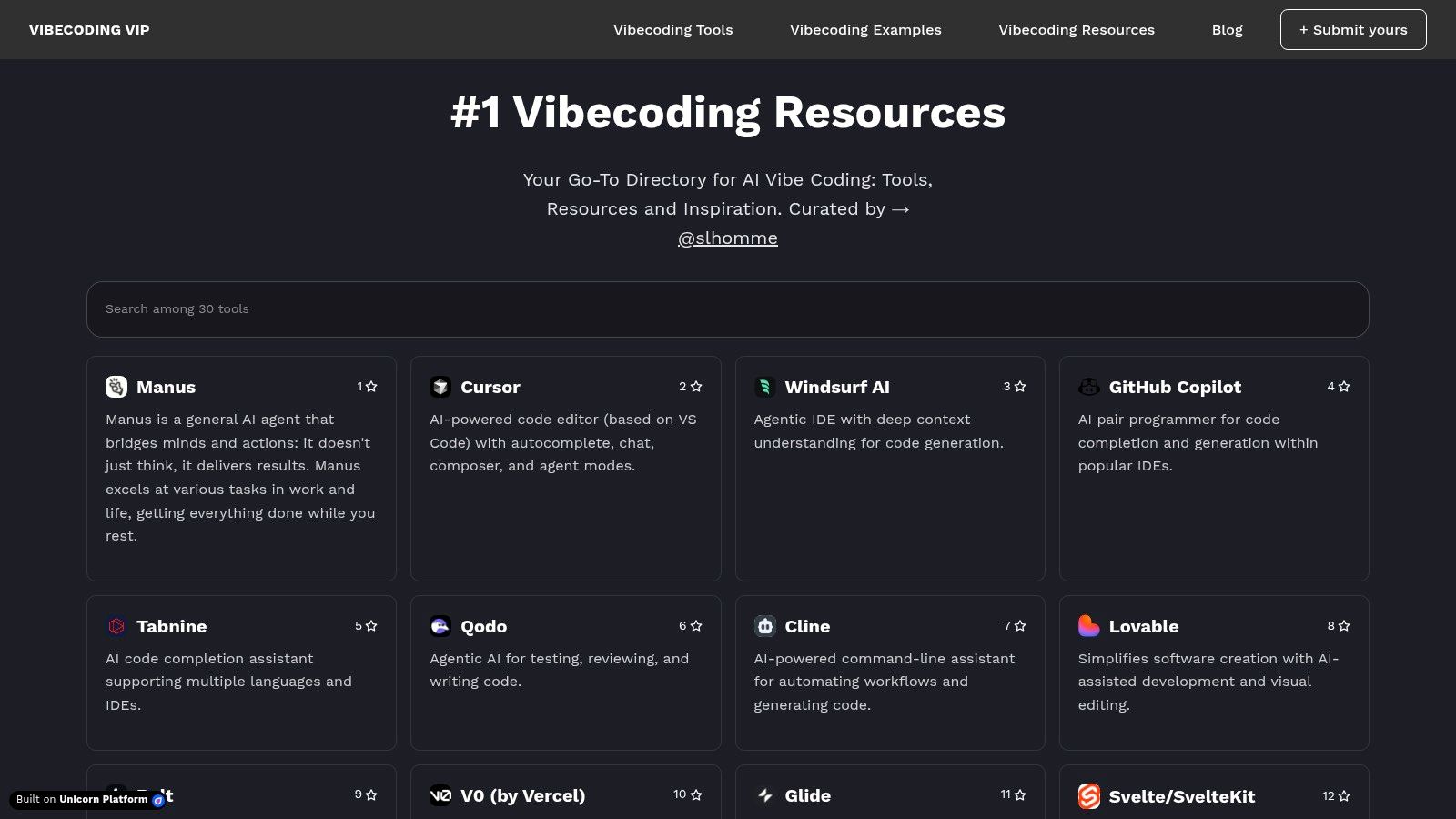
For digital artists and creative technologists, Vibecoding VIP opens up a world of possibilities. Imagine using AI-powered code editors to generate complex visuals with minimal manual coding or leveraging no-code platforms to design interactive installations that respond to audience input. Educators and students in tech fields can utilize the platform's extensive tutorials and guides to delve into the intricacies of vibe coding, incorporating these cutting-edge techniques into their curriculum. Learn more about Vibecoding VIP and explore their wealth of resources. Even experienced software developers can benefit from exploring the innovative applications of AI within creative coding, discovering new tools and approaches to enhance their existing skillset. For innovative entrepreneurs and hobbyists, Vibecoding VIP provides a springboard for translating creative ideas into tangible projects, potentially opening doors to new ventures and collaborations.
Vibecoding VIP earns its place at the top of this list of creative coding tools due to its comprehensive and curated approach. It’s not just a list of tools; it's a structured learning environment. The platform bridges the gap between the technical aspects of software development and the artistic expression often associated with digital art. This focus on the unique fusion of art and technology that defines vibe coding sets it apart from general creative coding resources.
Pros:
- Comprehensive, curated directory of AI-powered vibe coding tools, tutorials, games, and resources suitable for all skill levels.
- Bridges the gap between creative digital expression and software development by focusing on vibe coding's unique artistic and technical fusion.
- Active, collaborative community environment allowing users to discover, contribute, and showcase their vibe coding projects.
- Offers detailed educational content demystifying vibe coding versus traditional development, supporting faster mastery of new techniques.
- Regularly updated with trending AI tools and inspiring real-world vibe coding examples, ensuring access to the latest innovations.
Cons:
- As a niche emerging technology resource, some tools and concepts may require a learning curve for complete beginners without prior coding experience.
- Pricing information for advanced tools listed in the directory varies and is typically determined by third-party providers, requiring separate research.
Website: https://vibecoding.vip
While specific technical requirements and pricing details for individual tools within the directory are not centrally listed on Vibecoding VIP and require further investigation on the respective providers’ sites, the platform's value lies in its comprehensive aggregation of resources, its focus on community, and its commitment to demystifying the world of vibe coding. This makes it an invaluable resource for anyone seeking to explore the creative potential of this rapidly evolving field.
2. p5.js
p5.js is a powerful and accessible JavaScript library specifically designed for creative coding. Built upon the principles of Processing, p5.js simplifies the creation of interactive graphics, animations, and even entire web experiences directly within a browser. It empowers artists, designers, educators, and beginners alike to explore coding in a visual and engaging way, making it a fantastic tool among other creative coding tools. Its comprehensive drawing functionality extends beyond the canvas, allowing integration with other HTML elements and opening doors for creating dynamic website components and mobile-friendly projects.
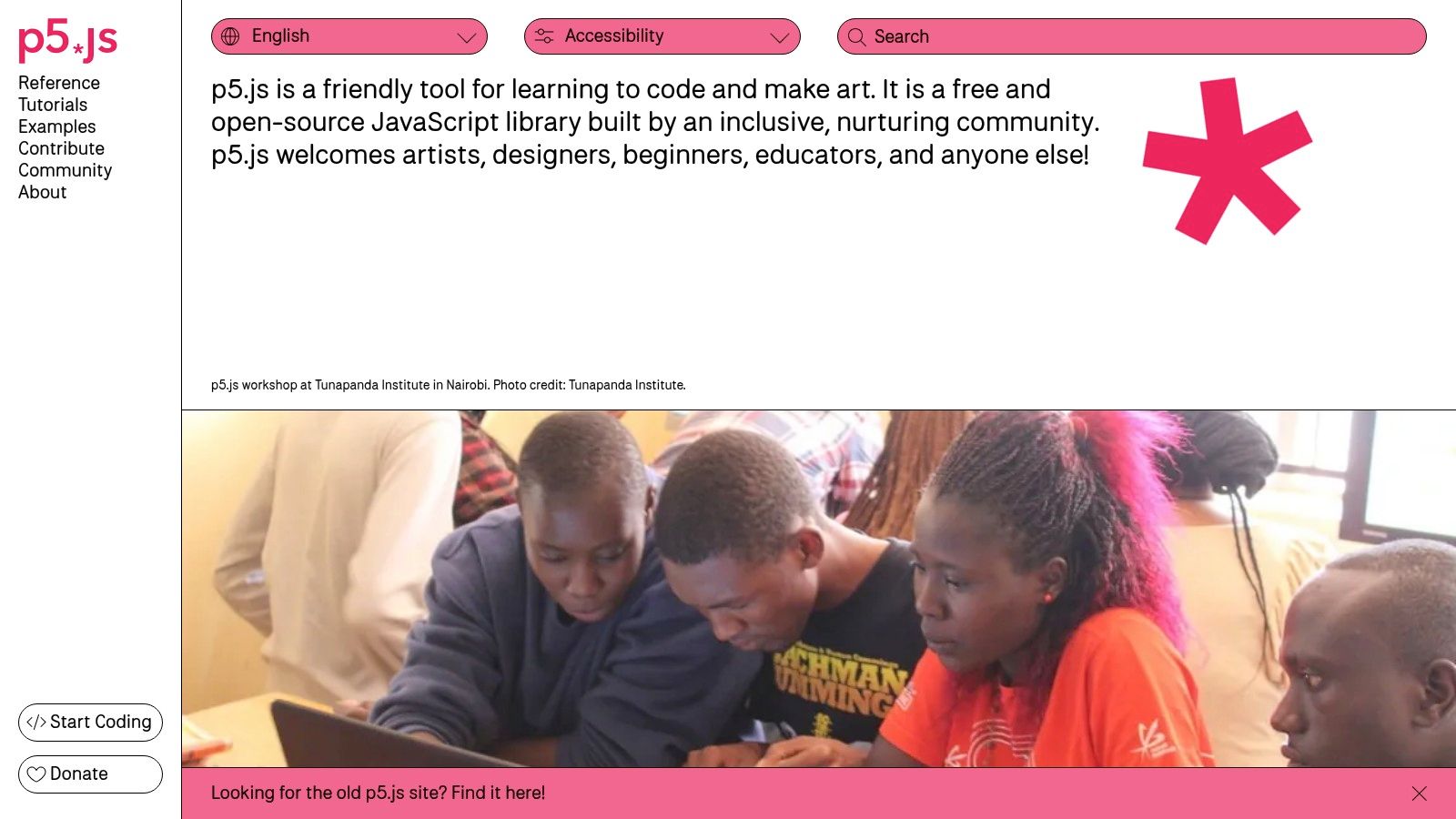
p5.js excels in its user-friendly approach, enabling beginners to quickly grasp fundamental programming concepts while creating visually compelling projects. Features like built-in functions for drawing shapes, manipulating text, and managing media, combined with extensive documentation and a supportive community, create a fertile learning environment. Advanced users can leverage p5.js’s WebGL integration to explore 3D graphics, and its extensibility through add-ons allows for incorporating sound, manipulating the Document Object Model (DOM), and much more. You can Learn more about p5.js.
Practical applications of p5.js range from generating interactive art and data visualizations to developing browser-based games and educational tools. Its browser-based nature eliminates the need for complex installations, facilitating easy sharing of projects via simple web links. For instance, imagine crafting a generative art piece that reacts to user mouse movements, or visualizing complex datasets in an interactive and engaging format – all within a web browser. p5.js empowers such creative endeavors, providing the tools and flexibility to bring imaginative ideas to life.
One of the biggest advantages of p5.js is its gentle learning curve. Compared to more complex creative coding tools, its simplified syntax and abundant learning resources make it an ideal entry point for individuals new to programming. Moreover, the large and active p5.js community offers invaluable support and fosters collaboration, making the learning process even smoother.
However, p5.js does have certain limitations. Performance can become a bottleneck when dealing with highly complex visualizations or computationally intensive tasks. Mobile touch interactions are not as seamlessly supported as in some other frameworks. Finally, for large-scale commercial applications or projects requiring top-tier performance, lower-level tools might be a more suitable choice.
Key Features and Benefits:
- Browser-based creative coding with JavaScript
- Comprehensive drawing, typography, and media functions
- Extensive learning resources and community support
- WebGL integration for 3D graphics
- Add-ons for sound, DOM manipulation, and more
- Easy project sharing through web links
- Free and open-source
Pros:
- Gentle learning curve
- Works directly in web browsers
- Large and active community
- Easily shareable projects
Cons:
- Performance limitations with complex visualizations
- Limited mobile touch support
- Less suitable for commercial or performance-critical applications
Website: https://p5js.org/
p5.js earns its place in this list of creative coding tools because of its accessibility, ease of use, and the breadth of creative possibilities it unlocks. Whether you're a coding novice looking to explore the world of interactive art or an experienced developer seeking a flexible tool for web-based visualizations, p5.js provides a powerful and engaging platform for bringing your creative visions to life.
3. Processing
Processing is a powerful open-source programming language and integrated development environment (IDE) specifically designed for creative coding. It caters to a diverse audience including artists, designers, researchers, and hobbyists interested in exploring the intersection of code and visual expression. Unlike some other creative coding tools, Processing emphasizes the fundamentals of computer programming within a visual context, making it an excellent choice for both beginners and experienced coders looking to create stunning visuals, animations, and interactive experiences. Its popularity stems from its accessibility, flexibility, and active community, making it a staple in the world of creative coding tools.
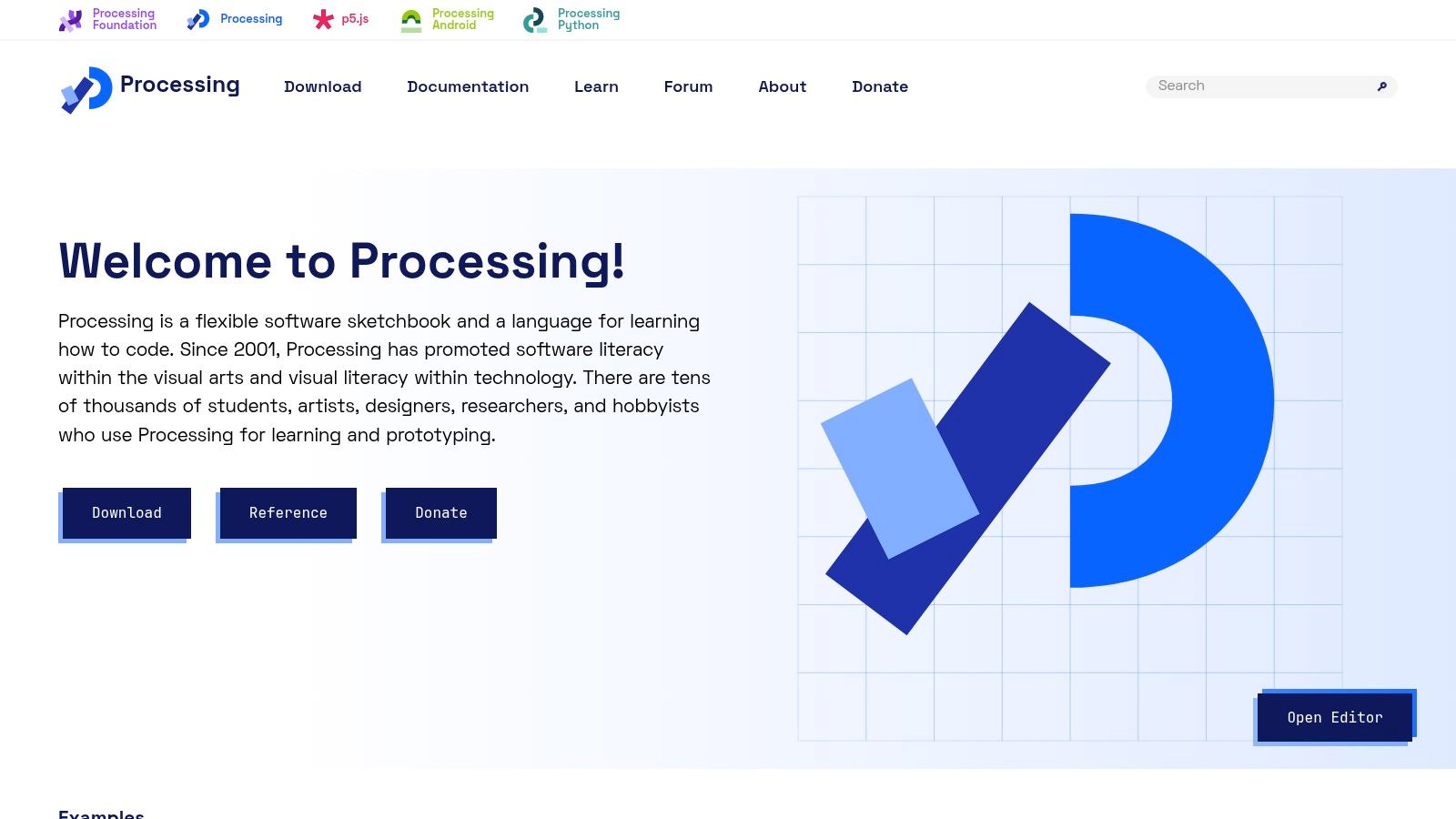
Processing shines in its ability to handle computationally intensive projects. Imagine generating complex fractal patterns, simulating particle systems, or creating intricate data visualizations. Processing's robust performance, rooted in its Java foundation, makes these tasks achievable. The dedicated IDE further simplifies the development process with built-in examples, references, and streamlined workflows. Whether you're building generative art, interactive installations, or even exploring the world of sound design, Processing provides a versatile platform for your creative endeavors.
One of Processing's key strengths is its cross-platform compatibility. It runs seamlessly on Windows, macOS, and Linux, ensuring accessibility for a broad range of users. Beyond creating sketches within the IDE, Processing allows you to export your creations as standalone applications, applets, and even Android apps, expanding the reach and potential of your projects. This versatility sets it apart from browser-based tools that might have limitations in terms of deployment and performance.
While JavaScript-based alternatives may offer a gentler initial learning curve, Processing's Java-based syntax, though initially more challenging, provides a deeper understanding of programming principles. The extensive library ecosystem opens up a world of possibilities for working with various media types, including images, sound, and video. Furthermore, its strong integration with hardware, particularly through Arduino, makes it a popular choice for interactive installations and physical computing projects.
Features:
- Java-based programming language with simplified syntax
- Dedicated IDE with built-in examples and references
- Export options for applications, applets, and Android apps
- Extensive library ecosystem
- Hardware integration (e.g., Arduino)
Pros:
- Robust performance
- Cross-platform compatibility
- Standalone application creation
- Rich educational resources
Cons:
- Steeper learning curve than JavaScript alternatives
- Requires Java installation
- Web sharing requires extra steps
Getting Started:
Download the Processing IDE from the official website (https://processing.org/), install it, and explore the numerous examples and tutorials available. The active Processing community and online forums provide invaluable support for both beginners and experienced users.
Processing deserves its place on this list because it provides a robust and versatile platform for creative coding. Its focus on fundamentals, combined with its powerful features and extensive community support, makes it an ideal tool for anyone looking to explore the intersection of code and creativity. Whether you're a seasoned developer or just starting your coding journey, Processing empowers you to bring your artistic visions to life.
4. Three.js
Three.js is a powerful JavaScript library that unlocks the potential of 3D graphics in web browsers using WebGL. It simplifies the complexities of WebGL, providing a more intuitive and accessible framework for creating stunning 3D scenes. This makes Three.js an essential creative coding tool for anyone looking to build immersive web experiences, interactive art installations, data visualizations, games, and more. Unlike 2D-focused libraries, Three.js offers comprehensive 3D rendering capabilities directly within the browser, opening up a world of possibilities for creative expression on the web.
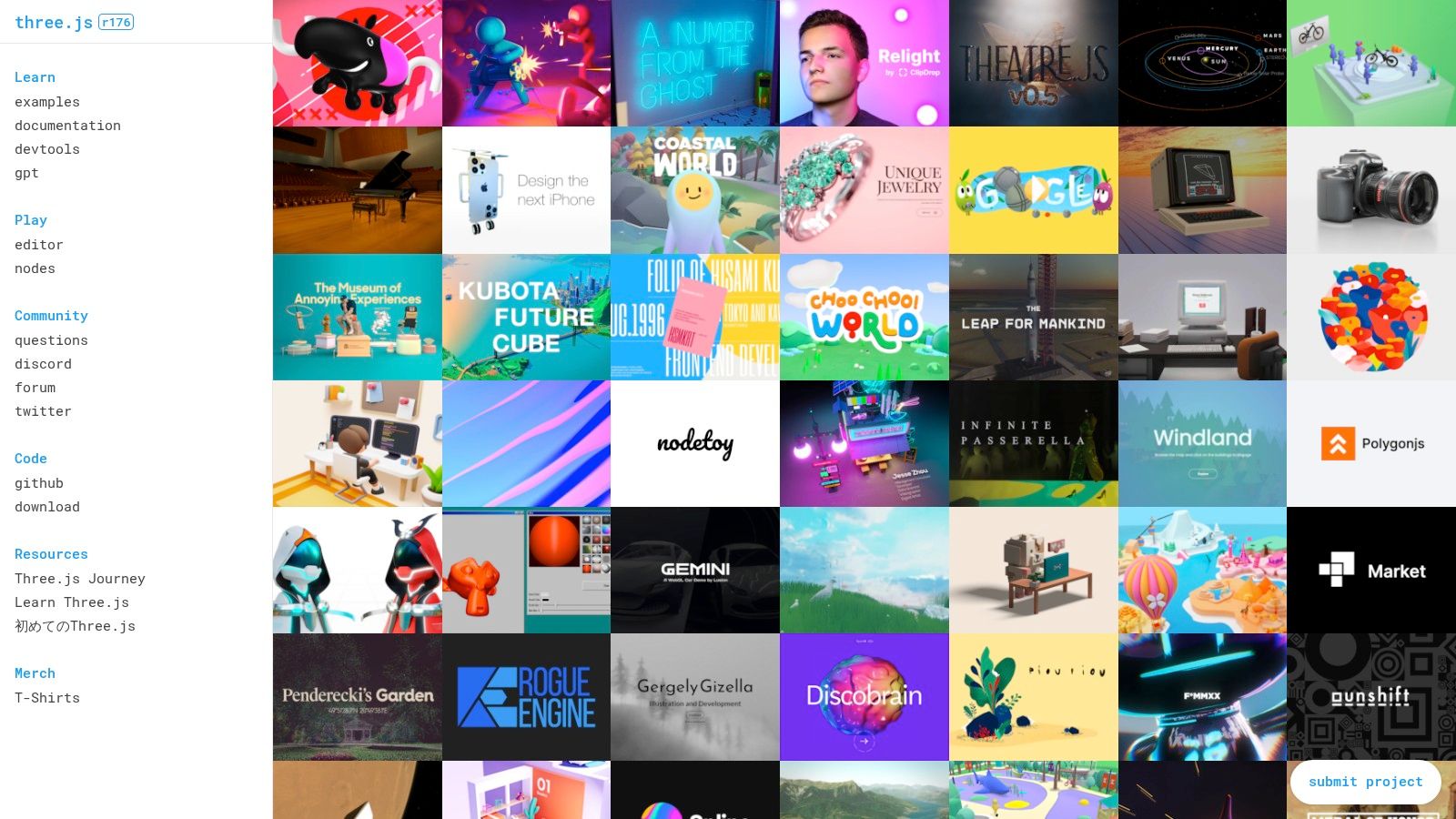
From visualizing complex data sets in 3D to building interactive product configurators or crafting breathtaking digital art pieces, Three.js empowers creators to bring their visions to life. Its extensive material, lighting, and camera systems allow for fine-grained control over the visual aspects of your creations. The animation system and scene graph provide the tools necessary for dynamic and interactive 3D experiences. Moreover, Three.js supports loading various 3D model formats, allowing you to import assets created in external 3D modeling software. Learn more about Three.js to delve deeper into its potential. This resource provides invaluable insights and tutorials for both beginners and experienced users.
For developers familiar with other JavaScript libraries, integrating Three.js into your workflow is relatively straightforward. A basic setup involves creating a scene, a camera, a renderer, and then adding your 3D objects to the scene. While the initial setup might seem a bit more involved than 2D libraries, the payoff in terms of creative possibilities is immense. Three.js leverages the power of WebGL for optimized performance, ensuring smooth and responsive 3D experiences in modern browsers.
One of the greatest strengths of Three.js is its large and active community. This vibrant ecosystem provides a wealth of examples, extensions, and support resources, making it easier to overcome challenges and learn new techniques. This, coupled with its compatibility with many 3D modeling tools, makes Three.js a versatile and valuable tool for creative coding projects of all scales. Aspiring vibe coders, experienced software developers, digital artists, and creative technologists can all benefit from its power and flexibility. Even educators and students can leverage Three.js for interactive learning experiences, pushing the boundaries of education in the tech space. Innovative entrepreneurs and hobbyists can also use this powerful tool to prototype and develop innovative web applications and creative projects.
Pros:
- Powerful 3D capabilities directly in the browser
- Large and active community with abundant resources
- Good performance due to WebGL optimization
- Compatible with various 3D modeling tools
Cons:
- Steeper learning curve compared to 2D libraries
- Initial setup can be more complex for beginners
- Navigating the documentation can sometimes be challenging
Website: https://threejs.org/
5. TouchDesigner
TouchDesigner is a powerful node-based visual programming platform specifically designed for creating real-time interactive multimedia content. It empowers artists, designers, and performers to develop stunning visuals, intricate projection mapping setups, responsive interactive installations, and captivating live performances. Unlike traditional coding environments, TouchDesigner’s node-based interface allows users to manipulate data flows and processes visually, making it a highly sought-after creative coding tool. This approach opens up creative coding possibilities for users who may not have extensive traditional programming experience.
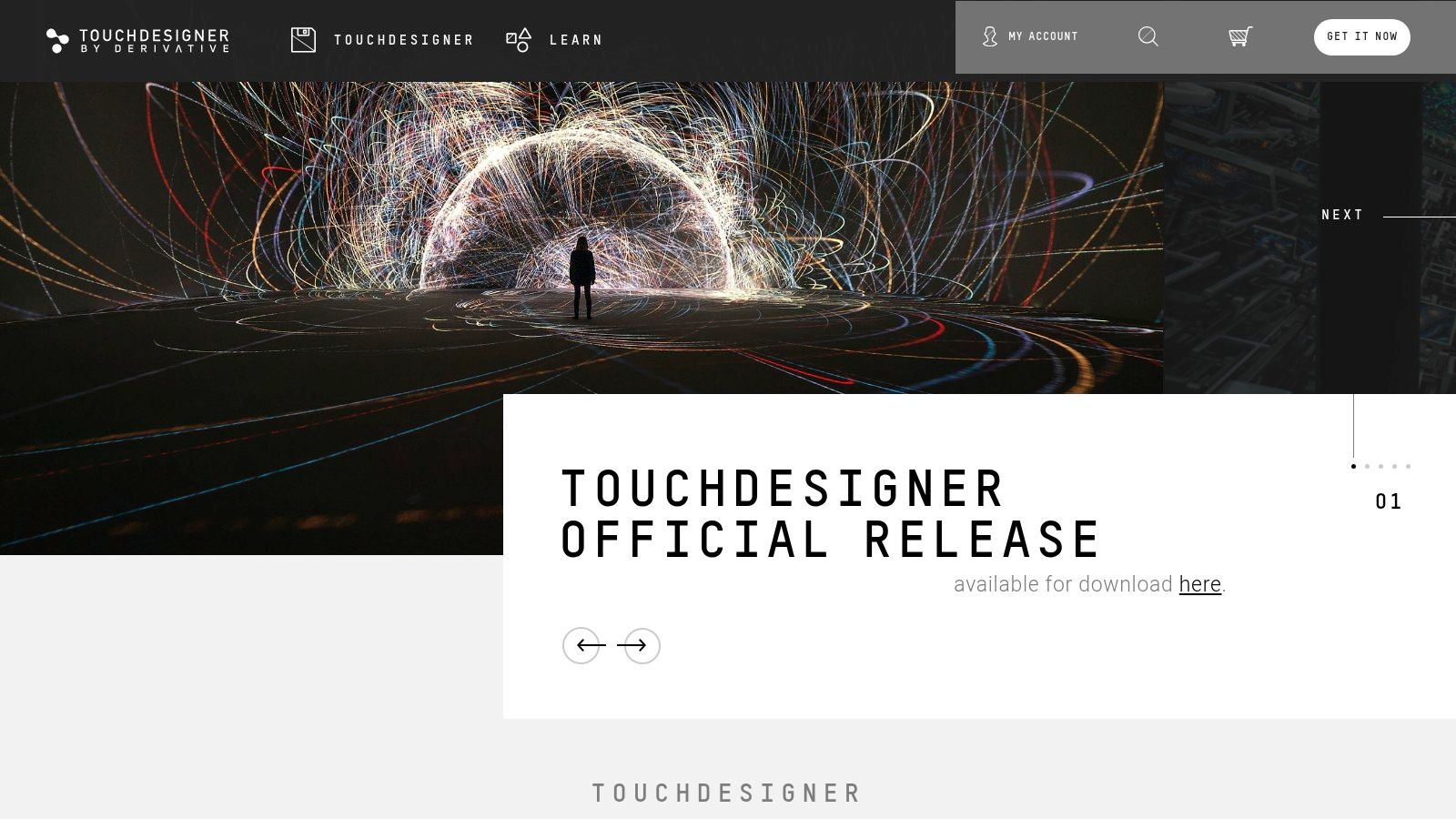
From generating complex particle systems and manipulating 3D models in real-time to analyzing audio input and integrating with various hardware protocols like MIDI, OSC, and DMX, TouchDesigner offers a comprehensive suite of tools. Its robust video processing and compositing capabilities make it ideal for everything from live VJ sets to large-scale interactive art installations. While other creative coding tools might specialize in specific areas, TouchDesigner’s strength lies in its versatile, all-in-one approach to multimedia manipulation. For example, while Processing might be a great starting point for learning programming through visuals, TouchDesigner’s node-based workflow and focus on real-time performance make it a top choice for professionals in fields like interactive art and live performance.
One of the key features of TouchDesigner is its intuitive visual programming interface. By connecting nodes representing different operations and data types, users can build complex systems without writing lines of code. This allows for rapid prototyping and experimentation, fostering a highly iterative creative process. However, while the visual interface can be intuitive for simple projects, mastering the vast network of operators and parameters for more complex projects does entail a steep learning curve. Python scripting is available for extending functionality and accessing deeper levels of control, catering to more experienced developers.
For aspiring VJs, experienced software developers, and digital artists looking to push the boundaries of interactive art, TouchDesigner's real-time rendering and compositing capabilities are a significant advantage. Educators and students in tech-focused programs also find value in its visual learning environment and powerful multimedia handling. Its integration with physical hardware and sensors opens up a world of possibilities for creating truly immersive and responsive experiences. Innovative entrepreneurs and hobbyists can leverage TouchDesigner to prototype and develop interactive products and installations, blurring the lines between the digital and physical worlds.
Pricing and Technical Requirements: A non-commercial license is available for free, enabling exploration and learning. However, for professional and commercial use, a commercial license is required, which can cost upwards of $600. Due to its real-time processing demands, TouchDesigner is resource-intensive and benefits from powerful hardware, particularly a robust graphics card. While primarily Windows-focused, limited macOS support is available, albeit with some performance constraints.
Implementation Tip: Starting with the official tutorials and exploring the active TouchDesigner community forums is highly recommended for newcomers. Experimenting with simple projects and gradually increasing complexity is key to navigating the learning curve.
Website: https://derivative.ca/
TouchDesigner's unique blend of visual programming, real-time performance capabilities, and robust hardware integration makes it a valuable asset in the creative coder's toolkit. Despite its learning curve and cost for commercial use, its power and flexibility justify its place as a leading creative coding tool, particularly for those working with interactive installations and live performances.
6. openFrameworks
openFrameworks is a powerful open-source C++ toolkit built specifically for creative coding. It simplifies the process of experimenting with graphics, audio, and video by providing a clean and intuitive framework. Instead of wrestling with low-level libraries, openFrameworks acts as a "glue," neatly packaging popular libraries like OpenGL, GLUT, Cairo, RTAudio, and more, making them easily accessible for creative projects. This makes it an excellent choice amongst other creative coding tools for those comfortable with C++. It allows for crafting visually stunning installations, interactive art pieces, and complex data visualizations with remarkable performance.
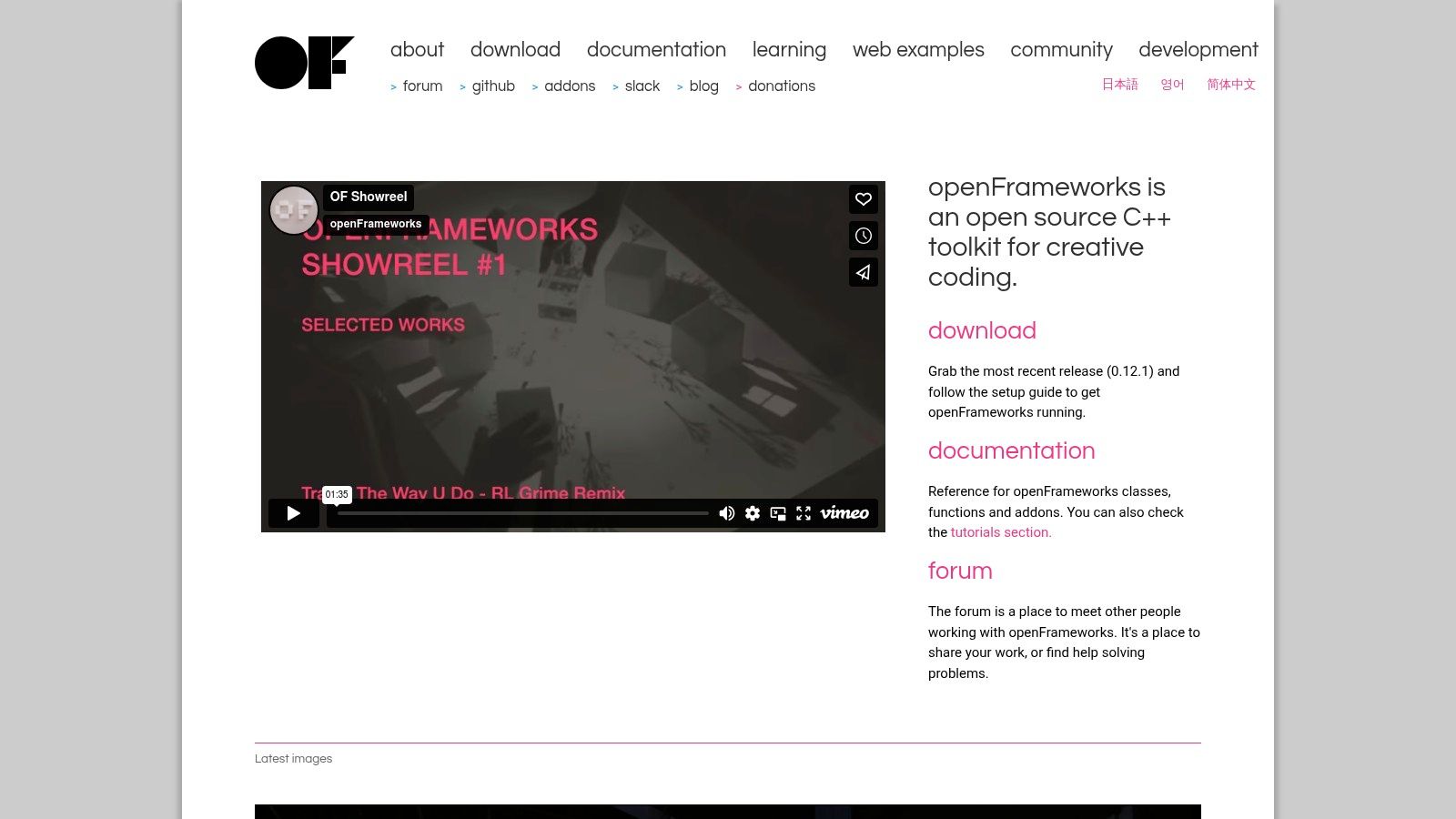
Imagine creating a generative art installation that reacts to live music. With openFrameworks, you can easily capture audio input using RTAudio, analyze its frequencies, and translate that data into mesmerizing visuals using OpenGL, all within a structured and manageable codebase. The toolkit excels in scenarios requiring high performance, such as real-time interactive simulations or complex particle systems. Its cross-platform nature (Windows, macOS, Linux, iOS, Android) allows you to deploy your creations on a variety of devices. Furthermore, a rich ecosystem of addons extends openFrameworks' core functionality, providing specialized tools for computer vision, 3D printing, and more.
For experienced software developers, the C++ foundation of openFrameworks offers fine-grained control over performance and system resources. This is a significant advantage when dealing with computationally intensive tasks. Unlike some higher-level creative coding tools, openFrameworks allows developers to leverage the full power of C++ to optimize their code for maximum efficiency. However, this power comes at a cost. The steeper learning curve associated with C++ and the more involved setup process can be a hurdle for beginners. Compared to interpreted languages like Processing or p5.js, openFrameworks requires a more traditional development environment with compilation steps.
Features:
- C++ framework with high performance capabilities
- Cross-platform support (Windows, macOS, Linux, iOS, Android)
- Extensive addon ecosystem
- Advanced graphics, audio, and video processing
- Hardware integration capabilities
Pros:
- Excellent performance for computationally intensive projects
- Ideal for creating standalone applications
- Strong community support
- Flexibility and customization through C++
Cons:
- Steep learning curve for C++ beginners
- More complex setup and compilation process
- Requires development environment configuration
- Less immediate than interpreted language options
Website: https://openframeworks.cc/
Implementation Tips:
- Start with the official examples and tutorials provided on the openFrameworks website.
- Explore the addon ecosystem to find pre-built solutions for common tasks.
- Utilize a suitable IDE (Integrated Development Environment) like Xcode, Visual Studio, or Code::Blocks for efficient development.
- Join the openFrameworks forum and community for support and collaboration.
openFrameworks earns its place on this list of creative coding tools by empowering artists and developers to push the boundaries of digital expression. While its C++ core might present a challenge for some, the sheer power, flexibility, and control it offers make it an invaluable tool for serious creative coders. If you're looking to create high-performance, cross-platform applications with unparalleled creative freedom, openFrameworks is worth the effort to learn.
7. Unity
Unity, while renowned as a game engine, has firmly established itself as a versatile creative coding tool for crafting interactive installations and experiences. It empowers users to build rich 2D and 3D projects by combining an intuitive visual editor with the flexibility of C# scripting. This blend of visual workflow and code control allows for complex creations ranging from interactive art and data visualizations to immersive VR/AR experiences and installations requiring sophisticated physics, graphics, and sound integration. Its extensive feature set and cross-platform deployment capabilities make it a powerhouse for bringing ambitious creative coding projects to life.
For creative coders, Unity offers a compelling alternative to purely code-based tools. The visual editor simplifies scene construction, asset management, and prototyping, allowing creators to quickly experiment with ideas. The integrated physics engine allows for realistic simulations and interactions, while its robust animation system brings creations to life. Moreover, Unity's powerful rendering pipeline delivers high-fidelity visuals, making it suitable for professional-grade productions and interactive installations. Imagine creating an interactive art piece that responds to audience movement or a data visualization that unfolds in a dynamic 3D environment – Unity provides the tools to make these concepts a reality.
Compared to tools like Processing or openFrameworks, Unity offers a steeper learning curve, particularly for those unfamiliar with C# or game engine concepts. However, this complexity is offset by the immense power and flexibility it provides. While Processing might be better suited for smaller, sketch-based projects, Unity excels in larger-scale projects demanding high-performance graphics and intricate interactions. Think of Unity as the next step for creative coders looking to push the boundaries of their work.
Unity's extensive documentation, active community forums, and plentiful online tutorials make learning more manageable. Furthermore, the Unity Asset Store provides access to thousands of ready-made assets, scripts, and tools, accelerating development and allowing creators to focus on their unique vision. For VR/AR development, Unity integrates seamlessly with leading platforms, offering a streamlined workflow for building immersive experiences.
Features:
- Visual editor combined with C# scripting
- Powerful 2D and 3D rendering capabilities
- Comprehensive physics and animation systems
- Cross-platform deployment (desktop, mobile, web, XR)
- Asset Store with thousands of ready-to-use components
Pros:
- Professional-grade tools with high production value
- Excellent documentation and learning resources
- Strong community and ecosystem of plugins
- Seamless integration with VR/AR technologies
Cons:
- Significant learning curve for non-programmers
- Overkill for simpler creative coding projects
- Free tier includes Unity branding
- Subscription model for professional features
Pricing: Unity offers a free Personal edition, ideal for beginners and hobbyists. Paid plans unlock additional features, remove the Unity branding, and offer increased support for commercial projects. Check the Unity website for detailed pricing information.
Technical Requirements: Unity supports Windows, macOS, and Linux. Specific hardware requirements vary depending on project complexity, with higher-end graphics cards recommended for demanding 3D projects.
Website: https://unity.com/
Unity earns its place on this list as a powerful and versatile creative coding tool. Its professional-grade features, robust ecosystem, and cross-platform capabilities empower creators to push the limits of interactive art, data visualization, and immersive experiences. While it may present a learning curve, the potential for realizing ambitious projects makes Unity a rewarding tool to master for serious creative coders.
8. Hydra
Hydra is a powerful browser-based live coding environment specifically designed for crafting visually stunning, audio-reactive visualizations. Created by Olivia Jack, this creative coding tool leverages WebGL for high-performance graphics processing and combines visuals from various sources using a functional, chainable JavaScript syntax. This makes it an excellent choice for artists and creative coders looking to experiment with real-time visual manipulation, often synchronized with music or performances. Hydra facilitates collaborative coding, enabling multiple users to create and modify visuals simultaneously, fostering a shared creative experience. This unique approach makes it a standout amongst creative coding tools.
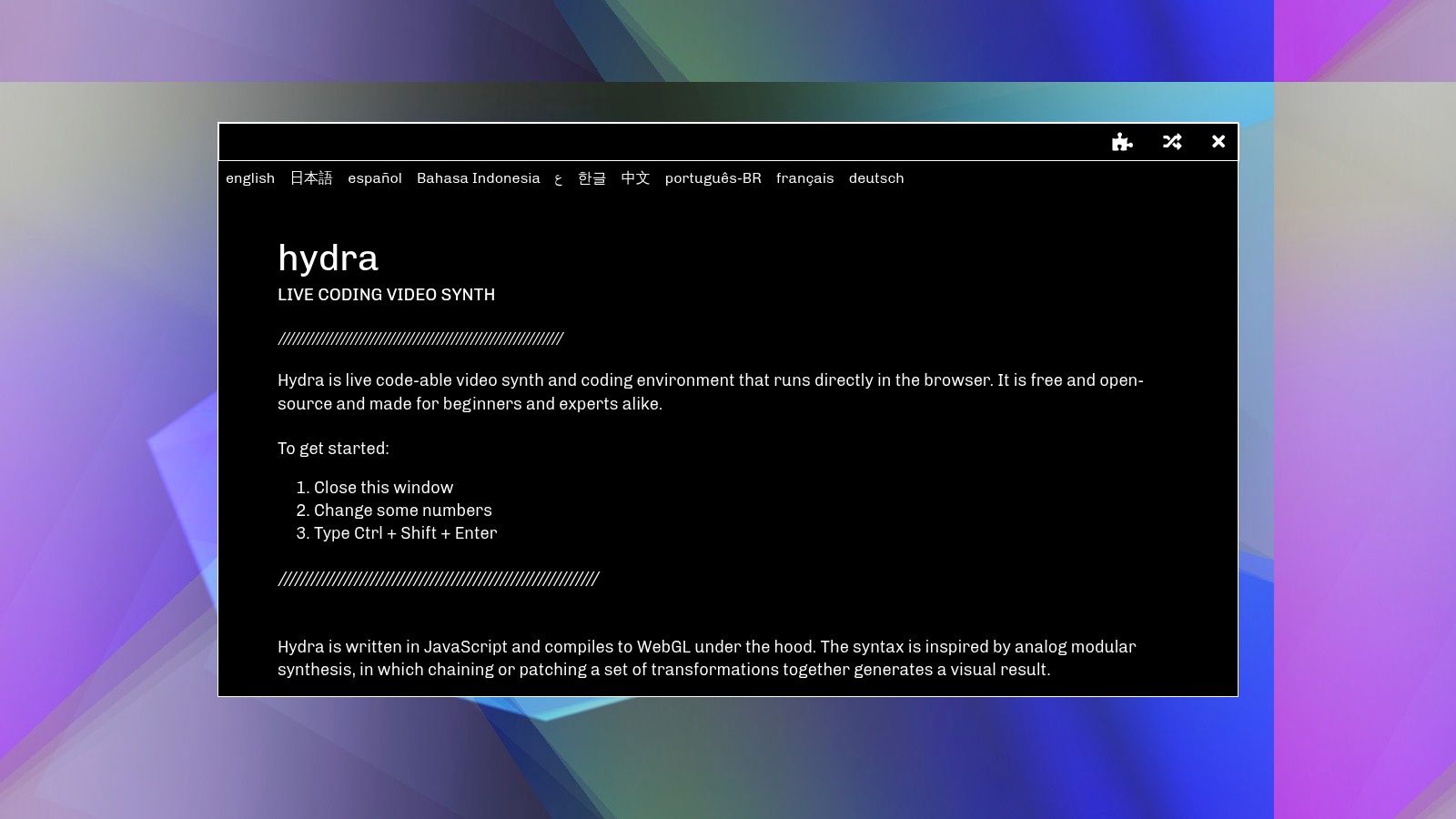
Hydra's strength lies in its ability to empower users to generate complex and mesmerizing visual effects with a concise and expressive syntax. Imagine manipulating geometric shapes, blending colors, and applying effects like feedback and distortion, all in real-time and responding dynamically to audio input. This makes it particularly well-suited for live performances, VJ sets, and interactive installations. For example, a musician could use Hydra to create visuals that react to their music in real-time, enhancing the audience's experience. Visual artists can explore generative art and create evolving pieces that respond to user interaction or external data.
While Hydra excels in visual synthesis, it’s important to note that it's more specialized than broader creative coding platforms like Processing or p5.js. This focus, however, is also its strength, providing a streamlined and optimized environment for visual exploration. Hydra runs directly in the browser, meaning there's no complicated setup or installation required. This ease of access, combined with the immediate visual feedback you get while coding, makes it a great tool for both beginners and experienced creative coders. Sharing your creations and collaborating with others is also incredibly straightforward, further enhancing its appeal for collaborative projects.
Features:
- Browser-based live coding for visual synthesis
- Functional, chainable JavaScript syntax
- Built-in audio reactivity
- Support for sharing and collaborative coding
- WebGL-based rendering for high-performance graphics
Pros:
- Minimal setup – runs directly in the browser
- Immediate visual feedback during coding
- Great for live performances and improvisation
- Easy to share and collaborate with others
Cons:
- More specialized for visual synthesis than general creative coding
- Limited documentation compared to larger frameworks
- Steeper learning curve for those unfamiliar with functional programming
- Fewer traditional UI controls
Pricing and Technical Requirements: Hydra is a free and open-source tool. The only technical requirement is a modern web browser.
Comparison with similar tools: While tools like Shadertoy and GLSL Sandbox offer similar visual capabilities, Hydra's functional approach and emphasis on live coding differentiate it. Its collaborative features also set it apart, fostering a unique community of visual artists.
Implementation/setup tips: Simply navigate to the Hydra website (https://hydra.ojack.xyz/) in your web browser to start experimenting. The website includes examples and a built-in editor. For those new to functional programming, it's beneficial to familiarize yourself with basic JavaScript concepts before diving in.
Hydra's unique combination of browser-based accessibility, powerful visual synthesis capabilities, and collaborative features earns it a well-deserved spot on this list of creative coding tools. Whether you're an aspiring VJ, a seasoned software developer, or a digital artist seeking new avenues for expression, Hydra offers a compelling platform for exploring the intersection of code, visuals, and sound.
9. vvvv
vvvv is a powerful hybrid visual/textual live-programming environment geared towards the rapid prototyping and development of large-scale media installations and real-time motion graphics systems. It excels in scenarios requiring high performance and interactivity, making it a favorite among artists, designers, and creative coders working with complex visuals, audio, and physical interactions. Think interactive museum exhibits, immersive stage performances, or data visualizations that respond to real-time inputs. If you're looking for a creative coding tool that can handle the demands of large-scale projects, vvvv is worth exploring.
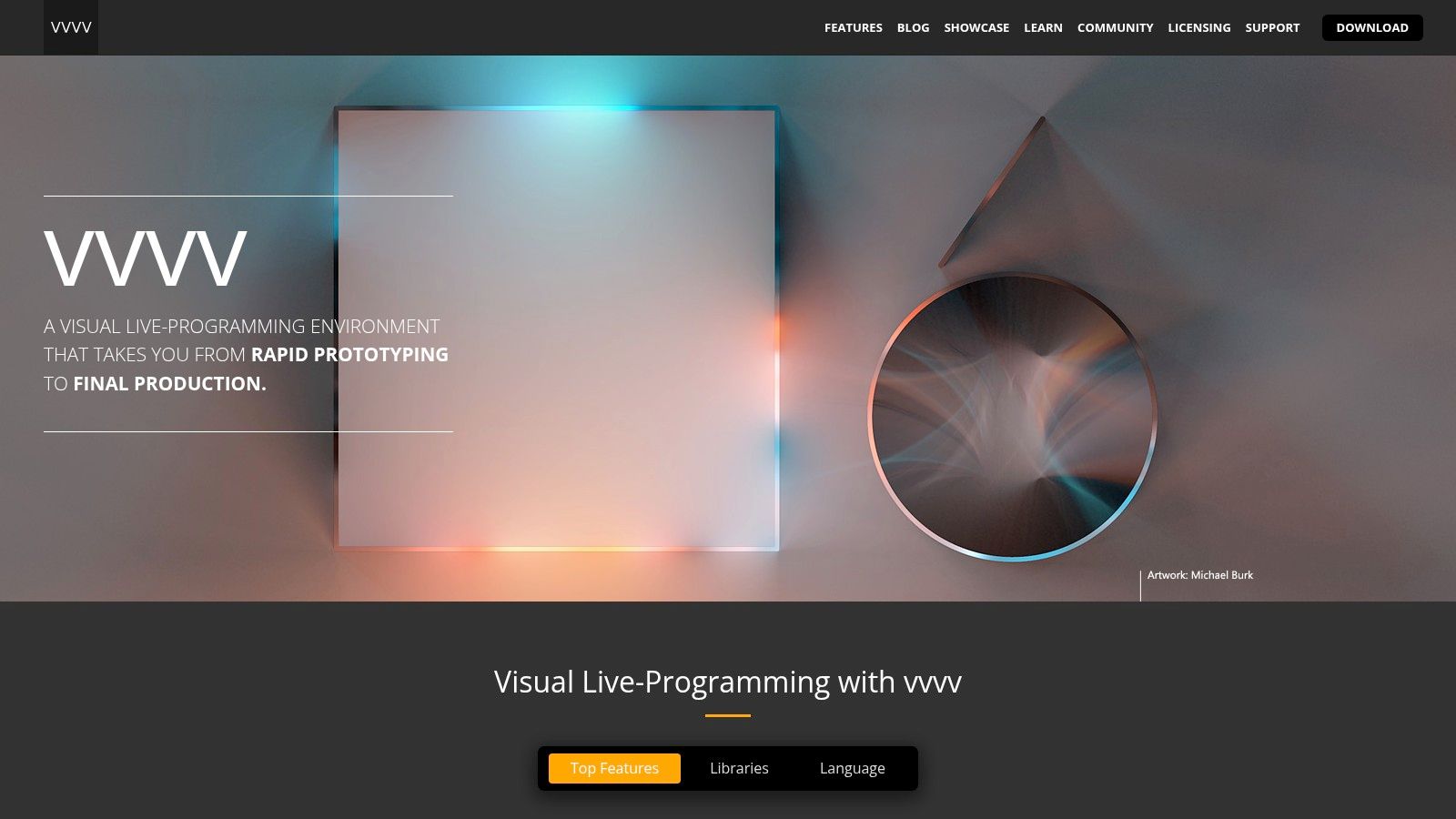
vvvv distinguishes itself from other creative coding tools through its node-based visual programming interface. Instead of writing lines of code, you connect functional nodes to create a visual representation of your program's logic. This approach allows for real-time editing – you can tweak parameters and see the results instantly while the program is running. This iterative workflow is invaluable for experimentation and fine-tuning complex visual effects. Furthermore, vvvv boasts robust support for projections, interactive installations, and integration with various hardware protocols (DMX, MIDI, OSC, etc.), making it a versatile choice for projects that extend beyond the screen. You can use it to control lighting, sound, robotics, and other physical elements, creating truly immersive experiences. Its strength in handling multi-user interaction also positions it well for installations involving audience participation.
vvvv offers two versions: vvvv gamma, built on .NET, and the legacy vvvv beta, based on DirectX. vvvv gamma is the actively developed version and leverages C#/VL (vvvv's own visual language) for extended functionality. This allows users to seamlessly integrate code alongside the visual programming paradigm, offering greater flexibility and control.
Features:
- Visual programming with nodes and connections
- Real-time editing
- Support for projections and interactive installations
- Hardware integration (DMX, MIDI, OSC, etc.)
- C#/VL programming
Pros:
- Intuitive visual programming interface
- Ideal for multimedia installations and performances
- High-performance rendering
- Strong European community, particularly within the installation art scene
Cons:
- Primarily Windows-based, with limited cross-platform support
- Steeper learning curve compared to some simpler creative coding tools
- Smaller community than mainstream alternatives like Processing or openFrameworks
- Commercial licensing for professional use (free for non-commercial use and learning). Pricing details are available on their website.
Implementation/Setup Tips:
Beginners are encouraged to explore the numerous tutorials and examples available on the vvvv website and community forums. Starting with smaller projects focused on specific features, like controlling visuals with a MIDI controller or creating a reactive audio-visual setup, can help solidify understanding before tackling larger installations. Leveraging the active vvvv community is highly recommended for troubleshooting and sharing knowledge.
Comparison with Similar Tools:
While tools like TouchDesigner and Max/MSP offer similar functionalities in visual programming for multimedia installations, vvvv stands out with its strong emphasis on real-time graphics performance and its tight integration with C#. Its node-based interface also distinguishes it from code-heavy environments like Processing or openFrameworks, offering a more visual and arguably more intuitive approach to creative coding.
Why vvvv Deserves its Place:
vvvv earns its spot on this list of creative coding tools because of its unique blend of visual programming, high performance, and robust hardware integration. It’s a powerful tool for anyone aiming to create complex interactive experiences, particularly in the realm of large-scale installations and real-time motion graphics. It bridges the gap between creative exploration and professional application, offering a robust platform for both prototyping and production.
Website: https://visualprogramming.net/
Creative Coding Tools Comparison Matrix
| Tool Name | Core Features / Capabilities | User Experience & Quality ★ | Value & Pricing 💰 | Target Audience 👥 | Unique Selling Points ✨ |
|---|---|---|---|---|---|
| 🏆 Vibecoding VIP | AI-driven vibe coding tools, tutorials, games | ★★★★★ Comprehensive & curated | 💰 Directory free; varied 3rd-party tool pricing | 👥 Enthusiasts, pros, educators, artists | ✨ Bridges coding & creative expression, vibrant community, updated AI tools |
| p5.js | Browser-based creative coding with JS | ★★★★ Beginner-friendly | 💰 Free & open source | 👥 Artists, educators, beginners | ✨ Extensive drawing/media functions, large community |
| Processing | Java-based language + IDE for visual arts | ★★★★ Robust & cross-platform | 💰 Free & open source | 👥 Artists, designers, researchers | ✨ Hardware integration, app export options |
| Three.js | WebGL-based 3D rendering in browser | ★★★★ Powerful 3D graphics | 💰 Free & open source | 👥 Developers, 3D artists, interactive media | ✨ Broad 3D feature set, VR support |
| TouchDesigner | Node-based visual programming for realtime multimedia | ★★★★ Professional performance | 💰 Expensive commercial license ($600+) | 👥 Visual artists, performers, installation creators | ✨ Real-time rendering, hardware integration |
| openFrameworks | C++ creative coding toolkit with addons | ★★★★ High-performance & flexible | 💰 Free & open source | 👥 C++ developers, creative coders | ✨ Extensive media & hardware support |
| Unity | Visual editor & C# scripting game engine | ★★★★ Professional-grade | 💰 Free tier + subscriptions | 👥 Game devs, interactive artists | ✨ VR/AR integration, asset store |
| Hydra | Browser-based live coding for audio-reactive visuals | ★★★★ Interactive & immediate | 💰 Free & open source | 👥 Live coders, visual performers | ✨ Audio reactivity, collaborative coding |
| vvvv | Hybrid visual/textual programming for installations | ★★★★ Visual programming | 💰 Commercial license required | 👥 Installation artists, multimedia pros | ✨ Real-time editing, strong hardware support |
Embrace the Power of Creative Coding
This exploration of creative coding tools has highlighted a diverse range of platforms, each with its own strengths and capabilities. From the beginner-friendly environment of p5.js and Processing to the robust functionalities of TouchDesigner, openFrameworks, and Unity, and the more experimental realms of Hydra and vvvv, the possibilities for digital art and creative expression are vast. We've also seen how Vibecoding VIP offers a unique approach, and how Three.js excels in 3D graphics. These tools empower you to translate your ideas into interactive experiences, generative art, data visualizations, and much more.
Key takeaways from this overview include the importance of considering your project's scope, your coding experience, and the specific functionalities you require when choosing a creative coding tool. For instance, if you're starting out, p5.js or Processing might be ideal starting points. If 3D graphics are your focus, Three.js or Unity could be excellent choices. For complex interactive installations, TouchDesigner or vvvv might be more suitable. And if you're looking for a specialized platform for visual synthesis and algorithmic composition, Hydra is worth exploring.
As you embark on your creative coding journey, remember that experimentation is key. Don't be afraid to try different tools, explore their features, and discover which ones resonate most with your creative vision. For those looking to further enhance their creative thinking process, exploring various ideation techniques can be invaluable. Check out these techniques to unlock your creative potential from AI Tools Brief. When implementing these creative coding tools, consider factors like performance optimization, community support, and the availability of learning resources. The more you experiment with different creative coding tools, the better you'll understand their strengths and weaknesses, allowing you to choose the right tool for each project.
Ultimately, the power of creative coding lies in its ability to bridge the gap between artistic vision and technological innovation. So, embrace these powerful tools, push your boundaries, and transform your creative ideas into reality.