In a crowded tech market, a standout developer portfolio is more than a resume; it's your personal brand, a showcase of your problem-solving skills, and a testament to your passion. It's often the first thing recruiters and hiring managers see, and it needs to make an immediate impact. But what separates a good portfolio from a great one? It's not just about listing projects; it's about telling a compelling story through your work.
This article moves beyond generic advice to provide a strategic deep dive into exceptional developer portfolio examples. We will dissect what makes them effective, from their unique design choices and interactive elements to the clear narrative they present about the developer's skills and personality. We analyze sites built with a variety of tools and platforms, including custom-coded projects and those using builders like Wix and Squarespace, giving you a broad perspective on what's possible.
You'll gain actionable takeaways and replicable strategies to transform your own site from a simple project list into a powerful career-building tool. We've included direct links and screenshots for every example, allowing you to explore them firsthand. Let's explore how you can build a portfolio that not only showcases your code but also opens doors to your next big opportunity.
1. Vibecoding Examples
Vibecoding Examples secures its position as our featured choice by offering a highly curated and forward-thinking collection of developer projects. Rather than a broad, unfocused repository, this platform specializes in the emerging field of "vibe coding," where AI-assisted techniques are used to blend technical logic with creative and artistic expression. This unique focus makes it an exceptional resource for developers looking to build a portfolio that stands out by demonstrating innovation and a mastery of next-generation tools. For those seeking developer portfolio examples that push the boundaries of conventional coding, this is an unparalleled starting point.
The platform, expertly curated by @slhomme, showcases a diverse range of applications, from interactive games and web apps to specialized productivity tools. Each project serves as a mini-case study, illustrating how developers can translate an abstract "vibe" or creative concept into a functional, tangible product. This approach moves beyond simple code showcases and highlights the strategic thinking and creative problem-solving skills that employers and clients value most.
Strategic Analysis: The Power of Niche Specialization
The core strength of Vibecoding Examples lies in its deliberate niche focus. While many portfolio showcases cast a wide net, this platform drills down into a specific, high-growth area of development. This specialization provides a clear narrative and demonstrates deep expertise, a powerful strategy for any developer building their personal brand.
Key Takeaway: A portfolio focused on a specialized, innovative niche can be more impactful than a generalist one. It signals to potential employers that you are not just a coder, but a forward-thinking specialist at the forefront of the industry.
Actionable Insights for Your Portfolio
By studying the projects on this platform, you can gather inspiration for creating a portfolio that tells a compelling story. Notice how each project isn't just a technical demo but a complete concept with a clear purpose and aesthetic. This is a crucial lesson for anyone building their own site.
- Focus on the "Why": Don't just show what you built; explain the creative vision or problem that inspired it. The projects here excel at demonstrating intent.
- Showcase Process: While the final product is key, hinting at the AI-assisted development process can add a layer of intrigue and demonstrate your proficiency with modern tools.
- Curate, Don't Collect: The platform’s strength is its curated nature. Apply this to your own portfolio by selecting only your most innovative and well-executed projects. Quality will always trump quantity.
For those eager to dive into this unique collection, you can explore the complete showcase of Vibecoding Examples to see these principles in action. Access to the showcase is free, making it an invaluable and readily available source of inspiration.
2. ThemeForest
ThemeForest is a massive marketplace where developers and designers sell pre-built website templates and themes. For a developer looking to create a portfolio, this platform offers a significant head start. Instead of building a complex, design-heavy site from the ground up, you can purchase a high-quality, professionally designed template and customize it with your own projects, skills, and personal brand.
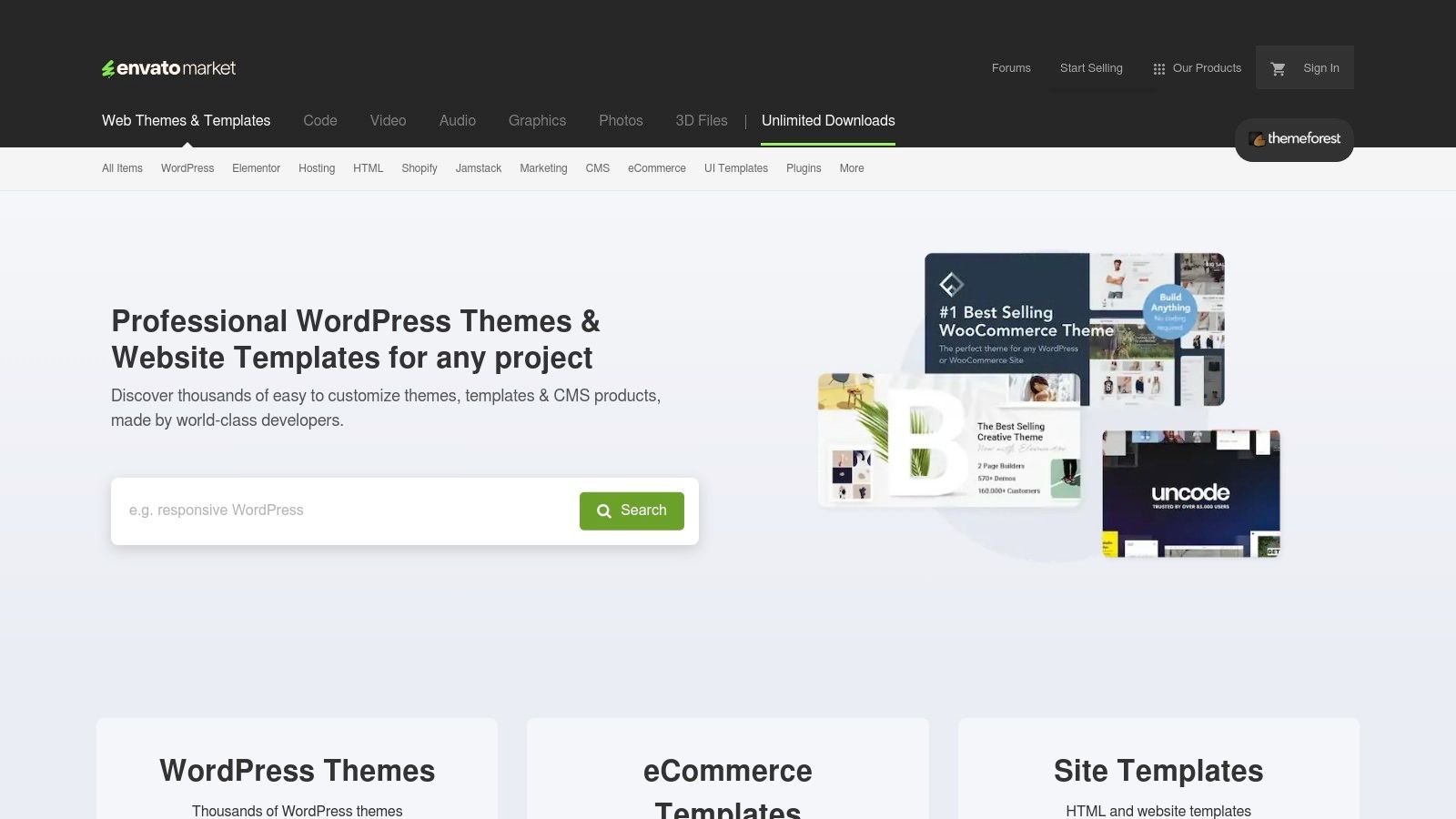
This approach saves dozens, if not hundreds, of hours, allowing you to focus on what truly matters: the content of your portfolio and your job search. The platform stands out due to its sheer volume and variety. You can find templates built on different technologies like HTML/CSS, Bootstrap, React, or Vue, ensuring you can find one that aligns with your technical comfort zone.
Strategic Analysis: Leveraging Templates for Impact
The primary strategy here is efficiency and polish. A common pitfall for developers is spending too much time on the portfolio's design and not enough on the projects it showcases. ThemeForest circumvents this by providing a professional foundation.
Key Insight: A well-chosen template can elevate your personal brand instantly. It signals to recruiters that you have a high standard for quality and an eye for user experience, even if front-end design isn't your core specialty.
This makes ThemeForest one of the most practical sources for developer portfolio examples because it demonstrates what's possible with a modest budget and a focus on customization. You can see how others have taken a base theme and transformed it into a unique personal statement.
Actionable Takeaways for Developers
- Filter for Technology: Start your search by filtering for templates built with technologies you know. This makes customization significantly easier.
- Check for "Live Preview": Always use the "Live Preview" feature to interact with the template before buying. Test its responsiveness, navigation, and overall feel.
- Read Reviews and Check Author Ratings: Pay close attention to user reviews and the author's overall rating. Look for comments on code quality, documentation, and customer support. A cheap template with poor support can become a major headache.
- Prioritize Customization: Your goal is to make the template your own. Plan to change the color scheme, typography, and imagery to reflect your personal brand. Don't just drop in your text and call it a day. For more insights on selecting and modifying themes, you can explore additional resources on ThemeForest.
3. TemplateMonster
TemplateMonster is another major player in the website template marketplace, offering a vast library of designs for various platforms, including HTML, WordPress, and more. For developers, it serves as a valuable resource for finding modern, responsive, and feature-rich portfolio templates that can be customized to showcase their work effectively. The platform emphasizes quality and support, making it an excellent starting point for building a professional online presence without starting from scratch.
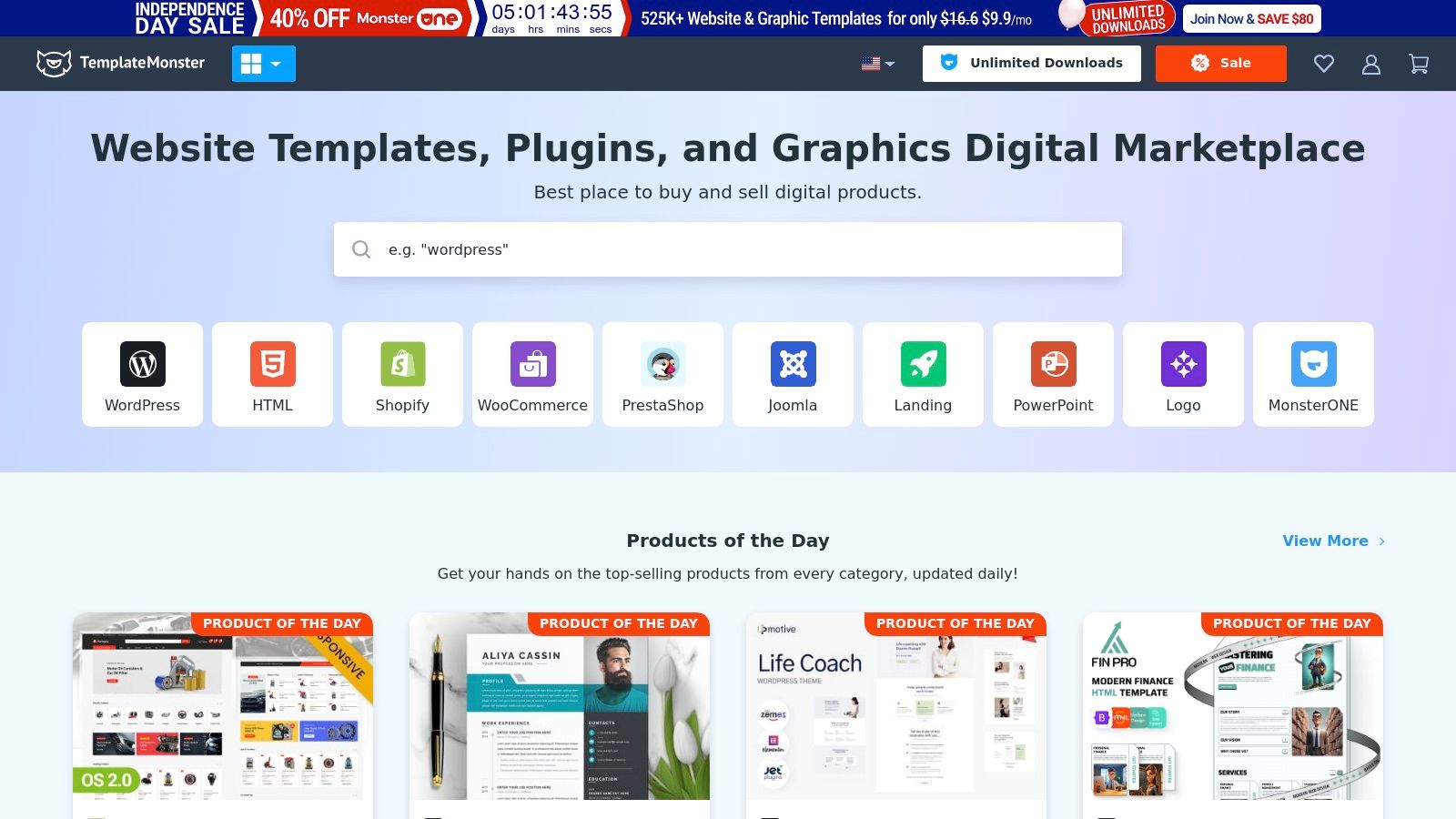
This approach helps developers avoid the common trap of over-engineering their personal site. By leveraging a pre-built template, you can channel your energy into curating your best projects and crafting compelling case studies. TemplateMonster stands out with its commitment to 24/7 customer support and regularly updated templates, ensuring you have access to both contemporary designs and reliable assistance. This makes it a strong source for high-quality developer portfolio examples.
Strategic Analysis: Leveraging Support and Modern Design
The core strategy when using TemplateMonster is to capitalize on reliability and modern aesthetics. The platform's extensive documentation and accessible support team can significantly reduce the friction involved in customizing a complex theme, especially for developers who are less experienced with front-end design.
Key Insight: A professionally designed template from a reputable source like TemplateMonster projects competence and attention to detail. It shows recruiters you value a polished user experience and can effectively leverage existing tools to achieve a high-quality outcome.
By starting with a well-supported and visually appealing foundation, you can build a portfolio that not only looks great but is also maintainable in the long run. The frequent addition of new templates ensures your site won't look dated.
Actionable Takeaways for Developers
- Evaluate the Documentation: Before purchasing, check the quality and comprehensiveness of the template's documentation. Good documentation is crucial for a smooth customization process.
- Look for Bundles and Deals: TemplateMonster often runs promotions and offers bundles. Keep an eye out for these to get the best value, especially if you might need more than one design.
- Assess Customization Complexity: Some templates are more complex than others. Read the product description carefully to understand what skills are needed for customization and whether it aligns with your abilities.
- Contact Support with Pre-Sale Questions: Test the 24/7 support by asking a few pre-sale questions. Their responsiveness and the quality of their answers can be a good indicator of the support you’ll receive after your purchase. You can learn more at TemplateMonster.
4. Creative Market
Creative Market is an online marketplace for handcrafted, community-generated design assets. While not exclusively for developers, it's a goldmine for those seeking unique portfolio templates that break away from the typical corporate look. The platform connects you with independent creators, offering fonts, graphics, and website themes with a distinct, artistic flair.
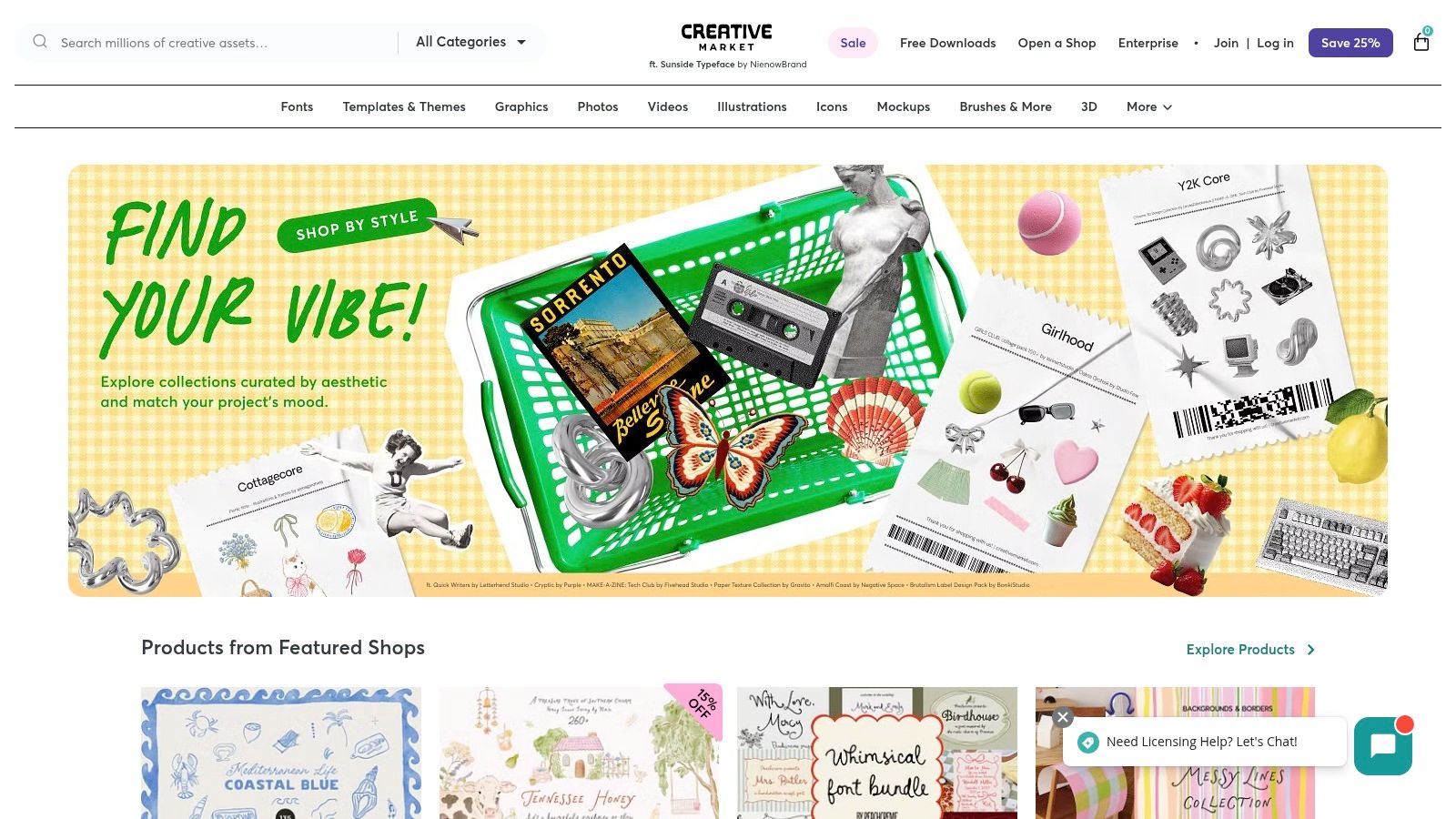
This platform is perfect for developers who want their portfolio to reflect a strong sense of personality and creativity. Unlike larger marketplaces, the selection here is curated and often feels more bespoke. You can find everything from minimalist HTML templates to more elaborate themes for platforms like WordPress, allowing for a high degree of customization to build a truly memorable developer portfolio.
Strategic Analysis: Differentiating Through Design
The core strategy when using Creative Market is differentiation through unique aesthetics. In a sea of similar-looking developer portfolios built on standard frameworks, a distinctive design can make you stand out immediately. It shows attention to detail and a commitment to creating a polished, user-centric experience.
Key Insight: Choosing a template from Creative Market signals that you value creativity and are willing to invest in a design that isn't mass-produced. This can be particularly impactful for roles in creative agencies, startups, or front-end development where design sensibility is a major plus.
By leveraging a unique template, you start the conversation with a strong visual statement before a recruiter even reads a line of code. This makes it an excellent source for developer portfolio examples that prioritize artistic expression alongside technical skill.
Actionable Takeaways for Developers
- Look Beyond "Portfolio" Keywords: Broaden your search terms to include "personal site," "vCard," or "resume" templates to uncover hidden gems.
- Check Template Dependencies: Many unique designs rely on specific frameworks (like Bootstrap) or may require some setup. Read the item description carefully to understand the technical requirements.
- Communicate with the Creator: Use the platform’s messaging feature to ask the template author questions about customization, code quality, or support before you buy.
- Review Licensing Options: Creative Market offers different licenses. Ensure you select the appropriate one for your personal portfolio website to avoid any usage rights issues.
5. Envato Elements
Envato Elements is an all-you-can-download subscription service offering a massive library of digital assets. For developers, it's a treasure trove that extends far beyond just portfolio templates, including graphics, fonts, stock photos, and even video templates. Instead of buying a single theme, a subscription grants unlimited access to a wide range of website templates built on HTML, Bootstrap, and other frameworks.
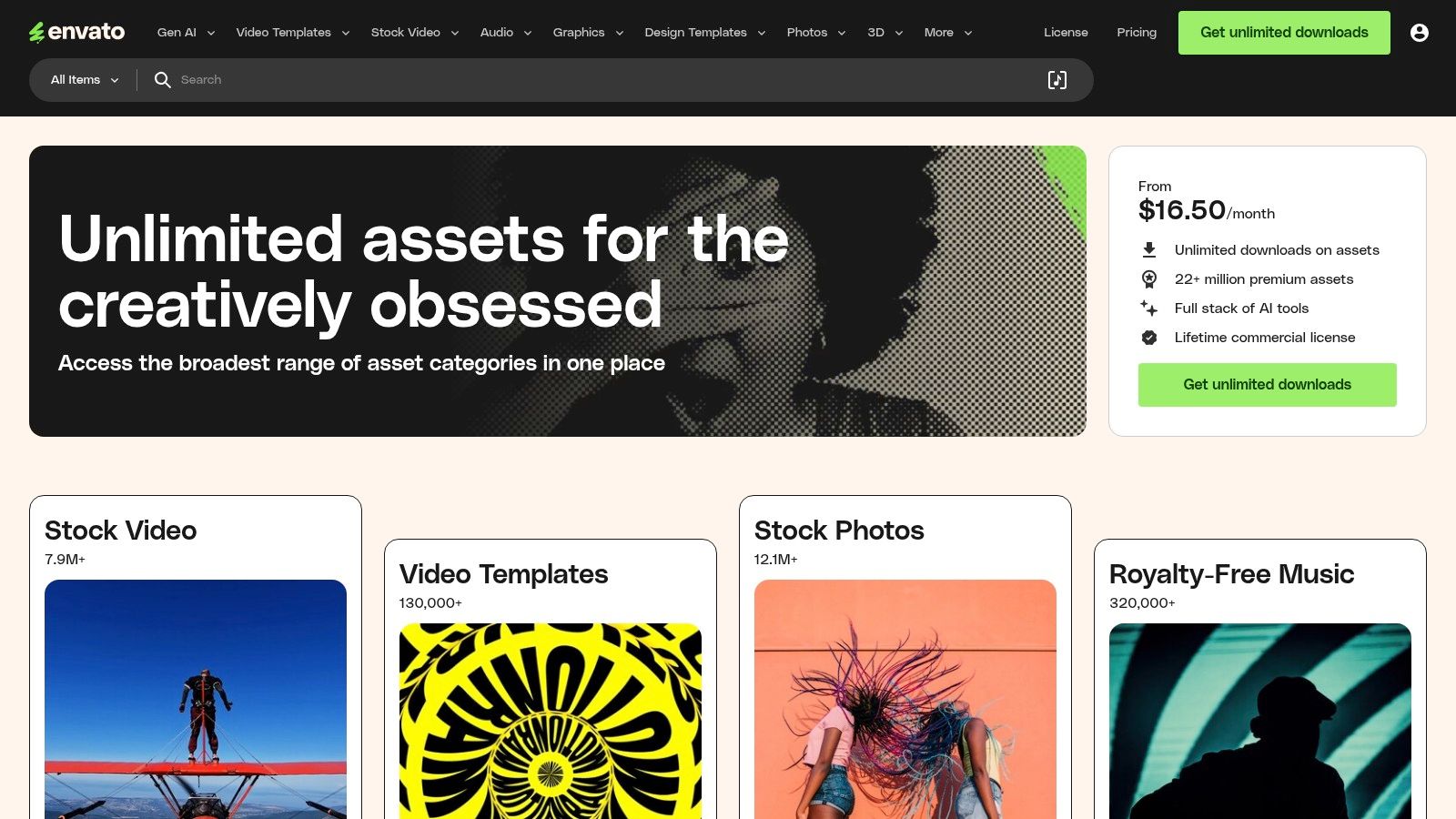
This model is particularly powerful for developers who want to experiment with different looks or need assets for their side projects. The platform’s value proposition is its cost-effectiveness; one subscription covers everything needed to build a polished, professional online presence from scratch. This makes it a standout source for developers looking for high-quality, cohesive design resources without purchasing assets one by one.
Strategic Analysis: Leveraging a Full Asset Library
The core strategy with Envato Elements is holistic brand consistency. A developer portfolio isn't just code; it's a personal brand. This platform provides all the components, from the website template to the font used in your resume and the graphics in your project case studies.
Key Insight: Unlimited access to a full suite of creative assets empowers you to build a more professional and unified brand. You can ensure your portfolio, resume, and even project mockups share the same visual identity, signaling a high level of professionalism and attention to detail.
This approach makes Envato Elements a fantastic place to find developer portfolio examples that feel complete and thoughtfully designed. The subscription model encourages experimentation, allowing you to find a perfect combination of assets that truly represents your skills and personality.
Actionable Takeaways for Developers
- Go Beyond Templates: Don't just download a website template. Search for matching presentation templates (for case studies), resume templates, and business card designs to create a consistent brand package.
- Use the "Collections" Feature: Organize potential assets into collections to compare different styles and see how they work together before committing to a design direction.
- Check Included Licenses: All assets on Envato Elements come with a broad commercial license for the projects you register them for, but always double-check the terms to ensure they fit your use case.
- Filter by "Compatible With": To save time, use the powerful filters to narrow down templates by technology (e.g., Bootstrap 5) and features, ensuring you find code you are comfortable modifying. You can explore the full library and its features directly on Envato Elements.
6. Wix
Wix is a dominant player in the website builder space, renowned for its highly intuitive drag-and-drop interface. For developers who want to launch a visually appealing portfolio with minimal time investment in front-end coding, Wix provides a powerful and accessible solution. The platform offers an extensive library of templates, including many designed specifically for portfolios, which can be customized without writing a single line of code.
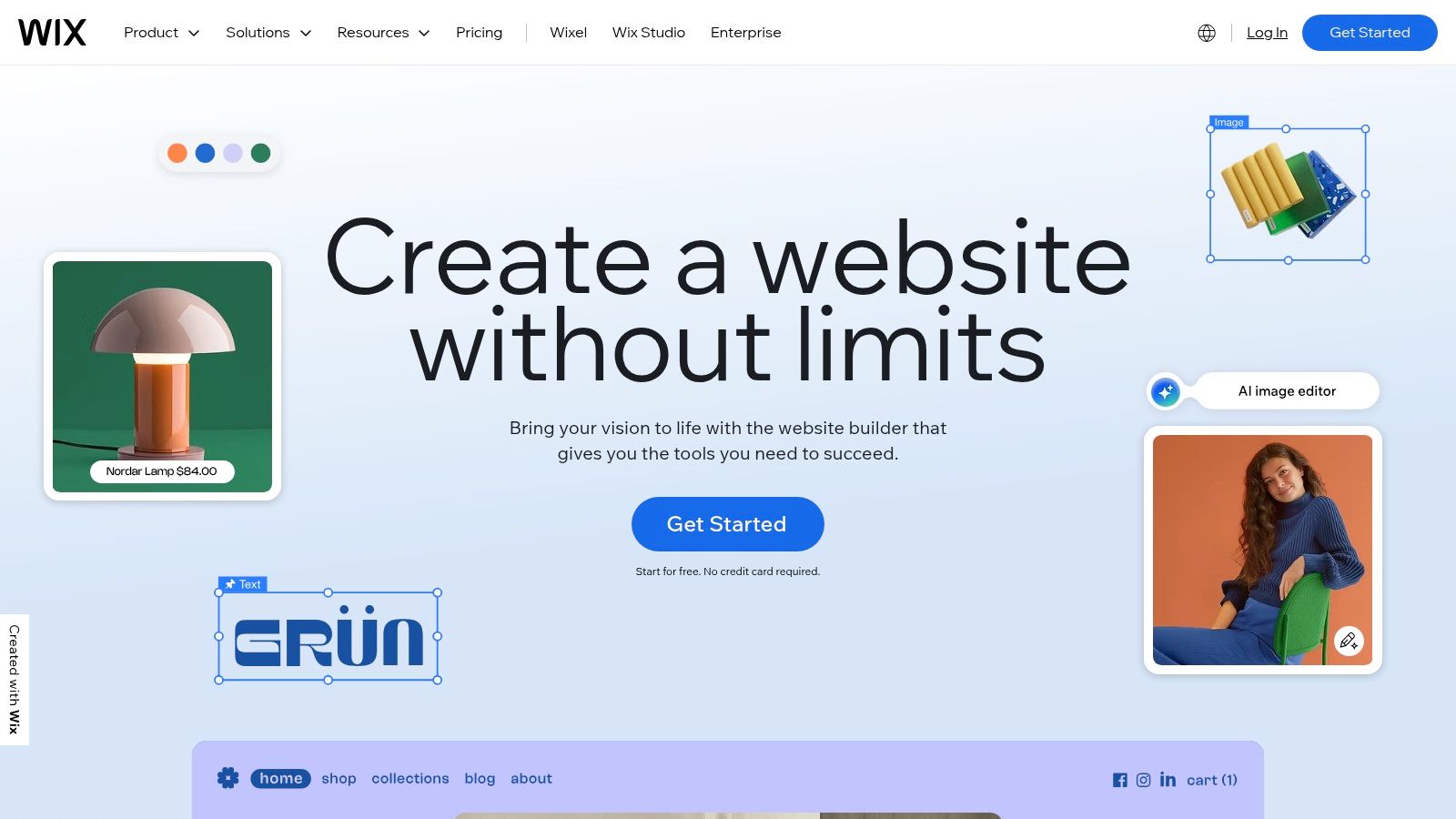
This "no-code" approach is its main differentiator, allowing developers to focus entirely on crafting the narrative around their projects rather than getting bogged down in CSS or JavaScript for the site's structure. With integrated hosting and a free plan to get started, it's one of the fastest ways to get a professional-looking site online, making it a valuable source of developer portfolio examples that prioritize speed and ease of use.
Strategic Analysis: Focusing on Content Over Code
The core strategy when using Wix is maximum speed to market. It's ideal for developers, especially those specializing in back-end, data science, or mobile, whose primary goal is to showcase their work, not their web design skills. By removing the technical barrier to creating a beautiful site, Wix allows you to direct all your energy into project descriptions, case studies, and your personal bio.
Key Insight: Using a tool like Wix demonstrates resourcefulness. It shows recruiters that you can choose the right tool for the job, opting for an efficient, polished solution when the task at hand (building a simple portfolio) doesn't require a custom-coded framework.
The platform is perfect for developers who need a portfolio now for a job application or networking event. The trade-off in customizability is often a worthwhile price for the speed and professional finish it delivers.
Actionable Takeaways for Developers
- Choose a Developer-Centric Template: Start with a template from the "Portfolio," "CV," or "Technology" categories. These are pre-structured with sections for projects, skills, and contact information.
- Leverage the App Market: Enhance your portfolio by adding apps from the Wix App Market. You can integrate a blog to write technical articles, an events calendar for speaking engagements, or even a custom form builder for freelance inquiries.
- Upgrade to Remove Branding: The free plan includes Wix ads. For a more professional appearance when job hunting, a small investment in a premium plan to remove branding and connect a custom domain is highly recommended.
- Focus on High-Quality Media: Since the platform is visually driven, use high-resolution images, GIFs, or short video demos of your projects. A well-designed site with poor-quality visuals will still look unprofessional. For more information on using Wix and other developer tools, you can find a curated list of resources at Vibecoding.
7. Squarespace
Squarespace is a design-centric, all-in-one website builder renowned for its sleek, award-winning templates. For developers who prioritize aesthetics and ease of use over deep, code-level customization, it offers a powerful solution to create a stunning portfolio quickly. The platform handles hosting, security, and provides a drag-and-drop interface, making it ideal for those who want a professional online presence without the hassle of server management.
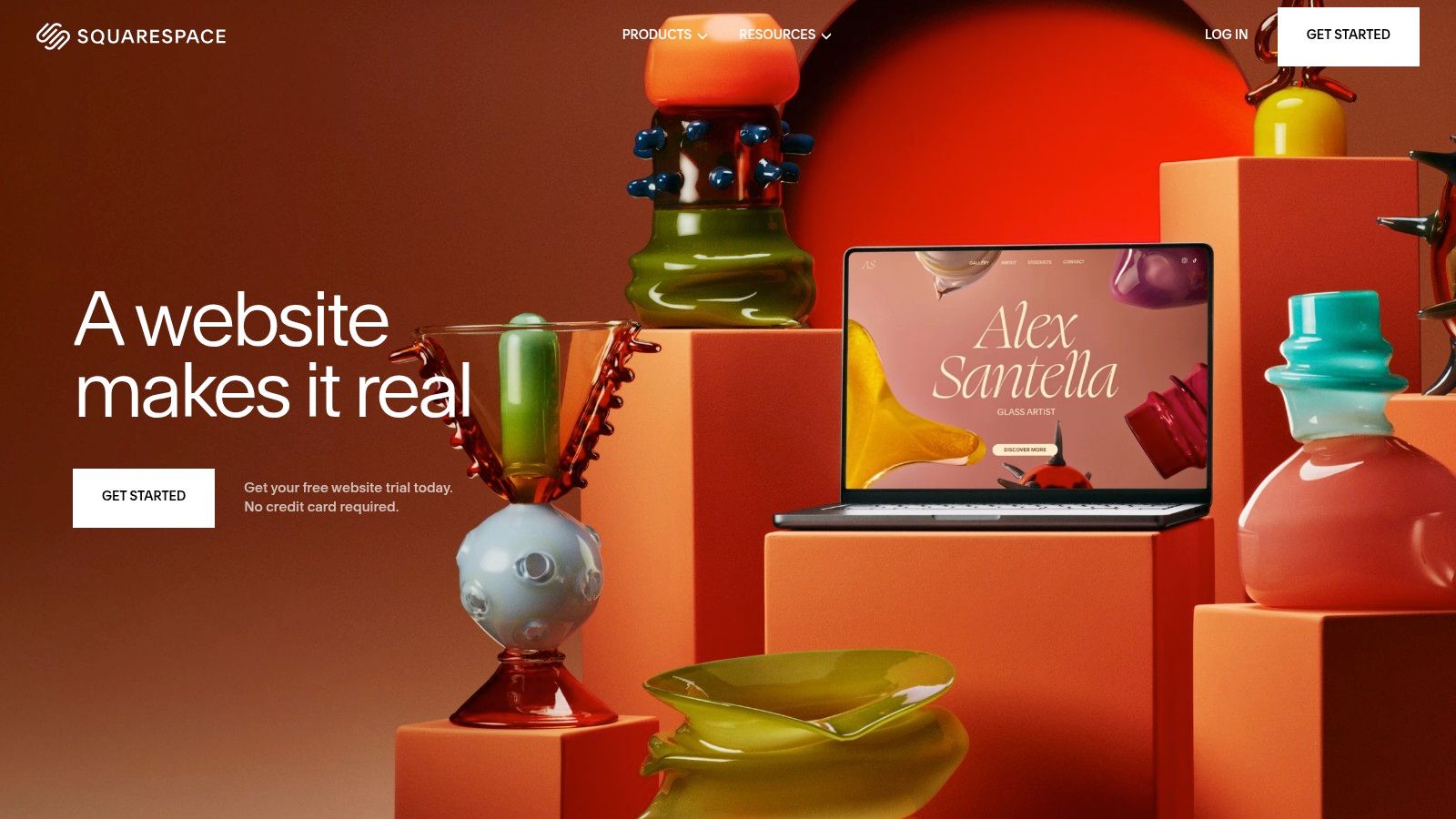
This approach allows you to channel your energy into curating your best work and crafting compelling project descriptions. The platform's strength lies in its curated selection of high-quality, responsive templates that look great out of the box. While less flexible than building from scratch, Squarespace provides a robust set of tools, including built-in analytics and SEO features, to help you build and grow your personal brand.
Strategic Analysis: Prioritizing Polish and Professionalism
The core strategy when using Squarespace is to leverage design authority. It lets you present your technical work within a visually impressive and highly professional package, which is especially valuable for back-end or full-stack developers whose primary strength may not be front-end design.
Key Insight: A polished, well-designed portfolio from a platform like Squarespace signals a high level of professionalism and attention to detail. It shows recruiters you value user experience and can present complex information in a clear, aesthetically pleasing manner.
Squarespace is a fantastic source for developer portfolio examples because it demonstrates that a powerful portfolio is not just about the code but also about the presentation. It proves you can achieve a premium look without writing a single line of CSS, allowing your project's quality to take center stage.
Actionable Takeaways for Developers
- Choose a Minimalist Template: Start with a clean, minimalist template. This provides a versatile canvas that won't distract from your project showcases and case studies.
- Leverage Built-in Blocks: Use Squarespace’s built-in features like gallery blocks for project screenshots, video blocks for demos, and code blocks for sharing snippets. This keeps your portfolio interactive and engaging.
- Customize Your Visual Brand: Although templates are structured, you can fully customize the color palette, fonts, and spacing. Define a consistent visual identity that reflects your personal brand across the site.
- Focus on High-Quality Media: Squarespace sites are visually driven. Use high-resolution images, professional project mockups, and well-produced videos to make your portfolio stand out. More information on their features can be found at Squarespace.
Developer Portfolio Examples Comparison
| Platform | Implementation Complexity 🔄 | Resource Requirements ⚡ | Expected Outcomes 📊 | Ideal Use Cases 💡 | Key Advantages ⭐ |
|---|---|---|---|---|---|
| Vibecoding Examples | Moderate – exploration of AI projects | Low – mostly browsing and learning | Inspirational, educational, creative demos | Learning vibe coding, inspiration, creative AI projects | Curated expert content, diverse creative AI projects |
| ThemeForest | Moderate – requires customization | Moderate – budget for templates | Professionally designed portfolios | Affordable designer portfolio templates | Extensive variety, professional designs, budget options |
| TemplateMonster | Moderate to High – some templates complex | Moderate – budget plus time for setup | Responsive, modern portfolio sites | Reliable themes with support, modern design focus | 24/7 support, frequent updates, comprehensive documentation |
| Creative Market | Moderate – customization may vary | Moderate to High – priced per item | Unique, creative portfolios | Exclusive designs, supporting independent creators | Unique designs, flexible licensing, creator communication |
| Envato Elements | Low to Moderate – easy access via subscription | Subscription cost, minimal setup | Wide range of updated portfolio assets | Users needing multiple assets frequently | Unlimited downloads, commercial license, professional curation |
| Wix | Low – drag-and-drop no coding | Low – hosting included, free plans | Quick portfolio launch | Beginners or users wanting easy, fast website creation | No coding needed, free plans, integrated hosting |
| Squarespace | Low to Moderate – drag-and-drop with some limits | Moderate – subscription required | Sleek, professional portfolios | Users prioritizing design and integrated features | High-quality templates, SEO, analytics, e-commerce, support |
From Inspiration to Action: Building Your Winning Portfolio
We've journeyed through a diverse landscape of developer portfolio examples, from the bespoke, creative showcases on Vibecoding Examples to the structured, efficient templates available on platforms like ThemeForest and Squarespace. The core lesson is clear: a powerful portfolio is not just a gallery of projects; it's a strategic communication tool designed to articulate your unique value as a developer. Your portfolio is your digital handshake, your personal brand headquarters, and your most persuasive advocate in the job market.
The examples we analyzed demonstrate that there is no single "right" way to build a standout portfolio. The best approach is the one that aligns with your skills, career goals, and personal brand. The common thread among all effective portfolios is a clear, compelling narrative that guides the visitor through your professional story, showcasing not just what you built, but how and why you built it.
Synthesizing the Core Strategies
As you transition from inspiration to implementation, remember these crucial takeaways gleaned from our analysis:
- Narrative Over Inventory: Don't just list projects. Frame them within a larger story. Use case study formats to detail the problem, your process, the technologies used, and the ultimate outcome. This transforms a simple project link into a testament to your problem-solving abilities.
- Clarity and Usability are Paramount: A recruiter or hiring manager has limited time. Your portfolio must be intuitive to navigate, with a clear hierarchy of information. Prioritize a frictionless user experience that guides them directly to your best work and contact information.
- Personality Infuses Memorability: Technical skill is expected; your unique personality is what makes you memorable. Whether through a distinct visual style, a witty "About Me" section, or an interactive easter egg, injecting your personality helps you stand out from a sea of generic resumes.
Your Next Steps: Choosing the Right Path
The tools and platforms we've covered, from Creative Market's artisanal templates to Wix's user-friendly builder, offer different routes to your final destination. Your choice should be a strategic one.
- For Absolute Beginners or Time-Crunched Developers: Website builders like Wix or Squarespace are excellent choices. They handle the hosting, backend, and design heavy lifting, allowing you to focus on content and project presentation. They provide a professional result with minimal code.
- For Developers Who Want Customization Without Starting from Scratch: Marketplaces like ThemeForest, TemplateMonster, and Envato Elements offer a middle ground. You can purchase a high-quality, pre-built template and customize the HTML, CSS, and JavaScript to fit your brand and showcase your coding skills.
- For Creative Technologists and Front-End Specialists: Drawing inspiration from the unique builds on Vibecoding Examples and building a custom site from the ground up is the ultimate showcase. This path allows you to demonstrate your technical prowess, design sense, and creativity in the very fabric of the portfolio itself.
The developer portfolio examples highlighted in this article serve as a launchpad for your own creativity. Your task now is to take these insights, select the tools that best suit your needs, and begin the rewarding process of building your digital identity. Your portfolio is a living document, a project that will grow and evolve alongside your career. Start building today, and craft the platform that will unlock your next great opportunity.