From initial concept to final polish, the right digital art tools can transform your creative process. Whether you're a seasoned professional crafting complex illustrations, a developer integrating visuals into a project, or a hobbyist just starting your artistic journey, navigating the vast market of software and hardware can be overwhelming. This guide cuts through the noise to provide a definitive resource for finding the perfect tools for your specific needs and budget.
We've compiled a comprehensive list of essential platforms, from industry-standard software suites like Adobe Creative Cloud to powerful open-source alternatives like Krita and specialized hardware from Wacom. This isn't just a list of features; it's a practical breakdown designed to solve the problem of choice paralysis. For each entry, you will find a detailed analysis covering key features, realistic pros and cons, transparent pricing information, and ideal use-case scenarios.
This resource is structured to help you make an informed decision quickly. Each tool's section includes screenshots for a visual preview and direct links to get you started immediately. We also cover vital resources for learning and supplies, including online course platforms like Skillshare and marketplaces such as ArtStation. Let's find the tools that will best serve your creativity.
1. Vibecoding VIP: The Ultimate Directory for Modern Creators
Vibecoding VIP isn’t a single digital art tool but an indispensable, curated directory where modern creators discover the exact software they need. It cuts through the noise of countless apps by organizing them into specific, niche categories like "AI-Powered Image Generators," "Interactive Installation Software," and "Creative Coding Frameworks." This focused categorization is its standout feature, saving artists hours of frustrating research.
Unlike broad software review sites, Vibecoding VIP is built for creative technologists. The platform provides concise summaries, direct links, and crucial details on pricing and system compatibility. This allows you to quickly compare similar digital art tools and find the perfect match for your project's unique requirements, whether you're a student building a portfolio or a professional developing a commercial installation. The user interface is clean and minimalist, prioritizing fast navigation over flashy design.
Key Features:
- Niche Categories: Hyper-specific listings for advanced creative tech.
- Curated Selection: Focuses on innovative and high-quality tools, not just popular ones.
- Direct Access: Provides all essential information upfront to streamline your workflow.
Access to the Vibecoding VIP directory is a one-time purchase, providing lifetime entry to a constantly updated resource, making it a valuable long-term investment.
Visit Vibecoding VIP
2. Adobe Creative Cloud: The Industry-Standard Creative Suite
Adobe Creative Cloud is the undisputed industry standard, a comprehensive suite of digital art tools essential for nearly every professional creative field. Its power lies in the seamless integration between powerhouse applications like Photoshop for raster editing, Illustrator for vector graphics, and Fresco for digital painting. This interconnected ecosystem allows artists to move projects between programs without friction, maintaining a fluid and efficient workflow from initial sketch to final export.
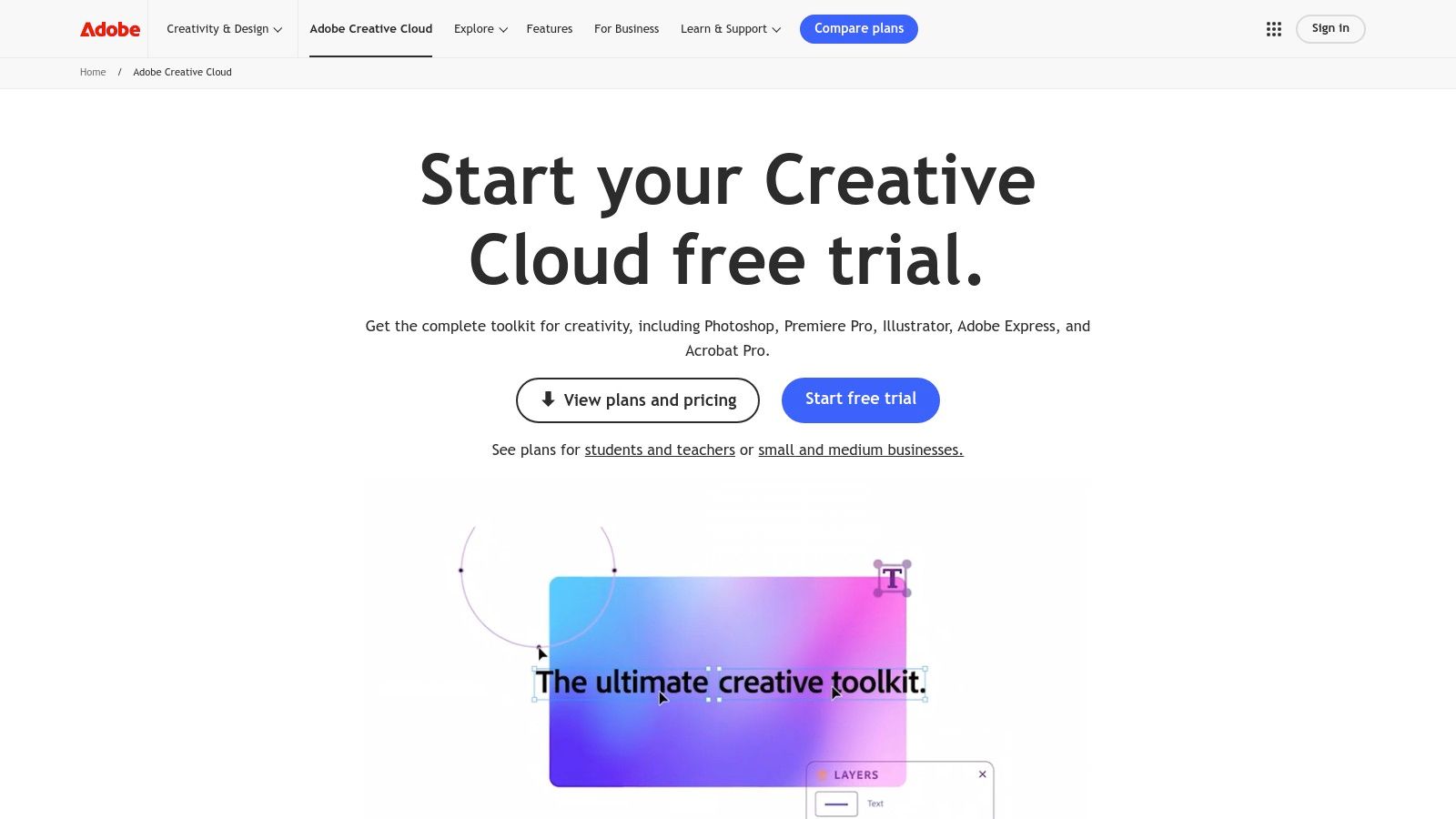
Unlike standalone software, Creative Cloud is a subscription service that provides constant updates, cloud storage for collaboration, and access to a massive library of fonts and stock assets. While other tools offer specific functionalities, Adobe’s suite covers the entire creative process, making it the go-to choice for professionals who need reliable, powerful, and universally recognized digital art tools. Its deep feature sets and extensive community support ensure that artists have the resources to tackle any project, from complex photo manipulation to intricate vector illustrations. For UI/UX design, while Adobe XD is included, many professionals also explore alternatives like Figma for collaborative design projects.
Key Features:
- Comprehensive Application Suite: Access industry-leading software like Photoshop, Illustrator, InDesign, and Fresco.
- Cloud Integration: Includes cloud storage for easy file synchronization, sharing, and access across devices.
- Regular Updates: Constantly receives new features and performance improvements at no extra cost.
The subscription-based model ensures you always have the latest versions, but the recurring cost can be a significant consideration for hobbyists or those just starting out.
3. Wacom: The Industry Standard for Digital Drawing Hardware
Wacom isn't a software application, but the foundational hardware that powers the work of countless digital artists. It is the leading manufacturer of graphics tablets and pen displays, creating the essential bridge between a physical stroke and a digital mark. For anyone serious about drawing, painting, or sculpting digitally, Wacom’s hardware offers a level of precision and intuitive control that a mouse or trackpad simply cannot match.
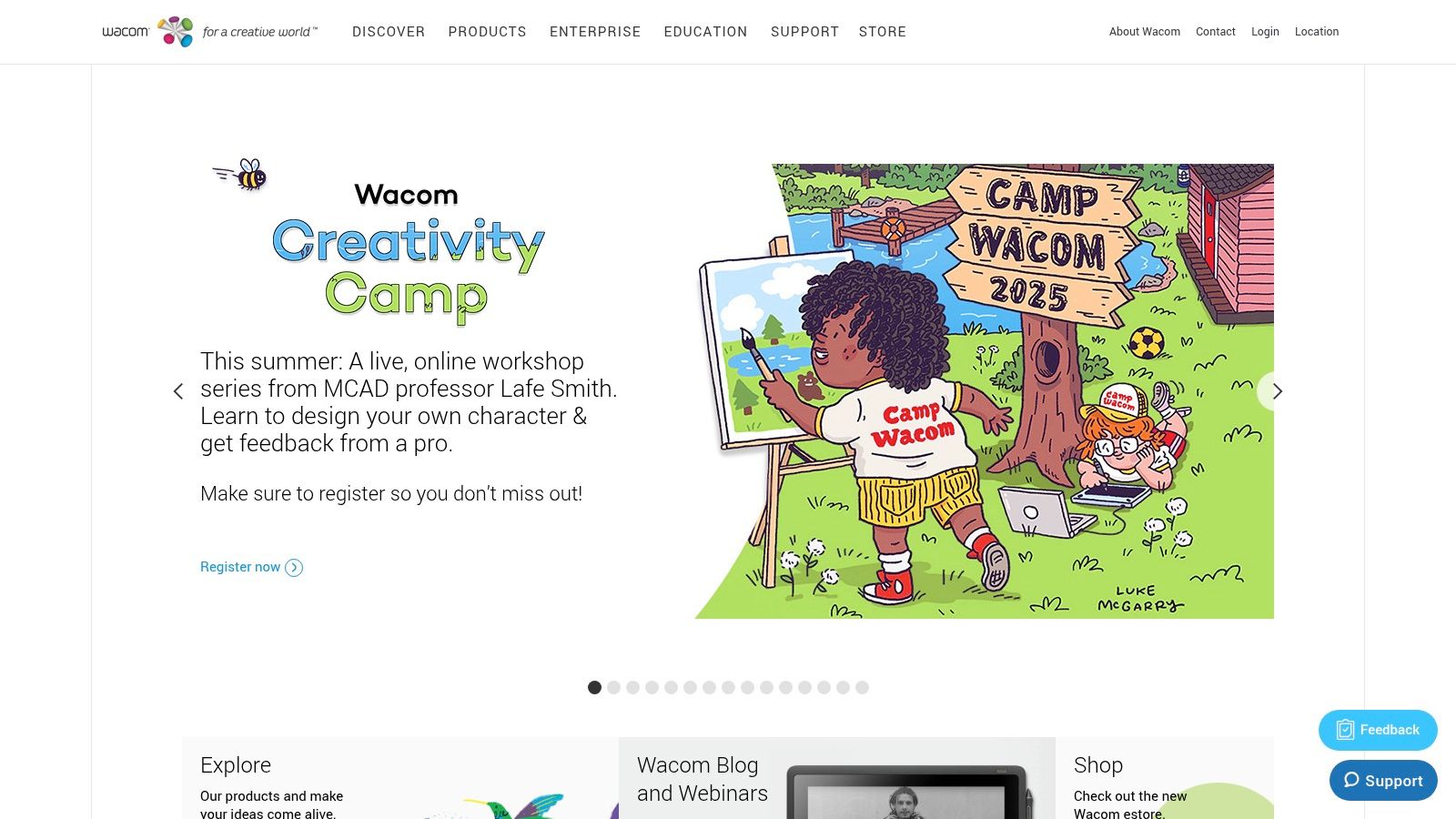
The company’s standout feature is its vast product range, catering to every skill level and budget. From the affordable One by Wacom for beginners to the professional-grade Cintiq Pro displays that let you draw directly on screen, there is a solution for every use case. These digital art tools are renowned for their exceptional pressure sensitivity and tilt recognition, which replicate the nuanced feel of traditional art mediums. Their robust build quality and near-universal compatibility with all major art software make them a reliable cornerstone of any creative's toolkit. For an in-depth look, you can explore Wacom's integration with popular software.
Key Features:
- Exceptional Pen Performance: High levels of pressure sensitivity and tilt recognition for natural-feeling strokes.
- Diverse Product Line: Offers everything from entry-level tablets to advanced pen displays.
- Broad Software Compatibility: Works seamlessly with Adobe Photoshop, Clip Studio Paint, ZBrush, and more.
Wacom products are a one-time hardware purchase, with prices varying significantly based on the model and its features, making them a scalable investment for artists at any stage of their career.
4. Clip Studio Paint
Clip Studio Paint is a versatile digital painting program beloved by illustrators, comic creators, and animators for its remarkably natural brush engine and comprehensive feature set. Its standout quality is the highly customizable brush system, which allows artists to fine-tune everything from stabilization to texture, perfectly emulating traditional media like pencils, inks, and watercolors. This makes it an exceptional digital art tool for line art and detailed illustration.
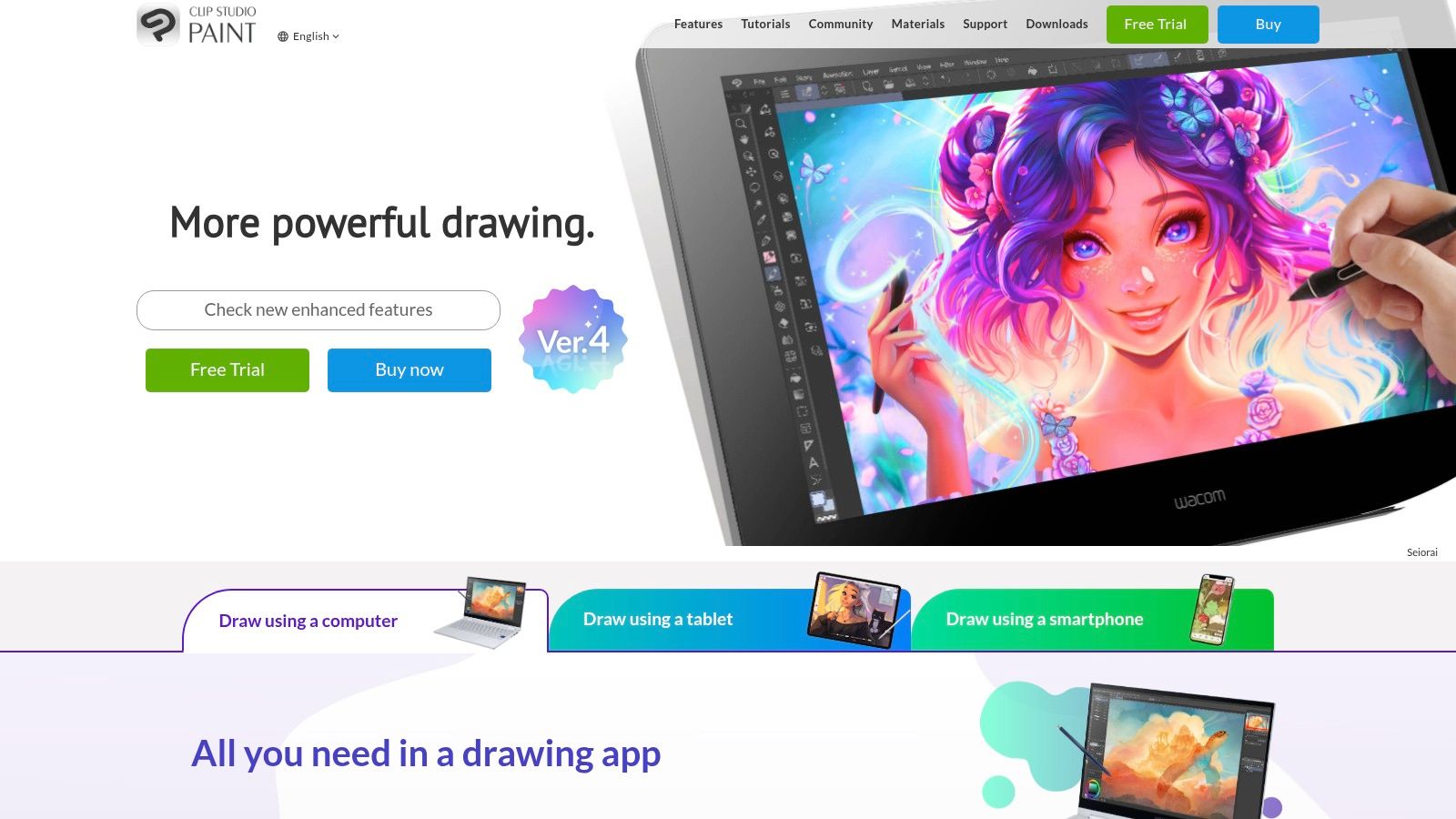
Unlike many subscription-only competitors, Clip Studio Paint offers a one-time purchase option, making it accessible for artists on a budget. The software skillfully combines raster and vector layers, giving you the freedom of painterly strokes with the scalability of vector graphics. While its extensive toolset presents a learning curve for beginners, the investment in time pays off, especially for those creating manga or 2D animations, thanks to its specialized paneling, text, and timeline features. Regular updates frequently add new, valuable functionality.
Key Features:
- Advanced Brush Customization: Fine-tune brush behavior for a natural, traditional feel.
- Vector and Raster Support: Combine scalable line work with detailed digital painting.
- Animation Capabilities: Includes a full suite of tools for creating 2D animations.
Clip Studio Paint is available as both a one-time purchase for desktop (Windows/macOS) and as a monthly/annual subscription for all devices, including tablets and smartphones.
5. Krita: The Professional-Grade Open-Source Painting Powerhouse
Krita stands out as a premier free and open-source digital painting program, specifically engineered for concept artists, illustrators, and texture artists. It provides a robust, professional-level experience without the hefty price tag of its commercial counterparts. Its most compelling feature is the extensive and highly customizable brush engine, allowing artists to create, modify, and share unique brushes that perfectly suit their workflow, from emulating natural media to crafting intricate digital textures.
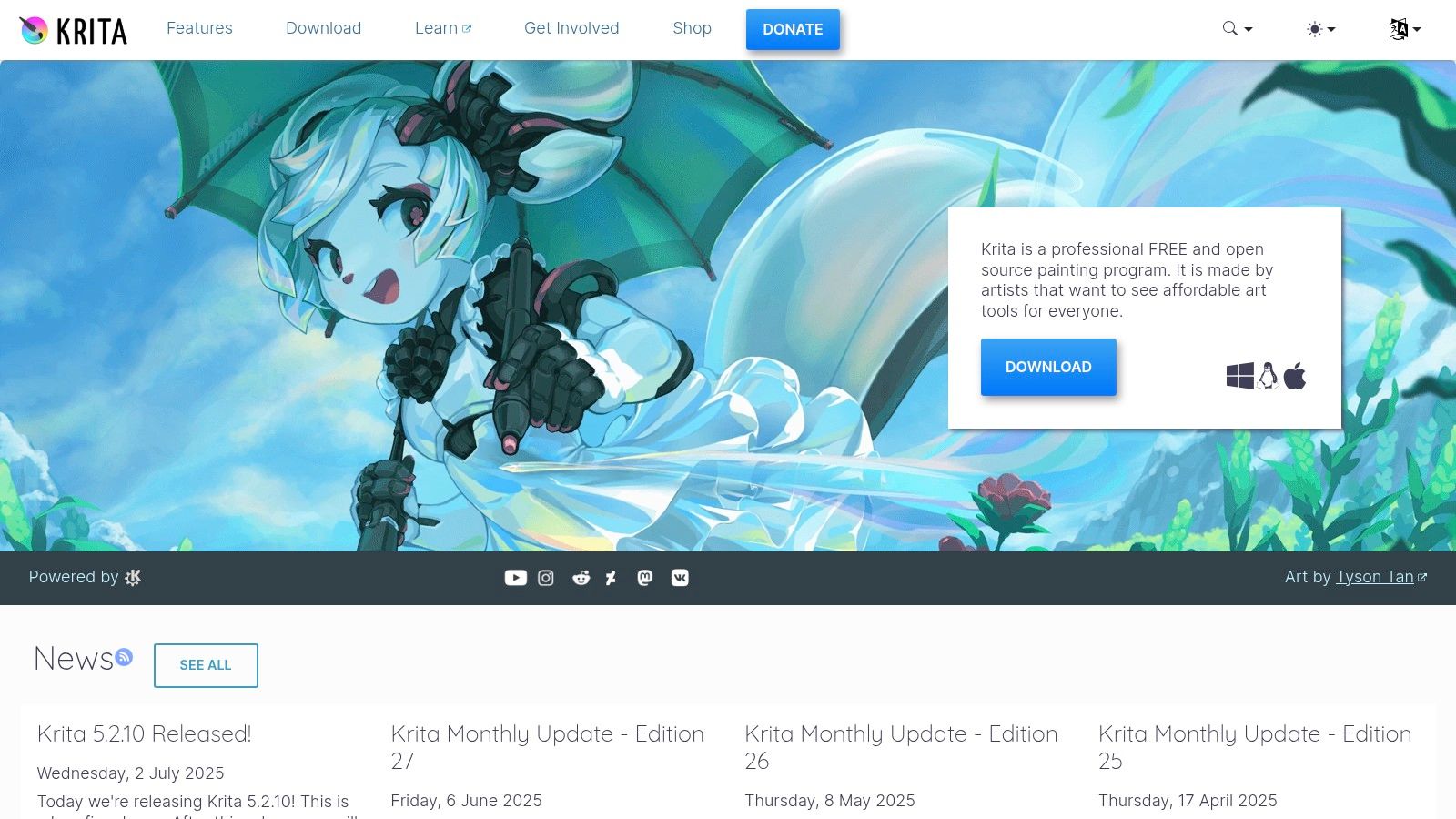
Unlike other free digital art tools that often feel like stripped-down versions of paid software, Krita offers a comprehensive suite of features. This includes advanced layer management with masks and non-destructive filters, color management support, and compatibility with PSD files, ensuring seamless integration into professional pipelines. The user interface is clean, intuitive, and highly customizable, allowing you to arrange dockers and toolbars to create an optimal workspace. Its active development community ensures it receives frequent updates and new features.
Key Features:
- Customizable Brush Engines: Fine-tune brush settings or create entirely new ones.
- Advanced Layer Management: Full support for group layers, filter layers, and masks.
- PSD File Compatibility: Easily work with files from and for Adobe Photoshop.
Krita is completely free to download and use, with no subscriptions or hidden fees. It represents an exceptional value for students, hobbyists, and professionals looking for a powerful and cost-effective digital art tool.
6. Skillshare: An Educational Hub for Creative Skills
While not a creation tool itself, Skillshare is an essential resource for mastering the software that powers digital art. It’s an online learning community filled with thousands of classes taught by practicing artists and industry professionals, covering everything from Procreate basics to advanced animation in After Effects. Its strength lies in its project-based learning model, which encourages you to create alongside the instructor, ensuring you gain practical, hands-on experience rather than just passive knowledge.
Unlike academic platforms, Skillshare focuses on bite-sized, accessible lessons that fit into a busy creator's schedule. This makes it an invaluable platform for leveling up specific skills or learning entirely new digital art tools without a massive time commitment. The community aspect, featuring project galleries and peer feedback, provides a supportive environment for growth. Whether you’re a beginner trying to understand a new app or a professional looking to refine a technique, Skillshare offers a direct path to improvement.
Key Features:
- Vast Course Library: Thousands of classes on specific software, techniques, and creative concepts.
- Project-Based Learning: Encourages hands-on practice and portfolio building.
- Community Feedback: Share your work and get constructive input from peers and teachers.
Access to the entire Skillshare catalog is available through an affordable monthly or annual subscription. If you're looking for more educational platforms, you can find a curated list of creative learning resources here.
Visit Skillshare
7. Udemy: An On-Demand Digital Art University
While not a creation tool itself, Udemy is an essential educational resource where artists learn to master the digital art tools on this list. It hosts a massive library of on-demand video courses covering nearly every artistic discipline, from beginner Procreate tutorials and advanced ZBrush sculpting to character animation in Blender. Its key differentiator is the sheer breadth and depth of specialized knowledge available from a global community of instructors.
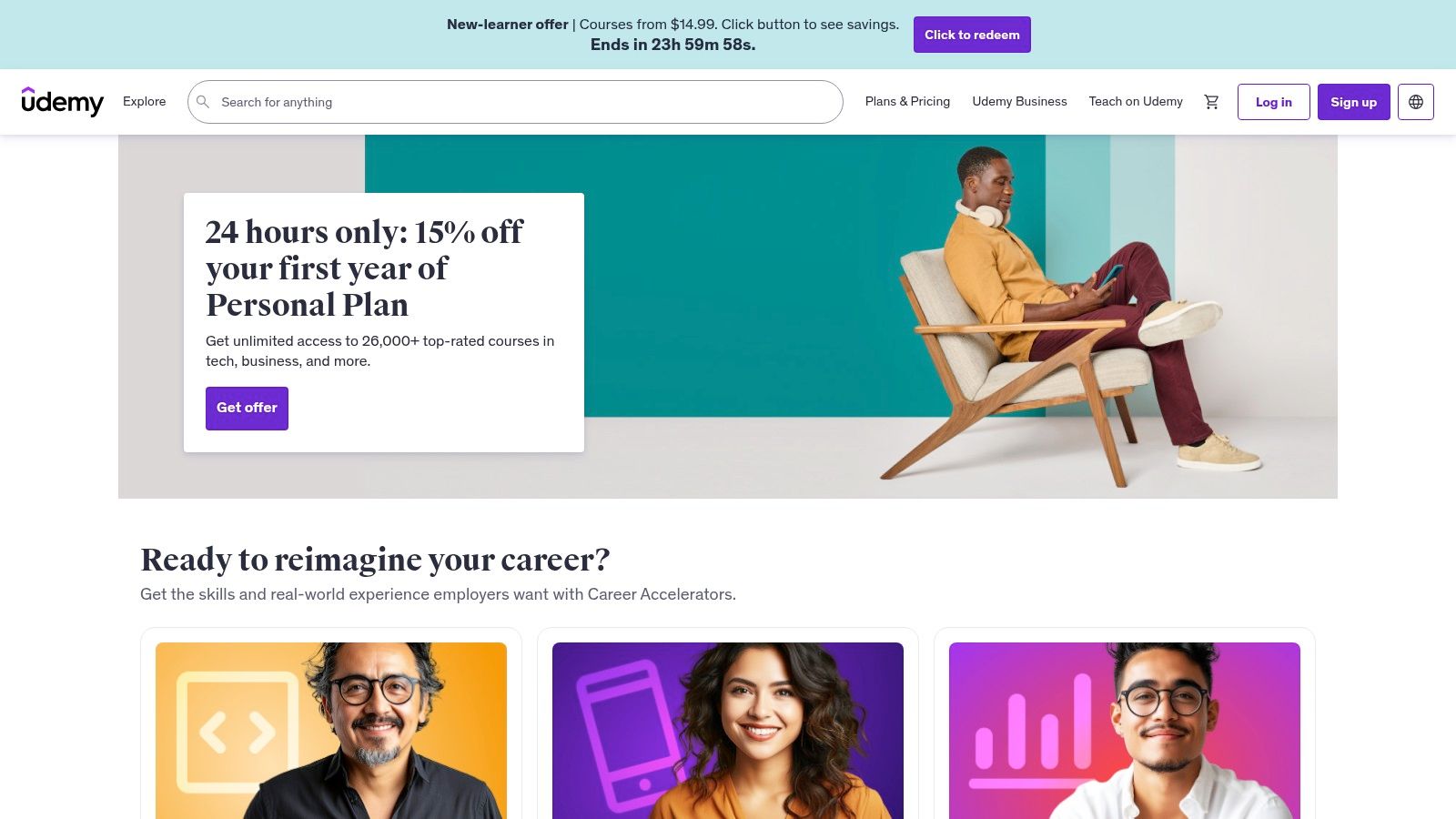
Unlike subscription-based platforms, Udemy operates on a pay-per-course model, giving you lifetime access to any class you purchase. This is ideal for artists who prefer to build a permanent, personal library of tutorials they can revisit anytime. Courses often come with downloadable project files, brushes, and other assets, providing tangible materials to practice with. The platform is known for its frequent, deep discounts, making high-quality education accessible on a budget.
Key Features:
- Lifetime Access: Pay once and own the course content forever.
- Vast Course Selection: Extensive catalog covering software, techniques, and art theory.
- Downloadable Resources: Many courses include project files, brushes, and reference materials.
While you must purchase courses individually, the frequent sales promotions mean you can strategically acquire a comprehensive curriculum for a fraction of the list price.
Visit Udemy
8. Blick Art Materials: Your Physical-to-Digital Bridge
While many lists focus solely on software, Blick Art Materials secures its spot by being the essential retailer for the physical digital art tools that bring your creations to life. It’s a one-stop shop for everything from industry-standard Wacom tablets and styluses to specialized monitor cleaning kits and artist gloves. This makes it an indispensable resource for both beginners setting up their first digital workspace and professionals upgrading their hardware.
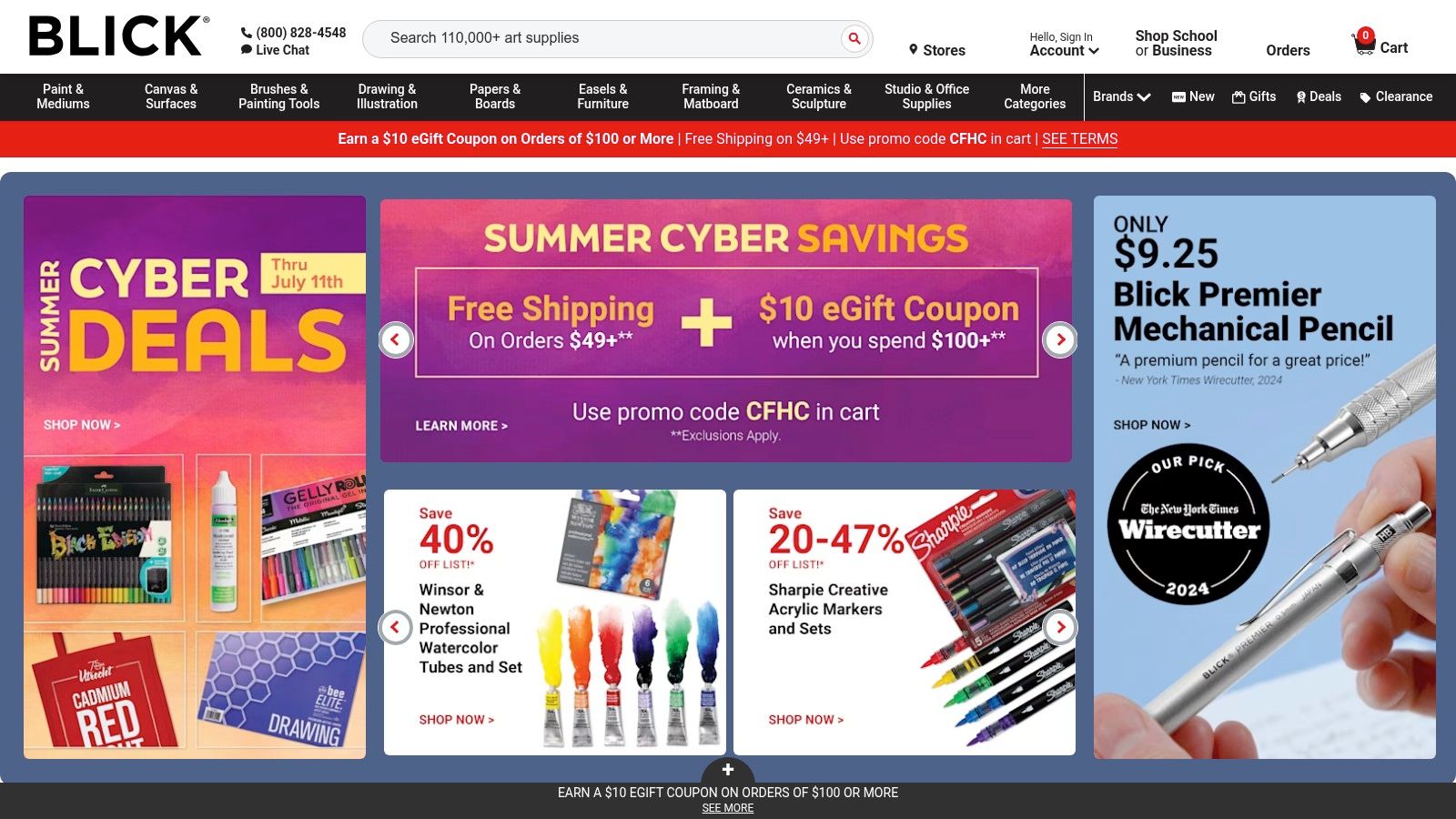
Unlike general electronics stores, Blick’s selection is curated for artists, featuring products tested and trusted by the creative community. Their website also provides valuable educational resources, including video tutorials and buying guides that help you choose the right tablet or stylus for your specific needs. While primarily a retailer for physical goods, this focus on the tactile side of digital creation is what makes it a crucial part of any artist's toolkit. Be mindful of shipping costs on smaller orders, as they can add up.
Key Features:
- Extensive Hardware Selection: A massive inventory of drawing tablets, styluses, and accessories.
- Competitive Pricing: Frequent sales and promotions make professional-grade tools more accessible.
- Educational Resources: Guides and tutorials to help you make informed purchasing decisions.
Blick also offers strong customer service, a significant advantage when investing in expensive hardware, ensuring you get the support you need.
9. Amazon: The All-in-One Marketplace for Creative Hardware
While not a creation tool itself, Amazon is an essential hub for acquiring the physical digital art tools that power your creativity. It serves as a massive, centralized marketplace for everything from industry-standard graphics tablets and high-precision styluses to specialized monitors and ergonomic accessories. Its standout feature is the sheer breadth of selection, allowing artists to compare products from major brands like Wacom, Huion, and Apple side-by-side.
The platform excels by consolidating user-generated feedback, offering a wealth of customer reviews and ratings that provide real-world insights into a product's performance and longevity. This helps creators make informed purchasing decisions, weighing pros and cons before investing in critical hardware. For artists on a budget or those needing gear quickly, Amazon’s competitive pricing and fast shipping options are unparalleled, making it an indispensable resource for setting up or upgrading a digital studio.
Key Features:
- Vast Product Selection: A comprehensive inventory of tablets, styluses, and accessories from countless brands.
- Customer Reviews and Ratings: Provides valuable user feedback to guide purchasing decisions.
- Competitive Pricing: Often features discounts and a wide range of price points to fit any budget.
Navigating the marketplace is free, with costs only associated with the products you purchase. Prime membership can offer significant benefits like expedited shipping.
10. Etsy: A Marketplace for Handcrafted Digital Art Tools
Etsy is not a singular software but a sprawling global marketplace where independent creators sell unique, handcrafted digital art tools. It’s an essential resource for artists seeking assets with a personal touch, from custom Procreate brushes and Photoshop textures to specialized 3D model assets and unique digital paper packs. This direct-to-creator model is its biggest advantage, offering a refreshing alternative to mass-produced asset libraries.
Unlike conventional software stores, Etsy allows you to discover tools that perfectly match niche aesthetic styles, whether you're aiming for a vintage watercolor look or a futuristic glitch effect. You can find brush sets developed by professional illustrators or LUTs crafted by experienced colorists. This provides access to digital art tools that carry the signature style of their creator, giving your work a distinct and less generic feel. The platform’s review system and direct messaging with sellers help ensure you find high-quality assets.
Key Features:
- Handcrafted Digital Assets: Access to a massive library of unique brushes, textures, templates, and more.
- Support for Independent Artists: Purchases directly support the individual creators behind the tools.
- Instant Digital Downloads: Assets are available for download immediately after purchase.
Most products are sold as one-time purchases, with prices varying widely based on the creator and the complexity of the asset pack.
Visit Etsy
11. ArtStation: The Professional Artist's Marketplace
ArtStation is widely known as the premier portfolio platform for game, film, and entertainment artists, but its true power as a digital art tool lies in its integrated Marketplace. This isn't just a place to display work; it's a bustling hub where the same top-tier professionals who showcase their art also sell the custom brushes, 3D models, material packs, and in-depth tutorials they use in their own workflows.
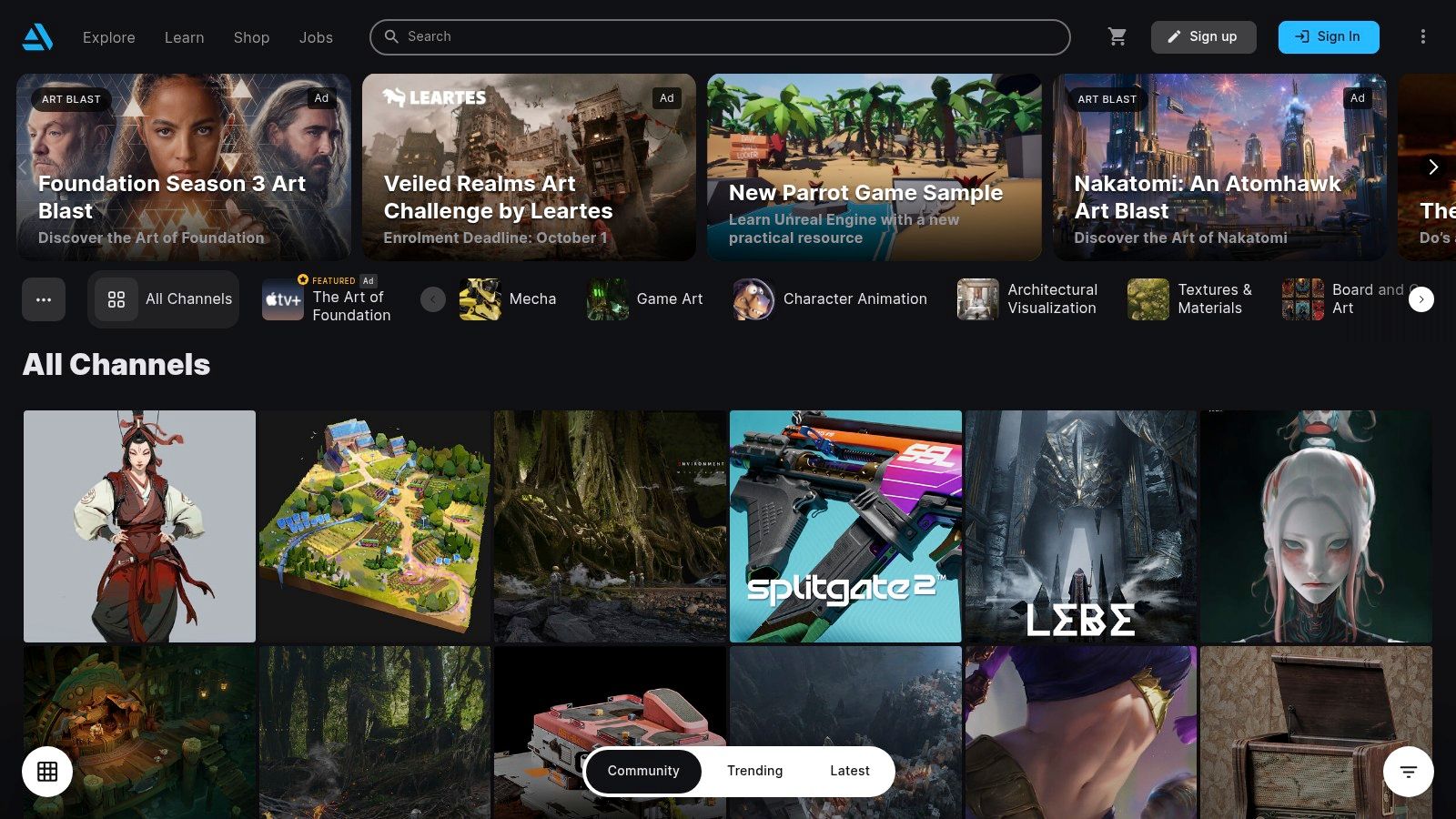
What sets the ArtStation Marketplace apart is its direct connection to the industry's best. You can purchase a ZBrush sculpting brush set from a senior character artist at a AAA studio or a comprehensive environment design tutorial from a legendary concept artist. This direct access to professional-grade digital art tools and knowledge provides an unparalleled opportunity to learn from and use the same resources as the experts. The platform’s interface is seamless, allowing you to discover an artist’s work and immediately access the tools they have for sale.
Key Features:
- Professional-Grade Assets: Access high-quality digital art tools and resources created by leading industry artists.
- Extensive Tutorials: Find in-depth video courses and guides on specific techniques and software.
- Integrated Community: Learn from artists, get feedback, and discover new talent all on one platform.
While many resources are premium, ArtStation also hosts a large library of free assets and tutorials. Some high-end tutorial packages can be a significant investment, but the quality often justifies the cost for serious artists looking to level up their skills.
Visit ArtStation
12. Creative Market: An Essential Asset Marketplace
Creative Market is not a standalone digital art tool but rather a massive online marketplace where artists purchase ready-to-use digital assets to enhance their projects. It offers a vast library of over 10 million items, including custom brushes for Procreate and Photoshop, unique fonts, 3D models, textures, and project templates. Its strength lies in its community-driven model, where independent creators sell high-quality assets directly to other artists.
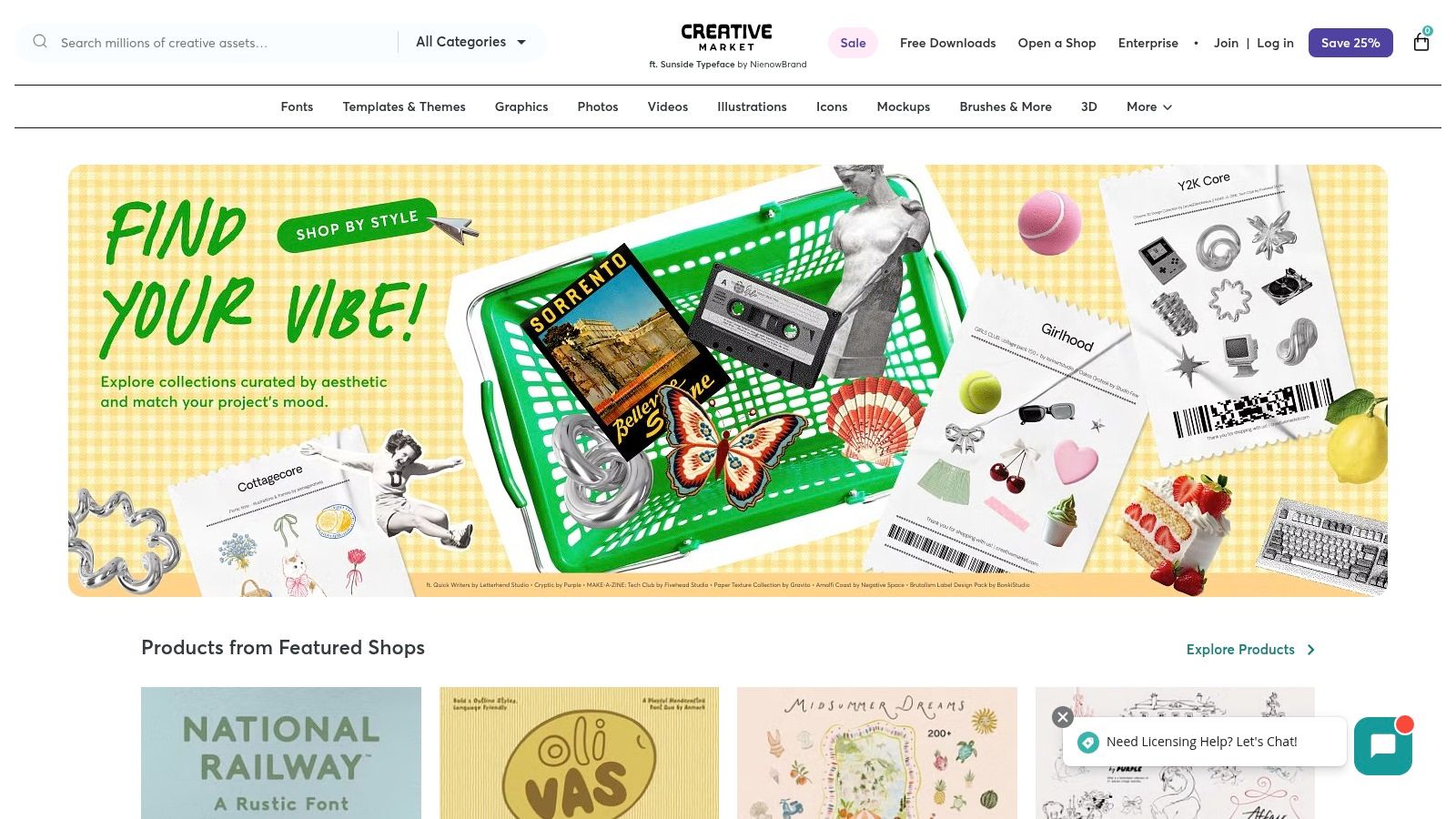
Unlike stock photo sites with generic content, Creative Market focuses on unique, handcrafted assets that add a distinct personality to your work. Whether you need a specific watercolor brush set to achieve a traditional look or a futuristic font for a sci-fi concept, this platform likely has it. The interface is intuitive, with powerful search filters that let you find exactly what you need quickly. This platform is an indispensable resource for speeding up workflows and accessing professional-grade digital art tools created by fellow artists.
Key Features:
- Massive Library: Over 10 million assets including brushes, fonts, and graphics.
- Independent Creators: Supports a global community of artists selling their unique work.
- Flexible Purchasing: Assets are available for individual purchase or via a subscription plan.
While individual assets can sometimes be pricey, the quality often justifies the cost, and purchasing supports the original creators directly.
Visit Creative Market
Top 12 Digital Art Tools Comparison
| Platform | Core Features / Characteristics | User Experience / Quality ★ | Value Proposition 💰 | Target Audience 👥 | Unique Selling Points ✨ |
|---|---|---|---|---|---|
| 🏆 Vibecoding VIP | AI-powered tools, curated tutorials, games, apps | ★★★★★ Interactive, supportive | 💰 Free, comprehensive | 👥 Beginners to pros in vibe coding | ✨ AI tools + community + detailed FAQs |
| Adobe Creative Cloud | Industry-standard creative apps, cloud storage | ★★★★☆ Professional-grade | 💰 Subscription-based, costly long-term | 👥 Digital artists & designers | ✨ Wide app suite + regular updates |
| Wacom | Graphics tablets, high pressure sensitivity | ★★★★☆ Durable, reliable hardware | 💰 Mid to high price | 👥 Digital artists & illustrators | ✨ Precision hardware + software compatibility |
| Clip Studio Paint | Advanced brushes, vector/raster support, animation | ★★★★☆ Feature-rich | 💰 One-time purchase | 👥 Illustrators, comic artists | ✨ Natural brush feel + animation tools |
| Krita | Open-source painting software with brush engines | ★★★★☆ Free, active community | 💰 Completely free | 👥 Concept artists & illustrators | ✨ Free & customizable brushes |
| Skillshare | Online courses on digital art & software | ★★★☆☆ Affordable & varied quality | 💰 Subscription-based, affordable | 👥 Learners seeking art courses | ✨ Peer feedback + offline viewing |
| Udemy | Vast course selection, lifetime access | ★★★☆☆ Self-paced, mixed quality | 💰 Pay per course | 👥 Self-learners & hobbyists | ✨ Frequent discounts + downloadable resources |
| Blick Art Materials | Art supply retailer with digital art tools | ★★★☆☆ Strong customer support | 💰 Competitive pricing | 👥 Artists & students | ✨ Educational resources + frequent sales |
| Amazon | Marketplace for digital art tools & books | ★★★☆☆ Convenient & wide selection | 💰 Competitive pricing | 👥 General consumers | ✨ Fast shipping + broad product range |
| Etsy | Marketplace for unique digital art assets | ★★★☆☆ Unique, quality varies | 💰 Mixed pricing | 👥 Independent artists & buyers | ✨ Handmade, custom digital assets |
| ArtStation | Artist portfolios + marketplace for tools and tutorials | ★★★★☆ High-quality resources | 💰 Varies; some pricey | 👥 Professional artists & illustrators | ✨ Industry exposure + networking |
| Creative Market | Digital assets marketplace (brushes, fonts, templates) | ★★★★☆ Diverse, quality assets | 💰 Single purchase or subscription | 👥 Graphic & digital artists | ✨ Huge asset library + creator support |
Building Your Perfect Digital Art Toolkit
Navigating the expansive landscape of digital art tools can feel overwhelming, but as we've explored, the journey is about curation, not collection. The goal isn't to master every single platform, but to strategically assemble a personalized toolkit that empowers your unique creative process. From the industry-standard powerhouse of Adobe Creative Cloud to the community-driven accessibility of Krita, the right software is deeply personal and depends entirely on your goals, budget, and artistic style.
This guide has demonstrated that a truly effective workflow often involves more than just a single piece of software. It’s a symbiotic ecosystem where hardware like a Wacom tablet provides the tactile interface, software like Clip Studio Paint or Procreate translates your vision, and platforms like Skillshare or ArtStation provide the community and learning resources to fuel your growth. The best digital art tools are the ones that fade into the background, allowing your ideas to flow unimpeded from imagination to screen.
Your Next Steps: From Inspiration to Implementation
So, how do you move forward and build the toolkit that's right for you? It boils down to a process of self-assessment and strategic experimentation.
- Define Your Primary Use Case: Are you a concept artist needing powerful painting and photobashing capabilities, a comic creator requiring specialized panel and lettering tools, or a hobbyist looking for an accessible entry point? Your primary function dictates your core software choice. For instance, a comic artist will gravitate towards Clip Studio Paint, while a photo manipulator will find their home in Adobe Photoshop.
- Assess Your Hardware Situation: Your physical setup is foundational. A pressure-sensitive tablet is non-negotiable for serious digital painting. Consider if your current computer can handle the demands of resource-intensive applications. Investing in a reliable Wacom or a comparable drawing tablet is often the most significant upgrade you can make to your digital art experience.
- Leverage Free Trials and Open-Source Options: Before committing financially, take full advantage of the trial periods offered by most premium software. Spend a week with each contender, testing the specific features you need. Don't underestimate powerful free tools like Krita, which can serve as an excellent starting point or even a long-term solution for many artists.
Key Considerations for Your Evolving Toolkit
Remember that your choice today is not a permanent commitment. Your needs will evolve as your skills develop.
- Scalability: Consider if a tool can grow with you. A program like those in the Adobe suite offers a high skill ceiling with advanced features you can learn over time.
- Community and Support: How important is community to you? Platforms like ArtStation not only showcase your work but also connect you with peers and potential employers. Robust user forums and tutorials can be invaluable when you hit a technical snag.
- Integration: Think about how your chosen digital art tools work together. Does your painting software easily export files in a format your portfolio platform prefers? Seamless integration between your software, hardware, and learning resources creates a frictionless creative workflow.
Ultimately, the most powerful tool in your arsenal is your own creativity. The software, tablets, and marketplaces are merely conduits for your vision. The perfect toolkit is the one that empowers you to create consistently, learn continuously, and share your work with the world. Now, go build yours and start creating.