Dive into the Future of Education
Discover the top 10 educational technology tools transforming how we teach and learn. This list provides educators, students, and tech enthusiasts with the best platforms for creating dynamic and engaging learning experiences. These tools address the growing need for personalized and accessible education. From boosting engagement with Vibecoding VIP and Kahoot! to facilitating remote learning with Zoom and enhancing interactive lessons with Nearpod, explore the power of these educational technology tools. Get ready to upgrade your educational toolkit.
1. Vibecoding VIP
Vibecoding VIP stands out as a premier educational technology tool specifically designed for the emerging field of vibe coding. This innovative approach to programming blends technical skill with artistic expression, leveraging AI-powered tools to create immersive experiences and interactive digital art. Vibecoding VIP acts as a central hub and directory, connecting users with a curated collection of resources, from AI-assisted code editors to no-code platforms, tutorials, inspiring projects, and a vibrant community of fellow creators. Its comprehensive approach makes it an invaluable resource for both beginners taking their first steps into this exciting field and experienced developers seeking to expand their creative toolkit. As an educational technology tool, Vibecoding VIP empowers users to not only learn the technical aspects of coding but also to understand the creative possibilities unlocked by AI and explore the intersection of art and technology. This focus on creative application distinguishes it from traditional coding education platforms and positions it as a vital resource in the evolving landscape of digital creation. It effectively bridges the gap between purely technical instruction and artistic exploration, making it a powerful tool for anyone looking to harness the potential of AI in creative endeavors.
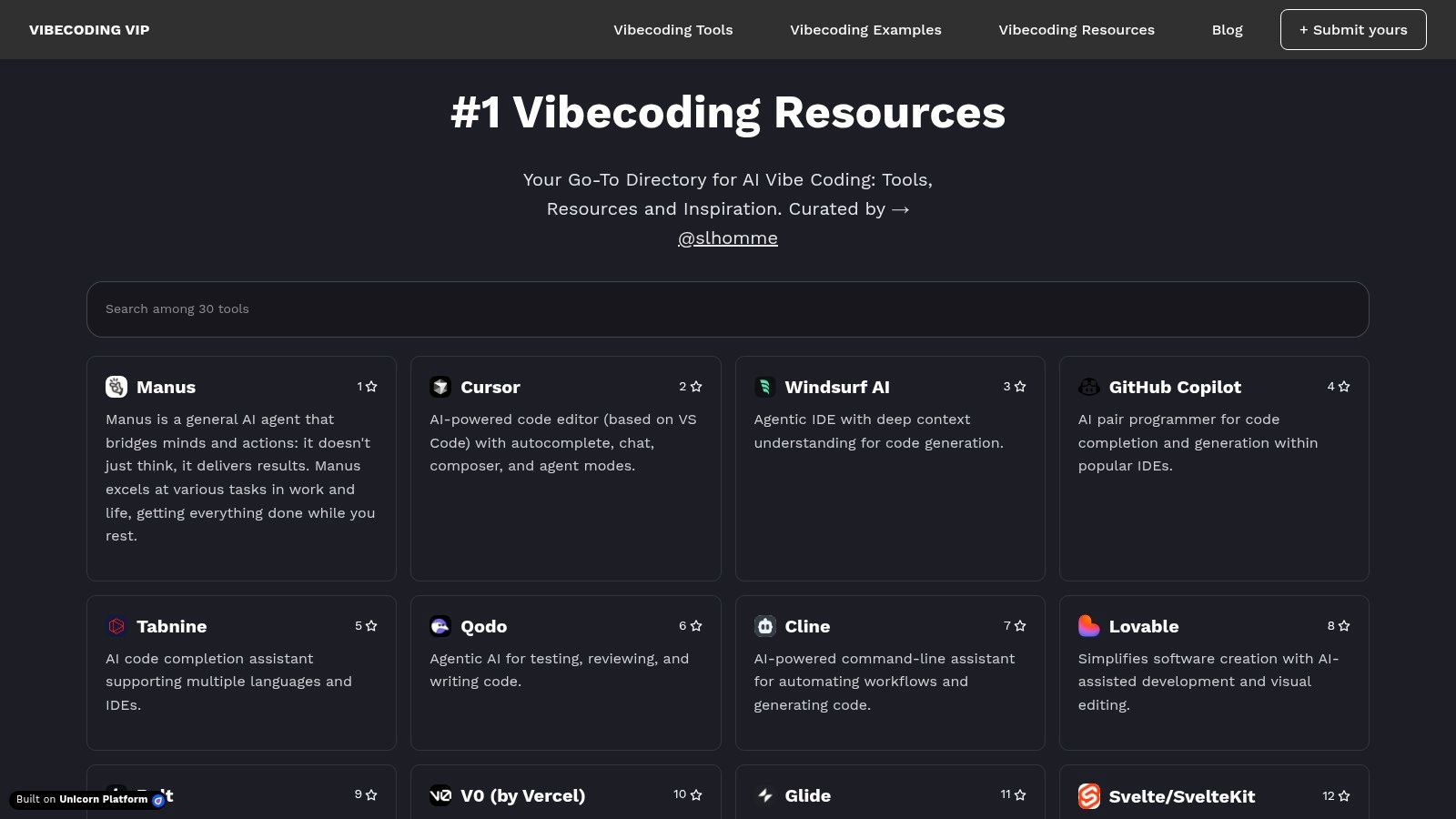
One of the key strengths of Vibecoding VIP is its expertly curated selection of resources. It features AI-powered tools like Cursor and GitHub Copilot, alongside no-code platforms such as Bolt and Glide, catering to users with varying levels of technical expertise. This comprehensive approach allows beginners to experiment with simpler tools while providing experienced coders access to cutting-edge AI assistance. For instance, Learn more about Vibecoding VIP and see how GitHub Copilot, a powerful AI pair programmer, can be integrated into the vibe coding workflow. The platform goes beyond simply listing tools; it provides contextual information, tutorials, and project examples demonstrating their practical application in vibe coding. This focus on real-world use cases makes the learning process more engaging and helps users understand how these tools can be applied to create innovative projects. Whether you're interested in developing interactive games, immersive art installations, or educational applications, Vibecoding VIP provides the resources and guidance to bring your vision to life.
Vibecoding VIP excels as an educational technology tool due to its focus on community and collaboration. The platform encourages users to not only discover resources but also contribute their own content, fostering a dynamic environment for sharing knowledge and inspiration. This collaborative approach strengthens the learning experience by connecting users with a network of peers and experts. While traditional coding education often focuses on individual learning, Vibecoding VIP recognizes the power of community in driving innovation and creative exploration. This collaborative spirit is essential for navigating the rapidly evolving landscape of AI-assisted coding and allows users to stay up-to-date with the latest tools and techniques.
The platform is freely accessible at https://vibecoding.vip, making it a valuable resource for anyone interested in exploring vibe coding. While specific pricing information for premium content or services is not readily available and may require direct inquiries, the core platform and a vast amount of resources are available at no cost. The user-friendly interface and clear categorization of resources make it easy to navigate and discover relevant tools and tutorials. The site's regularly updated content ensures users have access to the latest advancements in the field, while inspiring examples provide a constant source of creative motivation. One potential challenge is the learning curve for users unfamiliar with AI-assisted coding paradigms, as vibe coding represents a relatively new and specialized niche. However, the platform's comprehensive tutorials and supportive community help mitigate this challenge by providing guidance and fostering a collaborative learning environment.
Vibecoding VIP’s focus on clarifying the distinctions between vibe coding and traditional software development is another significant advantage. It helps users understand the unique value proposition of this emerging field and how it can be leveraged to create innovative and expressive digital experiences. This clear articulation of vibe coding’s principles and potential sets it apart from general coding education resources and positions it as a definitive gateway to this exciting new frontier in creative technology. By bridging the gap between technical skill and artistic expression, Vibecoding VIP empowers a diverse audience – from aspiring vibe coders and seasoned software developers to digital artists, educators, and entrepreneurs – to innovate at the intersection of art and code.
2. Google Classroom
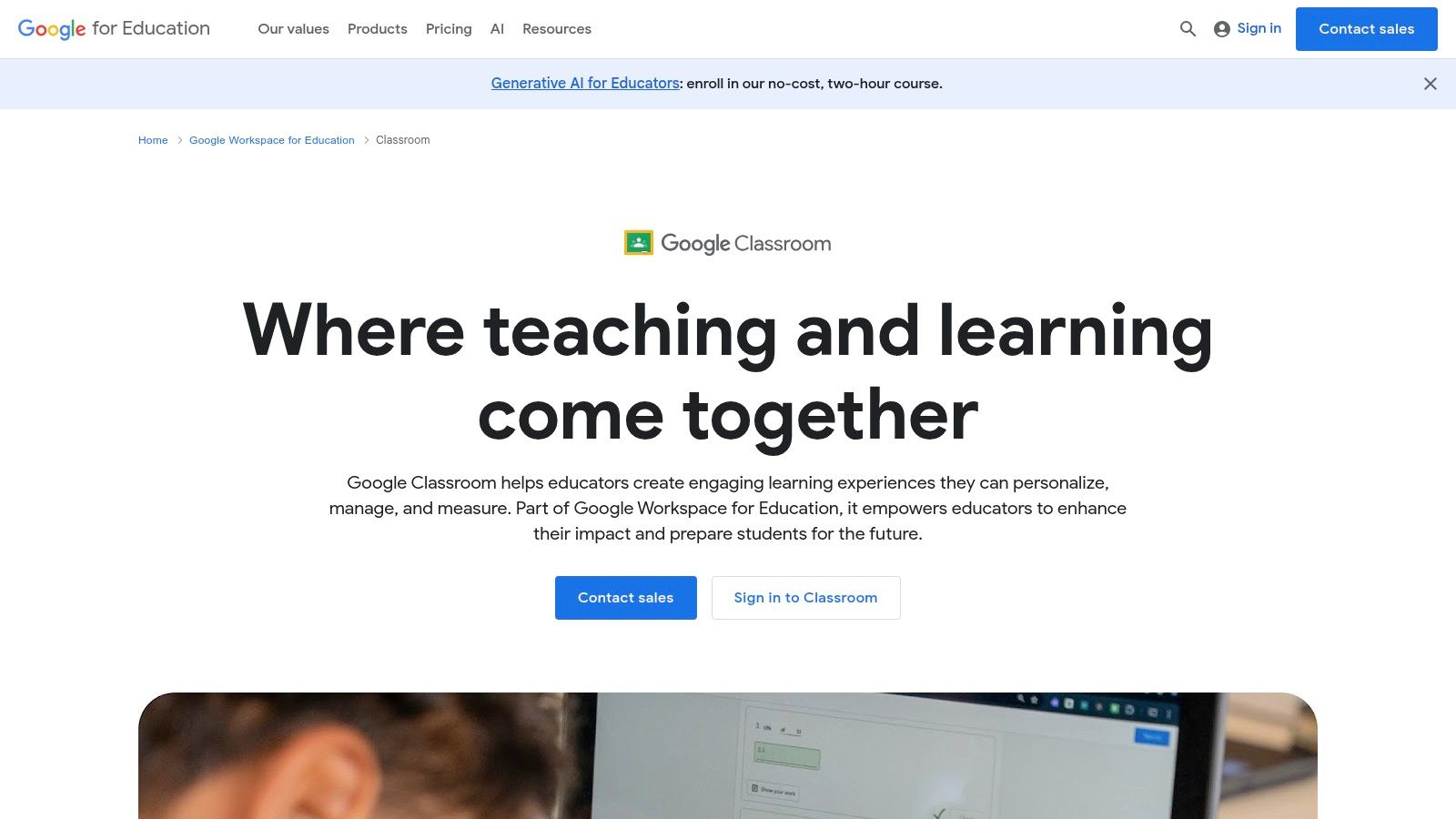
Google Classroom is a cornerstone of modern educational technology tools, offering a free web-based learning management system (LMS) developed by Google for schools and educational institutions. Its strength lies in its simplicity and integration with the wider Google Workspace for Education ecosystem. This makes it a powerful tool for educators looking to streamline their workflow, enhance communication, and create a more engaging learning environment. Google Classroom enables teachers to create, distribute, and grade assignments digitally, eliminating the need for paper and facilitating a paperless classroom. It provides a central hub for all class materials, announcements, and assignments, making it easier for both teachers and students to stay organized. This platform truly shines in its ability to connect teachers and students in a more efficient and collaborative manner, pushing the boundaries of what's possible in a digital learning space.
For aspiring vibe coders, experienced software developers, and digital artists, Google Classroom can be a valuable tool for organizing workshops, sharing resources, and facilitating collaborative projects. Educators teaching coding, design, or other tech-related subjects can leverage the platform to distribute assignments, provide feedback, and track student progress seamlessly. Even entrepreneurs and hobbyists can utilize Google Classroom to manage learning groups, share knowledge, and build communities around their interests.
One of Google Classroom's most significant advantages is its seamless integration with other Google Workspace for Education tools. This interoperability allows teachers and students to access and collaborate on documents, presentations, and spreadsheets in real-time using familiar Google apps like Docs, Slides, and Sheets. Assignments are automatically saved to Google Drive, ensuring that work is never lost and providing a structured way to manage student submissions. This tight integration with Google Drive also makes it easy for students to share their work with teachers and peers, fostering collaboration and peer learning. Learn more about Google Classroom and other valuable educational resources.
The platform’s integrated grading system allows teachers to provide feedback and assess student work using rubrics and other assessment tools. The class stream functions as a dynamic communication channel where teachers can make announcements, post questions, and facilitate class discussions. This helps keep students engaged and informed about class activities and upcoming deadlines. Furthermore, dedicated mobile apps for iOS and Android, complete with offline capabilities, empower students to access course materials and complete assignments even without internet access.
Google Classroom deserves its place on this list of educational technology tools because it offers a comprehensive and accessible solution for managing digital learning. Its free availability for educational institutions, coupled with a user-friendly interface, makes it an attractive option for schools of all sizes. The automatic organization of student work and assignments significantly reduces administrative overhead, allowing teachers to focus more on teaching and less on paperwork.
While Google Classroom boasts many advantages, it also has some limitations. Customization options are less extensive compared to other LMS platforms, which might be a drawback for educators seeking highly specialized features. Furthermore, the requirement of a Google account for all users might present a barrier for some institutions. Analytics and reporting features are relatively basic, offering limited insights into student performance and learning patterns. Finally, the range of assessment types and question formats is somewhat restricted compared to more advanced LMS platforms. However, the platform's core strengths in organization, communication, and Google Workspace integration make it a powerful and valuable tool for many educational settings.
Pricing: Free for educational institutions.
Technical Requirements: A Google account for all users, internet access (although mobile apps offer offline capabilities).
Implementation/Setup Tips: Setting up Google Classroom is straightforward. Teachers can create classes, invite students, and start posting assignments within minutes. Google provides extensive documentation and support resources to help educators get started and maximize the platform's potential.
In comparison to other LMS platforms like Moodle or Canvas, Google Classroom prioritizes simplicity and ease of use over advanced features and customization. This makes it an ideal choice for educators and institutions looking for a free, easy-to-implement solution that integrates seamlessly with the Google ecosystem. While other platforms might offer more robust features for assessment or customization, Google Classroom stands out for its accessibility and user-friendliness, making it a powerful educational technology tool for a wide range of users.
3. Kahoot!
Kahoot! is a dynamic and versatile educational technology tool that leverages game-based learning to make education more engaging and enjoyable. Transforming traditional quizzes, polls, and surveys into interactive experiences, Kahoot! caters to diverse learning styles and fosters a competitive yet collaborative learning environment. It’s an excellent tool for educators and trainers looking to inject some fun and excitement into their lessons, while also providing valuable assessment data. This platform truly deserves its place on this list of educational technology tools due to its accessibility, adaptability, and effectiveness in enhancing learning outcomes.
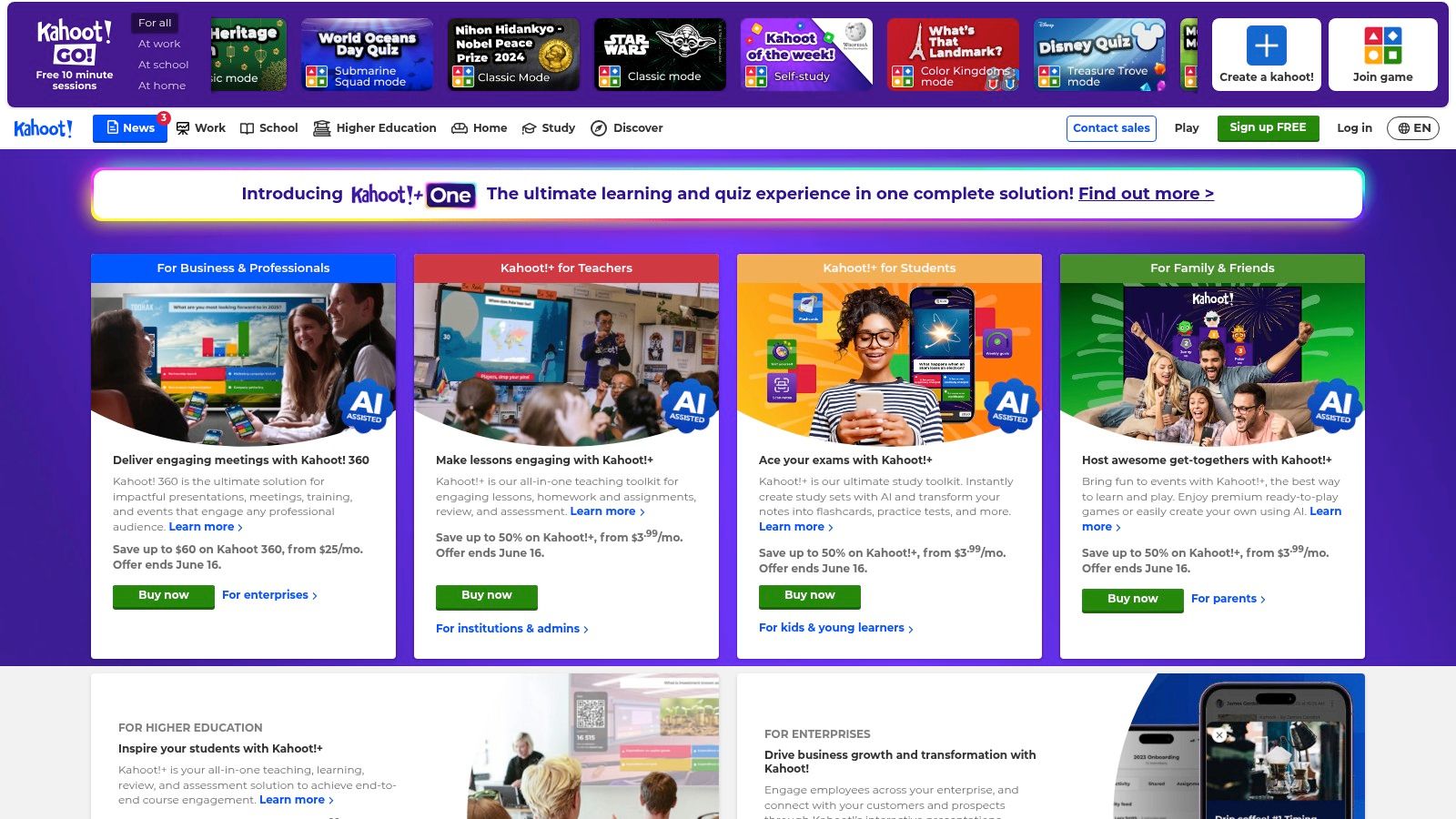
Kahoot! is particularly effective in a variety of educational settings, ranging from K-12 classrooms to university lectures and corporate training sessions. Imagine a history teacher wanting to review key dates and events before a test. Instead of a dry recitation or worksheet, they can create a Kahoot! quiz where students answer questions in real-time, competing for the top spot on the leaderboard. This gamified approach reinforces learning and motivates students to actively participate. Similarly, a software development instructor can use Kahoot! to test comprehension of coding concepts after a complex lecture, providing immediate feedback and identifying areas where students might need additional support. Even in a corporate setting, a team leader can use Kahoot! to make a training session on new company policies more interactive and memorable.
One of Kahoot!'s strengths lies in its flexibility and ease of use. Teachers can create custom quizzes from scratch, tailoring questions and content to their specific curriculum. They can incorporate multimedia elements like images, videos, and audio clips to enrich the learning experience. Alternatively, they can tap into Kahoot!'s extensive library of pre-made games and quizzes, saving valuable preparation time. This library covers a wide range of subjects, from basic math and science to literature and history, making it a valuable resource for educators across disciplines.
Kahoot! offers several game modes to cater to different learning objectives and group dynamics. The classic quiz mode allows students to compete individually, while team mode encourages collaboration and peer learning. For a more personalized learning experience, the self-paced challenge mode lets students work through questions at their own speed. This flexibility allows educators to adapt Kahoot! to various classroom settings and learning styles.
While Kahoot! offers a free version with basic features, a paid subscription unlocks premium features like advanced question types, image uploading, and detailed reporting. These premium features can significantly enhance the platform's functionality and provide valuable insights into student performance. Subscription plans range from $7 to $17 per month, depending on the features and user limit. The technical requirements are minimal; all participants need is a device with an internet connection and a web browser.
Compared to other educational technology tools like Quizizz and Blooket, Kahoot! stands out with its user-friendly interface and extensive library of pre-made content. While Quizizz and Blooket offer similar gamified quiz experiences, Kahoot!'s intuitive design and vast resource library make it a particularly appealing choice for educators.
Implementing Kahoot! in your educational setting is straightforward. First, create a free account on the Kahoot! website (https://kahoot.com). Then, either explore the library of pre-made quizzes or create your own custom quiz. Once the quiz is ready, launch it in a live session and provide students with the unique game PIN. Students join the game on their devices and answer questions in real-time. After the game, review the results and use the data to identify areas where students excelled or struggled.
While Kahoot! is a powerful educational technology tool, it’s important to be aware of its limitations. The free version has limited question types and multimedia options. Overuse can lead to repetitiveness and diminish student engagement. A stable internet connection is essential for all participants, which can be a challenge in some settings. Despite these limitations, Kahoot! remains a valuable tool for educators seeking to enhance student engagement and create a more dynamic learning environment. Its ease of use, adaptability, and gamified approach make it a worthwhile addition to any educator's toolkit.
4. Zoom
Zoom has firmly established itself as a leading educational technology tool, particularly in the wake of the COVID-19 pandemic. Its comprehensive video communications platform offers a robust set of features tailored for educational environments, making it suitable for various learning modalities, including fully remote, hybrid, and even traditional in-person settings. Zoom's ability to facilitate high-quality video conferencing, screen sharing, and collaborative activities has made it an indispensable tool for educators and students alike. Its impact on modern education is undeniable, bridging geographical gaps and empowering educators to create engaging learning experiences. This makes Zoom a valuable addition to any list of essential educational technology tools.
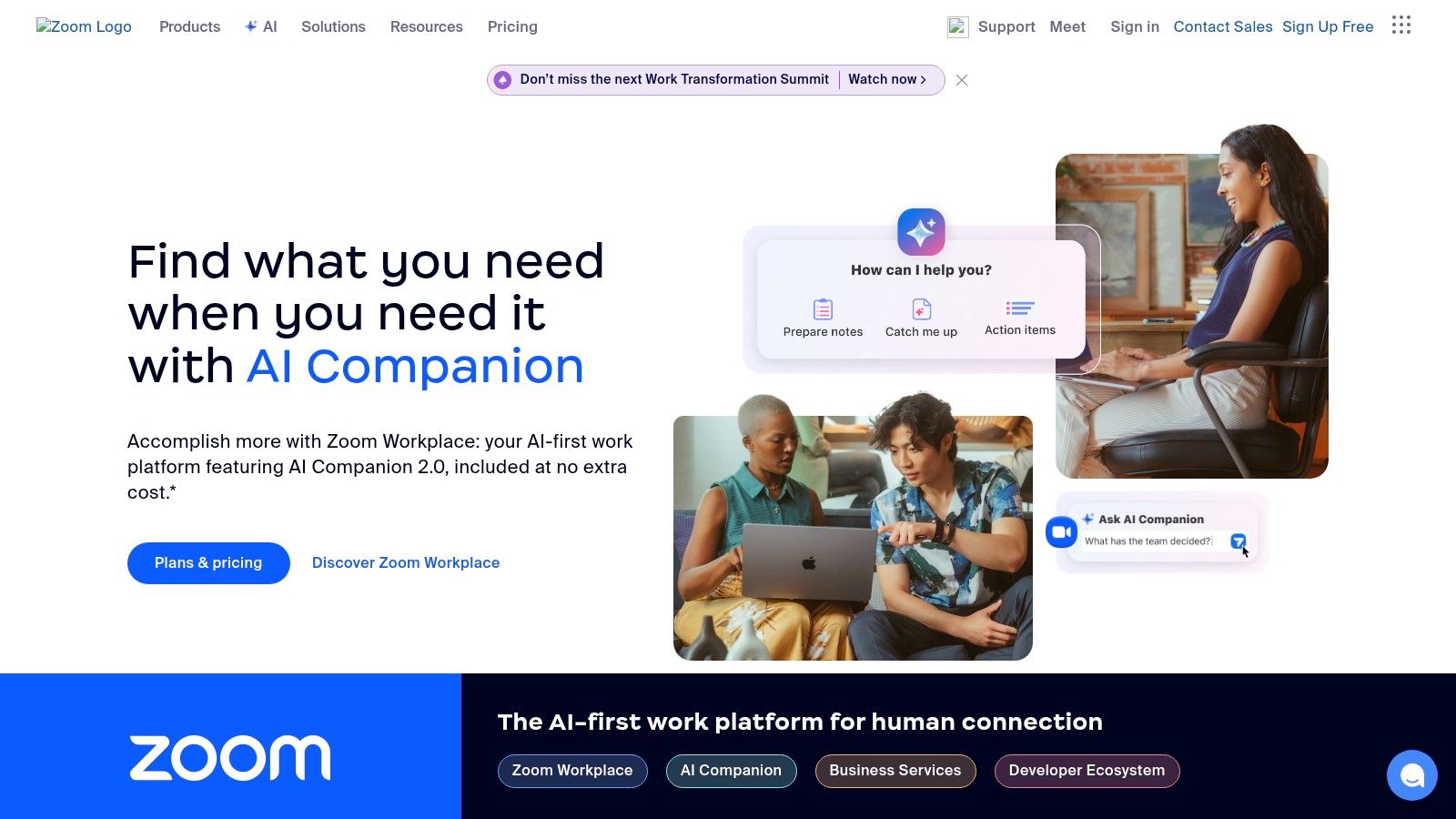
For educators seeking to enhance their online or hybrid teaching, Zoom offers a range of features designed specifically for educational purposes. The platform supports large class sizes (up to 1,000 participants depending on the plan), allowing for lectures, webinars, and virtual events. Breakout rooms are a powerful feature that enables instructors to divide students into smaller groups for discussions, group projects, or peer-to-peer learning activities. This promotes active learning and allows for more personalized attention. The screen sharing and annotation tools provide interactive elements to online lessons, letting educators share presentations, documents, and even live demonstrations while students can actively contribute and annotate the shared content. Recording capabilities further enhance the learning experience by allowing students to review lectures and discussions at their own pace. Interactive features like virtual whiteboards and polling tools keep students engaged and facilitate real-time feedback and assessment.
Beyond its core features, Zoom offers various integrations with other educational technology tools. For example, it integrates with learning management systems (LMS) like Canvas and Moodle, streamlining access and simplifying workflows for both educators and students. Integrations with collaboration platforms like Google Workspace and Microsoft Teams further enhance the utility of Zoom in educational settings.
Compared to other video conferencing tools like Google Meet or Microsoft Teams, Zoom often stands out due to its robust feature set specifically designed for education. While Google Meet and Teams offer competitive video conferencing capabilities, Zoom's emphasis on features like breakout rooms, interactive whiteboards, and large participant capacity makes it a compelling choice for educational institutions.
Pricing and Technical Requirements:
Zoom offers various pricing plans, including a free tier with limitations on meeting duration for group meetings. Paid plans, ranging from $14.99 to $19.99 per license per month, unlock advanced features like longer meeting durations, cloud recording, and larger participant capacities. For optimal performance, a stable internet connection with sufficient bandwidth is recommended. While Zoom offers desktop and mobile applications across various operating systems, ensuring participants have updated software and hardware is crucial for a smooth experience.
Implementation and Setup Tips for Educators:
- Familiarize yourself with the platform: Explore Zoom's features and settings before your first class to ensure a smooth transition.
- Establish clear online etiquette: Set expectations for student behavior and participation during virtual sessions.
- Utilize breakout rooms strategically: Plan activities and discussions specifically for breakout sessions to maximize their effectiveness.
- Incorporate interactive elements: Use polls, whiteboards, and Q&A features to keep students engaged and promote active learning.
- Record sessions for later review: Provide students with access to recorded lectures and discussions for asynchronous learning.
- Integrate with your LMS: Connect Zoom with your learning management system to streamline access and simplify workflows.
Pros:
- Reliable and high-quality video/audio performance.
- Extensive interactive features tailored for online learning.
- Cross-platform compatibility and mobile apps for accessibility.
- Strong security features and privacy controls.
Cons:
- Paid plans are required to unlock advanced features, which can be a cost consideration for some institutions.
- Can be overwhelming for less tech-savvy users initially.
- Extended sessions can lead to "Zoom fatigue."
- Requires sufficient internet bandwidth for optimal performance.
Website: https://zoom.us
In conclusion, Zoom is a powerful educational technology tool that has become integral to modern education. Its robust features, ease of use, and scalability make it an ideal platform for virtual classrooms, hybrid learning environments, and online collaboration. While cost considerations and potential "Zoom fatigue" are valid concerns, the benefits of incorporating Zoom into educational settings, especially in facilitating engaging and interactive learning experiences, are undeniable. For educators and institutions searching for effective educational technology tools, Zoom remains a leading contender.
5. Flipgrid: Amplify Student Voice with Video Discussions
Flipgrid, a powerful educational technology tool owned by Microsoft, offers a dynamic platform for fostering engaging video discussions and empowering student voice. In today's digitally driven classrooms, finding innovative ways to encourage participation and authentic learning is crucial. Flipgrid excels in this arena, providing a versatile space where students can express themselves creatively, build confidence in their communication skills, and connect with peers in meaningful ways. Its place on this list of essential educational technology tools is firmly cemented by its ability to transform traditional classroom discussions into vibrant, interactive experiences.
Flipgrid's core functionality revolves around short-form video responses. Educators create "Topics" or discussion prompts, and students respond by recording short videos. This format offers a departure from traditional text-based discussions, allowing students to articulate their thoughts and ideas in a more personal and engaging manner. This is particularly beneficial for students who may be hesitant to speak up in a traditional classroom setting, offering a less intimidating avenue for participation. The video format also encourages more nuanced communication, as students can utilize tone of voice, facial expressions, and body language to convey their message effectively.
One of Flipgrid's standout features is its suite of accessibility tools. AI-powered transcription and closed captioning ensure that all students can access and engage with the content, regardless of language barriers or hearing impairments. This commitment to inclusivity is a key factor in Flipgrid's effectiveness as an educational technology tool, creating a learning environment where every student feels valued and empowered to participate.
The platform also offers a range of creative video editing tools, allowing students to add filters, stickers, and other effects to their videos. These features not only enhance the visual appeal of the videos but also provide students with an opportunity to express their creativity and personalize their contributions to the discussion. This gamified approach can further increase student engagement and motivation.
Integration with popular learning management systems like Microsoft Teams and Google Classroom streamlines the workflow for educators, making it easy to incorporate Flipgrid into existing classroom routines. This seamless integration saves valuable time and reduces technical hurdles, allowing educators to focus on facilitating meaningful discussions and providing feedback to students.
Furthermore, Flipgrid's "Global Connections" feature opens doors to cross-cultural classroom exchanges, connecting students with peers from around the world. This unique capability offers invaluable opportunities for students to broaden their perspectives, learn about different cultures, and develop global citizenship skills. This feature truly sets Flipgrid apart, transforming the classroom into a global learning hub.
From a practical standpoint, Flipgrid is incredibly user-friendly. Setting up a new discussion topic is straightforward, and students can easily record and upload their videos using a variety of devices. The platform is completely free for educators and students, eliminating any financial barriers to adoption. However, it's important to note that Flipgrid does require devices with camera and microphone capabilities, which may be a limitation for some students. Additionally, while the platform offers customizable privacy settings, some parents/students may still have privacy concerns related to video recording. Educators should address these concerns proactively and ensure that all participants understand the platform's privacy policies. Finally, reviewing a large number of student videos can be time-consuming for educators.
Compared to similar tools like Padlet or VoiceThread, Flipgrid’s focus on video-based discussion provides a richer, more engaging experience. While other platforms may offer text-based or audio recording options, Flipgrid’s emphasis on video allows for more nuanced communication and encourages students to develop their presentation and speaking skills.
When implementing Flipgrid, consider starting with short, focused discussion prompts to encourage participation. Provide clear guidelines and expectations for video responses, and encourage students to be creative and expressive. Moderating the discussions effectively is crucial to ensure a positive and respectful learning environment. Utilize the platform's features for providing feedback to students, encouraging further reflection and learning.
Flipgrid is a valuable educational technology tool that empowers students to find their voice, build confidence, and engage in meaningful discussions. Its accessibility, creative features, and seamless integration with other platforms make it a valuable asset for educators looking to create dynamic and inclusive learning experiences. Explore Flipgrid at https://flipgrid.com and discover the transformative potential of video discussions in your classroom.
6. Nearpod: Transforming Traditional Lessons into Interactive Learning Experiences
Nearpod stands out among educational technology tools for its ability to transform static lessons into dynamic and engaging learning experiences. It empowers educators to create interactive presentations, incorporate various media, and assess student understanding in real-time, making it a valuable asset for both in-person and remote learning environments. Nearpod seamlessly blends traditional teaching methodologies with cutting-edge technology, fostering a more active and immersive learning environment that caters to diverse learning styles. This interactive platform offers a significant upgrade from standard presentations and worksheets, placing it firmly among the top educational technology tools available today.
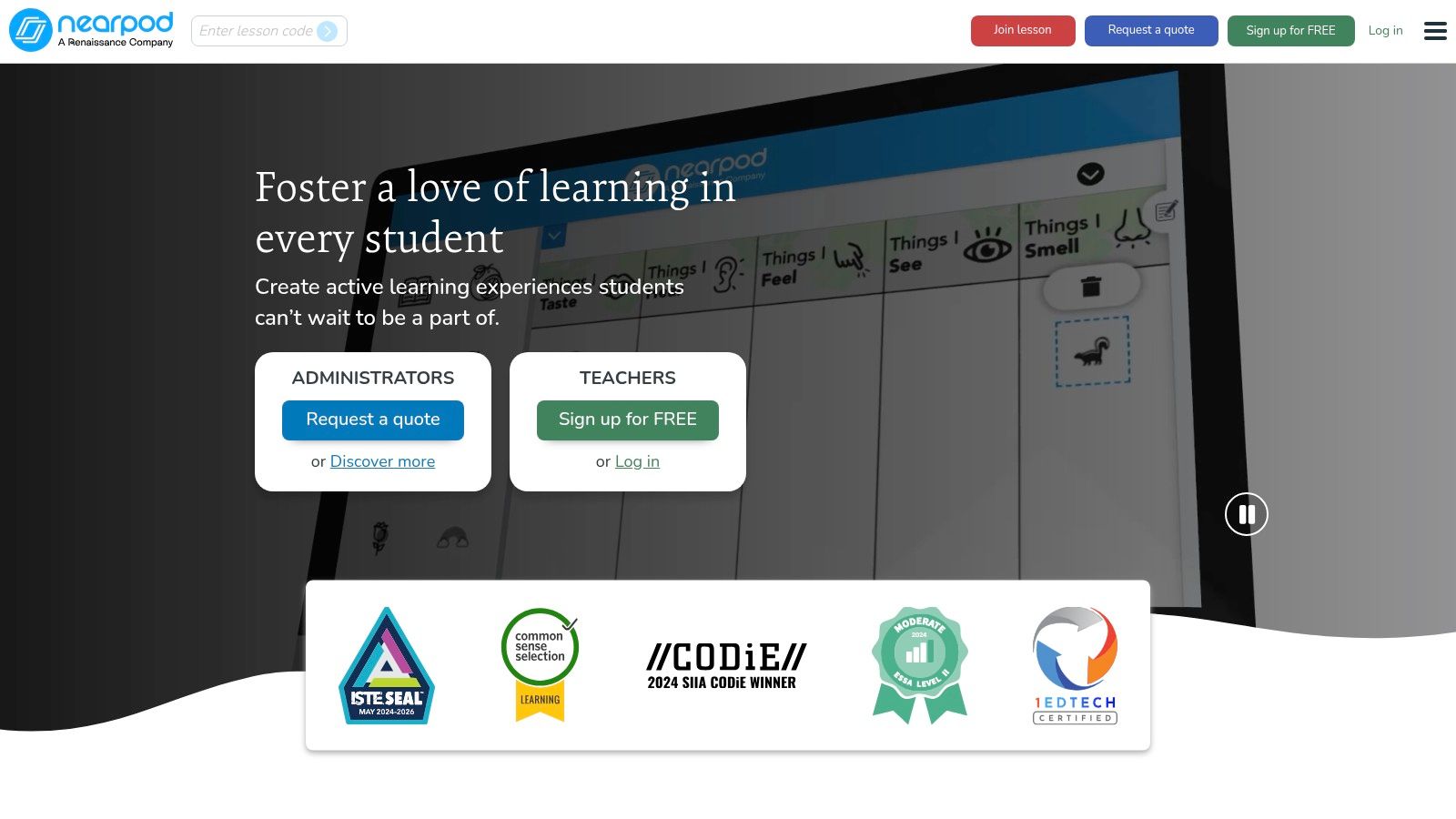
One of Nearpod's key strengths lies in its versatility and breadth of features. Educators can build lessons from scratch, incorporating multimedia elements like videos, audio clips, and 3D models. Alternatively, they can leverage Nearpod's extensive library of pre-made, standards-aligned lessons, saving valuable time and ensuring curriculum alignment. This feature is particularly beneficial for busy teachers seeking high-quality, ready-to-use resources. The platform supports various interactive elements like polls, quizzes, open-ended questions, and collaborative activities, fostering active participation and allowing teachers to gauge student comprehension throughout the lesson. Furthermore, Nearpod integrates virtual reality (VR) experiences and virtual field trips, offering immersive learning opportunities that transcend the limitations of the traditional classroom. Imagine exploring the Amazon rainforest or the surface of Mars without leaving the school building – Nearpod makes this possible.
The platform's real-time student response monitoring and analytics are invaluable for formative assessment. Teachers can instantly see how students are responding to questions, identify areas of confusion, and adjust their instruction accordingly. This immediate feedback loop allows for personalized learning and ensures that no student is left behind. For example, if a quick poll reveals that a majority of students are struggling with a specific concept, the teacher can dedicate more time to explaining it or employ different teaching strategies. This data-driven approach empowers educators to make informed decisions and optimize their teaching practices.
Nearpod seamlessly integrates into both in-person and remote learning environments. In a traditional classroom setting, students can use their own devices (BYOD) or school-provided tablets to participate in Nearpod lessons. In a remote learning context, Nearpod provides a virtual classroom space where students can connect and engage with the lesson material, regardless of their physical location. This flexibility makes Nearpod a powerful tool for blended learning models and ensures continuity of learning in diverse educational settings.
While Nearpod offers a free version with basic features, unlocking the full potential of the platform requires a subscription. The pricing varies depending on the chosen plan, ranging from $120 to $480 per year for individual teachers. School and district-wide licenses are also available. This cost might be a barrier for some educators, especially those working with limited budgets. Additionally, teachers new to technology may initially find the platform's numerous features overwhelming. However, Nearpod offers comprehensive training resources and support to help educators navigate the platform and maximize its potential. Another consideration is the requirement for each student to have access to a device. While BYOD policies can address this, ensuring equitable access for all students is crucial.
Compared to other educational technology tools like Google Slides or PowerPoint, Nearpod offers a significantly more interactive and engaging learning experience. While these tools allow for the creation of presentations, they lack the real-time student response features, gamification elements, and immersive experiences that Nearpod provides. Platforms like Kahoot! offer similar gamified learning experiences but lack the comprehensive lesson creation and assessment tools available in Nearpod.
For educators considering implementing Nearpod, starting with the free version is recommended to familiarize themselves with the platform’s interface and basic features. Exploring the extensive library of pre-made lessons can provide inspiration and save time in the initial stages. Gradually incorporating interactive elements and experimenting with different features will build confidence and allow educators to tailor Nearpod to their specific teaching needs. Utilizing the platform's reporting and analytics features can provide valuable insights into student performance and inform instructional decisions. Investing in professional development opportunities and exploring Nearpod's online resources can further enhance educators’ skills and unlock the full potential of this powerful educational technology tool. Nearpod Website
7. Edpuzzle: Transforming Passive Viewing into Active Learning
Edpuzzle secures its spot on this list of essential educational technology tools because it effectively bridges the gap between passive video consumption and active learning. In today's digital landscape, video content reigns supreme, and Edpuzzle empowers educators to leverage this medium for enhanced student engagement and comprehension. It transforms ordinary videos into dynamic learning experiences, allowing teachers to embed questions, audio notes, and other interactive elements directly into the video content. This transforms a simple viewing experience into a structured lesson, making Edpuzzle a valuable asset for educators seeking innovative ways to integrate technology into their classrooms.
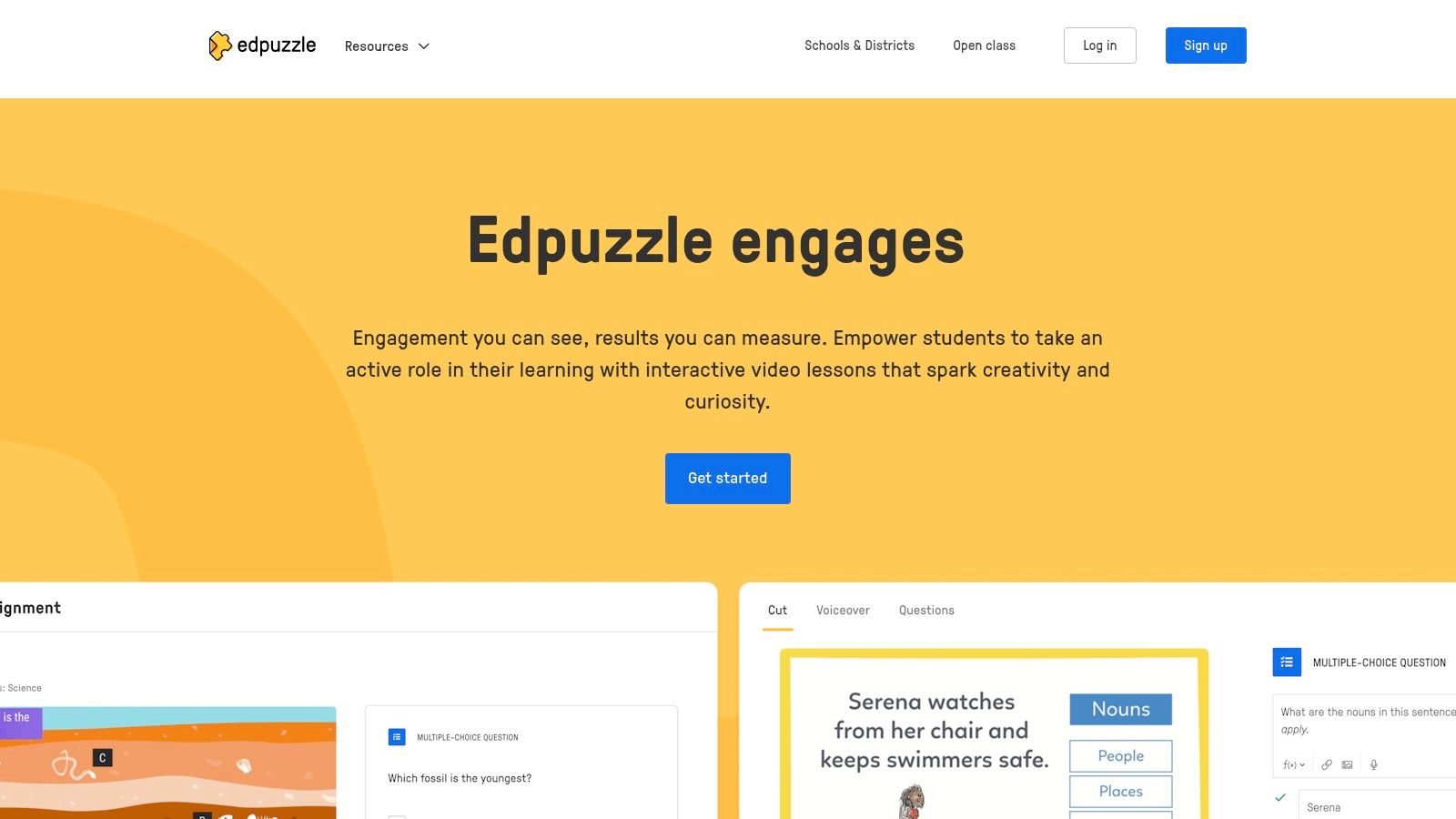
Edpuzzle excels in its flexibility, accepting videos from various sources, including YouTube, Khan Academy, TED Talks, and even teacher-created content. This versatility makes it a powerful tool for diverse subjects and educational levels, from K-12 classrooms to higher education institutions. The platform’s intuitive interface simplifies the process of cropping videos to highlight key concepts, adding voiceovers for personalized instruction, and embedding questions to assess understanding. These features, coupled with the ability to prevent skipping, ensure students actively engage with the material and complete the assigned lesson.
For educators looking to implement flipped classroom models or differentiate instruction, Edpuzzle offers invaluable features. Teachers can assign different video lessons to individual students or groups based on their learning needs and pace. This personalized approach allows students to learn at their own speed, revisiting sections as needed, and receiving targeted instruction based on their responses to embedded questions. The platform's detailed analytics provide teachers with valuable insights into student performance, including viewing time, question responses, and overall engagement. This data-driven approach enables educators to identify areas where students struggle and adjust their instruction accordingly.
Compared to other interactive video platforms like PlayPosit and Nearpod, Edpuzzle stands out due to its user-friendly interface and robust free version, offering a good balance of functionality and affordability. While PlayPosit offers similar features, its free version is more limited. Nearpod, although encompassing more interactive elements beyond video, comes at a higher price point. Edpuzzle’s free version provides ample features for most educators, with the premium subscription ($11.50/month) unlocking advanced analytics and customization options.
Implementation and Setup Tips:
- Start Small: Begin by creating short, focused interactive videos. This allows you to familiarize yourself with the platform's features and gradually build your library of interactive content.
- Utilize Existing Resources: Leverage pre-existing videos from YouTube, Khan Academy, and other sources to save time and effort.
- Variety is Key: Incorporate different question types, such as multiple-choice, open-ended, and true/false, to keep students engaged and assess various levels of understanding.
- Provide Clear Instructions: Ensure students understand how to navigate the Edpuzzle platform and answer embedded questions.
- Integrate with LMS: Connect Edpuzzle with your existing learning management system (LMS) like Google Classroom or Canvas for seamless assignment distribution and grade synchronization.
Technical Requirements:
Edpuzzle is a web-based platform accessible through any modern web browser. A stable internet connection is required for both teachers and students. While video quality is dependent on the source material, Edpuzzle’s platform ensures smooth playback and interactive functionality.
Pros:
- Free version available with good functionality
- Easy-to-use interface for both teachers and students
- Excellent for flipped classroom and asynchronous learning
- Detailed tracking of student progress and understanding
- Integrates with popular LMS platforms
Cons:
- Limited to video-based content
- Premium features require a subscription
- Dependent on video quality and internet speed
- Can be time-intensive to create high-quality interactive videos
Edpuzzle is a powerful educational technology tool that transforms passive video viewing into active learning. By embedding questions, adding personalized instruction, and providing detailed analytics, Edpuzzle empowers educators to enhance student engagement, comprehension, and overall learning outcomes. Visit the Edpuzzle website (https://edpuzzle.com) to explore its features and start creating interactive video lessons today.
8. Padlet: A Dynamic Canvas for Collaborative Learning
Padlet secures its spot on this list of essential educational technology tools as a highly versatile and engaging platform that transforms online learning and collaboration. Think of it as a digital bulletin board, but supercharged with multimedia capabilities and interactive features. It allows students and teachers to seamlessly share text, images, videos, links, and documents in a visually appealing and organized manner. Whether brainstorming ideas, collaborating on projects, showcasing digital portfolios, or facilitating discussions, Padlet provides a dynamic canvas for a wide array of educational activities. Its intuitive interface and diverse range of features make it a powerful tool for educators and learners of all ages and technical backgrounds.
One of Padlet's greatest strengths lies in its flexibility. The platform offers multiple board layouts, including grid, timeline, map, and canvas formats. This adaptability allows educators to tailor the learning experience to specific pedagogical needs and learning styles. For example, a history teacher could use the timeline layout to chronologically map historical events, while a science teacher might utilize the grid format for organizing research findings. The canvas format provides a freeform space ideal for brainstorming and mind-mapping activities, fostering creative thinking and collaboration.
Real-time collaboration is another key feature that elevates Padlet as a valuable educational technology tool. Multiple users can contribute to a single Padlet simultaneously, fostering a sense of shared ownership and promoting collaborative learning. This feature is especially beneficial for group projects, peer feedback sessions, and interactive discussions. Imagine a group of aspiring vibe coders working together on a project, sharing code snippets, design mockups, and feedback in real-time within a shared Padlet. The platform facilitates a seamless workflow and enhances communication among team members. Similarly, digital artists and creative technologists can use Padlet to showcase their work, receive feedback, and collaborate on creative endeavors.
Padlet's multimedia support adds another layer of richness to the learning experience. Beyond text, users can embed images, videos, audio files, and documents directly onto the Padlet. This multimedia integration allows for a more engaging and dynamic presentation of information, catering to different learning preferences. For instance, educators can incorporate videos to illustrate complex concepts, embed interactive simulations, or share audio recordings of lectures.
While Padlet offers a robust free version, it limits users to three Padlets with basic features. Paid plans, ranging from $12 to $99 per month, provide access to unlimited Padlets, enhanced privacy controls, increased storage capacity, and additional customization options. Though this pricing structure might be a barrier for some users, the investment can be worthwhile for educators and institutions heavily reliant on digital collaboration tools.
For those interested in exploring similar tools, Learn more about Padlet and its alternatives. While the linked resource focuses on Figma, understanding the functionalities of a different design collaboration tool can offer valuable perspectives on the broader landscape of digital collaboration platforms.
Setting up Padlet is straightforward. Simply create an account, choose a layout, and start posting. Educators can invite students to join their Padlets via a unique link or QR code. Implementing Padlet in the classroom requires minimal technical expertise, making it accessible to educators of all technical backgrounds. It's important to note that Padlet requires an internet connection for full functionality.
Despite its many advantages, Padlet has a few drawbacks. The free version's limitations can be restrictive for users needing multiple Padlets. Additionally, a Padlet can become visually cluttered with excessive contributions, potentially hindering navigation and organization. Educators should actively moderate Padlets and guide students on best practices for posting and organizing content.
In conclusion, Padlet's versatility, collaborative features, and multimedia capabilities make it a valuable educational technology tool for diverse learning environments. From brainstorming and project collaboration to digital portfolios and interactive discussions, Padlet empowers educators and learners to connect, create, and share knowledge in engaging and dynamic ways. It holds significant potential not just for educators and students but also for aspiring vibe coders, experienced software developers, and digital artists seeking a platform to collaborate and share their work. While the free version's limitations and potential for clutter are worth considering, Padlet’s overall functionality and ease of use solidify its position as a powerful tool in the modern educational landscape. You can explore Padlet and its features at https://padlet.com.
9. Quizizz: Gamified Learning for the Modern Classroom
Quizizz is a dynamic and engaging educational technology tool that transforms traditional assessments into interactive learning experiences. It stands out among other educational technology tools for its versatility, ease of use, and focus on student engagement through gamification. Whether used for formative assessments, quick checks for understanding, or even full-fledged lessons, Quizizz provides a platform for educators to connect with their students in a fun and effective way. This platform caters to diverse learning styles and classroom setups by offering both self-paced and live game modes, making it a valuable asset for any educator seeking to enhance their teaching toolkit.
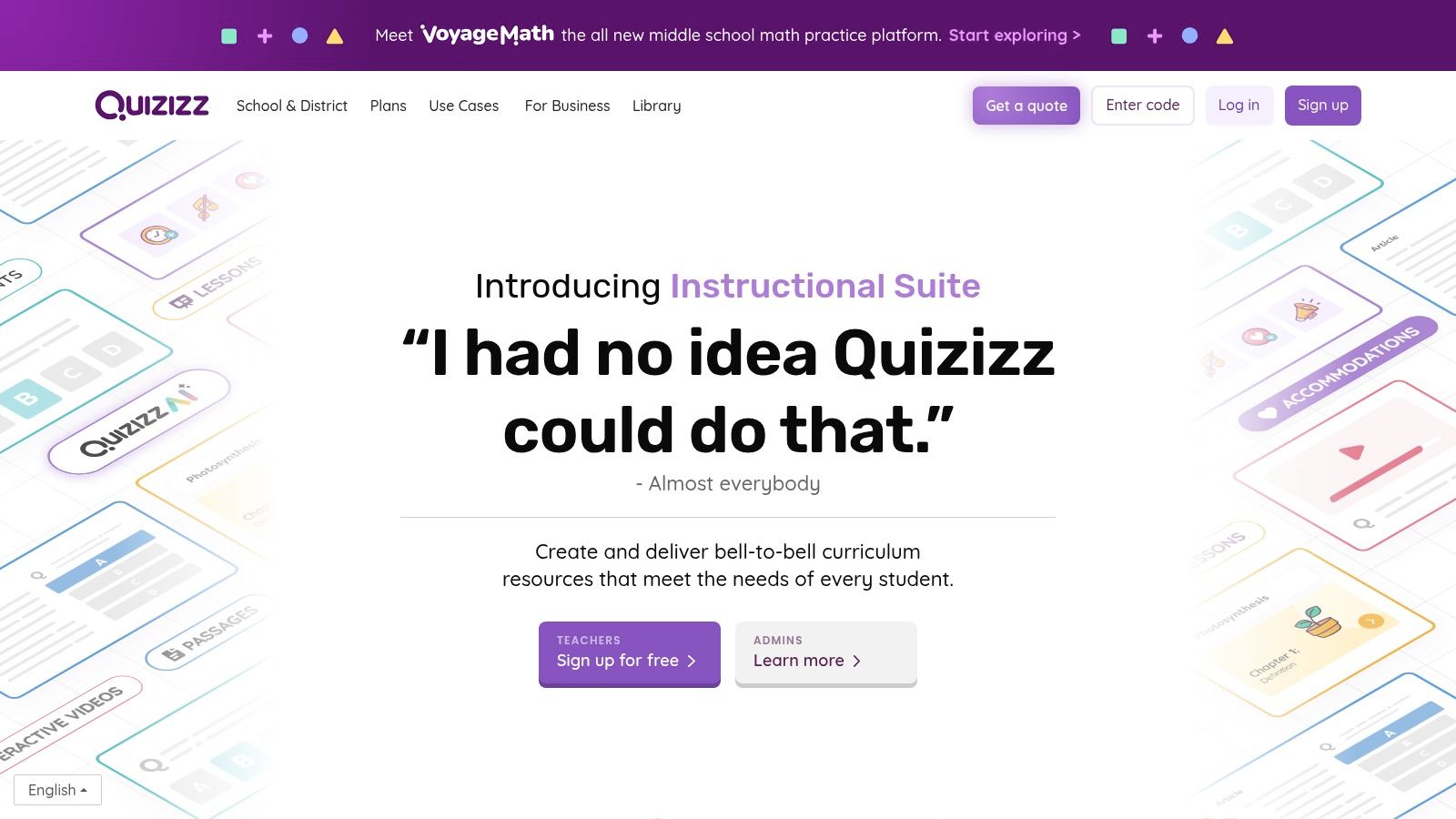
One of Quizizz's most significant strengths is its flexibility. Teachers can choose to run quizzes live, where everyone participates simultaneously, creating a sense of shared experience and friendly competition. Alternatively, they can assign quizzes as homework, allowing students to complete them at their own pace and revisit concepts as needed. This asynchronous mode is particularly helpful for differentiated instruction, enabling students to learn and review material based on their individual needs and schedules. This adaptability makes Quizizz a valuable tool for both in-person and remote learning environments.
The extensive question bank further solidifies Quizizz's position as a leading educational technology tool. With millions of pre-made quizzes covering a vast range of subjects, teachers can save valuable time on content creation. These quizzes are often created and shared by other educators, fostering a collaborative learning community and ensuring a diverse pool of resources. The platform also allows teachers to create their own quizzes from scratch, tailoring the questions and content to their specific curriculum needs. They can incorporate various question types, including multiple-choice, fill-in-the-blank, polls, and even open-ended questions, promoting higher-order thinking skills.
Quizizz’s robust analytics and reporting features provide educators with valuable insights into student performance. Detailed reports highlight areas of strength and weakness, enabling teachers to identify knowledge gaps and adjust their instruction accordingly. This data-driven approach empowers educators to personalize learning and provide targeted support to individual students, ultimately leading to better learning outcomes. For instance, teachers can quickly identify students who are struggling with a particular concept and provide them with additional resources or individualized instruction.
While the free version of Quizizz offers substantial functionality, including access to the vast quiz library and basic reporting features, certain advanced features require a premium subscription. These premium features, ranging from $19 to $99 per month, offer benefits like increased customization options, advanced analytics, and the ability to remove ads. Whether the premium subscription is worthwhile depends on the individual teacher's needs and budget. However, the free version remains a powerful tool for educators seeking to incorporate gamified learning into their classrooms.
While Quizizz offers numerous advantages, it's essential to consider potential drawbacks. Overemphasizing the gamification aspects can sometimes be distracting for some students, shifting the focus away from the learning content. Additionally, Quizizz requires devices for all students, which can be a barrier in classrooms with limited technology resources. While some offline functionalities are available, they are limited compared to the full online experience.
Compared to other similar tools like Kahoot! and Blooket, Quizizz differentiates itself with its emphasis on self-paced learning and comprehensive analytics. While Kahoot! excels in creating a lively and competitive classroom environment, Quizizz provides greater flexibility for individual learning. Blooket, while offering similar gamification features, lacks the extensive quiz library and detailed reporting capabilities of Quizizz.
Setting up Quizizz is straightforward. Teachers simply need to create a free account, browse the existing quiz library, or create their own quizzes. Sharing quizzes with students is easy, requiring only a unique code or a direct link. The intuitive interface and user-friendly design make it accessible to educators of all tech proficiency levels.
In conclusion, Quizizz is a powerful and versatile educational technology tool that enhances student engagement and learning through gamification. Its flexibility, extensive quiz library, and comprehensive analytics make it a valuable resource for educators seeking to create interactive and effective learning experiences. While the premium features require a subscription, the free version offers substantial functionality, making Quizizz a worthwhile addition to any educator's toolkit. Visit the Quizizz website at https://quizizz.com to explore its features and resources.
10. Seesaw
Seesaw is a dynamic digital portfolio and communication platform meticulously designed for elementary education. It empowers students to chronicle their learning journey using a variety of multimedia tools, including photos, videos, drawings, and voice recordings. This creates a rich digital portfolio that vividly showcases their growth and development over time. Simultaneously, Seesaw provides avenues for teachers to offer personalized feedback and for parents to stay actively involved in their child's educational progress, fostering a strong home-school connection. The platform prioritizes student agency and reflection, encouraging learners to take ownership of their learning process, while also streamlining communication between home and school. This robust combination of features makes Seesaw a valuable educational technology tool, especially for younger learners.
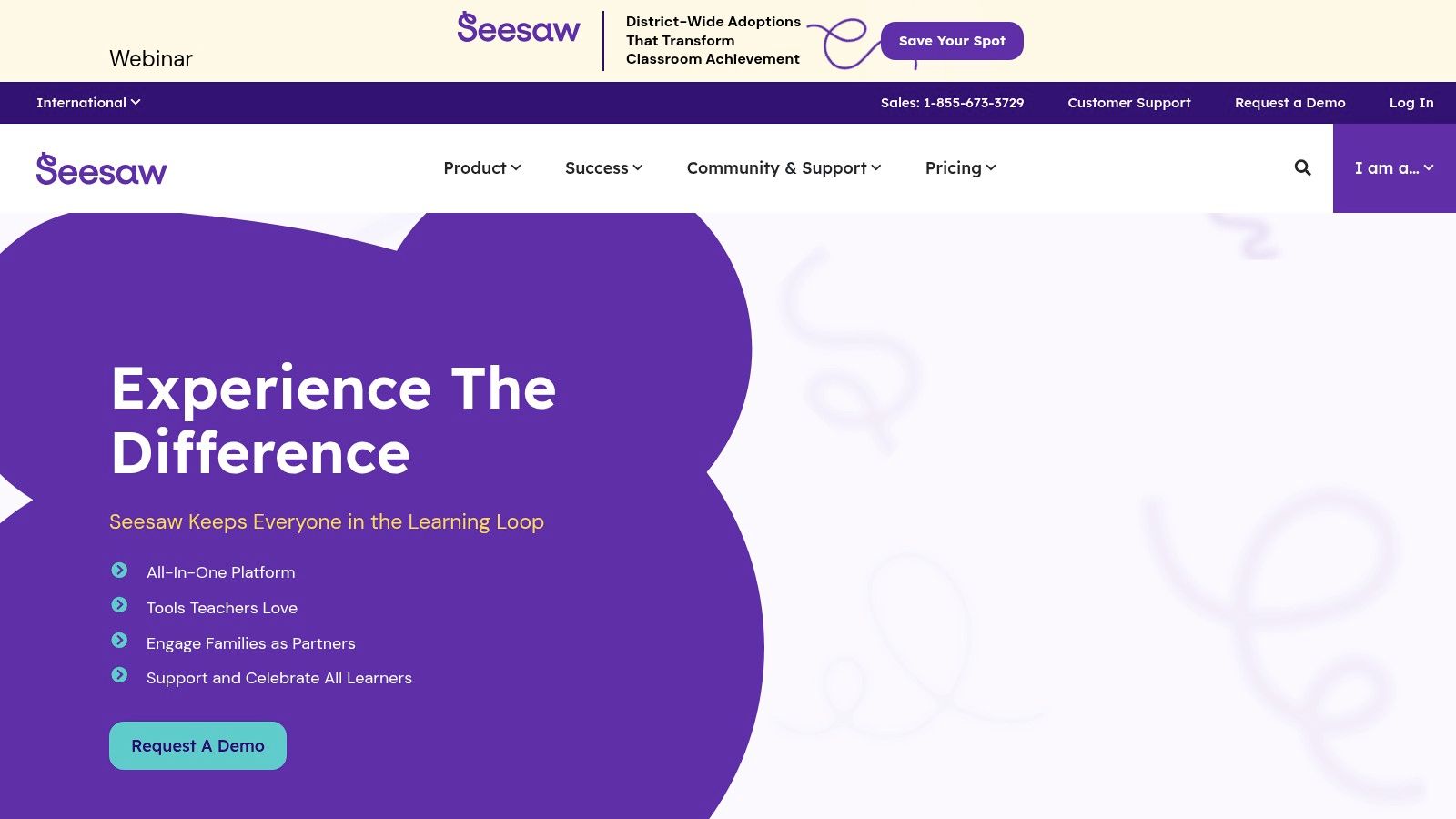
Seesaw's strength lies in its ability to transform the traditional student portfolio into a dynamic, interactive, and multimedia-rich experience. Instead of static displays of completed work, Seesaw allows students to capture the process of learning, demonstrating their understanding through diverse mediums. Imagine a student learning about fractions. They could record a video explaining their problem-solving strategy, take a photo of a fraction chart they created, or draw a picture illustrating their understanding of equivalent fractions. This multi-faceted approach not only provides a more holistic view of the student's learning but also caters to different learning styles and preferences.
For educators, Seesaw offers integrated tools for assessment and feedback. Teachers can provide comments, audio notes, or even video responses directly within the platform. This facilitates personalized learning and helps students understand their strengths and areas for improvement. The platform also includes features for setting learning goals and prompting student reflection, further empowering students to take control of their learning. Parents benefit from Seesaw's seamless communication features. They can access their child's portfolio, view teacher feedback, and stay updated on classroom activities, all within a single, user-friendly interface. This open communication fosters a collaborative approach to education, where parents, teachers, and students work together to support student success.
While Seesaw shines in the elementary school context, its application in other educational settings is somewhat limited. Although older students might find value in certain features like digital portfolio creation and project documentation, the platform's design and interface primarily cater to younger learners. Compared to tools like Google Classroom or Microsoft Teams, which offer broader integration with other educational platforms and robust features for collaboration and communication, Seesaw's scope is narrower. For example, integrating external resources or assigning complex group projects might be more challenging within Seesaw.
Implementing Seesaw effectively requires a commitment to consistent use. The true value of the platform lies in the accumulation of student work over time, creating a comprehensive record of learning growth. Sporadic use will not yield the same rich and insightful portfolio that consistent documentation can provide. During setup, teachers should clearly communicate expectations to both students and parents regarding the frequency of portfolio updates and the types of content to be included. Providing students with clear guidelines and regular opportunities to engage with the platform will ensure that Seesaw becomes an integral part of their learning experience.
Seesaw offers a free basic plan, but the premium features, including school-wide communication tools and expanded storage, require a subscription priced at $120 per teacher per year. While this cost might be a factor for some schools, the benefits of enhanced parent communication and a robust digital portfolio system often justify the investment, particularly for elementary schools prioritizing student engagement and parent involvement. Technically, Seesaw requires a device with internet access, whether it's a computer, tablet, or smartphone. The platform is web-based and also offers dedicated apps for iOS and Android devices, ensuring accessibility across various platforms.
In conclusion, Seesaw earns its place in this list of educational technology tools as a powerful platform for showcasing student learning growth, fostering parent engagement, and promoting student reflection, particularly within elementary education. Its user-friendly interface, multimedia documentation capabilities, and robust communication features make it an invaluable tool for teachers, students, and parents alike. While its focus primarily lies in the elementary grades and certain premium features require a subscription, Seesaw's ability to create dynamic and engaging digital portfolios significantly contributes to a holistic and communicative learning experience. For those seeking a tool to document and celebrate the journey of learning in the elementary years, Seesaw (https://seesaw.me) is undoubtedly worth exploring.
Top 10 EdTech Tools Feature Overview
| Platform | Core Features / Unique Selling Points | User Experience / Quality ★ | Value Proposition 💰 | Target Audience 👥 | Price Point 💰 |
|---|---|---|---|---|---|
| 🏆 Vibecoding VIP | Curated AI tools, tutorials, creative coding projects ✨ | Comprehensive, user-friendly ★★★★ | Free, expertly curated content 💰 | Coders, digital artists, educators 👥 | Free, some premium possibly unspecified 💰 |
| Google Classroom | Assignment management, Google Workspace integration | Easy to use, seamless ★★★★ | Completely free for education 💰 | Schools, teachers, students 👥 | Free |
| Kahoot! | Interactive quizzes, gamification, multimedia support | Engaging, motivating ★★★★ | Basic free, premium $7-$17/month 💰 | Educators, students 👥 | Freemium ($7-$17/month premium) |
| Zoom | HD video, breakout rooms, collaboration tools | Reliable, feature-rich ★★★★☆ | Paid plans for advanced features 💰 | Educators, remote teams 👥 | $14.99-$19.99/month per license |
| Flipgrid | Video discussions, AI transcription, creative tools | Inclusive, confidence-building ★★★ | Free | K-12 educators, students 👥 | Free |
| Nearpod | Interactive lessons with VR, real-time analytics | Highly engaging ★★★★ | Free with paid tiers ($120-$480/yr) 💰 | Teachers, remote/in-person classes 👥 | Freemium ($120-$480/year) |
| Edpuzzle | Interactive video lessons, analytics | Easy to use, detailed tracking ★★★ | Free basic, premium $11.50/month 💰 | Teachers using flipped classrooms 👥 | Freemium ($11.50/month) |
| Padlet | Digital collaboration boards, multimedia support | Intuitive, versatile ★★★☆ | Limited free, paid $12-$99/month 💰 | Educators, students, teams 👥 | Freemium ($12-$99/month) |
| Quizizz | Gamified quizzes, self-paced & live modes | Engaging, comprehensive ★★★★ | Free version, premium $19-$99/month 💰 | Teachers, students 👥 | Freemium ($19-$99/month) |
| Seesaw | Digital portfolios, parent engagement | User-friendly, reflection-focused ★★★ | Free basic, premium $120/year 💰 | Elementary educators, parents 👥 | Freemium ($120/year) |
Embrace the Power of Educational Technology
From interactive quizzes and collaborative platforms to video conferencing and virtual classrooms, the array of educational technology tools available today is vast and constantly evolving. This list has highlighted ten powerful tools, each with unique features and capabilities, spanning resources like Vibecoding VIP for aspiring vibe coders and creative technologists, to staples like Google Classroom for structured learning management, and Kahoot! for gamified assessments. The key takeaway is that the right educational technology tools can fundamentally change how we approach teaching and learning.
Choosing the best educational technology tools depends heavily on your specific needs and goals. Are you looking to connect with students remotely through Zoom? Or perhaps foster creative expression and coding skills through platforms like Vibecoding VIP? Do you need to create interactive lessons with Nearpod or Edpuzzle, or facilitate collaborative projects using Padlet? Consider factors like ease of use, integration with existing systems, accessibility features, and cost when making your decision. Successful implementation also requires thoughtful planning, adequate training, and ongoing support for both educators and students.
Remember, effective integration of educational technology tools is not just about adopting the latest technology. It's about leveraging these tools to enhance pedagogical practices, foster deeper learning, and create more engaging and personalized learning experiences. Whether you're an educator, student, entrepreneur, or hobbyist, embracing the power of these educational technology tools will empower you to thrive in today's rapidly evolving digital landscape. Explore the resources mentioned, including those focused on art and code like Vibecoding VIP curated by @slhomme, and discover how these powerful educational technology tools can transform your learning and teaching journey.