Welcome to the ultimate guide for creators, developers, and animators looking to bring their ideas to life without breaking the bank. In 2025, the world of animation is more accessible than ever, thanks to a powerful array of free tools. Whether you are a seasoned professional exploring new pipelines, a hobbyist creating your first short, a game developer integrating assets, or a student just starting out, finding the right free animation software can be a transformative step.
This comprehensive resource dives deep into 12 of the best options available today. We move beyond simple feature lists to provide you with the practical details that truly matter: specific use cases, honest assessments of limitations, and real-world implementation insights. This guide is designed to help you find the perfect match for your project, skill level, and creative ambitions.
We will explore a diverse range of platforms, from comprehensive 3D creation suites like Blender to specialized tools for traditional 2D frame-by-frame work, pixel art, and even powerful code-based animation libraries like Anime.js. For each tool, you will find a detailed breakdown, screenshots to give you a feel for the interface, and direct links to get you started immediately. Our goal is to help you navigate potential learning curves, understand hardware requirements, and ultimately choose the software that aligns perfectly with your specific project goals. Let’s find the right tool to start your animation journey.
1. Blender: The All-in-One Powerhouse for 3D and 2D Animation
Blender is the undisputed champion of open-source creation, offering a professional-grade suite that rivals expensive, industry-standard software. More than just a tool, it's a complete ecosystem for 3D and 2D production. Its comprehensive feature set makes it an incredibly versatile piece of free animation software, suitable for everything from indie game development and animated films to architectural visualization and complex motion graphics.
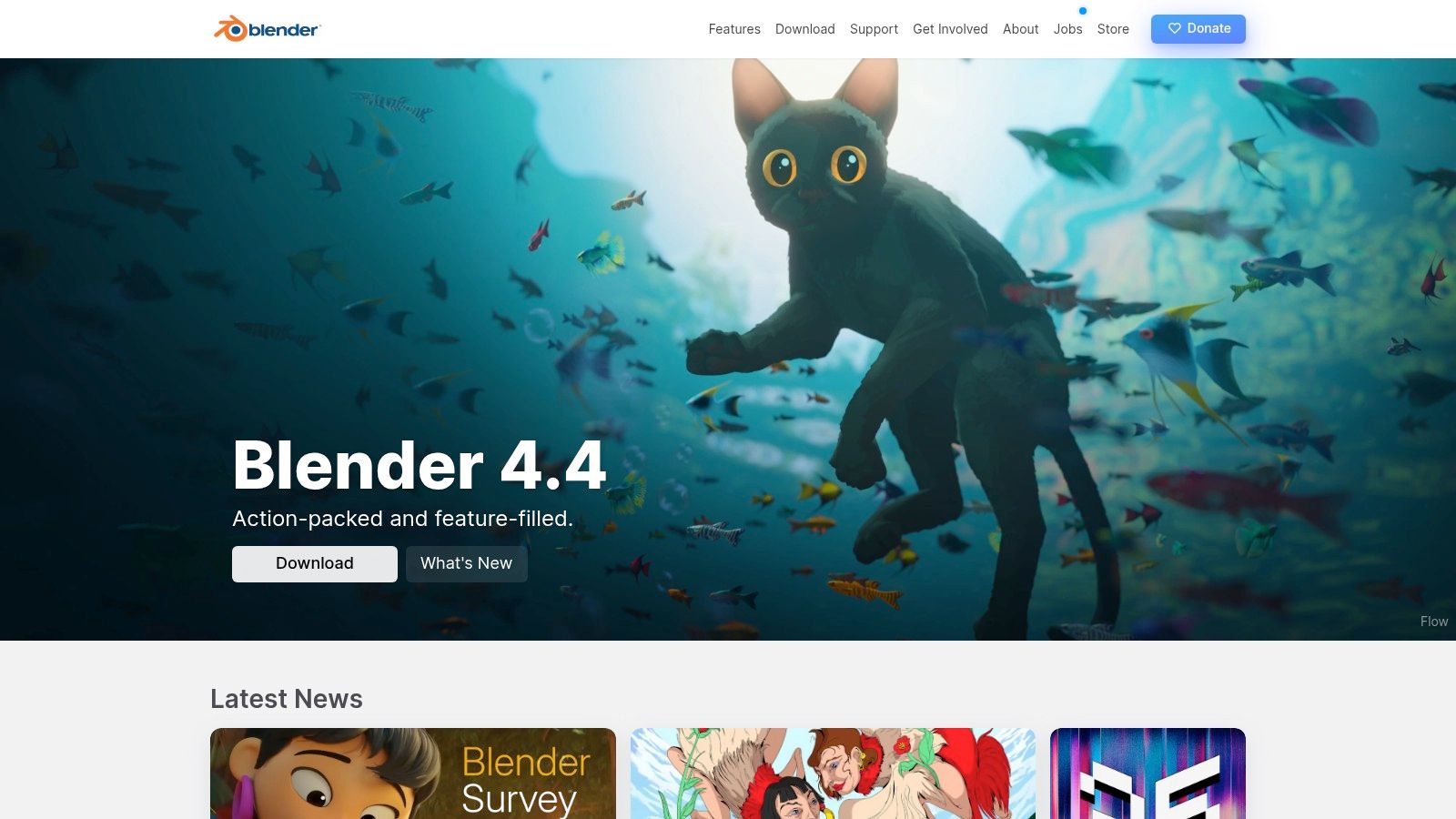
What truly sets Blender apart is its integrated workflow. You can model a character, sculpt intricate details, rig it for movement, and animate it all within the same program. For those interested in 2D, the innovative "Grease Pencil" tool allows you to draw and animate in a 3D space, combining the charm of traditional 2D with the depth and camera flexibility of 3D.
Key Features and Considerations
The platform is completely free, with no hidden costs, feature paywalls, or watermarks. However, its power comes with complexity. New users should anticipate a steep learning curve due to the sheer number of tools and the initially non-intuitive, though highly customizable, interface. For a deeper dive into its capabilities, you can explore resources like the Viber3D tool profile.
| Aspect | Details |
|---|---|
| Best For | Indie game developers, VFX artists, students, and professional animators seeking a no-cost, all-in-one solution for 2D/3D projects. |
| Pros | Completely free and open-source; massive community with endless tutorials; frequent, cutting-edge updates; cross-platform (Win, macOS, Linux). |
| Cons | Notoriously steep learning curve; resource-intensive, requiring a powerful computer; overwhelming interface for absolute beginners. |
| Access | https://www.blender.org/ |
2. Blender: The All-in-One Powerhouse for 3D and 2D Animation
Blender is the undisputed champion of open-source creation, offering a professional-grade suite that rivals expensive, industry-standard software. More than just a tool, it's a complete ecosystem for 3D and 2D production. Its comprehensive feature set makes it an incredibly versatile piece of free animation software, suitable for everything from indie game development and animated films to architectural visualization and complex motion graphics.
What truly sets Blender apart is its integrated workflow. You can model a character, sculpt intricate details, rig it for movement, and animate it all within the same program. For those interested in 2D, the innovative "Grease Pencil" tool allows you to draw and animate in a 3D space, combining the charm of traditional 2D with the depth and camera flexibility of 3D.
Key Features and Considerations
The platform is completely free, with no hidden costs, feature paywalls, or watermarks. However, its power comes with complexity. New users should anticipate a steep learning curve due to the sheer number of tools and the initially non-intuitive, though highly customizable, interface. For a deeper dive into its capabilities, you can explore resources like the Viber3D tool profile.
| Aspect | Details |
|---|---|
| Best For | Indie game developers, VFX artists, students, and professional animators seeking a no-cost, all-in-one solution for 2D/3D projects. |
| Pros | Completely free and open-source; massive community with endless tutorials; frequent, cutting-edge updates; cross-platform (Win, macOS, Linux). |
| Cons | Notoriously steep learning curve; resource-intensive, requiring a powerful computer; overwhelming interface for absolute beginners. |
| Access | https://www.blender.org/ |
3. Krita: The Illustrator's Animation Studio
While primarily known as a top-tier digital painting program, Krita has evolved into a formidable piece of free animation software, especially for artists who prioritize a hand-drawn, 2D aesthetic. It seamlessly integrates a powerful frame-by-frame animation timeline directly into its renowned illustration interface, making it the perfect choice for concept artists and illustrators looking to bring their creations to life. Krita excels at creating traditional-style 2D animations with a rich, painted feel.
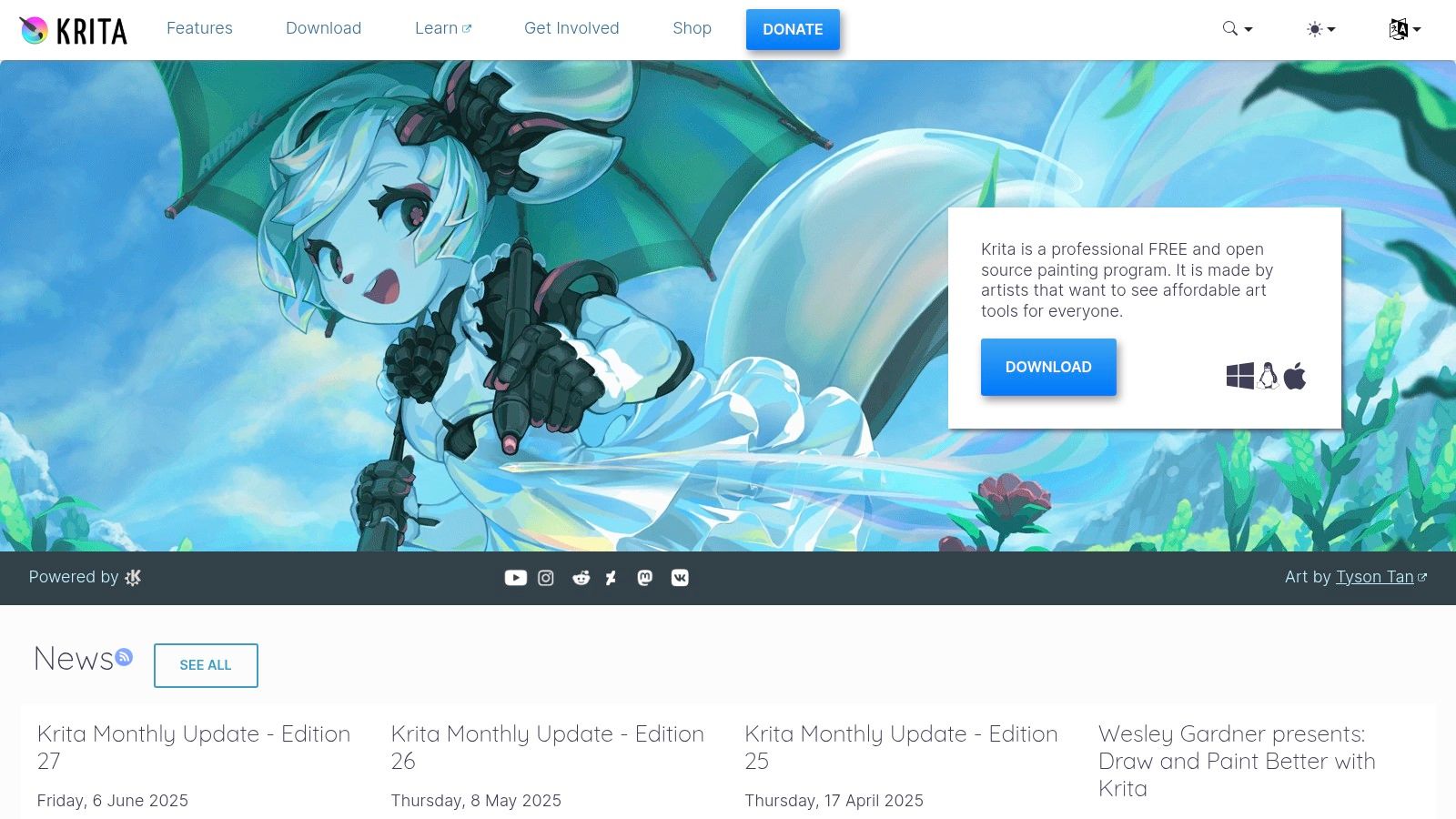
What makes Krita stand out is its artist-first approach. The animation tools, such as onion skinning and audio import for lip-syncing, are built around its world-class brush engine. This allows animators to leverage hundreds of customizable brushes and textures, giving their animations a unique, organic quality that is difficult to achieve in more vector-based or technical software. It bridges the gap between static illustration and motion with remarkable elegance.
Key Features and Considerations
Krita is completely free and open-source, providing professional-grade painting and solid animation tools without any cost. Its interface is more intuitive for those with a background in digital art programs like Photoshop, making the transition to animation feel natural. While its animation features are not as comprehensive as dedicated animation suites, it offers everything needed for high-quality frame-by-frame production.
| Aspect | Details |
|---|---|
| Best For | Illustrators, comic artists, and beginners wanting to create traditional, hand-drawn 2D animations within a familiar digital painting environment. |
| Pros | Completely free and open-source; industry-leading brush engine; user-friendly for digital artists; active community and regular updates. |
| Cons | Animation toolset is less advanced than specialized software; can experience performance lag with very complex scenes or large file sizes. |
| Access | https://krita.org/ |
4. Pencil2D: The Beginner's Gateway to Hand-Drawn Animation
Pencil2D is a charming and lightweight open-source tool that champions simplicity, making it a perfect starting point for anyone new to the world of animation. It focuses exclusively on traditional hand-drawn 2D techniques, providing a clean, intuitive interface that avoids overwhelming users. This makes it an exceptional piece of free animation software for students, hobbyists, and animators looking to quickly sketch out ideas or create classic cel-style animations without a steep learning curve.
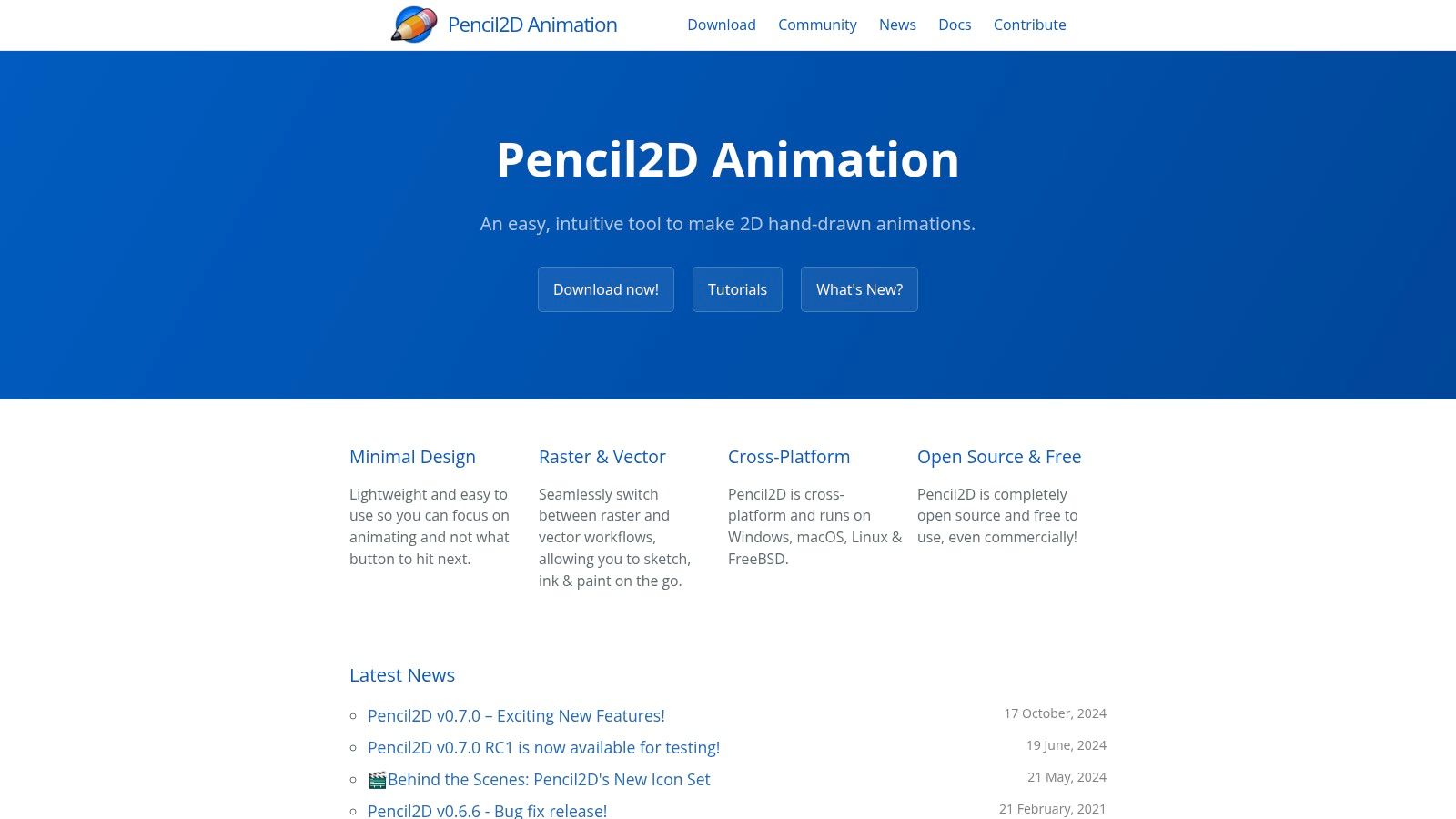
What makes Pencil2D so approachable is its minimalist design, which allows you to seamlessly switch between raster and vector workflows. This flexibility means you can sketch rough ideas with a pixel-based brush and then refine them with clean vector lines, all within the same project. Its onion skinning feature is straightforward and effective, allowing you to see previous and subsequent frames to ensure smooth motion and consistent character drawing.
Key Features and Considerations
The platform is completely free and open-source, with no hidden costs, subscriptions, or watermarks on your final animations. It’s designed to be as light as possible, ensuring it runs smoothly even on older or less powerful computers. While it excels at simplicity, this focus means it lacks the advanced features found in more comprehensive software, such as bone rigging or complex effects. It's a tool built for one purpose: to make traditional 2D animation accessible to everyone.
| Aspect | Details |
|---|---|
| Best For | Absolute beginners, students, hobbyists, and anyone wanting a simple tool for creating traditional hand-drawn 2D animations. |
| Pros | Extremely easy to learn and use; lightweight and runs on most systems; free and open-source; cross-platform (Win, macOS, Linux). |
| Cons | Lacks advanced features like bone rigging or effects; audio support is limited and can be clunky; best suited for simple, short projects. |
| Access | https://www.pencil2d.org/ |
5. OpenToonz: Professional 2D Animation with a Studio Legacy
OpenToonz stands out in the world of free animation software with its impressive professional pedigree. This is the open-source version of Toonz, the software famously customized and used by the legendary Studio Ghibli for films like Princess Mononoke. Its powerful toolset is geared towards a traditional 2D production pipeline, making it an exceptional choice for animators who want to bridge the gap between hand-drawn techniques and digital efficiency.

What makes OpenToonz unique is its focus on high-level production features. It includes the GTS scanning tool, developed specifically by Studio Ghibli, which is designed for efficiently scanning and cleaning up paper drawings. This focus on a traditional-to-digital workflow, combined with advanced vector and raster drawing tools, a full effects and compositing suite, and scripting capabilities, makes it a powerhouse for serious 2D animation projects.
Key Features and Considerations
The software is completely free and unwatermarked, offering a professional suite without any cost. However, its studio-level complexity means it presents a significant learning curve, and its interface can feel dated compared to more modern applications. Animators coming from a traditional background will find its scanning and cleanup tools invaluable, but absolute beginners may find it intimidating.
| Aspect | Details |
|---|---|
| Best For | Traditional 2D animators, small studios, and serious hobbyists aiming for a professional, broadcast-quality production pipeline. |
| Pros | Completely free and open-source; used by professional animation studios; powerful scanning and cleanup tools; extensive feature set. |
| Cons | Steep learning curve; the user interface can feel clunky and outdated; less intuitive for beginners without a 2D animation background. |
| Access | https://opentoonz.github.io/e/ |
6. Synfig Studio: The Open-Source 2D Vector Animator
Synfig Studio is an impressive open-source 2D animation tool designed to minimize the tedious work of frame-by-frame animation. It uses a combination of vector and bitmap artwork, allowing artists to create high-quality animations without drawing every single frame. This piece of free animation software is built around the concept of vector tweening, which automatically generates the frames between key poses for exceptionally smooth motion.
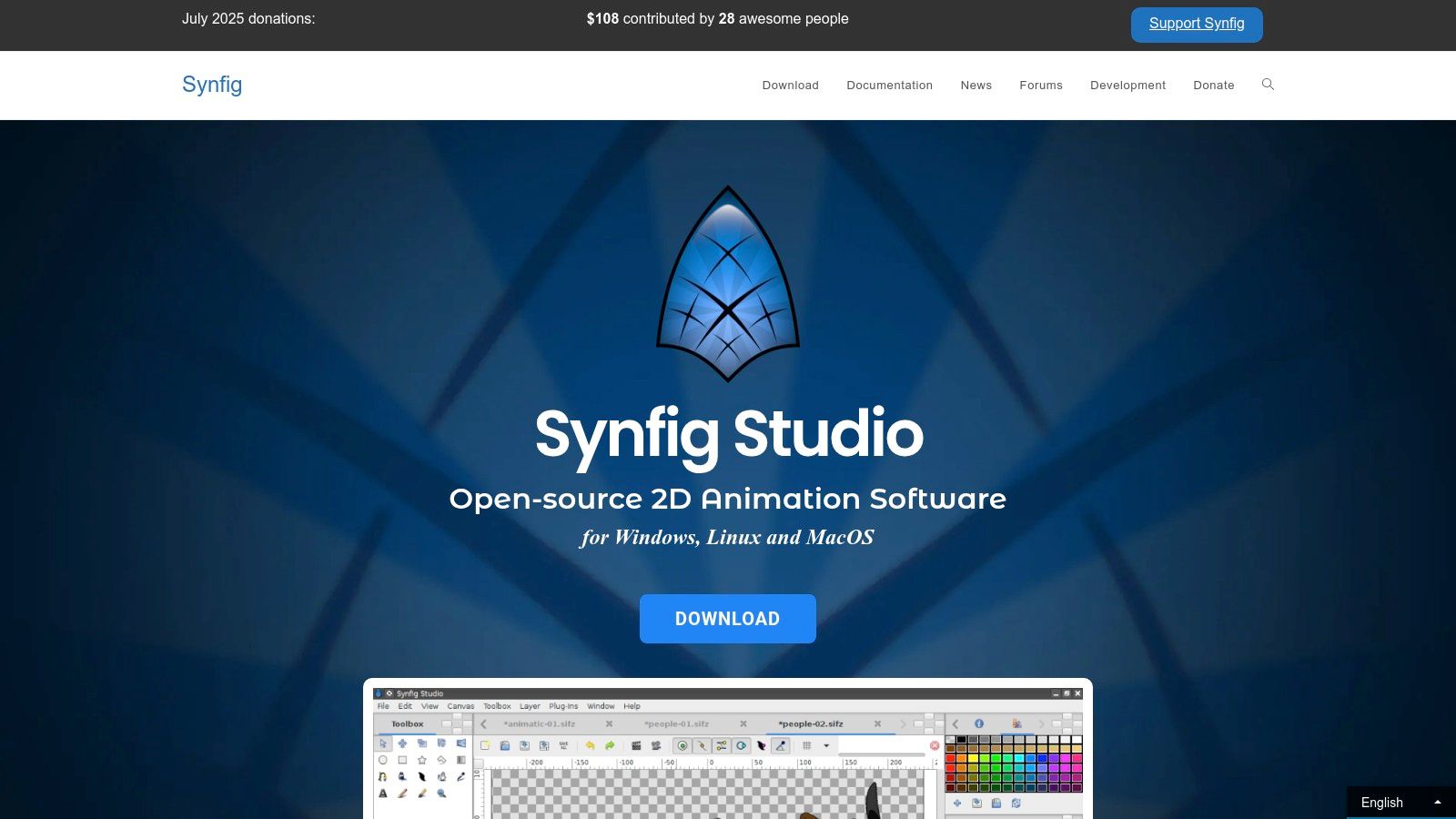
The platform’s strength lies in its powerful bone system for character rigging and its advanced controls. Users can create complex puppet characters and manipulate them with a high degree of precision. Synfig Studio gives you control over layers, gradients, and a variety of filters, enabling sophisticated visual effects and compositions that are often found in premium software. It's a robust choice for animators who want to create broadcast-quality 2D content without a budget.
Key Features and Considerations
Synfig Studio is completely free and supported by an active community that contributes to its development and provides user support. While its automation capabilities are a major draw, beginners may find its interface less intuitive than some alternatives. It excels with vector art, but its features for editing and manipulating raster (bitmap) graphics are more limited, which is an important consideration depending on your artistic workflow.
| Aspect | Details |
|---|---|
| Best For | 2D animators, hobbyists, and small studios looking to create vector-based cartoons and motion graphics with powerful automation features. |
| Pros | Completely free and open-source; powerful vector tweening reduces manual labor; advanced bone system for character rigging; active community. |
| Cons | Interface can be less intuitive for newcomers; limited support and features for raster graphics; may have a steeper learning curve. |
| Access | https://www.synfig.org/ |
7. TupiTube: Accessible Animation for Beginners and Kids
TupiTube is a free, open-source 2D animation tool designed with simplicity and accessibility at its core. It serves as an excellent entry point into the world of animation, specifically targeting children, students, and absolute beginners. By stripping away complex features found in professional-grade programs, this free animation software provides a non-intimidating environment where newcomers can learn the fundamental principles of frame-by-frame animation without a steep learning curve.
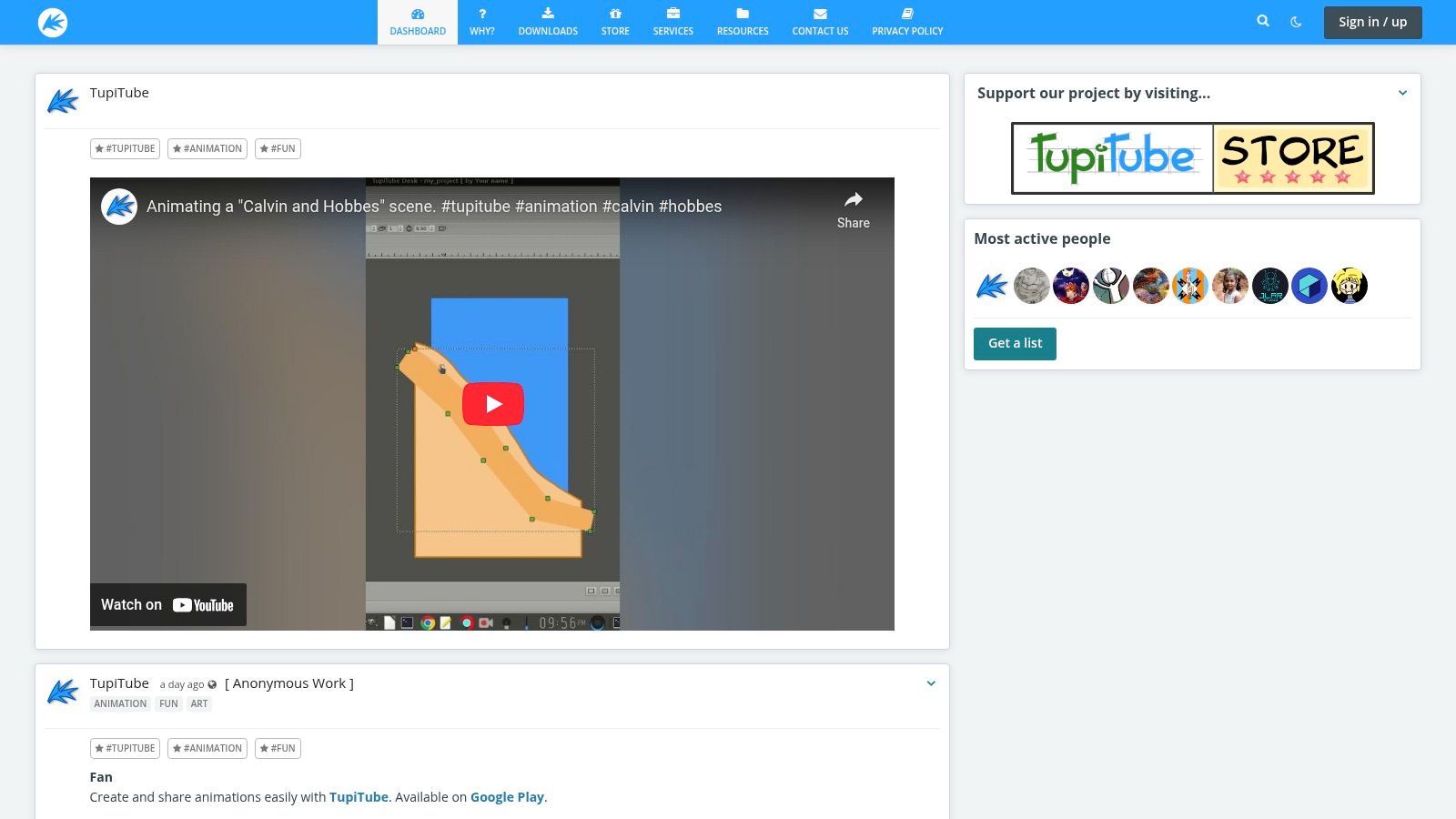
The platform's key distinction is its cross-platform availability, including a dedicated Android app, which makes it one of the few animation tools that can be used on the go. Its interface is built around basic vector illustration tools, allowing users to draw shapes, fill colors, and create simple movements. While professionals will find it lacking in advanced capabilities, its focus on education and ease of use makes it a valuable resource for schools and parents introducing digital art to young creators.
Key Features and Considerations
TupiTube is completely free to download and use, making it a risk-free choice for educational purposes or hobbyist projects. The simple toolset allows users to create basic shorts and export them to common video formats. However, users seeking more advanced tools like bone rigging, tweening, or complex effects will need to graduate to more robust software.
| Aspect | Details |
|---|---|
| Best For | Children, K-12 students, educators, and complete beginners looking for a simple, no-cost introduction to 2D frame-by-frame animation. |
| Pros | Ideal for education and young animators; completely free and open-source; cross-platform support including mobile (Android); very easy to learn. |
| Cons | Lacks advanced professional features; development and updates are less frequent compared to larger projects; interface feels dated. |
| Access | https://www.tupitube.com/ |
8. Clara.io: Collaborative 3D Animation in Your Browser
Clara.io offers a unique proposition in the world of animation by delivering a full-featured 3D modeling, animation, and rendering suite directly through your web browser. This cloud-based platform eliminates the need for powerful hardware or lengthy installations, making it an incredibly accessible piece of free animation software. Its primary strength lies in collaborative workflows, allowing multiple users to work on the same project simultaneously from anywhere with an internet connection.
This browser-first approach makes Clara.io ideal for teams, students, and beginners who want to dive into 3D without technical barriers. You can model a character, set up keyframe animations, and render your scene without ever leaving your browser tab. The platform supports a wide range of popular 3D file formats, ensuring compatibility with other tools in your creative pipeline.
Key Features and Considerations
While Clara.io provides a generous free tier that covers all the essential features for getting started, some advanced rendering options and private project settings are reserved for its paid subscription plans. Because it operates entirely online, a stable and fast internet connection is crucial for a smooth user experience, as performance can be directly impacted by network latency.
| Aspect | Details |
|---|---|
| Best For | Beginners, students, and collaborative teams looking for an accessible, no-installation 3D animation tool for quick projects and learning. |
| Pros | Completely browser-based; excellent for collaboration; user-friendly interface; supports various 3D file formats; generous free tier. |
| Cons | Performance is dependent on internet connection; advanced features require a paid subscription; not as powerful as desktop-based software. |
| Access | https://clara.io/ |
9. Wick Editor: The Accessible Browser-Based Animation Tool
Wick Editor provides an incredibly accessible entry point into the world of animation and interactive design, operating entirely within your web browser. This free and open-source tool blends the simplicity of classic Flash-style animation with modern web technologies, making it a fantastic piece of free animation software for students, educators, and hobbyists. It's designed to be user-friendly, allowing you to create everything from simple frame-by-frame animations to complex interactive games and stories without needing any downloads or installations.
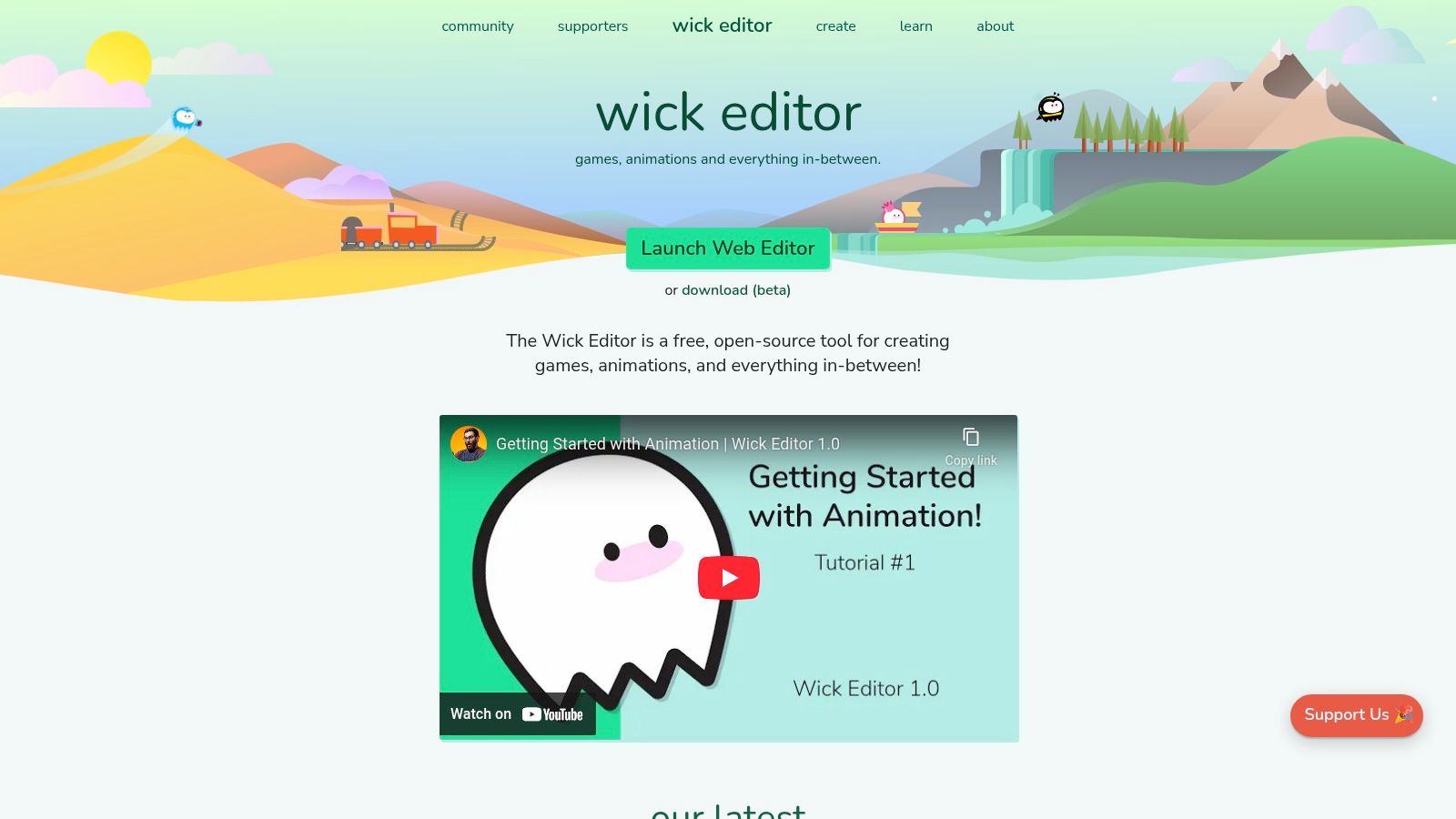
What makes Wick Editor stand out is its commitment to bridging creativity and coding. Users can start with simple drawing and tweening tools and then graduate to adding interactivity using a built-in JavaScript editor. This dual approach empowers creators to not only animate visuals but also bring them to life with user input, making it an excellent platform for learning the fundamentals of both animation and game development logic in a unified, straightforward environment.
Key Features and Considerations
The platform is completely free and browser-based, making it ideal for use on classroom computers, Chromebooks, or any device with an internet connection. It removes the barrier of needing a powerful machine or administrative rights to install software. While it doesn't have the advanced 3D or VFX capabilities of professional desktop applications, its focused toolset is perfect for its intended audience.
| Aspect | Details |
|---|---|
| Best For | Students, educators, and beginners looking to learn animation and interactive design; creating web-based games and stories. |
| Pros | No installation required; completely free and open-source; simple, user-friendly interface; integrates coding (JavaScript) for interactivity. |
| Cons | Performance can be limited by browser and device; lacks advanced features found in professional software; not suited for complex projects. |
| Access | https://www.wickeditor.com/ |
10. Piskel: The Go-To Online Editor for Pixel Art Animation
Piskel is a wonderfully focused and accessible tool dedicated to the charming craft of pixel art and animated sprites. Operating directly in your web browser, it provides a streamlined and intuitive environment for creating the retro-style graphics popular in indie games and digital art. This makes it an essential piece of free animation software for anyone looking to dive into pixel-based creation without the overhead of complex programs.
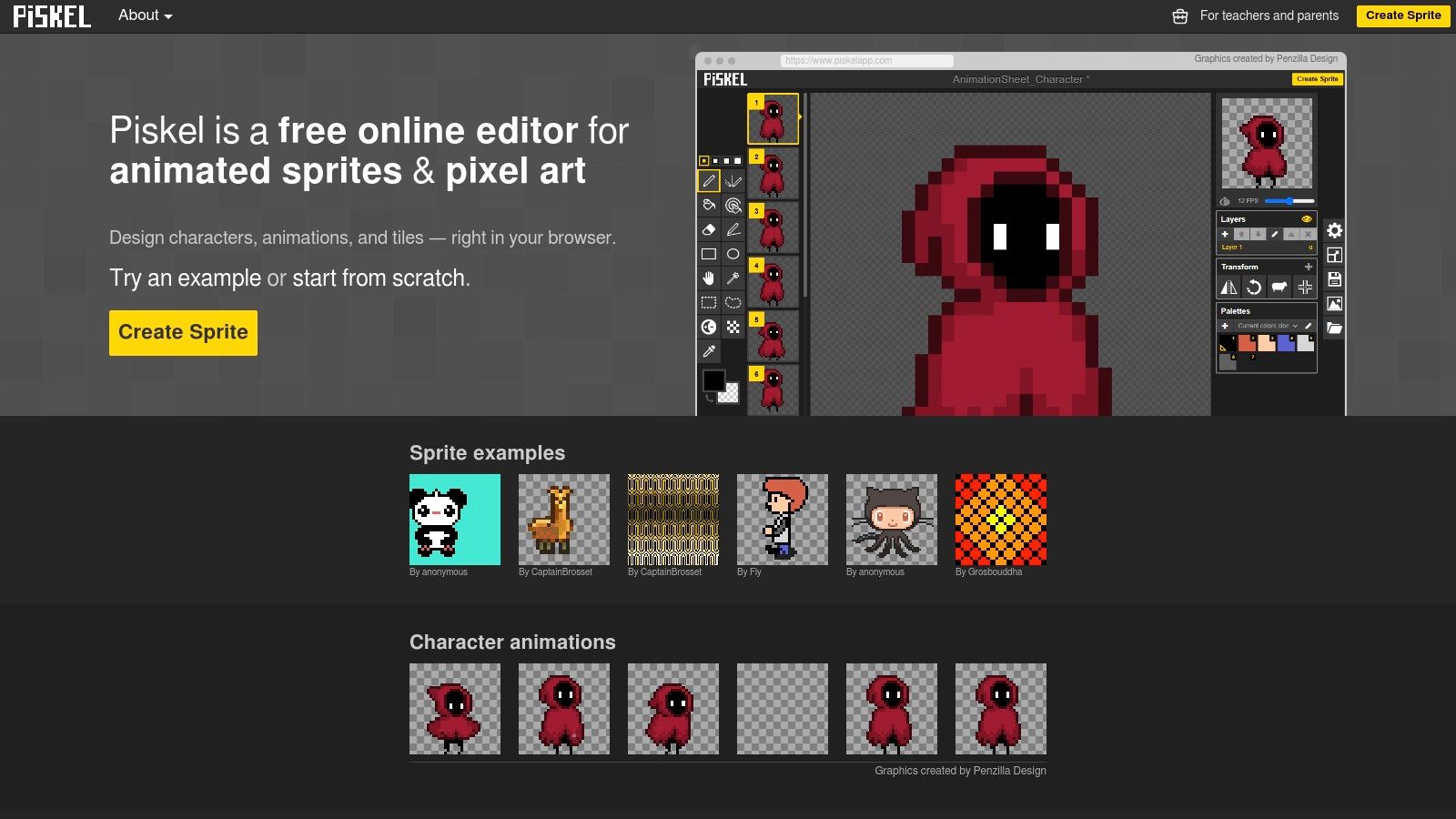
What makes Piskel stand out is its simplicity and dedication to its niche. It doesn't try to be a comprehensive animation suite; instead, it perfects the core tools needed for sprite work. Features like a live preview window, onion skinning to see previous frames, and easy export to GIF or PNG sprite sheets make the animation process incredibly efficient for game developers and hobbyists.
Key Features and Considerations
The platform is completely free and requires no account or installation for browser-based use, though downloadable offline versions are available. Its simplicity means it lacks advanced features like bone rigging or complex effects, but for its intended purpose, it is exceptionally well-designed. The learning curve is virtually non-existent, allowing absolute beginners to start creating animated sprites within minutes.
| Aspect | Details |
|---|---|
| Best For | Indie game developers, pixel artists, hobbyists, and students needing a fast, easy tool for creating animated sprites and 8-bit style art. |
| Pros | Completely free and open-source; no installation required for browser version; incredibly easy to learn; live preview and onion skinning. |
| Cons | Strictly limited to pixel art style; lacks advanced animation features; not suitable for high-resolution or non-sprite-based projects. |
| Access | https://www.piskelapp.com/ |
11. Animation Desk: Hand-Drawn Animation on the Go
Animation Desk brings the classic, hands-on feel of frame-by-frame animation to your desktop and mobile devices. It’s designed for artists who love to draw, providing an intuitive environment that mimics a traditional animator's lightbox. This app is an excellent piece of free animation software for creating expressive, hand-drawn shorts, animatics, and storyboards without the complexity of a full 3D suite.
What makes Animation Desk particularly appealing is its accessibility. You can start a project on your iPad during your commute and refine it later on your desktop. The platform focuses exclusively on the essentials of 2D animation, offering robust drawing tools, onion skinning for smooth motion, and multiple layers for separating characters from backgrounds. This streamlined approach makes it a fantastic entry point for aspiring animators and a convenient tool for seasoned artists.
Key Features and Considerations
The app provides a free version with core functionalities, but unlocking its full potential, including advanced tools and watermark-free exports, requires a premium subscription. Its performance is generally smooth, though users with older mobile devices might experience some lag with complex projects. While it doesn't have the extensive vector or rigging tools found in other software, its direct drawing experience is a major draw. For those interested in streamlined design workflows, exploring tools like Figma for collaborative design can offer complementary insights.
| Aspect | Details |
|---|---|
| Best For | Beginners, students, and hobbyists looking to learn hand-drawn, frame-by-frame animation; artists who prefer a tablet-first workflow. |
| Pros | Very intuitive and easy to learn; cross-platform support (iOS, Android, Windows, macOS); great for sketching and storyboarding ideas quickly. |
| Cons | Free version is limited and includes a watermark; full feature set requires a subscription; not suitable for complex vector-based animation. |
| Access | https://www.kdanmobile.com/en/animation-desk |
12. Renderforest: Template-Driven Online Animation
Renderforest shifts the focus from complex, manual animation to a streamlined, template-based creation process. It's an online platform designed for users who need professional-looking animations quickly, without a steep learning curve. This makes it an ideal piece of free animation software for marketers, educators, and entrepreneurs creating promotional videos, explainer animations, or dynamic presentations.
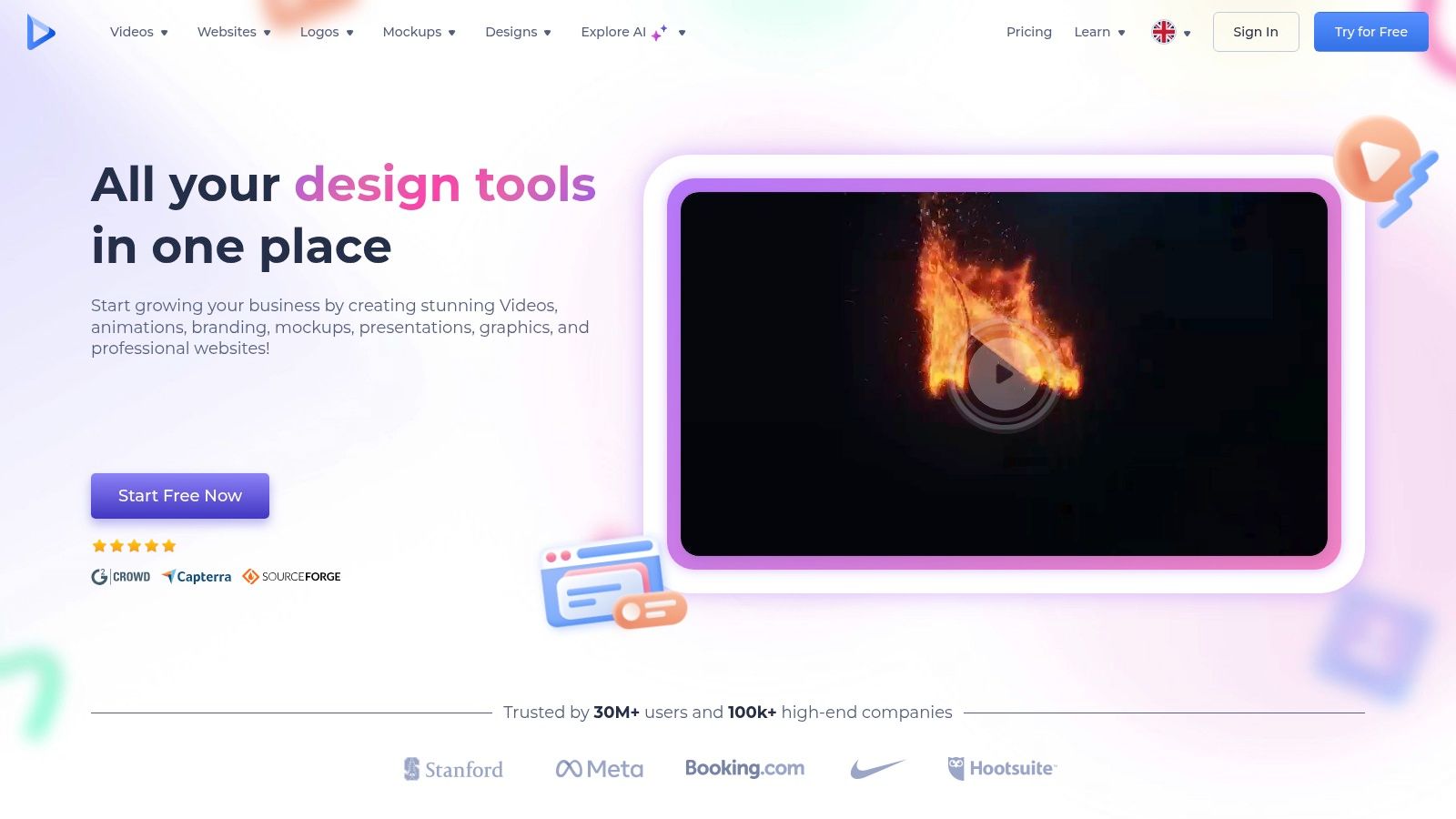
What makes Renderforest stand out is its accessibility and speed. As a cloud-based tool, there's nothing to install, and its vast library of high-quality templates for 2D and 3D animations does the heavy lifting. Users simply select a template, customize scenes with their own text, logos, and images, and let the platform render the final video.
Key Features and Considerations
The platform’s drag-and-drop interface is exceptionally user-friendly, allowing absolute beginners to produce content in minutes. While a free plan is available, it comes with significant limitations, including watermarks, limited video quality (360p), and restricted access to premium templates and music tracks. To unlock its full potential, a paid subscription is necessary.
| Aspect | Details |
|---|---|
| Best For | Marketers, business owners, and non-animators needing to create quick, high-quality promotional videos, intros, or explainer animations. |
| Pros | Extremely user-friendly and intuitive; fully cloud-based with no installation; huge library of professional templates; fast rendering. |
| Cons | Free version includes a prominent watermark and low export quality; creative freedom is limited by templates; requires a subscription for full features. |
| Access | https://www.renderforest.com/ |
Free Animation Software Feature Comparison
| Tool | Core Features & Capabilities | User Experience & Quality ★ | Value & Pricing 💰 | Target Audience 👥 | Unique Selling Points ✨ |
|---|---|---|---|---|---|
| Animejs | JS animation library: DOM, SVG, keyframes, timelines | Easy API, smooth, flexible ★★★★☆ | Free, lightweight 💰 | Frontend devs, vibe coders 👥 | Minimal code for complex animations 🏆 |
| Blender | 3D creation suite: modeling, rigging, rendering | Powerful, cross-platform ★★★★☆ | Free, open-source 💰 | 3D artists, animators 👥 | All-in-one 2D/3D tools, pro-grade 🏆 |
| Krita | 2D painting + frame-by-frame animation | Friendly UI, active community ★★★☆☆ | Free, open-source 💰 | Illustrators, 2D animators 👥 | Strong brush engine, audio sync ✨ |
| Pencil2D | Lightweight 2D hand-drawn animation | Simple, intuitive UI ★★★☆☆ | Free, open-source 💰 | Beginners, quick projects 👥 | Minimalist design, easy to learn ✨ |
| OpenToonz | Pro 2D animation: vector/raster, compositing | Feature-rich but complex ★★★☆☆ | Free, open-source 💰 | Studios, advanced animators 👥 | Studio Ghibli tools, advanced scanning 🏆 |
| Synfig Studio | Vector tweening, rigging automation | Powerful but less intuitive ★★★☆☆ | Free, open-source 💰 | Intermediate animators 👥 | Automation reduces manual work ✨ |
| TupiTube | Beginner-friendly 2D animation, mobile support | Simple, basic tools ★★★☆☆ | Free, open-source 💰 | Kids, educators, beginners 👥 | Cross-platform including Android ✨ |
| Clara.io | Cloud-based 3D modeling, animation, collaboration | Accessible, easy ★★★☆☆ | Free tier; paid advanced 💰 | Remote teams, beginners 👥 | Browser-based, no install needed ✨ |
| Wick Editor | Browser-based 2D animation & interactive stories | Free & simple ★★★☆☆ | Completely free 💰 | Students, web animators 👥 | JS scripting, multi-format export ✨ |
| Piskel | Pixel art & sprite animation editor | Simple, pixel-focused ★★★☆☆ | Free, open-source 💰 | Game devs, pixel artists 👥 | Real-time preview, offline use ✨ |
| Animation Desk | Hand-drawn animation app on mobile & desktop | User-friendly, cross-platform ★★★☆☆ | Free limited, premium 💰 | Beginners, mobile animators 👥 | Audio sync, layers, intuitive UI ✨ |
| Renderforest | Online animation & promo video maker | Easy drag-drop, web-based ★★★☆☆ | Free with watermark, subs 💰 | Marketers, quick content creators 👥 | Templates, cloud-based, music library ✨ |
Choosing Your Creative Tool and Starting Your Journey
The landscape of free animation software has never been more vibrant or accessible. We've journeyed through a comprehensive collection of tools, from powerful 3D suites to lightweight, browser-based editors. The persistent myth that high-quality animation requires expensive software is now thoroughly debunked. The tools are here, they are robust, and they are waiting for you to bring your ideas to life.
The key takeaway from this extensive list is that there is no single "best" free animation software for everyone. The ideal tool is entirely dependent on your specific project, your current skill level, and your ultimate creative aspirations. The power lies not in finding one perfect application, but in understanding your own needs and matching them to the right solution.
A Quick Recap: Matching the Tool to the Task
Let's distill our findings into a simple decision-making framework. Think about what you want to achieve, and you'll find your starting point.
- For the Aspiring 3D Generalist: Blender is your non-negotiable starting point. Its comprehensive feature set, covering everything from modeling and sculpting to VFX and video editing, makes it an industry-standard powerhouse. The learning curve is steep, but the payoff is immense, equipping you with skills applicable to professional studio work.
- For the Traditional 2D Animator: If you're drawn to classic, hand-drawn animation, your best options are OpenToonz and Krita. OpenToonz offers a professional, studio-grade pipeline (it was used by Studio Ghibli), while Krita provides a seamless transition for digital illustrators already comfortable with its stellar brush engine. For pure, unadulterated simplicity, Pencil2D is an excellent choice for learning the fundamentals of frame-by-frame animation without overwhelming features.
- For the Web Developer and Coder: Anime.js stands out as the premiere choice for adding sophisticated, lightweight animations to websites and applications. Its simple API and high performance make it a favorite among creative developers. For more interactive, game-like experiences, the Wick Editor offers a fantastic, Flash-inspired environment that bridges the gap between drawing and coding.
- For the Hobbyist and Educator: Tools like TupiTube, Piskel, and Animation Desk are designed for accessibility. They lower the barrier to entry, making them perfect for students, kids, or anyone looking to experiment with animation concepts for the first time. Piskel, in particular, is a gem for creating pixel art and sprites.
Actionable Next Steps: How to Get Started Now
Information is only valuable when you act on it. Don't let analysis paralysis stop you. Here is your roadmap to begin your animation journey today.
- Define Your First Project: Forget about mastering everything at once. Decide on one small, achievable project. Do you want to make a simple character walk? Animate a logo? Create a bouncing ball? Having a clear, simple goal will dictate your tool choice.
- Select and Download Two Options: Based on your project goal, choose no more than two programs from this list. For example, if you want to try 2D, download both Krita and Pencil2D. This gives you a point of comparison without overwhelming you.
- Follow a "Beginner's Tutorial": Don't just open the software and click around aimlessly. Go directly to YouTube or the software's official documentation and search for a "10-minute tutorial" or "beginner's guide." Following a structured lesson will get you a quick win and build your confidence.
- Embrace the Community: All of the major free animation software options, especially Blender, OpenToonz, and Krita, have massive, supportive online communities. If you get stuck, forums, Discord servers, and subreddits are filled with experienced users who are happy to help newcomers.
The Final Frame: Your Vision Awaits
The journey into animation is one of patience, practice, and persistent creativity. The tools we've explored are merely instruments; the real magic comes from your unique vision and dedication. The cost of entry is no longer a barrier. Your biggest investment will be your time, and it's an investment that pays creative dividends for a lifetime.
So, choose your tool, embrace the learning process, and start creating. The world is always ready for another great story, and your first animated frame is just a download away.