Dive into the World of Generative Art
Want to create stunning visuals with code? This list of top 10 generative art software options will help you find the perfect tool. Whether you're an artist, coder, or somewhere in between, these programs empower you to produce mesmerizing art through algorithms. From Processing and p5.js to Blender and TouchDesigner, discover the generative art software that fits your needs and skillset. Stop imagining, start creating.
1. Processing
Processing is a free and open-source powerhouse for creating generative art. More than just software, it's a flexible programming language and integrated development environment (IDE) specifically designed for the electronic arts, new media art, and visual design communities. Initially created by Ben Fry and Casey Reas as a tool to teach programming fundamentals within a visual context, Processing has become a favorite among artists and designers who want to generate art through code. Its simplified Java-based syntax makes it approachable for visual creators, opening up a world of possibilities within the realm of generative art software. Whether you're creating intricate patterns, interactive installations, or animated sequences, Processing provides the tools and community to bring your vision to life.
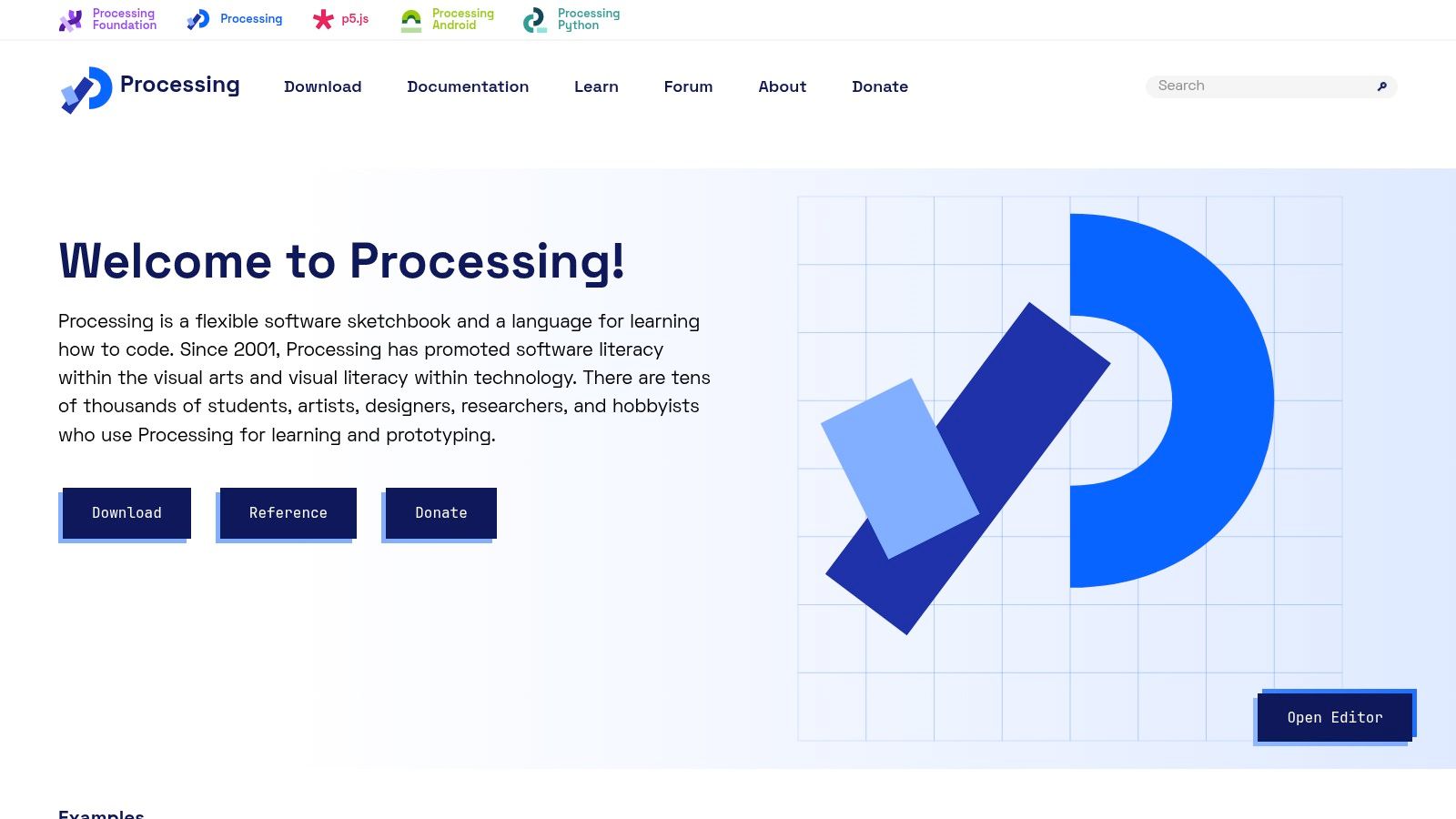
Processing's strength lies in its balance of simplicity and power. The intuitive syntax, rooted in Java but streamlined for visual applications, makes it an excellent entry point for beginners exploring generative art software. Despite this beginner-friendliness, Processing is capable of handling complex projects. Its extensive library ecosystem provides thousands of open-source libraries for various visual effects, expanding its capabilities beyond basic shapes and colors to encompass advanced techniques like 3D rendering and computer vision. This allows experienced developers to push the boundaries of generative art, creating intricate and computationally intensive artwork. From simple sketches to complex algorithms, Processing offers a flexible environment for artists of all skill levels.
One of Processing's key benefits is its cross-platform compatibility, running seamlessly on Windows, macOS, and Linux. The built-in IDE further simplifies the creative process, providing a streamlined environment with readily available examples and comprehensive documentation. Finished projects can be exported in various formats, including images, videos, and even interactive web content via p5.js, a JavaScript library based on Processing. This flexibility extends the reach of your artwork, allowing you to share it across different platforms and mediums.
Implementation/Setup Tips:
- Download and Install: Head to https://processing.org/ and download the version appropriate for your operating system. Installation is straightforward.
- Explore the Examples: The Processing IDE comes packed with examples showcasing various functionalities and techniques. Experimenting with these is a great way to learn.
- Join the Community: Processing boasts a large and active online community. Forums, tutorials, and collaborative projects provide ample opportunities for learning and sharing.
- Leverage Libraries: Explore the extensive library ecosystem to extend Processing's capabilities. Libraries like Toxiclibs and controlP5 offer powerful tools for complex generative art.
Pros:
- Free and Open-Source: No cost barrier to entry and a large community contributing to its development.
- Beginner-Friendly: Gentle learning curve thanks to the simplified syntax.
- Extensive Documentation: Comprehensive resources available to help users of all levels.
- Powerful and Flexible: Capable of handling both simple and complex generative art projects.
Cons:
- Performance Limitations: Can struggle with extremely computationally intensive artwork.
- Dated Interface: The IDE might feel less polished than some modern alternatives.
- Requires Programming Knowledge: May be intimidating for artists without coding experience, though the simplified Java syntax eases this hurdle.
Processing earns its place on this list as a powerful and accessible gateway into generative art. Its combination of a simple yet robust programming language, a wealth of resources, and a thriving community makes it an ideal choice for both beginners and experienced artists exploring the intersection of code and creativity. Whether you’re a seasoned coder or a visual artist taking your first steps into the world of generative art software, Processing offers a powerful and versatile platform to bring your visions to life.
2. TouchDesigner
TouchDesigner stands out as a leading generative art software, empowering users to craft breathtaking real-time visuals and immersive interactive experiences. Developed by Derivative, this visual development platform goes beyond static image generation, enabling the creation of dynamic, evolving artwork, responsive installations, and captivating live visuals for performances and architectural projections. Its node-based visual programming approach sets it apart, allowing users to construct complex systems by connecting various operators, effectively bypassing traditional coding requirements. This makes it an attractive option for both seasoned programmers and visual artists looking to explore the world of generative art.
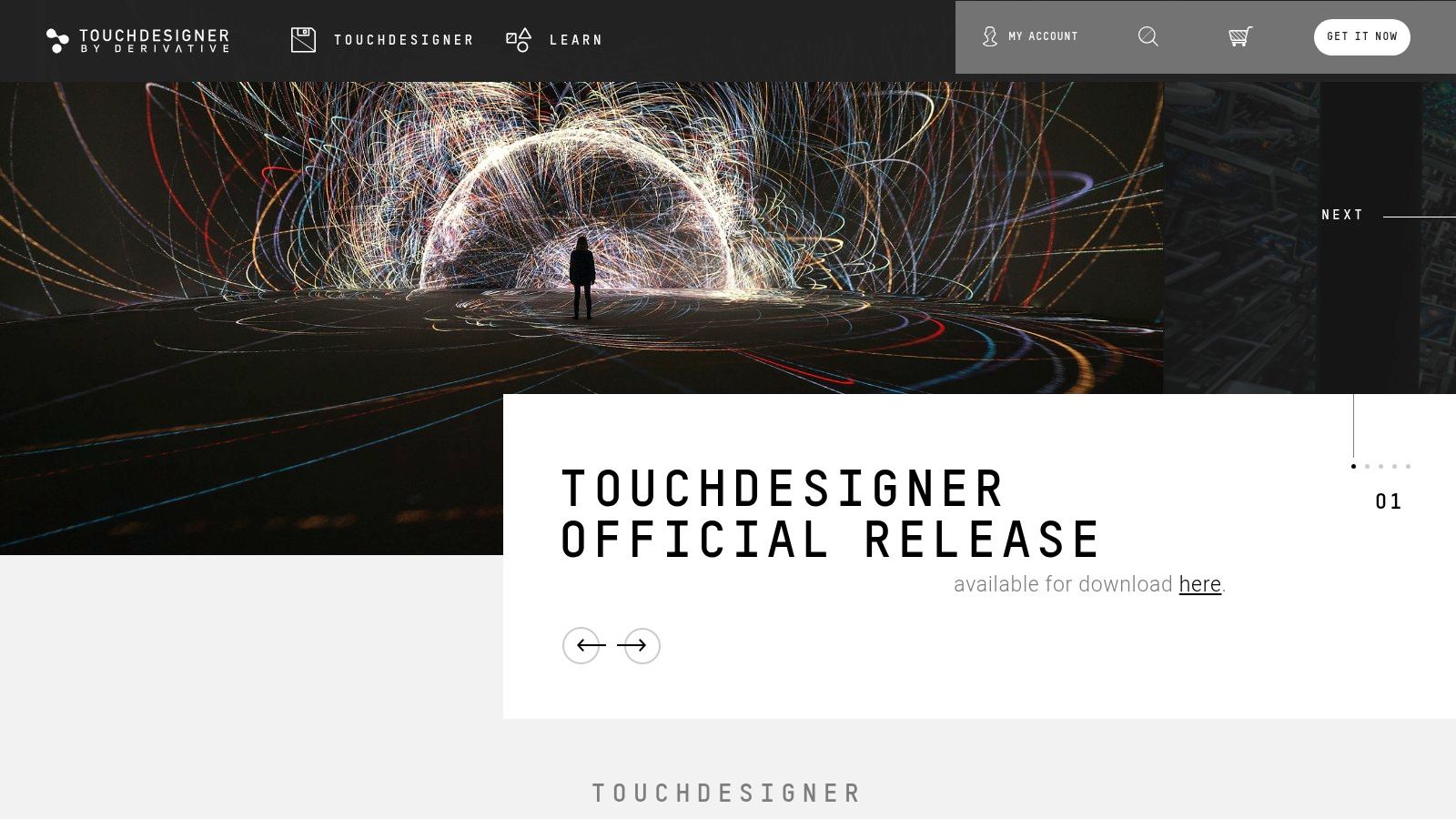
TouchDesigner's power lies in its real-time rendering capabilities and robust 3D engine with GPU acceleration. This makes it ideal for creating complex generative art pieces that react and evolve in real-time, responding to various inputs such as audio, MIDI signals, or even real-world sensor data. Built-in physics simulation and particle systems further enrich the creative possibilities, enabling artists to simulate natural phenomena and create organic, dynamic forms. Furthermore, its extensive support for external devices and protocols like MIDI, OSC, and DMX, along with integration with VR/AR technologies, opens doors to creating interactive installations and performances that blur the lines between the digital and physical worlds.
Compared to other generative art software that might focus primarily on 2D graphics or static outputs, TouchDesigner excels in its real-time performance and its versatility for creating dynamic, interactive experiences. While tools like Processing offer a coding-centric approach, TouchDesigner's visual programming environment makes it considerably more accessible to artists without a strong programming background. This ease of use, however, shouldn't be mistaken for simplicity. TouchDesigner boasts a professional toolset used in high-end installations and performances worldwide, making it a powerful option for experienced developers and digital artists alike.
Features and Benefits:
- Node-based visual programming: Connect operators visually to create complex systems without traditional coding.
- Real-time rendering: See your creations come to life instantly, enabling dynamic and responsive artwork.
- 3D engine with GPU acceleration: Create stunning visuals with impressive performance.
- Physics simulation and particle systems: Simulate natural phenomena and create organic, evolving forms.
- External device support: Integrate with MIDI, OSC, DMX, and other protocols for interactive installations.
- VR/AR integration: Create immersive experiences in virtual and augmented reality environments.
Pros:
- Incredible real-time performance: Ideal for dynamic generative art and interactive installations.
- Visual programming accessibility: Empowers artists without coding experience to create complex systems.
- Professional toolset: Used in high-end productions and installations worldwide.
- Strong community and resources: Benefit from a supportive community and numerous tutorials.
Cons:
- Steep learning curve for advanced features: Mastering the full potential of TouchDesigner takes time and dedication.
- Commercial licensing costs: Professional use requires a paid license, which can be expensive.
- Resource-intensive: Complex projects demand powerful hardware with robust GPU capabilities.
Pricing: TouchDesigner offers a free non-commercial license, while commercial licenses range from $600 for a Pro license to $3,600 for a Commercial license. Educational discounts are also available.
Technical Requirements: A relatively powerful computer with a dedicated graphics card is recommended for optimal performance, especially for complex projects. Specific system requirements can be found on the Derivative website.
Implementation Tip: Start with the numerous tutorials and examples available online to grasp the basics of node-based programming and explore the different operators within TouchDesigner. The active community forum is also a valuable resource for troubleshooting and learning from experienced users.
Website: https://derivative.ca/
TouchDesigner earns its place on this list because it offers a unique blend of power and accessibility, making it an ideal generative art software for a wide range of users. From beginners exploring generative art for the first time to experienced professionals creating cutting-edge installations, TouchDesigner provides the tools and capabilities to push the boundaries of creative expression.
3. VVVV
VVVV is a powerful hybrid visual/textual live-programming environment specifically designed for rapid prototyping and the development of large-scale media environments. Its focus on physical interfaces, real-time motion graphics, and audio/video processing makes it a highly versatile tool for generative art software creation. It's particularly prevalent in Europe, where it's a popular choice for building immersive generative art installations and interactive performances. VVVV offers two primary programming approaches: a node-based system (currently in beta) and vvvv gamma, a newer implementation combining visual programming with the flexibility of C# scripting. This makes it accessible to both visual thinkers and those who prefer a more code-centric approach. If you’re looking to create dynamic and responsive generative art experiences, VVVV is well worth exploring.
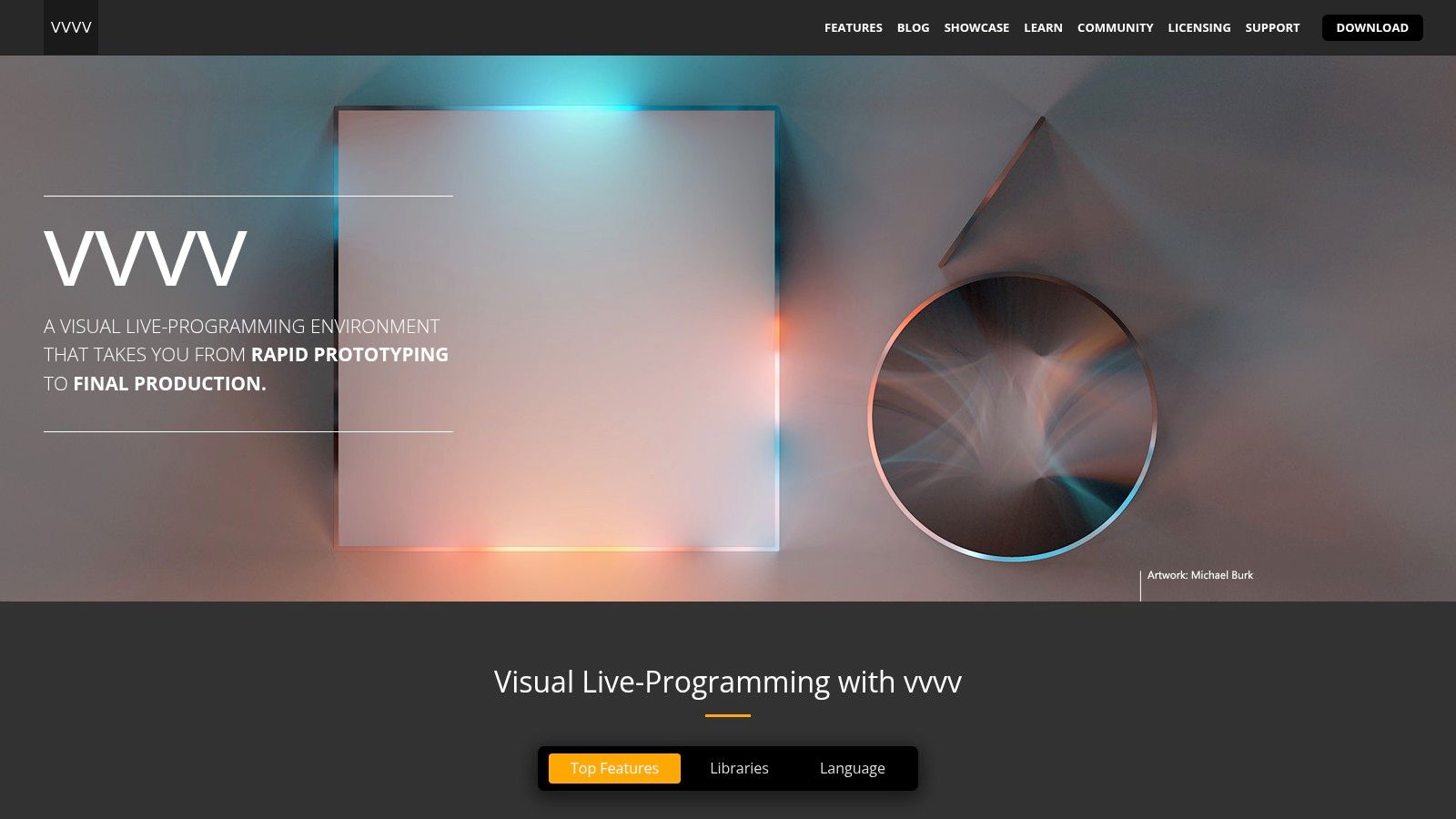
VVVV truly shines in its real-time capabilities. The patching environment provides instantaneous visual feedback, allowing you to see the results of your code changes immediately. This is particularly beneficial for generative artists working with evolving visuals or interactive installations. The extensive library of nodes for 2D and 3D graphics processing allows for complex visual manipulations, and its robust handling of multiple displays and projectors makes it ideal for large-scale installations. Furthermore, VVVV excels in physical computing, supporting numerous protocols for connecting to external sensors and devices, opening up a world of possibilities for interactive and responsive generative art. Integration with DirectX ensures high-performance graphics rendering, crucial for resource-intensive projects.
For those familiar with tools like TouchDesigner, VVVV offers a comparable feature set with a strong emphasis on real-time performance and physical computing. While TouchDesigner enjoys broader cross-platform compatibility, VVVV’s dedicated Windows environment allows for deep optimization and tight integration with DirectX. Choosing between the two often comes down to specific project requirements and platform preferences.
Key Features & Benefits:
- Real-time Patching: See your changes instantly in a dynamic visual environment.
- Extensive Node Library: Access a wide range of pre-built functionalities for graphics, audio, and I/O.
- Multi-Display/Projector Support: Easily manage complex output configurations for large installations.
- Physical Computing Integration: Connect to a variety of hardware devices and sensors.
- DirectX Integration: High-performance graphics rendering for demanding projects.
Pros:
- Exceptional performance for real-time graphics processing.
- Ideal for installations requiring multiple outputs/displays.
- Highly extensible with plugins.
- Free for non-commercial use.
Cons:
- Windows-only platform.
- Documentation can be fragmented between legacy and new versions.
- Commercial licensing required for professional projects (pricing details available on their website).
Implementation Tips:
- Start with the tutorials and examples provided on the VVVV website to grasp the basics of patching and dataflow programming.
- Explore the extensive library of nodes and experiment with different combinations to achieve desired visual effects.
- Utilize the active VVVV community forums for support and inspiration.
VVVV deserves its place on this list because of its dedication to real-time performance, robust handling of complex outputs, and deep integration with physical computing interfaces. It’s a powerful tool for generative artists seeking to create dynamic, interactive, and immersive experiences. Learn more and download VVVV at https://vvvv.org/.
4. Max (formerly Max/MSP/Jitter)
Max, a powerful visual programming language developed by Cycling '74, stands as a long-time leader in the realm of generative art software, particularly when sound integration is key. For over three decades, it's been the tool of choice for artists, musicians, and researchers pushing the boundaries of multimedia expression. Its modular, patch-based environment allows for complex audio-visual systems to be built without resorting to traditional coding, making it an accessible yet sophisticated platform for creating generative art. Max excels at creating dynamic, interactive pieces where visuals respond to sound, user input, or other data streams. This makes it ideal for everything from immersive installations to live performance visuals and interactive art pieces.
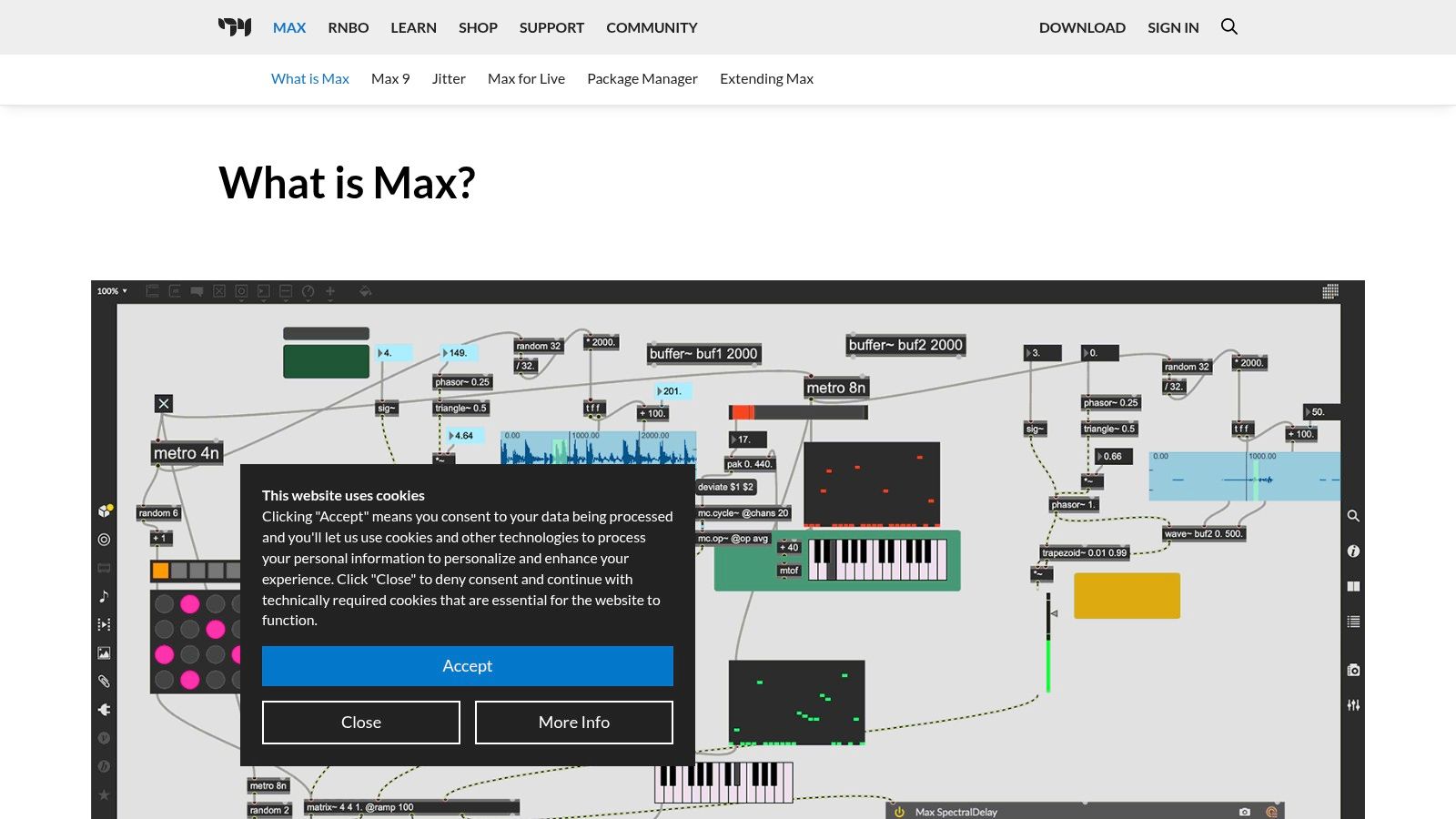
Max's strength lies in its incredibly deep integration of sound and visuals. With Jitter, its dedicated component for matrix processing and real-time video, you can manipulate video and generate graphics with the same flexibility and precision as you manipulate audio. This seamless connection allows for intricate synchronization between audio and visual elements, opening up vast creative possibilities for generative art. Imagine generative visuals pulsating with the rhythm of a live musical performance, or an interactive installation where viewers can sculpt sounds and visuals simultaneously – these are the kinds of experiences Max empowers you to create. The platform boasts thousands of objects for audio, video, and graphics processing, offering a vast toolkit for building complex generative systems.
Compared to code-based generative art tools like Processing or openFrameworks, Max offers a more intuitive, visual approach. While you'll still need to learn the logic of patching and the functionalities of different objects, the visual nature of the environment can be less daunting for beginners. However, this visual approach can sometimes be less efficient for purely visual work compared to tools specifically designed for graphics programming. If your focus is solely on generating static images or animations, a tool like TouchDesigner or a dedicated code-based solution might offer a more streamlined workflow.
For aspiring generative artists interested in exploring the interplay of sound and visuals, Max is an invaluable tool. Its extensive library of objects, robust hardware integration, and a vibrant community make it a platform ripe for exploration. While it has a steeper learning curve and a higher price point than some alternatives (a full commercial license is around $399, with academic discounts available), the power and flexibility it offers, especially for audiovisual work, make it a worthwhile investment. Further, the strong community and decades of development mean ample resources and support are available. To get started, the Cycling '74 website (https://cycling74.com/products/max) provides tutorials, documentation, and a vibrant forum. Max’s stability and performance make it equally suited for both personal projects and professional installations, solidifying its position as a powerful option in the landscape of generative art software.
5. openFrameworks
For those comfortable with C++, openFrameworks stands out as a powerful and versatile option for creating sophisticated generative art. This open-source toolkit provides a robust framework for experimentation and creation, giving you fine-grained control over your projects. It acts as a "glue" that connects various commonly-used libraries like OpenGL, GLEW, GLUT, and libjpeg, allowing you to harness their power within a streamlined workflow. This makes it ideal for complex projects demanding high performance and flexibility.
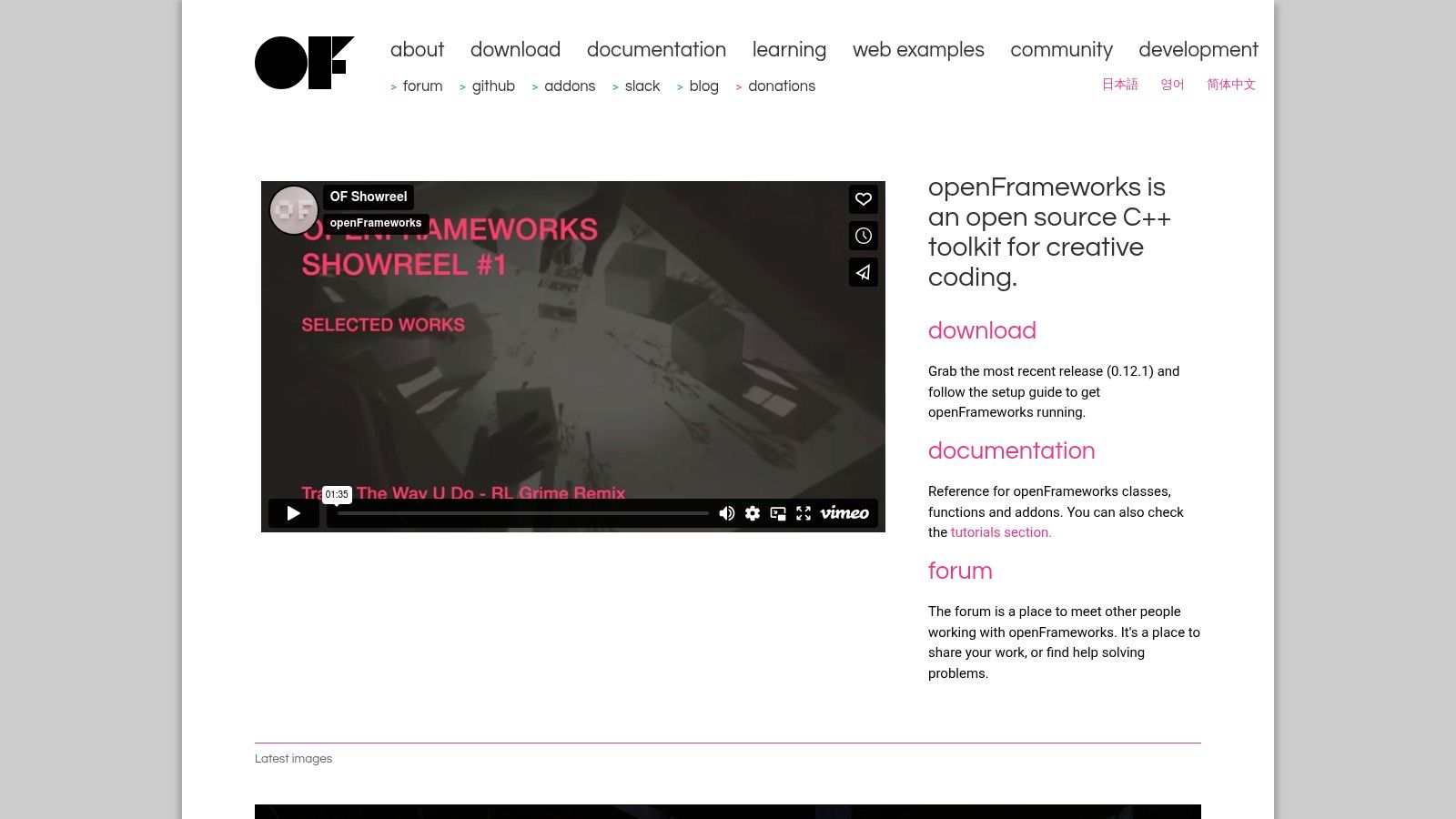
openFrameworks truly shines in its ability to facilitate complex computational art. Imagine crafting intricate, evolving visuals driven by algorithms, creating real-time interactive installations, or even integrating physical computing elements into your generative artwork. The framework's high-performance graphics processing, facilitated by its OpenGL integration, ensures smooth and responsive visuals even for demanding projects. Its extensive addon ecosystem opens up possibilities for specialized functionality like computer vision, machine learning, and sound manipulation, significantly broadening your creative potential within the realm of generative art software.
A major advantage of openFrameworks is its cross-platform compatibility, allowing you to develop on Windows, macOS, Linux, iOS, Android, and even Raspberry Pi. This flexibility ensures your creations can reach a wider audience and adapt to different hardware environments. While openFrameworks is free and open-source with active community support and comprehensive documentation, the learning curve is steeper than beginner-friendly options like Processing or p5.js. Solid C++ programming knowledge is a prerequisite, and the initial setup and configuration can be a hurdle for newcomers. However, the level of control and performance it offers makes it a rewarding choice for experienced developers.
Features:
- C++ framework with cross-platform compatibility
- High-performance graphics processing with OpenGL integration
- Extensive addon ecosystem for specialized functionality
- Support for computer vision, machine learning, and physical computing
- Low-level access to hardware for maximum performance
Pros:
- Free and open-source with active development
- Extremely powerful and flexible for complex computational art
- Great performance even on lower-end hardware
- Comprehensive documentation and examples
Cons:
- Requires solid C++ programming knowledge
- Steeper learning curve than Processing or p5.js
- Setup and configuration can be challenging for beginners
Website: https://openframeworks.cc/
Implementation/Setup Tips:
- Start with the official documentation's tutorials and examples to grasp the basic concepts and workflow.
- Explore the vast addon ecosystem to expand functionalities based on your project needs.
- Leverage the active community forums for support and troubleshooting assistance.
openFrameworks secures its spot on this list as the go-to choice for generative artists who prioritize control, performance, and a deep dive into the technical intricacies of their craft. It might not be the easiest starting point, but its capabilities unlock a world of potential for those willing to invest the time to master it. If you're already proficient in C++ and seeking a robust and versatile generative art software solution, openFrameworks deserves serious consideration.
6. p5.js
p5.js is a powerful and accessible JavaScript library specifically designed for creative coding and generative art. Built upon the foundations of Processing, p5.js brings the ease and intuitiveness of Processing to the web browser. This makes it an ideal choice for both beginners dipping their toes into the world of code art and seasoned artists looking to create interactive, web-based experiences. Its popularity stems from a combination of its user-friendly nature, extensive feature set, and thriving community support. p5.js empowers artists to craft everything from simple geometric patterns to complex interactive animations that respond to user input, mouse movements, or even live data feeds. This positions p5.js as a go-to generative art software solution, particularly for projects destined for the web.
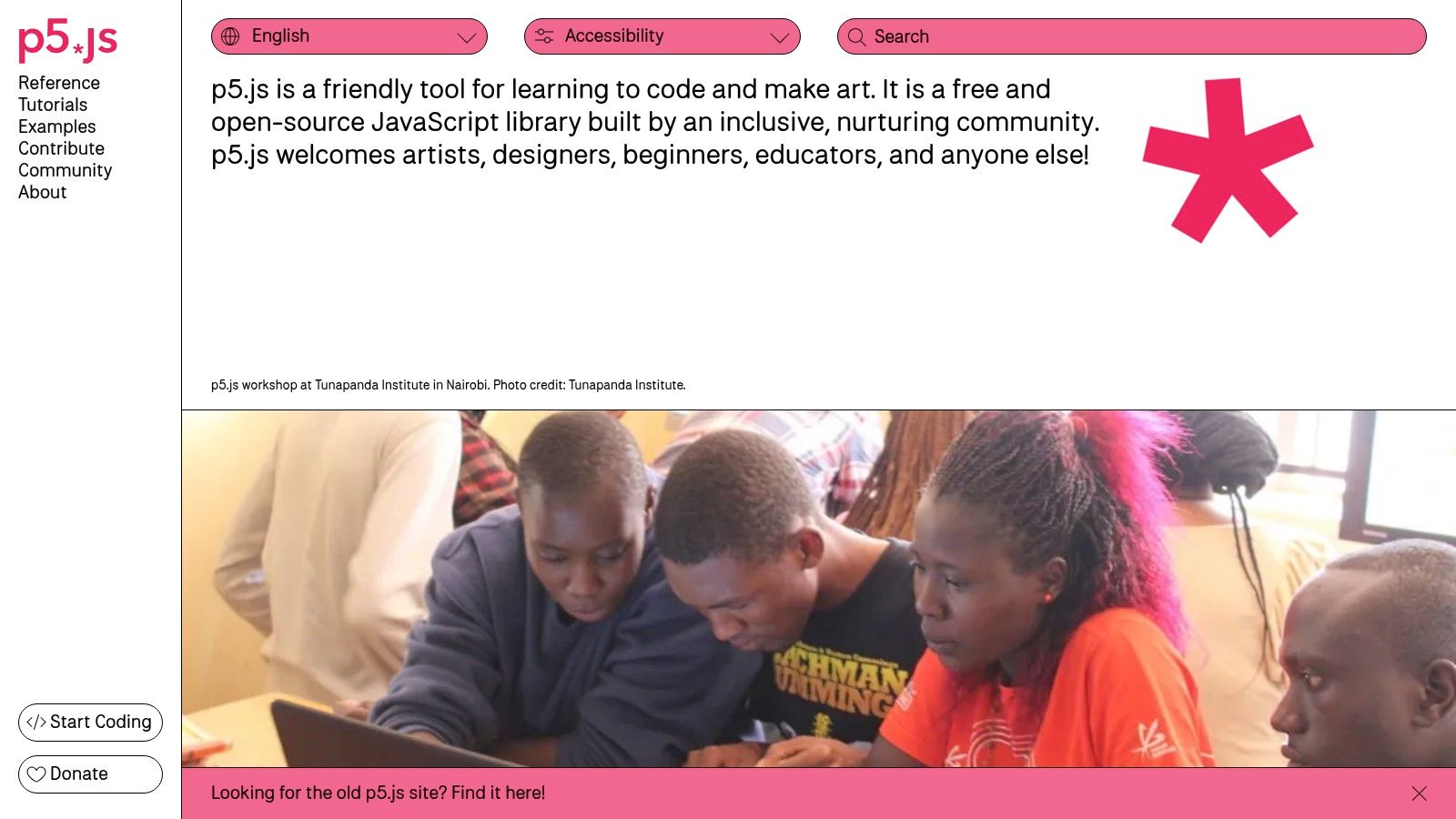
One of the key strengths of p5.js lies in its comprehensive set of drawing functionalities and mathematical utilities. From basic shapes and lines to more intricate curves and transformations, p5.js provides the building blocks necessary to bring artistic visions to life. Beyond static visuals, p5.js excels at creating dynamic and interactive pieces. It seamlessly integrates with HTML5 features, enabling artists to incorporate elements like webcam feeds, microphone input, and real-time DOM manipulation into their generative artworks. Imagine creating a piece that reacts to the viewer's voice or generates patterns based on their movements – p5.js makes these possibilities readily achievable.
For those new to coding, p5.js offers a gentle learning curve. The syntax is straightforward, and the extensive documentation and abundant learning resources provide ample support. The online p5.js Web Editor further simplifies the process by eliminating the need for complex local setups, allowing users to begin coding directly in their browser. This ease of access makes it a fantastic choice for educators and students alike.
While p5.js shines in the realm of web-based generative art, it's important to acknowledge some limitations. As a client-side JavaScript framework, it can face performance constraints when dealing with computationally intensive algorithms or complex 3D scenes. For such projects, specialized tools utilizing compiled languages might be more suitable. Additionally, while p5.js works across all modern browsers, browser-specific quirks can occasionally lead to inconsistencies in rendering or behavior.
Key Features:
- JavaScript-based framework for creative coding in the browser
- Comprehensive set of drawing tools and math utilities
- Easy integration with HTML5 features (webcam, sound, DOM)
- Cross-browser compatibility
- Web Editor for coding directly in the browser
Pros:
- Free and open-source with large community support
- Ideal for web-based generative art and interactive websites
- Low barrier to entry, great for beginners
- Excellent documentation and learning resources
Cons:
- Performance limitations compared to compiled languages
- Potential browser dependency issues
- Less suitable for complex 3D
Website: https://p5js.org/
p5.js's free and open-source nature, combined with its accessibility and rich feature set, makes it a valuable tool for anyone interested in exploring the world of generative art. Its focus on web integration distinguishes it from other tools, making it an exceptional choice for artists seeking to create interactive and engaging web experiences. Whether you're a seasoned coder or just starting your creative coding journey, p5.js provides a powerful and accessible platform to bring your generative art ideas to life on the web.
7. Blender
Blender, while renowned as a professional-grade 3D creation suite, has firmly cemented its place among the best generative art software options. Its robust combination of a comprehensive Python API, the innovative Geometry Nodes system, and powerful animation tools empowers artists to craft intricate and mesmerizing procedural and generative 3D art. Unlike more specialized 2D generative art tools, Blender offers an all-in-one solution, allowing artists to conceive, create, render, and animate their generative creations within a single platform. This makes it particularly appealing for artists interested in exploring the dynamic interplay of form, motion, and texture.
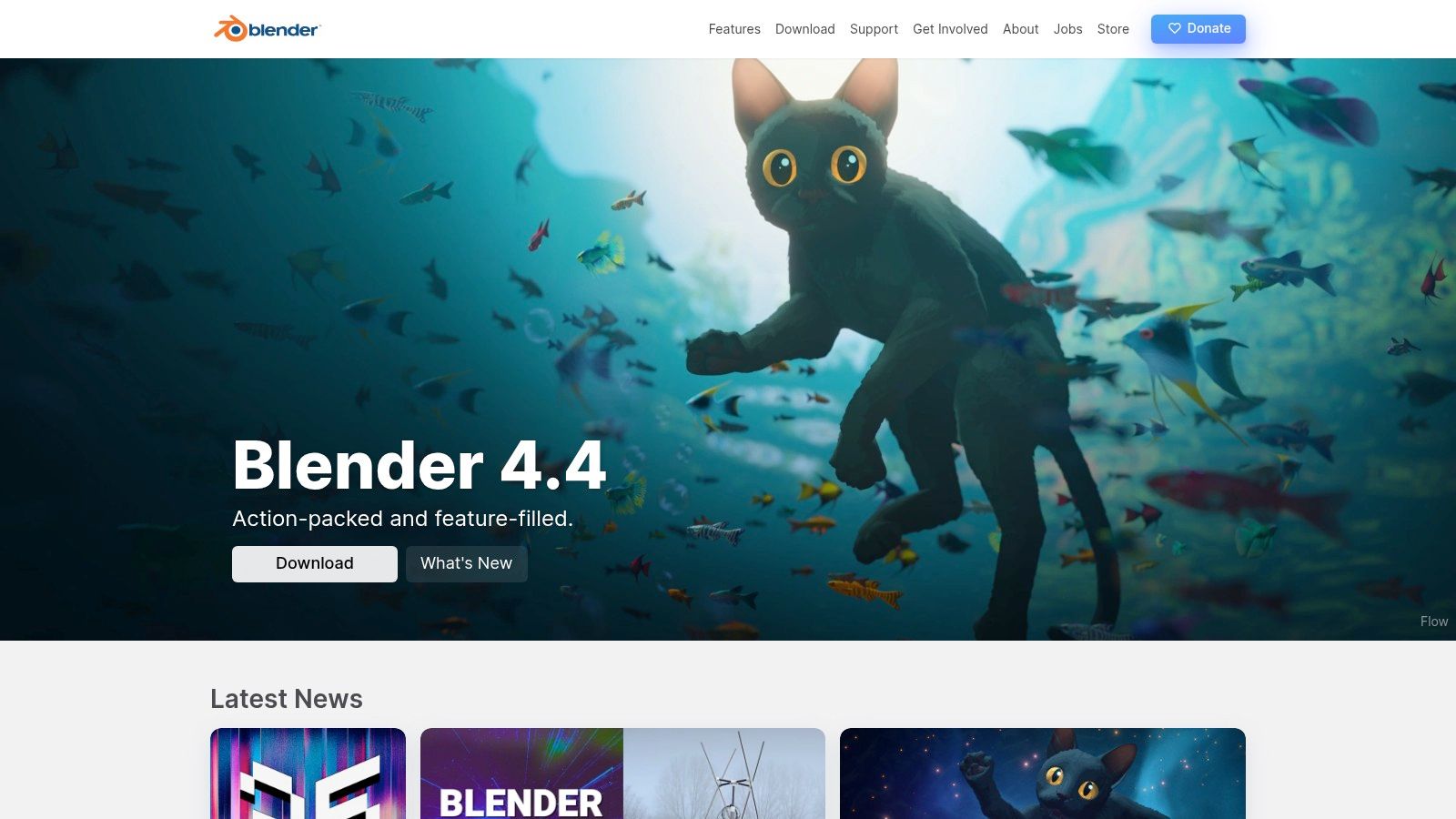
Blender's Geometry Nodes system is a visual scripting environment where artists can manipulate and generate geometry using a node-based interface. This allows for complex procedural modeling, from creating intricate fractal structures to generating entire landscapes based on mathematical algorithms. Furthermore, Blender's Python API provides unparalleled control and customization, allowing artists to script custom tools, automate complex workflows, and even develop entirely new generative art algorithms. Imagine generating endless variations of a 3D model based on user input or creating evolving art pieces that respond to real-time data. The possibilities are virtually limitless. Physically-based rendering engines like Cycles and Eevee add photorealistic or stylized finishes to these creations, further enhancing their artistic impact.
For aspiring vibe coders, experienced software developers, digital artists and creative technologists, educators, students, and innovative entrepreneurs, Blender offers a free and open-source pathway into the world of generative 3D art. While Blender’s capabilities extend beyond simple 2D generation – making it less specialized than some other tools on this list – its comprehensive toolkit and vibrant community provide immense value. Learn more about Blender. The active community ensures plentiful tutorials and resources for newcomers, although the software's initial learning curve can be steep due to its feature-rich interface.
Features:
- Complete 3D creation suite with powerful procedural generation capabilities
- Geometry Nodes system for node-based procedural modeling
- Comprehensive Python API for custom scripting and automation
- Physically-based rendering with Cycles and Eevee engines
- Animation and simulation tools for dynamic generative art
Pros:
- Free and open-source with professional-grade capabilities
- All-in-one solution for creating, rendering, and animating generative 3D art
- Massive community with extensive tutorials and resources
- Regular updates with cutting-edge features
Cons:
- Steep learning curve for beginners
- Interface can be overwhelming initially
- Less specialized for purely 2D generative art than other tools
Website: https://www.blender.org/
Implementation Tips:
- Start with introductory tutorials on Geometry Nodes and the Python API to understand the fundamentals of generative art within Blender.
- Explore the vast library of community-created add-ons specifically designed for generative workflows.
- Experiment with different rendering settings in Cycles and Eevee to achieve diverse visual styles.
- Leverage Blender's animation tools to bring your generative creations to life with dynamic movement and transformations.
Blender's inclusion in this list of generative art software is undeniable. Its open-source nature, comprehensive feature set, and active community make it a powerful and accessible tool for anyone interested in exploring the fascinating realm of generative 3D art. While the initial learning curve might seem daunting, the creative possibilities offered by Blender make it a worthwhile investment for both beginners and seasoned generative artists alike.
8. NodeBox
NodeBox is a powerful and versatile generative art software option, especially well-suited for creating 2D visuals, including static images, animations, and even interactive pieces. Its unique approach combines a visual, node-based programming interface with the flexibility of Python code, making it an excellent choice for a wide range of users, from beginners to experienced coders. This allows artists and designers to explore generative art without being initially bogged down in complex code syntax, while still providing a pathway to leverage the power of Python for more intricate designs. Its ability to export in vector format also makes it a strong contender for creating print-ready artwork, a key feature for professional artists.
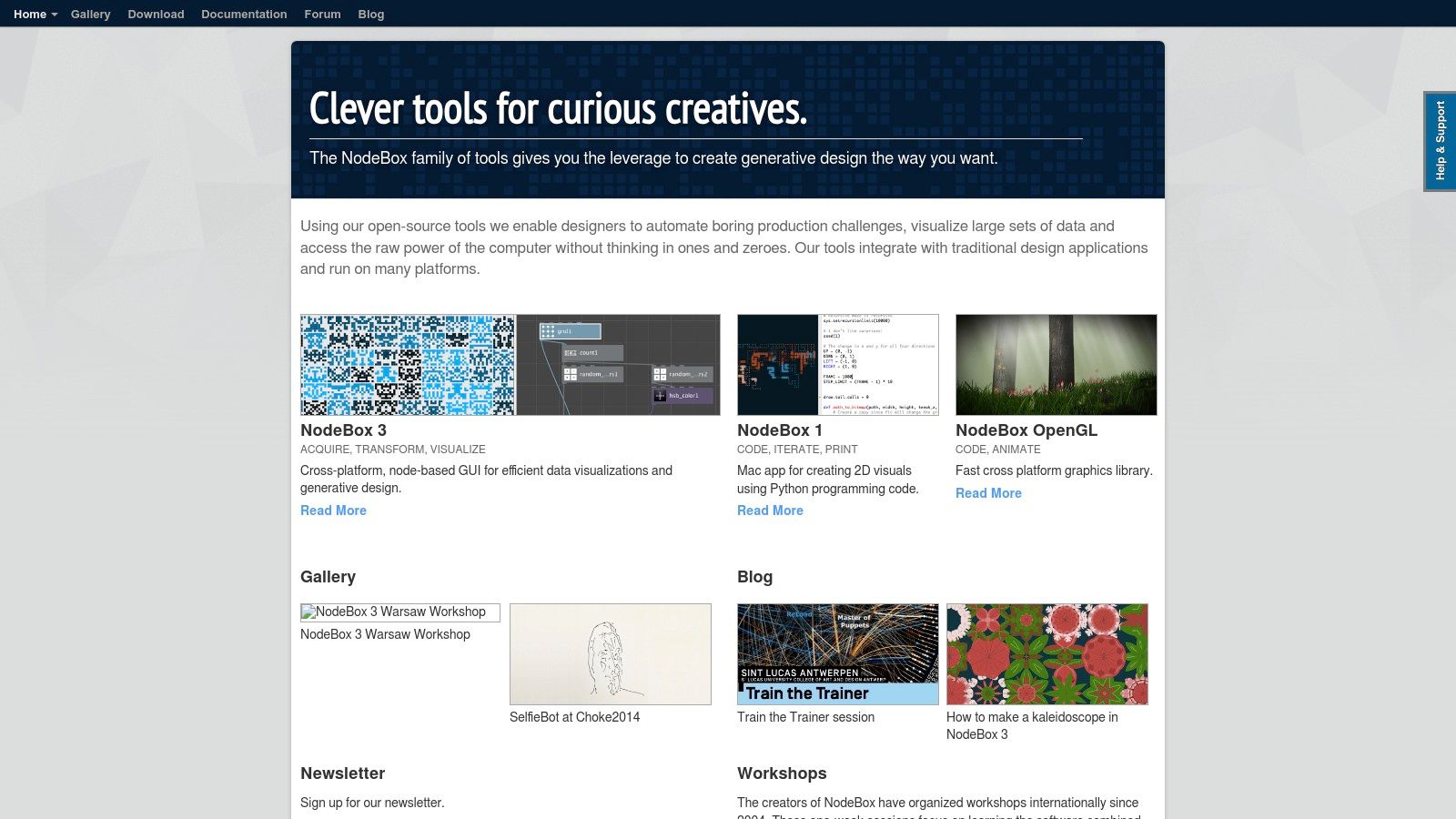
NodeBox offers three main versions: NodeBox 1 (macOS, Python-based), NodeBox 2 (GUI-driven, node-based), and NodeBox 3 (cross-platform). NodeBox 2 and 3, with their node-based interface, are particularly accessible for visual thinkers and those new to generative art software. You can create complex generative designs by connecting nodes representing different functions and parameters, visually structuring the flow of your creative process. Features like a dedicated keyframing system for animations and specialized nodes for data visualization and pattern generation further expand its creative potential. For those needing more advanced control, Python integration allows for deep customization and scripting capabilities. This balance between visual programming and code makes NodeBox an ideal tool for both novice and seasoned generative artists.
Think of NodeBox as a digital art studio for crafting algorithmic masterpieces. You can use it to generate everything from abstract patterns and geometric compositions to data-driven visualizations and interactive installations. Its vector output ensures your work retains crisp detail at any scale, perfect for high-quality prints and digital displays. While Learn more about NodeBox might offer some insights, remember that NodeBox and Figma cater to distinct creative needs; Figma is geared towards UI/UX design, whereas NodeBox focuses on generative art.
NodeBox is free and open-source, a significant advantage for budget-conscious artists and educators. This also fosters a collaborative spirit, though the community is admittedly smaller than that of some commercial alternatives. While updates may be less frequent than some other generative art software, the core functionality remains robust. One potential drawback is that documentation for advanced techniques can sometimes be sparse, requiring a bit more exploration and experimentation.
Pros:
- Easier learning curve than pure code-based generative art software.
- Excellent for creating print-ready vector graphics.
- Good balance between visual programming and code, catering to various skill levels.
- Free and open-source.
Cons:
- Smaller community than more mainstream tools.
- Less frequent updates than some alternatives.
- Documentation can be sparse for advanced techniques.
Website: https://www.nodebox.net/
NodeBox deserves its place in this list of generative art software because it provides a bridge between visual creativity and code-based generation. Its accessibility, coupled with powerful features and the freedom of open-source software, makes it a valuable tool for anyone exploring the fascinating world of generative art. Whether you’re a seasoned coder, a digital artist, or a curious beginner, NodeBox offers a compelling platform for bringing your algorithmic visions to life.
9. Nannou
Nannou stands out as a powerful and efficient generative art software, specifically a creative coding framework built on the Rust programming language. Designed with artists, hackers, and designers in mind, it aims to bridge the gap between creative expression and robust systems programming. Its focus on performance and memory safety makes it especially suitable for complex algorithms, large-scale installations, and resource-intensive generative art projects. This makes it a compelling choice for those pushing the boundaries of digital art and needing reliable, high-performance tools.
Nannou offers a comprehensive suite of tools for creating interactive visuals, audio experiences, and even incorporating hardware I/O. Its event-driven architecture allows for highly responsive interactive works, capturing real-time input and dynamically shaping the generated art. From creating complex geometric patterns and mesmerizing animations to building immersive audio-visual installations, Nannou empowers artists to explore a wide spectrum of creative possibilities within the generative art space.
Its key advantages include the exceptional performance and efficiency derived from Rust, surpassing what's typically achievable with interpreted languages like Python or JavaScript. The strong type system of Rust also contributes to a more stable development process by helping prevent runtime errors. Furthermore, Nannou embraces modern design patterns and architecture, providing a robust and future-proof foundation for your creative coding endeavors. As a free and open-source project, it's accessible to everyone and encourages community contribution.
While Nannou’s Rust foundation offers substantial benefits, it does introduce a steeper learning curve compared to more beginner-friendly options like Processing (using Python mode) or p5.js. The Rust ecosystem, while rapidly growing, is still younger than those of more established languages, meaning fewer readily available examples and learning resources. Also, the development workflow might not provide the same level of immediate visual feedback as some other generative art software, potentially requiring more debugging.
Implementation and Setup Tips:
- Install Rust: The first step is installing the Rust programming language and its package manager, Cargo, following the instructions on the official Rust website.
- Install Nannou: Use Cargo to install Nannou with the command
cargo install nannou. - Explore the Examples: The Nannou repository contains numerous examples showcasing various features and techniques. Studying these examples is an excellent way to learn the framework.
- Join the Community: The Nannou community is active and helpful. Join their forum or Discord server to ask questions, share your work, and learn from others.
Comparison with Similar Tools:
Compared to Processing or p5.js, Nannou offers a significant performance advantage for complex projects. However, these alternatives may be easier to learn initially. If performance is a critical concern, and you're comfortable with a steeper learning curve, Nannou is an excellent choice. If you prioritize ease of use and rapid prototyping, Processing or p5.js might be better suited for your needs.
Pricing and Technical Requirements:
Nannou is free and open-source, available for Windows, macOS, and Linux. The primary technical requirement is a working Rust installation. For GPU-accelerated graphics processing, a compatible graphics card is recommended.
Website: https://nannou.cc/
Nannou earns its spot on this list by offering a unique blend of high performance, modern design, and a focus on artistic expression within the realm of generative art software. Its strength lies in empowering artists to create computationally intensive and visually stunning works that push the boundaries of what's possible with code.
10. Unity with Visual Effect Graph
Unity, primarily known as a robust cross-platform game engine, has carved a niche for itself in the generative art world thanks to its powerful Visual Effect Graph system. This node-based visual effects editor empowers artists to craft intricate particle systems, procedural animations, and stunning visual effects without delving into complex coding. When combined with Unity's C# scripting capabilities, Shader Graph, and high-quality rendering features, it transforms into a comprehensive environment for producing interactive 3D generative art and immersive installations. This makes Unity a compelling option for those looking to explore generative art software.
Imagine creating a dynamic artwork where particles react to music in real-time, or a virtual sculpture that evolves based on user interaction. These are just a few examples of what's possible with Unity and its Visual Effect Graph. You can generate complex patterns, simulate natural phenomena like flowing water or swirling smoke, and design abstract animations with ease. The node-based system allows for visual programming, making experimentation and iteration a fluid process. While Learn more about Unity with Visual Effect Graph might offer other insightful information, it's important to note that the link provided points to a different tool. However, exploring various resources can provide a broader understanding of the generative art landscape.
Features like the Timeline and animation tools further enhance the creative possibilities, enabling artists to choreograph dynamic generative sequences and bring their visions to life. Moreover, Unity's cross-platform deployment capabilities mean you can share your creations across a wide range of devices, from web browsers and desktops to mobile devices and even VR/AR platforms. This versatility opens doors for exhibiting interactive generative art in diverse settings, from online galleries to physical installations.
Pros:
- Professional-grade toolset: Leveraging a platform used in professional game development and artistic installations grants access to a robust and highly optimized environment.
- Excellent performance optimization: Unity's focus on real-time rendering ensures smooth performance even with complex visuals, crucial for interactive art experiences.
- Strong community and resources: A large and active community provides ample learning resources, tutorials, and readily available assets, simplifying the learning process.
- Free personal license: The availability of a free personal license makes it accessible for beginners, students, and small projects, facilitating exploration and experimentation.
Cons:
- Commercial licensing costs: For larger commercial projects, the cost of a professional license can be a significant investment.
- Steeper learning curve: Compared to dedicated generative art tools, Unity's broader focus can result in a steeper learning curve, particularly for artists unfamiliar with game engine workflows.
- Resource-intensive: Running Unity effectively requires a computer with decent processing power and graphics capabilities.
- Game development focus: While powerful, Unity’s primary focus on game development can sometimes make certain artistic workflows less intuitive compared to software specifically designed for generative art.
Despite its learning curve, Unity with Visual Effect Graph presents a powerful platform for creating sophisticated generative art experiences. Its extensive feature set, combined with its widespread use and strong community support, makes it a valuable tool for both aspiring and established generative artists. Its place on this list is well-deserved for those seeking to push the boundaries of generative art in a 3D and interactive context. You can explore Unity further at https://unity.com/.
Generative Art Software Feature Comparison
| Tool | Core Features/Tech | User Experience & Quality | Value & Pricing | Target Audience | Unique Selling Points |
|---|---|---|---|---|---|
| Processing | ★ Java-based, simple syntax, libs | ★★★★ Beginner-friendly, docs | 💰Free, open-source | 👥 Artists, designers | ✨ Visual arts focus, strong libs |
| TouchDesigner | ★ Node-based, real-time 3D, GPU | ★★★★ Pro-level, visual coding | 💰Expensive commercial | 👥 Installations, VJs | 🏆 Real-time, VR/AR integration |
| VVVV | ★ Real-time patching, DirectX | ★★★★ High performance | 💰Free non-commercial, pro paid | 👥 Installations, media artists | ✨ Multi-display, physical computing |
| Max | ★ Visual programming, audio+video | ★★★★ Stable, industry standard | 💰Expensive commercial | 👥 AV artists, researchers | 🏆 Audio-visual sync, powerful |
| openFrameworks | ★ C++ toolkit, OpenGL, addons | ★★★★ Powerful, flexible | 💰Free, open-source | 👥 Programmers, advanced | ✨ High performance, low-level access |
| p5.js | ★ JS framework, browser-based | ★★★★ Accessible, web-friendly | 💰Free, open-source | 👥 Web artists, beginners | ✨ Web integration, easy start |
| Blender | ★ 3D suite, Python API, nodes | ★★★★ Professional-grade | 💰Free, open-source | 👥 3D artists, animators | 🏆 All-in-one 3D & generative |
| NodeBox | ★ Node-based, Python, vector output | ★★★ Easy learning curve | 💰Free, open-source | 👥 Designers, print artists | ✨ Vector design, animation |
| Nannou | ★ Rust-based, GPU accelerated | ★★★ Modern, efficient | 💰Free, open-source | 👥 Programmers, performance seekers | ✨ Rust safety & speed |
| Unity w/ Visual Effect Graph | ★ Node-based VFX, C#, cross-platform | ★★★★ Pro toolset, versatile | 💰Free personal, costly pro | 👥 Game devs, interactive artists | 🏆 Real-time 3D & particle systems |
Unleash Your Inner Artist with Generative Art Software
From the accessible JavaScript library p5.js to the robust environments of TouchDesigner and Unity with Visual Effect Graph, the generative art software explored in this list provides a diverse toolkit for anyone interested in creating art through code. Whether you're an experienced software developer comfortable with Processing and openFrameworks, a visual artist drawn to the node-based interface of VVVV or NodeBox, or just beginning your coding journey with tools like Nannou or Blender, there's a platform here to match your skill level and creative vision. Key takeaways include the importance of choosing a tool aligned with your preferred coding style (text-based vs. visual) and project complexity. Simple animations might be perfect for p5.js, while complex 3D installations could benefit from the power of TouchDesigner or Unity.
Your next step? Experiment! Download a few of these generative art software options that intrigue you and start exploring their capabilities. Tutorials, online communities, and platforms like Vibecoding VIP can be invaluable resources as you dive into this exciting field. Remember to consider factors like platform compatibility, community support, and the availability of learning materials when making your decision. As your generative art practice grows, you might even find yourself integrating your creations into your broader online presence. Managing your online presence across multiple platforms can be time-consuming. Thankfully, there are tools available to streamline content creation, scheduling, and analytics, such as the insights provided by top social media management tools for 2025 from Schedul.
The world of generative art is a constantly evolving landscape, offering limitless opportunities for innovation and self-expression. Embrace the power of these tools, explore the intersection of art and technology, and let your creativity flourish. You might just surprise yourself with the extraordinary art you can create.