Unleash Your Design Potential
Are you facing design challenges and struggling to optimize complex geometries? Imagine software exploring thousands of design options, pushing boundaries, and delivering innovative solutions you might never have considered. That's the power of generative design software. From lightweighting complex structures to optimizing material usage and streamlining manufacturing processes, these tools are changing how engineers, artists, and innovators approach product development.
Generative design software tackles challenges by employing algorithms and AI to generate numerous design iterations based on your specified parameters and constraints. Whether you need to maximize strength while minimizing weight, improve aerodynamic performance, or explore unconventional aesthetics, the right tool can help you achieve breakthrough results. Choosing the optimal software depends on factors including your specific design needs, technical expertise, budget, and preferred CAD platform integration. An effective generative design tool offers a seamless user experience, robust optimization algorithms, extensive material libraries, and the ability to export designs in compatible formats for further refinement and manufacturing.
Pricing models vary, from subscription-based services to perpetual licenses, with costs often reflecting the tool's capabilities and intended user base. Some tools cater to specific industries like automotive or aerospace, while others offer broader applications. Technical considerations, such as cloud-based vs. on-premise deployment and required hardware specifications, also play a crucial role in selecting the right solution.
In this article, we'll explore seven leading generative design software packages that empower you to unlock design freedom and accelerate your product development cycle. Whether you're a developer, a digital artist, an educator, or an entrepreneur, you'll discover the tools and knowledge you need to harness the potential of generative design and bring your ambitious ideas to life.
1. Autodesk Fusion 360
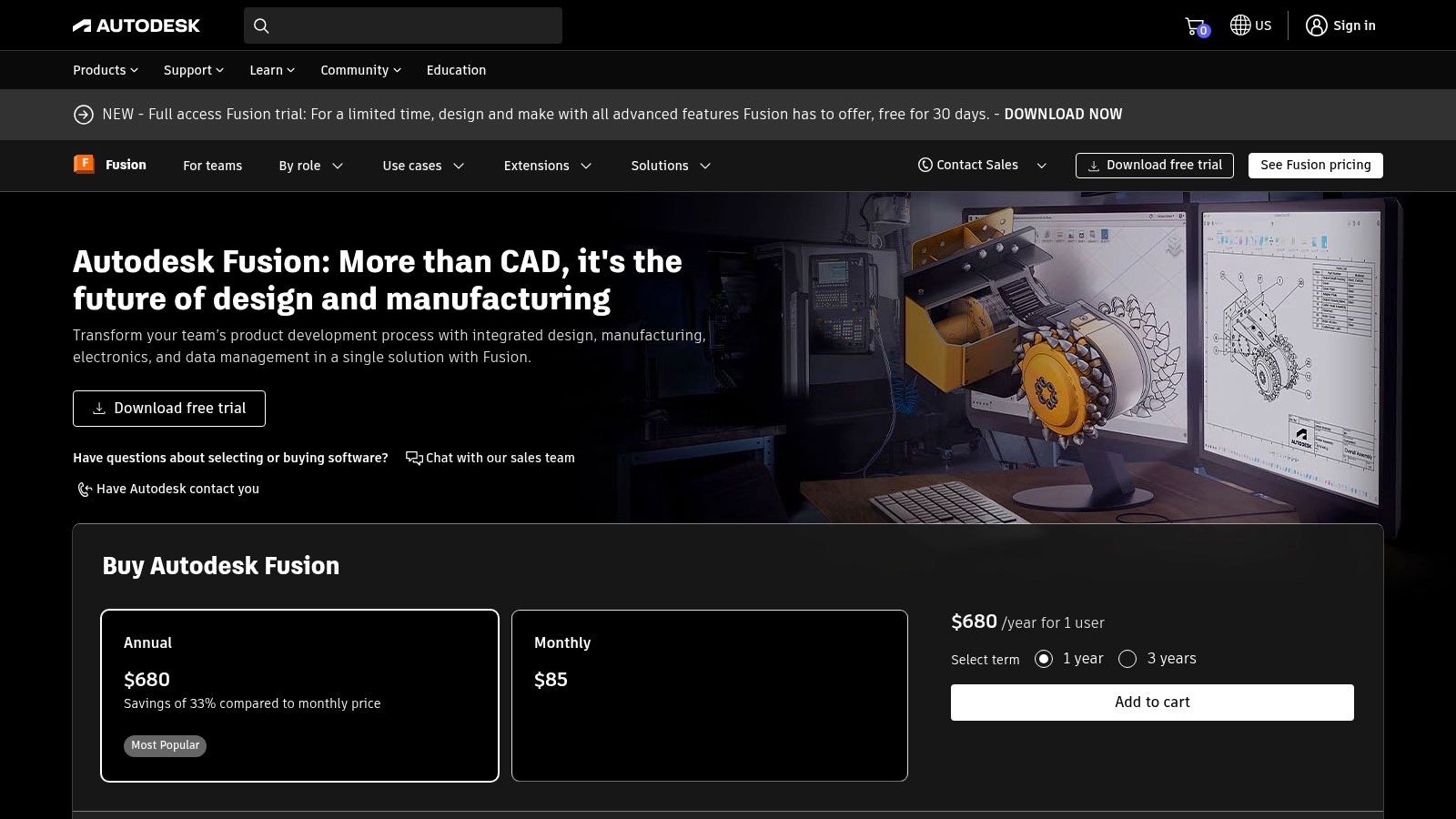
Autodesk Fusion 360 is a powerful and versatile generative design tool suitable for a wide range of users. Whether you're a hobbyist or a seasoned professional, Fusion 360 offers accessible design solutions. It combines CAD, CAM, CAE, and PCB design in a single cloud-based platform, providing a complete solution for the entire product development lifecycle. Its generative design capabilities allow users to explore innovative designs optimized for performance, weight, and material usage.
Fusion 360's generative design module lets you define your design goals and constraints. These include load requirements, material choices, manufacturing processes (like CNC machining or 3D printing), and cost limitations. The software uses AI-powered algorithms to explore numerous design possibilities, generating alternatives that meet your specific criteria. This can lead to significant improvements in product performance and efficiency, often creating lighter, stronger, and more sustainable designs.
Practical Applications and Use Cases
Here are some examples of how Fusion 360's generative design is applied:
-
Lightweighting for Aerospace: Design optimized parts for drones, aircraft, and spacecraft, reducing weight without compromising structural integrity.
-
Performance Optimization for Automotive: Create high-performance automotive components, such as engine and chassis parts, with improved strength-to-weight ratios.
-
Custom Medical Implants: Generate patient-specific implants and prosthetics tailored to individual needs.
-
Consumer Product Design: Explore innovative and visually appealing designs for consumer goods, optimizing for ergonomics and ease of manufacturing.
-
Robotics and Automation: Design lightweight and efficient robotic components.
Features and Benefits
Fusion 360 offers a range of features and benefits, including:
-
Cloud-Based Generative Design: Access AI-driven design exploration from anywhere with an internet connection.
-
Integrated Platform: Streamline your workflow with CAD, CAM, CAE, and PCB tools all in one place.
-
Constraint-Based Optimization: Fine-tune designs based on specific performance, weight, and material efficiency goals.
-
Real-Time Collaboration: Collaborate seamlessly with team members using version control and collaboration features.
-
Built-in Simulation: Validate generative designs with integrated simulation tools.
Pros and Cons
Like any software, Fusion 360 has its advantages and disadvantages:
Pros:
-
Comprehensive Solution: Covers the entire product development workflow.
-
Affordable Subscription Model: Offers various subscription options to fit different budgets.
-
Integration with Autodesk Products: Seamlessly integrates with other Autodesk software.
-
Regular Updates: Benefits from continuous development and new features.
Cons:
-
Additional Cost for Generative Design: Requires an additional subscription.
-
Resource Intensive: Complex studies can demand significant computing power.
-
Learning Curve: Mastering the software takes time and effort.
-
Cloud Dependence: Requires a stable internet connection.
Pricing and Technical Requirements
Fusion 360 has a variety of subscription plans, from free trials to paid options. Visit the Autodesk website for current pricing. As a cloud-based application, Fusion 360 requires a reliable internet connection. Hardware requirements depend on project complexity, but a modern computer with a dedicated graphics card is recommended.
Implementation/Setup Tips
Here are a few tips for getting started with Fusion 360:
-
Start with the Free Trial: Explore the basic features.
-
Use Online Resources: Take advantage of tutorials and forums.
-
Begin with Simple Studies: Start with smaller projects before tackling complex designs.
-
Ensure Stable Internet: Maintain a consistent internet connection for optimal performance.
Website: https://www.autodesk.com/products/fusion-360/overview
2. nTopology
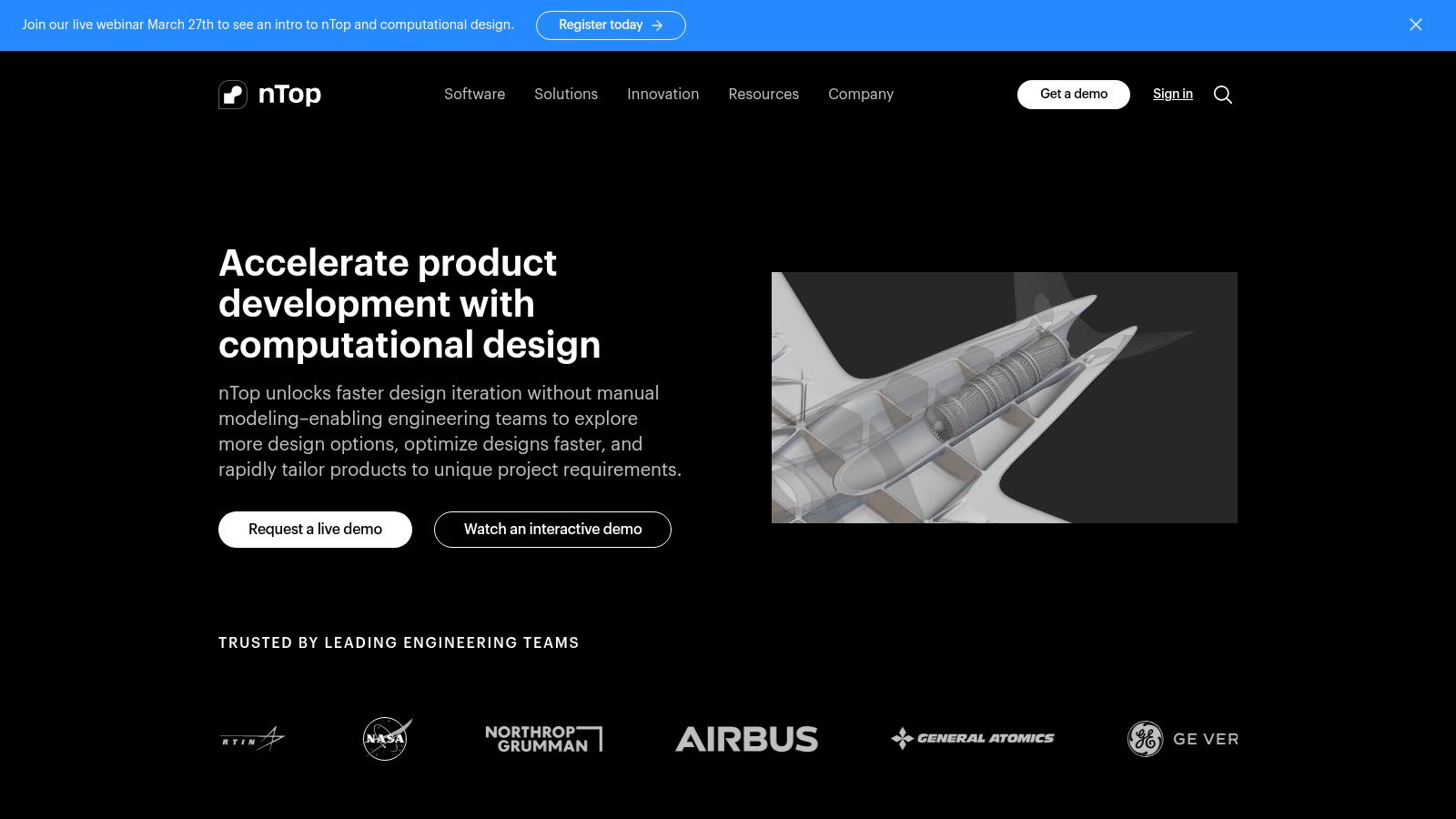
nTopology stands apart from traditional Computer-Aided Design (CAD) software by focusing on advanced manufacturing, especially additive manufacturing (3D printing). Its strength lies in creating complex, lattice-based, and topology-optimized designs that go beyond the limitations of conventional design. Think of designing a lightweight heat exchanger with intricate internal channels for optimal thermal management, or a custom medical implant with a precisely graded porous structure. These are the types of design challenges where nTopology shines.
At its core is implicit modeling, a technology that allows engineers to manipulate highly complex geometries without the performance slowdown often seen in traditional CAD. This makes it perfect for generative design workflows, where algorithms create and refine numerous design iterations. nTopology's field-driven design approach lets engineers define design parameters based on mathematical functions, providing fine-tuned control over material properties and structural performance.
Several specific features differentiate nTopology. These include advanced latticing tools for lightweighting and performance engineering, topology optimization capabilities to minimize material use while preserving structural integrity, and a seamless workflow from design and simulation to manufacturing. It also provides specialized tools for designing intricate components like heat exchangers and conformal cooling channels, which are essential for advanced manufacturing applications.
Advantages of Using nTopology
- High Performance with Complex Geometries: The implicit modeling engine handles intricate designs smoothly.
- Designed for Additive Manufacturing: Streamlines the entire process, from initial design to final 3D printing.
- Creation of Functionally Graded Materials: Offers precise control over material properties within a part.
- Automated Design with Block-Based Programming: Facilitates the creation of custom design workflows and automation.
Disadvantages of Using nTopology
- High Cost: Its specialized features come with a premium price tag.
- Difficult to Learn: The unique field-driven approach requires a different way of thinking compared to traditional CAD software.
- Not a Complete CAD Replacement: While powerful, nTopology may not have all the features of a general-purpose CAD package.
- Smaller User Base: Finding support and resources might be slightly more challenging compared to mainstream CAD tools.
While pricing isn't publicly listed, you can request a quote directly from nTopology. Technical requirements depend on the complexity of the designs and simulations, but a modern workstation with a dedicated graphics card is recommended. For those interested in exploring different design and coding methods, consider checking out these Examples from VibeCoding.
nTopology earns its place on this list because of its unique focus on advanced manufacturing and its capability to handle designs beyond the scope of traditional CAD tools. It empowers engineers to create truly innovative and optimized parts, pushing the limits of what's achievable in product design and manufacturing. If you work with complex geometries, generative design, and additive manufacturing, nTopology is a powerful tool worth considering. Learn more on their website: https://ntopology.com/
3. Siemens NX Generative Design
Siemens NX Generative Design is a powerful enterprise-grade solution for industrial design and manufacturing. It offers a robust set of tools perfect for large, complex projects, especially for organizations already working within the Siemens ecosystem. Its tight integration with other Siemens tools, advanced capabilities for complex assemblies, and focus on supporting regulated industries make it a standout choice.
NX Generative Design uses AI-driven algorithms, topology optimization, and design space exploration to create optimal designs based on your specific needs and constraints. For example, imagine designing a lightweight, yet strong component for an aircraft. NX Generative Design can explore numerous design possibilities, factoring in material properties, load conditions, and manufacturing limitations, to arrive at a design that surpasses traditional methods. Its strength lies in optimizing complex assemblies, making it particularly useful for industries like automotive and aerospace.
Key Features and Benefits
-
AI-Powered Generative Design: NX uses AI and machine learning to power its generative algorithms, leading to innovative and efficient design solutions. This helps engineers explore unconventional designs and potentially uncover groundbreaking solutions.
-
Seamless Integration: Tight integration with other Siemens tools like CAE (Computer-Aided Engineering), CAM (Computer-Aided Manufacturing), and PLM (Product Lifecycle Management) systems streamlines workflows from initial design to final production. This reduces data exchange issues and creates a digital thread throughout the product lifecycle.
-
Convergent Modeling: This technology allows designers to work seamlessly with facet, B-rep, and mesh models in the same environment. This simplifies the design process when working with complex geometries, particularly those imported from 3D scans.
-
Design Space Exploration and Multi-Objective Optimization: Define multiple objectives, such as minimizing weight while maximizing stiffness, and explore the trade-offs to pinpoint the optimal design.
-
Digital Twin Capabilities: Create and use digital twins to simulate and analyze product performance in a virtual environment. This leads to more informed design decisions and reduces the need for costly physical prototypes.
Pros
-
Enterprise-Grade Solution: Backed by Siemens, NX offers robust support, comprehensive training resources, and a proven track record in demanding industrial settings.
-
Deep Integration: Seamless integration with existing Siemens workflows makes it especially valuable for large enterprises already using NX for CAD, CAE, or CAM.
-
Powerful for Complex Applications: Effectively handles large assemblies and complex industrial design challenges.
-
Strong Compliance Tools: Supports regulated industries with features that assist in meeting industry standards and compliance requirements.
Cons
-
High Cost: The enterprise-grade features come with a high price tag, making it less accessible to smaller businesses or individual users. Pricing is typically quote-based and varies depending on specific modules and licensing agreements.
-
Complex Setup: Installation and deployment can be complex and may require dedicated IT support.
-
Steep Learning Curve: Mastering the advanced features requires significant time and training.
-
Less Agile: Compared to some newer cloud-based generative design tools, NX can feel less agile and may require more upfront investment in infrastructure.
Implementation Tips
-
Dedicated Resources: Set aside sufficient IT and engineering resources for deployment and training.
-
Pilot Projects: Begin with smaller, well-defined pilot projects to gain experience and demonstrate value before expanding usage.
-
Leverage Existing Data: Make the most of integration by using existing CAD, CAE, and PLM data within the Siemens environment.
Website: Siemens NX Generative Design
Siemens NX Generative Design is a powerful choice for larger organizations looking for a robust, integrated solution for advanced generative engineering within a well-established ecosystem. Its ability to handle complex assemblies, tight integration with other Siemens tools, and focus on supporting regulated industries make it a valuable asset for tackling challenging industrial design problems.
4. Altair Inspire
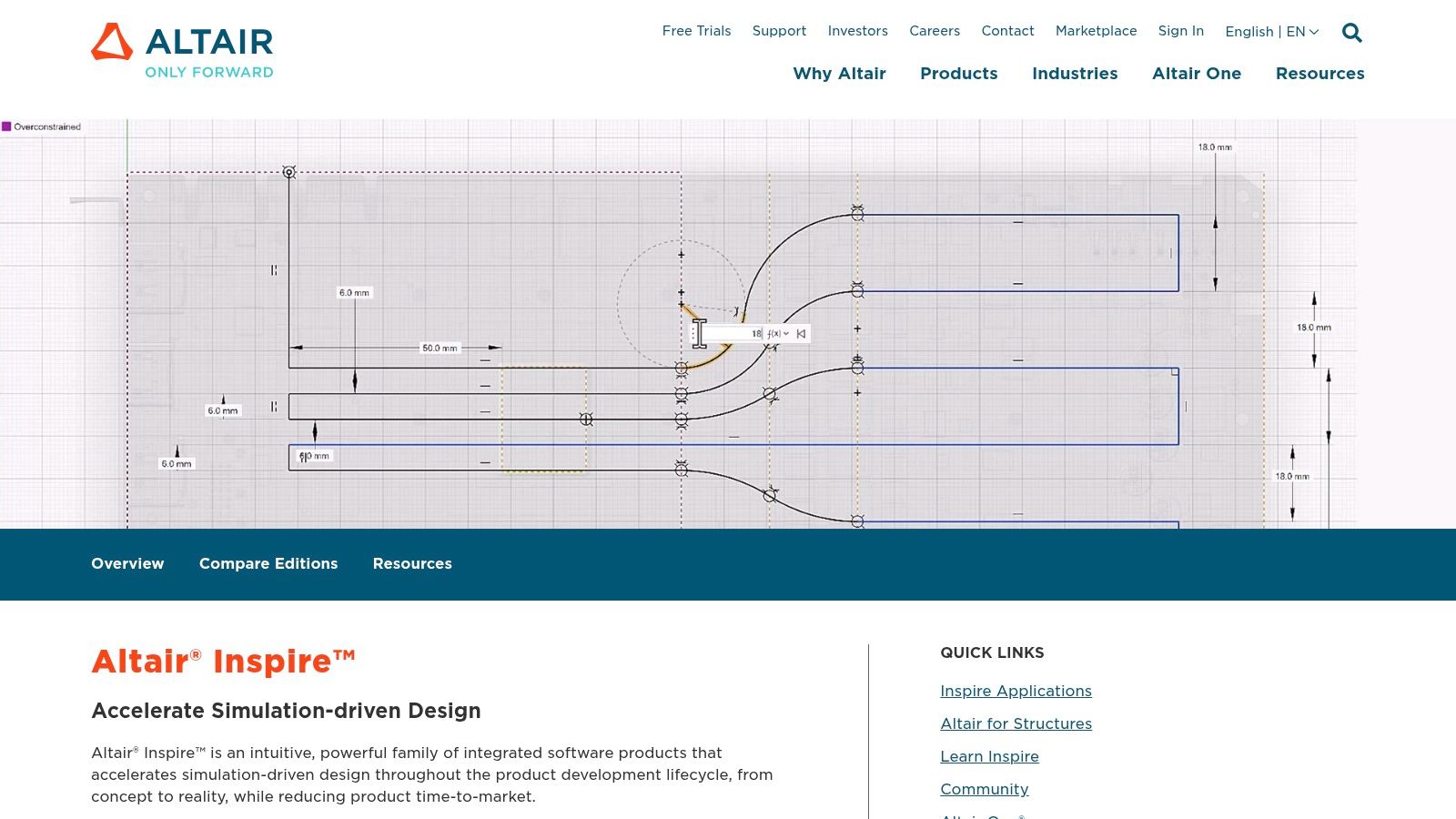
Altair Inspire empowers users to harness the power of generative design without needing extensive experience in Finite Element Analysis (FEA). It bridges the gap between initial design concepts and validating those designs by offering a streamlined workflow within a single platform. This makes it valuable for anyone seeking innovative design solutions, from experienced engineers to those just starting their design journey.
Practical Applications and Use Cases
Inspire excels in situations where optimizing a design’s structure is critical. Consider designing a lightweight chassis for a drone, a durable automotive part, or even an ergonomic bicycle frame. Inspire lets you define the design parameters, apply loads and constraints, and then generates optimal shapes that meet your specific needs. This can result in substantial weight reduction, enhanced performance, and lower material consumption.
Some practical applications include:
- Lightweighting: Creating components for aerospace, automotive, and consumer goods that minimize weight without compromising structural integrity.
- Performance Optimization: Boosting the stiffness, strength, and overall durability of designs under specific loading conditions.
- Manufacturing Feasibility Exploration: Assessing various manufacturing processes like additive manufacturing, casting, and machining from the outset of the design process.
- Concept Generation: Rapidly exploring a wide array of design possibilities early in the development cycle.
Features and Benefits
- Topology Optimization and Generative Design: Develop innovative designs based on your functional requirements and constraints.
- Integrated Motion and Stress Analysis: Evaluate how designs perform under real-world loading conditions.
- Manufacturing Feasibility Assessment: Factor in manufacturing limitations during the optimization process to ensure designs are actually producible.
- PolyNURBS Tools: Refine optimized designs into smooth, manufacturable forms.
- Support for Various Manufacturing Processes: Accommodates the constraints of additive manufacturing, casting, and traditional machining methods.
Pros
- User-Friendly Interface: Easy to learn, even for users without a deep understanding of FEA.
- Fast Design Exploration: Allows for quick iterations and optimization cycles, speeding up the design process.
- Balance of Ease of Use and Technical Capabilities: Combines intuitive workflows with robust simulation tools.
- Strong Support for Manufacturing Constraints: Helps ensure that optimized designs are practical and ready for production.
Cons
- Less Comprehensive than Altair HyperWorks: Doesn't offer the full range of advanced simulation features found in the complete HyperWorks suite.
- Limited Handling of Large Assemblies: Might encounter challenges with highly complex assemblies compared to dedicated enterprise CAD software.
- Primarily Focused on Structural Optimization: Not as well-suited for simulations involving thermal, fluid, or electromagnetic effects.
- Potential Need for Additional Software: Some advanced workflows may require integrating with other software packages.
Pricing and Technical Requirements
For specific pricing details, contact Altair directly, as costs can vary based on the license and modules needed. System requirements are available on the Altair website.
Comparison with Similar Tools
Inspire competes with software like nTopology Element, Autodesk Fusion 360 with Generative Design extension, and PTC Creo Generative Design. While each tool has its own advantages, Inspire distinguishes itself through its user-friendly approach and robust optimization features, appealing to both novice and experienced engineers.
Implementation/Setup Tips
- Begin with the tutorials and sample projects provided by Altair to become familiar with the software's interface and workflow.
- Clearly define your design goals and limitations before starting any optimization.
- Explore different manufacturing constraints to understand their influence on the generated designs.
- Utilize the PolyNURBS tools to refine and finalize the optimized geometry for production.
Why Altair Inspire Deserves Its Place on This List
Altair Inspire makes generative design more accessible to a broader range of users. Its intuitive interface, coupled with its strong emphasis on structural optimization and manufacturing feasibility, makes it a valuable asset for anyone seeking to innovate and push the boundaries of design.
Website: https://www.altair.com/inspire/
5. PTC Creo Generative Topology Optimization
PTC Creo Generative Topology Optimization (GTO) empowers engineers to create optimized designs within the familiar Creo parametric CAD environment. This extension uses generative design algorithms to produce efficient structures based on user-defined constraints and objectives. It's like having a powerful design assistant built into your Creo toolkit.
Instead of manually working through design options, Creo GTO lets you define the design space, apply loads and constraints (such as material properties and maximum stress), and specify manufacturing processes (like casting or 3D printing). The software then generates optimal solutions. This can significantly accelerate the design process, reduce material usage, and enhance product performance.
Practical Applications and Use Cases
-
Lightweighting: Optimize components for aerospace, automotive, and other weight-sensitive applications. Imagine designing a drone chassis that maintains strength while minimizing weight.
-
Performance Enhancement: Improve the stiffness and strength of parts under complex loads. Think of a bicycle frame optimized for maximum power transfer.
-
Manufacturing Optimization: Generate designs tailored for different manufacturing processes. For instance, design a complex part for additive manufacturing that reduces support structures and waste.
-
Rapid Prototyping: Quickly explore design iterations and optimize for specific performance criteria before physical prototyping.
Features and Benefits
-
Seamless Integration: GTO is integrated within Creo Parametric, streamlining the design process and reducing errors. No more importing and exporting between different software platforms.
-
Real-time Feedback: The tool provides instant feedback on design feasibility and performance, letting engineers quickly assess design changes.
-
Multi-Scenario Optimization: GTO supports multiple load cases and physics conditions for optimizing complex real-world scenarios.
-
Manufacturing Constraints: The software incorporates manufacturing constraints for various production methods (e.g., casting, forging, additive manufacturing) to ensure designs are manufacturable.
-
Smooth Transition to CAD: Optimized mesh results are easily converted into parametric B-rep models for further refinement.
Pros and Cons of Using Creo GTO
Here’s a quick overview of the advantages and disadvantages of using Creo GTO:
| Pros | Cons |
|---|---|
| Tight integration with existing Creo workflow | Requires a Creo base license plus the GTO extension (contact PTC for pricing) |
| Familiar environment for Creo users | Less specialized than platforms like nTopology |
| Strong manufacturing constraint support | More focused on topology than broader generative design |
| Bridges generative design and traditional CAD | Steeper learning curve for non-Creo users |
Implementation/Setup Tips
-
Define your design objectives and constraints before optimization.
-
Experiment with different manufacturing process constraints to explore potential solutions.
-
Use the real-time feedback to iterate and refine designs.
Why Creo GTO Deserves Its Place on the List
Creo GTO offers a compelling entry point into generative design for engineers already using Creo. Its tight integration with parametric modeling makes it a practical choice for businesses looking to leverage generative design within their current workflows. It streamlines the transition from initial concept to detailed engineering.
Website: https://www.ptc.com/en/products/creo/topology-optimization
6. Ansys Mechanical With Topology Optimization
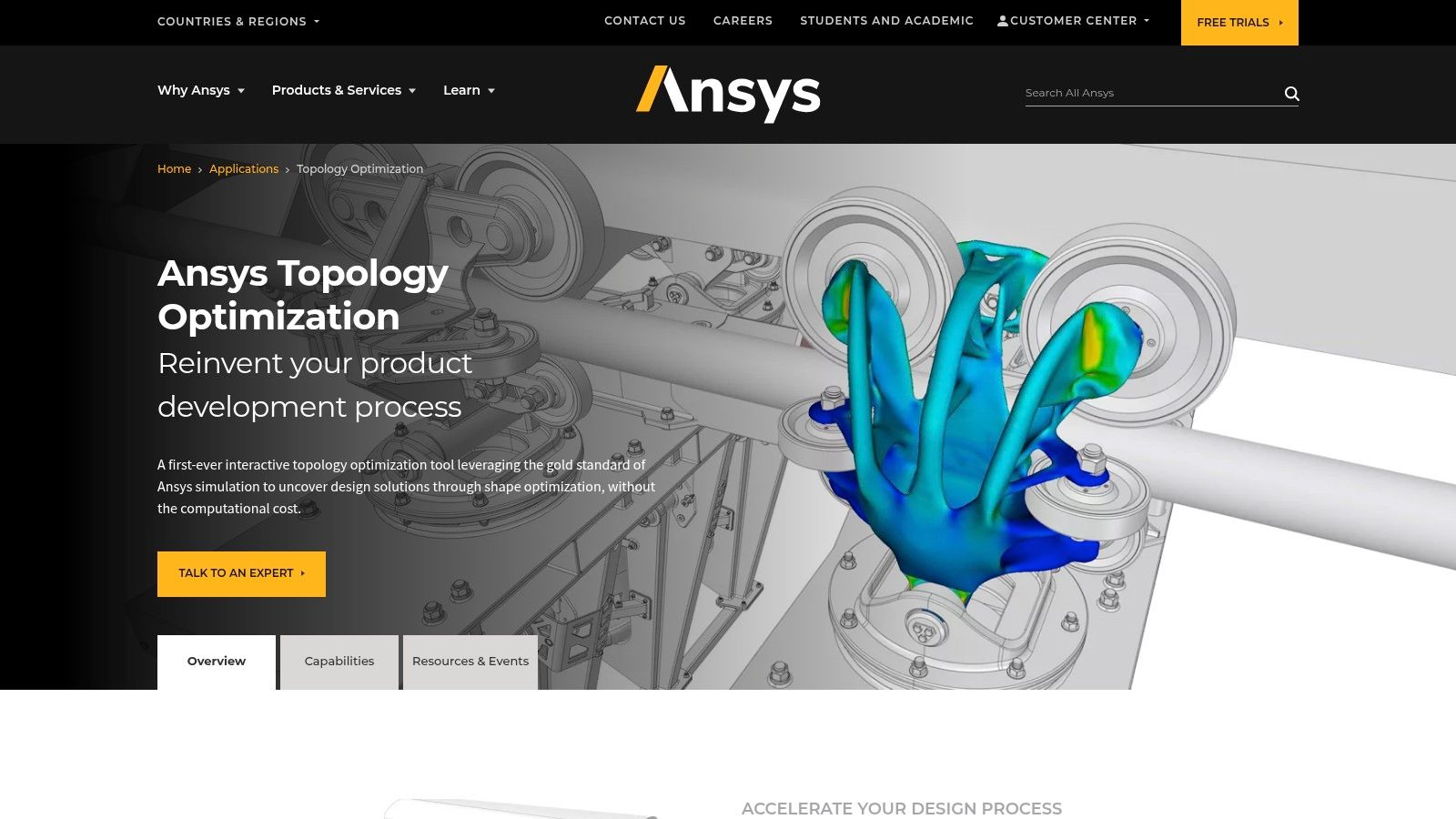
Ansys Mechanical with Topology Optimization stands out for its powerful integration of Finite Element Analysis (FEA) within a generative design framework. Unlike tools solely focused on form-finding, Ansys empowers engineers to go beyond conceptual design. They can directly validate how generated structures perform under realistic conditions.
This is especially critical for applications like aerospace components, automotive parts, and medical implants where structural integrity is essential.
Imagine designing a lightweight drone chassis. With Ansys, you can define constraints like aerodynamic loads, motor mounts, and battery placement. The software then generates the optimal structural topology.
You can even simulate the chassis’s vibrations during flight and account for heat stresses from the motors. This ensures real-world performance and reliability. This sets Ansys apart from Computer-Aided Design (CAD)-centric generative design tools, which often lack these simulation capabilities.
Key Features and Benefits
-
Advanced Topology Optimization Integrated with FEA: This streamlines the generative design process, enabling quick iteration and analysis.
-
Multi-physics Simulation: Incorporate thermal, vibration, and fatigue analysis into your generative design process. This is vital for real-world applications.
-
Additive Manufacturing Support: Design lattice structures and consider manufacturing constraints within the generative design process.
-
Design Exploration Tools: Conduct parameter studies and explore various optimization scenarios to refine your design.
-
Automated Meshing and Setup: Automated tools reduce manual effort and accelerate the generative workflow.
Pros
-
Accuracy: Offers exceptional accuracy in simulating and validating generative designs.
-
Multi-physics Capabilities: Provides comprehensive multi-physics capabilities.
-
Trusted Platform: A trusted and validated platform used in critical industries.
-
Complex Challenges: Powerful enough to handle complex engineering challenges.
Cons
-
Cost: Higher cost, geared towards enterprise users.
-
Learning Curve: Steeper learning curve, requiring simulation expertise.
-
Analysis Focus: More analysis-focused than design creation, compared to CAD-centric tools.
-
Resource Intensive: Resource-intensive for complex simulations.
Pricing and Technical Requirements
Ansys offers flexible licensing options. Contact Ansys directly for specific pricing. System requirements depend on simulation complexity but generally require a powerful workstation with considerable processing power and memory. You might be interested in: Our resources on VibeCoding.
Comparison With Similar Tools
While tools like nTopology and Autodesk Fusion 360 offer generative design, Ansys excels in simulation depth and accuracy. This makes it more suitable for performance-critical applications requiring validation against real-world conditions.
Implementation Tips
-
Define Objectives: Start with a well-defined design space and clear optimization objectives.
-
Use Resources: Use Ansys's documentation and tutorials to learn best practices.
-
Start Simple: Begin with simpler models to familiarize yourself with the workflow before tackling complex projects.
Website
7. Onshape Generative Design
Onshape Generative Design stands out as the first full-cloud CAD system with integrated generative design capabilities and built-in data management. This means the entire design process, from concept generation to refinement, happens within a collaborative, browser-based environment. Accessible from any device, it’s a powerful tool for distributed teams and anyone looking to leverage the power of generative design without traditional software installations.
Instead of manually iterating through design options, Onshape allows engineers to define specific constraints and objectives. These might include material usage, weight limits, and performance requirements. The generative design engine then algorithmically explores possibilities to meet these criteria, often uncovering innovative solutions. Imagine designing a lightweight drone chassis: input the desired strength, weight, and mounting points, and Onshape generates multiple optimized designs.
This cloud-based approach offers several key advantages. Real-time collaboration with version control ensures everyone is working with the most up-to-date design. Instant sharing and feedback streamline reviews, allowing for rapid iteration and faster development. The integrated data management system keeps all generative design studies organized and accessible. For example, when developing a bicycle frame, you can easily compare different generative studies exploring various materials and load cases, all within the same platform.
Features and Benefits
- Cloud-based generative design integrated with a full-cloud CAD platform
- Real-time collaboration with version control
- Accessibility from any device with a web browser
- Instant sharing and feedback on design concepts
- Integrated data management for generative design studies
Pros and Cons
| Pros | Cons |
|---|---|
| No software installation or updates required | Generative capabilities not as extensive as specialized tools |
| Subscription model with predictable pricing | Requires continuous internet connection |
| Excellent for collaborative, remote teams | Performance dependent on internet speed for complex operations |
| Modern user interface with a lower learning curve | Newer to the generative design space |
While Onshape’s generative design capabilities might not be as comprehensive as dedicated software like Autodesk Fusion 360, its seamless CAD platform integration and collaborative features make it compelling. This is especially true for teams prioritizing accessibility and streamlined workflows. You might be interested in this guide on Three.js for visualizing your Onshape creations in interactive 3D.
Website
Onshape’s subscription pricing model offers various tiers, from individual makers to large enterprises. Contact Onshape directly for detailed pricing. Technical requirements are minimal: a device with a web browser and a stable internet connection. This positions Onshape as a highly accessible solution for exploring the potential of generative design.
Generative Design Tools: Head-to-Head Comparison
| Tool | Core Features ★ | UX & Collaboration 🏆 | Value/Price 💰 | Target Audience 👥 | Unique Selling Points ✨ |
|---|---|---|---|---|---|
| Autodesk Fusion 360 | Cloud CAD, AI generative design, integrated CAE/CAM/PCB | Real-time collaboration; moderate learning curve | Affordable subscription; extra for generative module | Engineers & product developers | All-in-one workflow, regular updates |
| nTopology | Field-driven design, lattice tools, topology optimization | High performance; steep learning curve | Premium price for niche, advanced manufacturing | Advanced engineers, additive manufacturing experts | Handles complex geometries, design automation |
| Siemens NX Generative Design | AI-powered generative design, simulation, digital twin | Complex interface; robust enterprise support | High cost; enterprise-grade | Large enterprises, industrial design teams | Deep PLM integration, compliance tools |
| Altair Inspire | Generative design with motion/stress analysis, manufacturing checks | User-friendly; fast iteration cycles | Competitive pricing; accessible value | Engineers focused on structural optimization | Balanced ease-of-use and power |
| PTC Creo GTO | Parametric integration, mesh-to-Brep conversion, topology optimization | Seamless for Creo users; steeper for non-users | Requires Creo license plus GTO extension | Traditional CAD engineers, existing Creo users | Bridge between generative and parametric design |
| Ansys Mechanical | Advanced FEA, multi-physics, automated meshing for optimization | Simulation-intensive; steep learning curve | Enterprise pricing; superior simulation | Critical industry teams, simulation experts | Industry-leading accuracy, comprehensive analysis |
| Onshape Generative Design | Cloud-based CAD, built-in generative design, real-time version control | Modern UI; accessible; dependent on internet | Predictable subscription model | Collaborative teams, remote workers | Web accessibility, instant sharing |
Elevate Your Designs With Generative Power
The future of product development hinges on using intelligent tools that enhance human creativity and ingenuity. Generative design software is leading this charge, giving engineers and designers the power to create optimized, innovative, and sustainable products. By exploring the options discussed here, you can find the generative design software that best fits your needs and begin a journey of expanded design possibilities.
Selecting the right generative design tool depends on several factors. Start by considering your current software ecosystem. If you're already using a CAD platform like Fusion 360 or Siemens NX integrating their generative design modules might be the easiest route.
For those looking for specialized topology optimization, tools like nTopology and Altair Inspire provide advanced features. Think about the specific requirements of your projects. Are you focused on lightweighting, structural performance, or exploring complex geometries? Matching the tool's strengths to your objectives is key.
Getting Started With Generative Design
Beginning with generative design often involves defining your design space, constraints, and objectives. Familiarize yourself with the software’s interface and tutorials. Start with simpler projects to understand the core concepts before taking on complex designs. Most platforms provide thorough documentation and support resources to guide you.
Budget and resource considerations are also important. Some tools offer free trials or educational licenses, letting you explore their capabilities before subscribing. Consider the computational resources needed for generative design. Cloud-based solutions can reduce the need for powerful local hardware but might have recurring costs.
Integration and Compatibility
Integration and compatibility are essential for a smooth workflow. Ensure the chosen software works well with your existing CAD, CAE, and CAM tools. Data exchange formats and API accessibility can significantly affect your efficiency.
Key Takeaways:
- Generative design facilitates innovation and optimization in product development.
- Selecting the right tool depends on your specific needs, current software, and budget.
- Begin with simpler projects and use available learning resources.
- Consider computational resources and cloud-based solutions.
- Seamless integration with existing workflows is critical.
In closing, the world of generative design software offers a variety of tools to empower designers and engineers. From established CAD platforms to dedicated topology optimization software, there's a solution for every experience level and project scope. By carefully considering your needs and exploring the available choices, you can unlock the potential of generative design and move toward a future of increased creativity and efficiency.