The Digital Transformation of Today's Classrooms
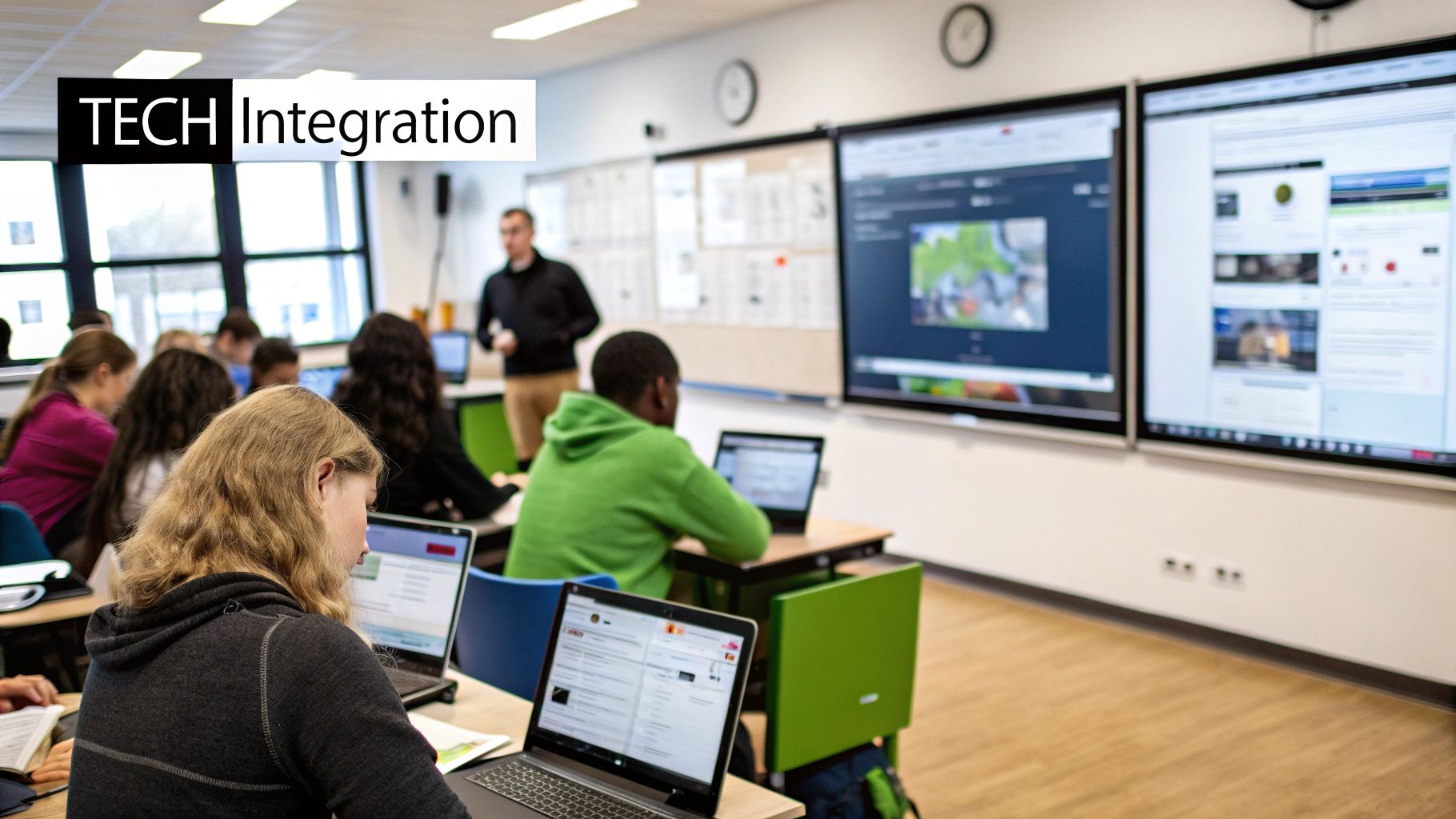
Integrating technology into the classroom has significantly changed the learning experience for both students and teachers. This shift moves away from traditional teacher-focused instruction, creating a more interactive, dynamic, and student-centered environment. This transformation goes beyond simply replacing chalkboards with smartboards. It involves rethinking teaching methods, curriculum design, and the student-teacher dynamic. Learning is no longer confined to the classroom; it extends into the digital world, providing opportunities for learning anytime, anywhere.
Evolving Roles and Expectations
The digital transformation impacts the roles of both teachers and students. Teachers are shifting from being the primary source of information to becoming facilitators of learning. They guide students as they explore the vast online resources available.
Teachers can now curate online content, create interactive learning activities, and give personalized feedback through digital platforms like Google Classroom. Students are also taking on more active roles in their education. They take ownership of their learning and develop essential digital literacy skills.
This shift influences classroom expectations as well. Students today, having grown up surrounded by technology, expect engaging and interactive learning experiences. They are used to accessing information instantly and collaborating online with peers. Integrating technology in the classroom is no longer optional; it's crucial for meeting these evolving expectations. This requires equipping students with skills to critically evaluate online information, practice responsible digital citizenship, and use technology for creative expression and problem-solving.
In recent years, technology has become deeply integrated into classroom learning. A Gallup study found that roughly 65% of teachers use digital learning tools daily for instruction, while 53% report their students use these tools daily for learning. Additionally, 57% of students confirmed using digital learning tools daily at school. Discover more insights about technology use in schools.
To further understand the current landscape of technology adoption in education, let's examine the following table:
Technology Adoption Rates in Education
Comparison of technology usage statistics across different educational stakeholders
| Stakeholder Group | Daily Technology Usage Rate | Primary Tools Used |
|---|---|---|
| Teachers | 65% | Digital learning platforms, interactive whiteboards, educational software |
| Students | 57% | Online learning platforms, educational apps, research databases |
| Administrators | 70% (estimated) | Data management systems, communication platforms, learning management systems |
This table highlights the varying levels of technology use among different stakeholders in education. While both teachers and students demonstrate substantial daily usage, administrators are likely leveraging technology even more for management and communication purposes. The specific tools used also vary depending on the group and their needs.
Varying Adoption Patterns
While technology integration is increasing overall, adoption rates vary across grade levels and subjects. Younger students might use interactive learning games and educational apps, while older students utilize more complex software and online research platforms.
Similarly, subjects like science and math can use simulations and virtual labs. Humanities subjects can utilize digital storytelling and online collaboration tools. This variation emphasizes the need for a nuanced approach to technology integration. It is important to consider the specific needs of each student group and the unique benefits of different digital tools. Understanding the current digital landscape and student skills is vital for developing a successful technology integration strategy that improves teaching and learning.
Beyond The Hype: Real Benefits of Classroom Technology
Integrating technology in the classroom offers more than just flashy gadgets. It provides tangible benefits that truly enhance the learning experience. This goes beyond surface-level engagement and delves into how technology can reshape how students learn, process information, and prepare for the future. Think of it as an upgrade that empowers educators to reach students more effectively and opens doors to a wider range of learning opportunities.
Improved Information Retention and Personalized Learning
Technology allows for varied learning experiences catering to diverse learning styles. Interactive simulations, videos, and gamified learning platforms transform abstract concepts into concrete, engaging activities. Imagine learning about the solar system through a virtual reality experience instead of reading a textbook. This immersive approach can significantly enhance information retention.
Additionally, technology facilitates personalized learning. Adaptive learning platforms tailor lessons to each student's pace and skill level, ensuring no one is left behind. This individual attention helps address learning gaps and promotes mastery of the subject matter.
Technology has enhanced student engagement. According to a 2023 survey, 76% of students believe that technology makes learning more engaging. Moreover, 90% of teachers report that technology helps them assess student learning more effectively. Find more detailed statistics here: Technology in Education: Promoting Student Engagement. This increased engagement and personalized approach lead to more effective learning and improved student outcomes. You might be interested in: How to master tech integration.
Enhanced Collaboration and Digital Literacy
Beyond individual learning, technology fosters collaboration among students. Online platforms and collaborative tools enable students to work together on projects, share ideas, and learn from each other, regardless of location. This mirrors professional collaboration in the modern workplace, preparing students for future careers.
Furthermore, integrating technology naturally cultivates essential digital literacy skills. Students learn to navigate digital environments, evaluate online information critically, and use technology responsibly. This digital fluency is a fundamental requirement for success. These skills equip students to thrive in higher education and future careers.
Bridging Achievement Gaps and Fostering 21st-Century Skills
Technology plays a crucial role in bridging achievement gaps by providing personalized support and access to a wealth of resources. Students from disadvantaged backgrounds often lack access to quality educational resources. Technology can help level the playing field by providing these students with the tools and support they need.
Moreover, integrating technology goes hand-in-hand with developing vital 21st-century skills, including critical thinking, problem-solving, creativity, and communication. These skills are essential for academic success and for navigating the complexities of the modern world. Technology provides a platform for students to develop and apply these skills, preparing them to be informed, engaged citizens of the future. Through thoughtful implementation, technology can be a powerful tool for promoting equity and empowering all students to reach their full potential.
The Technology Toolkit: What Actually Works
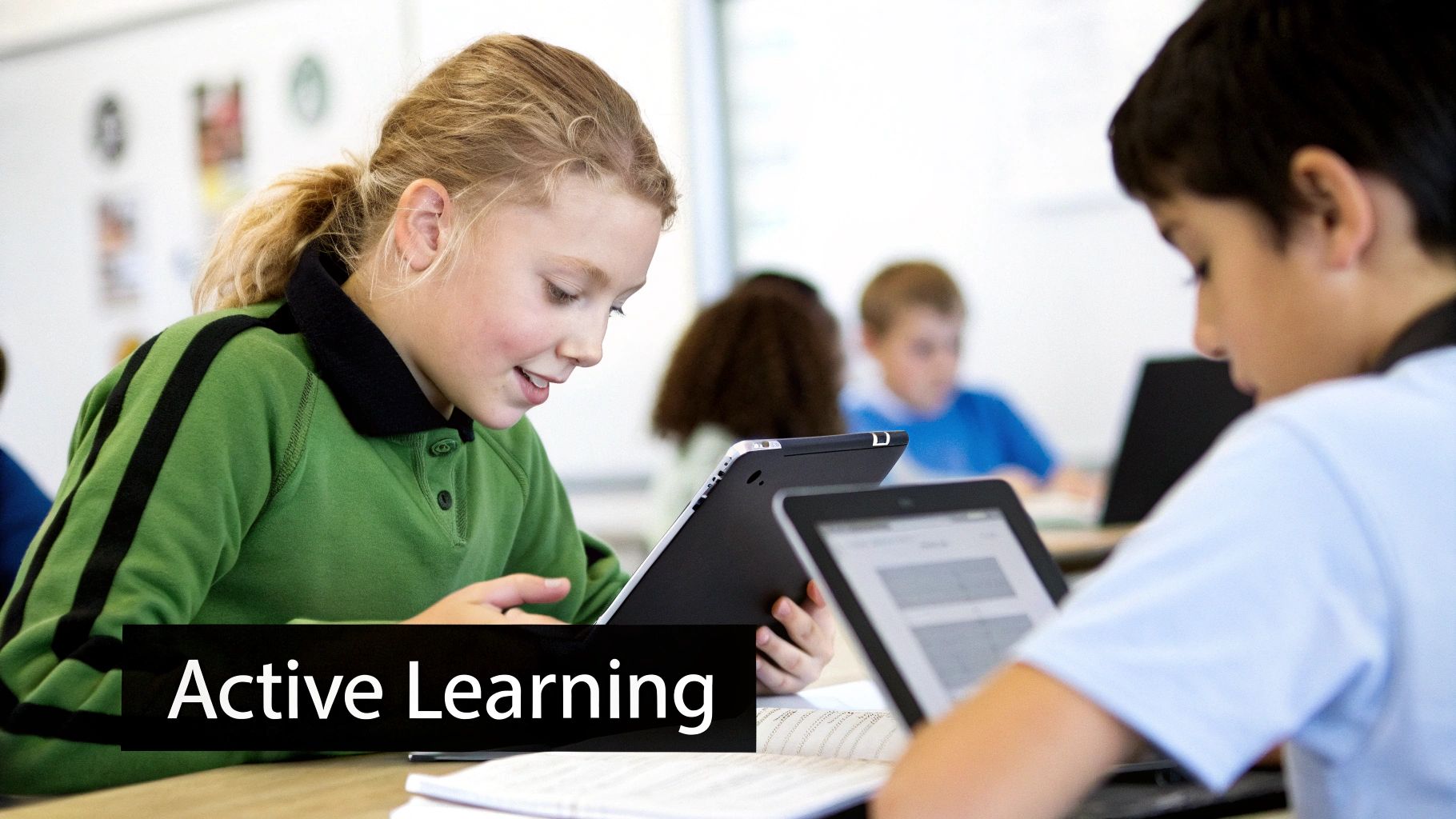
The abundance of educational technology can be overwhelming. This section helps pinpoint the tools that truly enhance classroom integration. We'll explore key tool categories every classroom needs, focusing on practical application and impact.
Essential Technology Categories
Effective integration depends on selecting the right tools for the right tasks. This means understanding the strengths of each category and how they support different learning objectives. Consider these categories the foundation of your technology toolkit.
- Learning Management Systems (LMS): An LMS serves as a central hub for coursework, assignments, and communication. It streamlines workflows and provides a structured online learning environment.
Popular LMS platforms include Google Classroom, Canvas, and Moodle. These allow teachers to organize materials, distribute assignments, provide feedback, and track student progress.
- Assessment Platforms: These tools provide valuable insights into student understanding, identifying areas needing extra support. They go beyond simple grading to offer detailed analytics and personalized feedback.
Examples include Quizizz, Kahoot!, and Socrative. These platforms often incorporate gamification to boost engagement and motivation.
- Content Creation Tools: These empower teachers and students to create and share engaging multimedia content. This encourages student creativity and allows for personalized expression.
Examples include video editing software, presentation tools like Google Slides and Microsoft PowerPoint, and interactive whiteboard apps.
- Collaboration Platforms: These facilitate communication and teamwork, enabling student collaboration on projects, idea sharing, and peer learning.
Examples include Google Docs, Microsoft Teams, and collaborative whiteboard apps. These tools mirror real-world collaborative environments, building essential skills.
To help visualize the options available, let's look at some specific tools and their applications:
Top Educational Technology Tools by Purpose
| Purpose | Recommended Tools | Key Features | Best For |
|---|---|---|---|
| Learning Management | Google Classroom, Canvas, Moodle | Assignment distribution, grading, communication, progress tracking | Organizing coursework, online learning environments |
| Assessment | Quizizz, Kahoot!, Socrative | Interactive quizzes, polls, gamified assessments, data analytics | Engaging assessments, progress monitoring |
| Content Creation | Google Slides, Microsoft PowerPoint, video editing software | Presentation creation, multimedia editing, interactive elements | Student projects, teacher presentations, digital storytelling |
| Collaboration | Google Docs, Microsoft Teams, collaborative whiteboards | Real-time co-editing, communication channels, shared workspaces | Group projects, brainstorming, peer feedback |
This table showcases how different tools cater to specific classroom needs. Selecting the right combination can significantly enhance learning outcomes.
Hidden Capabilities and Budget-Friendly Alternatives
Many popular platforms offer hidden capabilities beyond their basic functions. For example, Google Classroom integrates seamlessly with other Google apps, allowing for interactive assignments and real-time feedback. Discovering these features can greatly enhance integration efforts.
Many excellent, budget-friendly alternatives to premium solutions exist. Open-source software and free online tools often provide similar functionality. Exploring these options can maximize resources and ensure access for all students. You might be interested in: How to master tech integration.
Teacher-Recommended Game-Changers
Experienced educators often highlight specific tools that have significantly impacted their classrooms. These game-changers often include interactive whiteboards, transforming traditional lessons into dynamic, engaging experiences.
Student response systems and digital storytelling platforms empower student participation and creative expression. Learning from other educators helps identify tools likely to make a difference in your classroom. These teacher-tested tools provide a powerful starting point for meaningful and effective technology integration.
Breaking Through Barriers to Effective Integration
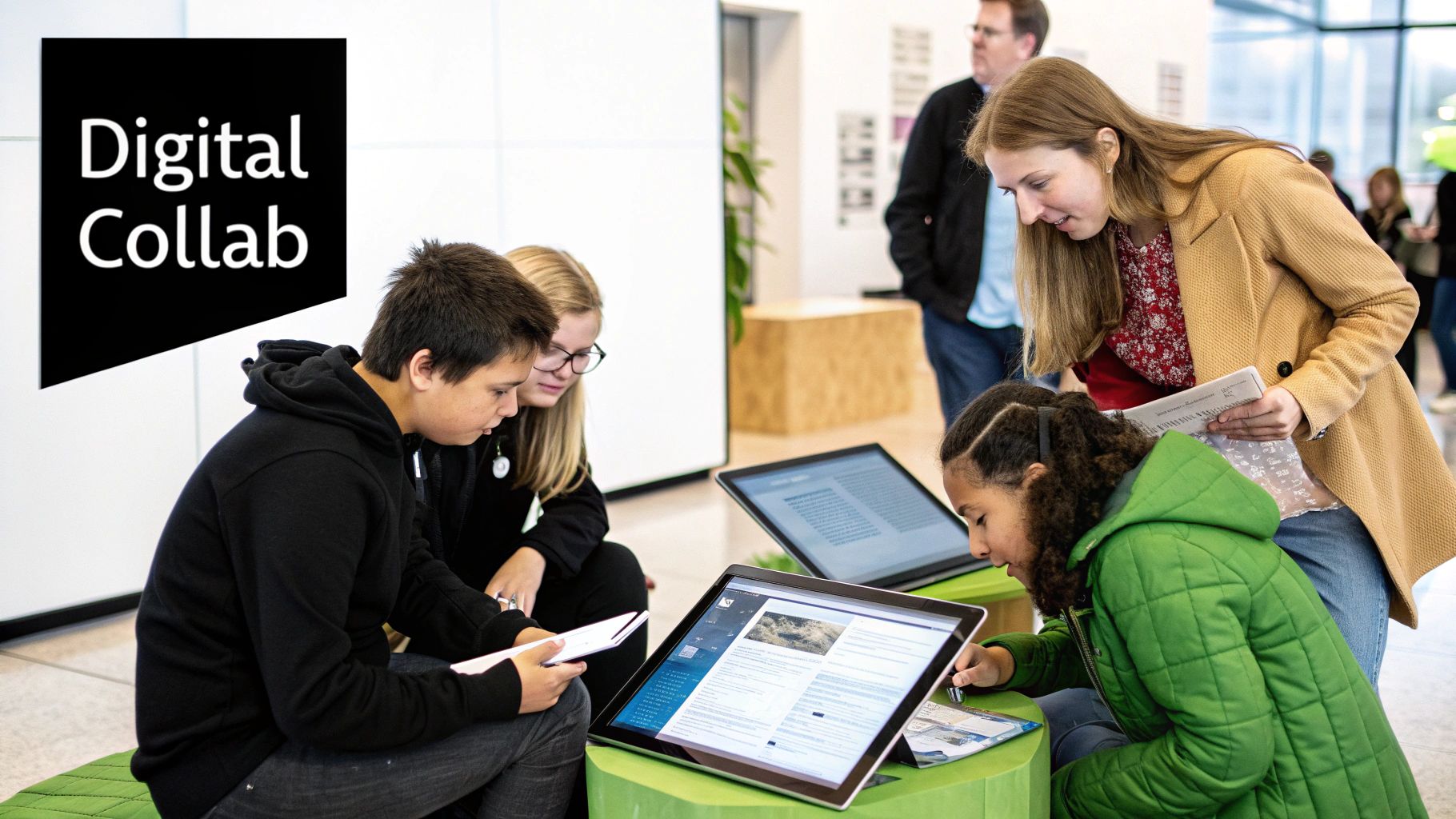
Integrating technology into classrooms presents unique challenges. While funding is often a concern, other obstacles can hinder successful implementation. This section explores these often overlooked barriers and offers practical solutions for overcoming them. It emphasizes the importance of addressing both human and systemic factors for successful technology integration.
Beyond Budget: Addressing Hidden Challenges
Budget limitations are a common roadblock, but other less obvious challenges often derail technology initiatives. These less-discussed issues can have a significant impact on the success of technology integration in the classroom.
-
Infrastructure Limitations: Insufficient bandwidth, outdated hardware, and inadequate technical support can significantly impede effective technology use. Slow internet speeds, old computers, and a lack of technical expertise can lead to frustration for both teachers and students. This can make technology integration feel like a burden rather than a valuable tool.
-
Professional Development Gaps: Teachers need ongoing training to confidently and effectively integrate new technologies into their teaching. Without adequate professional development opportunities, even the most cutting-edge tools can go unused or be underutilized.
-
Lack of Administrative Buy-In: Successful technology integration requires enthusiastic support from school leadership. Administrators play a crucial role in championing the initiative, allocating resources, and fostering a school culture that embraces innovation.
-
Equity Concerns: The digital divide remains a significant challenge. Not all students have equal access to technology outside of school. This disparity must be addressed to ensure technology enhances learning for every student, regardless of background. Access to reliable technology is becoming increasingly critical for academic success, especially with the rise of online learning.
The COVID-19 pandemic dramatically accelerated the use of technology in classrooms worldwide. The sudden shift to online learning forced teachers and students to quickly adapt and acquire new technological skills. Teachers began using digital platforms like WhatsApp and Google Groups to connect with students outside of the traditional classroom setting. To learn more about this shift, explore this research: The Impact of the Pandemic on Technology in Education.
Building Confidence and Securing Support
Overcoming these barriers requires a comprehensive, multi-faceted approach. Schools need to implement strategies that address both the practical and human aspects of technology integration.
-
Targeted Professional Development: Providing teachers with training focused on specific tools and technologies they'll be using is essential. Ongoing professional development should incorporate best practices for integrating technology into various subjects and grade levels. Resources like Vibecoding VIP offer valuable support and guidance.
-
Building Teacher Confidence: Cultivating a supportive environment where teachers feel comfortable experimenting with new technologies and asking for help is crucial. Mentorship programs and peer-to-peer learning opportunities can foster confidence and encourage innovation in the classroom.
-
Securing Administrative Buy-In: Communicating the benefits of technology integration to school leaders is key. Highlighting its potential to improve student outcomes and prepare students for the future is vital. Presenting data and research that demonstrates the effectiveness of technology in education can be persuasive.
-
Addressing Equity Concerns: Providing devices and internet access for students who lack them at home is a critical step towards closing the digital divide. Exploring partnerships with local organizations and internet providers can help offer affordable internet access to low-income families.
Developing Sustainable Implementation Plans
Effective technology integration goes beyond simply buying new devices. Schools must develop sustainable, long-term implementation plans. These plans should address ongoing needs and ensure continued success.
-
Ongoing Technical Support: Teachers need access to reliable technical support when problems arise. This might involve on-site technicians, online help desks, or peer support networks. Reliable technical support is essential for minimizing frustration and maximizing the use of technology in the classroom.
-
Continuous Evaluation and Refinement: Regular evaluation of technology integration initiatives is vital. Gathering feedback from teachers, students, and parents can identify areas for improvement and ensure technology effectively supports student learning. Using this data to refine implementation plans is crucial for long-term success.
By proactively addressing these challenges, schools can create learning environments where technology truly enhances education for everyone. This forward-thinking approach ensures technology serves as a powerful tool to achieve educational goals and equip students for a successful future.
Designing Spaces Where Technology Enhances Learning
Integrating technology into the classroom involves more than just providing devices. It's about creating an environment where technology truly elevates the learning process. This requires a thoughtful classroom layout that supports both digital and traditional activities, efficient device management strategies, and a culture of responsible technology use. Imagine your classroom as a dynamic learning ecosystem where technology and teaching methods work in harmony.
Optimizing Classroom Layout for Technology Integration
The physical setup of your classroom plays a significant role in how effectively technology is used. Consider layouts that promote flexible transitions between individual focused work and collaborative learning. A combination of individual desks and group workspaces, for example, enables students to easily move from independent online research to collaborative projects using shared digital tools.
-
Flexible Furniture: Mobile desks and chairs facilitate quick classroom reconfigurations to accommodate different learning activities. This adaptability is essential for effectively incorporating technology into various lessons and group sizes.
-
Designated Tech Zones: Specific areas for charging stations, device storage, and collaborative technology use minimize distractions and simplify device management. This structured approach encourages a sense of order and purposeful technology use.
-
Ergonomics: Consider the placement of screens and keyboards to ensure student comfort and minimize eye strain during extended periods of technology use. Attention to these details contributes to improved student focus and engagement during digital learning.
Effective Device Management and Smooth Transitions
Minimizing disruptions during technology integration is essential for maintaining student focus. This requires implementing clear protocols and routines for device handling, usage, and storage.
-
Clear Procedures: Establish consistent routines for distributing and collecting devices to reduce wasted time and effectively manage the classroom. This predictability helps establish a sense of order and efficiency.
-
Charging Stations and Storage: Designated areas for charging and storing devices help keep the classroom organized and ensure devices are ready when needed. Easy access and organization maximize learning time.
-
Tech Support Protocols: Establish clear procedures for quickly and efficiently resolving technical problems. This proactive approach minimizes disruptions and keeps students on track with their learning.
You might be interested in: How to master tech integration in your classroom setup.
Fostering Digital Citizenship and Learning Objectives
Successfully integrating technology requires teaching students responsible digital citizenship. This includes establishing clear expectations for online behavior, promoting ethical use of technology, and ensuring technology supports, rather than hinders, learning goals.
-
Digital Citizenship Norms: Create a classroom agreement outlining expectations for respectful online communication, responsible internet use, and appropriate device usage. This fosters a sense of shared responsibility.
-
Integrating Technology Purposefully: Ensure each technology activity has a clear educational purpose aligned with learning objectives. Technology should enhance, not replace, meaningful learning experiences.
-
Balance Between Digital and Traditional: Maintain a balance between digital and traditional learning methods to provide a well-rounded education. Thoughtfully integrating technology allows it to complement and enrich existing teaching practices. This approach ensures that technology serves as a valuable tool for achieving learning objectives and developing crucial 21st-century skills.
Measuring What Matters: Evaluating Tech's Impact
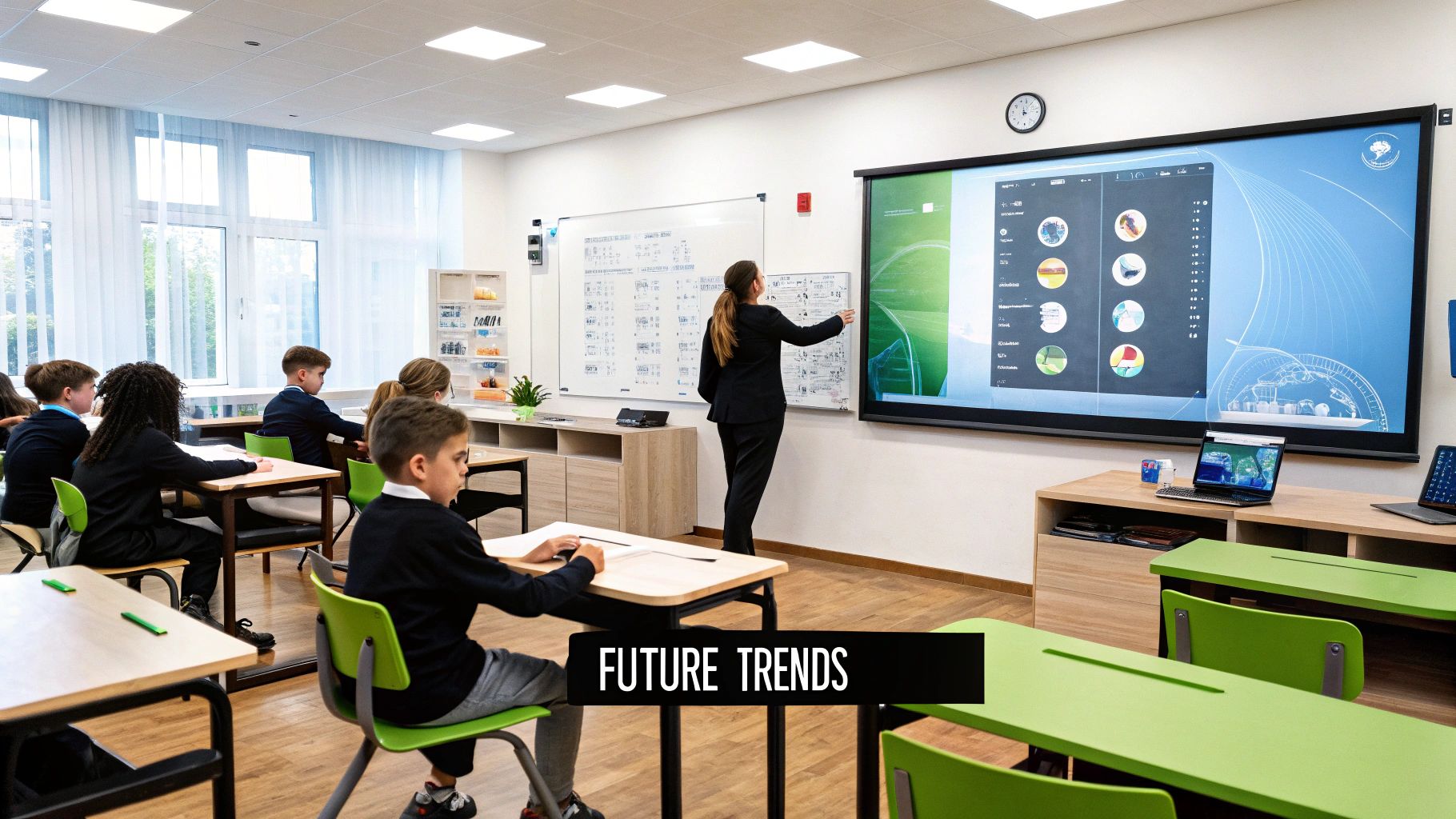
Integrating technology into the classroom requires a thoughtful approach. It's not enough to simply introduce new tools; we must continuously evaluate their effectiveness. This goes beyond tracking basic usage metrics. We need to understand how technology truly influences learning outcomes, considering both quantitative improvements and qualitative transformations in student learning.
Developing Comprehensive Assessment Strategies
Traditional metrics like test scores are still important, but they only paint part of the picture. Technology aims to enhance skills like critical thinking, collaboration, and digital literacy. These skills often require alternative assessment methods. We need strategies that capture a more holistic view of student development.
Project-based assessments, for example, can reveal a student's ability to apply technology creatively and collaboratively to solve real-world problems. These assessments offer a deeper insight into practical application and problem-solving skills.
Additionally, technology facilitates more frequent and diverse assessments. Online quizzes, interactive simulations, and digital portfolios offer continuous insights into student progress. This allows educators to identify learning gaps early and provide targeted intervention and personalized support, creating a valuable feedback loop.
Gathering Meaningful Feedback
Evaluating technology integration requires input from various perspectives. Gathering feedback from students, parents, and colleagues offers a more complete understanding of its impact. Student feedback provides insights into their engagement and learning experience. Parent input offers a perspective on how technology influences learning beyond the classroom walls.
This feedback can be collected using accessible tools like online surveys and focus groups. Even informal check-ins can provide valuable data. For instance, a simple online survey using a platform like SurveyMonkey can gauge student comfort levels with different technologies and solicit suggestions for improvement. Analyzing this data can highlight the strengths and weaknesses of the integration strategy.
Analyzing Data and Refining Your Approach
Collecting data is just the first step. The real value lies in analyzing that data to refine your integration strategy. This involves identifying patterns, drawing conclusions, and making informed adjustments. For example, if feedback indicates students are struggling with specific software, targeted training sessions can address the issue.
This iterative process of evaluation and refinement is crucial for maximizing the impact of technology. It ensures that technology serves as a tool for improving student outcomes and creating engaging learning experiences. This ensures technology enhances, rather than hinders, the educational process.
Practical Evaluation Templates and Resources
To simplify the evaluation process, consider using pre-designed templates. These templates provide a structured approach to data collection and analysis, making the process more efficient. They often include pre-written questions and frameworks addressing key aspects of technology integration.
Numerous free resources are available online, including templates for student surveys, teacher self-assessments, and parent feedback forms. These resources can save time and effort while providing valuable insights. Effectively integrating technology is an ongoing journey of evaluation and refinement. By consistently measuring what matters, we ensure technology truly enhances student learning and prepares students for the future.