Choosing your first programming language is a pivotal step that can shape your entire learning experience. The right choice can make coding feel intuitive and exciting, while the wrong one can lead to frustration and discouragement. This guide is designed to cut through the noise and help you select the best language for your specific goals, whether you want to build websites, analyze data, or create games. We are focusing on actionable insights to help you find the ideal starting point in your coding journey.
This article provides a detailed roundup of the top programming languages for beginners, evaluating each based on its learning curve, community support, and real-world applications. We understand that finding the right learning platform is just as crucial as picking the language itself. Therefore, for each language, we will highlight the best places to learn, including interactive platforms like Codecademy and freeCodeCamp, comprehensive course marketplaces like Udemy and Coursera, and practical, hands-on tools such as Exercism and Hyperskill.
You will find a structured analysis for each language, covering key aspects:
- Primary Use Cases: Discover what you can realistically build.
- Pros and Cons: Get a balanced view of its strengths and weaknesses for newcomers.
- "Hello, World!" Example: See a simple code snippet to understand the basic syntax.
- Recommended Learning Platforms: We provide direct links and screenshots for top-tier websites where you can start learning immediately.
Our goal is to equip you with all the information needed to make a confident decision. By comparing these languages and the platforms that teach them, you can find a path that aligns with your interests and sets you up for long-term success. Let's dive in and find the perfect programming language to begin your journey.
1. Codecademy
Codecademy has firmly established itself as a go-to starting point for anyone venturing into the world of coding. Its core strength lies in its interactive, browser-based learning environment. This platform excels at taking abstract programming concepts and making them tangible through immediate, hands-on practice, which is an invaluable feature when learning programming languages for beginners. Instead of passively watching video lectures, you are actively writing code from the very first lesson and receiving instant feedback.
This "learn by doing" philosophy is what makes Codecademy stand out. The platform’s interface is split into three panels: one for instructions, a central code editor where you work, and a right-hand panel that instantly shows the output of your code or provides error messages. This immediate feedback loop is crucial for reinforcing concepts and building confidence. You aren't just told how a for loop works; you build one, run it, and see the result in real-time.
Key Features and User Experience
The platform is designed with the absolute novice in mind. The user interface is clean, intuitive, and removes the initial friction of setting up a complex local development environment. This allows you to focus purely on learning the language itself.
- Structured Career Paths: Codecademy offers curated learning paths like "Full-Stack Engineer" or "Data Scientist." These paths guide you through a logical sequence of courses, from foundational languages to more advanced tools, providing a clear roadmap to your career goals.
- Wide Course Selection: You can find courses on dozens of popular technologies, including Python, JavaScript, Java, HTML/CSS, SQL, and more. This makes it a versatile resource for exploring different programming languages for beginners.
- Community Support: Active community forums provide a space to ask questions, share projects, and get help from fellow learners and moderators when you get stuck.
Getting the Most Out of Codecademy
To maximize your learning, don't just complete the exercises; experiment with them. After successfully passing a lesson, try changing variables or modifying the code to see what happens. This practice solidifies your understanding beyond the structured curriculum.
Pro Tip: Use the free plan to explore different languages and find one that clicks with you. Once you’ve chosen a path, consider upgrading to the Pro plan for access to real-world projects, quizzes, and portfolio-building opportunities, which are essential for job readiness.
Pricing and Access
Codecademy operates on a freemium model. A significant amount of introductory content is available for free, which is perfect for testing the waters. The Codecademy Pro subscription unlocks the full course catalog, career paths, and portfolio projects. The Pro plan has different pricing tiers, typically billed monthly or annually, with the annual option offering a substantial discount.
| Pros | Cons |
|---|---|
| Highly interactive, hands-on learning | Some advanced topics lack depth |
| User-friendly for absolute beginners | Pro subscription needed for full access |
| Structured paths for clear goals | Focus is more on syntax than deep theory |
| Flexibility to learn at your own pace | Limited offline access to materials |
For a structured and engaging introduction to programming, Codecademy is an exceptional choice.
Website: https://www.codecademy.com
2. freeCodeCamp
freeCodeCamp stands out as a unique and powerful resource, operating as a non-profit organization dedicated to making tech education accessible to everyone. Its mission is to help people learn to code for free by creating thousands of videos, articles, and interactive coding lessons. The platform is renowned for its project-based curriculum, which is a fantastic way to learn programming languages for beginners as it forces you to apply concepts to tangible outcomes from the start.
This commitment to practical, real-world application is what sets freeCodeCamp apart. Instead of just learning syntax in isolation, you are immediately tasked with building small projects that gradually increase in complexity. This approach not only solidifies your understanding but also helps you build a strong portfolio. The platform's entire curriculum is self-paced and publicly available, removing financial barriers and allowing you to learn on your own schedule.
Key Features and User Experience
The platform is built around a linear curriculum that takes you from the basics of web development to more advanced topics. The user interface is straightforward and functional, focusing on the content rather than flashy design elements. You progress through challenges and projects, earning certifications along the way.
- Project-Based Certifications: freeCodeCamp offers several free, verified certifications, including "Responsive Web Design," "JavaScript Algorithms and Data Structures," and "Machine Learning with Python." To earn one, you must build a series of required projects that demonstrate your skills.
- Comprehensive Curriculum: With thousands of tutorials and challenges, the curriculum covers a vast range of topics. You can learn everything from HTML/CSS and JavaScript to backend development with Node.js and data analysis with Python.
- Massive Community: The platform boasts one of the largest and most active online communities. You can get help on the forums, join local study groups, and connect with fellow learners, which is invaluable when you encounter a difficult problem. For further reading, you can learn more about freeCodeCamp and other valuable tools.
Getting the Most Out of freeCodeCamp
Because the platform is entirely self-directed, discipline is key. Set a consistent schedule for your learning. A great strategy is to work through the curriculum in order and complete every project, even if you feel you already understand a concept. The repetition and application will reinforce your knowledge.
Pro Tip: Don’t just build the projects to meet the minimum requirements. Try to personalize them by adding your own features or a unique design. This demonstrates creativity to potential employers and deepens your learning experience.
Pricing and Access
This is freeCodeCamp's greatest strength: everything is 100% free. There are no premium tiers, no locked content, and no hidden fees. The organization is funded by donations, allowing it to provide its entire library of educational resources, including its highly-regarded certifications, at no cost to the user. This makes it one of the most accessible platforms for learning programming languages for beginners.
| Pros | Cons |
|---|---|
| Completely free with no paid tiers | Requires strong self-discipline |
| Focus on building a real-world portfolio | Less direct, personalized feedback |
| Strong, supportive community for help | Interface is functional but less polished |
| Earn verifiable certifications for free | Curriculum is very web-development-focused |
For learners who are self-motivated and want to build a job-ready portfolio without financial investment, freeCodeCamp is an unparalleled choice.
Website: https://www.freecodecamp.org
3. Udemy
Udemy stands out as a massive online learning marketplace, offering an unparalleled variety of courses created by independent instructors from around the globe. For those exploring programming languages for beginners, this translates to an almost endless selection of teaching styles, project types, and levels of depth. Unlike platforms with a single, unified curriculum, Udemy’s strength lies in its diversity, allowing learners to find an instructor whose approach perfectly matches their learning preferences.
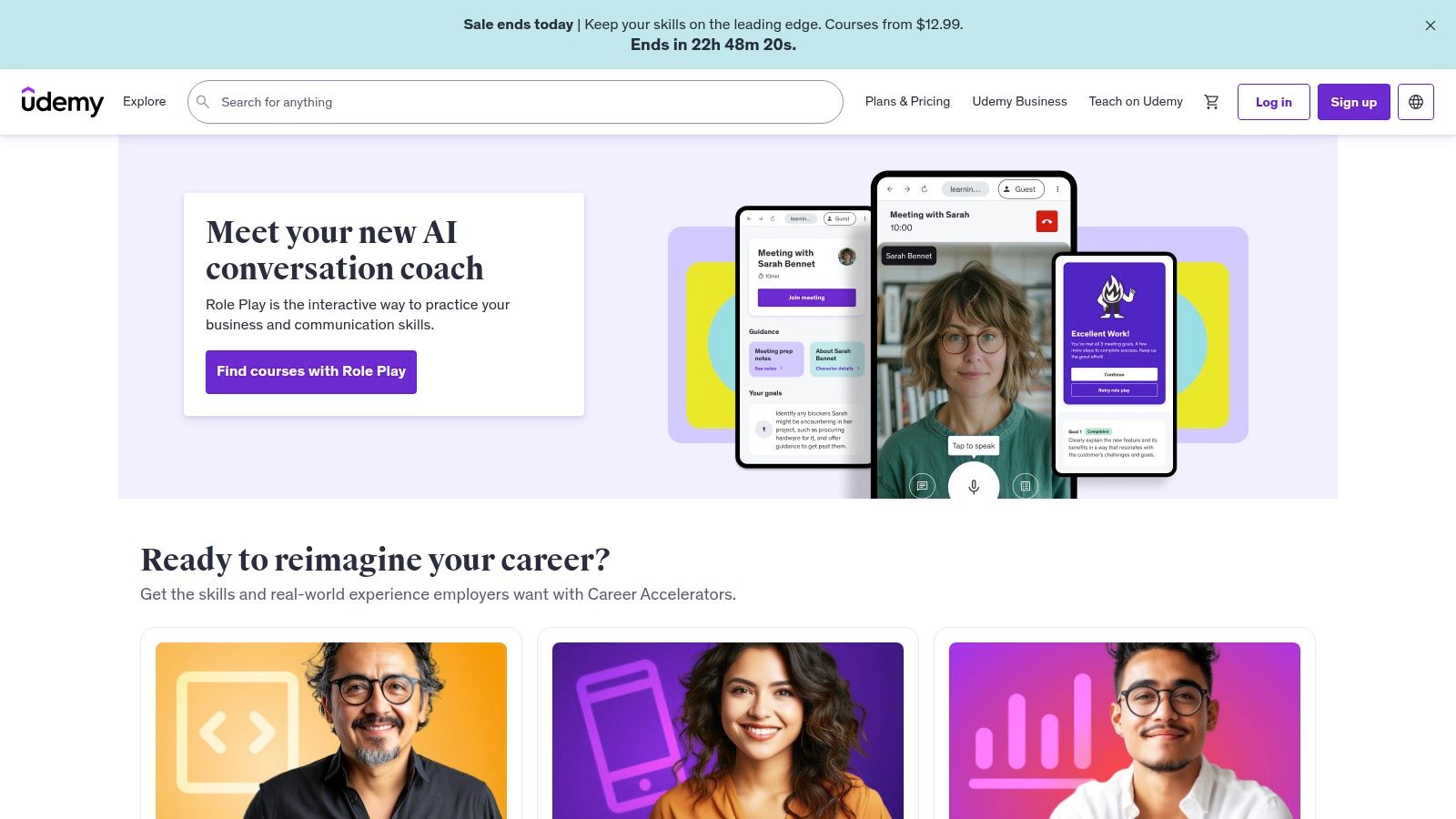
The platform operates on an à la carte model where you purchase individual courses, giving you lifetime access to the material. This is a significant advantage for beginners who may need to revisit foundational concepts long after completing the initial lessons. Whether you want a comprehensive "Zero to Hero" bootcamp in Python or a quick-start guide to C++, chances are you will find multiple highly-rated options on Udemy. This choice is empowering, but it also requires a bit more research to find the highest quality content.
Key Features and User Experience
Udemy's interface is straightforward and focused on course delivery. Once enrolled, you get access to a dashboard with video lectures, articles, quizzes, coding exercises, and downloadable resources. The platform's real power comes from its community-driven features.
- Extensive Course Library: Udemy boasts thousands of courses on virtually every programming language imaginable, from web development staples like JavaScript and HTML/CSS to languages for data science like R and Python, and mobile development with Swift or Kotlin.
- User Reviews and Ratings: Each course has detailed reviews and ratings from past students. This transparency is crucial for helping you vet instructors and select a course that is well-regarded, up-to-date, and effective.
- Lifetime Access: When you buy a course, it’s yours forever. This allows you to learn at your own pace and return to the material for a refresher whenever you need it, without worrying about a recurring subscription.
- Q&A and Instructor Support: Most courses feature a Q&A section where you can ask questions and get answers from the instructor or teaching assistants, fostering a supportive learning environment.
Getting the Most Out of Udemy
The key to success on Udemy is careful course selection. Always check the "last updated" date, read recent reviews, and watch the preview videos to get a feel for the instructor's teaching style. Many top-tier programming courses also guide you on setting up your own development environment, a valuable skill that prepares you for real-world coding. A great course will not only teach you a language but also how to use essential tools, and you can learn more about setting up your coding environment to complement your learning.
Pro Tip: Udemy is famous for its frequent and massive sales, where courses are often available for a fraction of their list price. It’s almost never necessary to pay full price. Add courses to your wishlist and wait for a promotional event to purchase them at a steep discount.
Pricing and Access
Udemy’s pricing is based on individual course purchases rather than a subscription. Full prices can seem high, but sales events reduce them dramatically, making it one of the most affordable ways to access high-quality, in-depth training. Once purchased, a course includes lifetime access with no further fees.
| Pros | Cons |
|---|---|
| Huge variety of courses and instructors | Course quality can be inconsistent |
| Very affordable, especially during sales | Some courses may become outdated |
| Lifetime access to purchased content | Less structured than curated path platforms |
| Flexible, self-paced learning model | No centralized curriculum or style |
For self-motivated learners who enjoy having options and want to deep-dive into specific topics, Udemy is an invaluable and budget-friendly resource.
Website: https://www.udemy.com
4. Coursera
Coursera brings the university classroom to your screen, partnering with world-class institutions and leading tech companies to offer rigorous, high-quality courses. Its unique value proposition is providing access to academic-level instruction from professors at places like Stanford, University of Michigan, and experts at Google. This makes it an excellent platform for learning programming languages for beginners with a strong theoretical foundation, not just practical syntax. You are learning from the same curriculum that on-campus students would, giving you a deeper and more comprehensive understanding of computer science principles.
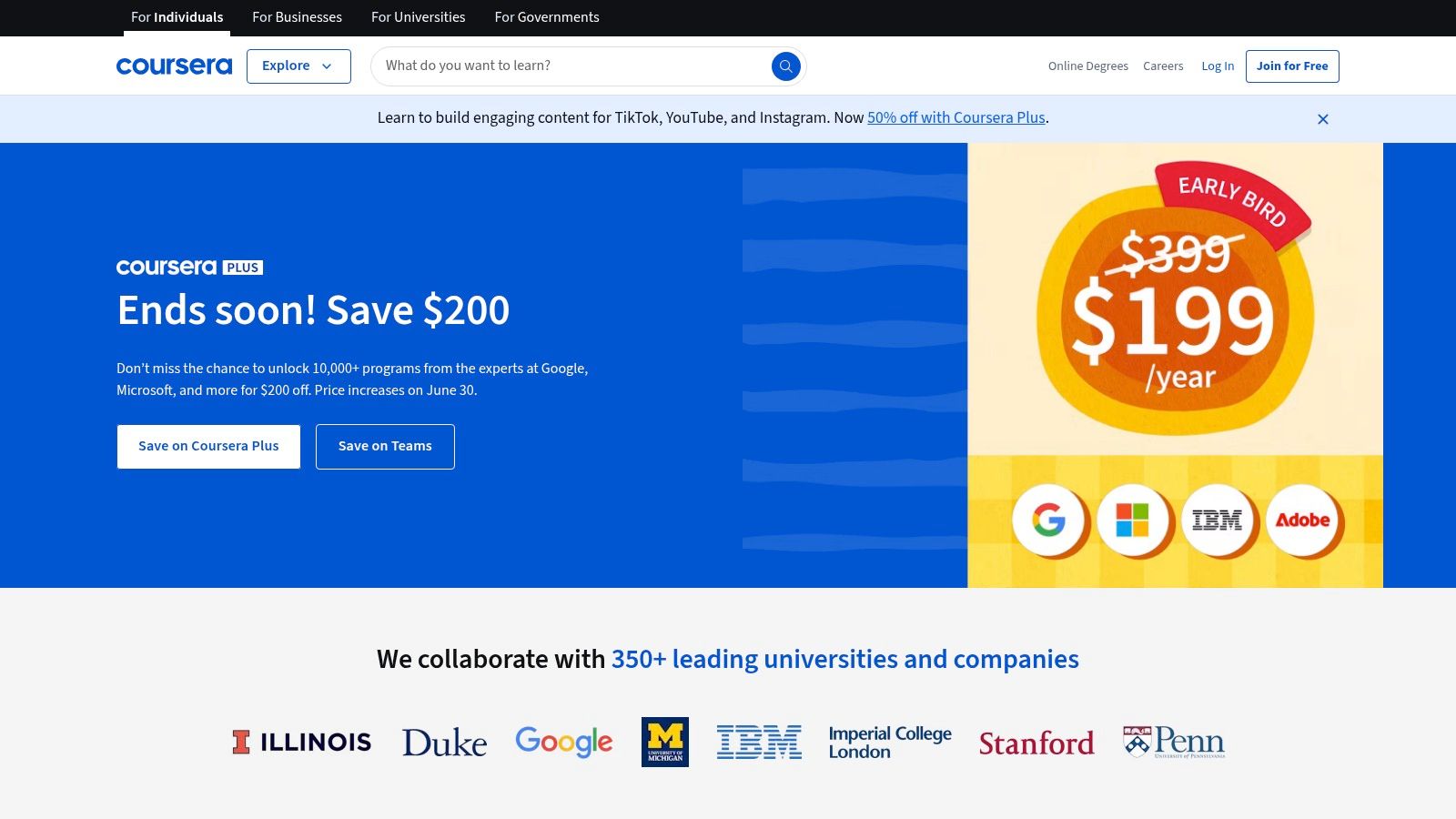
Unlike platforms that focus solely on interactive coding, Coursera's methodology is rooted in academic pedagogy. Courses typically consist of video lectures, reading materials, auto-graded quizzes, and peer-reviewed assignments. This structure encourages you to think critically about problems and articulate your solutions, a skill that is invaluable in a professional development environment. The emphasis on peer review also introduces you to the collaborative nature of software engineering, as you learn to give and receive constructive feedback.
Key Features and User Experience
The platform is structured to guide you from foundational knowledge to specialized expertise. The user experience is professional and academic, reflecting its university partnerships and making it ideal for those who prefer a more traditional learning format.
- University and Industry Partnerships: Learn Python from the University of Michigan or get an introduction to programming from the University of London. The prestige and quality of these partner institutions are a major draw.
- Specializations and Professional Certificates: These are curated series of courses designed to build expertise in a specific area, like "Google IT Automation with Python" or "Meta Back-End Developer." Completing them earns you a shareable certificate.
- Peer-Reviewed Assignments: Many courses require you to submit projects that are graded by your peers. This system helps you learn by evaluating others' work and receiving diverse feedback on your own.
- Accredited Degrees: For those seeking the highest level of commitment, Coursera offers full online bachelor's and master's degrees from accredited universities.
Getting the Most Out of Coursera
To succeed on Coursera, treat it like a real academic course. Take detailed notes during lectures, actively participate in discussion forums, and put genuine effort into your peer-reviewed assignments. Don't just aim to pass; aim to understand the underlying concepts.
Pro Tip: You can often "audit" courses for free, which gives you access to most of the video lectures and reading materials. This is a perfect way to explore a topic or language before committing to paying for the certificate and graded assignments.
Pricing and Access
Coursera offers several access models. You can audit many courses for free. To earn a certificate, you can pay a one-time fee for a single course or subscribe to Coursera Plus, which provides unlimited access to thousands of courses, Specializations, and Professional Certificates for a monthly or annual fee.
| Pros | Cons |
|---|---|
| High-quality, university-level education | Some courses have fixed schedules, limiting flexibility |
| Recognized certificates from top institutions | Certification and full access require payment |
| Strong theoretical and conceptual foundation | Less "learn-by-doing" in the browser than competitors |
| Structured learning paths and specializations | Peer-review quality can be inconsistent |
For learners who value academic rigor and want to build a portfolio with credentials from top-tier institutions, Coursera is a premier choice.
Website: https://www.coursera.org
5. W3Schools
W3Schools is often one of the first results when searching for web development concepts, and for good reason. It serves as a comprehensive and straightforward encyclopedia for web technologies, making it an indispensable resource for anyone learning programming languages for beginners, especially those focused on the web. Its core value lies in its simplicity and directness. The platform breaks down complex topics into small, digestible tutorials with clear explanations and code examples.
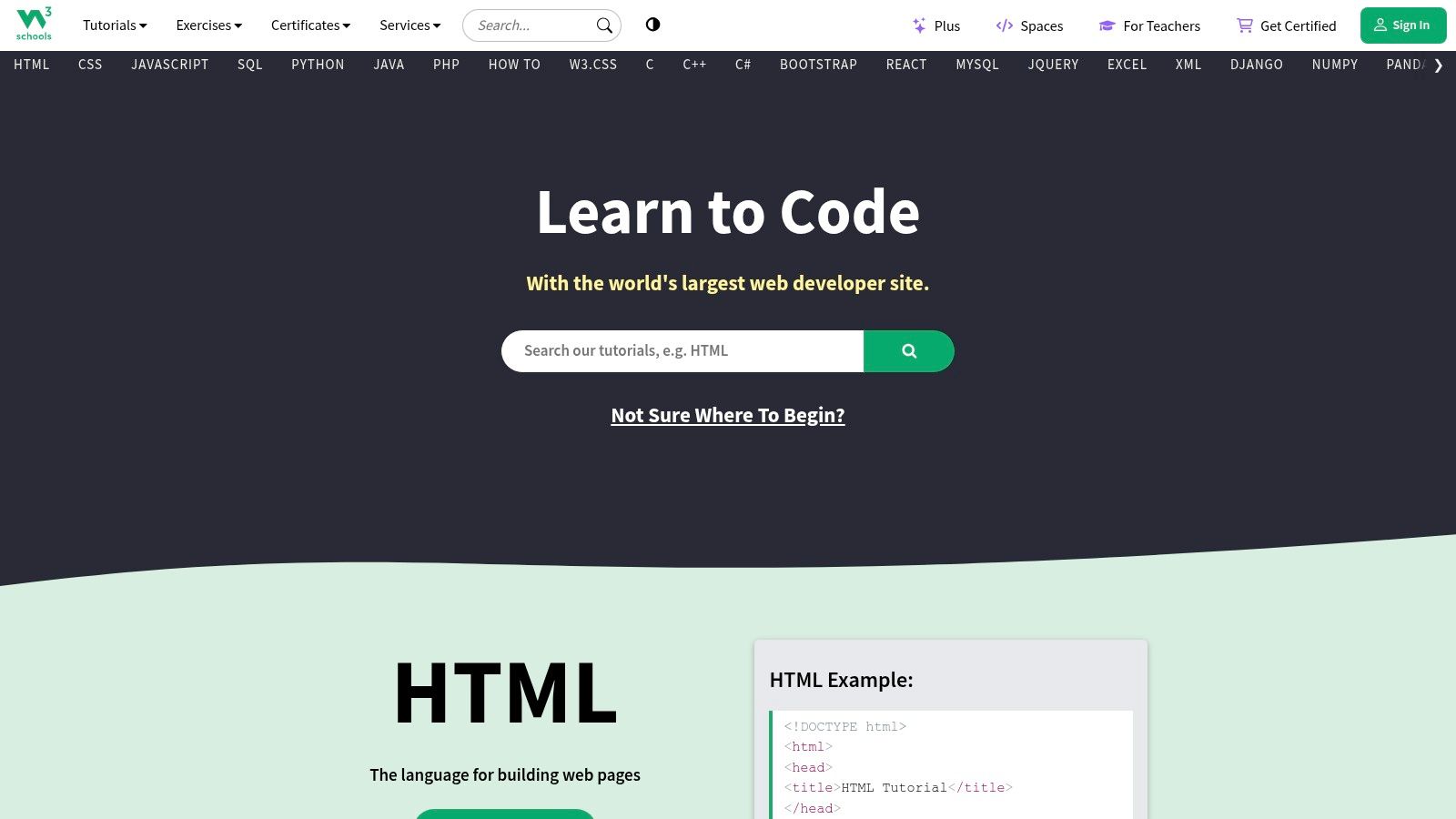
The standout feature that defines the W3Schools experience is the "Try it Yourself" editor. Every code snippet is accompanied by this interactive tool, allowing you to run, edit, and experiment with the code directly in your browser without any setup. This immediate, hands-on interaction is critical for reinforcing learning, as it lets you see the direct impact of your code changes, turning theoretical knowledge into practical understanding.
Key Features and User Experience
W3Schools prioritizes accessibility and ease of use. The interface is clean and to the point, and perhaps most notably, you can access the vast majority of its content without creating an account. This removes any barrier to entry, allowing you to jump straight into learning.
- Comprehensive References: Beyond tutorials, W3Schools provides extensive reference sections for languages like HTML, CSS, JavaScript, and Python. These are perfect for quickly looking up syntax or properties.
- "Try it Yourself" Editor: This interactive, browser-based editor is integrated into every tutorial, enabling immediate practice and experimentation with the code examples.
- Broad Technology Coverage: The platform covers a wide array of web technologies, from front-end languages like JavaScript to back-end languages like PHP and databases like SQL.
- Optional Certifications: While the tutorials are free, W3Schools offers paid certification programs that allow you to formally test and validate your skills in a specific language.
Getting the Most Out of W3Schools
Use W3Schools as your go-to reference guide. When you encounter a new concept in another course or project, search for it on W3Schools for a concise, example-driven explanation. Bookmark the reference pages for the languages you are actively learning.
Pro Tip: Don't just run the examples as they are. Challenge yourself to modify them significantly. Can you combine concepts from two different examples? Can you build a small, functional component using the "Try it Yourself" editor? This active engagement will deepen your learning. You can explore a variety of coding examples on other platforms to complement your learning here.
Pricing and Access
The core strength of W3Schools is that it is almost entirely free. All tutorials, references, and the "Try it Yourself" editor are accessible without cost or registration. The platform is supported by ads and offers optional paid services, such as official certifications and a web-hosting service, but these are not required to access the learning materials.
| Pros | Cons |
|---|---|
| Completely free for most content | Lacks depth on some advanced topics |
| No registration required for access | Less focus on community interaction |
| Excellent as a quick reference tool | Some find the learning path less structured |
| Interactive "Try it Yourself" editor | The interface can feel dated to some users |
For its no-nonsense approach and incredible value as a free, quick-reference tool, W3Schools is a must-have bookmark for every new programmer.
Website: https://www.w3schools.com
6. Exercism
Exercism offers a unique and highly effective approach to mastering new programming skills, moving beyond simple tutorials to focus on deep practice and mentorship. Its non-profit, open-source model is built around the idea that fluency in a language comes from solving interesting problems and receiving expert human feedback. This makes it a powerful resource when learning programming languages for beginners, especially for those who want to understand why their code works, not just that it works. The platform's core loop involves downloading a coding exercise, solving it in your own local development environment, and then submitting it for review by a volunteer mentor.
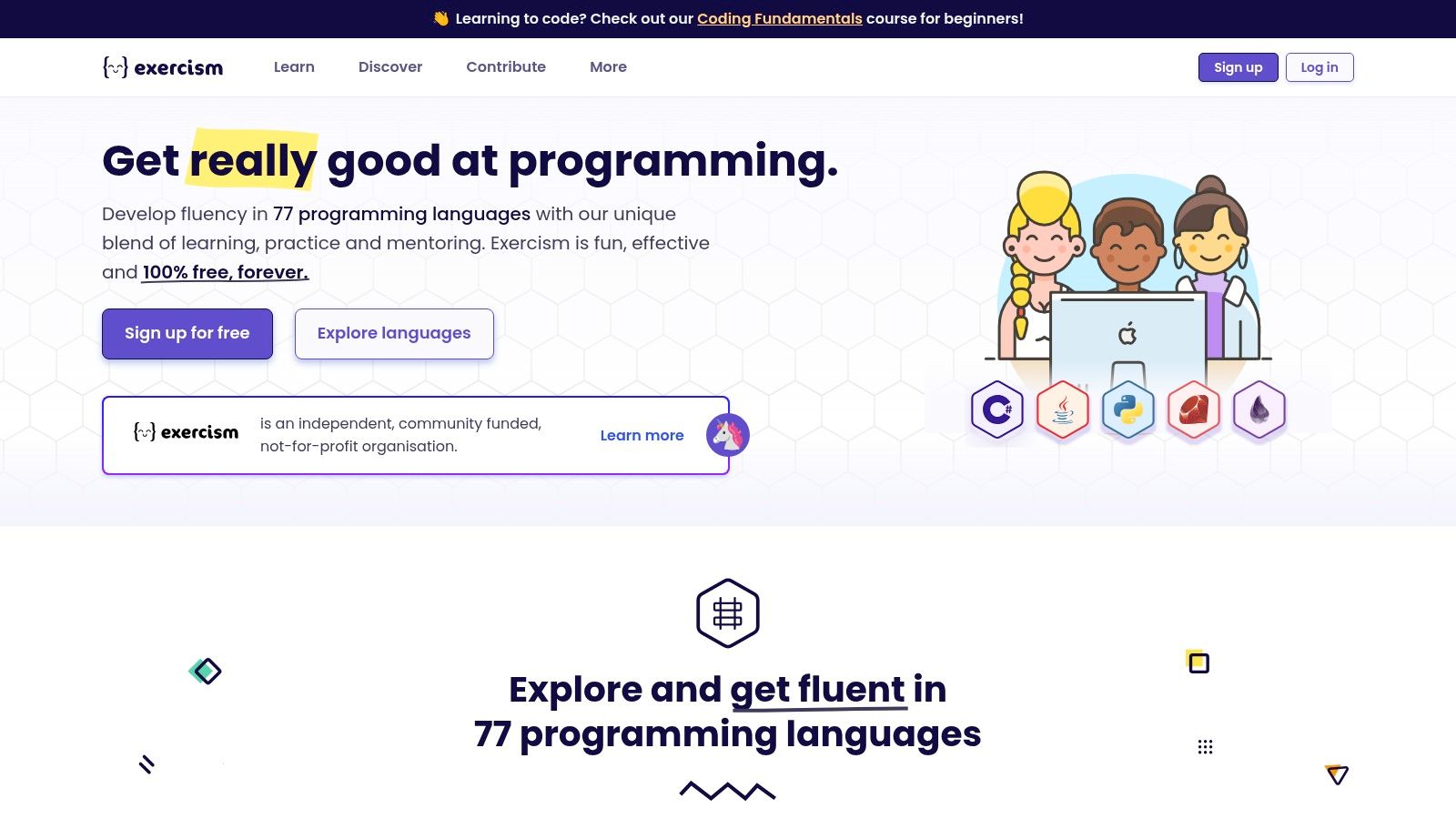
This mentorship-driven process is what sets Exercism apart. Instead of relying solely on automated tests, you get personalized feedback from experienced developers who can point out subtle improvements, suggest idiomatic code, and explain complex concepts in a way an algorithm cannot. This human touch helps bridge the gap between writing code that simply runs and writing code that is clean, efficient, and professional. The platform encourages you to think critically about your solutions and refine them based on constructive criticism.
Key Features and User Experience
Exercism is built for deliberate practice. The user experience guides you to set up a professional coding environment on your own machine, which is a critical skill in itself. From there, you tackle problems organized into learning tracks for each language.
- Human-First Mentorship: The standout feature is access to free, personalized code reviews from a global community of volunteer mentors. This feedback is invaluable for developing good coding habits from the start.
- Vast Language Selection: With tracks for over 70 programming languages, from popular choices like Python and Go to more niche ones like Elixir and F#, it’s an incredible playground for exploration.
- Real-World Tooling: By having you use your own local editor and command-line interface (CLI) to fetch and submit exercises, Exercism prepares you for the actual workflow of a software developer.
- Completely Free and Open Source: The entire platform is a non-profit initiative and is 100% free, with no hidden costs or premium tiers. Its open-source nature means the community actively contributes to and improves the exercises.
Getting the Most Out of Exercism
Embrace the feedback loop. Don't just aim to solve an exercise and move on. Submit your solution, carefully read the mentor's feedback, and iterate on your code. This iterative process is where the most profound learning happens.
Pro Tip: When you start a language track, complete the first few exercises to get a feel for the syntax. Then, actively request mentorship on a slightly more challenging problem. Be specific in your questions to help the mentor provide targeted and useful advice.
Pricing and Access
Exercism is, and promises to always be, 100% free. There are no subscriptions, fees, or advertisements. All learning tracks, exercises, and mentorship are available to everyone at no cost, which is a rare and valuable offering in the online education space. It is funded entirely by donations.
| Pros | Cons |
|---|---|
| Personalized feedback from mentors | Mentor availability can vary by language |
| Fosters deep, practical understanding | Steeper initial setup than browser-based platforms |
| Completely free with no hidden costs | Can be challenging for absolute beginners |
| Prepares you for a professional workflow | Less structured than guided "career paths" |
For learners who value craftsmanship and want to develop a true command of a language, Exercism is an unparalleled resource.
Website: https://exercism.org
7. Hyperskill
Hyperskill, developed in partnership with JetBrains, takes a unique and powerful approach to learning how to code. Its methodology is built entirely around completing real-world projects, which makes it an excellent platform for learning programming languages for beginners who want to build practical skills from day one. Instead of learning theory in isolation, every concept you encounter is immediately applied to a larger, meaningful project like building a simple chatbot or a text-based adventure game.
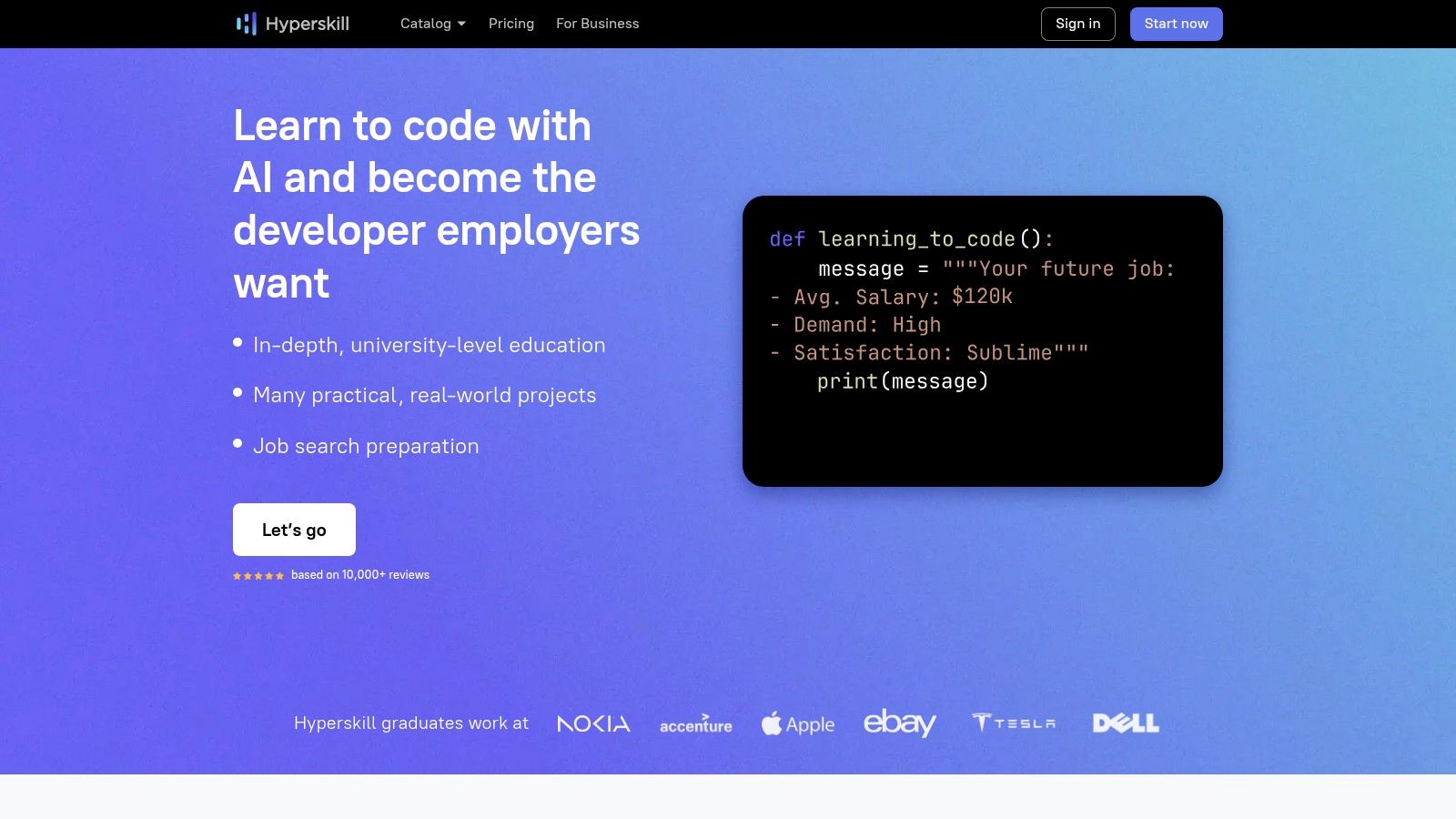
This project-based curriculum ensures you are not just memorizing syntax but understanding how to solve problems with code. The platform breaks down large projects into manageable stages, with each stage supported by a series of theoretical topics and practical coding challenges. This structure keeps you motivated by providing a clear, tangible goal while ensuring you build a solid theoretical foundation along the way.
Key Features and User Experience
Hyperskill's most distinguishing feature is its integration with professional Integrated Development Environments (IDEs) from JetBrains, such as PyCharm for Python or IntelliJ IDEA for Java. This allows learners to write code in the same tools used by professional developers, providing an authentic and valuable experience.
- Project-Based Learning: Every track is centered around building projects. You select a project, and the platform generates a personalized study plan with all the necessary theory and practice to complete it.
- IDE Integration: A dedicated plugin connects the platform directly to your IDE, allowing you to solve problems and submit solutions without ever leaving your professional coding environment.
- Strong Focus on Core CS: Beyond just languages, the curriculum delves into essential computer science topics like algorithms and data structures, providing a more well-rounded education.
- Community and AI Support: Active community forums and AI-powered hints provide support when you encounter challenges, fostering a collaborative learning atmosphere.
Getting the Most Out of Hyperskill
To truly benefit from the platform, embrace the project-based model fully. Choose a project that genuinely interests you, as this will fuel your motivation through the more challenging topics. Install and learn to use the recommended JetBrains IDE from the start; while it adds a small initial learning curve, the experience of using professional tools is invaluable.
Pro Tip: Don't skip the theory sections. While it's tempting to jump straight into the coding problems, the theoretical knowledge provides the context and deeper understanding necessary to become a proficient problem-solver, not just a code-copier.
Pricing and Access
Hyperskill offers a freemium model. A free plan provides limited access, allowing you to get a feel for the platform and start your first project. To unlock all projects, advanced topics, and gain unlimited access, a premium subscription is required. Subscriptions are available on a monthly or annual basis, with the yearly plan offering a significant discount.
| Pros | Cons |
|---|---|
| Project-based learning builds practical skills | May be challenging for absolute beginners |
| Integration with professional IDEs | Requires installing an IDE for the full experience |
| Strong computer science fundamentals | Premium subscription needed for complete access |
| Personalized and structured study plans | Steeper learning curve than browser-only platforms |
For learners who are serious about turning coding into a career and want to dive deep into practical application, Hyperskill is an outstanding choice.
Website: https://hyperskill.org
Top 7 Beginner Programming Platforms Comparison
| Platform | Implementation Complexity 🔄 | Resource Requirements ⚡ | Expected Outcomes 📊 | Ideal Use Cases 💡 | Key Advantages ⭐ |
|---|---|---|---|---|---|
| Codecademy | Moderate; Interactive lessons with guided structure | Moderate; Online access, some Pro content | Skill building in multiple languages; beginner to intermediate | Beginners seeking structured, paced learning | Interactive exercises with instant feedback; flexible pacing |
| freeCodeCamp | Moderate; Self-paced, project-based | Low; Completely free | Portfolio-ready projects and certifications | Self-motivated learners focused on practical projects | Vast free resources; strong community support |
| Udemy | Low to Moderate; Course quality varies | Variable; Paid per course, often discounted | Varied; depends on course chosen, from basics to advanced | Learners wanting variety and lifetime access | Large course variety; affordable pricing |
| Coursera | High; University-level courses with assignments | High; Free plus paid for certificates/degrees | Accredited certificates and degrees; deep knowledge | Learners seeking formal education and credentials | High-quality, accredited content; recognized certificates |
| W3Schools | Low; Simple tutorials and coding examples | Low; Free access with optional paid certificates | Basic to intermediate web development skills | Beginners needing quick, no-registration access | Easy-to-understand tutorials; interactive code practice |
| Exercism | Moderate to High; Coding practice with mentorship | Low; Free, but mentor-dependent | Improved coding skills with personalized feedback | Developers wanting mentorship and real-world coding | Mentorship; broad language support |
| Hyperskill | Moderate; Project-based with IDE integration | Moderate; Free and premium subscriptions | Practical skills through projects and AI guidance | Learners wanting hands-on projects with professional tools | Project focus; AI hints; IDE integration |
Your Next Steps: From Learning to Building
You've just explored a comprehensive roundup of the best platforms and tools to learn programming languages for beginners. From the interactive, gamified lessons of Codecademy and Hyperskill to the project-based curriculum of freeCodeCamp and the deep, structured courses on Coursera and Udemy, the path to becoming a proficient coder has never been more accessible. We've seen how tools like W3Schools offer quick, reliable references, while Exercism provides the crucial practice of code mentorship.
The key takeaway is that there is no single "best" path. The ideal journey is the one you design for yourself, leveraging the unique strengths of these platforms to match your personal learning style, goals, and available time. The abundance of choice is not a hurdle; it is your greatest advantage.
How to Choose Your Starting Point
Making a decision can feel overwhelming, but you can simplify it by focusing on your immediate goals. Your choice of which programming languages for beginners to tackle first, and which platform to use, should be a strategic one.
Consider these scenarios:
- If you want to build websites and web applications: Start with JavaScript, HTML, and CSS. Platforms like freeCodeCamp are exceptional here, as their entire curriculum is project-driven and web-focused. W3Schools will be your constant companion for quick syntax lookups.
- If you're interested in data science, AI, or machine learning: Python is the undisputed champion. Coursera offers university-backed specializations that provide a deep theoretical foundation, while Codecademy's Data Science path offers a more hands-on, interactive introduction.
- If you want to create mobile apps: Swift (for iOS) or Kotlin (for Android) are your primary targets. Udemy often has the most up-to-date and comprehensive bootcamps for these specific technologies, taught by industry professionals.
- If you're a complete beginner and unsure of your path: Start with Python or JavaScript. Their forgiving syntax and vast applications make them excellent choices. Codecademy is a fantastic starting block due to its user-friendly interface that eases you into core concepts without overwhelming you with complex setup.
A Practical Framework for Progress
Reading about code is not the same as writing code. To truly solidify your skills, you need a structured approach that blends learning with doing.
Here is a recommended framework to follow:
- Select Your Primary Learning Platform: Choose one main platform (like Coursera or freeCodeCamp) for structured learning. This will be your "source of truth" and guide your curriculum.
- Supplement with a Practice Tool: Use a platform like Exercism or Hyperskill for daily practice. Dedicate 20-30 minutes each day to solving small problems. This builds muscle memory and problem-solving skills, which are distinct from just understanding syntax.
- Build a "First Project" Portfolio: Don't wait until you feel like an expert to start building. Your first project can be simple. If you're learning web development, build a personal portfolio site. If you're learning Python, create a command-line tool that automates a simple task for you. The goal is to apply what you learn immediately.
- Embrace the "Reference" Habit: No developer knows everything. Get comfortable using W3Schools or official documentation (like the MDN Web Docs for JavaScript) to look things up. This is a professional skill, not a sign of weakness.
Key Insight: Your progress will accelerate most when you combine structured courses with hands-on projects and consistent, mentored practice. Think of it as a three-legged stool: theory, application, and refinement. Removing any one leg makes your learning journey unstable.
The world of technology is built on code, and by starting this journey, you are empowering yourself to become a creator in that world. The programming languages for beginners we've discussed are more than just tools; they are keys to unlocking opportunities in web development, data analysis, game design, and countless other innovative fields.
The path ahead will be challenging, filled with moments of frustration and exhilarating breakthroughs. But with the right resources and a persistent mindset, you have everything you need to succeed. Choose your first language, pick a platform that excites you, and write your first line of code. Your future as a builder starts now.