Welcome to the Future of Development: Why Vibe Coding is Taking Over
Vibe coding is revolutionizing how we build software, merging artistic vision with technical execution through the power of AI. It’s a paradigm shift from writing line-by-line code to directing intelligent agents, allowing developers and creators to build complex applications faster and more intuitively. This approach prioritizes the 'vibe', the overall feel and user experience, letting AI handle the boilerplate and complex logic. The result is a more fluid, creative, and efficient development workflow where your concept is the primary focus.
This guide dives deep into the essential vibe coding tools that are shaping this new frontier. Instead of just listing features, we provide a practical analysis of the top 12 platforms designed for modern development. We will explore how they work, their ideal use cases, and what makes each one unique, helping you find the perfect toolkit to bring your creative ideas to life. From AI-native code editors to generative UI builders, you will discover the specific tools that solve the real-world problem of translating a creative vision directly into functional software. This curated list is your starting point for mastering the art of vibe-driven development in 2025 and beyond.
1. Vibecoding VIP: Your Central Hub for Vibe Coding Resources
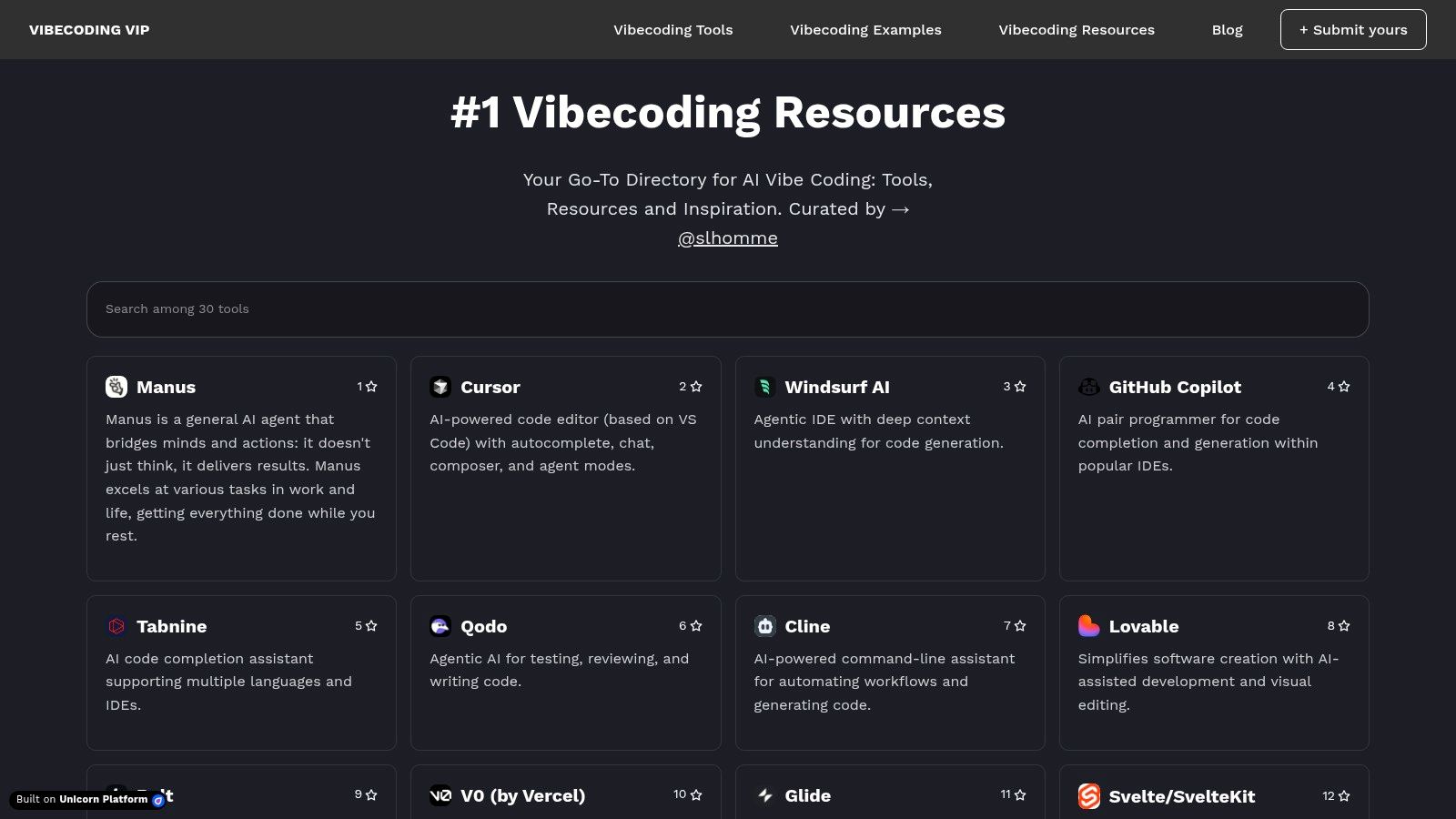
Vibecoding VIP is not a single tool but an essential, curated directory that serves as a launchpad for anyone exploring vibe coding. Curated by @slhomme, it functions as a central nervous system for the ecosystem, connecting developers, artists, and hobbyists with the resources they need. Its primary value lies in its comprehensive collection of other vibe coding tools, tutorials, and project showcases, which collectively demystify the practice of using AI to translate creative intent into functional code. This makes it the ideal starting point for beginners trying to understand the landscape and for experts looking for new inspiration or specific solutions.
Core Features & Use Cases
This platform excels by organizing a fragmented field into a coherent resource. For instance, a developer transitioning from traditional programming can use the educational content to grasp the conceptual differences, while a digital artist can browse the no-code tools section to find accessible entry points.
- Practical Use Case: An educator building a curriculum on creative AI can use Vibecoding VIP to source a complete toolkit, from foundational tutorials to advanced project examples, creating a structured learning path for students.
- Key Feature: The community-driven aspect allows users to submit new tools and projects, ensuring the directory remains current and reflects the rapid evolution of AI-powered development.
Implementation and Considerations
| Aspect | Details |
|---|---|
| Pricing | Free to access. |
| Platform | Web-based directory. |
| Pros | Comprehensive and continuously updated; excellent for learning and discovery; strong community focus. |
| Cons | Acts as an aggregator, so pricing for third-party tools is not centralized; some listed tools have a steep learning curve. |
Website: vibecoding.vip
2. Cursor: The AI-First Code Editor
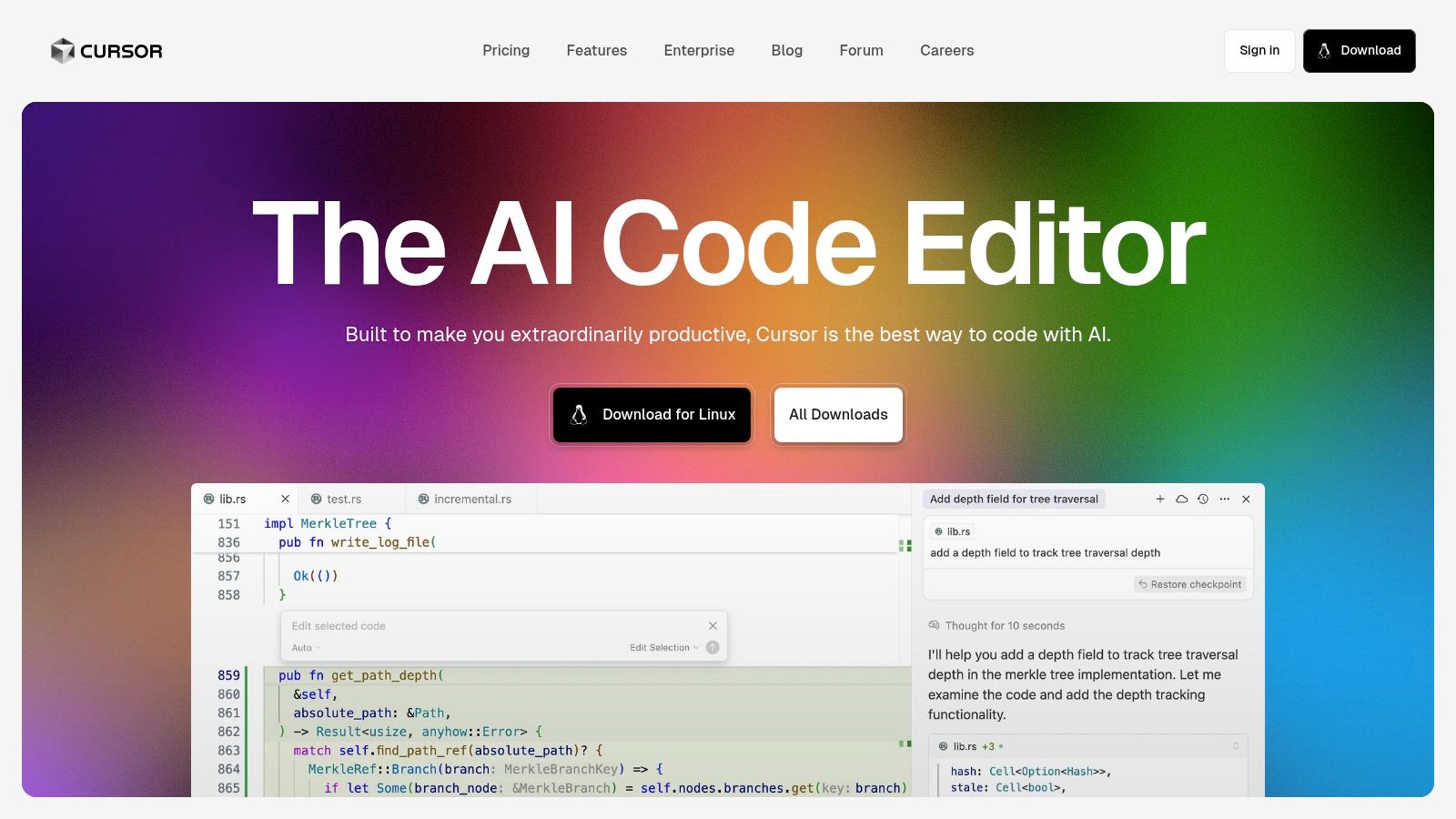
Cursor is an AI-enhanced code editor that transforms the development experience by embedding intelligent assistance directly into the coding workflow. Built on the familiar foundation of Visual Studio Code, it integrates powerful AI models to understand the context of your entire codebase. This enables it to offer smart code completions, perform complex refactoring, and even build features from natural language prompts. As one of the most powerful vibe coding tools available, Cursor excels at translating abstract ideas into precise, functional code, significantly accelerating the development cycle for both new and experienced programmers.
Core Features & Use Cases
Cursor's strength lies in its deep, contextual understanding of your project, allowing it to act as a true pair programmer. Its chat interface lets you ask questions, debug issues, and generate code snippets without ever leaving your editor, creating a seamless and intuitive coding environment.
- Practical Use Case: A developer needs to implement a new API endpoint. Instead of manually writing the boilerplate code for the server route, controller logic, and database query, they can instruct Cursor: "Create a POST endpoint at /api/users that accepts a name and email, validates the input, and saves the new user to the database."
- Key Feature: The "codebase-aware" chat allows the AI to reference other files, functions, and definitions within your project, providing highly relevant and accurate suggestions that generic AI chatbots cannot match. To see how it compares with other environments, you can explore more about Cursor's integration with VS Code.
Implementation and Considerations
| Aspect | Details |
|---|---|
| Pricing | Free basic tier available; Pro and Business plans with more features and higher AI usage limits. |
| Platform | Desktop application (Windows, macOS, Linux). |
| Pros | Massively boosts productivity by automating repetitive coding tasks; seamlessly integrates with existing VS Code extensions and workflows; supports multiple powerful AI models like GPT-4. |
| Cons | Can have a slight learning curve for those new to AI-assisted tools; reliance on AI may lead to occasional inaccuracies that require manual oversight and correction. |
Website: cursor.so
3. GitHub Copilot: Your AI Pair Programmer
GitHub Copilot, developed by GitHub and OpenAI, is a foundational AI pair programmer that integrates directly into your Integrated Development Environment (IDE). It goes beyond simple autocompletion by analyzing the context of your code, comments, and open files to generate entire functions, code blocks, and solutions in real-time. For practitioners of vibe coding, Copilot acts as an intelligent collaborator, translating high-level natural language descriptions written in comments into functional code snippets. This immediate feedback loop is invaluable for rapid prototyping and exploring creative ideas without getting bogged down in boilerplate or syntax.
Core Features & Use Cases
Copilot excels at accelerating the development workflow by handling repetitive coding tasks and offering intelligent suggestions. It adapts to your coding style, making its suggestions feel more like a natural extension of your own thought process. This makes it one of the most practical vibe coding tools for both building from scratch and refactoring existing projects. While it shares similarities with other AI assistants, its deep integration with the GitHub ecosystem gives it a distinct advantage.
- Practical Use Case: A creative technologist wants to build a quick p5.js sketch. They can write a comment like
// create a canvas and draw a grid of circles that change color on mouse hoverand Copilot will generate the necessary setup and draw loop functions, drastically reducing implementation time. - Key Feature: Its ability to translate natural language comments into code allows developers to maintain a "vibe-first" approach, focusing on describing the desired outcome rather than immediately writing the implementation logic. For a deeper dive into how this compares to other code assistants, you can explore more AI coding tools on vibecoding.vip.
Implementation and Considerations
| Aspect | Details |
|---|---|
| Pricing | Subscription-based (Free for verified students, teachers, and maintainers of popular open source projects). Tiers available for individuals and businesses. |
| Platform | IDE extension for Visual Studio Code, JetBrains IDEs, Vim/Neovim, and Azure Data Studio. |
| Pros | Massively accelerates development speed; excellent for learning new languages or frameworks; adapts to user's coding style. |
| Cons | Generated code requires careful review for correctness and security; subscription cost can be a barrier for hobbyists. |
Website: github.com/features/copilot
4. Replit
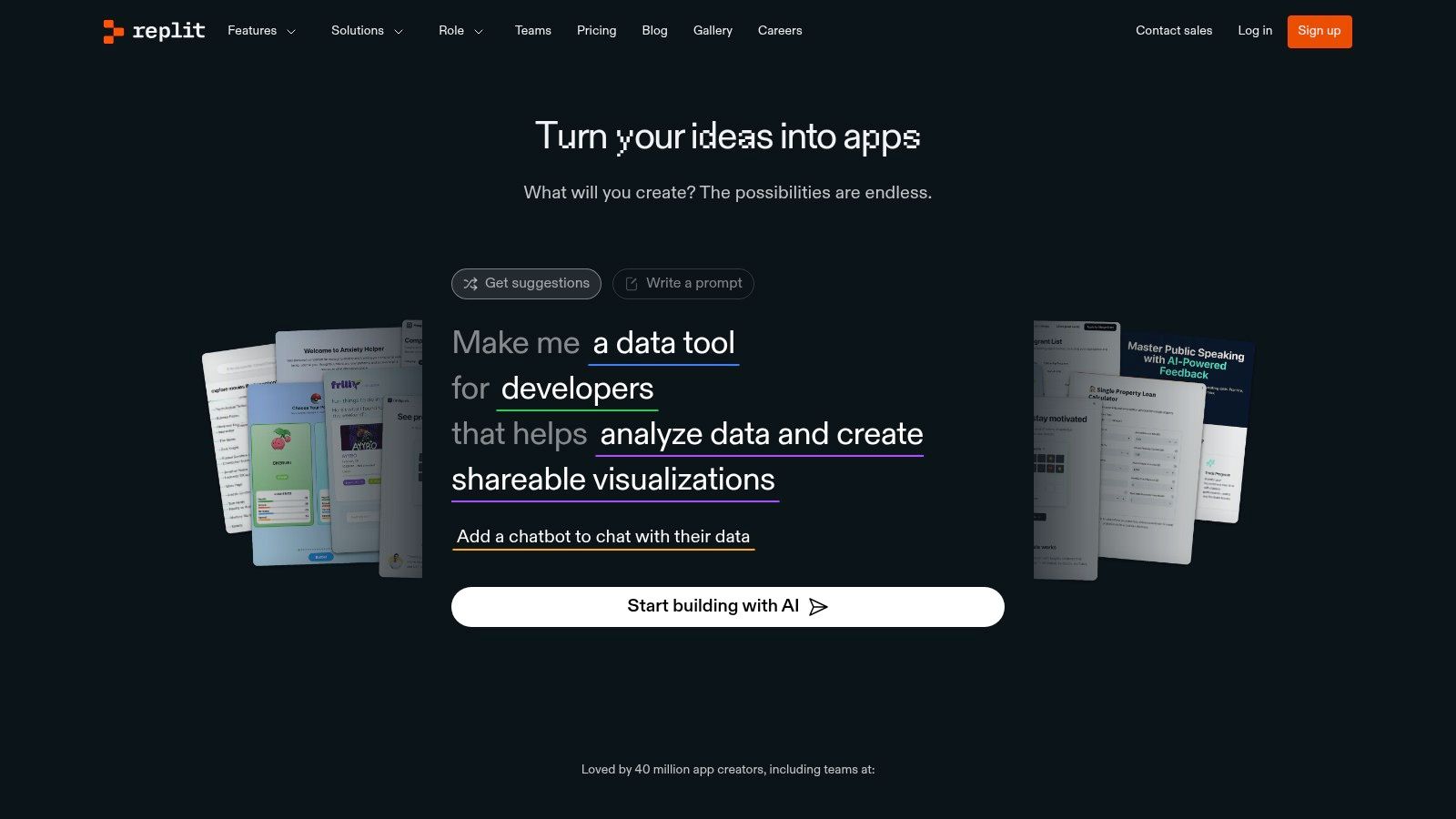
Replit is a cloud-based integrated development environment (IDE) that has become a playground for vibe coding due to its accessibility and integrated AI. It supports over 50 languages and removes setup friction, allowing users to start coding instantly from any browser. Its AI assistant, Ghostwriter, helps translate natural language descriptions and vague ideas into functional code snippets, making it one of the most practical vibe coding tools for rapid prototyping and collaborative experimentation. This instant feedback loop is perfect for developers who want to quickly test a creative concept without the overhead of a local development environment.
Core Features & Use Cases
Replit excels in making coding a live, collaborative, and AI-assisted experience. Its instant deployment means you can build and share a web app or an interactive art project in minutes. The built-in AI can suggest code, fix errors, or even generate entire functions based on a simple comment, which aligns perfectly with the intuitive nature of vibe coding.
- Practical Use Case: A designer and developer can collaborate in real-time on a single Replit project to build an interactive portfolio. The designer can tweak visual elements using HTML/CSS, while the developer uses the AI assistant to quickly script JavaScript animations based on verbal brainstorming.
- Key Feature: The "Deployments" feature allows for instant hosting, turning a creative code experiment into a shareable, live application with a single click, which is ideal for showcasing prototypes.
Implementation and Considerations
| Aspect | Details |
|---|---|
| Pricing | Free plan available with core features. Paid plans (e.g., Replit Core) offer more powerful computing, private projects, and advanced AI features. |
| Platform | Entirely web-based; accessible on any device with a browser. |
| Pros | User-friendly interface suitable for beginners; facilitates rapid prototyping and development; accessible from any device. |
| Cons | AI assistant may exhibit unpredictable behavior in complex tasks; limited customization compared to local development environments. |
Website: https://replit.com/
5. Lovable
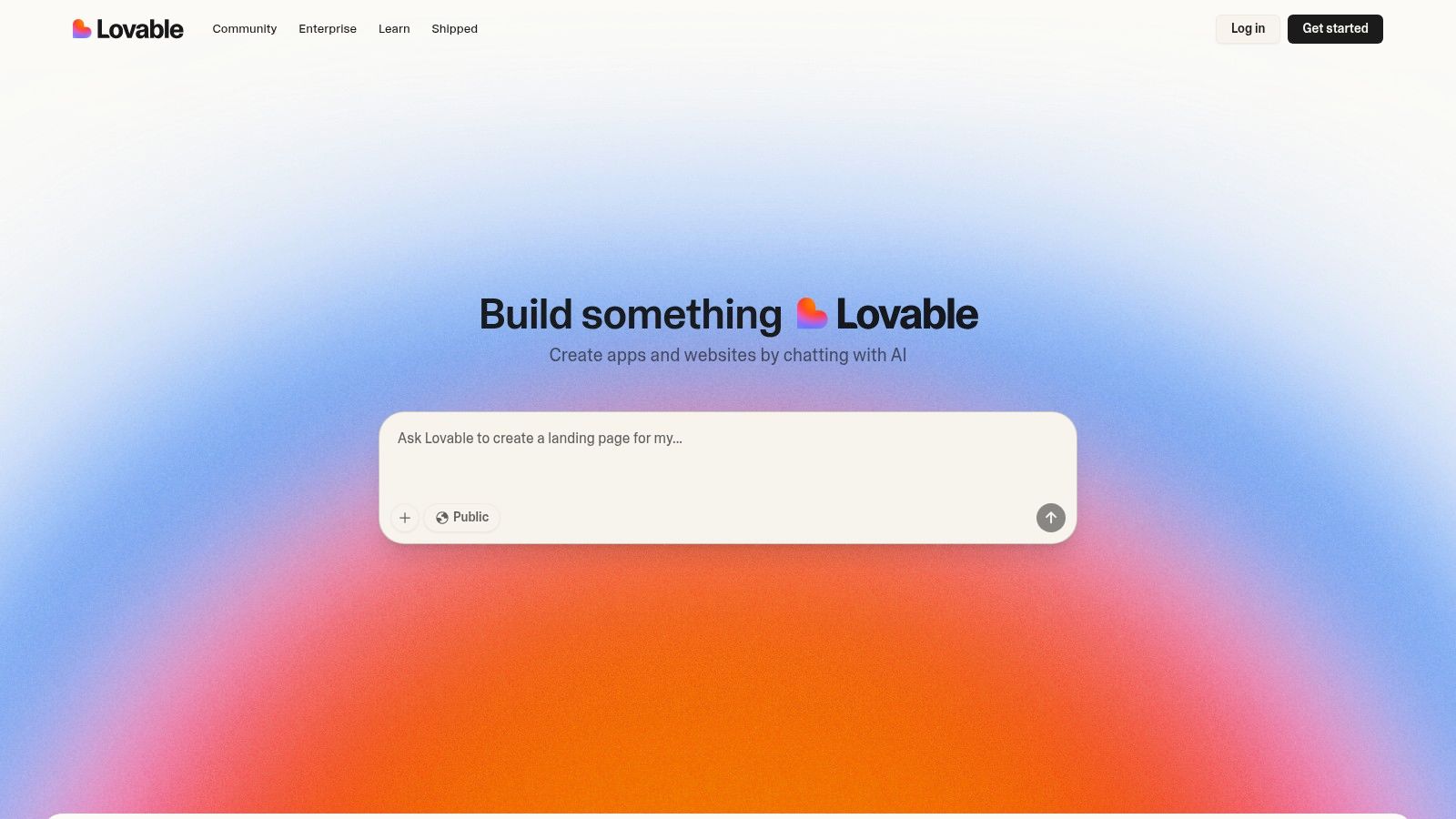
Lovable is a no-code platform that empowers users to build full-stack applications by simply describing their ideas in natural language. It excels at translating high-level concepts into functional code, making it one of the most accessible vibe coding tools for non-technical creators. The platform interprets your intent and generates the application in real time, offering a live preview that updates as you refine your descriptions. This immediate feedback loop is crucial for bridging the gap between a creative vision and a tangible, working product without writing a single line of code.
Core Features & Use Cases
Lovable shines in rapid prototyping and team-based projects where designers and stakeholders can directly contribute to the development process. Its ability to generate full-stack applications means you can build more than just a static front-end; you can create interactive apps with backend logic.
- Practical Use Case: An entrepreneur with an app idea but no coding skills can use Lovable to build a minimum viable product (MVP). They can describe features like "a user login page that connects to a profile dashboard," and the platform will generate the necessary components and logic.
- Key Feature: The platform provides full code ownership, allowing you to export the complete source files. This ensures you are not locked into the Lovable ecosystem and can hand off the project to a development team for further customization.
Implementation and Considerations
| Aspect | Details |
|---|---|
| Pricing | Currently in a free public beta. |
| Platform | Web-based. |
| Pros | Makes app development accessible to non-programmers; real-time visual feedback accelerates iteration; supports team collaboration. |
| Cons | As a newer platform, it may have a learning curve; initial development is tied to the Lovable environment before export. |
Website: lovable.dev
6. Bolt.new
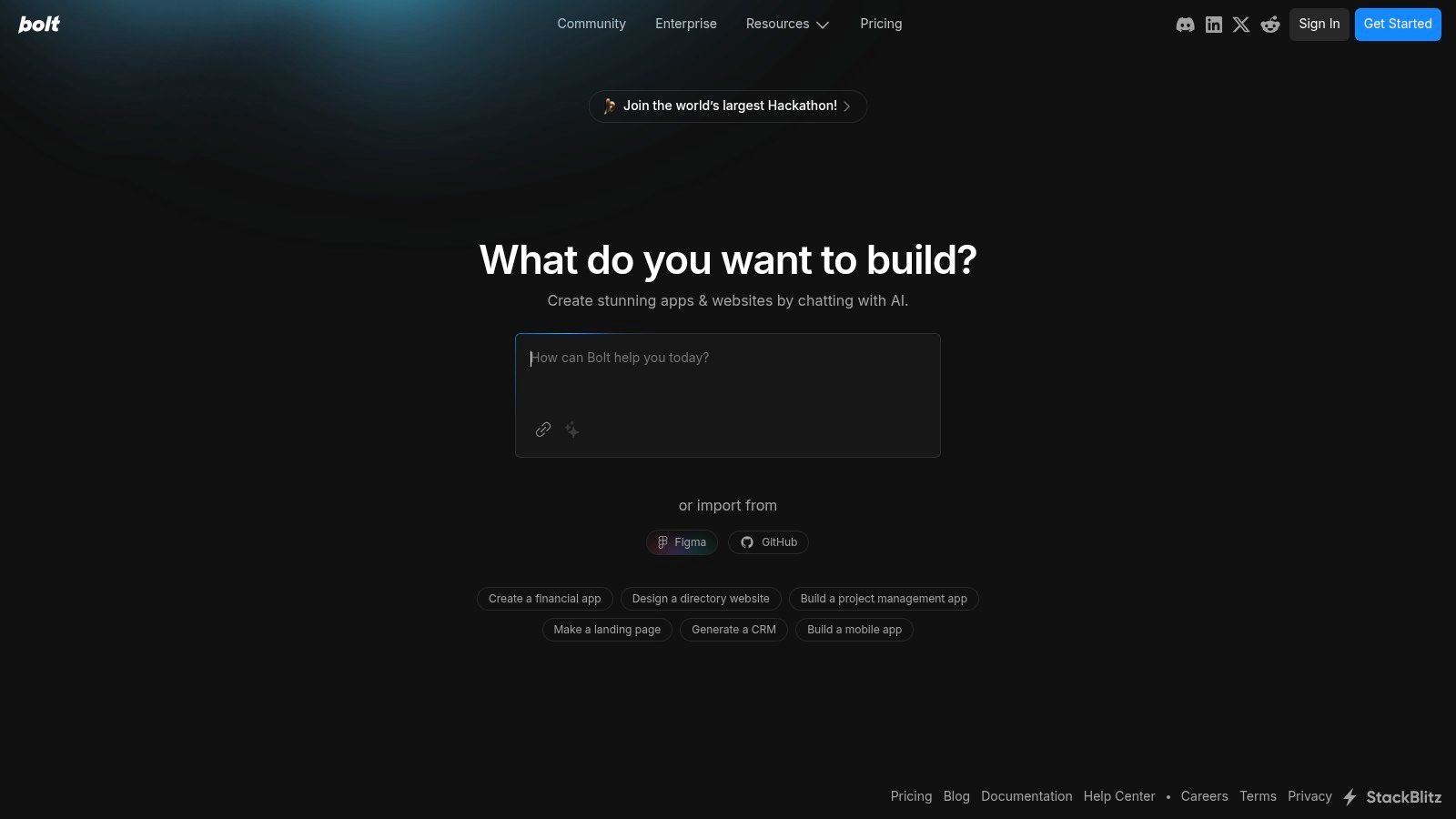
Bolt.new is an AI-powered web development agent that shifts vibe coding from a local environment directly into the browser. It allows users to create, edit, and deploy full-stack web and mobile applications using natural language prompts. This tool excels at rapid prototyping by translating a user's vision into functional code without requiring complex local setup or environment configuration. By providing an integrated space for ideation, coding, and deployment, it streamlines the journey from a simple concept to a shareable, live application, making it one of the most accessible vibe coding tools available.
Core Features & Use Cases
Bolt.new's strength lies in its browser-based, prompt-driven workflow, which significantly lowers the barrier to entry for app development. It can interpret high-level requests, like "build a to-do list app with user authentication," and generate the necessary front-end and back-end code. This makes it an ideal tool for entrepreneurs who want to quickly validate an idea or for designers looking to create interactive prototypes without writing extensive code.
- Practical Use Case: A product manager can use Bolt.new to build a minimum viable product (MVP) in a single afternoon by describing the desired features, then share a live link with stakeholders for immediate feedback.
- Key Feature: The ability to import designs directly from Figma and have the AI convert them into functional components bridges the gap between design and development, accelerating the entire production cycle.
Implementation and Considerations
| Aspect | Details |
|---|---|
| Pricing | Free and paid plans available (details on website). |
| Platform | Web-based agent. |
| Pros | Enables extremely quick development cycles; fully browser-based and accessible from any device; simplifies collaboration through shareable links. |
| Cons | Customization may be more limited than traditional IDEs; reliant on a stable internet connection for all operations. |
Website: https://bolt.new/
7. Windsurf
Windsurf is an AI-powered integrated development environment (IDE) built to enhance developer productivity by acting as an intelligent collaborator. It moves beyond simple code completion, offering AI agents that understand the broader context of a project. This allows it to assist with complex tasks like multi-file editing, code refactoring, and workflow automation. Windsurf's core value is its ability to anticipate a developer's needs and provide predictive actions, helping maintain a deep state of focus and flow, making it a powerful ally in the modern landscape of vibe coding tools.

Core Features & Use Cases
Windsurf’s main strength lies in its deep integration with existing codebases and its contextual awareness. Unlike tools that only suggest single lines of code, Windsurf’s AI agents can understand relationships between different files and functions, offering more holistic and relevant assistance.
- Practical Use Case: A developer is tasked with refactoring a large, legacy feature that spans multiple files. Using Windsurf, they can initiate a refactoring command, and the AI agent will intelligently identify all related code, suggest changes across every file, and ensure consistency, significantly reducing manual effort and potential errors.
- Key Feature: Its multi-file editing capability with contextual awareness allows the AI to make coordinated changes across a project. For example, if you rename a function in one file, Windsurf can automatically update all its calls throughout the entire codebase.
Implementation and Considerations
| Aspect | Details |
|---|---|
| Pricing | Currently in a private beta with a waitlist. |
| Platform | Integrated Development Environment (IDE). |
| Pros | Significantly enhances developer productivity; excels at complex, multi-file projects; provides a smooth, integrated development environment. |
| Cons | As a newer tool, it may have a learning curve; dependence on AI could lead to occasional inaccuracies or unexpected suggestions. |
Website: windsurf.dev
8. Cline
Cline is an open-source, autonomous AI coding agent designed to integrate directly into Visual Studio Code. It functions as a powerful co-pilot, helping developers build and maintain complex software by automating tasks like creating files, editing code, running terminal commands, and browsing the web for solutions. Unlike simpler AI assistants, Cline operates with a degree of autonomy, making it one of the more advanced vibe coding tools for developers looking to offload cognitive overhead. It translates high-level instructions into concrete actions, allowing you to focus on creative problem-solving rather than rote implementation details.
Core Features & Use Cases
This tool shines in its ability to handle multi-step development tasks within your existing VS Code environment. Instead of just suggesting code snippets, Cline can be instructed to "refactor this component into three smaller, reusable parts" and will proceed to create the new files, move the code, and adjust the imports accordingly.
- Practical Use Case: A developer needs to implement a new feature that requires information from a third-party API. They can instruct Cline to research the API documentation online, create a new service file, write the boilerplate code for fetching data, and then integrate it into the main application.
- Key Feature: Its deep integration with the terminal allows it to execute commands, run tests, or install dependencies directly, making it a true end-to-end development partner within the IDE.
Implementation and Considerations
| Aspect | Details |
|---|---|
| Pricing | Open-source (Free). Requires a "Bring Your Own Key" (BYOK) model for an underlying LLM, so usage costs vary. |
| Platform | Visual Studio Code extension. |
| Pros | Powerful automation for repetitive coding tasks; deeply integrated into the VS Code workflow; open-source and customizable. |
| Cons | BYOK model can lead to unpredictable costs; requires a learning curve to master its command structure effectively. |
Website: https://github.com/clinelang/cline
9. Roo Code
Roo Code is a powerful, open-source Visual Studio Code extension designed to function as an autonomous coding agent directly within your editor. Originating as a fork of Cline, it has since carved out its own niche by emphasizing deep customizability and workflow integration. It automates complex development tasks by interpreting natural language prompts to create and edit files, execute terminal commands, and manage project structures. As one of the more hands-on vibe coding tools, it empowers developers to tailor an AI assistant precisely to their needs, turning high-level creative direction into tangible code modifications.
Core Features & Use Cases
This extension shines by embedding an intelligent agent into the environment developers already know and love. Instead of context-switching to a separate application, you can delegate tasks like refactoring a component or setting up a new file structure directly from VS Code. Its open-source nature means the community continuously contributes to its evolution.
- Practical Use Case: A developer can instruct Roo Code to "refactor the
UserProfilecomponent to use Tailwind CSS instead of inline styles." The agent will analyze the file, apply the necessary class names, and even remove the old style definitions, automating a tedious but common task. - Key Feature: The ability to execute terminal commands allows it to manage dependencies, run build scripts, or initialize projects, making it a comprehensive workflow automation tool rather than just a code generator. You can find more details about its capabilities on the Roo Code tool page.
Implementation and Considerations
| Aspect | Details |
|---|---|
| Pricing | Free (open-source), but requires a 'Bring Your Own Key' model for an LLM like OpenAI, which incurs costs based on usage. |
| Platform | Visual Studio Code Extension. |
| Pros | Highly customizable to individual workflows; enhances productivity by automating repetitive tasks; community-driven with ongoing improvements. |
| Cons | API key costs can become significant for complex or frequent tasks; has a learning curve for users new to AI coding agents. |
Website: github.com/roocode/roocode
10. V0 by Vercel
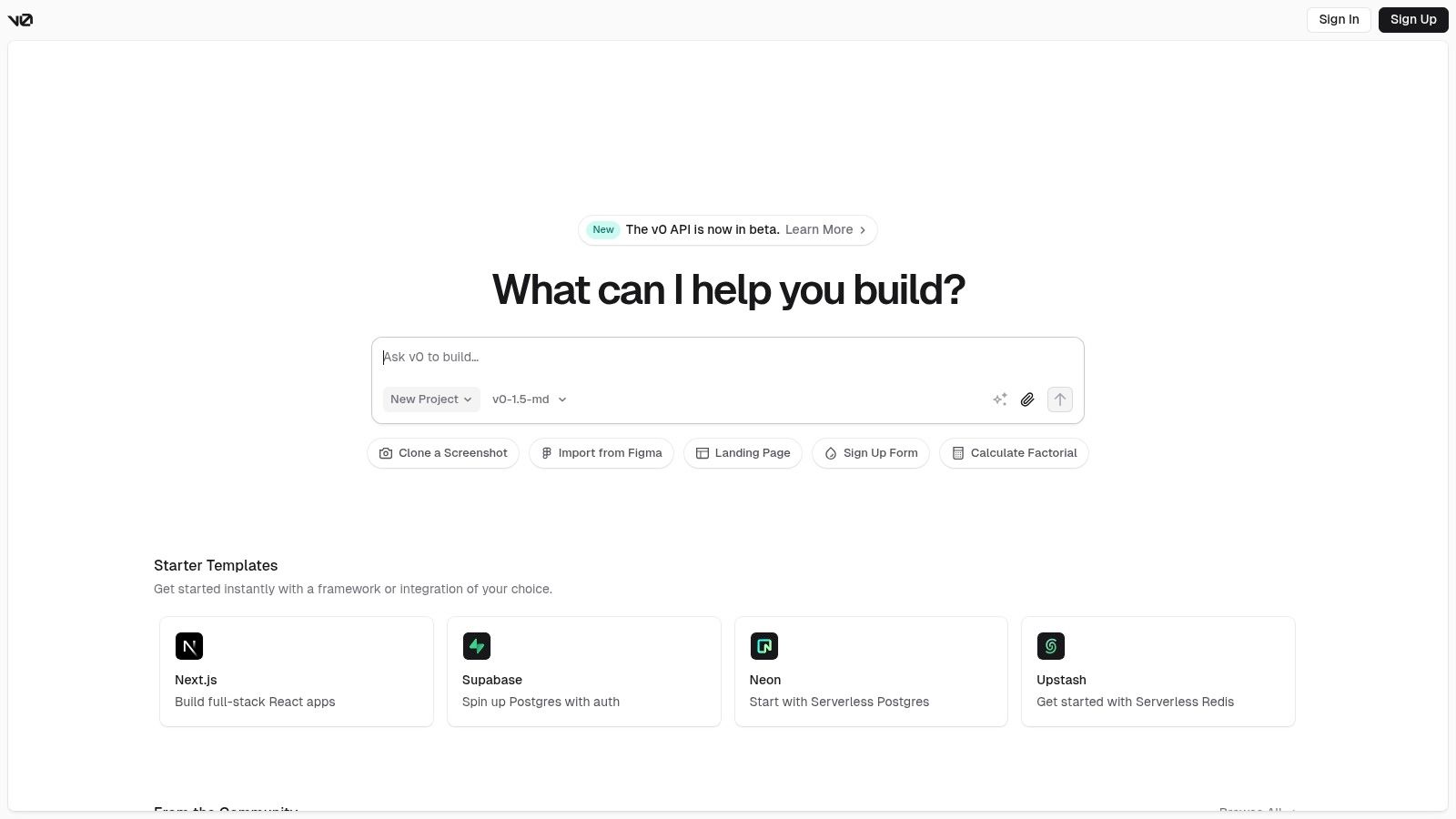
V0 by Vercel is a generative UI system that takes vibe coding into the production environment. It translates natural language prompts directly into production-ready React and Tailwind CSS components built on shadcn UI. This tool is designed for developers who want to accelerate front-end development by leveraging AI to generate clean, modifiable code. V0's strength lies in its deep integration with the Vercel ecosystem, allowing for a seamless transition from a "vibe" or a concept to a live, deployed web application. It bridges the gap between rough ideas and high-quality, reusable components.
Core Features & Use Cases
V0 excels at rapidly prototyping and building user interfaces. Instead of just generating code snippets, it provides an iterative workflow where you can "chat" with the AI to refine UI elements, adjust styles, and ensure the output matches your creative vision. The generated code is not a black box; it's clean React code that can be copied, pasted, and customized within your project.
- Practical Use Case: A startup founder needs to quickly build a polished landing page. Using V0, they can describe the layout, color scheme, and key components like a hero section and pricing table, and receive ready-to-use code that integrates directly into their Next.js application.
- Key Feature: The ability to generate entire projects out-of-the-box using modern frameworks like Next.js and Vue.js makes it one of the most powerful vibe coding tools for building complete, functional web apps from a simple prompt.
Implementation and Considerations
| Aspect | Details |
|---|---|
| Pricing | Freemium model with a credit system. Free tier provides monthly credits, with paid plans for higher usage. |
| Platform | Web-based interface. |
| Pros | Enables extremely rapid UI development; integrates seamlessly with Vercel’s deployment platform; generates clean, modern code using popular libraries. |
| Cons | Currently limited to React (Next.js) and Vue.js frameworks; the iterative chat interface may sometimes lose context compared to an in-IDE tool. |
Website: v0.dev
11. Claude Code
Claude Code, from AI safety and research company Anthropic, is a sophisticated assistant that excels at translating high-level concepts into practical code, especially for frontend development. Unlike tools focused solely on code generation, Claude shines in its ability to understand context, plan complex component structures, and reason through design choices. This makes it one of the most effective vibe coding tools for developers who need more than just code snippets; they need a collaborative partner to help structure thoughts, brainstorm solutions, and build out user interfaces from a simple description or a wireframe sketch. Its strength lies in interpreting ambiguous, vibe-driven prompts and converting them into logical, well-organized code.
Core Features & Use Cases
Claude's conversational intelligence allows it to act as a thought partner during the initial, often messy, stages of development. It can help you break down a complex UI idea into smaller, manageable components, suggest appropriate technologies like React or Vue, and even draft the foundational code for each part. This planning capability is its key differentiator in the vibe coding space.
- Practical Use Case: A frontend developer is tasked with creating a "playful and interactive" dashboard. They can describe this vibe to Claude, which can then suggest animations, layout structures, and component hierarchies, generating the corresponding HTML, CSS, and JavaScript.
- Key Feature: Its strong grasp of natural language and coding context allows it to maintain a coherent "conversation" about a project, remembering previous requests to build upon code iteratively rather than starting fresh with each prompt.
Implementation and Considerations
| Aspect | Details |
|---|---|
| Pricing | Varies; available through API access with a pay-as-you-go model and as part of Claude Pro subscriptions. |
| Platform | Web-based interface, API for integration into IDEs and other applications. |
| Pros | Excellent for frontend development and architectural planning; strong natural language understanding; great for iterative refinement. |
| Cons | Can be less specialized for complex backend or database-heavy tasks; performance is dependent on internet connectivity. |
Website: https://www.anthropic.com/
12. Aider
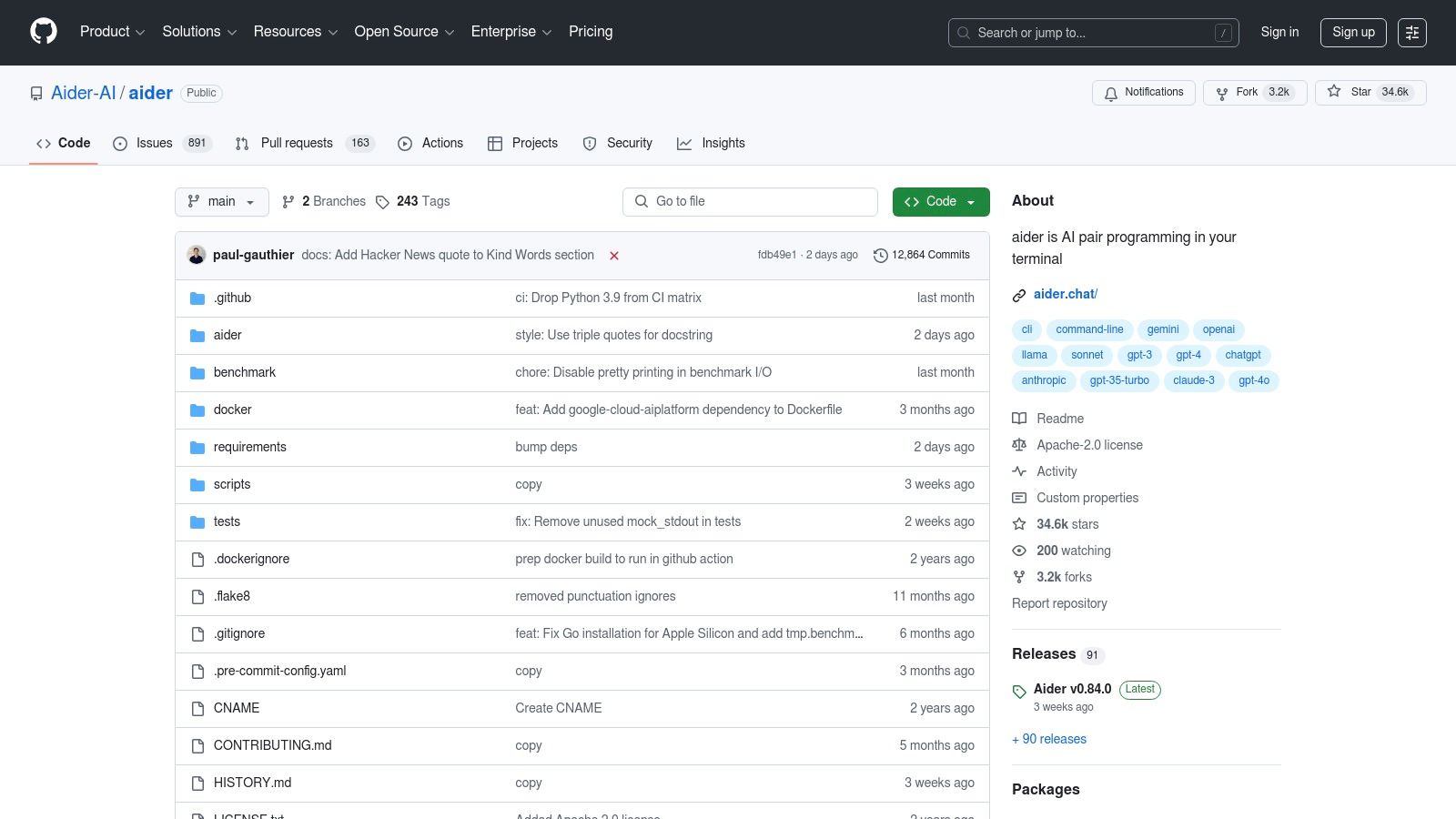
Aider is a powerful AI pair programming tool that operates directly within your command line interface, bringing intelligent coding assistance into the familiar terminal environment. Unlike UI-heavy IDE extensions, Aider is designed for developers who live in the terminal, allowing them to chat with an AI to edit code, write tests, and refactor existing projects using natural language. Its tight integration with Git makes it one of the more robust vibe coding tools for serious development, as it automatically commits changes with descriptive messages, creating a transparent and version-controlled workflow. This makes it ideal for developers who want AI assistance without leaving their core workflow.
Core Features & Use Cases
Aider's strength lies in its context-aware interaction with your local repository. By pointing it at your source files, you can ask it to perform complex tasks like adding a new feature based on an existing API or debugging a specific function. It understands your project's structure, which minimizes inaccurate or out-of-context suggestions.
- Practical Use Case: A backend developer can use Aider to quickly generate boilerplate code for a new REST API endpoint. By providing a prompt like, "Create a new POST endpoint at
/usersthat validates email and password," Aider will write the code, add it to the relevant files, and commit the changes. - Key Feature: The direct Git integration is a standout. Each AI-driven change is committed, allowing you to easily review, revert, or understand the evolution of the codebase, which is crucial for team collaboration and maintaining code quality.
Implementation and Considerations
| Aspect | Details |
|---|---|
| Pricing | Free (Open-source). Requires an OpenAI API key. |
| Platform | Command Line Interface (CLI). |
| Pros | Brings AI pair programming directly into the terminal; seamless Git integration for version control; open-source and highly customizable. |
| Cons | CLI-only interface has a steeper learning curve for non-terminal users; quality of output is dependent on the connected AI model and can be inconsistent. |
Website: github.com/paul-gauthier/aider
Vibe Coding Tools Feature Comparison
| Tool | Core Features / Highlights | User Experience / Quality ★ | Value Proposition 💰 | Target Audience 👥 | Unique Selling Points ✨ |
|---|---|---|---|---|---|
| Vibecoding VIP 🏆 | Curated AI tools, tutorials, demos, community | ★★★★★ Comprehensive & beginner-friendly | 💰 Free, continuously updated | 👥 Beginners to pros, vibe coding fans | ✨ Bridges creativity & AI, vibrant community |
| Cursor | AI code completions, refactoring, chat AI | ★★★★ Smooth IDE integration, has learning curve | 💰 Unknown pricing for advanced | 👥 Developers wanting AI-assisted coding | ✨ Context-aware AI understanding entire code |
| GitHub Copilot | Real-time AI pair programming, multi-lang | ★★★★ Speeds up coding, subscription-based | 💰 Subscription required | 👥 Professional developers | ✨ Adapts to coding style, native IDE support |
| Replit | Cloud IDE, multi-language, AI assistant | ★★★★ Beginner-friendly, accessible anywhere | 💰 Freemium model | 👥 Beginners, educators, rapid prototypers | ✨ Live collaboration, instant deployment |
| Lovable | No-code app builder, natural language input | ★★★ User-friendly but some learning curve | 💰 Platform-tied | 👥 Non-programmers, teams | ✨ Full code export, Figma integration |
| Bolt.new | AI web dev agent, browser-based, prompt-driven | ★★★ Quick prototyping, easy access | 💰 Free/basic, internet needed | 👥 Web & mobile app creators | ✨ No setup, integrates design & deployment |
| Windsurf | AI agents, multi-file editing, workflow automation | ★★★★ Enhances productivity, some learning curve | 💰 Unknown | 👥 Advanced developers | ✨ Deep codebase integration, flow maintenance |
| Cline | Autonomous AI agent for VS Code | ★★★ Automation with customization | 💰 BYOK model, potential costs | 👥 VS Code users, AI enthusiasts | ✨ Autonomous coding, open-source |
| Roo Code | Fork of Cline, customizable AI agent | ★★★ Community-driven, customizable | 💰 BYOK model, potential costs | 👥 Developers seeking workflow flexibility | ✨ Open-source, active community |
| V0 by Vercel | React/Tailwind UI generation from prompts | ★★★ Rapid UI dev, framework-limited | 💰 Free/paid unknown | 👥 Frontend developers | ✨ Instant previews, deep Vercel integration |
| Claude Code | AI coding aid, frontend & planning focus | ★★★ Strong frontend support, needs internet | 💰 Unknown | 👥 Frontend developers | ✨ Advanced AI models, natural language support |
| Aider | AI pair programming in CLI | ★★★ Terminal-based, open-source | 💰 Free & customizable | 👥 CLI users, Git integrators | ✨ AI assistance in terminal, Git integration |
Choosing the Right Vibe: How to Select Your Perfect Toolkit
We've explored a vibrant landscape of AI-powered development, from the intelligent autocompletion of GitHub Copilot to the generative UI magic of V0 by Vercel. The journey through these twelve powerful vibe coding tools reveals a fundamental shift in software creation. The focus is moving away from rote memorization of syntax and boilerplate toward a more intuitive, creative, and collaborative process. Your role as a developer is evolving into that of a director, guiding intelligent agents to bring a specific vision, or "vibe," to life.
The sheer diversity of options, from the all-in-one environment of Cursor to the specialized command-line prowess of Aider, can feel overwhelming. However, this variety is a strength, ensuring a perfect fit exists for nearly any project, team, or individual workflow. The key is not to find a single "best" tool but to assemble a personal toolkit that amplifies your unique strengths and minimizes friction in your creative process.
Synthesizing Your Options: A Practical Framework
To move from exploration to implementation, it's crucial to evaluate these tools against your specific needs. Start by answering a few core questions about your daily work and project goals.
- What is my primary development environment? If you live and breathe in VS Code, integrating extensions like GitHub Copilot or self-hosting agents like Cline and Roo Code will feel most natural. If you prefer a dedicated, AI-native IDE, Cursor is the obvious choice.
- How important is collaboration? For teams needing a shared, zero-setup environment, Replit stands out with its real-time multiplayer coding and integrated deployment pipelines.
- Am I focused on UI/UX or backend logic? For rapid visual prototyping and translating design concepts into functional components, tools like V0 by Vercel and Lovable are purpose-built. For complex backend tasks and algorithm development, Claude Code and GitHub Copilot offer robust, logic-aware assistance.
- What is my budget and tolerance for setup? Free, open-source tools like Aider offer incredible power but require command-line comfort and initial configuration. Subscription-based platforms like Replit or premium tiers of Copilot provide a polished, out-of-the-box experience at a cost.
Your Actionable Next Steps
Information is only valuable when acted upon. Here’s how you can start integrating vibe coding tools into your workflow today:
- Select Two Contenders: Based on the framework above, pick two tools that seem most aligned with your needs. Choose one that fits your current workflow (like a VS Code extension) and one that represents a new approach (like the Cursor IDE or Replit).
- Define a Small Test Project: Don't try to overhaul your entire workflow at once. Start with a small, low-stakes project, like building a personal portfolio component, a simple API, or a utility script. This creates a safe space to experiment without deadline pressure.
- Focus on a Single Task: Within that project, challenge the tool with a specific task. Ask V0 to generate a landing page hero section. Use Aider to refactor a complex function. See how Cursor handles debugging a tricky issue. Document what felt intuitive and what created friction.
- Reflect and Iterate: After your test, ask yourself: Did this tool save me time? Did it help me solve a problem I was stuck on? Most importantly, did it make the process more enjoyable? The answer will guide whether you adopt the tool, try another, or stick to your established methods for now.
The era of vibe-driven development is here, and it’s characterized by partnership, not replacement. These tools are your collaborators, ready to handle the tedious work so you can focus on the architectural vision and creative spark that only a human can provide. The future of coding is more expressive, accessible, and powerful than ever before. Embrace the experimentation, find your flow, and start building with the right vibe.