Unlocking the Power of Visual Programming
Want to build software, games, or interactive experiences without getting bogged down in complex code? Visual programming tools offer a solution. They replace text-based code with intuitive drag-and-drop interfaces, making development faster and more accessible. This list explores 10 top visual programming tools—including Scratch, Node-RED, Unreal Engine Blueprints, and Blockly—empowering you to create innovative applications. Whether you're a seasoned developer, digital artist, or just starting out, discover the perfect visual programming tool to bring your ideas to life.
1. Scratch
Scratch is a leading choice among visual programming tools, particularly for beginners. Developed by the MIT Media Lab, this free, block-based visual programming language and online community empowers users to create interactive stories, games, and animations without the complexities of traditional coding syntax. Scratch prioritizes computational thinking and problem-solving skills through a drag-and-drop interface that eliminates the frustration of syntax errors. It’s an ideal entry point for anyone curious about the world of programming, regardless of prior experience.
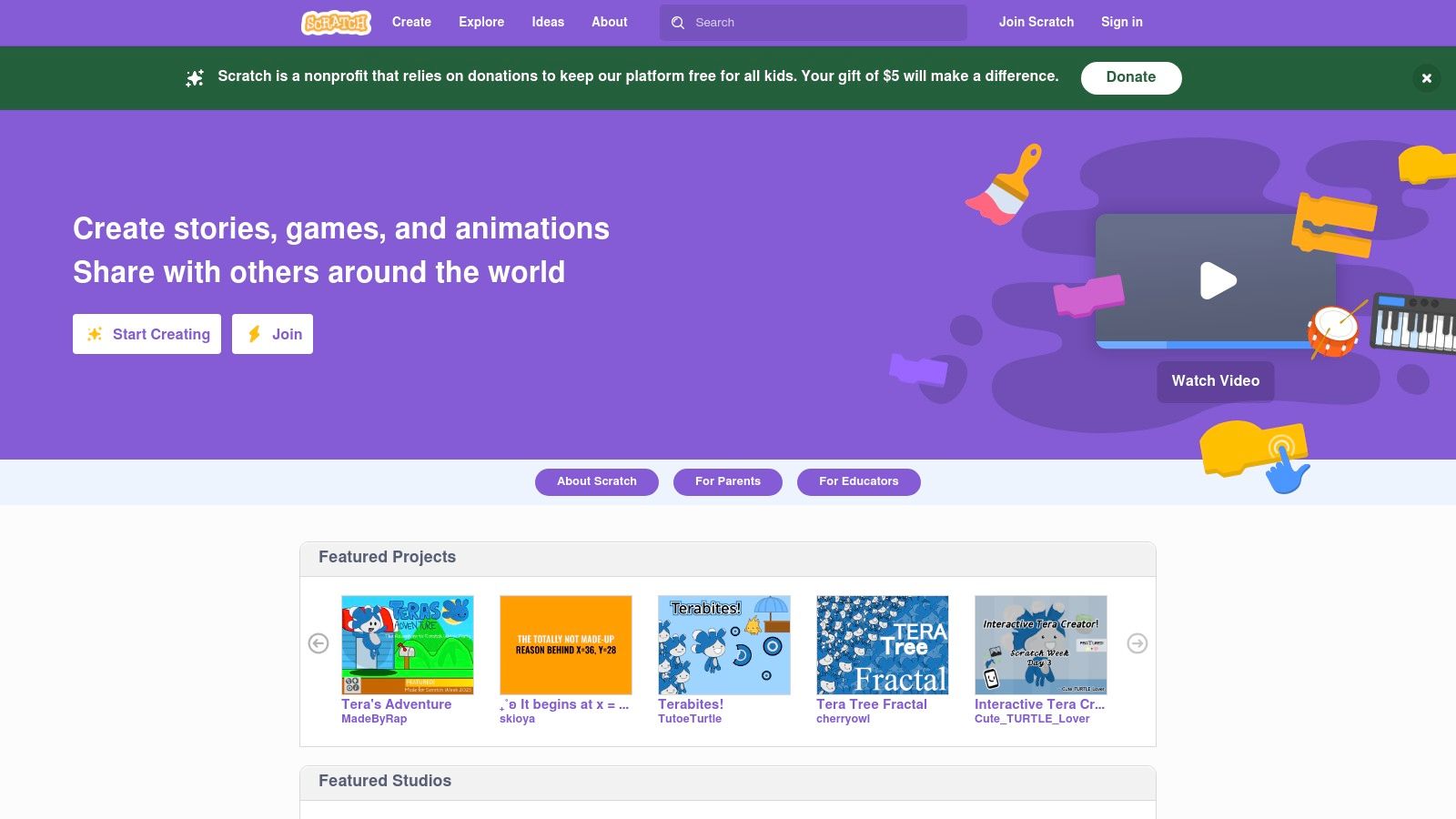
Scratch's block-based programming system makes it incredibly user-friendly. Visual code blocks snap together like puzzle pieces, representing different actions, conditions, and events. This intuitive approach allows users to focus on the logic of their projects rather than getting bogged down in syntax. The platform also boasts a rich built-in sprite library and robust multimedia integration capabilities, enabling users to incorporate sound, images, and even their own artwork into their creations. Furthermore, a vibrant online community fosters collaboration and sharing, allowing users to remix existing projects and learn from each other. This collaborative spirit is further enhanced by support for multiple languages, making Scratch accessible to a global audience. Cloud-based storage simplifies project management and sharing. For those eager to delve deeper, resources like the one available at Learn more about Scratch can provide valuable insights and guidance.
For educators, Scratch is a powerful tool for introducing coding concepts in a fun and engaging way. Its visual nature and ease of use make it perfect for classrooms and workshops. Aspiring vibe coders and digital artists can leverage Scratch to bring their creative visions to life without needing extensive coding knowledge. Even experienced software developers might find Scratch useful for rapid prototyping or exploring new ideas.
Features:
- Block-based programming with snap-together visual code blocks
- Built-in sprite library and multimedia integration
- Active online community for sharing and remixing projects
- Support for multiple languages
- Cloud-based project storage and sharing
Pros:
- Ideal for beginners and educational settings – no coding experience required.
- Eliminates syntax errors through its block structure.
- Fosters collaborative learning through extensive community support.
- Completely free to use with no subscription costs.
Cons:
- Limited capabilities for complex or professional software development projects.
- Performance limitations can hinder computationally intensive projects.
- Can be outgrown quickly by advanced users seeking more sophisticated tools.
- Limited deployment options outside the Scratch environment.
Website: https://scratch.mit.edu/
Scratch’s ease of use, vibrant community, and focus on education make it a standout choice among visual programming tools. While it may not be suitable for complex professional projects, its accessibility and focus on learning make it an invaluable resource for beginners and educators alike. It firmly deserves its place on this list as a powerful tool for fostering creativity and computational thinking.
2. Node-RED
Node-RED is a powerful open-source, flow-based visual programming tool originally developed by IBM. It excels at connecting hardware devices, APIs, and online services, making it a popular choice for IoT applications and system integrations. Using a browser-based editor, you visually wire together flows using a wide range of nodes, representing different functionalities. This approach minimizes the need for traditional coding, allowing users to create event-driven applications that bridge digital, physical, and cloud environments with relative ease. This makes Node-RED an excellent choice for anyone looking to quickly prototype and deploy IoT solutions, connect disparate systems, or build web-based dashboards for interacting with their projects.
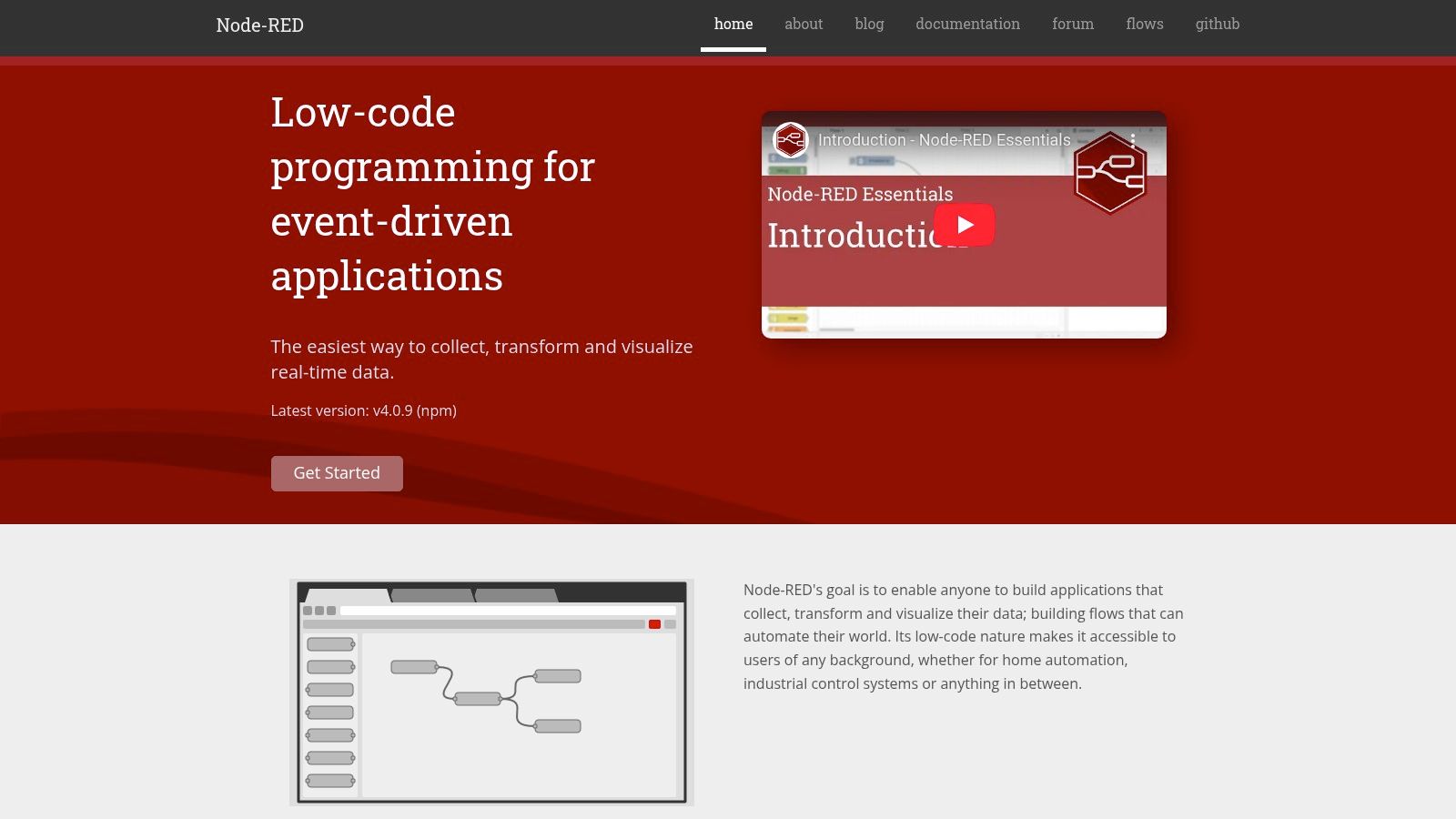
Imagine controlling smart home devices, collecting data from sensors, and visualizing that data on a custom dashboard—all without writing extensive code. That’s the power of Node-RED as a visual programming tool. Its drag-and-drop interface simplifies complex integrations, allowing users to focus on the logic of their applications rather than getting bogged down in syntax. From hobbyists building a smart garden to businesses managing industrial automation, Node-RED offers a versatile platform for creating interconnected systems.
One of Node-RED's key strengths lies in its extensive library of pre-built nodes. These nodes provide ready-made functionality for various protocols and services, such as MQTT, HTTP, TCP, and databases. If you need custom logic, you can inject JavaScript directly into nodes, extending the platform's capabilities. The built-in dashboard feature allows you to create user interfaces for your applications directly within Node-RED, further streamlining the development process. Its lightweight runtime allows it to run on resource-constrained hardware like a Raspberry Pi, making it perfect for edge computing scenarios.
Features:
- Flow-based programming with a browser-based editor
- Large library of pre-built nodes for various protocols and services
- JavaScript functions for custom logic
- Built-in dashboard for creating user interfaces
- Lightweight runtime compatible with low-cost hardware
Pros:
- Excellent for IoT projects and system integration
- Active community with extensive node libraries
- Runs on various platforms from cloud to edge devices
- Low barrier to entry for creating complex integrations
Cons:
- Can become complex to manage for very large applications
- Performance limitations for high-throughput systems
- Limited debugging capabilities compared to traditional IDEs
- Steeper learning curve than some drag-and-drop visual tools like Scratch
Pricing: Open-source and free to use.
Technical Requirements: Node.js and a web browser.
Comparison: While similar to other visual programming tools like IFTTT or Zapier in its ability to connect services, Node-RED offers significantly more flexibility and control, particularly for hardware integration and custom logic. It bridges the gap between simple automation tools and full-fledged coding environments.
Implementation Tip: Start with a simple project, like reading data from a sensor and displaying it on the dashboard. This will familiarize you with the flow-based paradigm and the Node-RED interface. Explore the available nodes and experiment with different configurations to understand their capabilities. Leverage the active community forums and online resources for support and inspiration.
Website: https://nodered.org/
Node-RED deserves its place on this list because it empowers users of all technical backgrounds to create complex, interconnected systems with minimal coding. Its visual approach, combined with a rich ecosystem of nodes and an active community, makes it a valuable tool for anyone exploring the world of visual programming, particularly in the realm of IoT and system integration.
3. Unreal Engine Blueprints
Unreal Engine Blueprints is a powerful visual programming tool that empowers users to create interactive experiences and game logic without writing traditional code. As a node-based system within the renowned Unreal Engine, Blueprints allows you to visually connect nodes representing functions, variables, and events, enabling the development of complex behaviors and mechanics. Its applications span across various fields, including game development, architectural visualization, and interactive media, making it a versatile tool for both beginners and seasoned professionals. This positions it as a top-tier choice among visual programming tools.
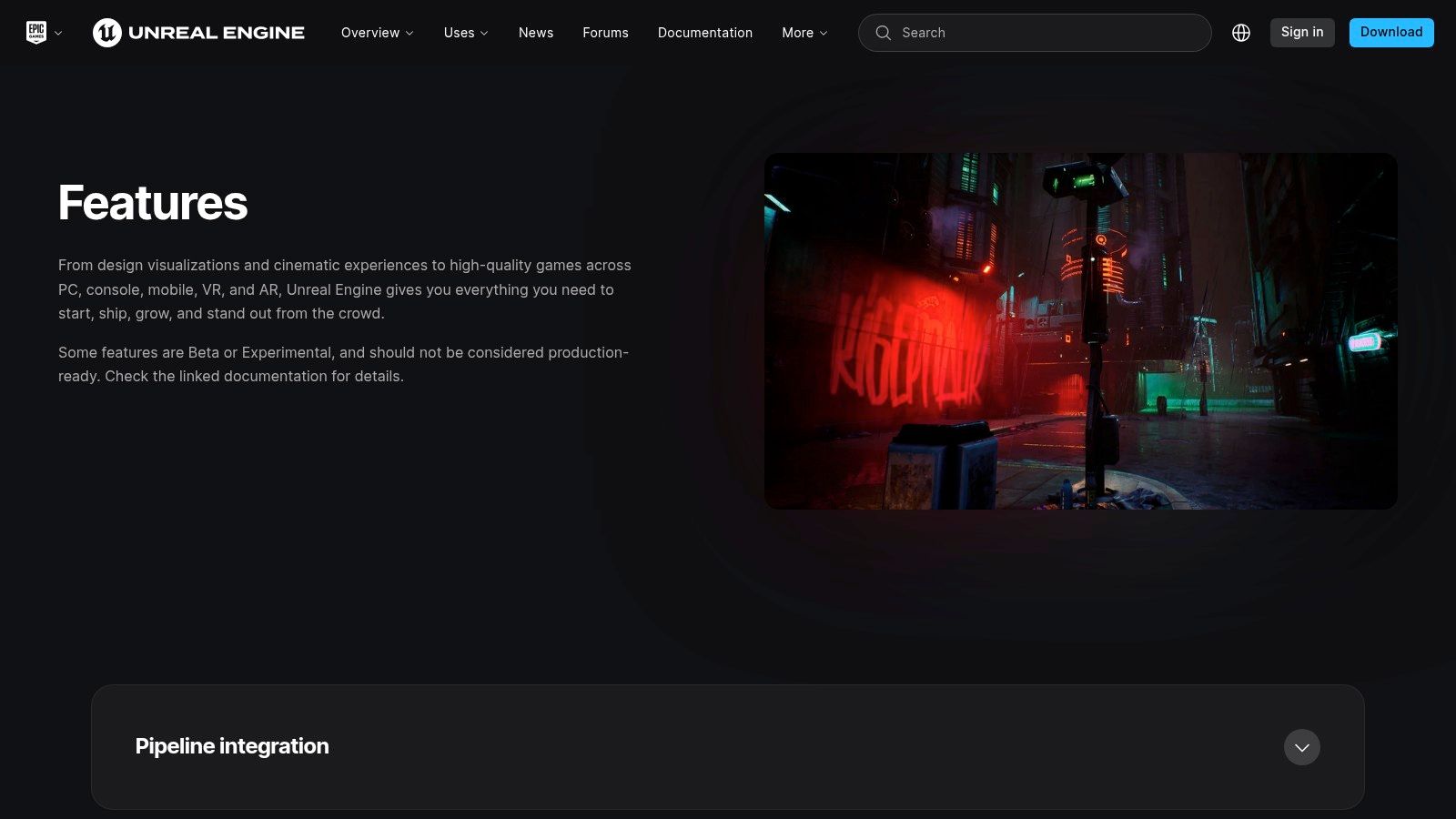
Imagine crafting intricate game mechanics, designing interactive simulations, or building immersive virtual worlds – all without delving into complex lines of code. Blueprints enables precisely that. For aspiring vibe coders and experienced software developers alike, it offers a faster prototyping route compared to traditional coding. Digital artists and creative technologists can leverage its visual nature to bring their visions to life, while educators and students in tech can utilize it as a powerful learning and experimentation platform. Even innovative entrepreneurs and hobbyists can harness its capabilities to develop interactive prototypes and proof-of-concepts.
One of the most significant advantages of Blueprints is its seamless integration within the Unreal Engine ecosystem. This provides direct access to the engine's vast functionalities, including rendering, physics, animation, and AI. Real-time compilation and feedback further expedite the development process, allowing for rapid iteration and experimentation. Furthermore, Blueprints can be seamlessly combined with traditional C++ programming, offering flexibility for advanced users who require more granular control. Extensive debugging and visualization tools are also available to streamline the development workflow. Learn more about Unreal Engine Blueprints for a deeper dive into its functionalities.
While Blueprints offers significant advantages, it's important to be aware of its limitations. A potential drawback is the performance overhead compared to native C++ code, particularly for computationally intensive tasks. Additionally, complex blueprints can become visually cluttered and challenging to manage. The learning curve, while manageable for beginners, can be steep for those unfamiliar with game development concepts. Lastly, the Unreal Engine itself is a resource-intensive development environment, requiring a robust computer system.
Features:
- Node-based visual scripting integrated with Unreal Engine
- Direct access to all Unreal Engine functionality
- Real-time compilation and feedback
- Can be mixed with traditional C++ programming
- Extensive debugging and visualization tools
Pros:
- Enables non-programmers to create complex game mechanics
- Faster prototyping than traditional coding
- Seamless integration with the rest of Unreal Engine
- Powerful enough for commercial game development
Cons:
- Performance overhead compared to native C++ code
- Complex blueprints can become difficult to manage
- Steep learning curve tied to understanding game development concepts
- Resource-intensive development environment
Website: https://www.unrealengine.com/en-US/features/blueprints
Unreal Engine itself is free to use, with a royalty-based payment structure for published commercial products. System requirements vary based on project complexity, but generally, a powerful computer with a dedicated graphics card is recommended.
4. LabVIEW
LabVIEW (Laboratory Virtual Instrument Engineering Workbench) stands out among visual programming tools, offering a powerful graphical programming language ("G") for designing and deploying sophisticated measurement, test, and control systems. Its dataflow paradigm, where execution is driven by data availability, makes it particularly well-suited for real-time applications. From designing automated test equipment for manufacturing plants to controlling complex experiments in scientific research, LabVIEW finds applications across various domains. Its unique approach to programming makes it a powerful tool for both experienced software developers and domain experts without traditional coding experience.
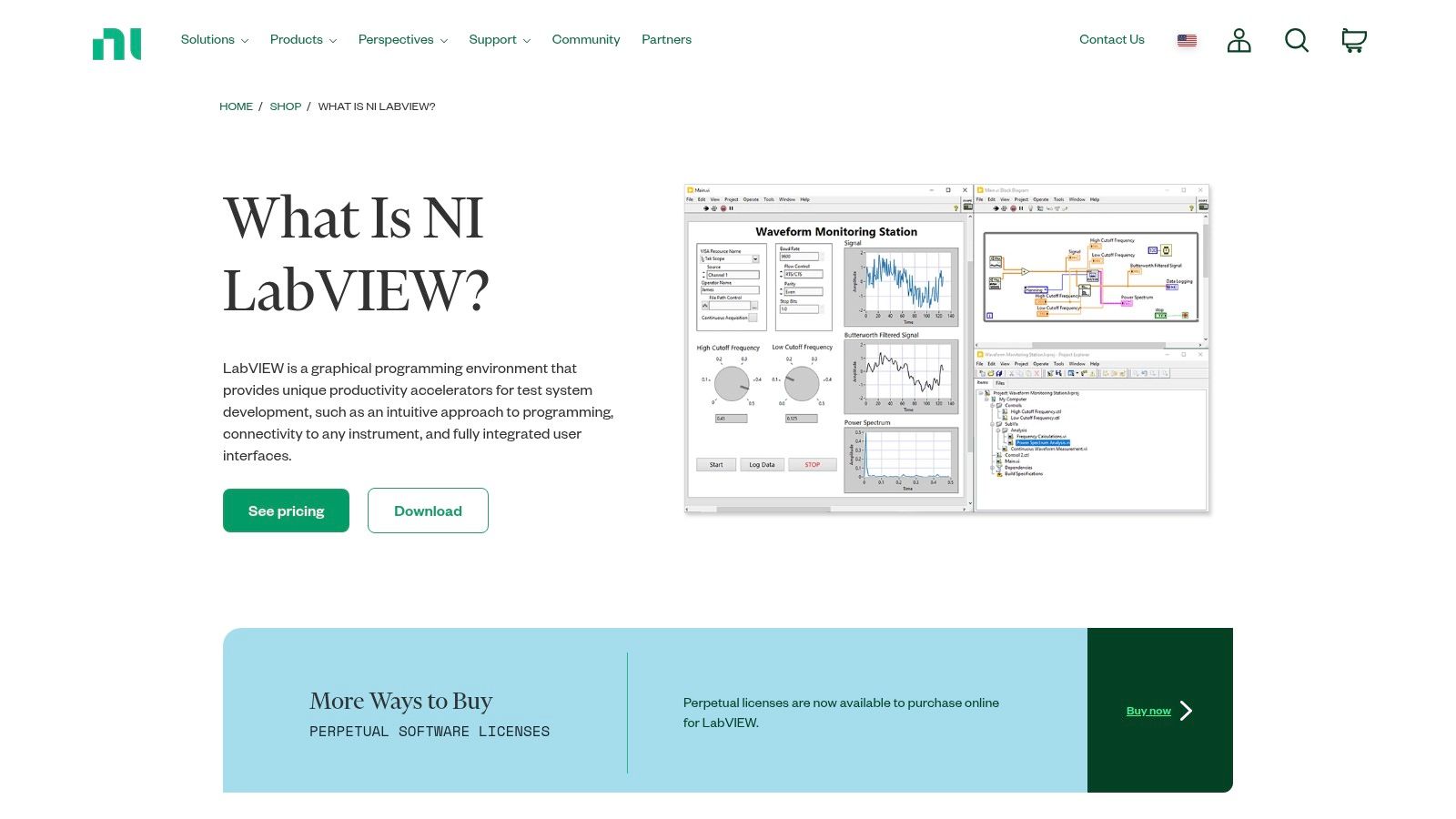
LabVIEW programs, referred to as Virtual Instruments (VIs), consist of a front panel (the user interface), a block diagram (the graphical code), and a connector panel (for defining inputs and outputs). This modular structure promotes code reusability and simplified system design. Its extensive libraries provide pre-built functions for data acquisition, analysis, and visualization, significantly accelerating development time. Seamless integration with National Instruments hardware, ranging from data acquisition devices to embedded controllers, further strengthens its position in the test and measurement industry.
For those dealing with hardware integration, real-time data processing, and complex control systems, LabVIEW is a compelling choice. Think of automating a production line with robotic arms, collecting data from sensors in a wind tunnel, or controlling the temperature and pressure in a chemical reactor. These are the types of scenarios where LabVIEW's strengths truly shine. Compared to traditional text-based programming, LabVIEW’s graphical approach can significantly simplify the development of such systems, especially for engineers and scientists who may not be expert programmers.
Features:
- Dataflow programming paradigm
- Extensive libraries for data acquisition, analysis, and visualization
- Seamless hardware integration with National Instruments devices
- Built-in tools for creating user interfaces
- Support for parallel processing and multi-core optimization
Pros:
- Industry standard for test, measurement, and control systems
- Excellent for data acquisition and real-time applications
- Strong debugging and profiling capabilities
- Comprehensive documentation and professional support
Cons:
- Expensive licensing model compared to open-source alternatives like Node-RED or Python-based solutions. Pricing varies depending on the edition and required toolkits, ranging from a few thousand dollars to tens of thousands for professional editions.
- Considerable system requirements for larger applications. While basic applications can run on modest hardware, complex systems may require powerful processors and significant RAM.
- Steeper learning curve than some simpler visual programming tools. While the graphical nature simplifies many aspects, mastering the dataflow paradigm and navigating the extensive libraries takes time and effort.
- Vendor lock-in concerns with National Instruments ecosystem. While LabVIEW can interface with third-party hardware, its tight integration with NI devices can create dependency.
Implementation Tips:
- Start with the built-in examples and tutorials to grasp the fundamentals of the dataflow paradigm and G programming.
- Utilize the extensive documentation and online resources provided by National Instruments.
- Consider the modularity of VIs from the outset to promote code reusability and maintainability.
Website: https://www.ni.com/en-us/shop/labview.html
LabVIEW's robust features and industry-standard status make it a powerful visual programming tool for a specific niche: those developing sophisticated test, measurement, and control applications, particularly involving hardware integration. While the cost and learning curve should be considered, its capabilities and the ecosystem surrounding it make it a valuable asset in the right hands. It definitely deserves its place among the top visual programming tools for its specialized power and widespread use in critical industries.
5. Bubble
Bubble is a powerful visual programming tool that empowers users to build fully functional web applications without writing a single line of code. It stands out among visual programming tools by offering a comprehensive platform for not just prototyping, but deploying production-ready applications. Its drag-and-drop interface and visual workflow editor make it accessible to individuals with limited coding experience, while its robust features and scalability cater to the needs of seasoned developers looking for faster development cycles. This makes Bubble a versatile tool suitable for a wide range of users, from aspiring "no-code" developers to experienced programmers seeking rapid prototyping solutions. Whether you’re building a marketplace, a social network, or a complex database-driven application, Bubble provides the tools and infrastructure to bring your vision to life.
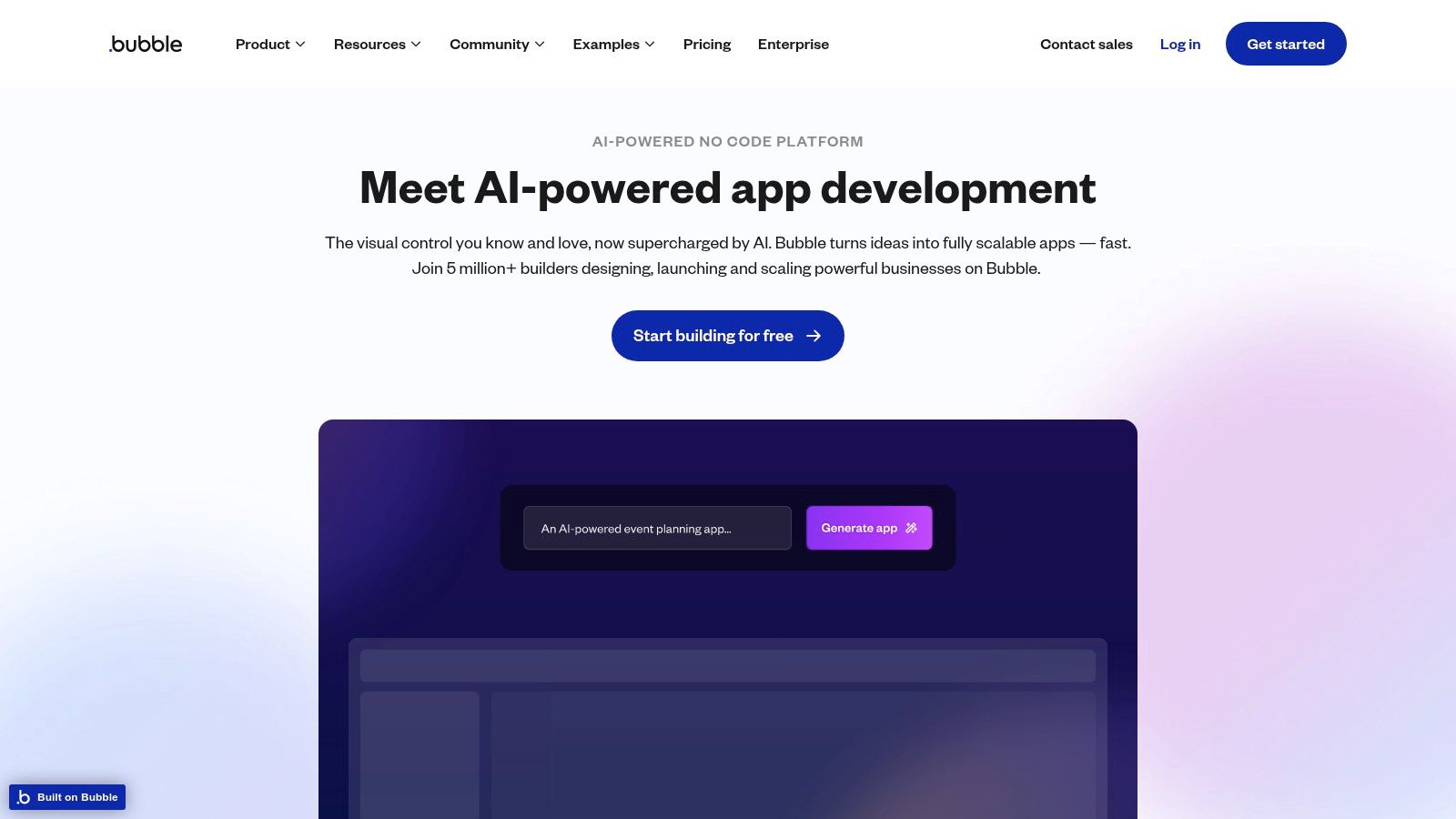
Bubble's intuitive interface allows users to design responsive user interfaces by dragging and dropping pre-built components. The visual workflow editor simplifies the process of defining application logic using a series of events, actions, and conditional statements. This visual approach eliminates the need for traditional coding, making it easier for non-programmers to build complex applications. This visual programming environment sets it apart from traditional coding environments, making app development accessible to a wider audience. For example, a digital artist could create an online portfolio with integrated e-commerce functionality without needing to learn a programming language like JavaScript. Similarly, an entrepreneur can quickly prototype a Minimum Viable Product (MVP) and test market fit before investing heavily in traditional development.
One of Bubble's key strengths lies in its built-in database and relational data modeling capabilities. This allows you to create and manage data structures directly within the platform, simplifying data manipulation and retrieval within your application. Think of building a social network – user profiles, posts, comments, and likes can all be modeled and interconnected within Bubble's database. Combined with its API connector, you can integrate with numerous external services, expanding the functionality of your applications considerably. The plugin marketplace further enhances this by providing access to pre-built components and functionalities, reducing development time and adding specialized features.
Features:
- Drag-and-drop interface builder with responsive design capabilities
- Visual workflow editor for defining application logic
- Built-in database with relational data modeling
- API connector for integration with external services
- Plugin marketplace for extending functionality
Pros:
- Build complete web applications without coding knowledge
- Scalable infrastructure for hosting and deployment
- Extensive third-party integrations through plugins
- Creation of complex, production-grade applications
Cons:
- Monthly subscription costs for professional use and scaling (plans start from $25/month, scaling up based on features and capacity)
- Limited control over performance optimization compared to traditional coding
- Initial learning curve to understand Bubble's specific approach
- Some advanced features may require some technical understanding
Implementation Tips:
- Start with a clear project scope and plan your data structure before building.
- Utilize Bubble's extensive documentation and tutorials to familiarize yourself with the platform.
- Leverage the plugin marketplace to extend functionality and save development time.
- Test your application thoroughly throughout the development process.
Bubble distinguishes itself from tools like Webflow (primarily focused on static websites) or Zapier (primarily for automation) by providing a complete solution for building dynamic and data-driven web applications. While Webflow excels in visual website design and Zapier connects different apps, Bubble enables the creation of complex logic and interactive user experiences. This makes Bubble a compelling choice for anyone seeking to create functional and scalable web applications without delving into traditional coding. Visit the Bubble website to explore its features and capabilities.
6. TouchDesigner
TouchDesigner stands out among visual programming tools as a powerful platform for creating stunning real-time interactive multimedia content. Developed by Derivative, it's the go-to choice for professionals in fields like interactive installations, live visuals for concerts and events, show control, and generative art. Its node-based programming environment, where operators (nodes) are connected to form complex networks, allows for intricate manipulation of visuals, audio, and data. This makes it particularly popular in the digital art and entertainment industries, where pushing the boundaries of real-time experiences is paramount.
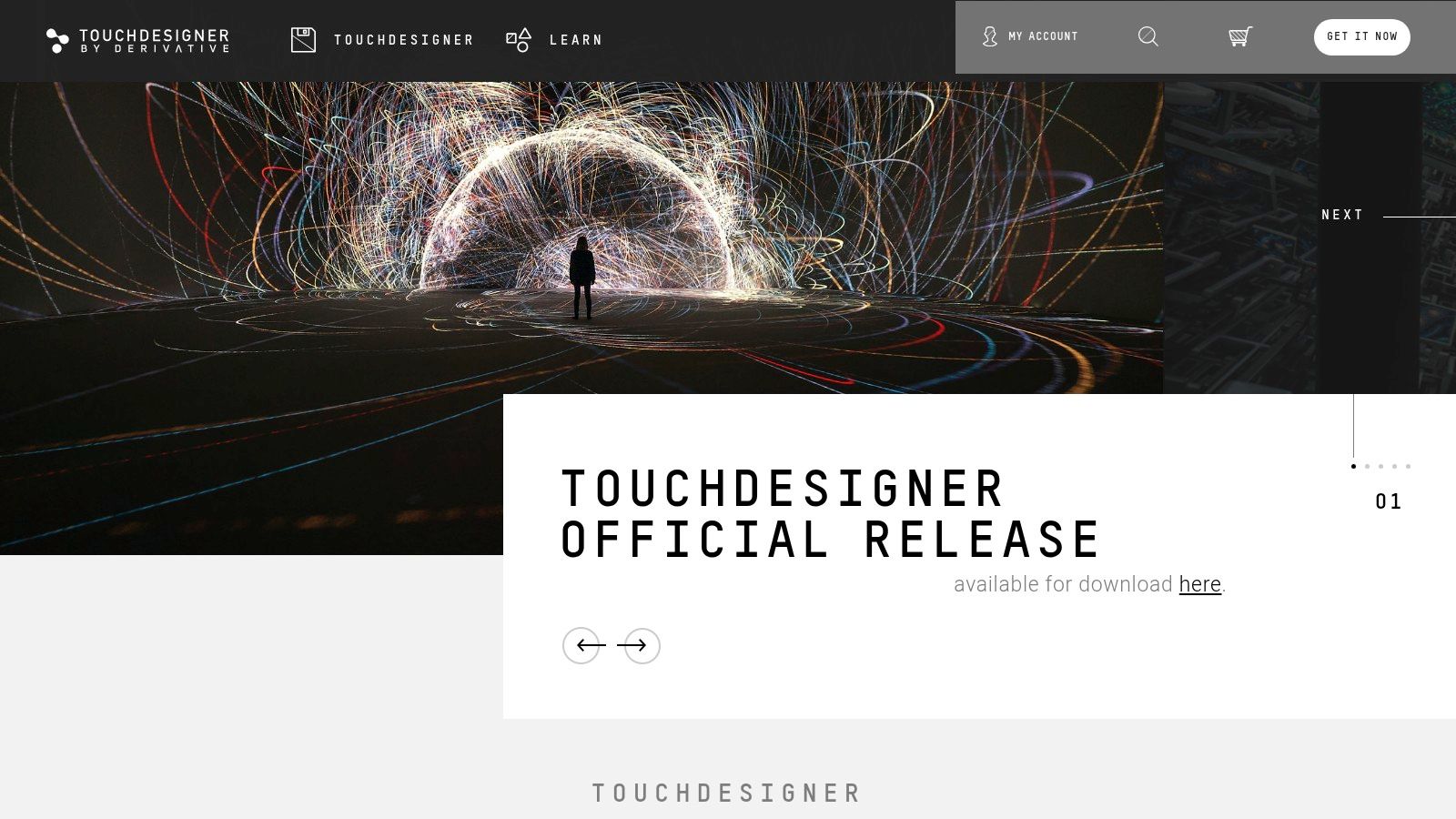
TouchDesigner's strength lies in its real-time rendering and processing capabilities. Imagine creating complex visual effects that respond instantly to live music, or designing an interactive museum exhibit that reacts to visitors' movements. This visual programming tool empowers you to build these kinds of dynamic experiences. It natively supports a wide range of media types, including 2D and 3D graphics, video, and audio. Furthermore, its integration with various hardware devices and protocols, such as MIDI, DMX, and OSC, opens up a world of possibilities for controlling physical installations and integrating with other software. The ability to extend its functionality with Python scripting provides even greater control and customization. GPU-accelerated processing ensures high-performance visuals, even for demanding projects.
Compared to other visual programming tools, TouchDesigner sits at the professional end of the spectrum. While tools like Max/MSP share some similar capabilities in terms of multimedia processing, TouchDesigner's focus on real-time graphics and its robust hardware integration make it uniquely suited for large-scale installations and high-profile events. If you're looking to create cutting-edge visual experiences, TouchDesigner is a strong contender.
For those starting out with visual programming tools, TouchDesigner's learning curve can be steep. The sheer power and flexibility of the platform can feel overwhelming initially. However, the active and supportive community, with its rich ecosystem of tutorials and shared projects, can significantly ease the learning process.
Key Features and Benefits:
- Node-based programming with real-time rendering: Build complex visual networks and see the results instantly.
- Native support for various media types: Seamlessly integrate 2D/3D graphics, video, and audio.
- Hardware and software integration: Connect with MIDI controllers, DMX lighting systems, OSC-enabled software, and more.
- Python scripting: Extend and customize functionality to meet specific project needs.
- GPU-accelerated processing: Achieve high-performance visuals for demanding projects.
Pros:
- Powerful real-time rendering and processing capabilities
- Ideal for interactive installations and live performances
- Flexible integration with various hardware and software
- Strong and supportive community
Cons:
- Steep learning curve for beginners
- Commercial license can be expensive (pricing varies depending on usage; a non-commercial license is available for free)
- Resource-intensive, requiring powerful hardware for complex projects
- Documentation can be challenging to navigate for newcomers
Implementation/Setup Tips:
- Start with the official tutorials and example projects to grasp the basic concepts.
- Explore the active TouchDesigner community forums and online resources.
- Experiment with small projects before tackling complex installations.
- Optimize your networks for performance to avoid resource bottlenecks.
TouchDesigner earns its place on this list of visual programming tools because of its unparalleled power and flexibility in the realm of real-time interactive multimedia. While it may require a significant investment of time and resources to master, the creative possibilities it unlocks are truly impressive. For those looking to push the boundaries of visual expression, TouchDesigner offers a powerful and versatile platform. Visit the official website (https://derivative.ca/) to learn more and download the software.
7. Blender Animation Nodes
Blender Animation Nodes (AN) offers a powerful entry point into the world of visual programming tools, specifically tailored for animation and procedural generation within the Blender environment. It allows users to create complex animations and effects without writing a single line of Python code. By connecting nodes in a visual graph, you can manipulate objects, generate geometry, control particles, and even build custom modifiers. This visual approach makes it particularly well-suited for tasks like procedural animation and generative art, opening up a wide range of creative possibilities. For those seeking a free and open-source solution deeply integrated with Blender, Animation Nodes is a compelling option. Learn more about Blender Animation Nodes for a deeper dive into how AN can streamline your Blender workflows.
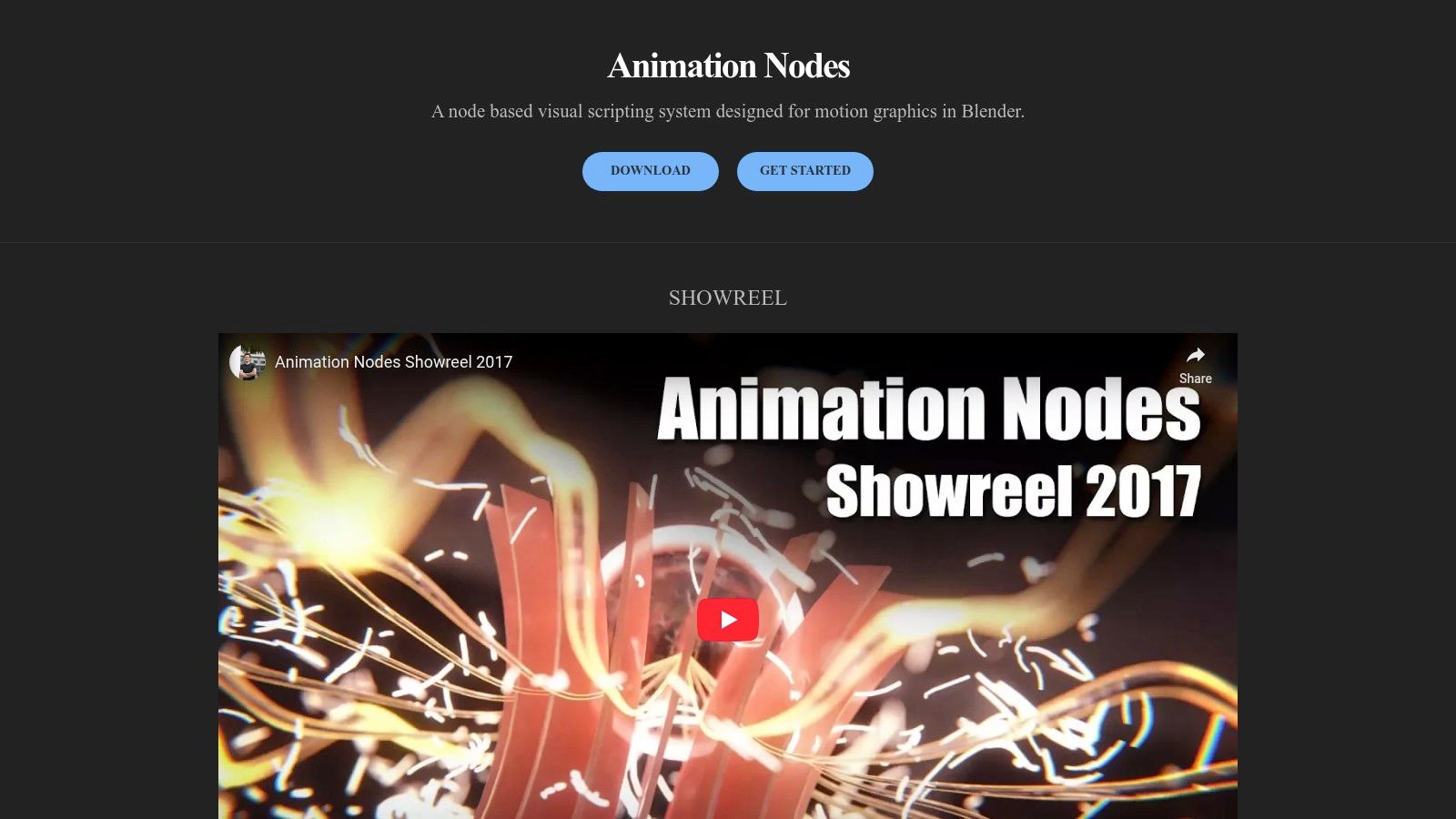
One of the key strengths of Animation Nodes is its seamless integration with Blender's existing toolset. This allows artists to leverage their existing Blender knowledge and easily incorporate node-based workflows into their projects. For instance, you could use AN to create a complex animation of a growing tree, where the branches and leaves are procedurally generated based on a set of parameters. Another example would be creating a custom modifier that deforms an object based on the music playing in the background, achieving a unique audio-reactive effect. The possibilities are vast, limited only by your creativity and understanding of the system.
Features like real-time feedback and visualization of node operations make the iterative design process highly efficient. The ability to create reusable node groups and custom nodes further enhances its power and flexibility, allowing you to build complex systems from simpler, modular components. While commercial visual programming tools might offer more polished documentation and dedicated support, Animation Nodes' open-source nature, active community, and deep Blender integration make it a valuable tool for aspiring vibe coders, digital artists, and anyone exploring the potential of visual programming within a 3D creation context.
Pros:
- Free and open-source, seamlessly integrated with Blender.
- Deep integration with Blender's existing tools and workflows.
- Empowers artists to create complex procedural animations and generative art.
- Active development and community support.
Cons:
- Requires a foundational understanding of Blender's interface and core concepts.
- Performance can be impacted by highly complex node trees.
- Steeper learning curve for users unfamiliar with node-based programming paradigms.
- Documentation can be less comprehensive than commercial alternatives.
Website: https://animation-nodes.com/
This tool deserves its place on this list of visual programming tools because it provides a unique and powerful way to leverage visual scripting within a widely used 3D creation suite. By bridging the gap between artistic vision and technical execution, Animation Nodes empowers creatives to bring their ideas to life in ways that would be significantly more challenging using traditional scripting methods. While the learning curve can be steep, the potential rewards make it a valuable tool for anyone serious about procedural animation and generative art within the Blender ecosystem.
8. vvvv
vvvv is a hybrid visual/textual programming environment ideal for anyone working with real-time interactive visuals, from aspiring VJs to seasoned software developers. This unique tool blends the intuitive nature of visual programming tools with the power and flexibility of textual coding, allowing for rapid prototyping and development of complex applications. It excels in handling large media environments and creating experiences that respond dynamically to physical interfaces, making it a powerful option for interactive installations, live performances, and more. Its specialty lies in real-time video synthesis, but it also finds applications in interactive architecture, presentations, and even the performing arts. Choosing between vvvv gamma (built on .NET) and the classic vvvv beta offers flexibility depending on your specific project needs and preferred coding approach.
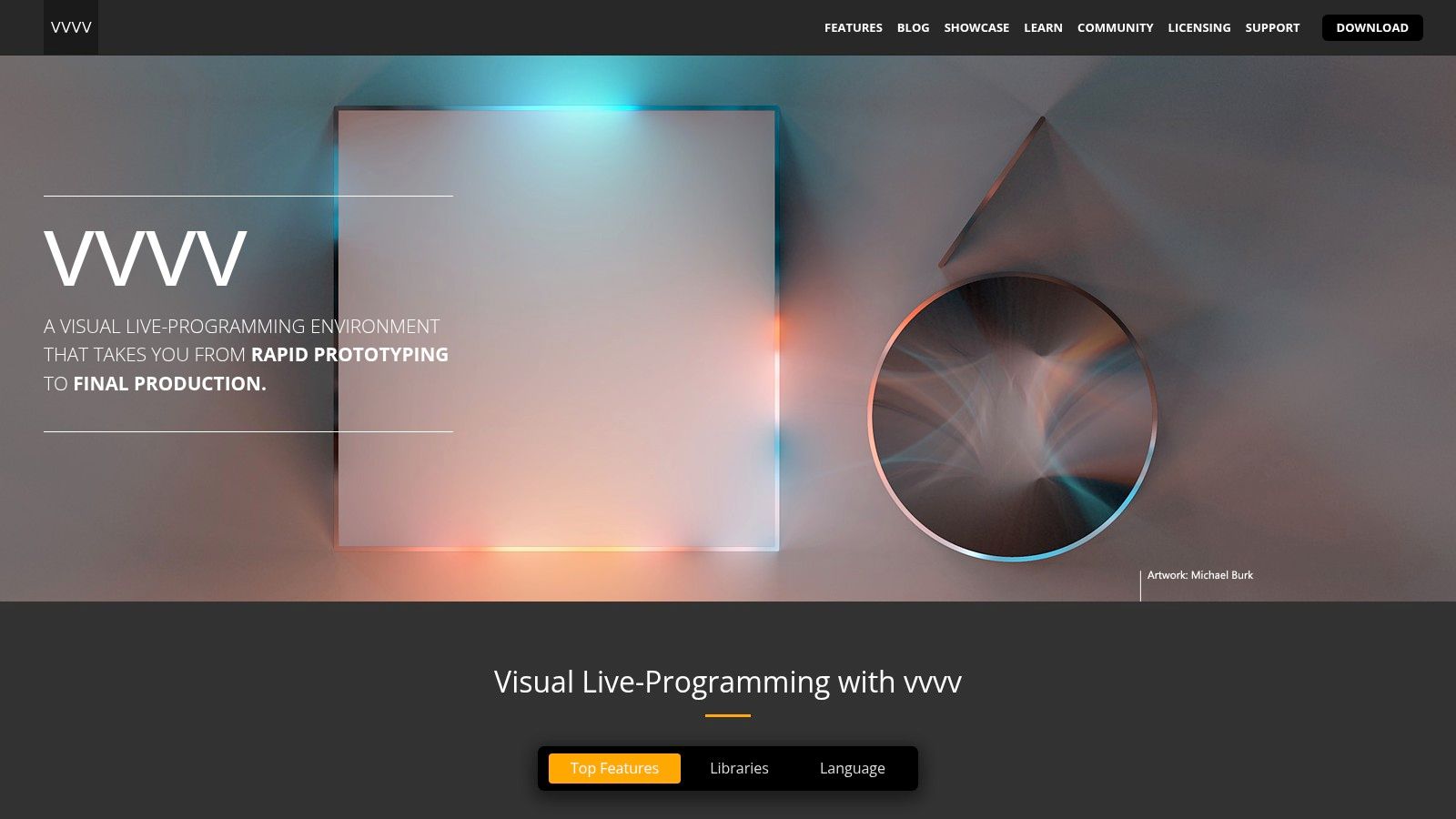
For those seeking a robust solution for complex visual projects, vvvv's dataflow programming model, visualized through a patching interface, enables a highly interactive and experimental workflow. This means connecting different nodes representing functions and data, allowing you to see the flow of your program in real time. This visual programming approach, coupled with real-time rendering and minimal latency, makes it perfect for projects demanding immediate visual feedback. The platform shines in projects that require high-performance graphics thanks to its strong support for DirectX and built-in physics engine for 3D capabilities. Furthermore, extensibility through C# and integration with the .NET framework opens up even more possibilities for developers. This makes it a particularly appealing visual programming tool for pushing the boundaries of digital art and interactive experiences.
Think of vvvv as a real-time visual playground. Imagine creating interactive art installations where the audience's movements influence the projected visuals, designing stage sets that react to the performers' actions, or building a unique public display that responds to environmental data. These are just a few examples of what's possible with this visual programming tool.
While vvvv empowers users to create impressive interactive experiences, it's worth noting some considerations. Compared to mainstream visual programming tools like TouchDesigner or Max/MSP, vvvv has a steeper learning curve and fewer readily available learning resources, though a dedicated and active community, particularly in Europe, provides support. Currently, the full version is Windows-only, and commercial usage requires licensing fees (details available on their website).
Key Features and Benefits:
- Dataflow Programming: Visualize your program's logic with an intuitive patching interface.
- Real-time Performance: Experience minimal latency for truly interactive applications.
- Graphics Powerhouse: Leverage DirectX support and a built-in physics engine for stunning visuals.
- Extensible with C#: Integrate with the .NET framework for advanced functionality.
- Hot-swapping: Modify your code while the program is running for seamless experimentation.
Pros:
- Ideal for real-time interactive installations and performances.
- Powerful rendering capabilities.
- Strong European community focused on media art.
Cons:
- Steeper learning curve and fewer learning resources than mainstream tools.
- Windows-only for full version.
- Commercial licensing costs apply.
Website: https://visualprogramming.net/
If you're looking for a visual programming tool specifically geared towards high-performance real-time visuals and interactive experiences, and you're comfortable with a more specialized environment, vvvv is definitely worth exploring. Its power and flexibility make it a worthwhile investment for serious visual artists and creative developers.
9. Grasshopper (Rhino)
Grasshopper is a powerful visual programming tool that seamlessly integrates with the Rhinoceros 3D CAD application. This node-based environment allows users to create generative algorithms for complex geometric designs without writing traditional code. It's a popular choice among architects, computational designers, and digital fabricators for exploring parametric design possibilities and automating complex modeling tasks. From designing intricate facades and structural systems to generating bespoke furniture and art installations, Grasshopper empowers users to push the boundaries of form-finding and digital fabrication. Its position as a leading visual programming tool is solidified by its wide adoption within the architecture and design industries, making it an essential skill for professionals in these fields.
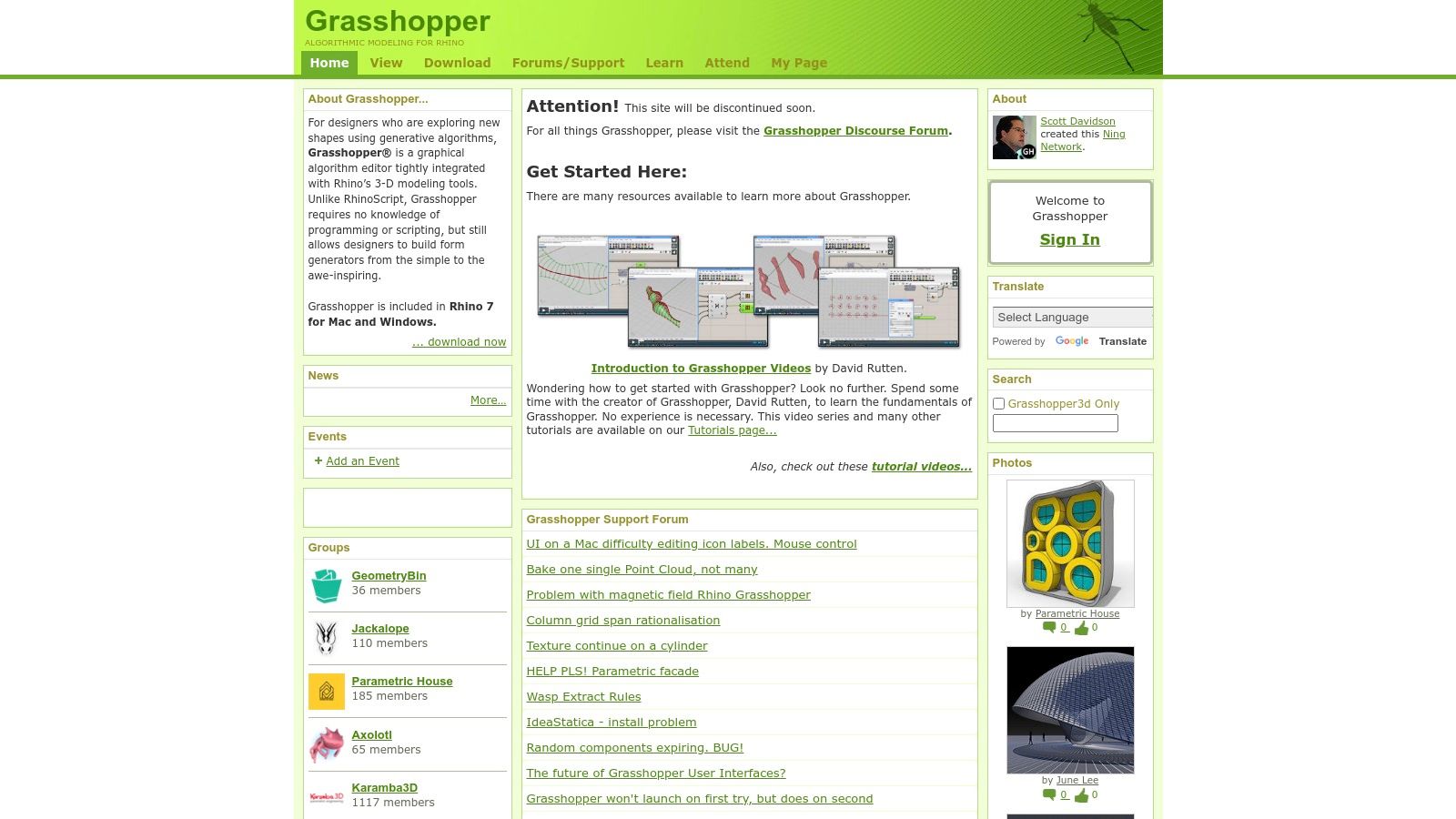
Grasshopper's node-based interface provides a visual representation of the design process. By dragging and dropping components (representing functions and operations) onto the canvas and connecting them, users define relationships and build parametric models. These models can then be adjusted interactively by modifying input parameters, allowing for rapid exploration of design variations and optimization. Its deep integration with Rhino's precise modeling capabilities ensures a smooth workflow from concept to finalized design. This tight integration sets Grasshopper apart from other visual programming tools that might require intermediary steps or translations between the programming environment and the 3D modeling software.
Features and Benefits:
- Parametric Design: Enables the creation of generative and algorithmic designs with controllable parameters.
- Node-based Programming: Provides a visual and intuitive way to build algorithms without traditional coding.
- Rhino Integration: Seamlessly works within Rhino's 3D modeling environment, leveraging its precise geometry tools.
- Extensive Plugin Ecosystem: Offers access to a vast library of plugins for specialized tasks, extending its core functionalities.
- Data Management: Facilitates complex geometric operations and data manipulation.
- Interoperability: Supports import/export options for compatibility with other design tools.
Pros:
- Industry Standard: Widely recognized and used in architecture and parametric design.
- Computational Design Powerhouse: Highly capable for complex form-finding and algorithmic design.
- Strong Community and Resources: Large user community and readily available learning materials.
- Seamless Rhino Integration: Direct access to Rhino’s powerful modeling tools.
Cons:
- Rhino Dependency: Requires a Rhinoceros 3D license, which can be a significant cost.
- Resource Intensive: Complex definitions can demand substantial computing power.
- Learning Curve: Can be challenging for beginners, especially those without an architectural background.
- Performance Issues: Very complex models can lead to performance degradation.
Implementation/Setup Tips:
- Start with tutorials and online resources to grasp the fundamentals of node-based programming and parametric thinking.
- Explore the vast library of plugins to extend Grasshopper's capabilities and address specific design challenges.
- Leverage the active Grasshopper community for support and inspiration. Forums and online groups are invaluable resources for troubleshooting and learning advanced techniques.
Comparison with Similar Tools:
While other visual programming tools exist, Grasshopper’s tight integration with Rhino and its focus on parametric design makes it a unique and powerful option, particularly for architectural applications. Tools like Dynamo (for Revit) offer similar functionality within a different CAD environment, but Grasshopper remains the dominant choice for many in the field of computational design.
Pricing and Technical Requirements:
Grasshopper is included with a Rhinoceros 3D license. Pricing for Rhino varies depending on the version and licensing type. Check the Rhino website for the latest pricing information. System requirements for Rhino (and therefore Grasshopper) will depend on the complexity of the models being created, but generally, a reasonably powerful computer with dedicated graphics is recommended.
Website: https://www.grasshopper3d.com/
Grasshopper empowers both aspiring visual coders and experienced designers to explore the world of generative design. Whether you're a digital artist pushing creative boundaries or an architect exploring complex geometries, Grasshopper's visual programming environment offers an accessible yet powerful pathway to achieving innovative and intricate designs.
10. Blockly
Blockly is a powerful, open-source visual programming library developed by Google that empowers users to create code through a drag-and-drop interface. Instead of writing lines of text, users connect graphical blocks representing code concepts like variables, loops, and logical expressions. This intuitive approach makes Blockly an ideal choice for beginners learning to code, while also offering flexibility for experienced developers looking to integrate visual programming into their applications. Blockly’s ability to export code into several popular languages like JavaScript, Python, PHP, Lua, and Dart makes it a versatile tool bridging the gap between visual programming and text-based coding. This makes it a particularly compelling choice among visual programming tools available today.
From educational platforms to complex web applications, Blockly finds applications across various domains. Educators leverage Blockly to teach coding principles in a fun, engaging way. Developers utilize it to create visual editors for specific tasks within their applications, enabling non-programmers to interact with code in a more accessible manner. For example, a web developer could use Blockly to build a custom interface for designing website layouts, allowing users to visually manipulate elements and generate the underlying HTML and CSS. Blockly also powers platforms like Google's App Inventor, enabling users to create mobile apps without writing traditional code.
One of Blockly’s key strengths is its customizability. Developers can define their own blocks and associate them with specific functions or actions, tailoring the visual programming environment to the unique needs of their projects. This extensibility allows for the creation of domain-specific visual programming tools, such as those for robotics, music composition, or data visualization. Further enhancing its utility, Blockly provides cross-platform support, functioning seamlessly across web, Android, and iOS environments. Internationalization is another important aspect, with translations available for numerous languages, broadening its accessibility to a global audience.
Features:
- Block-based programming generating code in JavaScript, Python, PHP, Lua, and Dart
- Customizable and extensible block library
- Cross-platform support (web, Android, iOS)
- Internationalization support
- Built-in code generation
Pros:
- Free and open-source with active community support
- Highly customizable for various needs
- Embeddable in any web application
- Bridges the gap between visual and text-based programming
Cons:
- Requires development knowledge for custom implementations
- Not a standalone application, but a library
- Basic implementation may lack advanced features
- Complex deployments might require extra work
Website: https://developers.google.com/blockly
Implementation Tips:
- Start with the well-documented Blockly developer guides and tutorials.
- Explore pre-built blocks and examples to understand the core concepts.
- Utilize the Blockly playground to experiment with custom blocks.
- Consider using a framework like React or Angular to integrate Blockly into web applications.
Blockly offers a compelling balance of simplicity and power, making it a valuable tool for both novice and experienced programmers. Its open-source nature, coupled with its extensive customizability and cross-platform support, ensures its place as a prominent visual programming tool. Whether you are teaching children the basics of coding or building sophisticated visual interfaces for your applications, Blockly provides a robust and accessible platform to achieve your goals.
Visual Programming Tools Feature Comparison
| Tool | Core Features/Characteristics | User Experience/Quality ★ | Value Proposition 💰 | Target Audience 👥 | Unique Selling Points ✨ |
|---|---|---|---|---|---|
| Scratch | Block-based visual programming, sprite library | ★★★★☆ | Free, no subscription | Beginners, kids, educators | Extensive community, multi-language support |
| Node-RED | Flow-based editor, extensive node libraries | ★★★★☆ | Free, open-source | IoT developers, hobbyists | IoT-focused, runs on low-cost hardware |
| Unreal Engine Blueprints | Node-based scripting in game engine | ★★★★★ | Free with Unreal Engine | Game developers, designers | Full engine integration, real-time feedback |
| LabVIEW | Dataflow programming, NI hardware integration | ★★★★☆ | High-cost licensing | Engineers, industrial users | Industry standard, strong debugging tools |
| Bubble | Drag-and-drop web app builder | ★★★★☆ | Subscription-based 💰 | Non-coders, startups | Full web app builder, plugin marketplace |
| TouchDesigner | Node-based multimedia real-time rendering | ★★★★☆ | Expensive license 💰 | Digital artists, VJs | Real-time GPU-accelerated visuals |
| Blender Animation Nodes | Node-based animation inside Blender | ★★★★☆ | Free, open-source | 3D artists, animators | Integration with Blender, procedural animation |
| vvvv | Dataflow programming, real-time rendering | ★★★★☆ | Commercial license 💰 | Media artists, performers | Hot-swap programming, strong graphics support |
| Grasshopper (Rhino) | Parametric design, plugin ecosystem | ★★★★☆ | Requires Rhino license 💰 | Architects, computational designers | Industry standard in architecture |
| Blockly | Block-based editor library, multi-language code | ★★★★☆ | Free, open-source | Developers, educators | Customizable blocks, code generation in many languages |
Choosing the Right Visual Programming Tool
The world of visual programming tools offers a diverse range of options, each with its own strengths and ideal use cases. From the beginner-friendly environment of Scratch and Blockly to the robust capabilities of Unreal Engine Blueprints and TouchDesigner, there's a visual programming tool tailored for every skill level and project ambition. We've explored ten powerful tools in this article, highlighting their key features and target audiences. Key takeaways include the importance of considering factors like ease of use, community support, platform compatibility, and integration options when making your selection.
Choosing the right tool depends heavily on your specific needs. Are you a beginner looking to grasp programming fundamentals? Scratch or Blockly might be perfect starting points. Interested in building interactive web applications? Node-RED and Bubble are strong contenders. For game development, Unreal Engine Blueprints provides an industry-standard environment. If you’re a digital artist, explore the creative possibilities of TouchDesigner or Blender Animation Nodes. And for complex systems and dataflow programming, vvvv, Grasshopper, and LabVIEW offer powerful solutions.
Beyond the technical capabilities, consider the learning curve and available resources. A vibrant community can provide invaluable support as you navigate the tool's intricacies. And if you're planning on building web applications with complex user interfaces, having intuitive form creation tools can greatly simplify your development process. For those looking to streamline their workflow and create visually appealing forms, using a drag-and-drop form builder can be a game-changer. Tools like these can integrate seamlessly into your visual programming workflow, further enhancing your efficiency.
As you embark on your visual programming journey, remember to experiment with different tools to discover which one best suits your workflow and creative vision. The power of visual programming tools lies in their ability to democratize coding, making it accessible to a wider audience. Whether you're an aspiring “vibe coder,” a seasoned developer, or a creative technologist, there's a visual programming tool waiting to empower you. Embrace the possibilities, explore the resources available, and unleash your creativity. Remember to check out resources like Vibecoding VIP, curated by @slhomme, for a deeper dive into the dynamic landscape of visual programming tools, tutorials, and inspiration.